 Click to zoom
Marketing Goals PowerPoint Charts Template: Ignite Your Strategy with Visual Power
| Format | .pptx |
| Slides | 16 unique layouts |
| Aspect ratio | 16:9 |
| Compatibility | PowerPoint |
| Animated | No |
| Language | English |
| License | Commercial |
| File size | — |
| Version | v1.0 |
| Last updated | August 2023 |
What's inside
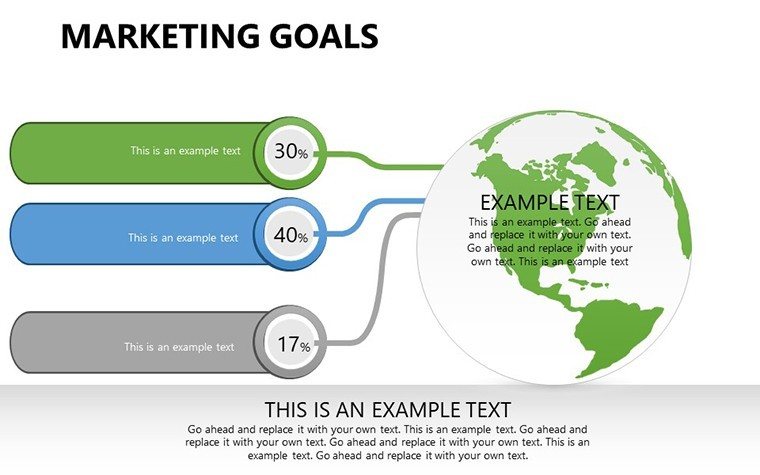
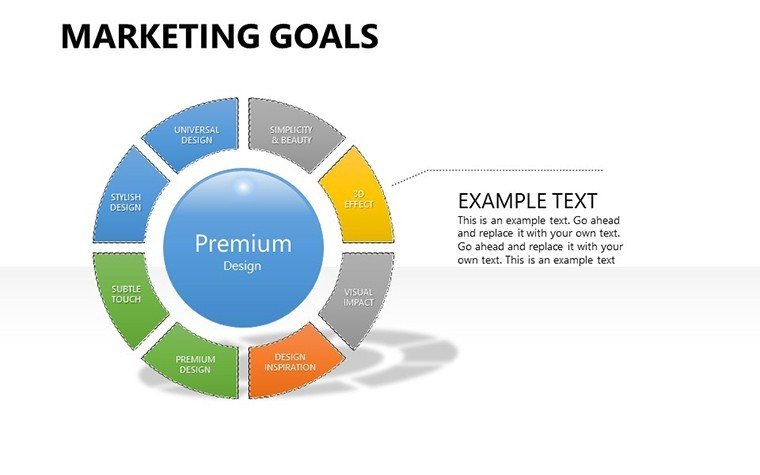
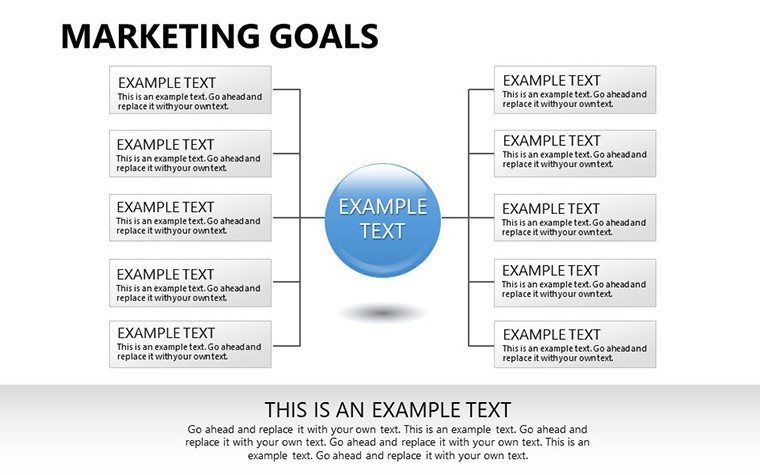
In the fast-paced realm of marketing, where goals shift like market trends, a standout presentation can seal deals and inspire teams. Our Marketing Goals PowerPoint Charts Template is your ally, offering 16 editable slides in PPTX format to showcase objectives, campaigns, and insights with stunning clarity. Tailored for marketers, strategists, and agency pros, it leverages flow charts to map out paths from ideation to execution, drawing on AMA (American Marketing Association) guidelines for compelling narratives.
Visualize campaign performance without the clutter, turning data into stories that captivate clients. Compatible with PowerPoint and Google Slides, it's built for agility, addressing pain points like stale visuals in pitches. From startups scaling awareness to enterprises tracking ROI, this template empowers you to present with flair, boosting engagement and conversions. Embark on a journey to transform your marketing visuals today.
Powerful Features for Data-Driven Storytelling
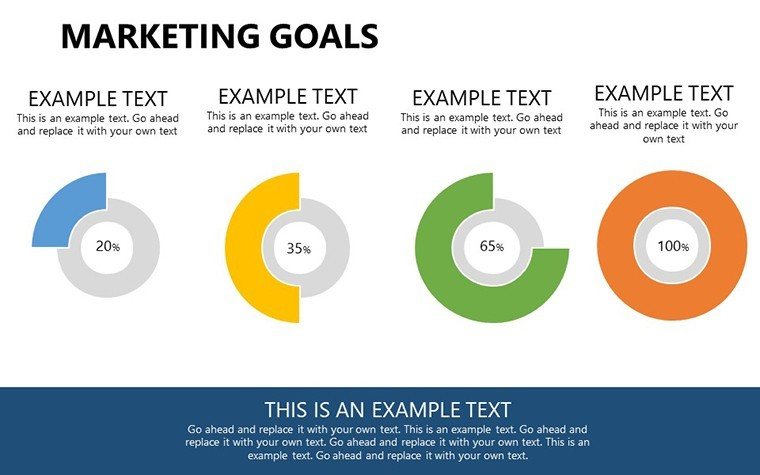
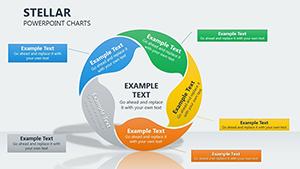
Focused on flow and customization, the template's 16 slides include intricate charts for goals like audience segmentation or trend analysis, all editable for precision.
- Extensive Customization: Alter color schemes and data reps to align with brand vibes.
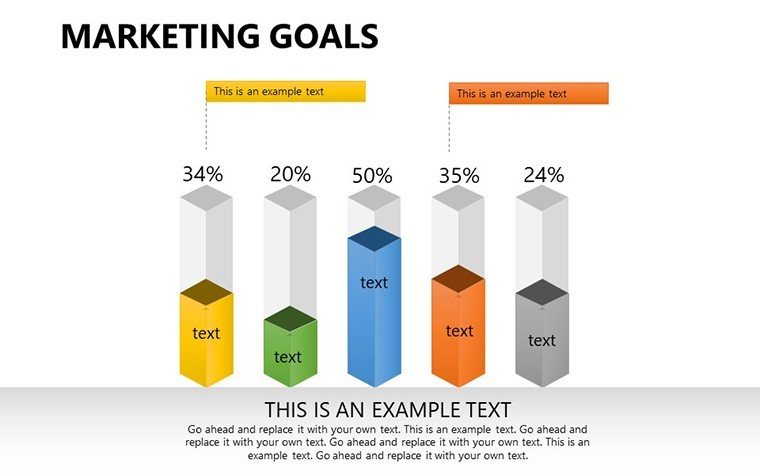
- Chart Variety: Flows for process mapping, bars for performance metrics.
- Visual Enhancements: Crafted details that avoid overload, ensuring focus.
- Seamless Edits: Quick tweaks for last-minute insights.
These tackle generic design flaws, enhancing with marketer-approved visuals.
Applications That Fuel Marketing Success
A digital marketer might use a flow chart to outline a content strategy, leading to higher engagement as per HubSpot case studies. For client reports, visualize goal achievements vividly.
- Define goals: List KPIs like lead gen or conversion rates.
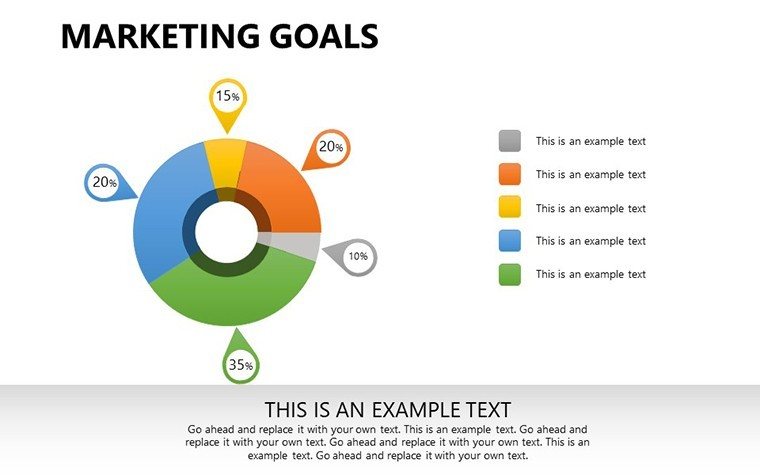
- Choose charts: Flows for journeys, pies for breakdowns.
- Input data: Customize with real metrics, adding flows for sequences.
- Polish and present: Animate for impact, tying to outcomes.
Outperforms basic tools with ready flows, saving hours. In B2B, it aids proposal wins by clarifying strategies.
Pro Tips for Engaging Marketing Decks
Tailor to audience: Use bold flows for execs, detailed for teams, incorporating LSI like "campaign optimization." Add humor with a quirky goal icon to lighten data-heavy slides.
Workflow: Link to analytics tools, collaborate via Google Slides. CTAs like "Chart your goals now" build trust.
Why This Template Excels in Marketing
Niche on goals with slides for trends to strategies, superior to generics. Mirrors AMA successes in visual comm. Slides 1-5 intro; 6-12 detail; 13-16 summarize.
Example: Agency boosted client retention with clear visuals. Value: Efficiency, impact.
Spark your marketing fire - download and visualize victory.
Frequently Asked Questions
How do I customize data representations?Easily edit charts to fit your metrics, with flexible scaling.Is it ideal for campaign reviews?Yes, flows perfect for sequencing performance.Compatible with analytics tools?Supports imports for real-time data.Can I add branding elements?Fully, including logos and colors.What about complex goals?Multi-layered charts handle intricacies.Are there stakeholder tips?Focus on clarity for engagement.Good for
- Project roadmaps and sprint plans
- Product launch timelines
- Quarterly or annual review decks
- Company history and milestone summaries
Licence
reviews
I only needed a few charts and copied them into my deck.
The arrows and graphs fit my project review nicely.
It looked okay during the Zoom presentation.
Some chart labels were harder to edit than expected.
Good option when you are tired of basic PowerPoint themes.
FAQ
Will it work in Google Slides?
Are fonts embedded?
Can I use this for client work?
What's the refund policy?
Do you update the template after purchase?
Similar templates
See all PowerPoint Charts →

All 16 slides