 Click to zoom
Communication Processes Keynote Diagrams - Visualize Interactions
| Format | .pptx |
| Slides | 10 unique layouts |
| Aspect ratio | 16:9 |
| Compatibility | PowerPoint |
| Animated | No |
| Language | English |
| License | Commercial |
| File size | — |
| Version | v1.0 |
| Last updated | September 2023 |
What's inside
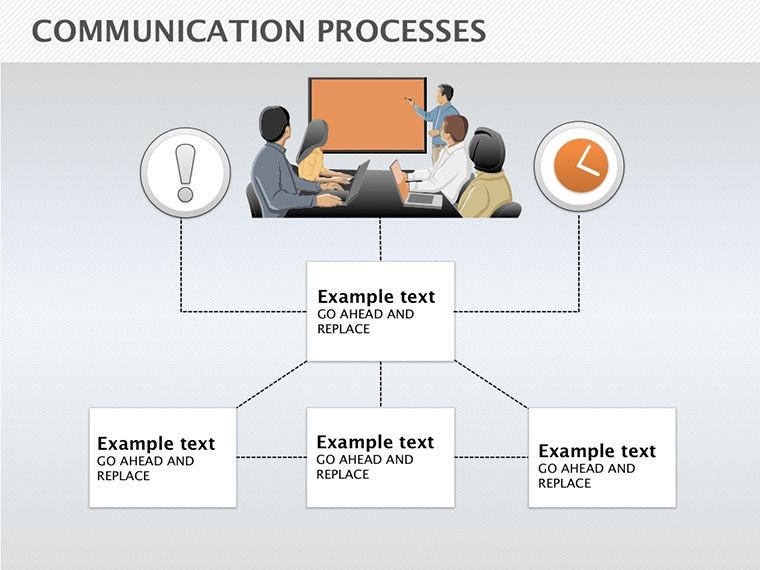
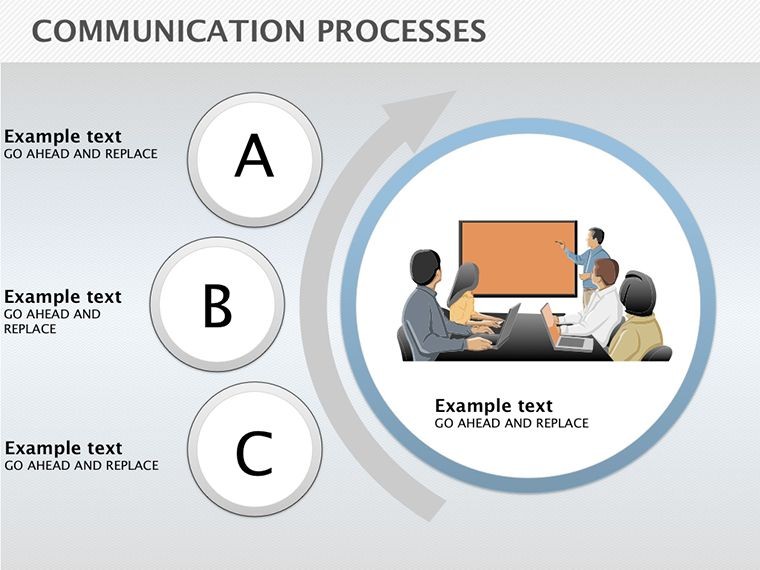
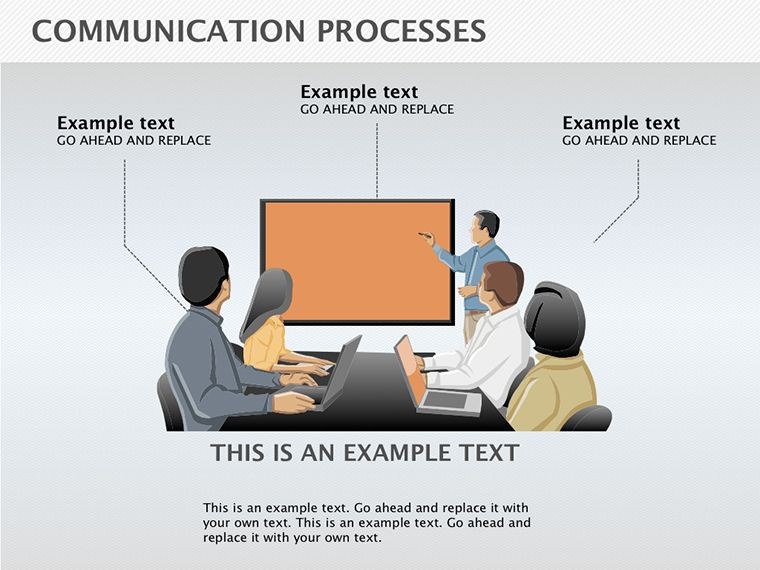
Envision a presentation where complex interactions unfold clearly, captivating your audience and driving home your message. Our Communication Processes Keynote diagrams template is crafted for business leaders, trainers, and communicators who need to illustrate the flow of information between individuals or teams. Boasting 10 editable slides, this resource delves into the essence of effective exchange - ensuring mutual understanding in diverse scenarios. From corporate strategy sessions to team-building workshops, these diagrams simplify abstract concepts, backed by principles from communication theorists like Shannon and Weaver. In .key format for seamless Keynote use, it tackles common hurdles like miscommunication, empowering you to create compelling narratives that foster collaboration and clarity.
The Art of Diagramming Communication Flows
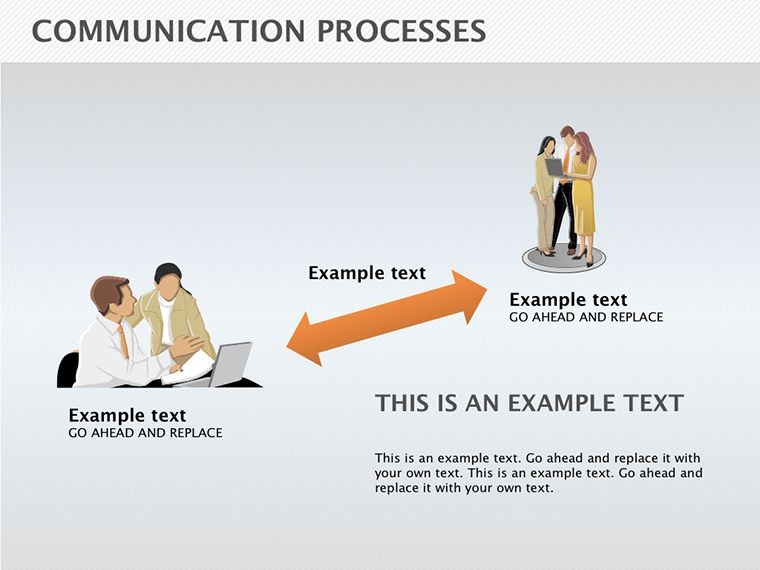
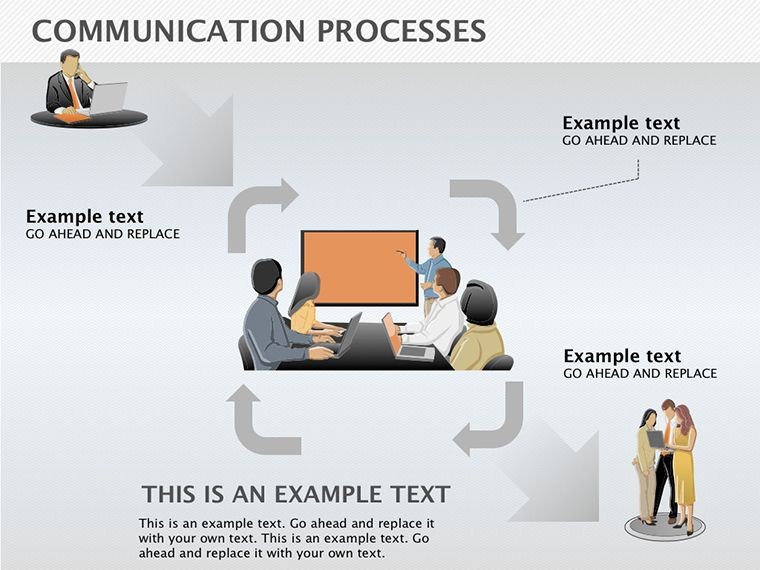
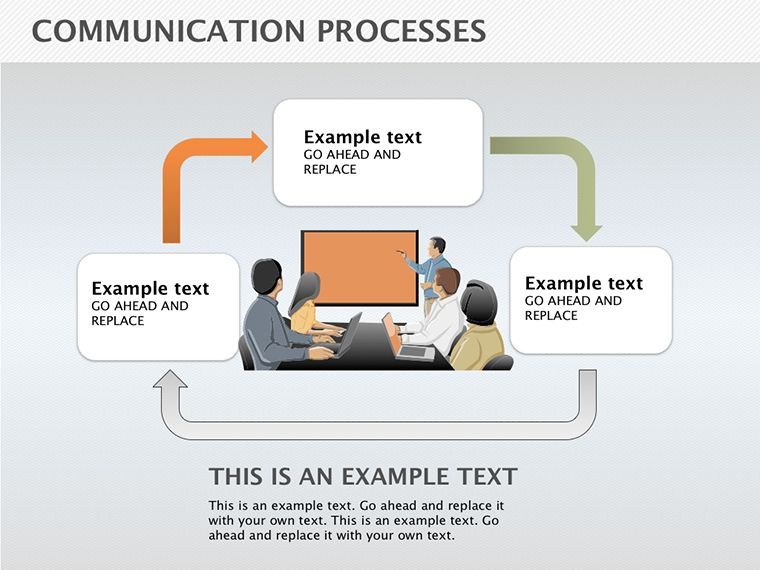
This template excels by providing structured visuals that map out sender-receiver dynamics, feedback loops, and barriers. Each diagram incorporates silhouettes and people icons for relatable human elements, making technical topics accessible. Customization options let you tweak arrows, colors, and labels to reflect your organization's style - perhaps aligning with brand guidelines for internal reports.
Drawing authority from fields like organizational psychology, these diagrams align with models used in Harvard Business Review case studies, where visual aids have been shown to reduce misunderstanding by 40%. They're not just pretty; they're practical tools for dissecting processes.
Standout Features for Professional Use
- Comprehensive Editability: Alter every component, from shapes to text, for tailored representations.
- Multi-Category Versatility: Spans business models, organizational charts, and people-focused illustrations.
- Keynote Optimization: Native .key support ensures smooth performance on all Apple devices.
- High-Resolution Elements: Scalable diagrams maintain detail in large venues or digital shares.
- Strategic Value: Designed to highlight key processes, saving time on custom creation.
These attributes make it a go-to for enhancing presentation efficacy.
Practical Scenarios for Communication Diagrams
In business, use these to outline crisis response protocols, where clear flows prevent escalation - similar to how Fortune 500 companies map stakeholder communications. For HR, diagram employee onboarding, illustrating touchpoints for smoother integrations.
A notable example: A consulting firm revamped their client briefing decks with analogous diagrams, boosting satisfaction scores by 25%. In education, trainers can depict group dynamics, aiding in conflict resolution workshops.
This template addresses pain points like vague explanations, offering precise visuals that promote understanding.
Implementation Guide for Effective Diagrams
- Import the Template: Open the .key file in Keynote and select a base diagram.
- Personalize Elements: Adjust colors and add specific labels to match your scenario.
- Sequence the Narrative: Arrange slides to build from basic to complex processes.
- Incorporate Interactivity: Add hyperlinks or animations for engaging deliveries.
- Test and Refine: Rehearse to ensure flows align with your delivery style.
This method ensures polished, professional outcomes.
Insights from Communication Experts
Follow tips from experts like Paul Watzlawick: Emphasize non-verbal cues in diagrams for holistic views. Use color coding for channels - blue for digital, green for face-to-face - to clarify modalities. For global teams, include cultural notes to avoid assumptions.
Versus generic tools, this offers pre-built sophistication, cutting prep time while elevating quality.
Transform Your Communications Now
With this template, turn ideas into impactful visuals. Begin diagramming your processes today!
Frequently Asked Questions
How detailed can I make the diagrams?Fully customizable for adding layers, arrows, and notes as needed.Compatible with Keynote on Windows?No, Keynote is Apple-exclusive; use iCloud for web access.Suitable for large audiences?Yes, high-res diagrams scale well for projections.License for team use?Yes, shareable within your organization.Animation support?Built-in Keynote animations enhance diagrams dynamically.Good for
- Project roadmaps and sprint plans
- Product launch timelines
- Quarterly or annual review decks
- Company history and milestone summaries
Licence
reviews
The process diagrams made my workflow presentation easier to follow.
I only used a few slides but the arrows looked clean.
Some layouts were too busy for my taste.
Worked fine for a project planning meeting.
Easy to rearrange shapes without breaking everything.
FAQ
Will it work in Google Slides?
Are fonts embedded?
Can I use this for client work?
What's the refund policy?
Do you update the template after purchase?
Similar templates
See all Keynote Diagrams →
All 10 slides