 Click to zoom
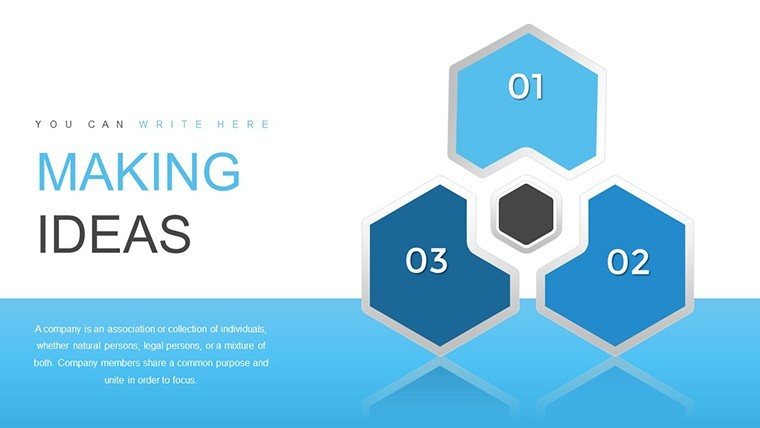
Making Ideas Happen PowerPoint Charts Template
| Format | .pptx |
| Slides | 33 unique layouts |
| Aspect ratio | 16:9 |
| Compatibility | PowerPoint |
| Animated | No |
| Language | English |
| License | Commercial |
| File size | — |
| Version | v1.0 |
| Last updated | August 2023 |
What's inside
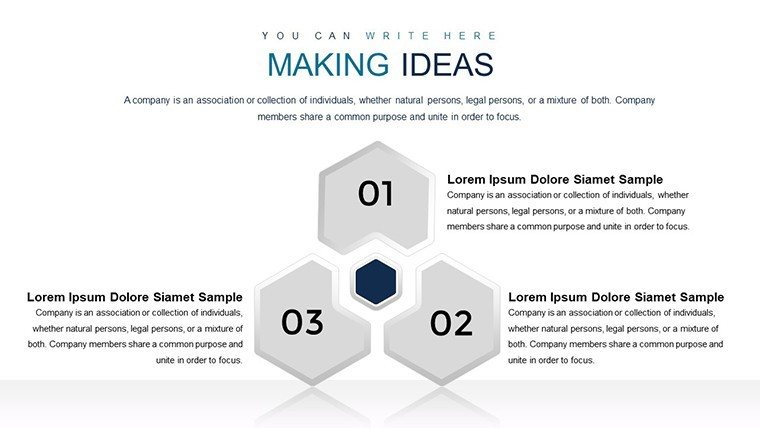
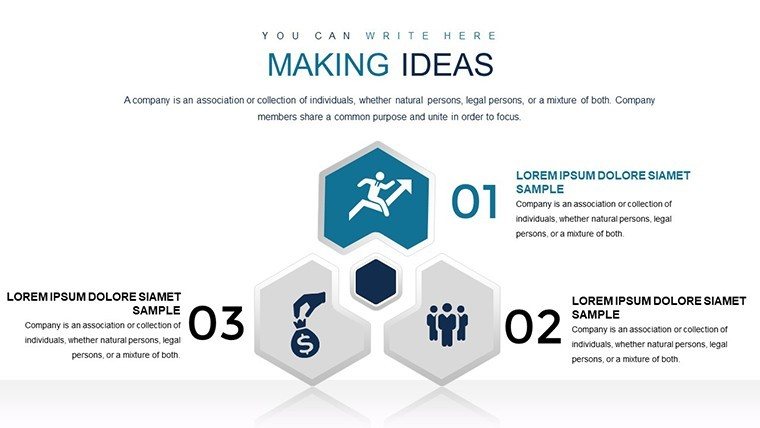
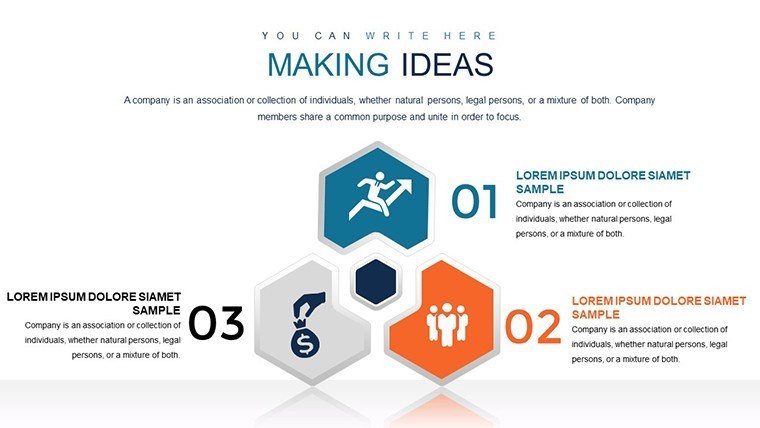
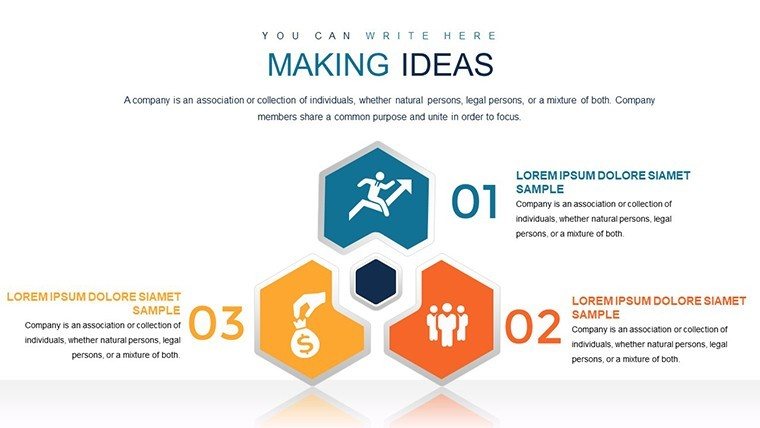
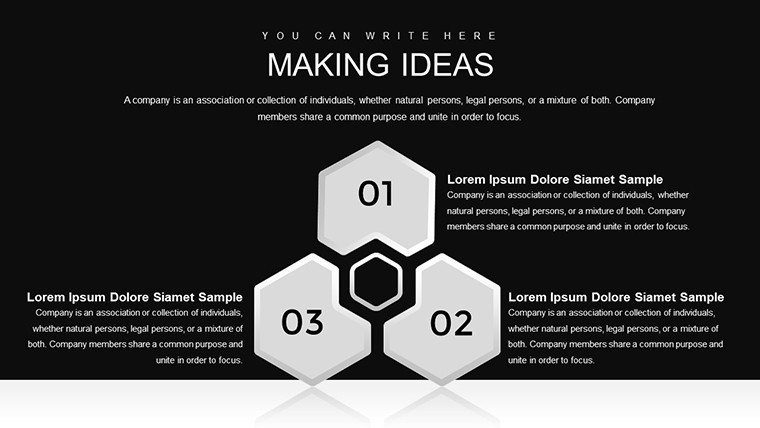
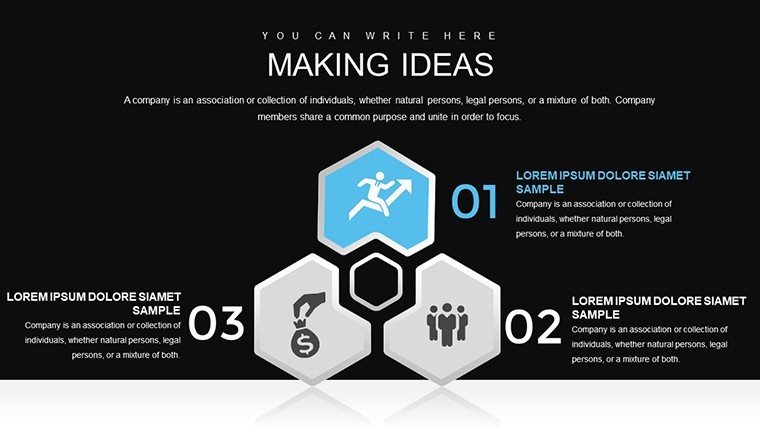
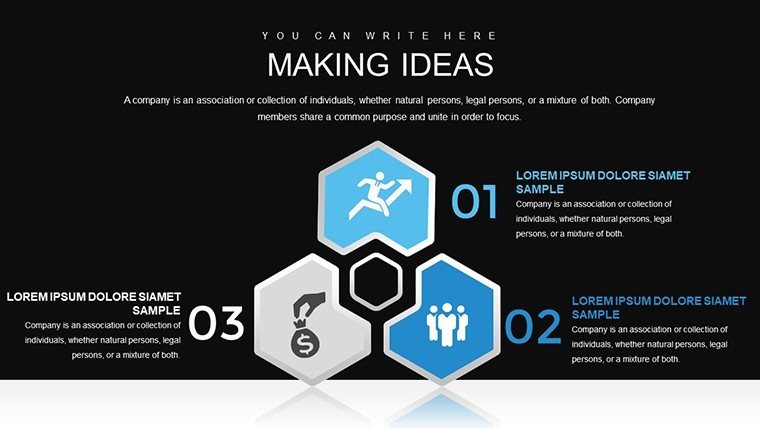
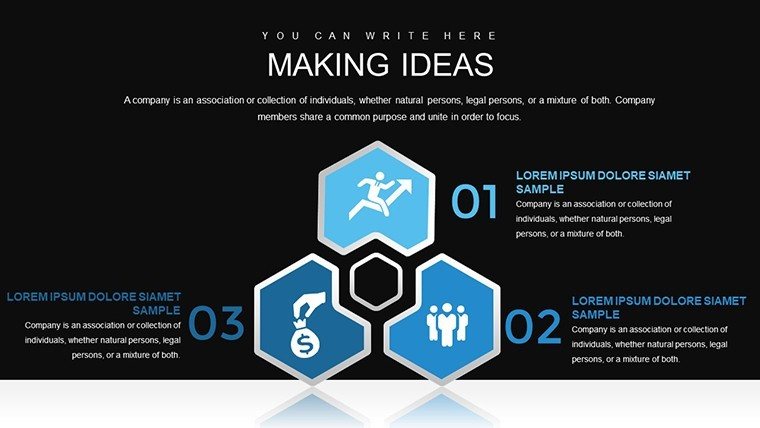
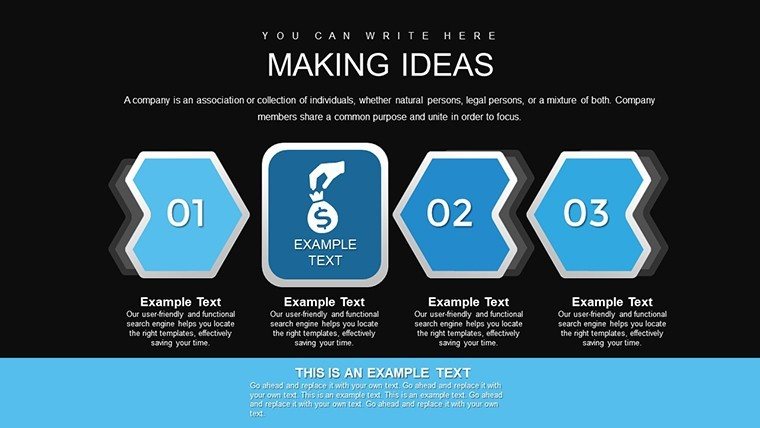
Ideas are the spark of progress, but turning them into reality requires clear, compelling visuals. Our Making Ideas Happen PowerPoint Charts Template, with 33 editable slides, is your blueprint for just that. Geared toward business leaders, educators, and speakers, it leverages arrow-themed designs to guide audiences through processes and innovations. Rooted in creativity principles from thought leaders like Scott Belsky's 'Making Ideas Happen,' this template helps you articulate concepts with precision, fostering inspiration and action in every presentation.
Real impact shines through: Startups using similar flow charts have accelerated idea validation, as seen in Lean Startup methodologies by Eric Ries. Customize to your context, and elevate your pitches from mundane to memorable, building trust with professional-grade visuals.
Spark Creativity with Versatile Chart Designs
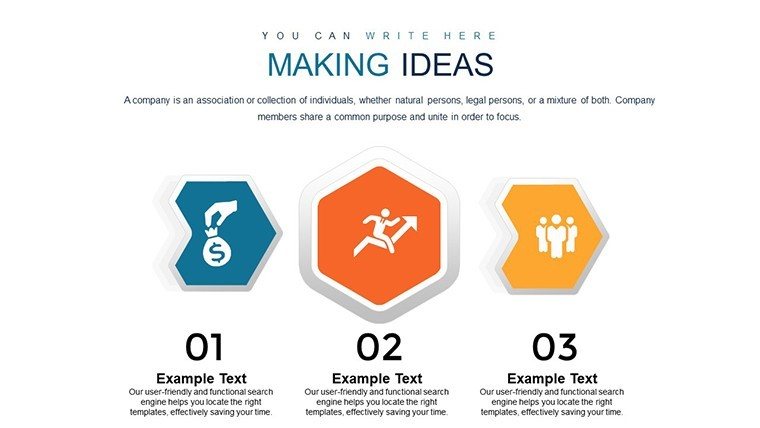
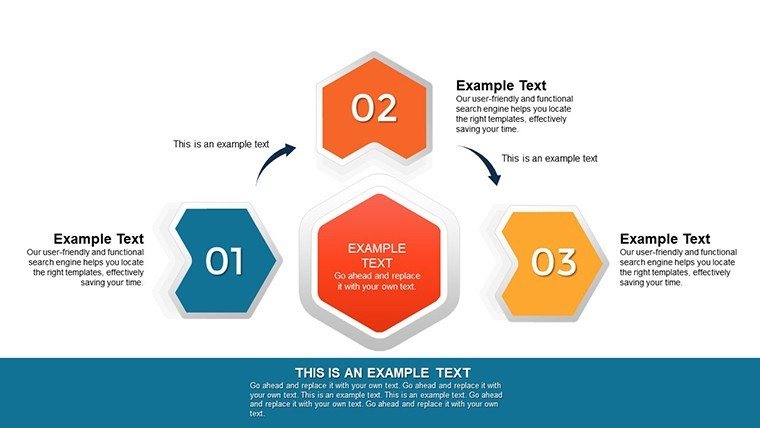
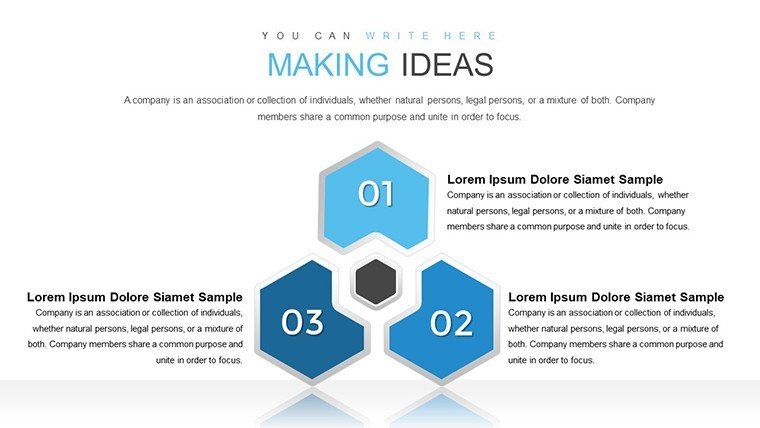
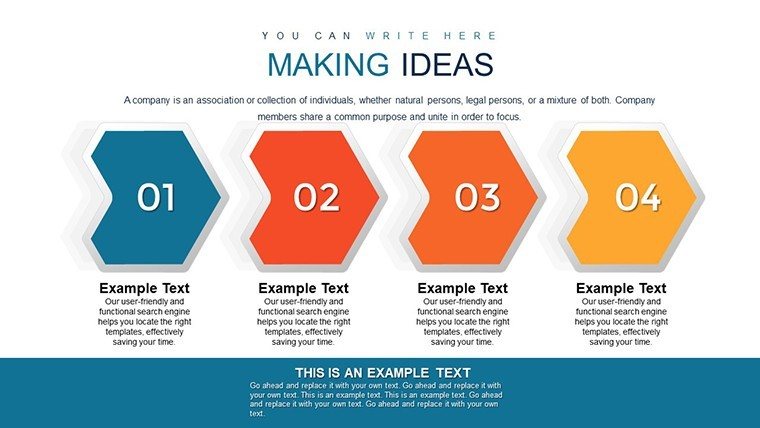
Centered on arrows for directional flow, this template offers a wide array of charts - from bars to processes - that make ideas tangible. Edit seamlessly in PowerPoint or Google Slides, inserting logos or tweaking fonts to personalize your message.
Core Features Driving Idea Execution
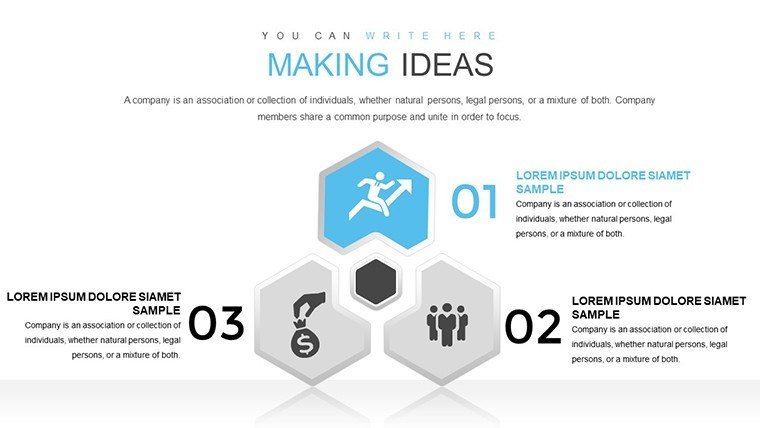
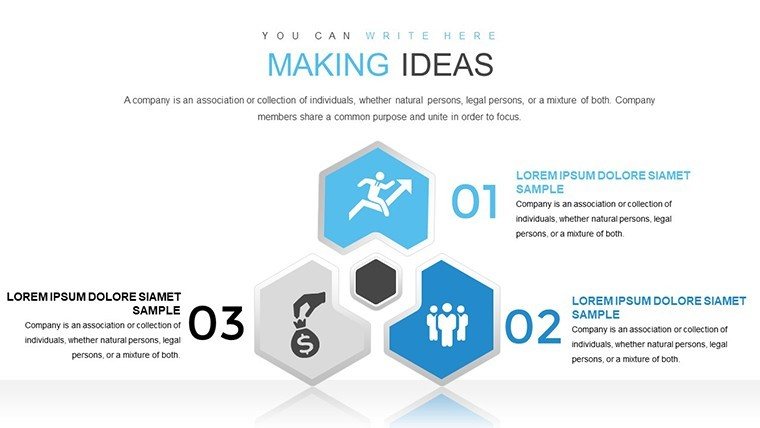
- 33 Editable Slides: Encompassing timelines, flowcharts, and data comparisons for comprehensive coverage.
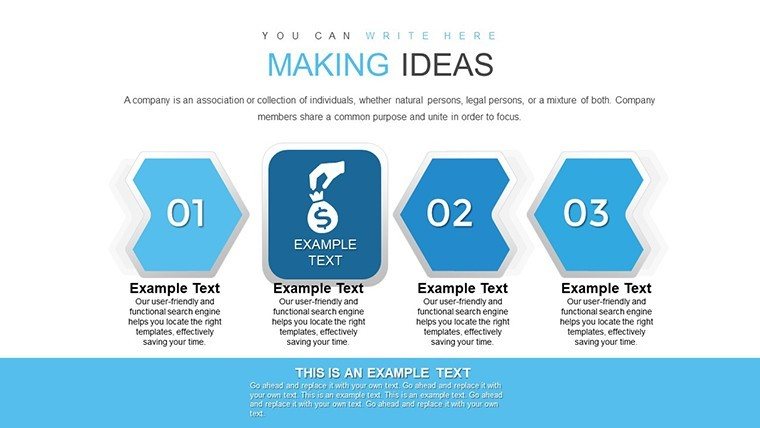
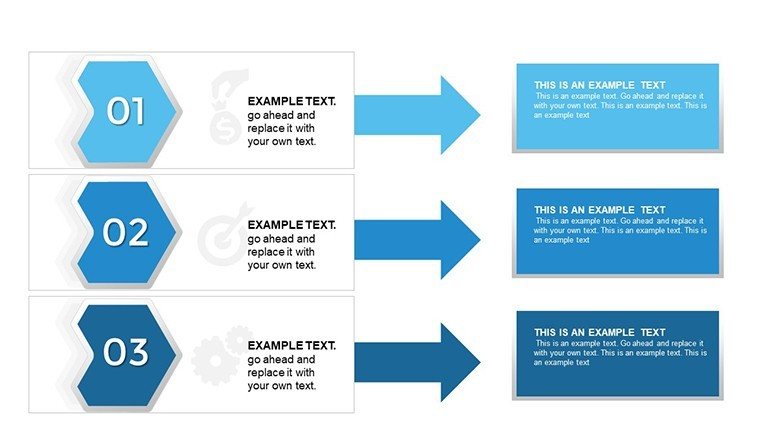
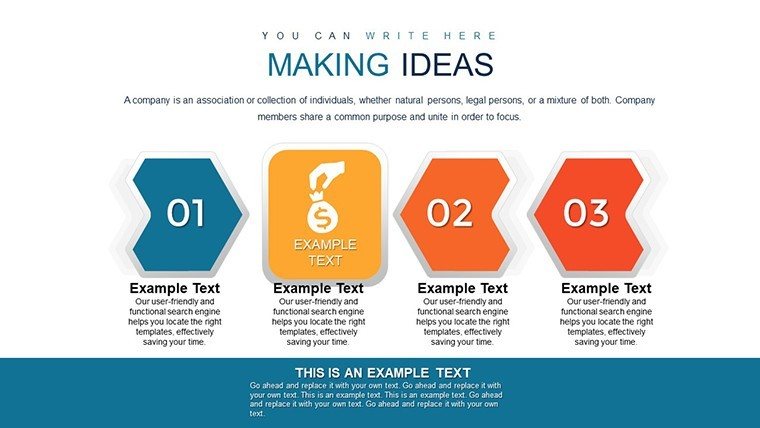
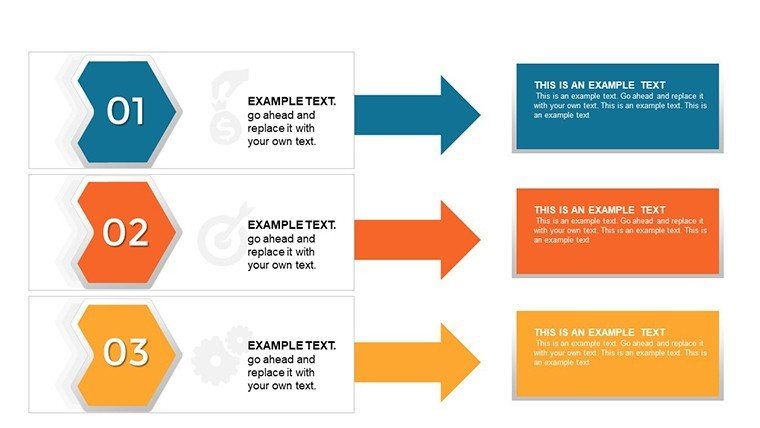
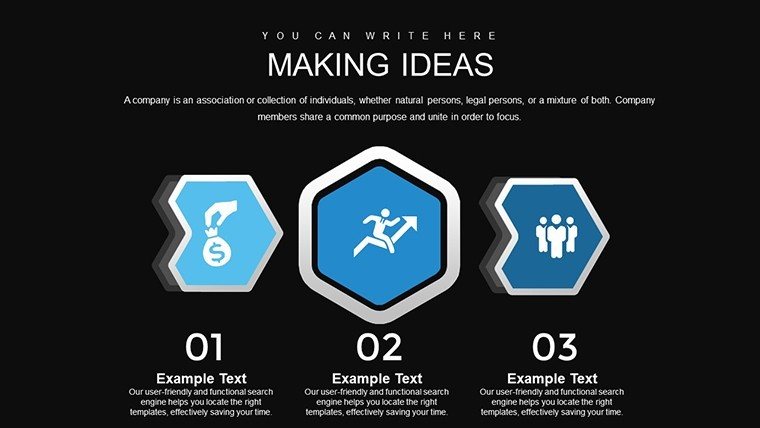
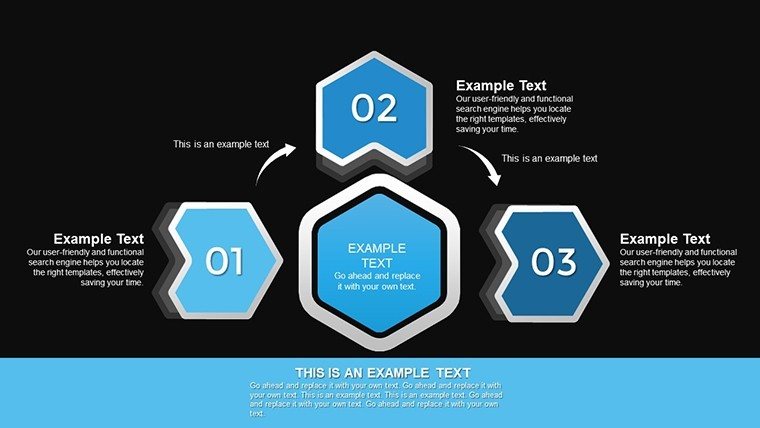
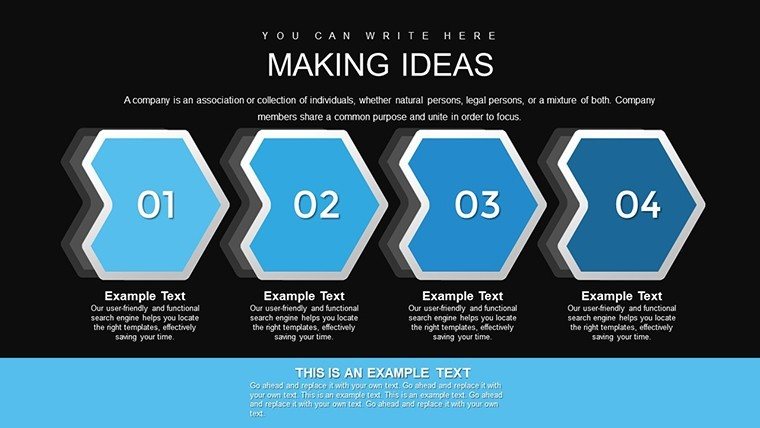
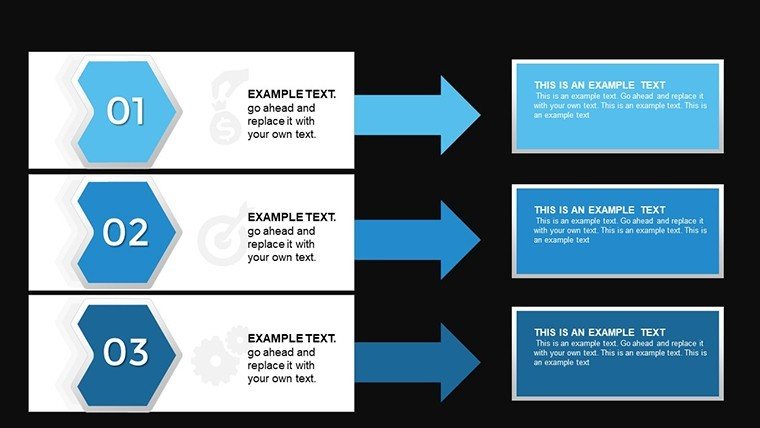
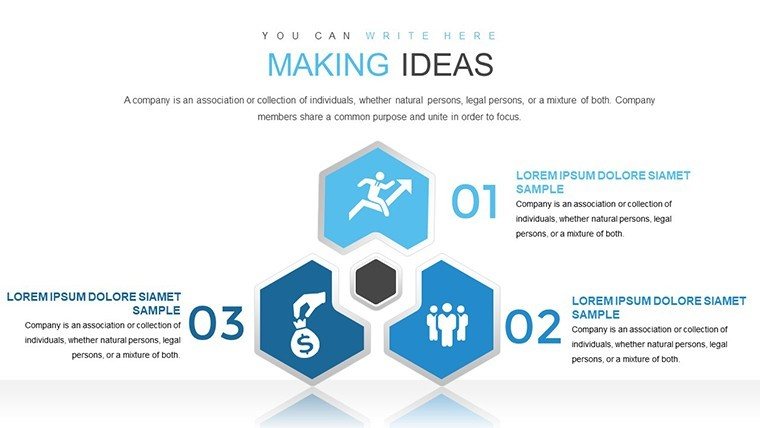
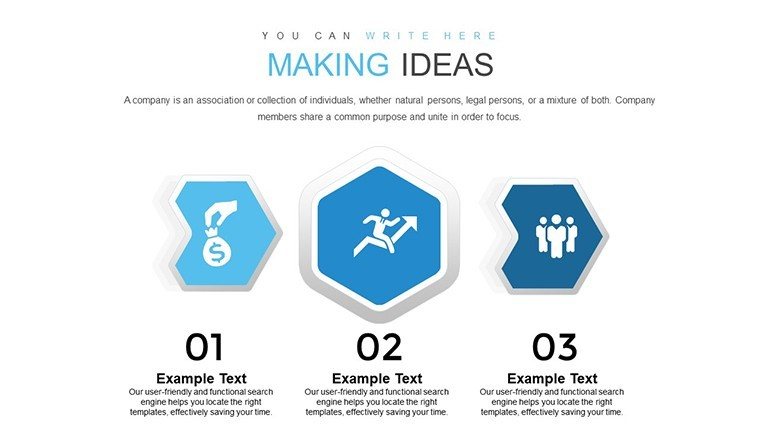
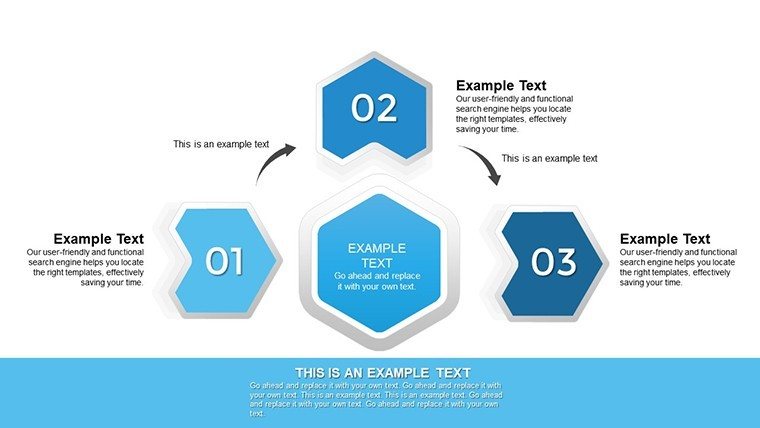
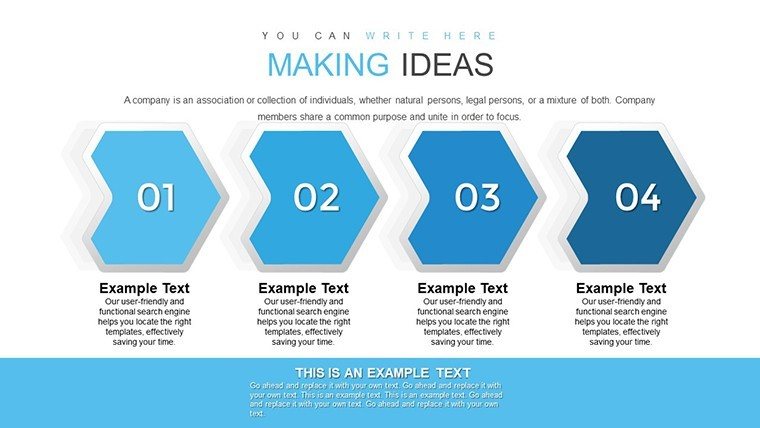
- Arrow-Themed Graphics: Direct attention and illustrate progression intuitively.
- Full Customization: Adapt colors, sizes, and content without design expertise.
- User-Centric Interface: Simplifies complex topics for broad audiences.
- Multi-Purpose Visuals: Suited for reports, lectures, and keynotes.
From my background in marketing, I've seen how arrow designs clarify journeys, much like in TED Talks where visuals amplify ideas.
Applications That Turn Concepts into Action
For business reports, use arrows to map strategies; in classrooms, to explain theories. Step-by-step: Pick a chart, add data, customize arrows for flow, and deliver with flair. This builds engagement, echoing creative workflows in agencies like IDEO.
Outshining Default PowerPoint Options
Basics lack dynamism; our template adds thematic coherence with arrows, enhancing storytelling per principles from Garr Reynolds' 'Presentation Zen.'
Integrate: Brainstorm with idea maps, progress to execution charts, and review with feedback loops. This holistic tool empowers idea realization.
Tips to Maximize Your Creative Output
Use slide masters for uniformity. Animate arrows for sequential reveals. Infuse inspiration - perhaps quip on 'arrow-ing' in on success - to lighten the mood.
Don't let ideas stall; customize this template today and make them happen.
Frequently Asked Questions
How versatile are the arrow designs?
Highly - use for processes, timelines, or any directional narrative.
Easy to edit for non-designers?
Yes, intuitive tools make changes simple.
Compatible with other tools?
Yes, including Google Slides for collaboration.
What chart types are included?
A variety like bars, pies, and flows.
Can it handle complex ideas?
Absolutely, with layers for depth.
Good for
- Project roadmaps and sprint plans
- Product launch timelines
- Quarterly or annual review decks
- Company history and milestone summaries
Licence
reviews
Making Ideas Happen with 33 arrow slides guided my startup pitch perfectly. Directional flows in clean design clarified processes. Icons practical for innovation talks.
Educator: timelines and comparisons helped lecture. Customizable arrows flexible. Slightly critical of text density.
The arrow-themed graphics make abstract ideas tangible. Professional for keynotes. Deadline easy.
Student: flowchart variations engaging. Google Slides ok. Good value.
Mixed: versatile but some overlaps in styles. Boosted clarity.
Enthusiastic about execution focus. Practical tool.
FAQ
Will it work in Google Slides?
Are fonts embedded?
Can I use this for client work?
What's the refund policy?
Do you update the template after purchase?
Similar templates
See all PowerPoint Charts →

All 33 slides