 Click to zoom
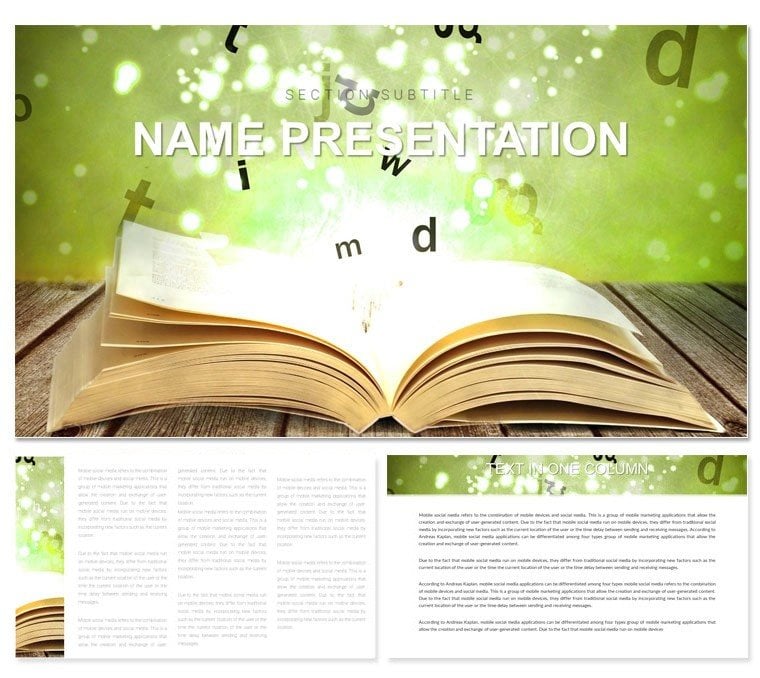
Learning Keynote Template: Ignite Minds in Every Session
| Format | .pptx |
| Slides | 3 unique layouts |
| Aspect ratio | 16:9 |
| Compatibility | PowerPoint |
| Animated | No |
| Language | English |
| License | Commercial |
| File size | — |
| Version | v1.0 |
| Last updated | December 2024 |
What's inside
Picture a workshop where concepts click like puzzle pieces, not rote slides that fade into the background. The Learning Keynote template makes that vision routine for educators, corporate trainers, and knowledge facilitators seeking to blend instruction with inspiration. With 28 intuitive diagrams, three adaptable masters, and three thematic backgrounds, it structures sessions from icebreakers to deep dives, fostering retention through visual harmony.
Its clean, modern lines evoke a blank notebook ready for insights, scaling beautifully across devices via Keynote's iWork 2016+ compatibility. Customize with seven color schemes - from energizing primaries for brainstorming to serene pastels for reflections - and edit layers without friction: Reshape thought bubbles, align learning objectives, or embed case snippets. For just $22, this template isn't a crutch; it's a catalyst for sessions that stick. Download now and watch engagement soar as your slides become springboards for discovery.
Foundational Elements for Effective Learning Designs
The three masters lay a versatile groundwork: An inviting title slide for session agendas, a flexible content frame for interactive prompts, and a synthesis page for key takeaways. These pair with three backgrounds - a subtle graph paper for note-taking vibes, a soft gradient for focus zones, and a minimal white for universal appeal.
Heart of the matter: 28 diagrams attuned to pedagogical arcs. From a learning pyramid on slide 5 layering retention levels to a skill matrix on slide 12 plotting progress quadrants, each facilitates active recall. All vectors, they morph under drags - update nodes in a flowchart, and paths redraw automatically. Trainers tip: Use the inspector's opacity sliders to fade scaffolds, revealing learner-built versions mid-session.
- Seven Motivational Schemes: Spectrum from cool analytics blues to warm collaborative oranges - global swaps keep moods aligned.
- Interactive Prompts: Hyperlink-ready text boxes for quiz jumps or resource pulls.
- Modular Builds: Staggered entrances for step-wise reveals, syncing with discussion beats.
Overcoming Common Training Visual Pitfalls
Vanilla templates bog down with static walls of text; this one liberates with scaffolded visuals. Icons like lightbulbs for ahas or gears for applications contextualize without overload. A curriculum developer flipped slide 18's cycle diagram for feedback loops, orbiting inputs to outputs - streamlining reviews that once dragged.
Session-Specific Strategies: Workshops to Webinars
Tailored for diverse delivery, this template powers varied formats. In hands-on labs, the branching path on slide 2 maps decision trees, forking choices with conditional icons. For virtual cohorts, slide 9's engagement radar charts audience pulses, spokes gauging participation.
Deeper still, the progression ladder across pages 22-28 climbs from basics to mastery. Rollout steps: Anchor rungs with milestones, ladder sides with timelines - build rung-by-rung to mirror ascent. It aligns with frameworks from learning theorists, visualizing zones of proximal development in real time.
- Module Intros: Venn overlays (slide 7) intersect prerequisites, shading overlaps for prerequisite clarity.
- Assessment Reviews: Gauge charts on slide 15 fill competency arcs, needles pointing to targets.
- Group Dynamics: Cluster maps on slide 24 group roles, links denoting synergies for team briefs.
Integrate with Reminders for timed activities or share via Messages for pre-session previews - embedding learning into daily rhythms.
Customization Cornerstones for Dynamic Delivery
Launch edits in the canvas view: Group elements for drag-unity, then fine-tune alignments with distribute tools. Fonts span instructional sans to handwritten scripts for annotations, evoking personal journals.
Boost participation with quiz builds - reveal answers post-vote via remote polls. For scalability, the template's lean footprint suits large groups; optimize images with compress for lag-free streams. Tag visuals descriptively, e.g., "Bloom's taxonomy wheel with knowledge at core," for voiceover navigation.
A facilitator wove slide 11's infographic into role-plays, panels swapping to scenario variants - highlighting the template's adaptability for experiential arcs.
Why Choose This for Your Teaching Toolkit
Beyond basics, it anticipates the learner's journey, crafting slides that scaffold rather than smother - turning trainers into guides, sessions into symphonies.
Empower your next group with clarity and spark. Get the Learning Keynote template for $22 and facilitate breakthroughs that last.
Frequently Asked Questions
Compatible with older Macs?
Requires macOS Sierra or later for full features, but core edits work on earlier via iWork updates.
How to add audio clips?
Insert via media browser, syncing plays to slide advances for narrated guides.
Can diagrams be duplicated across decks?
Copy-paste preserves styles; apply masters to harmonize with new themes.
Supports collaborative editing?
Yes, real-time via iCloud sharing, with change tracking for group refinements.
Best for online vs. in-person?
Versatile - high-contrast for screens, printable elements for handouts.
Export options for LMS?
PDF or HTML exports embed seamlessly into platforms like Canvas.
Good for
- Project roadmaps and sprint plans
- Product launch timelines
- Quarterly or annual review decks
- Company history and milestone summaries
Licence
reviews
Needed something for a statistics presentation and the chart layouts were useful.
A couple slides had too many shapes floating around for no reason.
The template was easy enough to edit during a train ride honestly.
I liked the clean spacing on the data pages.
Good option if you need a quick corporate style deck.
FAQ
Will it work in Google Slides?
Are fonts embedded?
Can I use this for client work?
What's the refund policy?
Do you update the template after purchase?
Similar templates
See all Keynote templates →


All 1 slides