 Click to zoom
Keynote 3D Pie Chart Template - Fully Editable | ImagineLayout
| Format | .pptx |
| Slides | 32 unique layouts |
| Aspect ratio | 130/73 |
| Compatibility | PowerPoint |
| Animated | No |
| Language | English |
| License | Commercial |
| File size | — |
| Version | v1.0 |
| Last updated | March 2026 |
What's inside
32 Charts Across Multiple Layouts: Full Contents
32 editable slides arrive in KEY format.
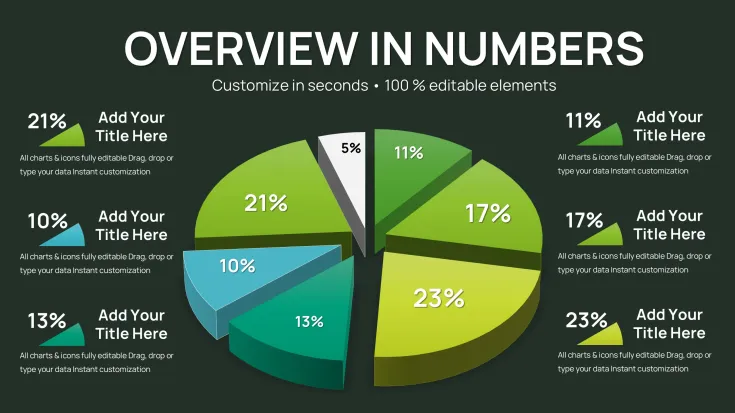
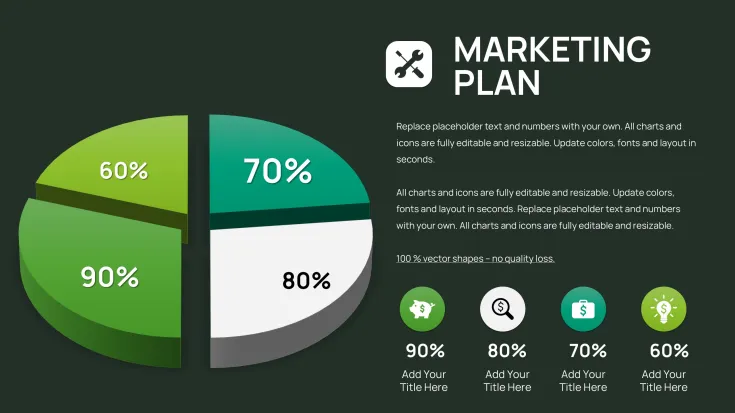
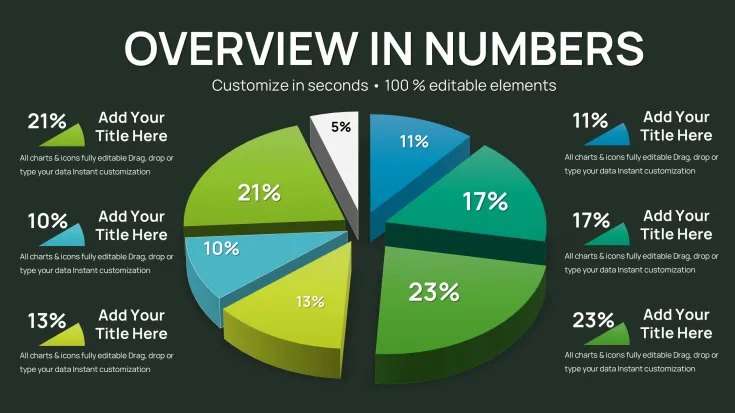
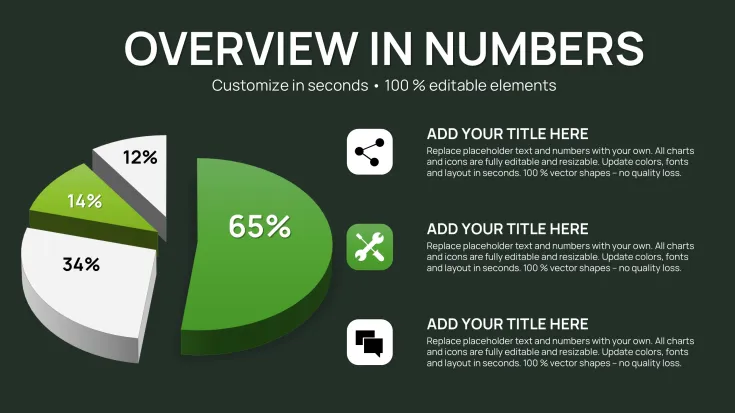
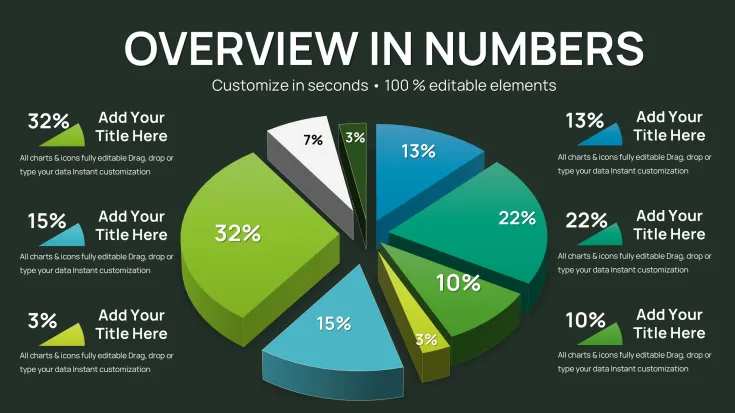
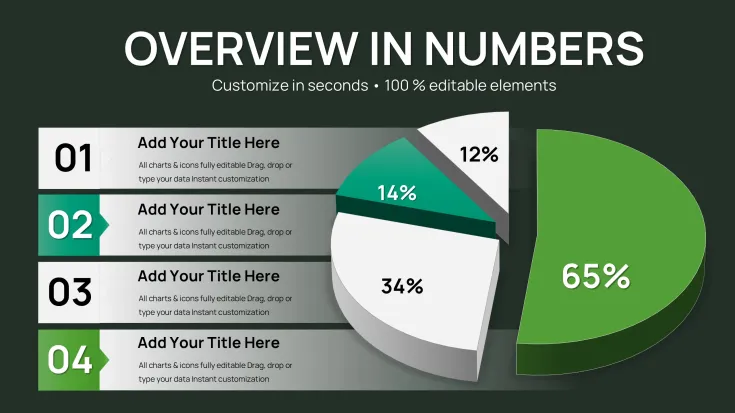
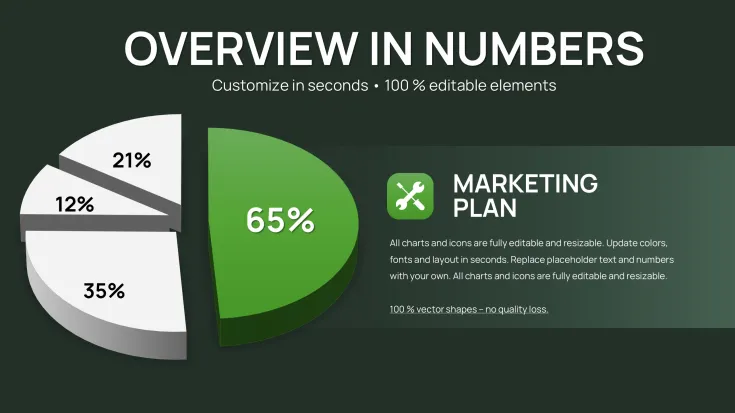
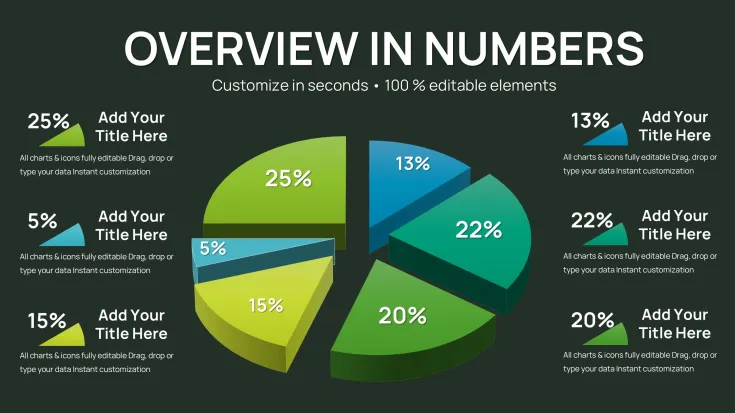
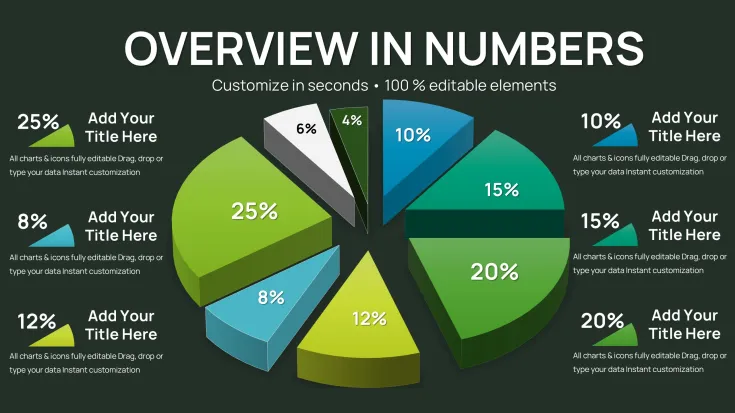
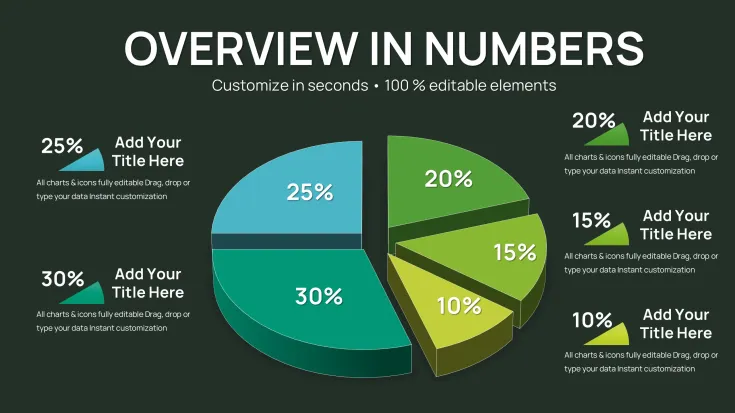
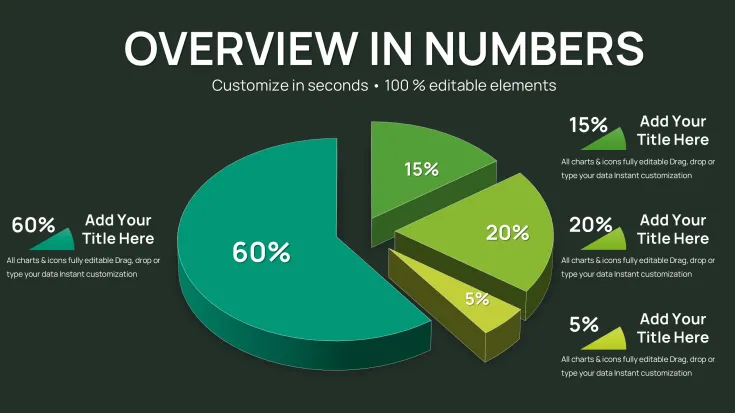
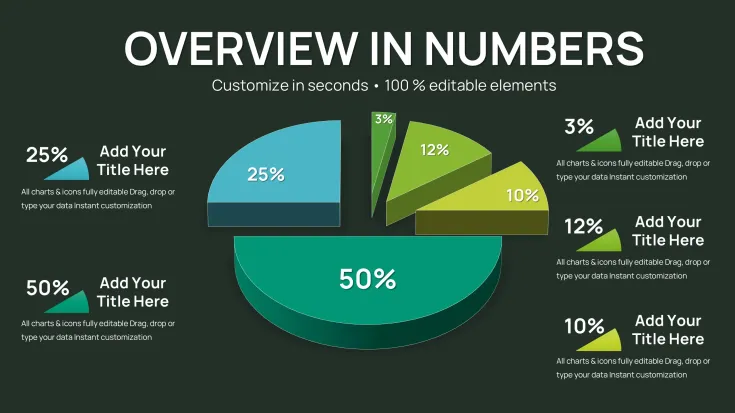
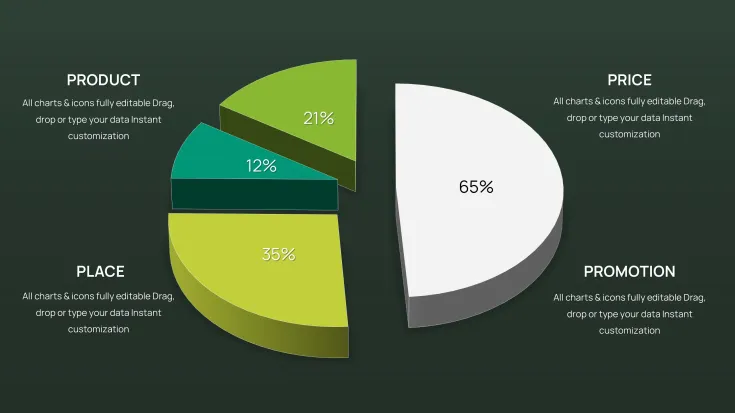
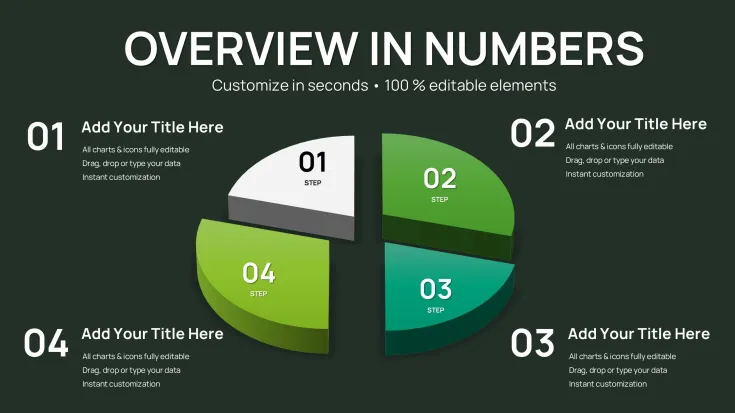
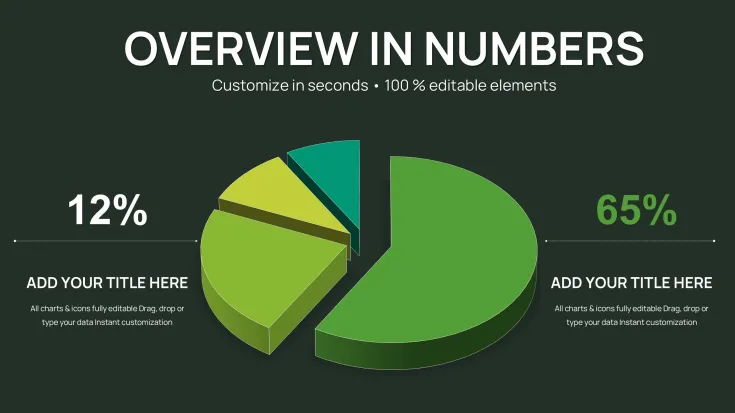
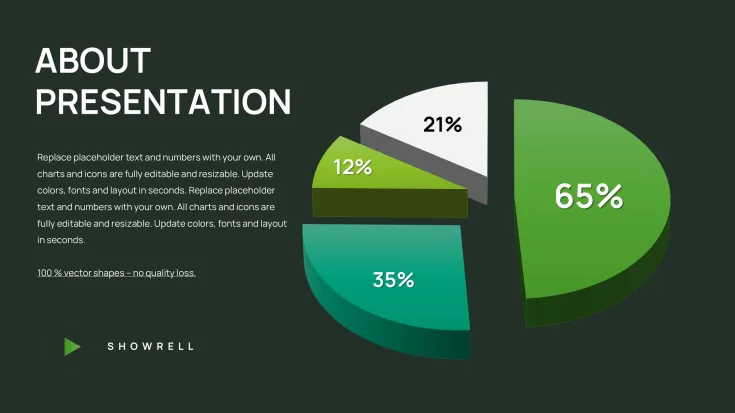
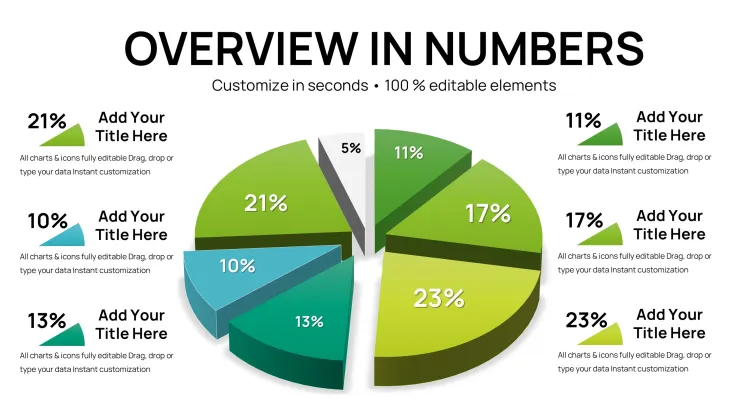
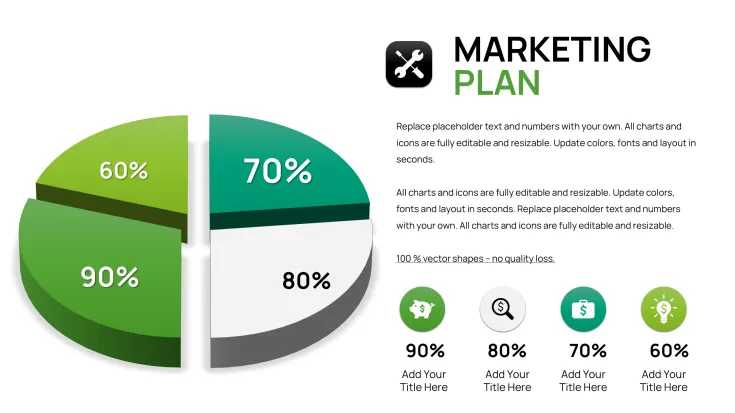
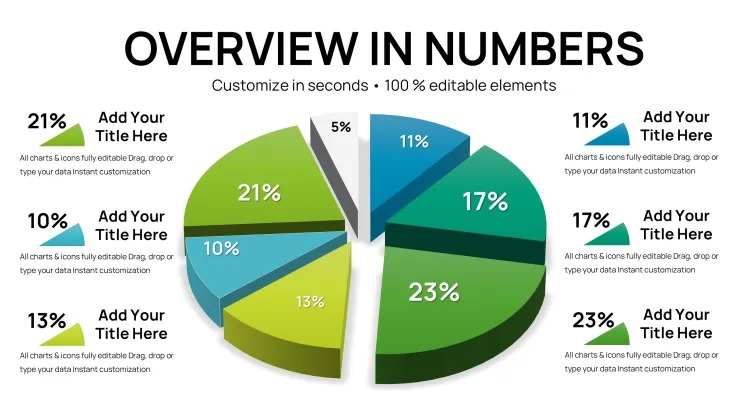
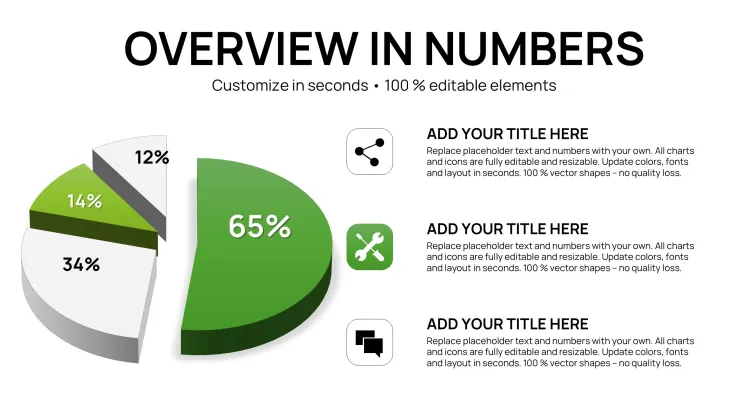
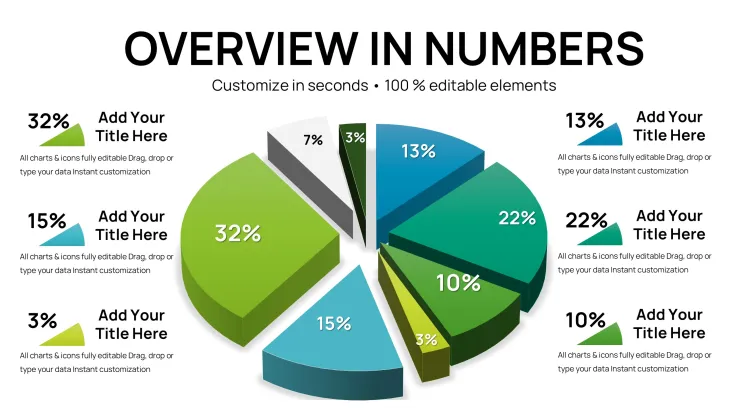
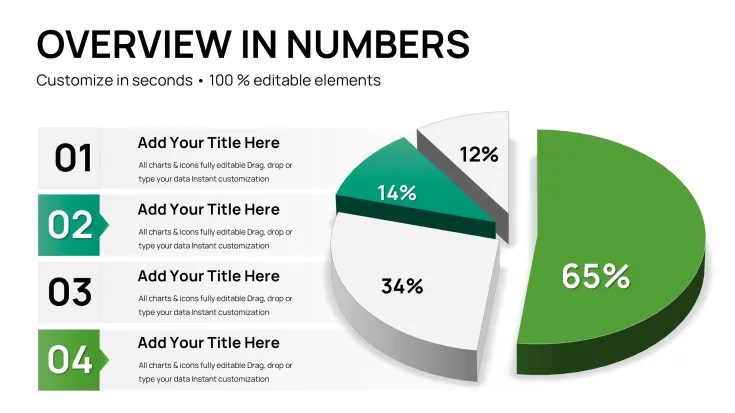
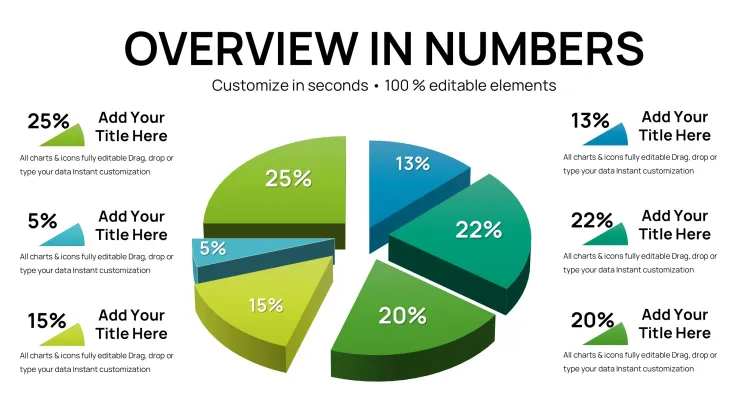
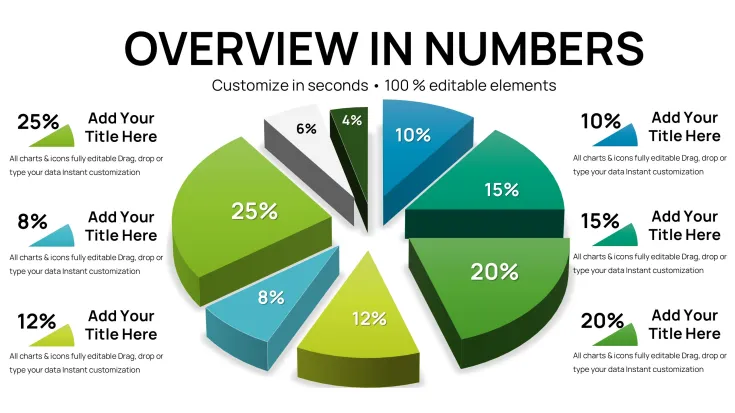
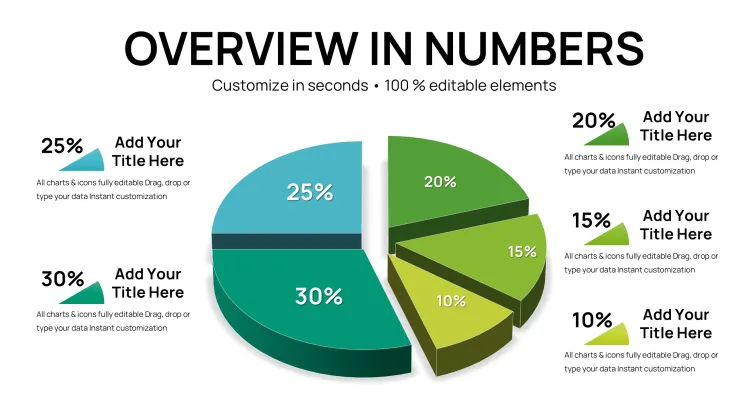
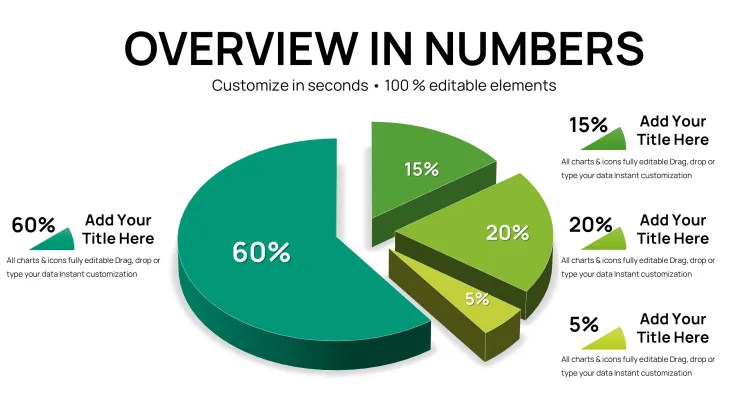
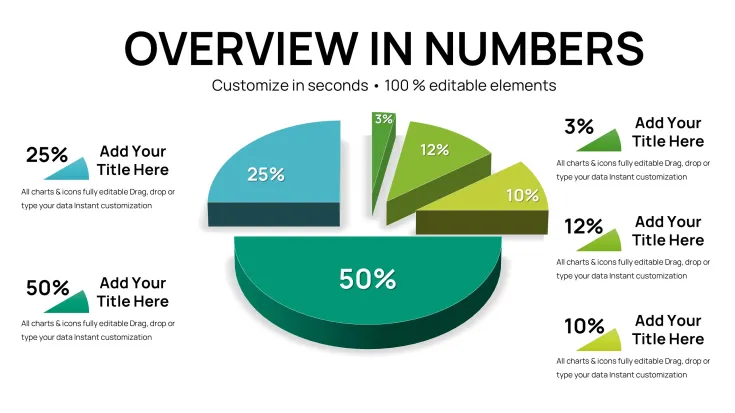
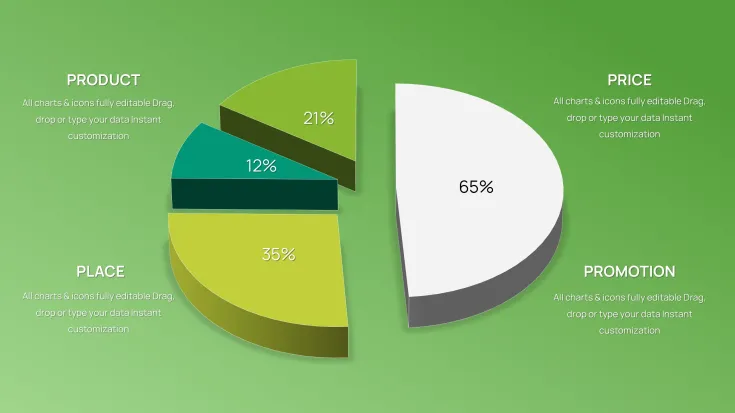
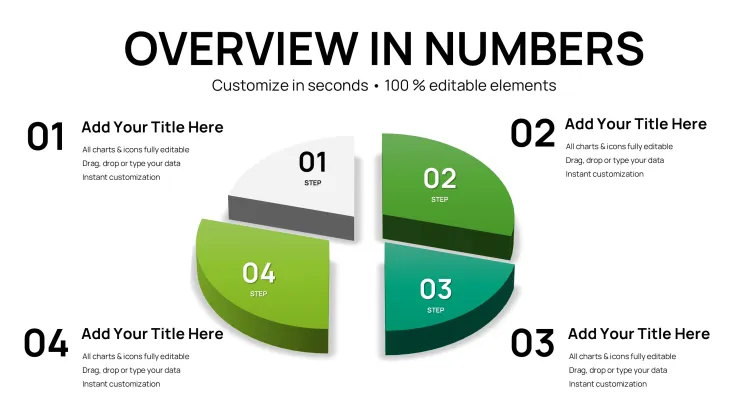
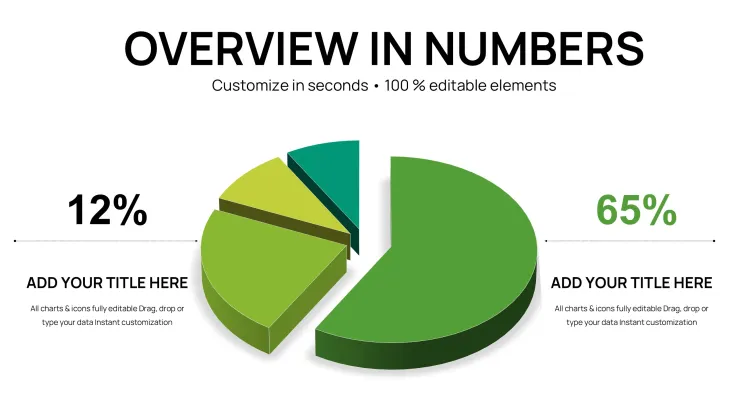
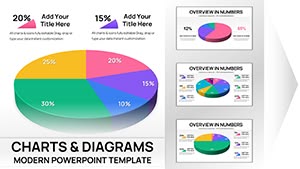
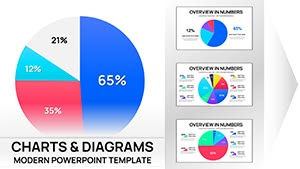
These 3D pie charts combine into layouts that support board meeting analysis by offering different composition options for single proportions or side-by-side comparisons.
This template stands out with its 32-slide collection dedicated to 3D pie chart variations explicitly built for board meeting data presentations unlike the more general or stylized pie chart packs in similar offerings.
What is a Keynote diagram template? A Keynote diagram template is a pre-designed KEY file with editable chart elements that open directly in Apple Keynote and allow quick customization for business presentations.
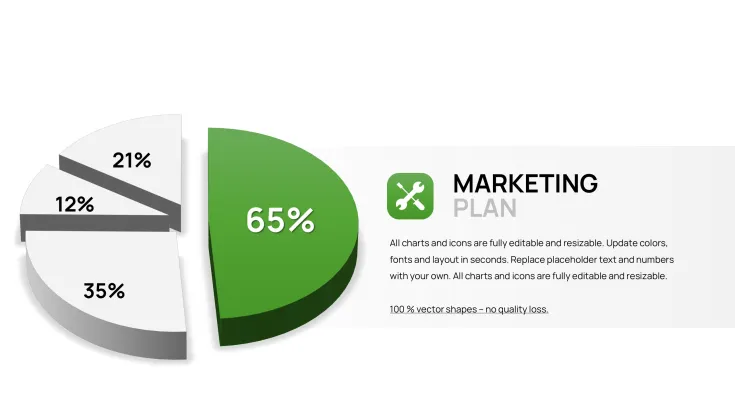
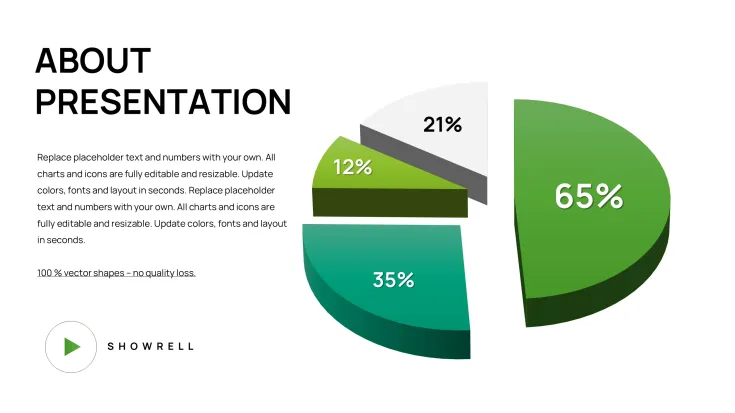
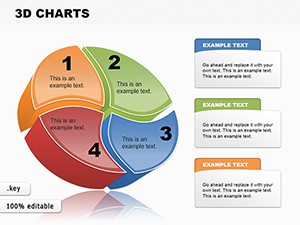
One specific visual characteristic is the 3D extrusion with depth shading on pie segments that conveys data proportions through volume.
- Single pie chart slides for focused data points
- Multi-pie comparison layouts for trend analysis
- Breakdown variations with segment callouts
Editing Capabilities at a Glance
FeatureDetailsEditable shapespie segments resize and recolor independentlyText placeholderslabels update without unlocking grouped elementsColor theme adjustmentscompatible with Keynote slide master paletteDiagram connectorsarrows and lines adjustable in direction and weightExport optionsKEY for editing, PDF for distributionKeynote compatibility versionsKeynote 12 or later on macOSReal Scenarios
Three hours before the board meeting the slide deck still lacked clear proportion visuals for the revenue breakdown.
The financial analyst at a multinational corporation faced the task of presenting market share data to executives with no time to build charts manually.
Using this file cut deck preparation from 3 hours to 45 minutes with all diagrams consistent across the presentation.
Download and start editing immediately
Adapting the Template to Your Brand
Open the file and spend the first two minutes orienting to the master slide structure - this is where all color changes happen globally.
The most common mistake is editing individual slide colors directly; going through the master saves 15 minutes of repeated work.
Once content is in place the export step depends on the destination audience and format needed for the meeting while individual overrides work independently for any last-minute tweaks.
Editing difficulty is moderate.
- Global color update via master
- Segment data swap in two clicks
- Layout rearrangement with drag-and-drop
Why This Template, Not a Blank Slide
Building equivalent 3D pie charts from scratch takes at least two hours and requires advanced design skills in Keynote.
What typically goes wrong includes inconsistent segment alignment and missing depth effects that reduce visual hierarchy during live discussions.
The 3D extrusion in pie charts allows segments to appear with realistic volume making small percentage slices stand out against larger ones through depth rather than just color alone - this pre-attentive cue helps board members grasp relative sizes during fast-paced discussions without needing to read every label first.
For additional 3D options explore similar chart collections or check related data visualization sets.
Teams that need more variety can explore the full range of pie Keynote charts templates.
Download and start editing immediately
Which Keynote version is required?This template opens in Keynote 12 or later on macOS. Earlier versions may not support all 3D effects or advanced shape editing features fully. Test the file in your current version before the meeting to confirm full compatibility. Update Keynote if needed for optimal results with the 3D pie elements.
How do I change the color scheme?Open the slide master view in Keynote and adjust the theme colors there for global updates across all 32 slides. Individual segment overrides remain possible by selecting a single shape and applying a custom fill. This approach ensures brand consistency without editing every pie chart manually. Save the master changes before returning to normal view.
What does the license allow?The license permits use in internal company presentations and paid client work. You may not resell or redistribute the original KEY file as a standalone product. Multiple team members can use the file under the single purchase if they work for the same organization. Contact support for enterprise licensing questions.
What are the differences between free and paid versions?The paid version includes the complete 32 editable slides in full KEY format. Free version details are not specified on page but typically offer only preview images or limited slides. The full paid file provides all layout variations and 3D effects without watermarks. Purchase unlocks immediate access to the complete package.
What is the refund policy?Refunds are available within 14 days if the file does not open correctly in Keynote 12 or later. Provide proof of purchase and a description of the issue. No refunds after successful download and opening of the full 32-slide file. Contact support with your order number for any questions.
How do I update chart data?Select any pie segment on the slide and edit the linked data values directly in the chart data editor. Labels and proportions update automatically with the 3D effects preserved. Repeat for every slide that needs changes. This process takes seconds per chart and keeps the layout intact.
How do I export the presentation?Choose File then Export to PDF for distribution or to PowerPoint if the recipient uses Windows. The 3D effects convert correctly in most cases. Export individual slides as images if needed for web or email. Always test the exported file before the board meeting.
Good for
- Project roadmaps and sprint plans
- Product launch timelines
- Quarterly or annual review decks
- Company history and milestone summaries
Licence
reviews
The 3D pie charts with nice depth shading and extrusion effects worked perfectly for my board meeting revenue breakdown. The 32 slides gave me plenty of single and multi-pie comparison layouts. Colors updated easily via master slide but some segments needed manual tweaks for my brand blues.
Used this for market share analysis last week. The volume effect on slices really helps small percentages stand out during presentations. Editing data is quick but the 3D look looks slightly dated on my newer Mac. Still saved me hours.
As a student rushing a finance project, the 32 editable 3D pie slides were a lifesaver. Specific callout variations and comparison layouts matched exactly what my professor wanted. Professional without being over-the-top.
The depth shading on pie segments makes proportions pop in executive decks. I like the board-meeting focused designs, though exporting to PDF sometimes flattens the 3D a bit. Reliable for quick customizations.
Practical set for quarterly reports. The independent segment editing is smooth in Keynote 12+. Not the most modern style but very functional for data-heavy slides.
Found the 32 slides versatile for side-by-side comparisons. Colors via master saved time, but I wish there were more vibrant options out of the box for marketing presentations.
FAQ
Will it work in Google Slides?
Are fonts embedded?
Can I use this for client work?
What's the refund policy?
Do you update the template after purchase?
Similar templates
See all Keynote Charts →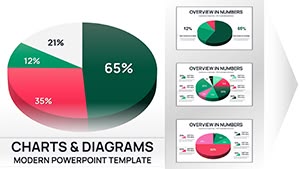
All 32 slides