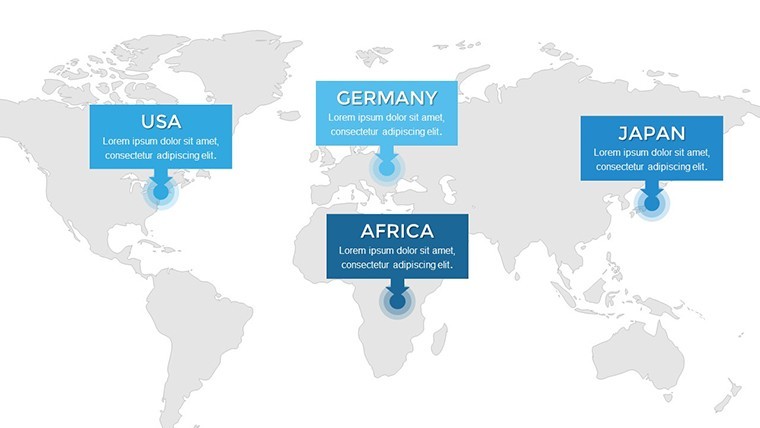
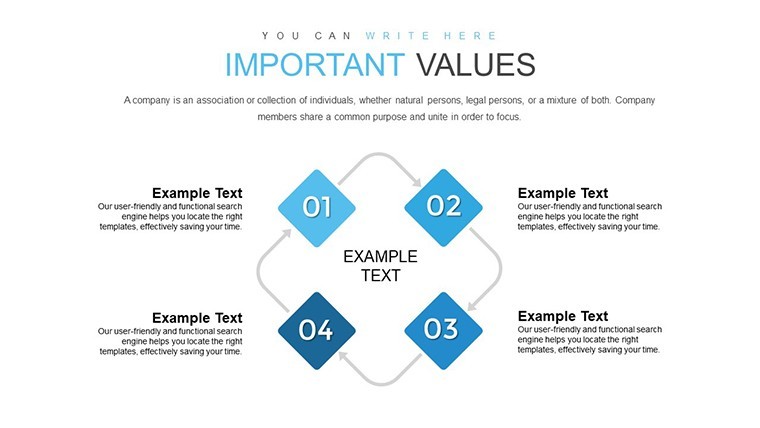
 Click to zoom
IT Processes Charts - Editable Keynote | ImagineLayout
| Format | .pptx |
| Slides | 32 unique layouts |
| Aspect ratio | 16:9 |
| Compatibility | PowerPoint |
| Animated | No |
| Language | English |
| License | Commercial |
| File size | — |
| Version | v1.0 |
| Last updated | April 2026 |
What's inside
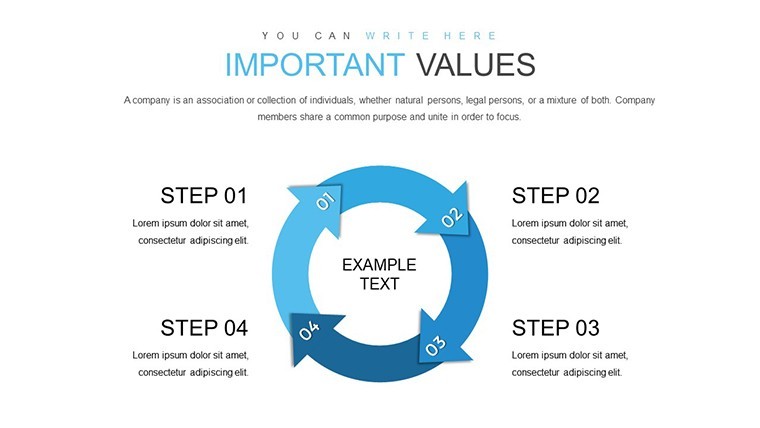
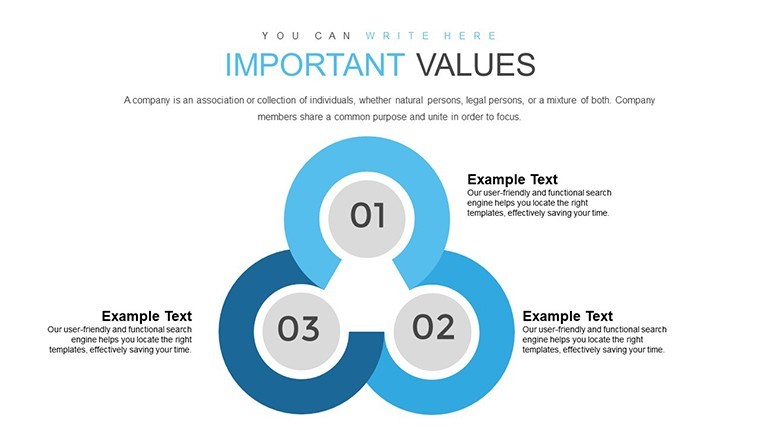
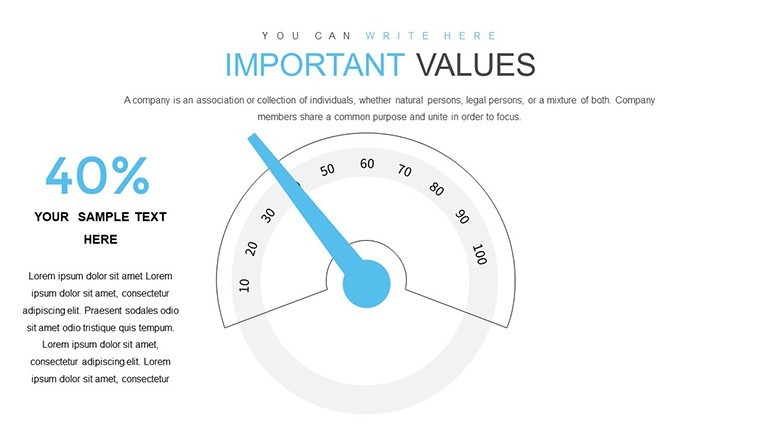
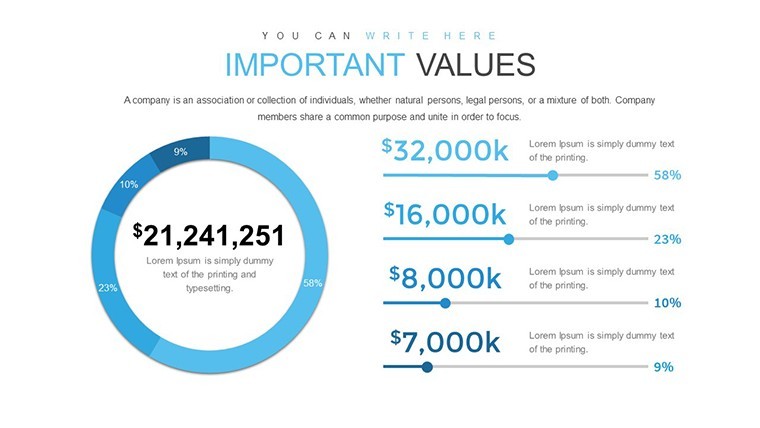
IT Process Charts for Workflow Mapping
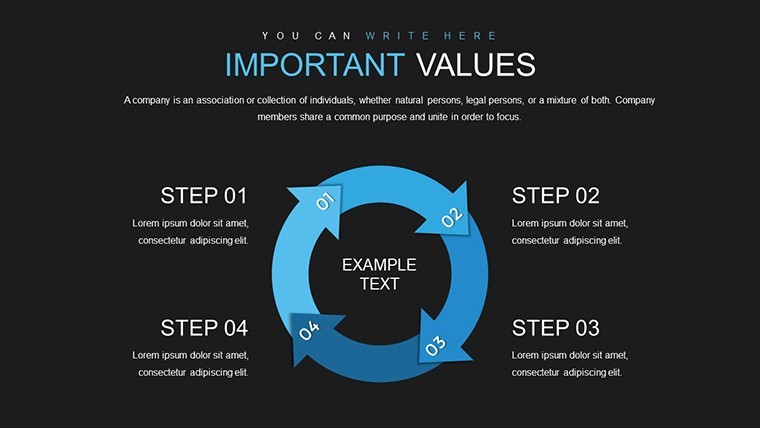
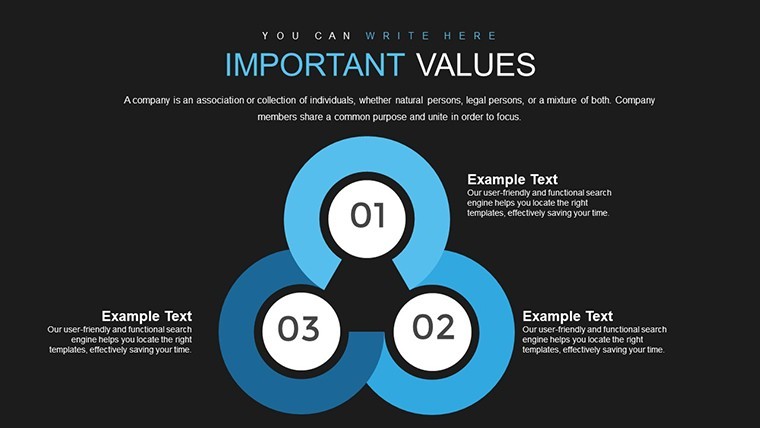
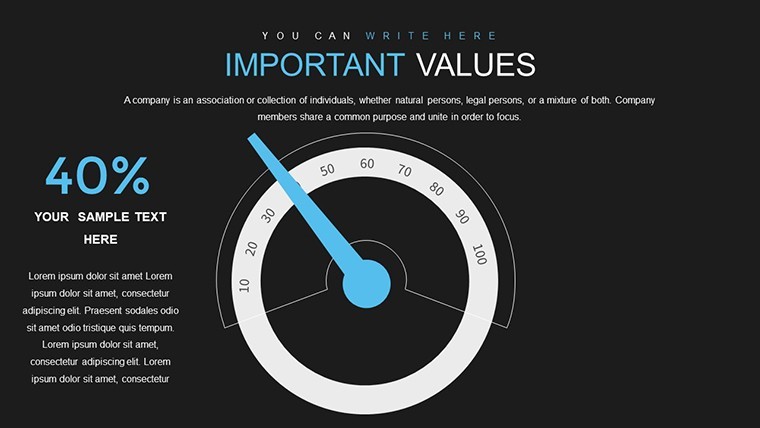
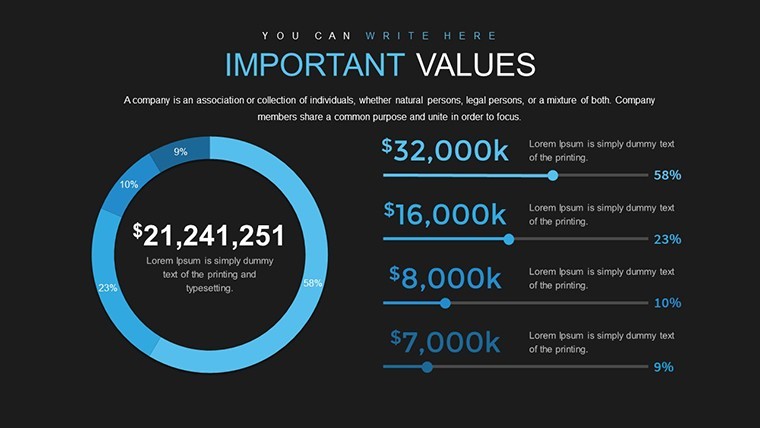
Open the .key file and you get 32 editable slides for IT processes.
You can duplicate slides and reuse the same structure.
The paid version includes the full 32-slide set while previews stay limited and the files support both KEY and PPTX formats compatible with current installations.
IT leads turn to these when they need to present system dependencies to cross-functional teams without recreating flow diagrams.
In most cases you only replace text and adjust colors.
These charts support relationship mapping of tech workflows so managers can spot bottlenecks and reallocate resources before deadlines slip.
Not ideal for text-heavy reports that lack visual hierarchy.
Use this instead of building diagrams manually in Keynote.
The predefined structure keeps everything aligned so you don`t end up adjusting spacing slide by slide and works across multiple reports.
See also Data Visualization Keynote Charts Template or Elevate Data Storytelling with Data Information Keynote Charts Template for more options.
Specifications
Slides / diagrams32 editable charts focused on IT processesFile formatKEY / PPTXSoftware versionKeynote 12+ / PowerPoint 2016+Color schemesEditable via slide master (number not specified on page)Editable elementsText, connectors, colors and flow blocks resize independentlyAspect ratio16:9Free vs PaidPaid includes full 32 slides; free limited to previewMasters / BackgroundsSlide masters for instant color updatesHow do I change colors via slide master?The slide master controls all colors across the deck. Open the master view in Keynote, select the background or text style you want to change, update the fill or font color, and close the master to apply it to all slides instantly. This works even if you duplicate slides later and typically takes under one minute.
Can I use the template for client work?You can use the template for client projects under the standard license. Credit to ImagineLayout is not required but appreciated in the footer if space allows. One license covers one user or team for unlimited client work as long as the final presentation is not resold as a template.
What is the difference between the free and paid version?The paid version unlocks the complete set of editable slides while the free download offers a limited preview with watermarks. You get all 32 slides only in the paid file with no restrictions on editing or commercial use. Switching between versions is not needed since the paid one includes everything.
What are the refund conditions?Refunds are available within 14 days if the file does not open in your Keynote version or if it does not match the described slides. Contact support with your order ID to start the process. No refunds after the file has been downloaded and used in your presentation.
PowerPoint 2016/2019/365/Mac compatibilityThe PPTX version opens in PowerPoint 2016 and all newer releases including Microsoft 365 on both Windows and Mac. Some advanced effects may need minor adjustment in older 2016 versions but text and charts remain fully editable. Test the file in your environment before final edits.
Everything is already structured.
Download and start editing immediately
Good for
- Project roadmaps and sprint plans
- Product launch timelines
- Quarterly or annual review decks
- Company history and milestone summaries
Licence
reviews
Needed a Keynote deck fast and the charts were already set up nicely.
A few icons looked old but not a huge issue.
The slide layouts were easy to rearrange.
I used this for a team progress review and nobody complained.
Could have used more simple slides without graphics everywhere.
FAQ
Will it work in Google Slides?
Are fonts embedded?
Can I use this for client work?
What's the refund policy?
Do you update the template after purchase?
Similar templates
See all Keynote Charts →
All 32 slides