 Click to zoom
Infographic Creator Keynote Charts: Craft Data Masterpieces
| Format | .pptx |
| Slides | 22 unique layouts |
| Aspect ratio | 16:9 |
| Compatibility | PowerPoint |
| Animated | No |
| Language | English |
| License | Commercial |
| File size | — |
| Version | v1.0 |
| Last updated | January 2022 |
What's inside
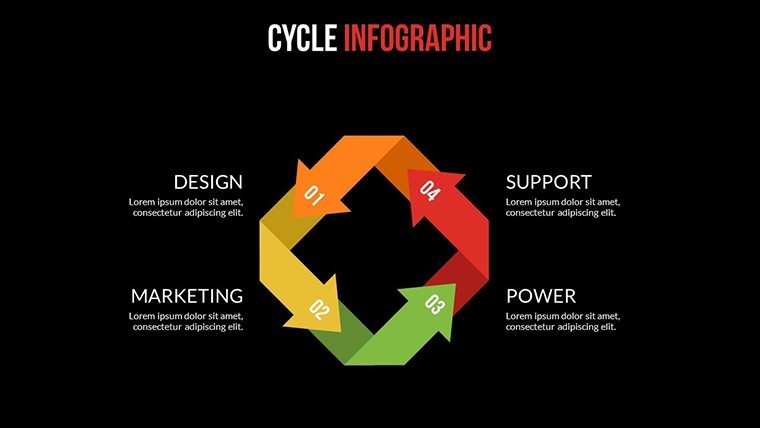
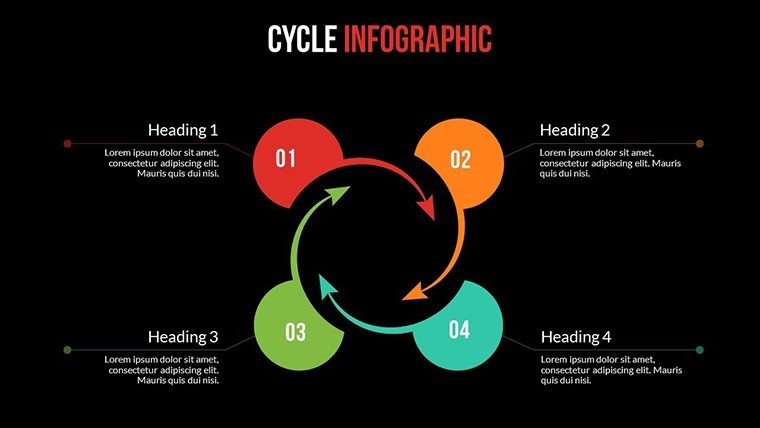
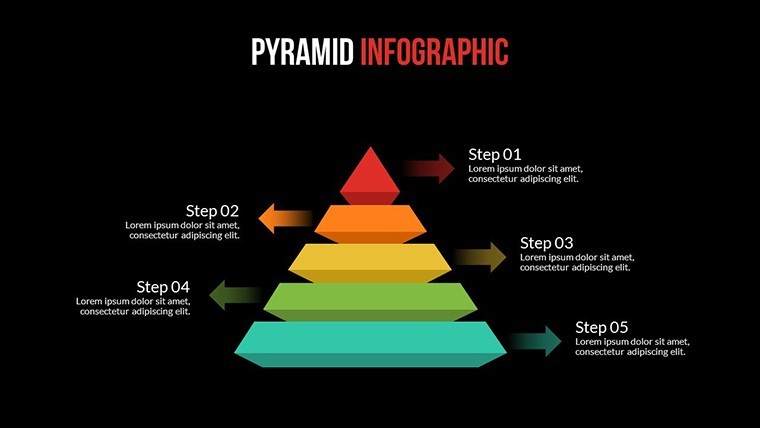
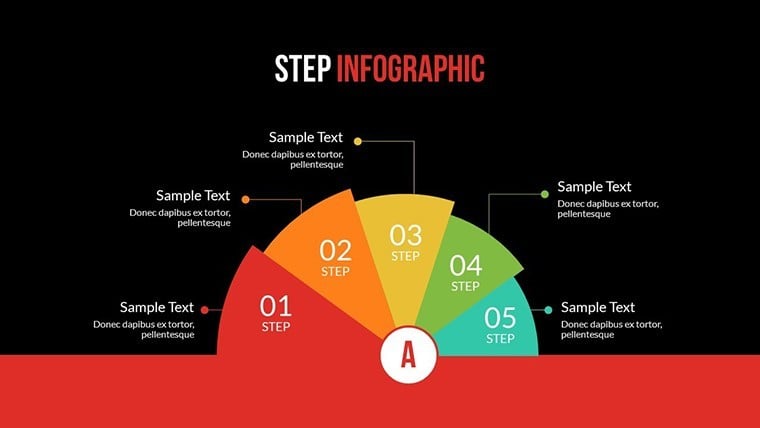
Stuck with flat visuals that fail to captivate? The Infographic Creator Keynote charts template redefines data storytelling with 22 editable slides that pop in 3D and matrix formats. Tailored for data enthusiasts, analysts, and creative directors, this Mac-native powerhouse turns numbers into narratives that command attention.
From boardroom breakdowns to conference keynotes, where multidimensional data demands depth, this template delivers. Its 16:9 widescreen canvas hosts matrix grids for comparisons and 3D extrusions for volume insights, all animated to unfold like a high-stakes reveal. Backed by 852 glowing reviews, it's the go-to for pros who've ditched clunky tools for this seamless creator.
At its core, versatility reigns: vector-based elements ensure crisp scalability, while PNG textures add tactile depth to abstract stats. Echoing successes like a tech firm's use in investor decks that visualized market matrices to raise $2M, this template proves that great infographics aren't born - they're built slide by slide.
Standout Features for 3D Data Drama
Unpack the arsenal designed to make your infographics unforgettable. These 22 slides aren't mere placeholders; they're precision instruments.
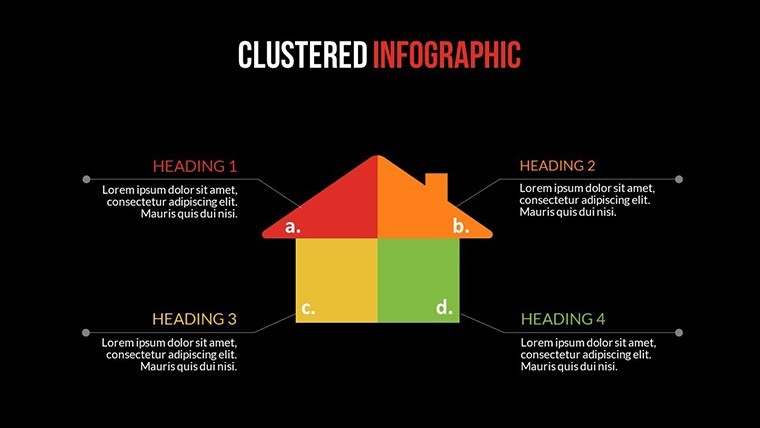
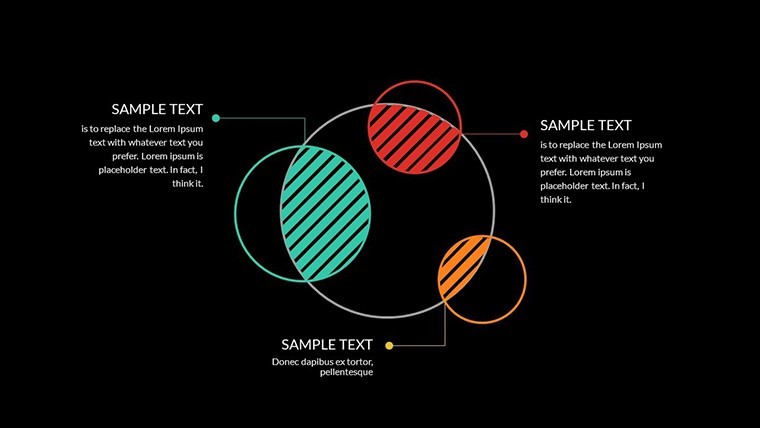
- Matrix Mastery: Grid layouts with intersecting axes for SWOT analyses or competitor mappings, fully pivotable.
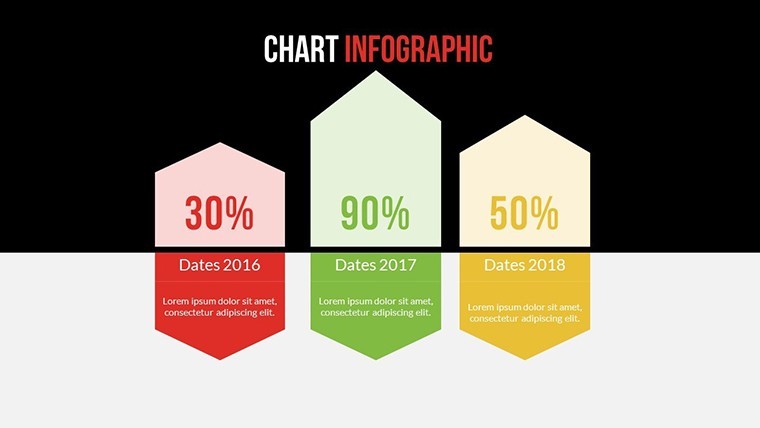
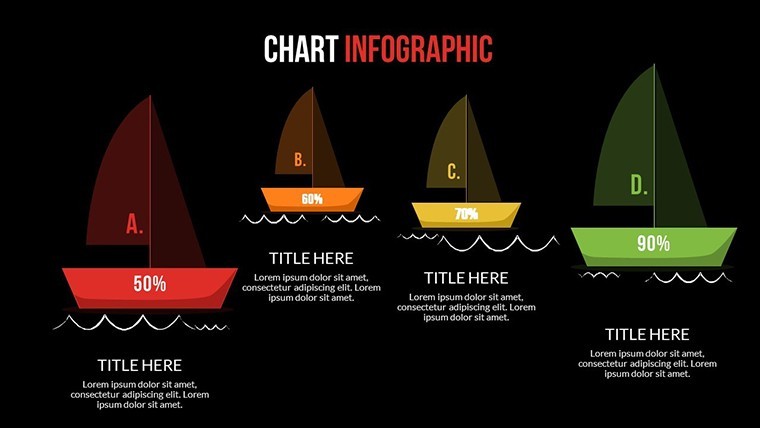
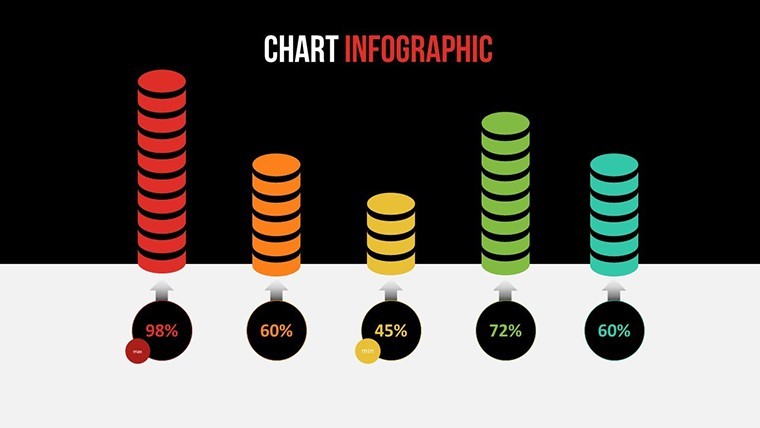
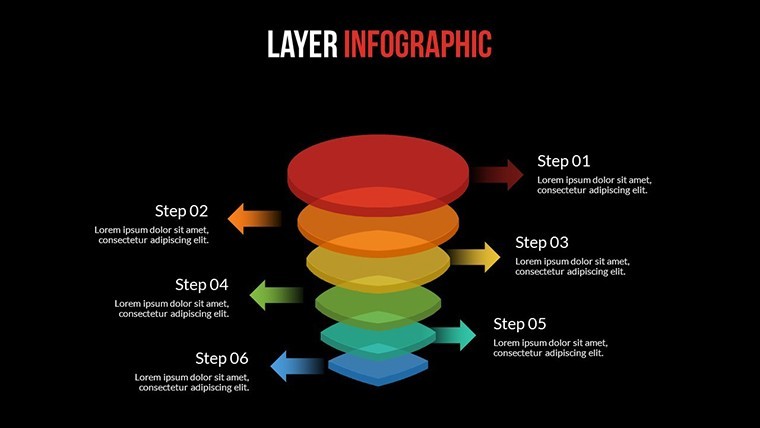
- 3D Extrusions: Bar and pie charts that lift off the page, with rotation animations for 360-degree views.
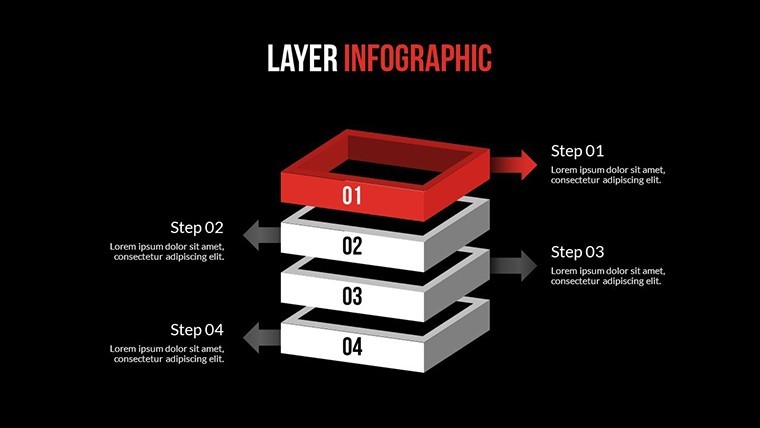
- Layered Animations: Custom builds that stack data layers, revealing complexities on cue.
- Asset-Rich Library: Dozens of vector icons and PNGs for metrics (dials, cubes, networks), editable in a snap.
iWork Keynote compatibility means fluid workflows, with color themes that adapt to your corporate palette.
Versatile Scenarios: Infographics That Inspire
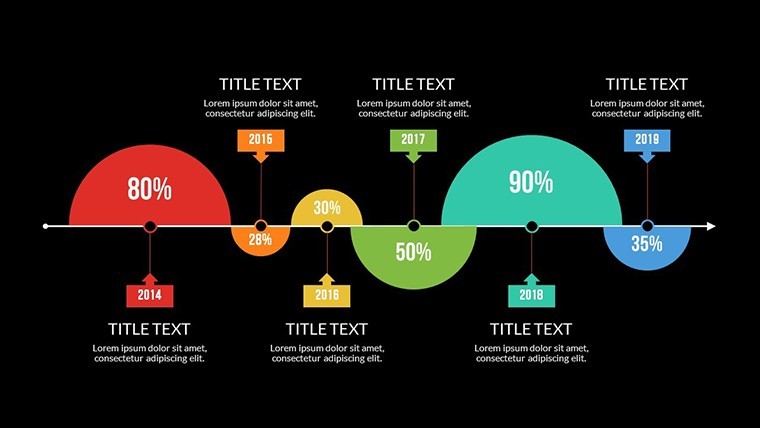
Envision a financial analyst deploying Slide 9's 3D matrix to dissect portfolio risks - depth cues highlight correlations, aligning with CFA visualization best practices. In marketing, the infographic timeline (Slide 18) matrices campaign metrics, animating ROI spikes for team huddles.
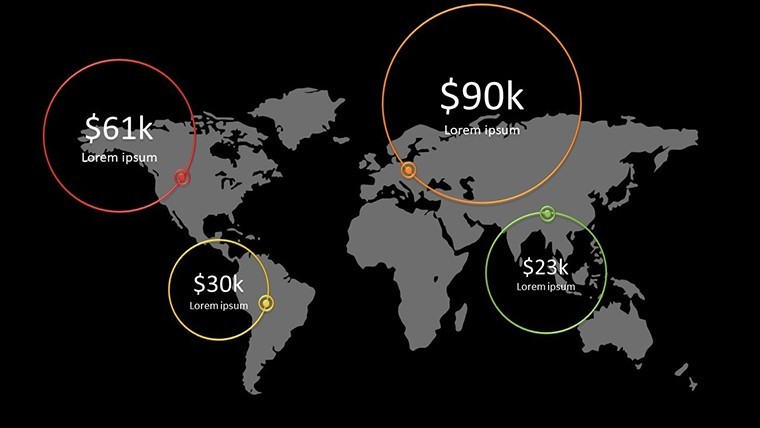
For geography buffs, 3D terrain charts model population densities, pulling from USGS data for authenticity. A case in point: a startup used these to matrix user journeys, accelerating product pivots by 25%.
- Setup Swiftly: Import to Keynote, populate matrices with CSV data for instant graphs.
- Enhance Dimensions: Toggle 3D views, add shadows for realism.
- Deploy Dynamically: Link to live data sources, rehearse animations for flawless delivery.
Outshining basic charts, this creator's modularity trims build times dramatically.
Insider Strategies for Infographic Excellence
Amplify with hybrid elements - overlay 3D bars on matrix backgrounds for multi-view insights. In creative pitches, infuse light humor via exaggerated 3D scales for "exploding" growth metrics.
Sync with Apple Pencil for on-the-fly edits during brainstorming, keeping your process agile.
Elevate Beyond the Ordinary
Standard tools lack this template's 3D flair and matrix intelligence, often cited in design forums as subpar for complex viz. With a 4.9/5 average, it's authoritative for pros seeking edge.
Birth your boldest infographics yet. Get the Infographic Creator Keynote template immediately - unleash the creator in you.
Frequently Asked Questions
How do the 3D effects enhance engagement?
They add spatial depth, making abstract data tangible and memorable, especially in virtual settings.
Supports collaboration in Keynote?
Yes, share via iCloud for real-time co-edits on matrices and animations.
Best for which data types?
Multivariate sets shine in 3D matrices, from sales funnels to risk assessments.
Export quality for print?
Vector core ensures high-res PDFs, scalable to posters without pixelation.
Custom color schemes easy?
One-click theme swaps, with eyedropper for precise brand matching.
Good for
- Project roadmaps and sprint plans
- Product launch timelines
- Quarterly or annual review decks
- Company history and milestone summaries
Licence
reviews
Made a quick slide deck for school it was simple
Maps and charts helped visualize numbers without confusion
Used in meeting slides at office it helped show data
Just needed something simple for slides it did the job
Okay template but colors feel a bit off sometimes
FAQ
Will it work in Google Slides?
Are fonts embedded?
Can I use this for client work?
What's the refund policy?
Do you update the template after purchase?
Similar templates
See all Keynote Charts →

All 22 slides