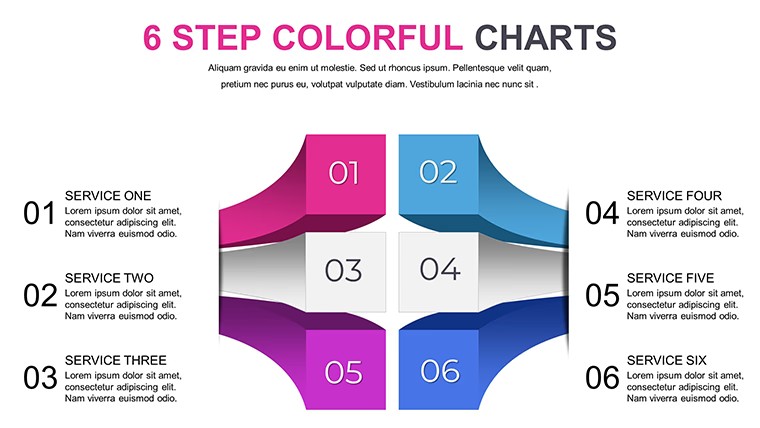
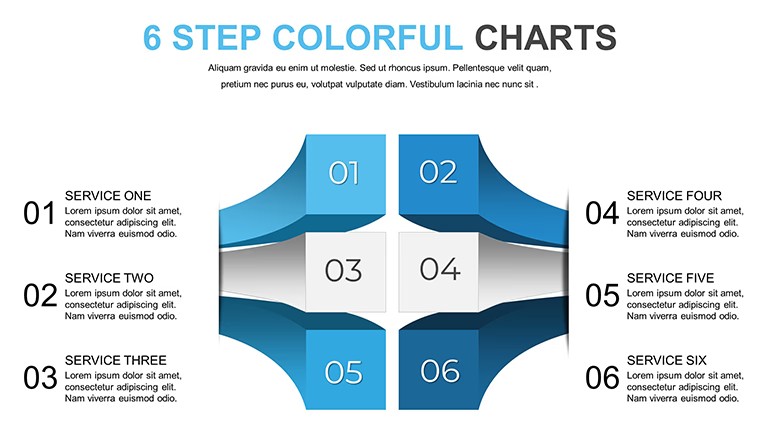
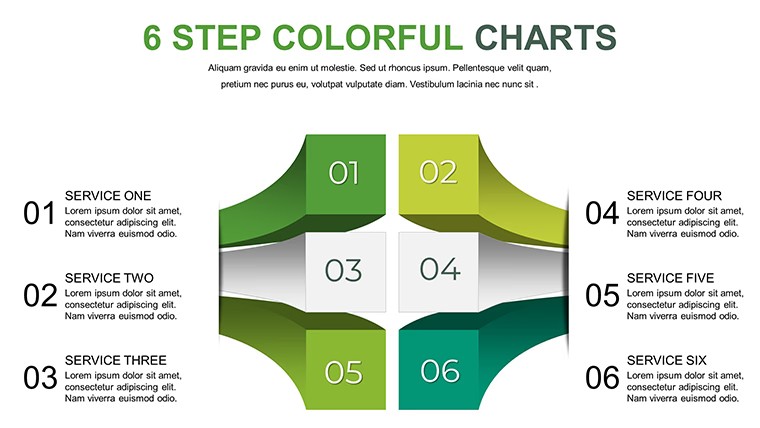
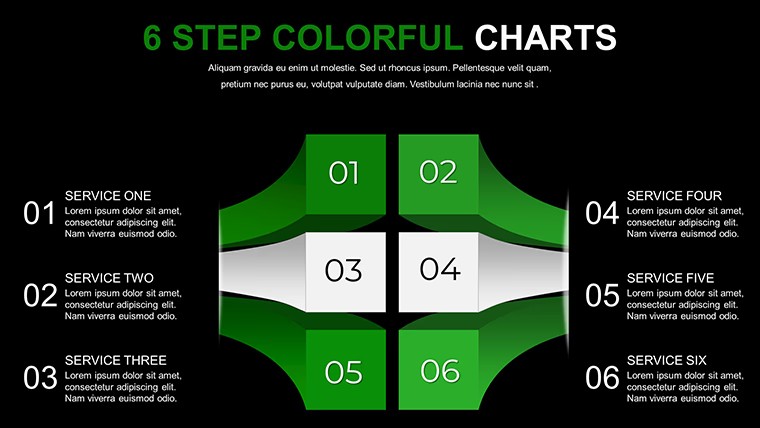
 Click to zoom
Decision Making Keynote Charts - Editable Keynote | ImagineLayout
| Format | .pptx |
| Slides | 8 unique layouts |
| Aspect ratio | 16:9 |
| Compatibility | PowerPoint |
| Animated | No |
| Language | English |
| License | Commercial |
| File size | — |
| Version | v1.0 |
| Last updated | April 2026 |
What's inside
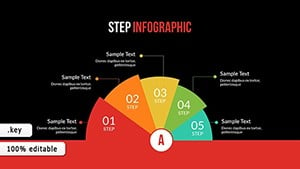
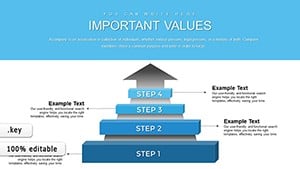
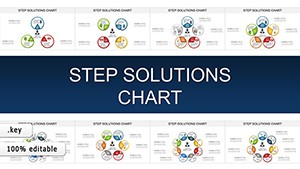
KEY files deliver 8 editable slides with flowcharts decision trees and SWOT analyses for strategy sessions where one choice pivots project outcomes.
No setup needed.
This free version provides the full set while the page does not list exact paid differences but files follow standard KEY formats compatible with current installations.
When you need to present decision options to stakeholders the branching structures handle that out of the box instead of building diagrams manually.
Quadrant-based overviews support comparison analysis that lets teams weigh strengths against threats and reach consensus faster in most cases.
Consultants evaluating market entry typically use the pros-and-cons lists to rank priorities.
You open the file replace text and adjust colors via slide master in under two minutes.
The layout keeps structure readable on one slide which prevents overcrowded layouts and clarifies priority between multiple options.
Use this when you need to show choices without arranging shapes manually.
It works best for structured diagrams not creative storytelling slides and is not ideal for data-heavy dashboards.
In practice teams reuse the same diagram across weekly reports.
FeatureDetailsSlides / diagrams8 editable slides including flowcharts decision trees SWOT and pros-cons listsFile formatKEYSoftware versionCompatible with current Keynote installations on macOSColor schemesCustomizable via slide master for entire deck palette switchEditable elementsText shapes icons and quadrant fills resize and recolor independentlyAspect ratio16:9 widescreenFree vs PaidFree version includes full 8 slides with vector graphicsMasters / BackgroundsSlide masters enable one-click color and layout updatesSee also Steps to Action: Keynote Charts for Effective Campaign Planning or Management Process Keynote Charts for more options.
Does this work with Keynote 2016/2019/365 on Mac?The files follow standard KEY format and run on current Keynote versions including 2016 2019 and 365 releases on macOS.
Older versions may require minor layout tweaks but vector elements remain crisp.
Test on your setup before large edits.
How do I change colors across all slides?Open the template in Keynote and switch to slide master view.
Select the master slide then update theme colors or individual fills for shapes and text.
Return to normal view and the changes apply instantly to every slide without manual fixes.
Can I use this template for client work?Yes the license allows use in client presentations as long as you do not resell or redistribute the original template files.
Customize then deliver the final deck as part of your service.
Commercial projects are fully permitted under standard terms.
What is the difference between free and paid versions?This free version includes the complete 8 slides with all diagram types shown in the description.
Paid options elsewhere on the site may add extra variations or formats.
Check individual product pages for upgraded collections.
What are the refund conditions?Refunds are processed within 7 days of purchase if the template does not meet your requirements.
Contact support with order details and reason for a smooth resolution.
Free templates have no refund since no payment is involved.
Everything is already structured.
Download and start editing immediately
Good for
- Project roadmaps and sprint plans
- Product launch timelines
- Quarterly or annual review decks
- Company history and milestone summaries
Licence
reviews
Used it for a university project and the graphs made analysis easier
Added it to a meeting and the arrows helped show workflow
Worked fine for simple presentations
Just needed something quick and it worked
FAQ
Will it work in Google Slides?
Are fonts embedded?
Can I use this for client work?
What's the refund policy?
Do you update the template after purchase?
Similar templates
See all Keynote Charts →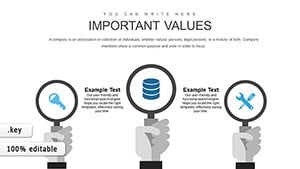
All 8 slides