 Click to zoom
India Keynote Map Template - Editable Geographic Presentation Slides
| Format | .pptx |
| Slides | 30 unique layouts |
| Aspect ratio | 16:9 |
| Compatibility | PowerPoint |
| Animated | No |
| Language | English |
| License | Commercial |
| File size | — |
| Version | v1.0 |
| Last updated | February 2026 |
What's inside
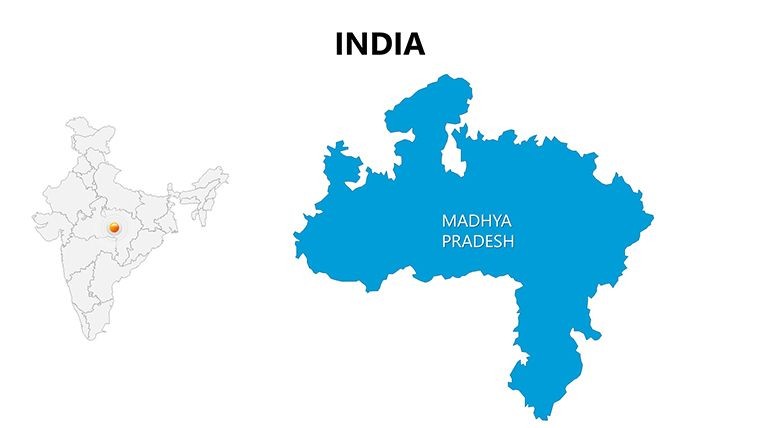
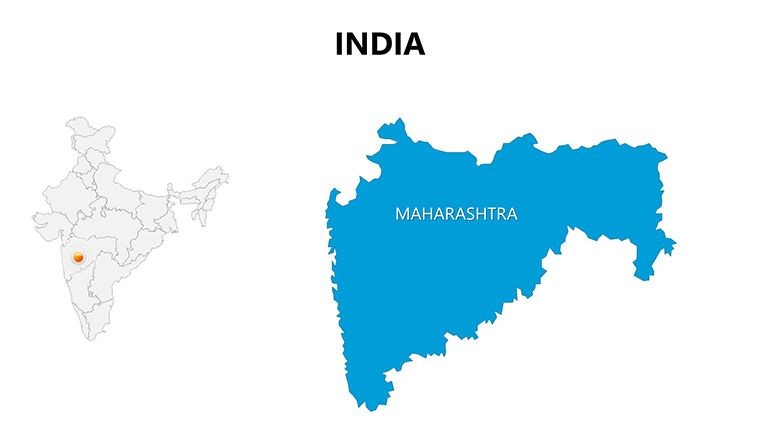
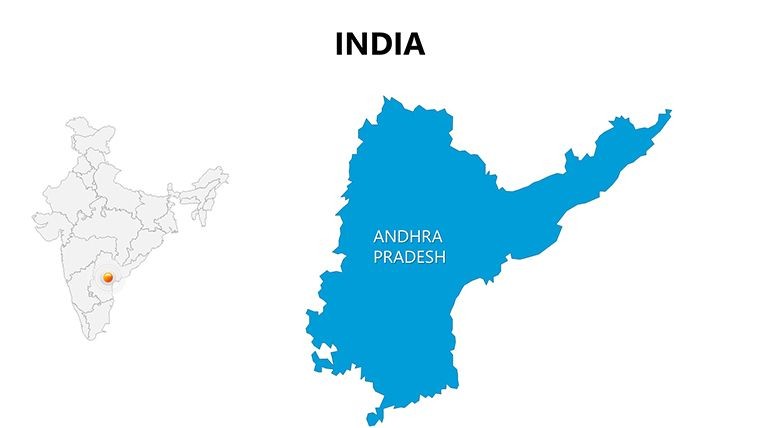
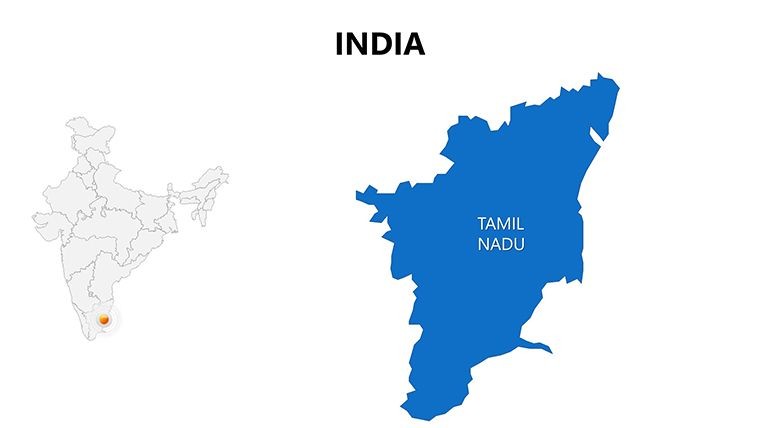
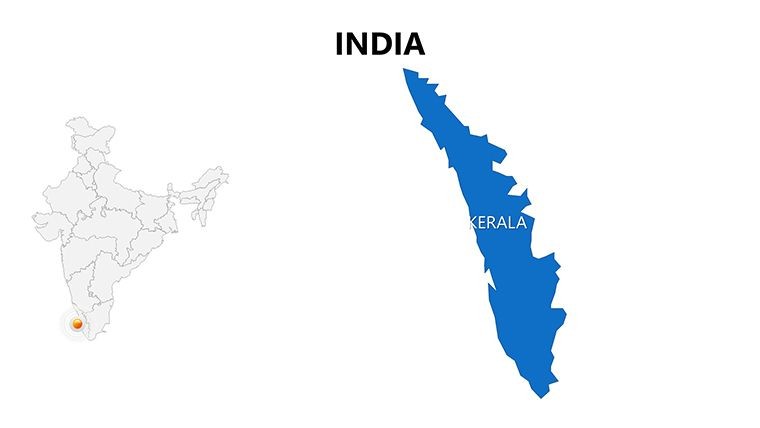
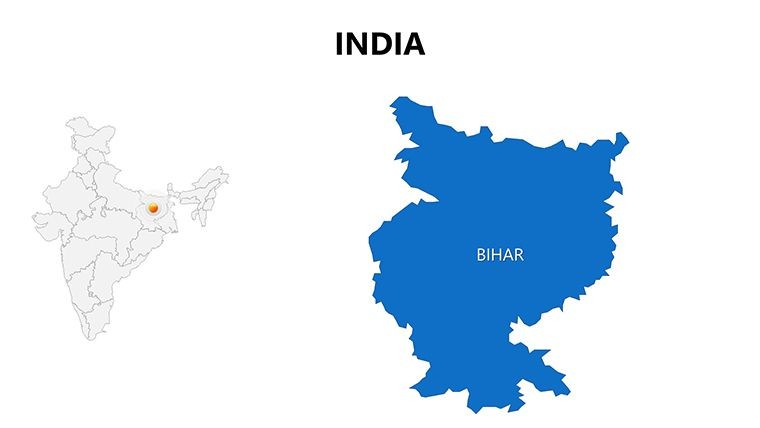
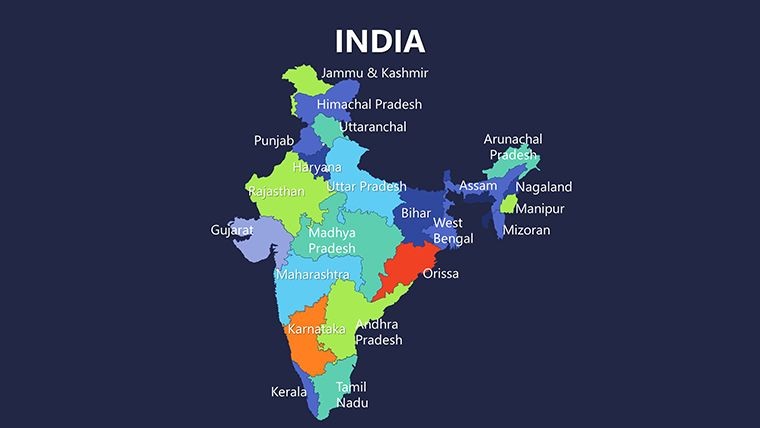
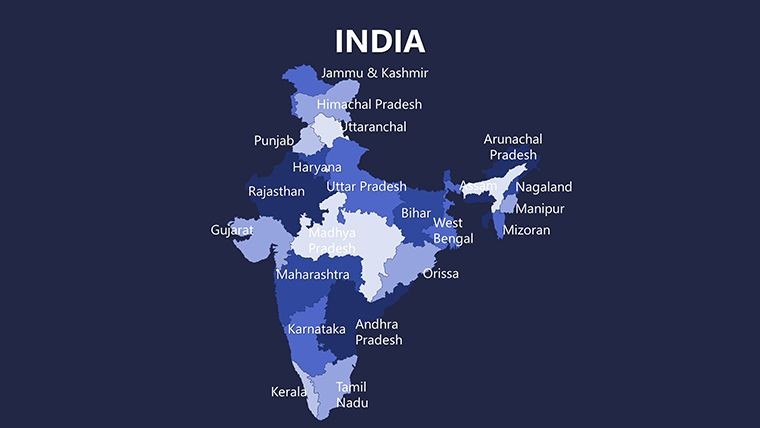
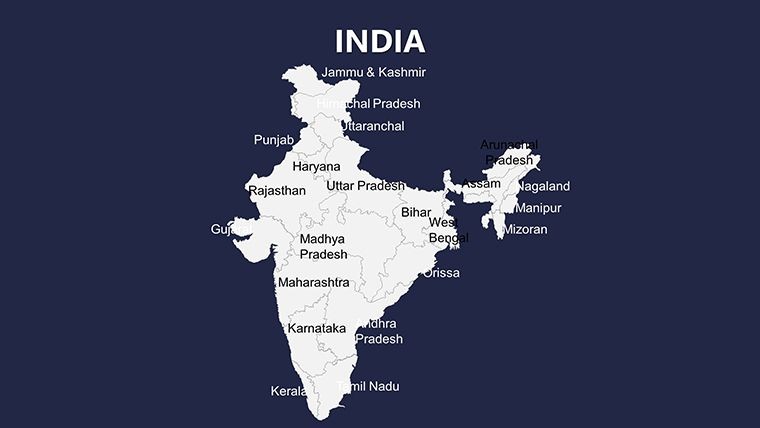
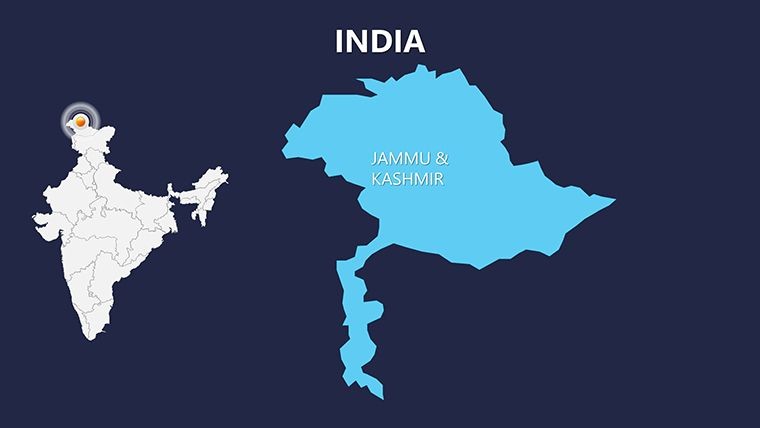
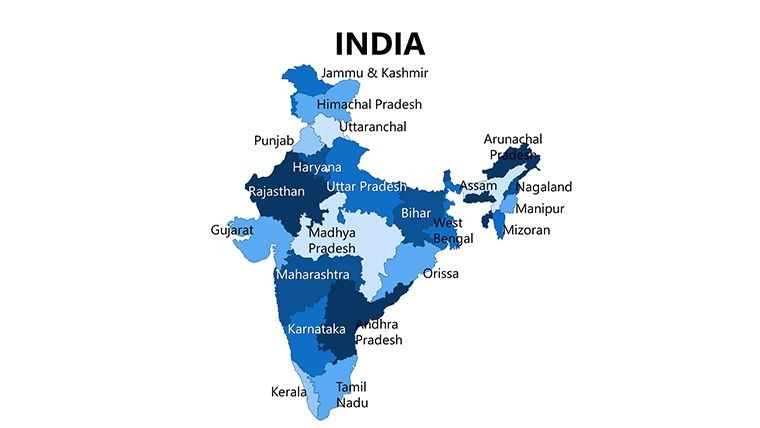
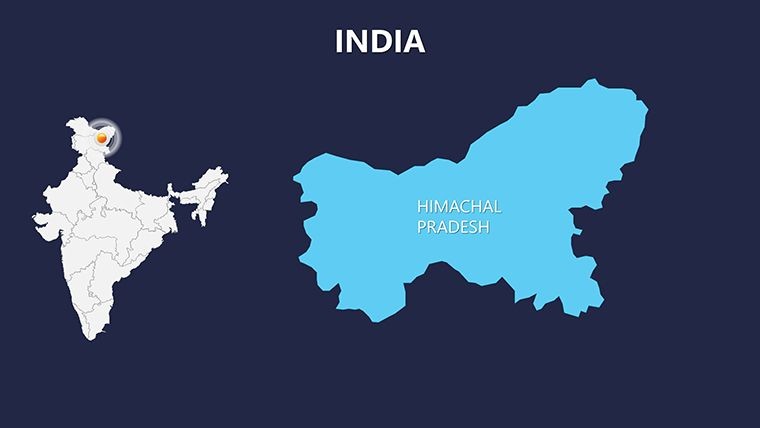
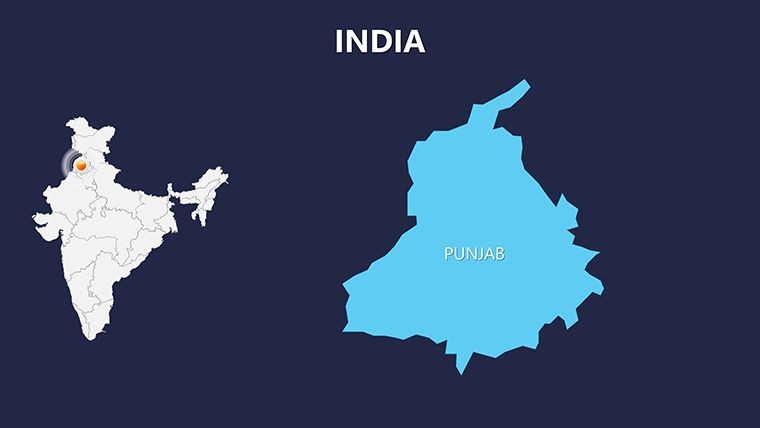
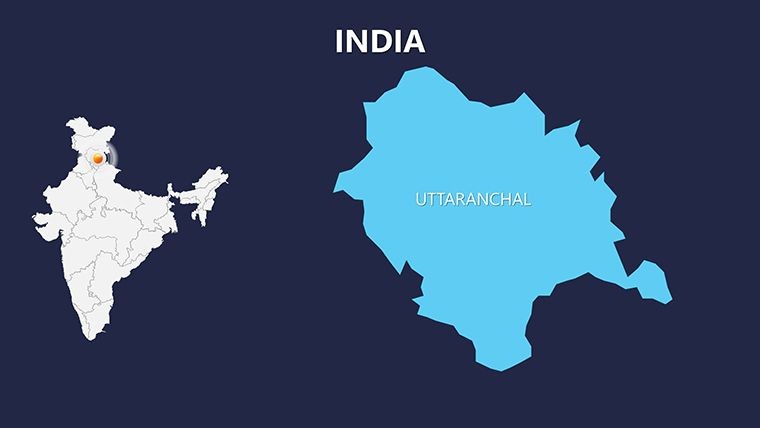
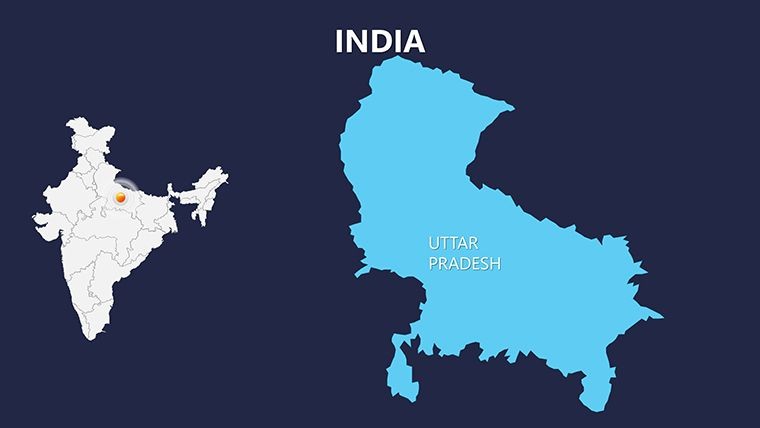
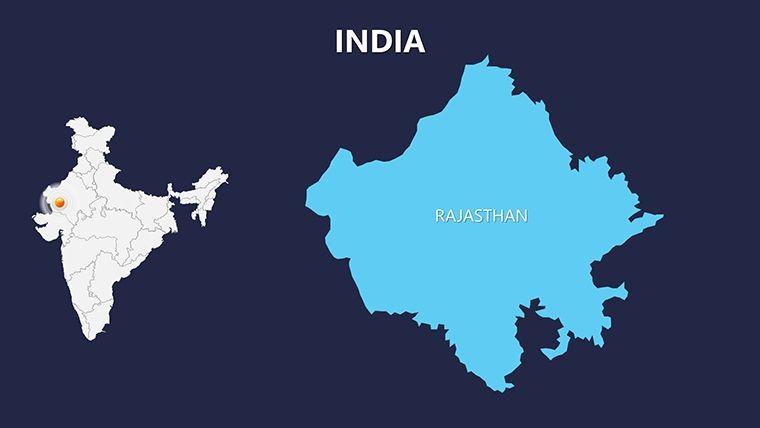
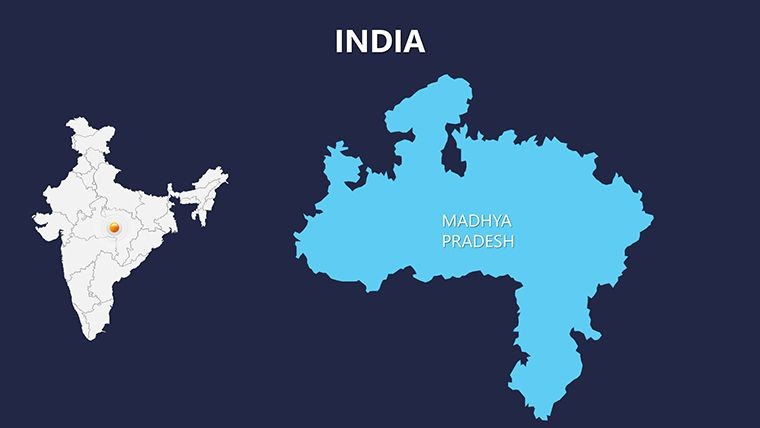
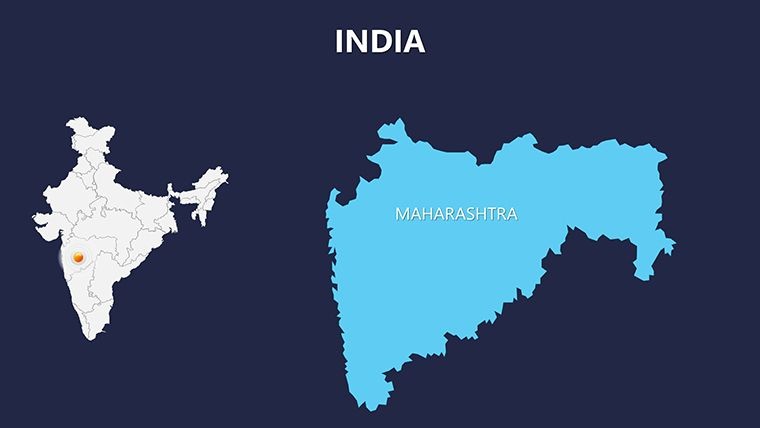
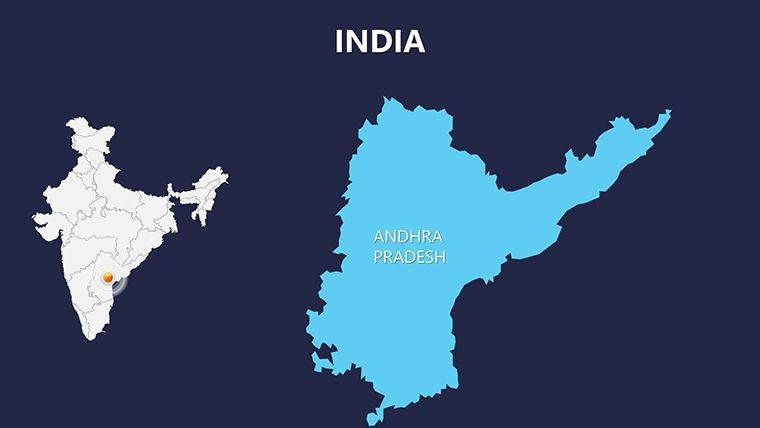
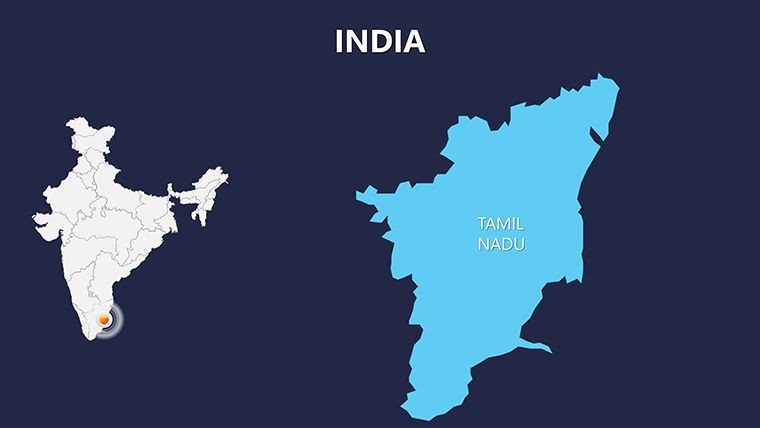
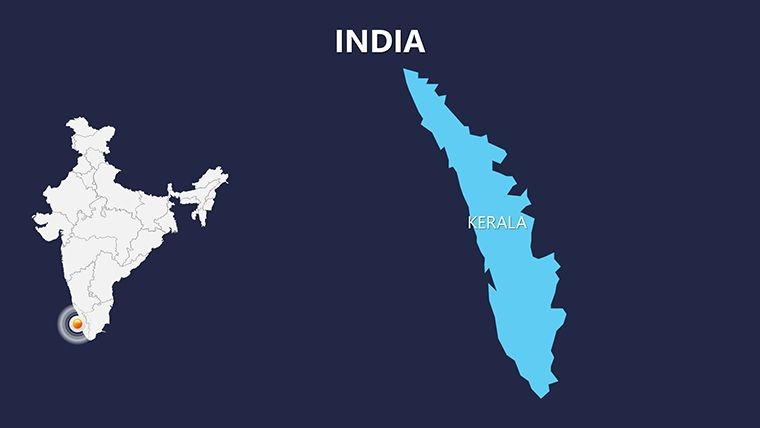
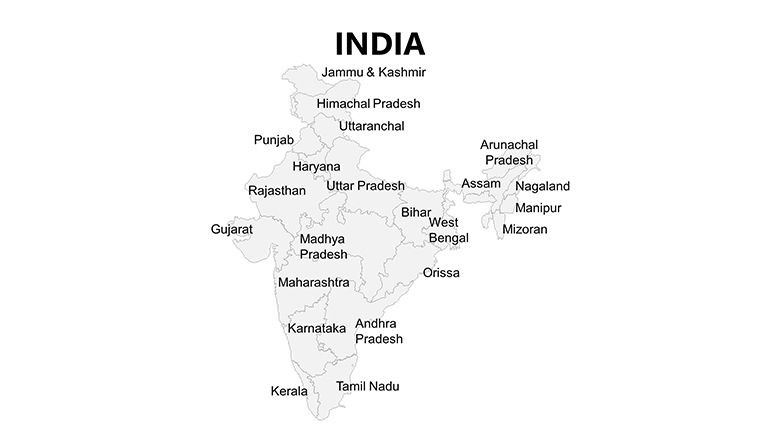
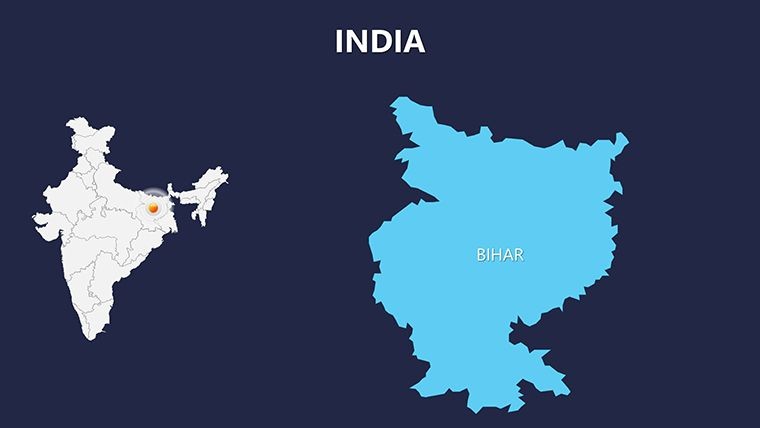
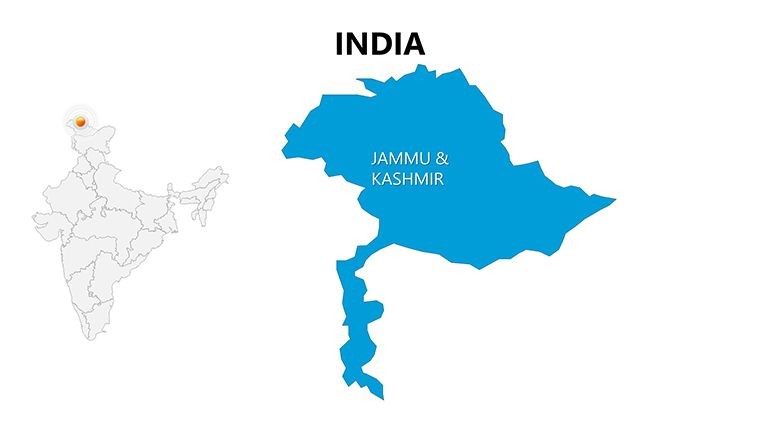
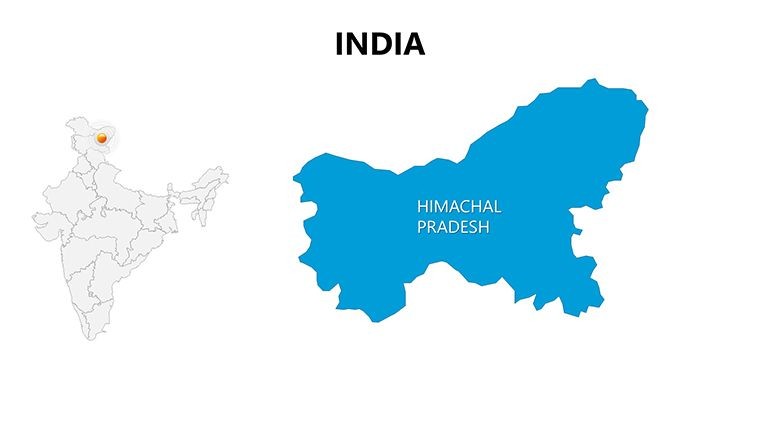
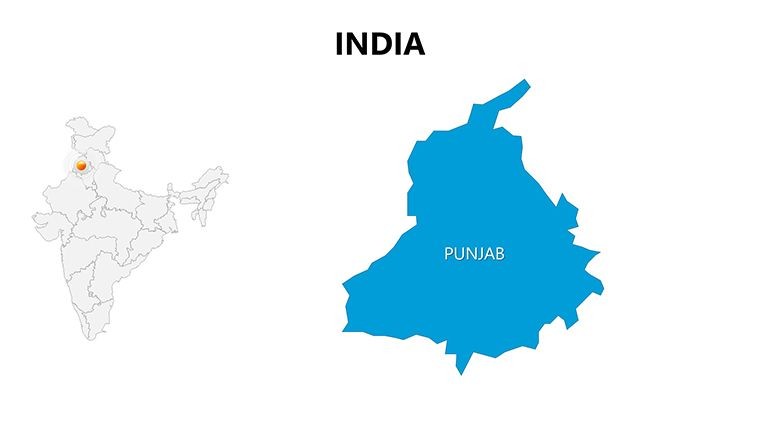
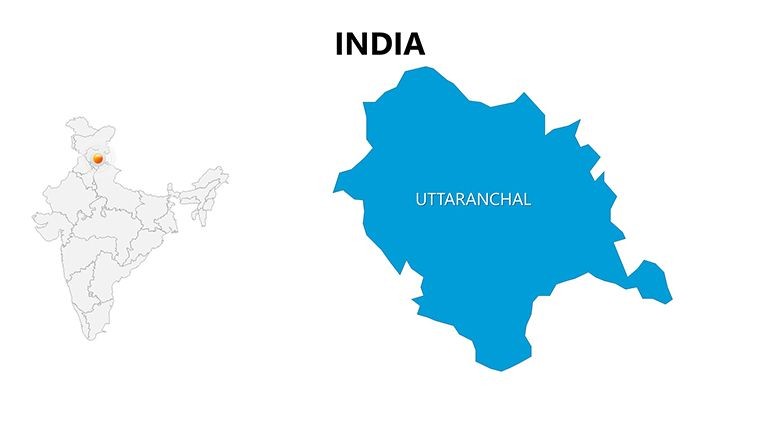
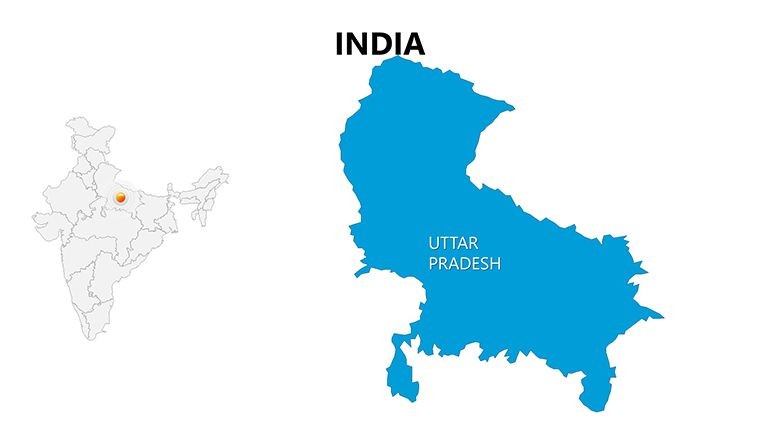
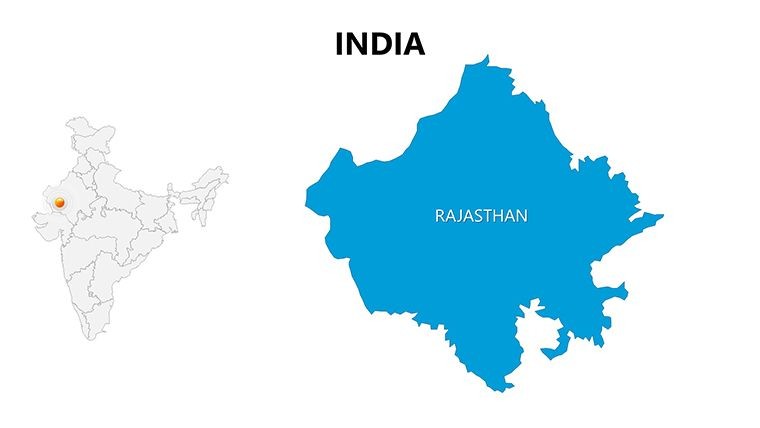
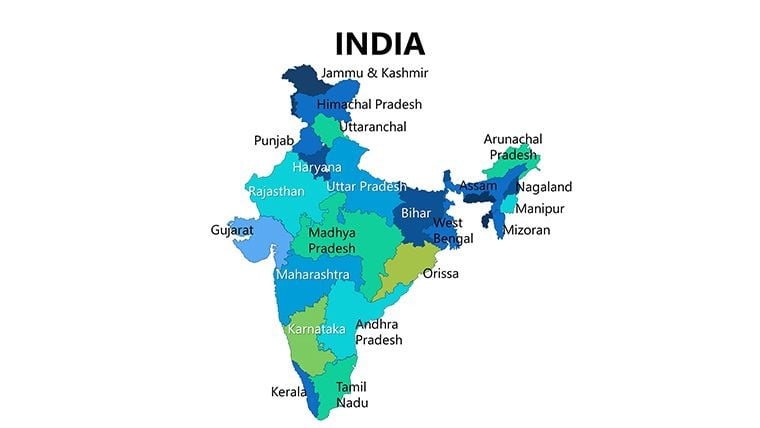
Bring India`s geography to life with an editable India Keynote Map Template designed for professional presentations in business, consulting, teaching, and strategic planning. This template includes 30 fully editable slides with high-resolution vector maps of India`s states and territories. It`s ideal for boardroom reports, market segmentation visuals, regional analysis, and interactive student lessons. Customize colors, add icons and data layers, and export to PDF or video to fit your workflow with ease.
This map template solves the challenge of representing complex regional data clearly through ready-to-use, customizable slides that save time and elevate your communication impact. Use it to highlight demographic trends by state, illustrate infrastructure projects, or show sales performance across regions - all within Apple Keynote.
When & Why Use This Template
- Business Strategy: Segment India`s market by state for go-to-market planning.
- Education & Training: Teach geography or history with engaging visual maps.
- Consulting & Analysis: Present regional insights backed by clear maps and data overlays.
- NGO & Government Reports: Communicate project impact by region with precision.
How to Use in Your Workflow
Open the .key file in Apple Keynote - edit map elements using vector controls - insert data charts and icons - customize color palette to match your brand - export as PDF or share link. This workflow accelerates your presentation prep, letting you focus on insights rather than design setup.
Frequently Asked Questions
What file formats are included?The primary format is .key optimized for Apple Keynote. You can export slides to PDF or other formats once edits are complete.
Can I customize the maps for specific states?Yes, each map element, including state boundaries and icons, is fully editable so you can tailor visuals to your presentation`s needs.
Is this suitable for business presentations?Absolutely. This template is ideal for business strategy sessions, market research presentations, and executive briefings requiring clear geographical insights.
Good for
- Project roadmaps and sprint plans
- Product launch timelines
- Quarterly or annual review decks
- Company history and milestone summaries
Licence
reviews
Used the map slides for a logistics update and they were surprisingly easy to edit. The location markers looked clean.
I needed a Europe map for a school project and this saved me a lot of time. Added notes directly beside the regions.
The layout was simple enough for my office presentation. I mostly used the highlighted country slides.
Some map labels were small when projected in our meeting room. Besides that it was okay.
I don’t usually leave reviews but the editable maps were actually useful. Better than screenshots from Google.
FAQ
Will it work in Google Slides?
Are fonts embedded?
Can I use this for client work?
What's the refund policy?
Do you update the template after purchase?
Similar templates
See all Keynote Maps →
All 30 slides