 Click to zoom
Important Urgent Keynote Charts Template: Prioritize with Power
| Format | .pptx |
| Slides | 22 unique layouts |
| Aspect ratio | 16:9 |
| Compatibility | PowerPoint |
| Animated | No |
| Language | English |
| License | Commercial |
| File size | — |
| Version | v1.0 |
| Last updated | January 2022 |
What's inside
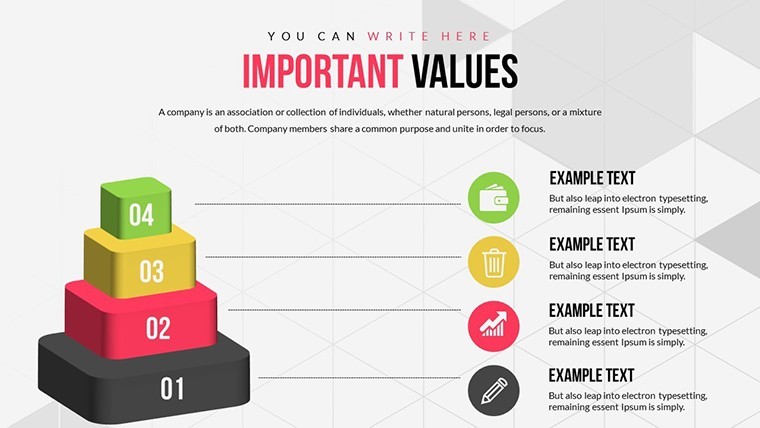
Ever feel overwhelmed by tasks pulling you in every direction? The Important Urgent Keynote Charts Template is your roadmap to clarity, inspired by the Eisenhower Matrix for decision-making. Tailored for project managers, executives, and teams juggling deadlines, this collection of 22 editable slides features 3D pyramids, SWOT analyses, and graphs to categorize and conquer priorities. Visualize what's urgent versus important, streamlining workflows and reducing stress. Ideal for productivity workshops, team huddles, or personal planning sessions, it turns chaos into structured action plans that drive results.
Rooted in time management principles from experts like Stephen Covey, this template builds trustworthiness by helping users implement proven strategies. Its 3D elements add a modern twist, making abstract concepts tangible. Exclusive to iWork Keynote on Mac, it ensures fluid editing without compatibility issues, letting you focus on what matters most.
Essential Features for Effective Prioritization
At the heart of this template are versatile tools designed for quick adaptation. The 22 slides offer pyramid structures for hierarchy visualization, SWOT charts for strategic assessments, and graphs for tracking progress. With built-in animations, watch quadrants light up to emphasize urgent tasks, keeping audiences engaged.
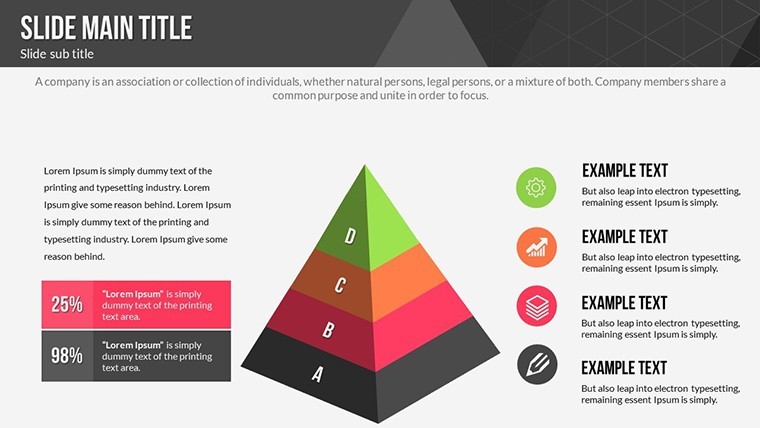
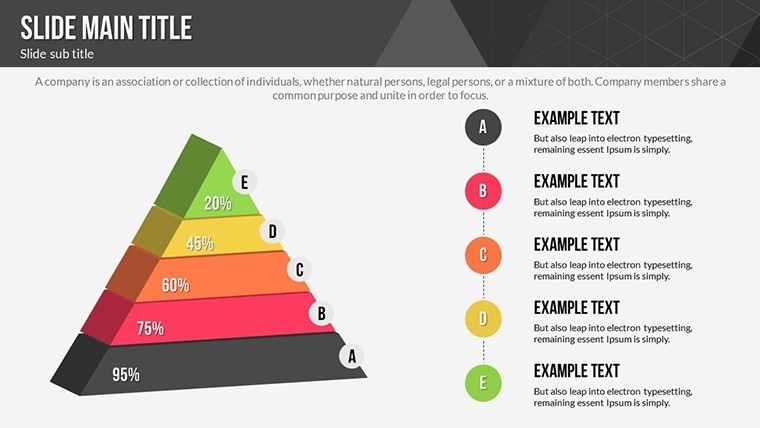
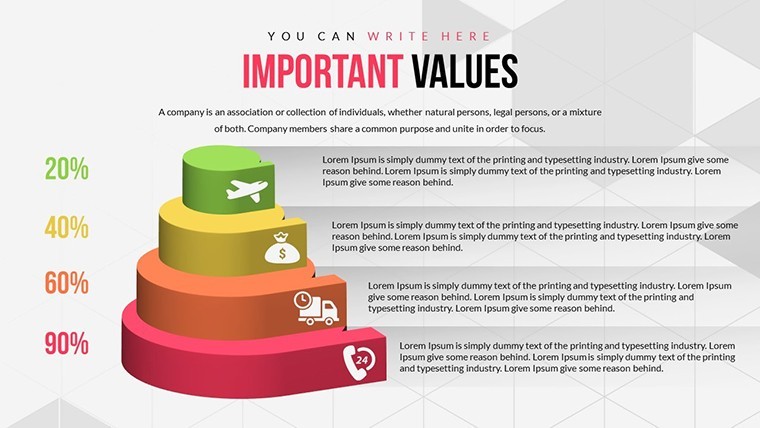
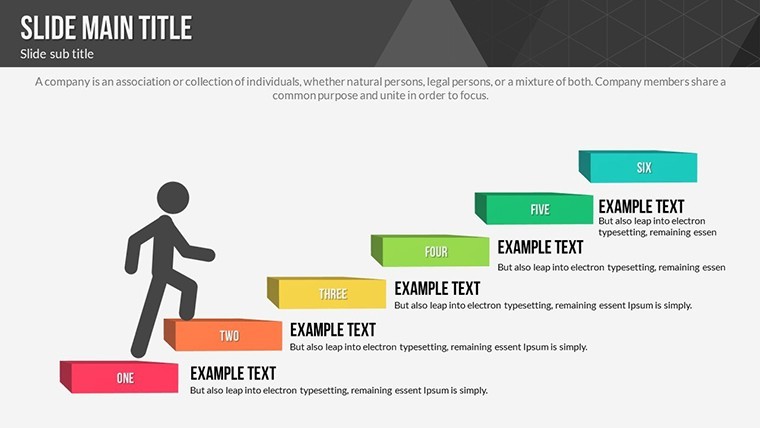
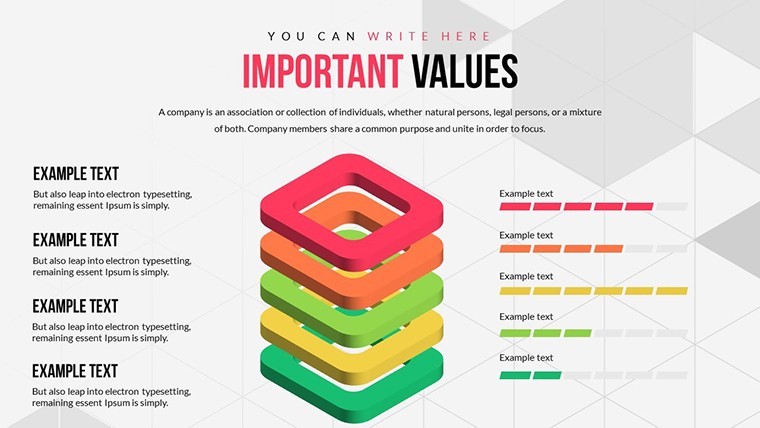
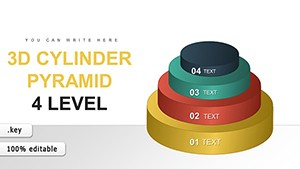
- 3D Pyramids: Stack priorities visually, showing escalation from base urgencies to peak importances.
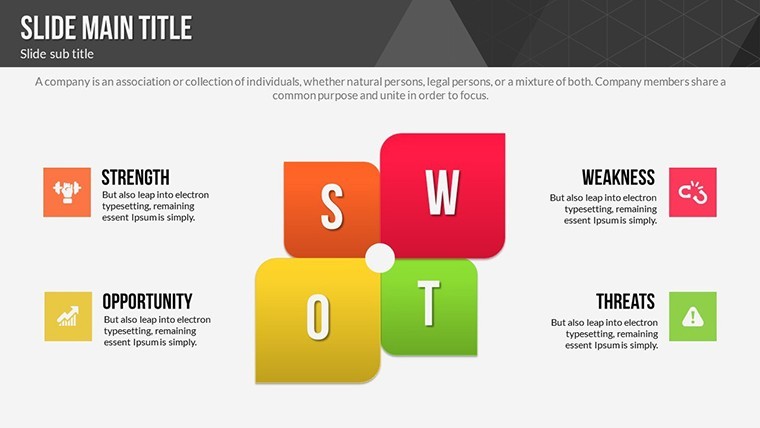
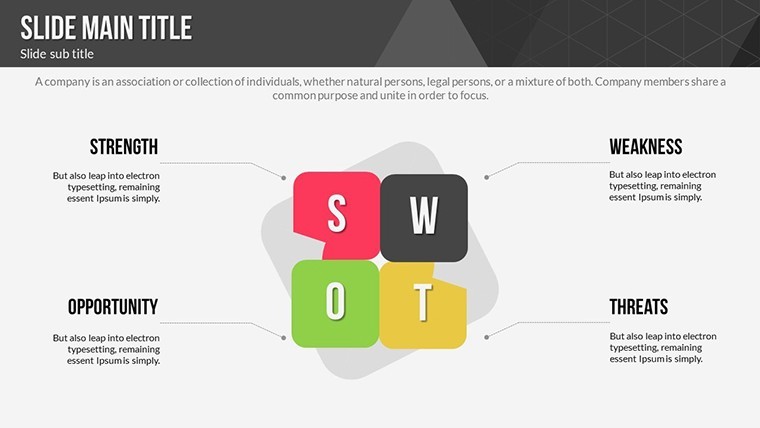
- SWOT Integration: Combine with matrices to evaluate strengths in handling urgent matters.
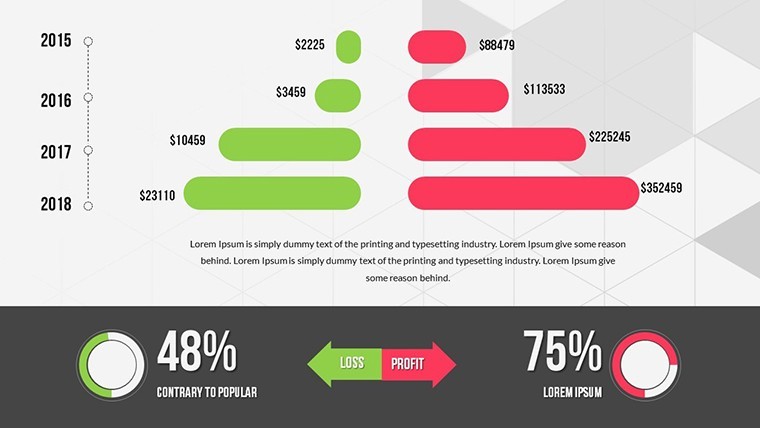
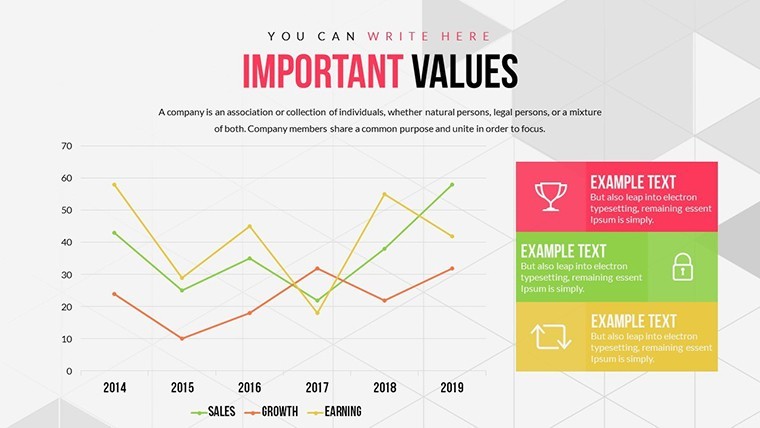
- Graph Variations: Line and bar charts to monitor task completion rates over time.
- Editable Layouts: Tweak texts, colors, and shapes to reflect your unique priority framework.
Outperforming basic matrix tools, these animated slides enhance retention - a study from productivity gurus at Mind Tools suggests visual aids like these improve decision speed by 30%.
Applications That Transform Daily Work
Put it to work in varied settings. For a project lead, use pyramid slides to delegate tasks, ensuring urgent items don't overshadow important goals. In agile teams, SWOT charts paired with urgency graphs facilitate sprint reviews, highlighting bottlenecks.
Drawing from real cases, like how tech startups use Eisenhower-inspired visuals to pivot quickly, this template fosters proactive cultures. One firm reported slashing meeting times by focusing presentations on prioritized agendas.
- Assess Tasks: List items and rate them on importance and urgency scales.
- Build Visuals: Populate pyramids or matrices with your data in Keynote.
- Animate for Impact: Add reveals to guide discussions dynamically.
- Review and Adjust: Update slides as priorities shift for ongoing relevance.
Seamless with tools like Calendar apps, import task lists to auto-populate charts, saving precious time.
Pro Tips for Priority Mastery
Layer humor lightly - label quadrants with witty notes like 'Do Now or Doom Later' to keep teams motivated. Use color coding: Reds for urgent, greens for important long-term. Align with GTD (Getting Things Done) methods for holistic productivity.
Following advice from Forbes contributors, regularly audit your matrices to avoid priority creep, maintaining focus.
Superior to Standard Options
This template's depth trumps freebies, with professional animations and integrations that justify the investment. Beloved by users for its practicality.
Take control - grab this template and prioritize your path to success now.
Frequently Asked Questions
How do the 3D pyramids help with prioritization?
They provide a hierarchical view, stacking tasks to show progression from urgent bases to important summits.
Can I customize the SWOT charts?
Absolutely, edit quadrants, add icons, and adjust layouts fully within Keynote.
Is animation setup complicated?
No, pre-built effects make it simple - select and apply for professional transitions.
What if I need more than 22 slides?
Duplicate and modify existing ones to expand as needed without limits.
Does it work for team collaborations?
Yes, share via iCloud for real-time edits in group settings.
Good for
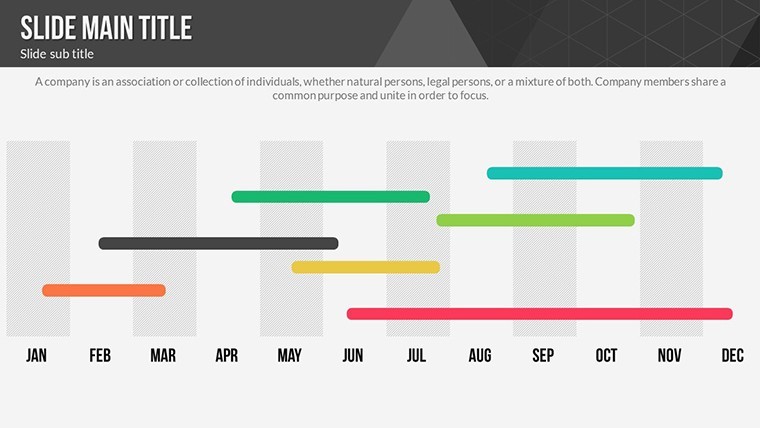
- Project roadmaps and sprint plans
- Product launch timelines
- Quarterly or annual review decks
- Company history and milestone summaries
Licence
reviews
Needed graphs for a student assignment and this was enough.
The slides looked organized without too many effects.
Easy to swap charts and labels.
Not super modern but acceptable.
Overall practical for fast projects.
FAQ
Will it work in Google Slides?
Are fonts embedded?
Can I use this for client work?
What's the refund policy?
Do you update the template after purchase?
Similar templates
See all Keynote Charts →
All 22 slides