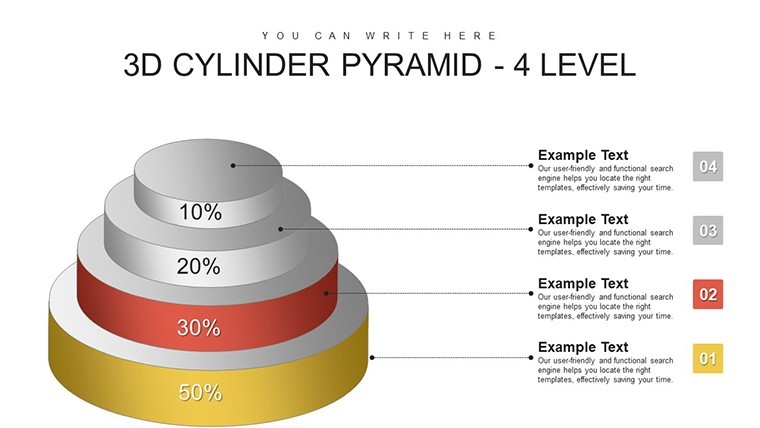
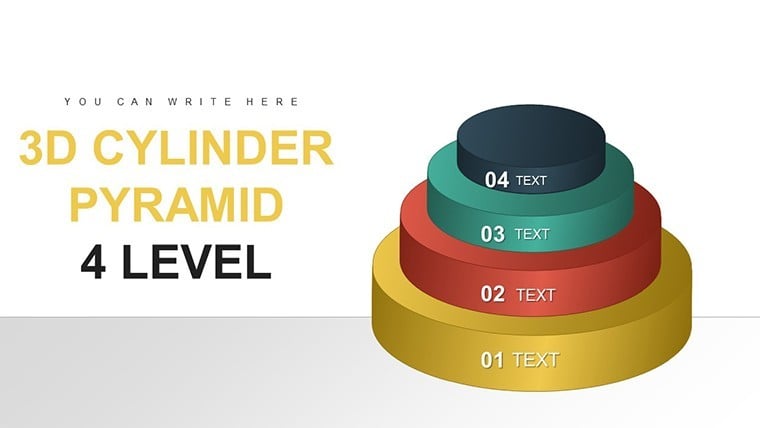
 Click to zoom
4-Level 3D Cylinder Pyramid Keynote - Fully Editable | ImagineLayout
| Format | .pptx |
| Slides | 22 unique layouts |
| Aspect ratio | 16:9 |
| Compatibility | PowerPoint |
| Animated | No |
| Language | English |
| License | Commercial |
| File size | — |
| Version | v1.0 |
| Last updated | April 2026 |
What's inside
4-Level 3D Cylinder Pyramid Keynote Template
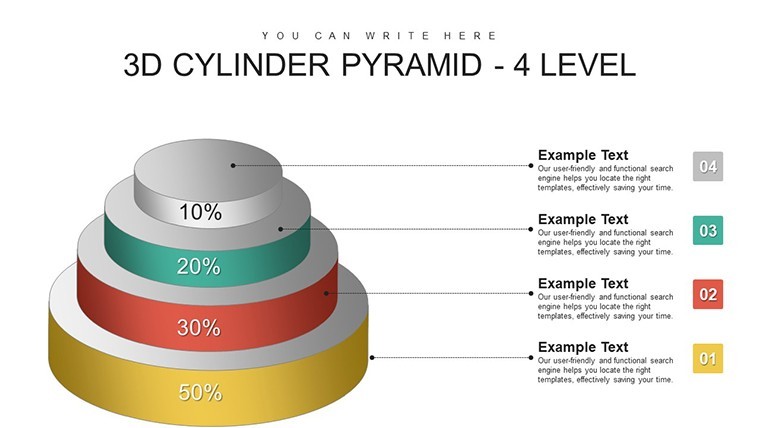
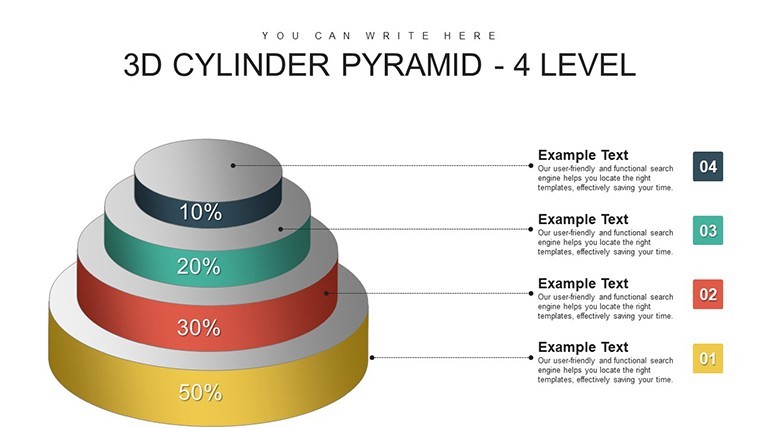
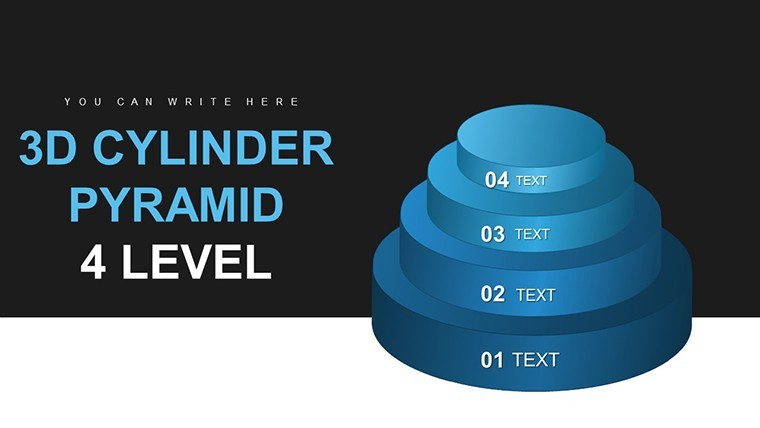
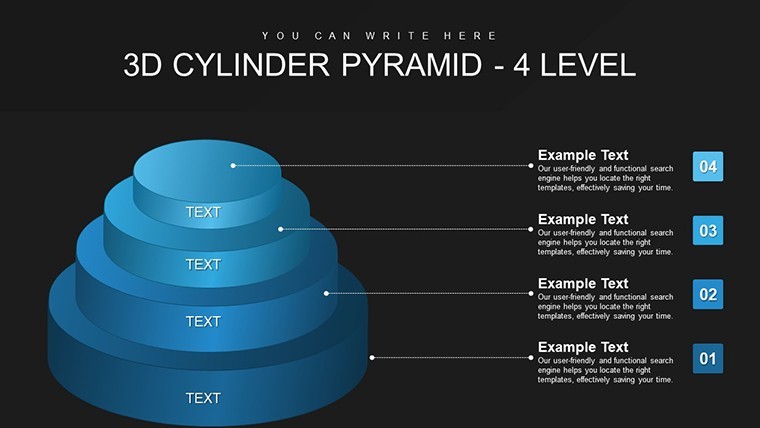
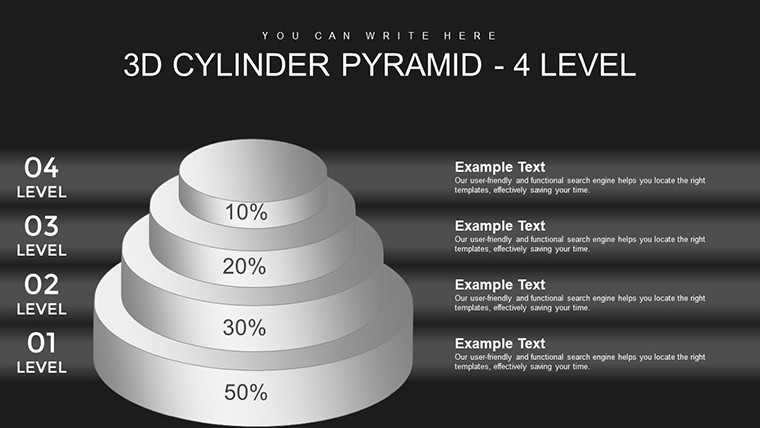
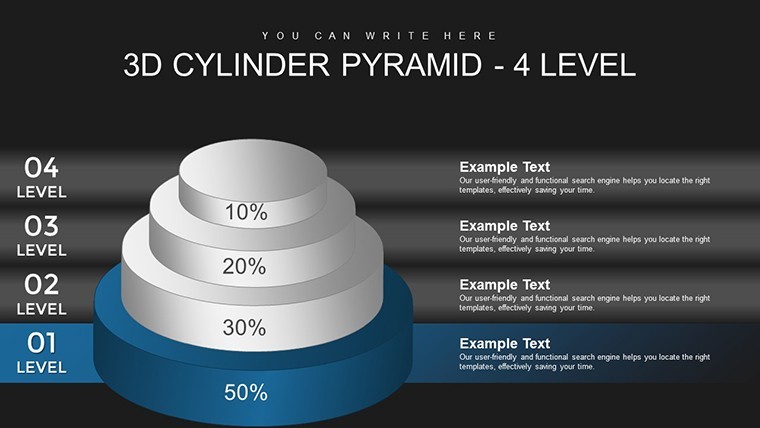
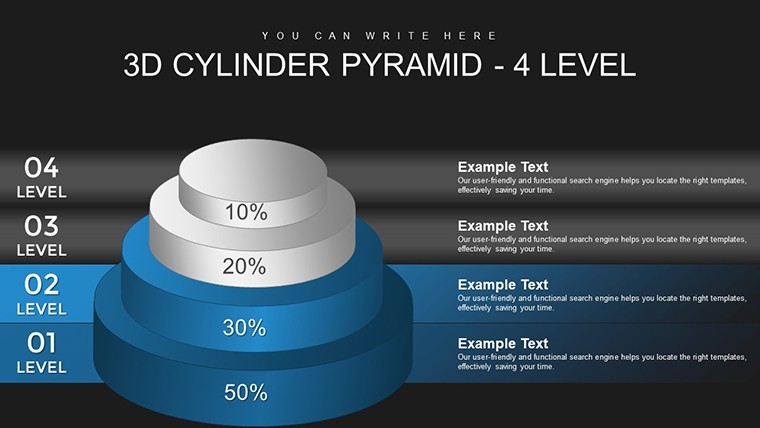
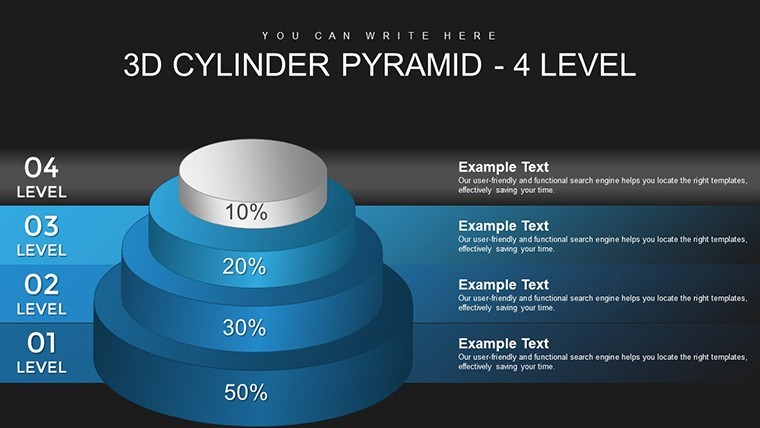
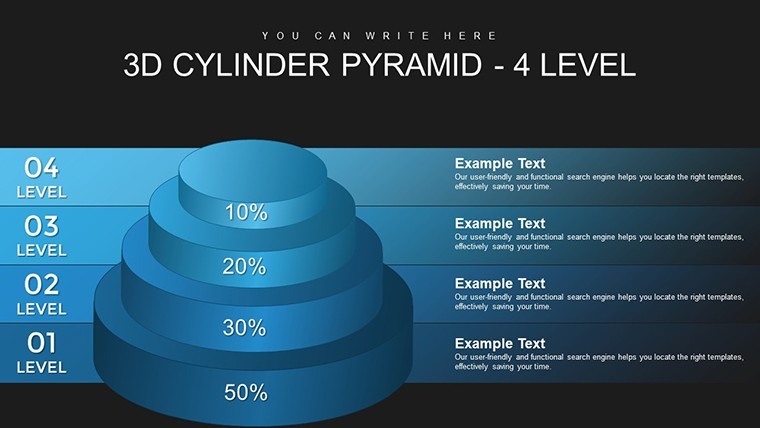
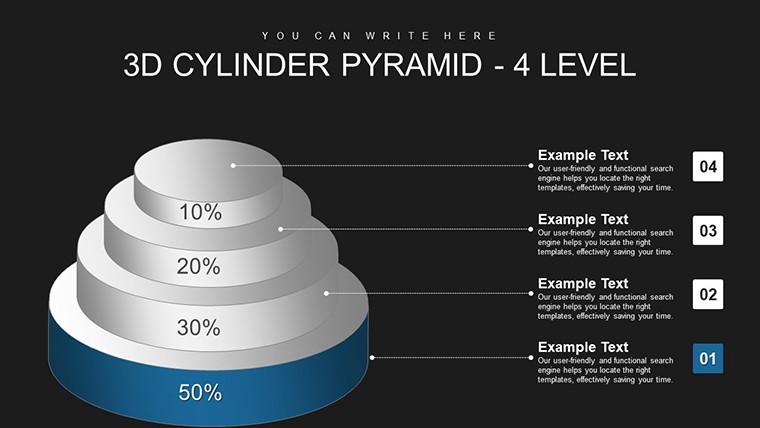
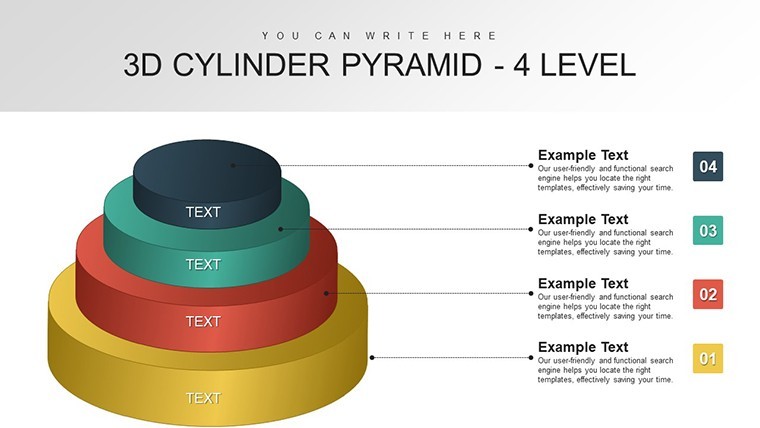
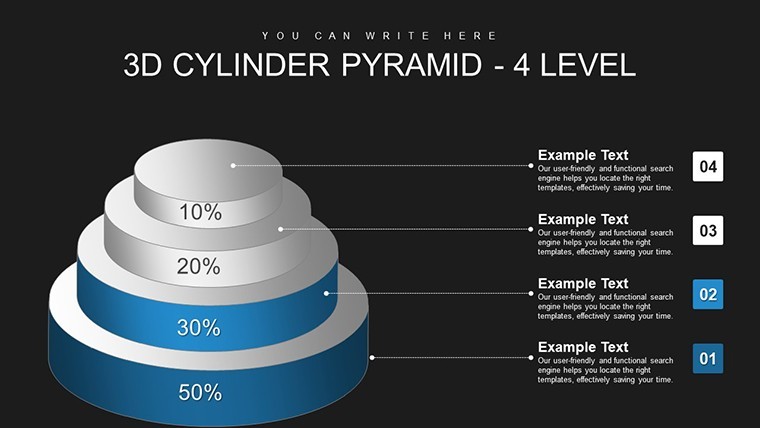
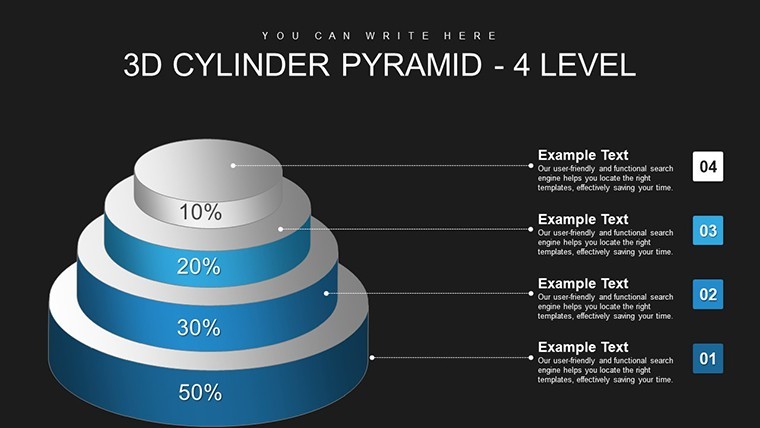
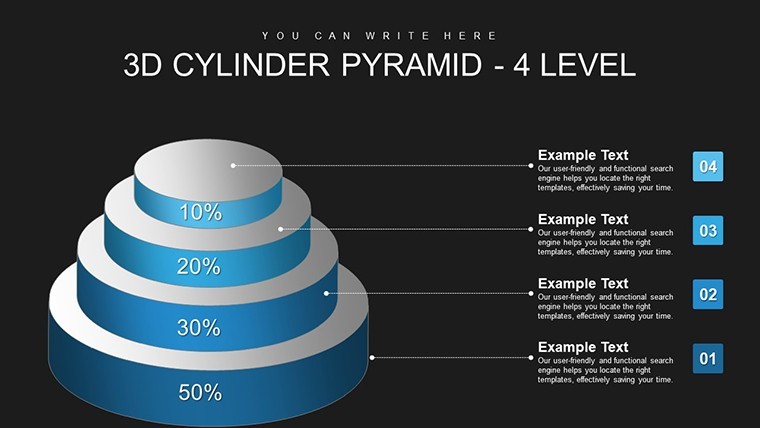
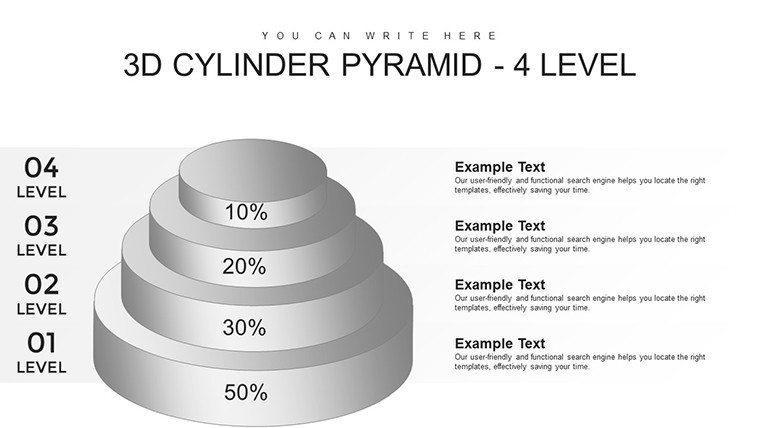
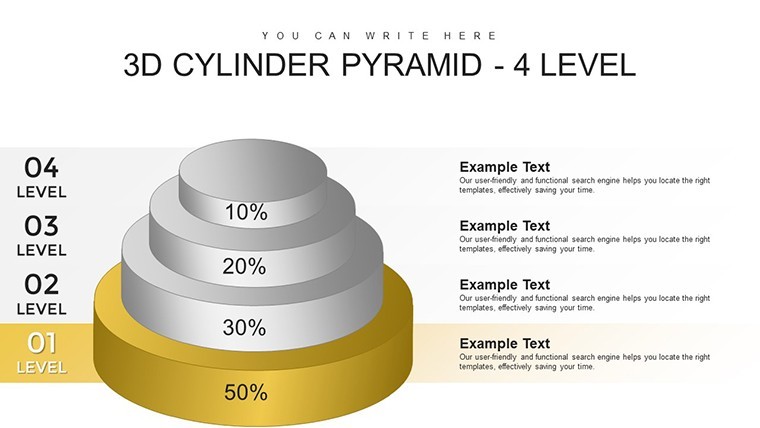
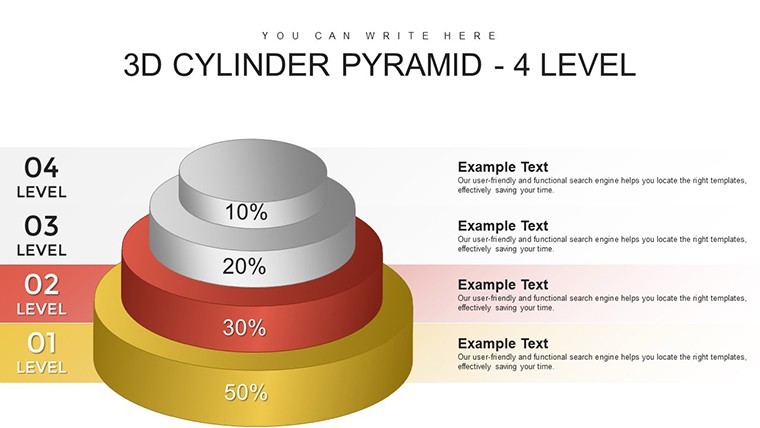
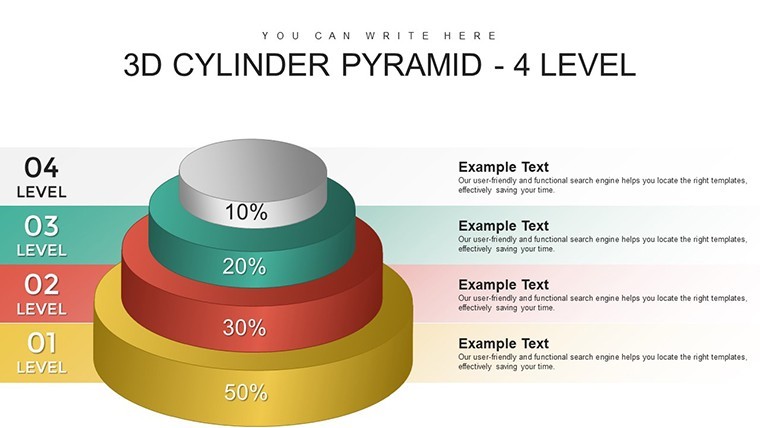
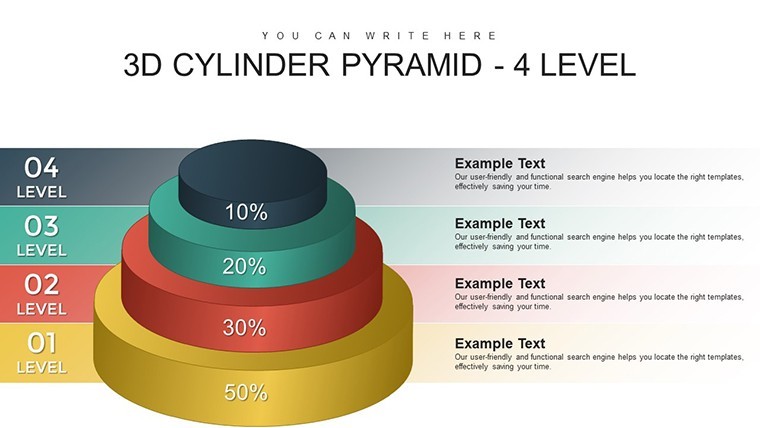
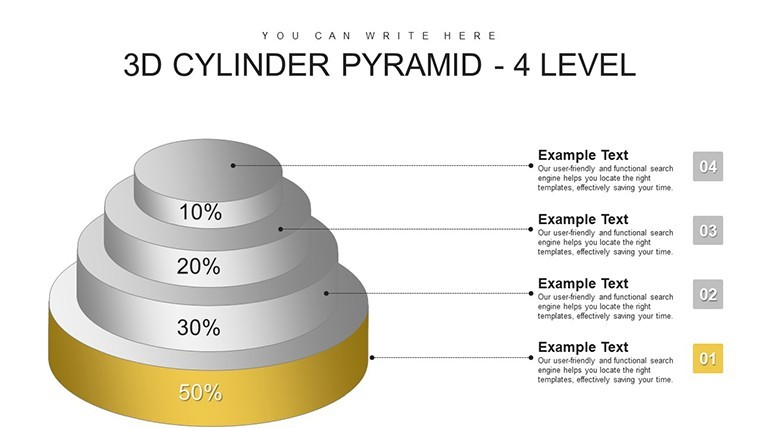
Inside you have 22 editable slides built as 4-level 3D cylinder pyramids. Layout direction is vertical the cylinders stack one on top of the other with balanced spacing and medium visual density so text fits nicely on each ring.
But the file is .key only and the paid price sits at $17. No free version here. You drop in your data and it works as-is.
Icon style is filled 3D cylinders with perspective. And the vertical stacking here is what makes it actually usable for showing progression. Took me a second to figure the layout logic but after that it's straightforward.
Honestly I just opened it changed the colors and it looked fine. Took maybe five minutes. The color switching is slightly confusing the first time but once you find the slide master it takes under a minute.
You know that situation when the deck is due tomorrow - this is exactly when you grab something like this. Strategy consultants use these when mapping process stages.
Not ideal if you need more than four levels but for process flows yeah it works. The vertical flow layouts are genuinely well-structured each step connects without crowding the slide.
If your team regularly presents project updates this set covers most of what you'll need without any redesign. Anyway in practice this is a must for quick hierarchy visuals.
FeatureDetailsSlides/diagrams22 3D cylinder pyramid diagrams vertical stackingFile format.key for KeynoteSoftware versionKeynote 12+ on macOSColor schemesMultiple via slide master one click updateEditable elementsText levels colors 3D shading resize independentlyAspect ratio16:9Free vs PaidPaid has full 22 slides animation support no free versionMasters/BackgroundsSlide master for global changesDownload and start editing immediately
What Keynote version and macOS does this need?So basically it runs fine on Keynote 12 and newer which covers most recent macOS versions. The short answer is you are good on anything from the last few years. Oh and you can also export to PDF from there.
How do I change colors via the slide master?Honestly go to View then Edit Master then pick the theme colors and tweak them once. All slides update right away. It depends a bit on your version but usually yes it works that quick.
Can I use this for client work?It's the same license most marketplaces use - one buyer one project commercial use is fine. You can deliver the deck to clients no problem. That's basically it.
What are the free vs paid differences?There is no free version here. The paid one gives you the complete 22 diagrams with animations. In most cases that is all you need and the rest is just the full editable file.
What are the refund conditions?Refunds follow the standard policy so check before you buy but usually they handle it if the file does not open. - actually the easiest way is just contact support if something goes wrong.
Check out similar options like the 3D 5-Level Cylinder Pyramid Keynote Charts or the 3D 4-Level Pyramid Keynote Charts Template.
Good for
- Project roadmaps and sprint plans
- Product launch timelines
- Quarterly or annual review decks
- Company history and milestone summaries
Licence
reviews
Used this template for a market analysis report and it was easy to customize.
The infographic style charts were helpful for explaining trends.
Some slides felt too busy but I removed a few elements.
I do not usually leave reviews but this saved me time.
The layouts were flexible enough for different topics.
FAQ
Will it work in Google Slides?
Are fonts embedded?
Can I use this for client work?
What's the refund policy?
Do you update the template after purchase?
Similar templates
See all Keynote Charts →
All 22 slides