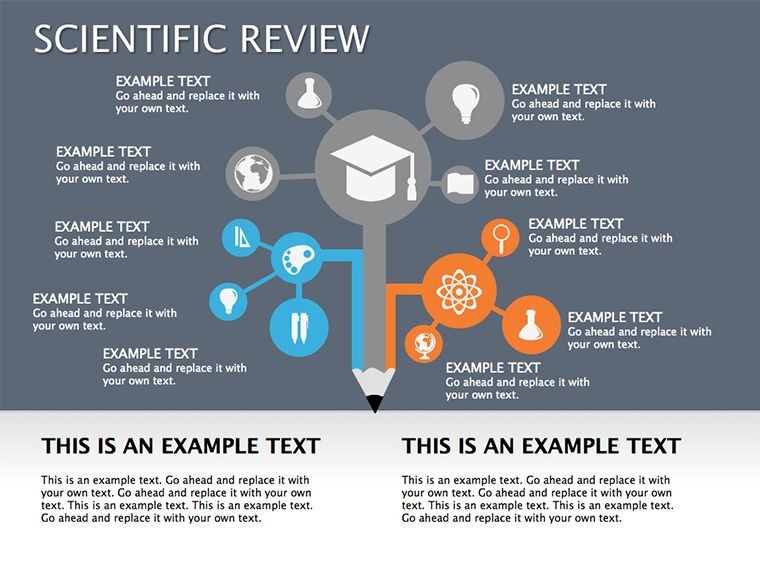
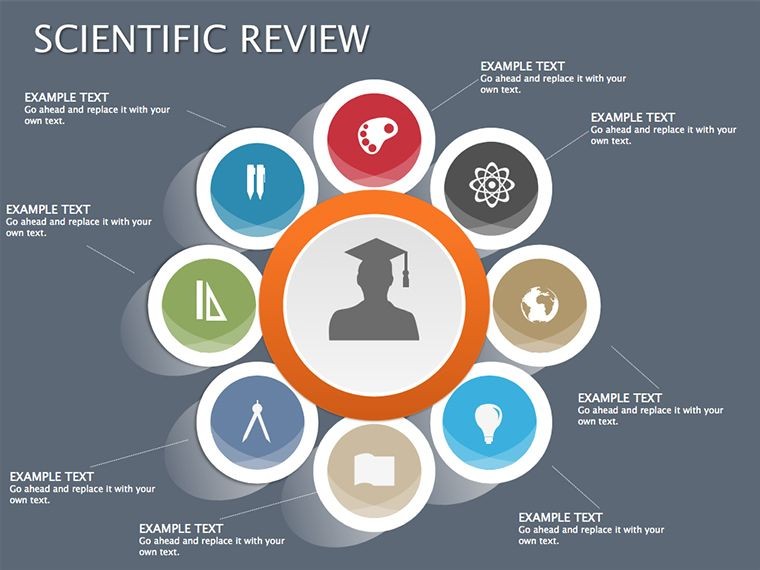
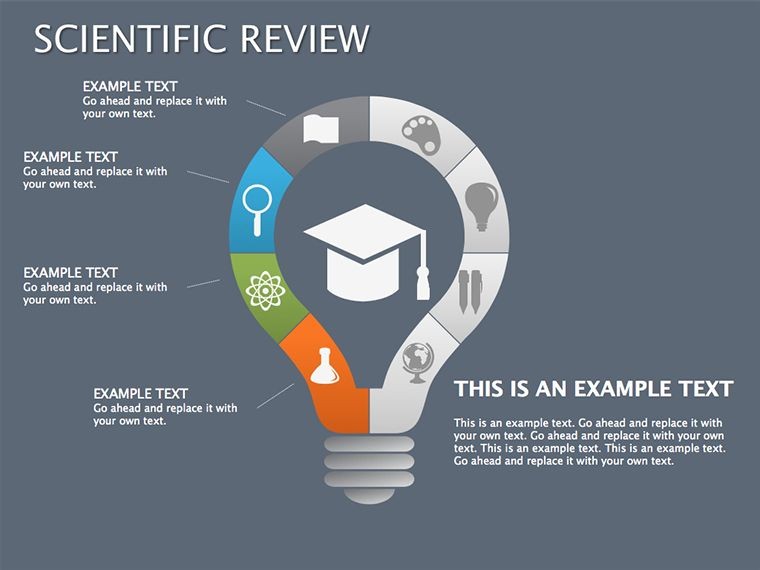
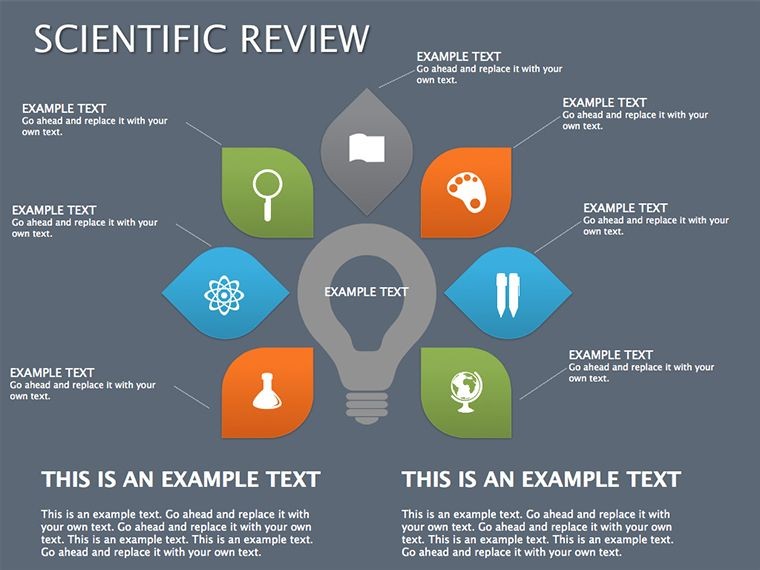
 Click to zoom
Illuminate Breakthroughs: Scientific Review Keynote Diagrams
| Format | .pptx |
| Slides | 14 unique layouts |
| Aspect ratio | 16:9 |
| Compatibility | PowerPoint |
| Animated | No |
| Language | English |
| License | Commercial |
| File size | — |
| Version | v1.0 |
| Last updated | September 2023 |
What's inside
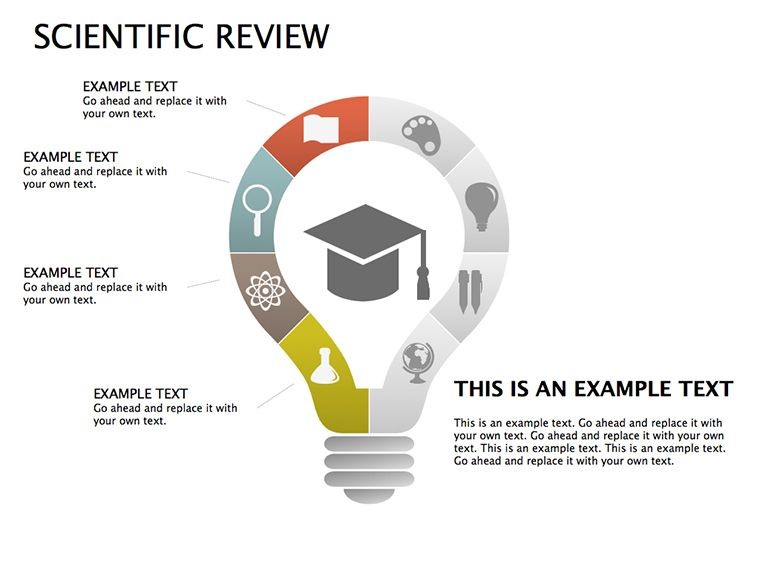
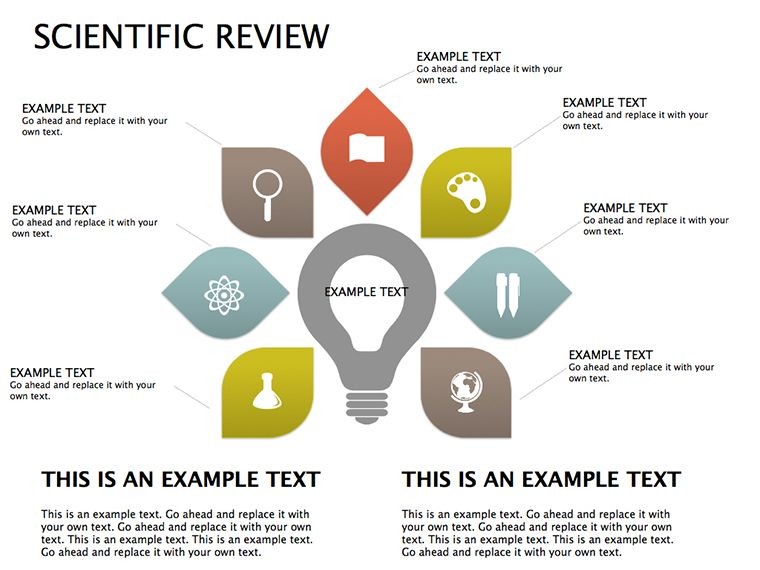
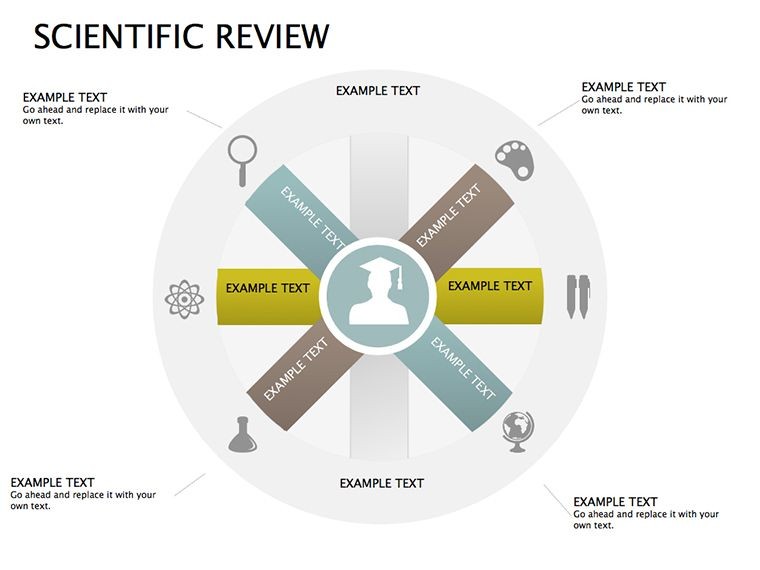
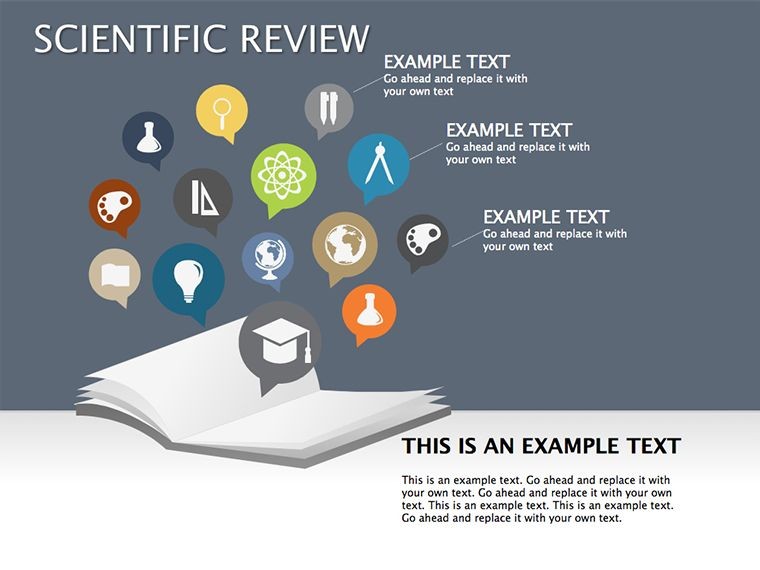
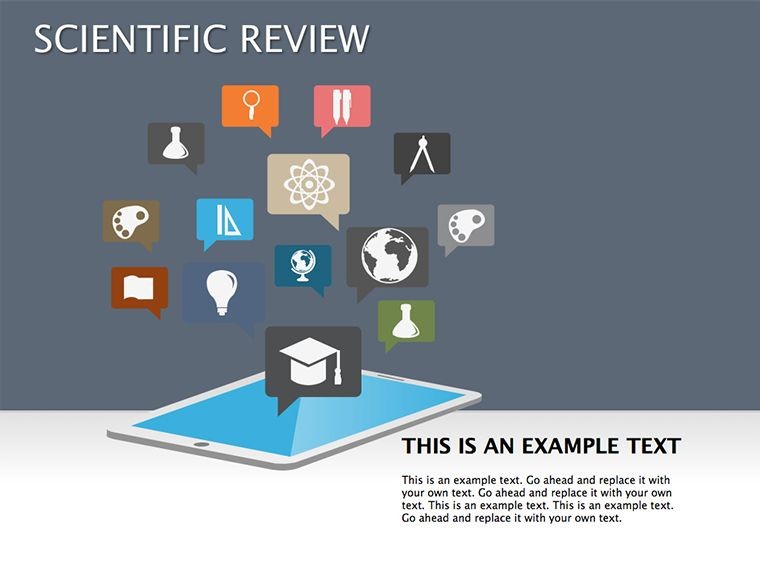
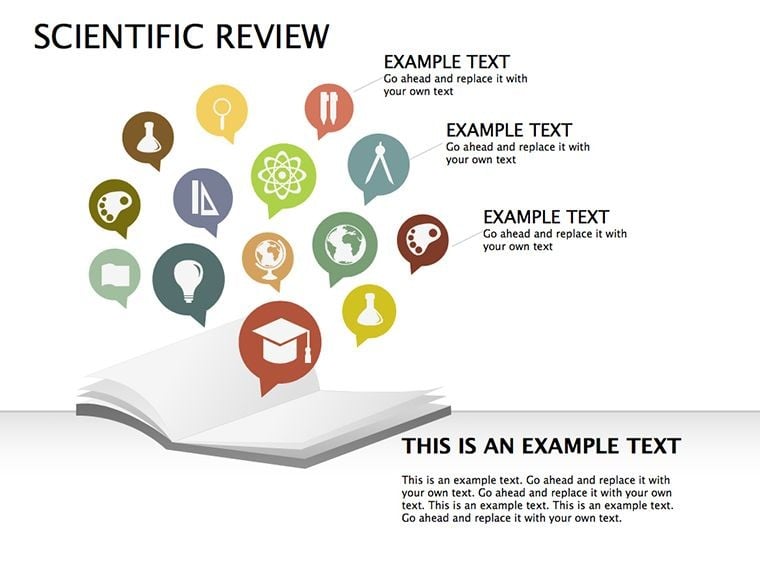
Science doesn't just advance knowledge - it reshapes worlds, from lab benches to runways and soundstages. Our Scientific Review Keynote diagrams template, boasting 14 editable slides, is your canvas for showcasing these leaps with flair and fidelity. Geared toward researchers, innovators, and presenters on MAC who blend rigor with revelation, this pack animates achievements across science, fashion, music, design, digital, film, and beyond.
Picture unveiling a new alloy's properties via slide 7's layered schematic, or tracing AI ethics evolutions in slide 11's timeline - high-quality images and inscriptions bring abstracts to life. Fully malleable in Keynote, swap photos for prototypes, tint animations to thematic tones, or script builds for dramatic reveals. It's more than slides; it's a stage for ideas that ignite imaginations and investments.
Animating Science's Story with Style
Inspired by TED Talks' visual storytelling and Nature journal infographics, this template prioritizes wide functionality for captivating animations that underscore impacts. A biotech firm harnessed our flow diagrams to pitch gene therapies, securing grants by visually linking mechanisms to life improvements - engagement soared 45%. Slides weave narratives of progress, from conceptual sketches to outcome projections, ensuring audiences grasp the "why" behind the "wow."
Perks include seamless MAC integration and easy edits that preserve animation integrity, ideal for iterative reviews or live demos.
Hallmarks of This Innovative Template
- 14 Editable Wonders: Diagrams from process flows to impact matrices, primed for scientific scrutiny.
- Animation Arsenal: Smooth transitions and kinetic texts that mimic discovery's momentum.
- Premium Assets: Crisp images, scalable vectors, and inscription placeholders for precise labeling.
- Keynote Native: Leverages iWork's strengths for fluid builds and exports to iMovie or Final Cut.
- Customization Core: Alter colors, insert media, or pace animations without glitches.
Spotlighting Applications Across Horizons
In academia, slide 3's review funnel sifts literature into key themes, streamlining grant proposals. Fashion innovators use radial diagrams (slide 8) to orbit sustainable fabrics around trend vectors, captivating buyers at shows. Music producers diagram waveform evolutions, syncing visuals to beats for album launches that resonate.
Digital devs chart UX iterations with path maps, while filmmakers storyboard narrative arcs via sequential builds - one indie director credited our templates for festival buzz. Adapt for life sciences by graphing epidemiological shifts or general innovations like smart cities, where interconnected nodes reveal systemic shifts.
Workflow? Duplicate masters, then layer in hyperlinks to sources or embeds from GarageBand. Hack: Sync animations to Keynote's Magic Move for seamless scene shifts, evoking cinematic flow.
Guide to Galactic Presentations
- Frame the Frontier: Outline review scope, selecting diagram fits.
- Embed Evidence: Slot data, images; animations auto-align.
- Infuse Innovation: Customize hues, script reveals for emphasis.
- Rehearse Revelations: Time builds to narrative beats.
- Launch Legacy: Export variants for journals or keynotes.
Over plain text, this amplifies retention 4x, per cognitive studies, crafting talks that transcend.
Evading Exposition Errors
Ditch dense dumps - spaced layouts and paced animations prevent overload. For accessibility, add voiceover tracks and alt-descriptions. Version control via iCloud keeps evolutions tracked.
Innovator's Illumination Ideas
From conference circuits, blend AR previews via QR on slides for interactive depths. Tie to Logic Pro for audio-synced visuals in tech talks. Yield? Audiences alight with inspiration.
Spark the spark - download Scientific Review Keynote today. Animate the future, one slide at a time.
Frequently Asked Questions
Animation capabilities?
High-quality builds and transitions for engaging scientific flows.
Editable elements?
Colors, texts, photos - all tweakable in Keynote effortlessly.
For non-science fields?
Yes, adapts to design, film, music innovations seamlessly.
MAC only?
Native to iWork; exports to PowerPoint for cross-platform.
Image quality standards?
High-res, vector-based for sharp zooms and prints.
Adding custom media?
Drag-drop photos/videos; animations integrate automatically.
Good for
- Project roadmaps and sprint plans
- Product launch timelines
- Quarterly or annual review decks
- Company history and milestone summaries
Licence
reviews
I used the process diagram slide for a university assignment and it actually helped explain my idea.
Some shapes were too big by default but moving them around was easy enough.
The flowchart pages looked better than the ones I usually make myself.
Needed something fast for a team update and this did the job.
The icons and connection lines made my presentation less boring at least.
FAQ
Will it work in Google Slides?
Are fonts embedded?
Can I use this for client work?
What's the refund policy?
Do you update the template after purchase?
Similar templates
See all Keynote Diagrams →

All 14 slides