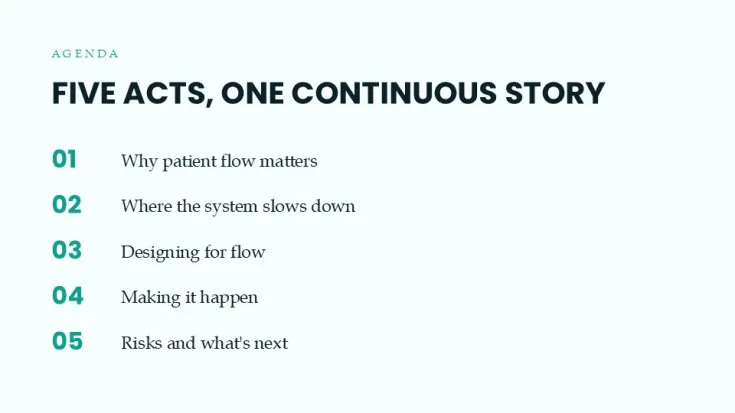
 Click to zoom
Hospital Operations Patient Flow PowerPoint Template with Editable Charts
| Format | .pptx |
| Slides | 34 unique layouts |
| Aspect ratio | 130/73 |
| Compatibility | PowerPoint |
| Animated | No |
| Language | English |
| License | Commercial |
| File size | — |
| Version | v1.0 |
| Last updated | June 2026 |
What's inside
Overview
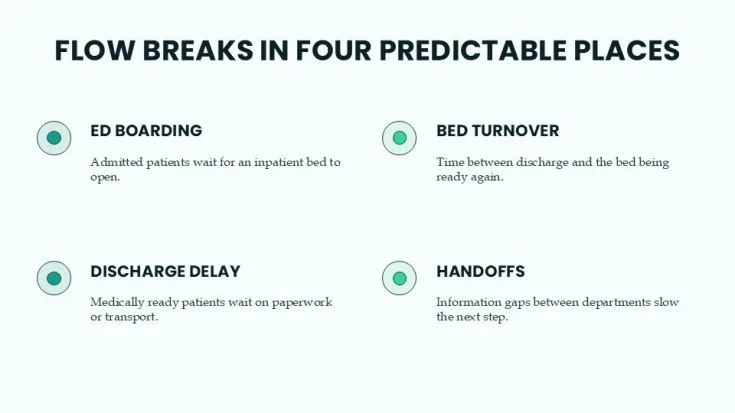
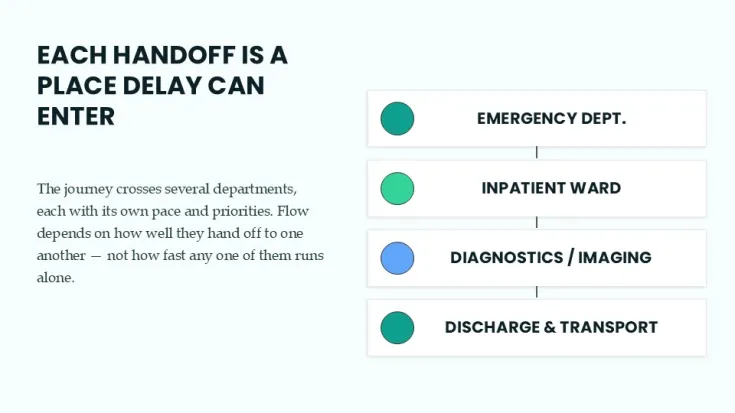
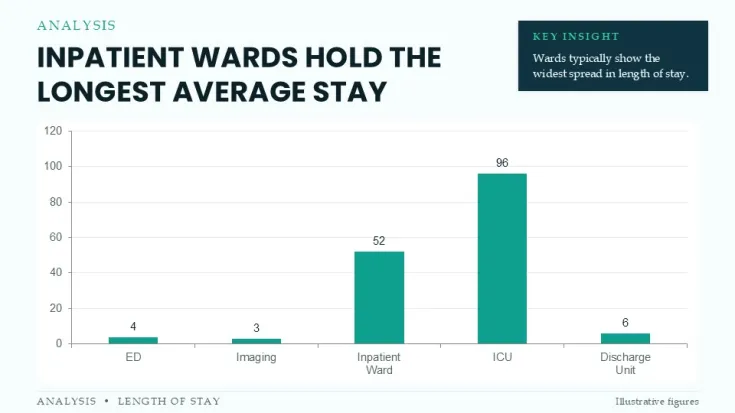
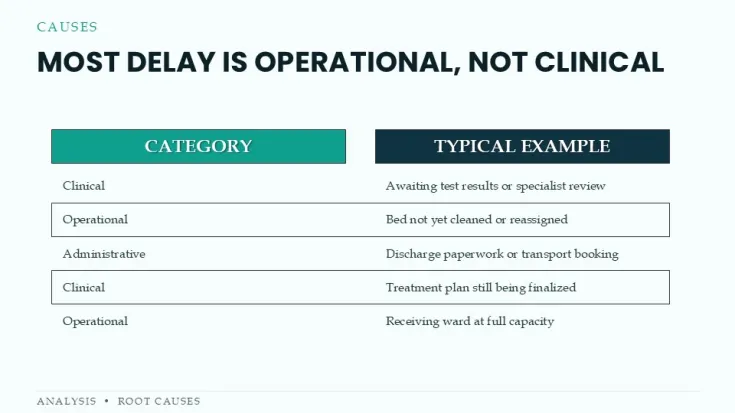
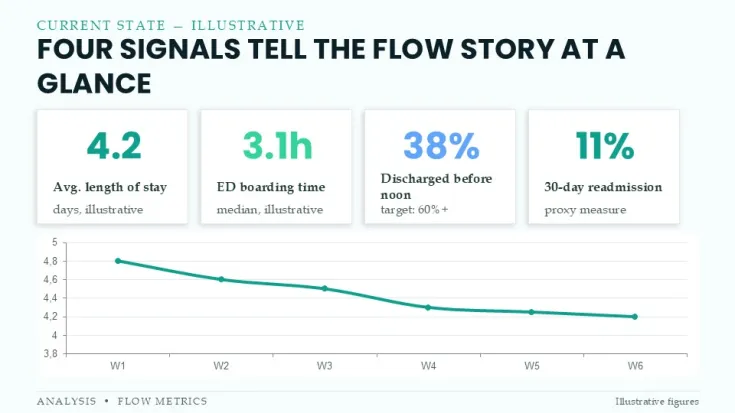
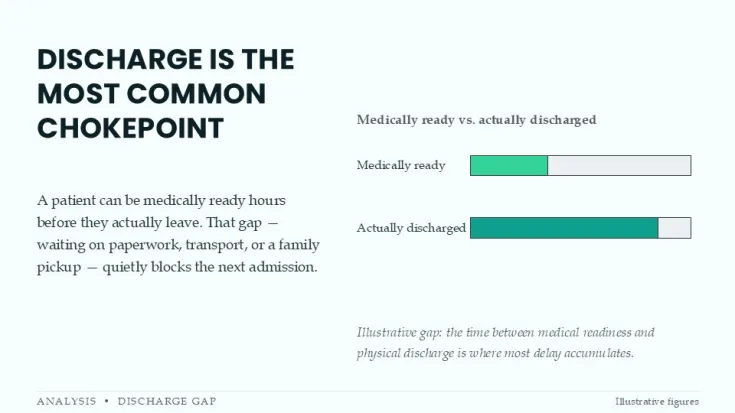
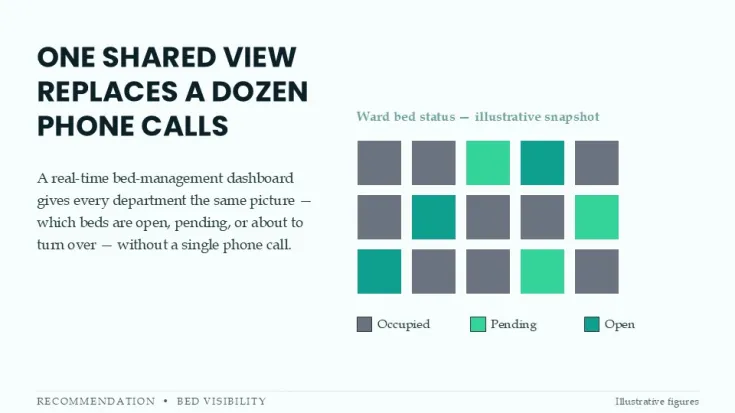
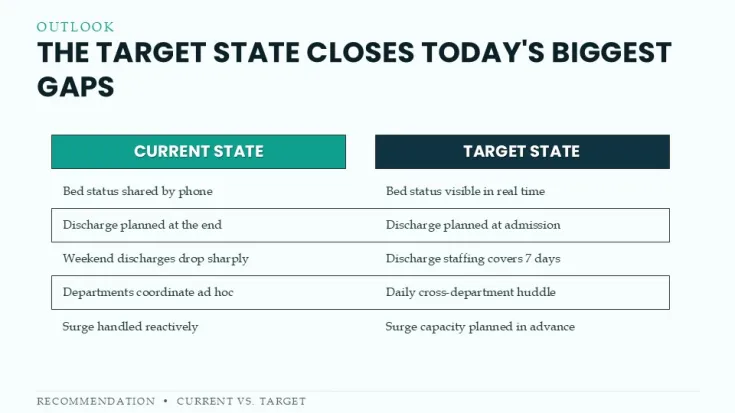
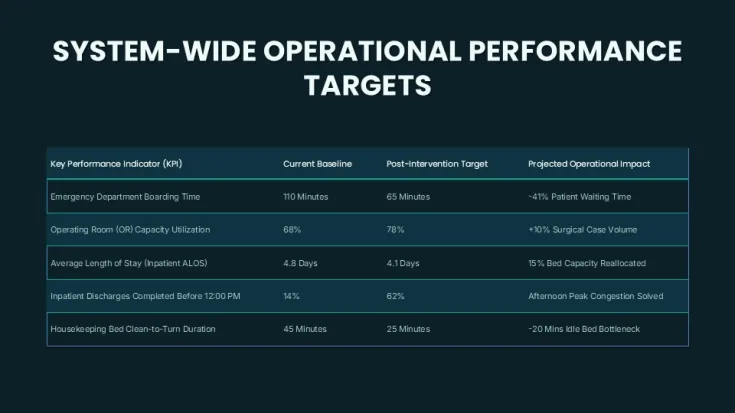
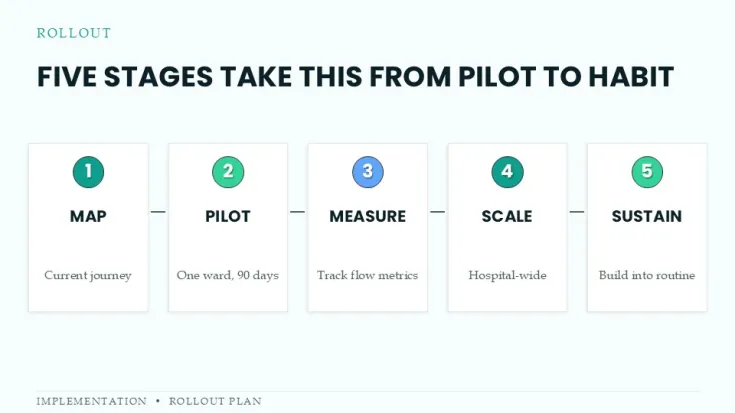
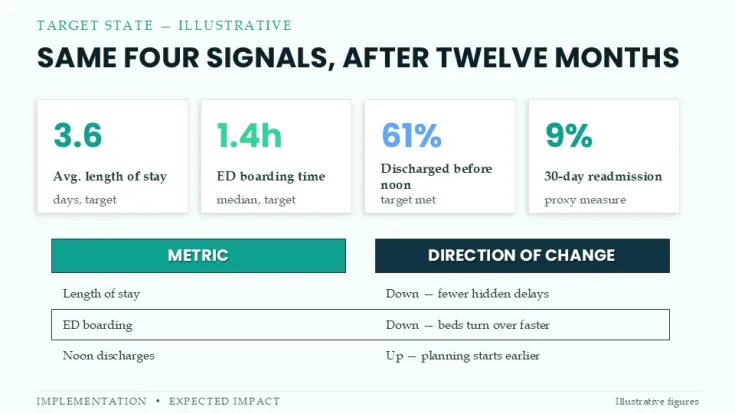
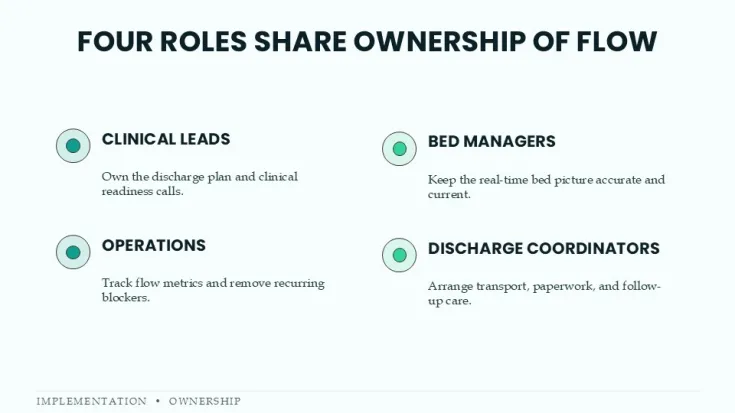
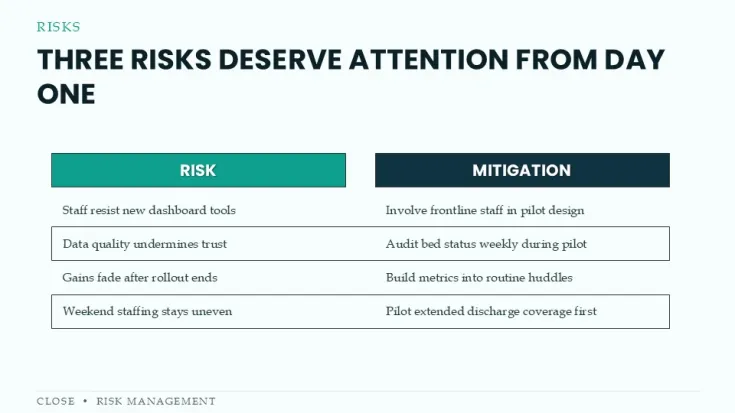
This PowerPoint template provides dedicated charts and diagrams for hospital operations teams to present patient flow processes.
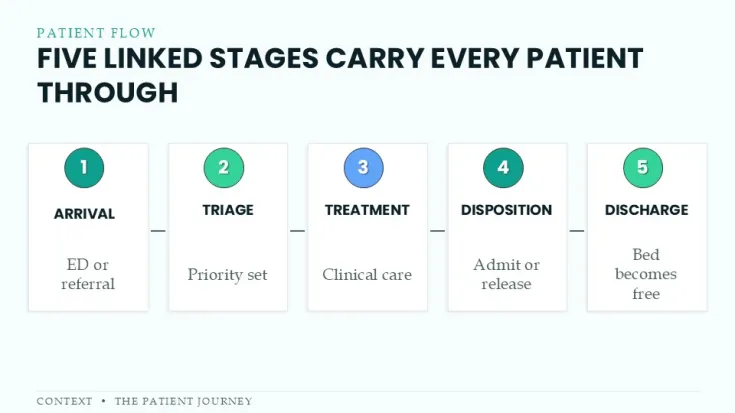
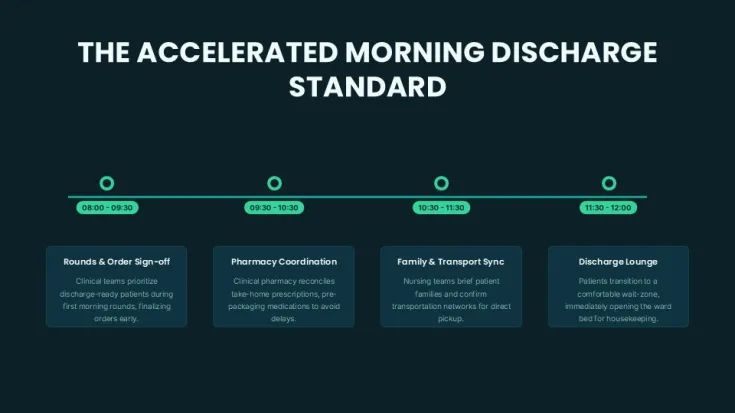
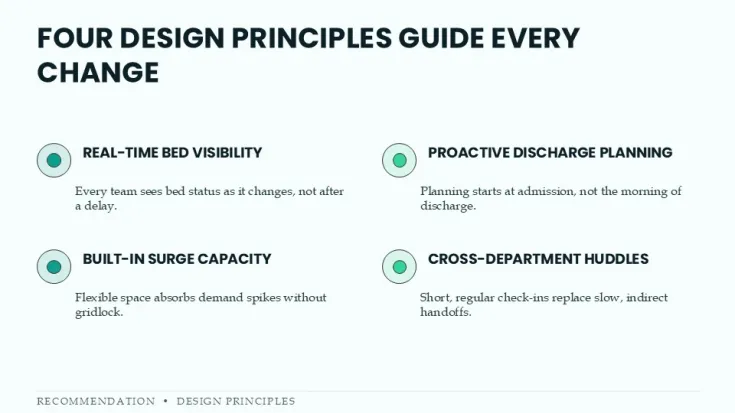
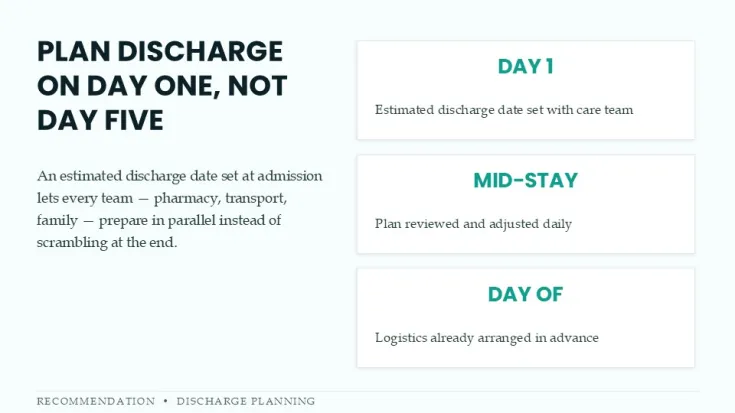
It supports clear visualization of key stages including patient admission, treatment pathways, and discharge management using editable flow diagrams.
Practical Editing Behavior
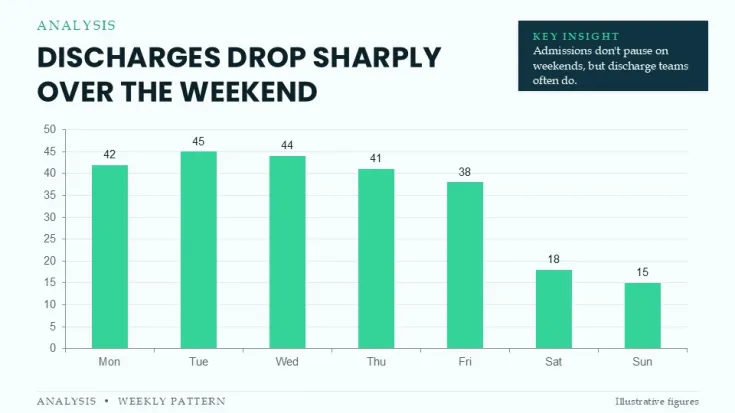
Charts and patient flow diagrams are fully editable. Data points in the charts can be updated directly in PowerPoint. Vector shapes and flow connections allow custom adjustments to match specific hospital workflows.
Technical Advantages
- 34 editable slides in native PPTX format integrate directly into existing hospital reporting presentations.
- Specialized patient flow charts improve clarity when communicating operational data to stakeholders.
- Consistent diagram layouts support quick modifications during quarterly reviews or process improvement meetings.
- Focus on healthcare-specific flow visuals reduces time needed to build custom diagrams from scratch.
FAQs
Can the flow diagrams be customized in PowerPoint?
Yes. All charts and flow elements are editable using standard PowerPoint tools. You can modify data points, shapes, and connections as needed.
Who is this patient flow template designed for?
It is designed for hospital administrators, operations managers, and healthcare consultants who need to present process flows and operational metrics.
Good for
- Project roadmaps and sprint plans
- Product launch timelines
- Quarterly or annual review decks
- Company history and milestone summaries
Licence
reviews
No reviews yet. Be the first!
FAQ
Will it work in Google Slides?
Are fonts embedded?
Can I use this for client work?
What's the refund policy?
Do you update the template after purchase?
Similar templates
See all PowerPoint Charts →

All 34 slides