 Click to zoom
Hexagonal Objects Keynote Charts Template
| Format | .pptx |
| Slides | 14 unique layouts |
| Aspect ratio | 16:9 |
| Compatibility | PowerPoint |
| Animated | No |
| Language | English |
| License | Commercial |
| File size | — |
| Version | v1.0 |
| Last updated | October 2022 |
What's inside
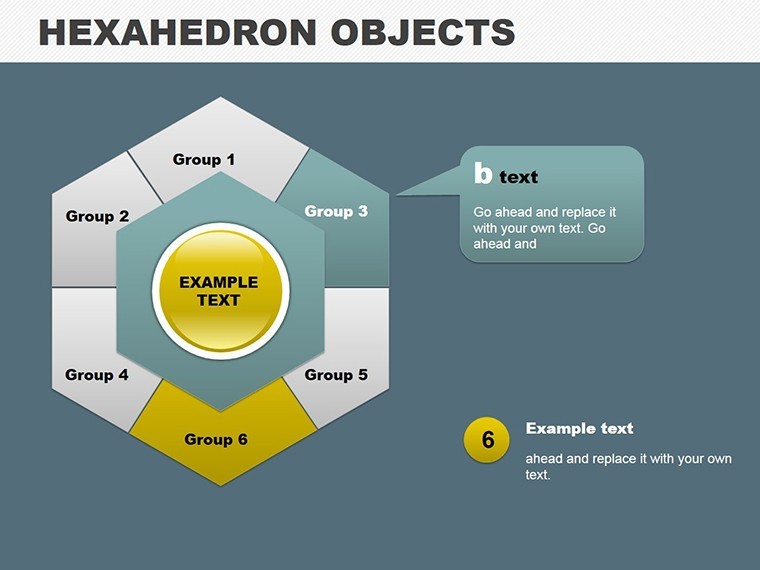
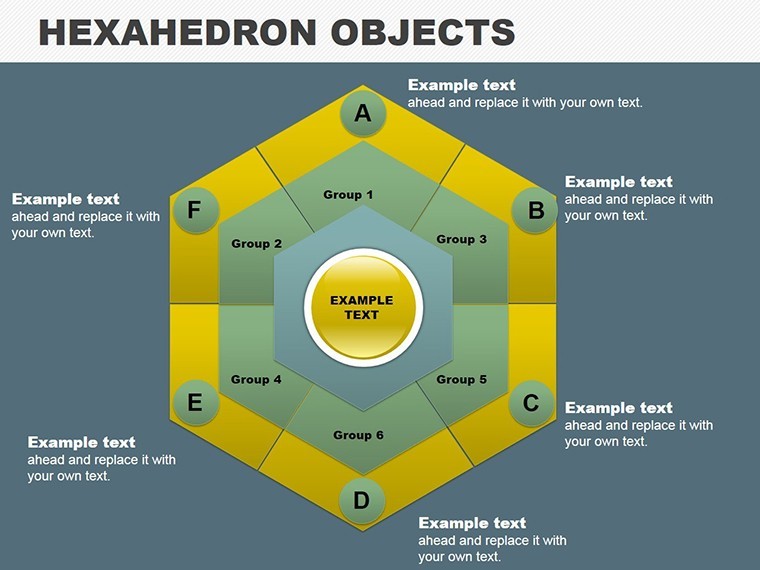
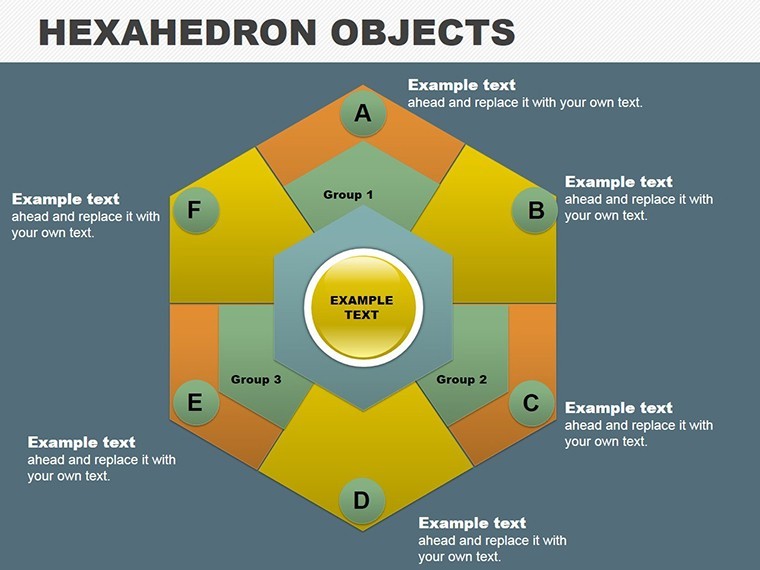
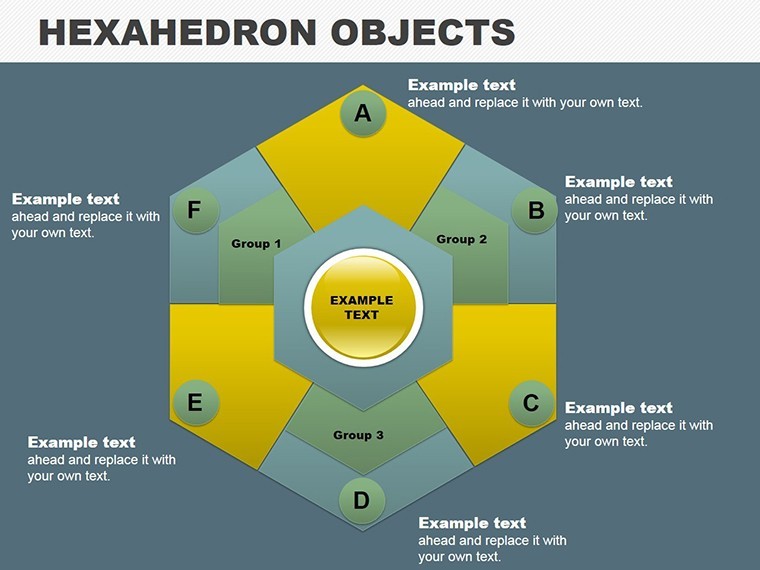
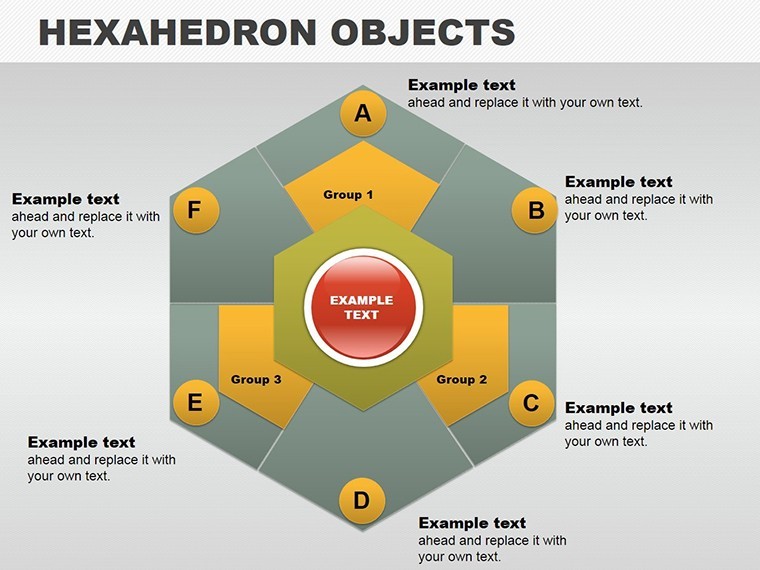
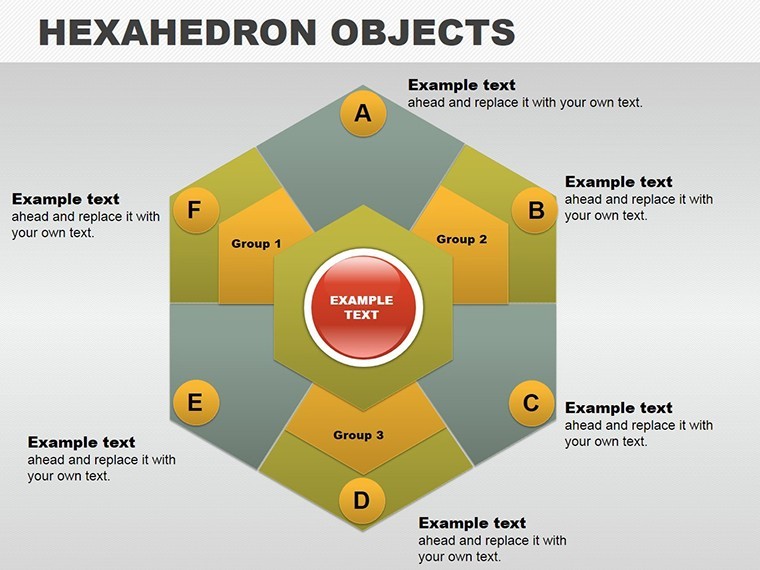
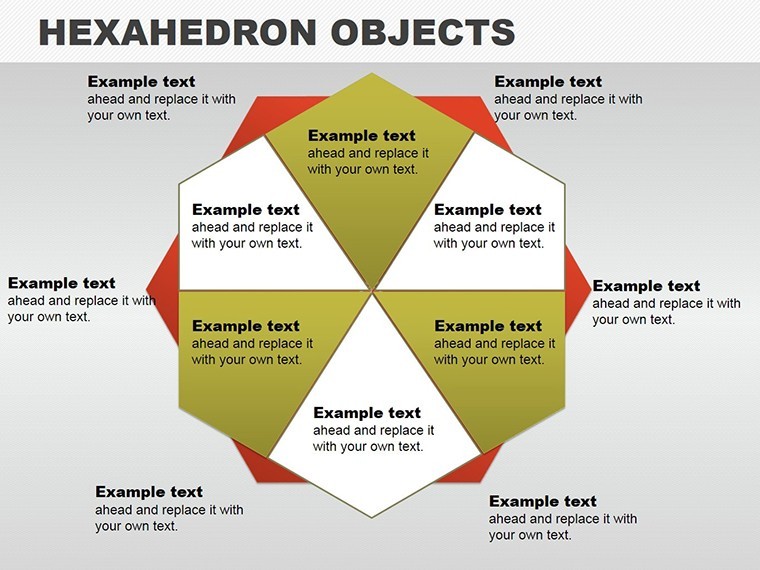
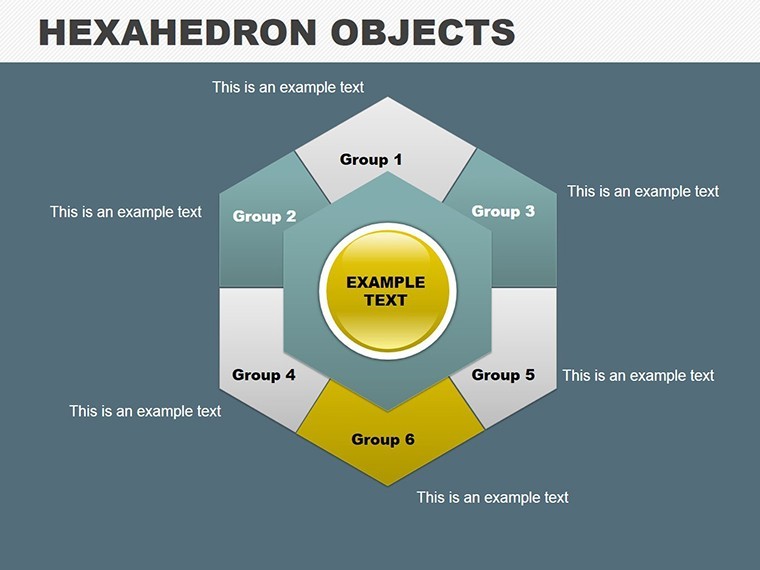
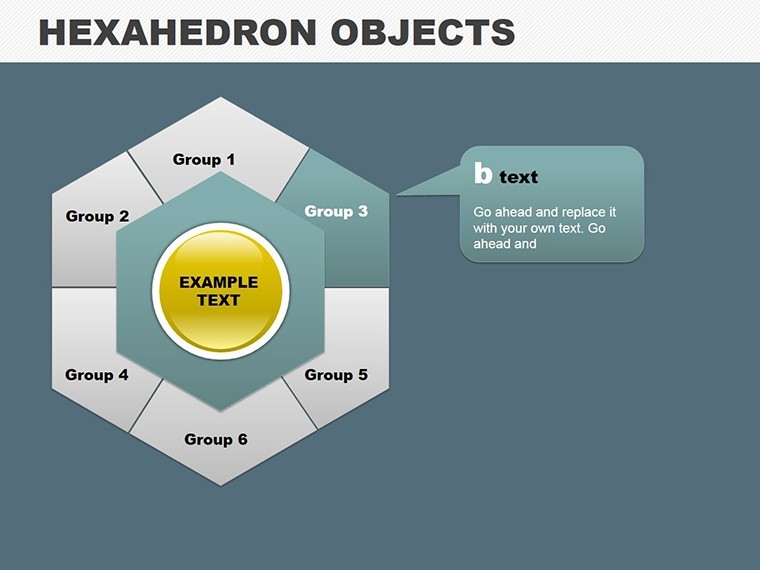
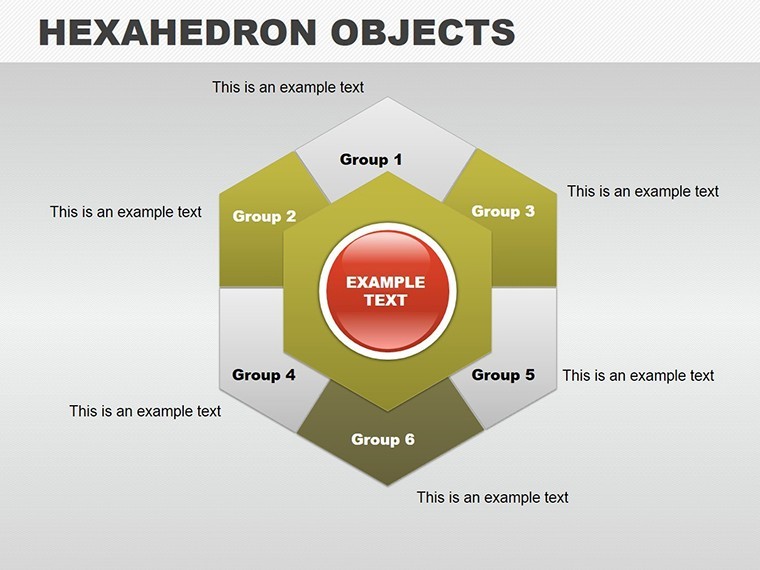
Dive into the geometric elegance of the Hexagonal Objects Keynote Charts Template, where six interconnected hexagons form a canvas for brilliant ideas and data-driven revelations. Ideal for entrepreneurs, teachers, and innovators seeking to infuse presentations with modern flair, this 14-slide editable set turns abstract concepts into structured, visually striking narratives. Whether outlining product features or mapping knowledge ecosystems, these hexagons provide a hexagonal harmony that engages and enlightens.
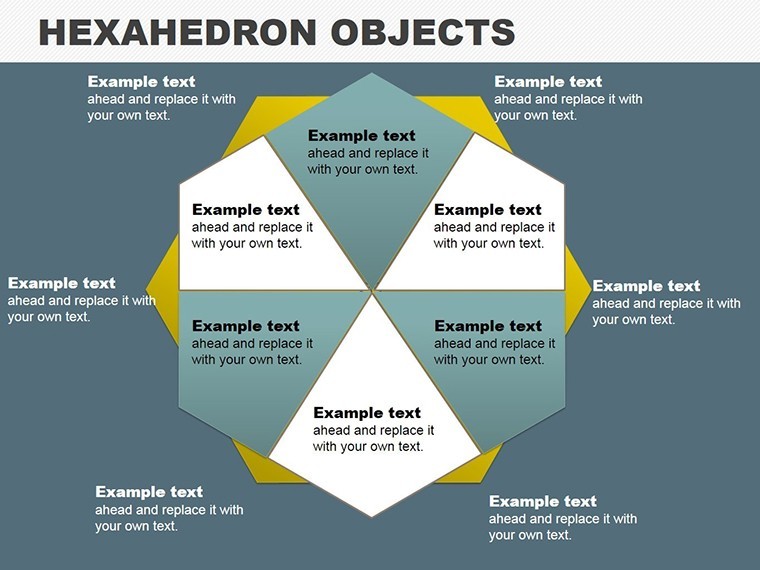
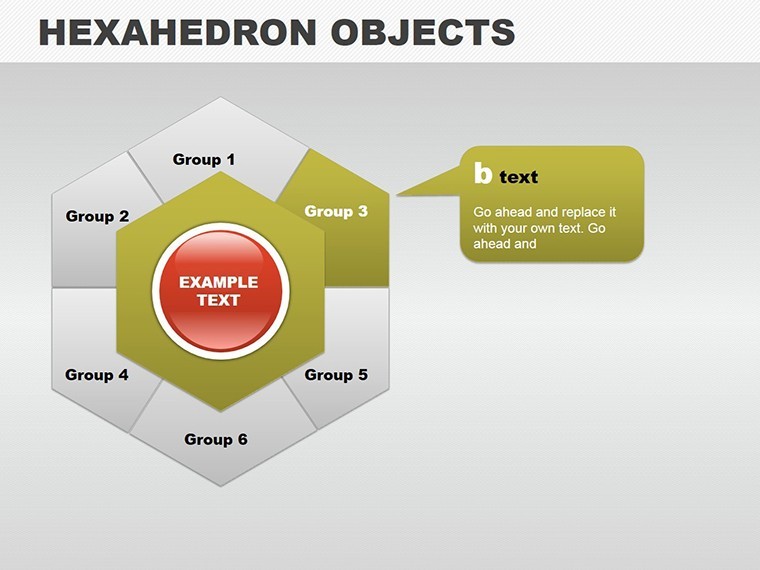
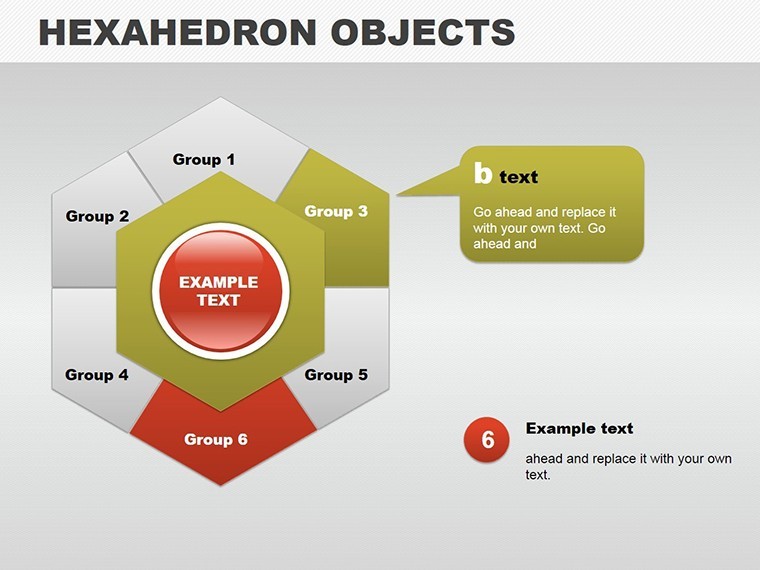
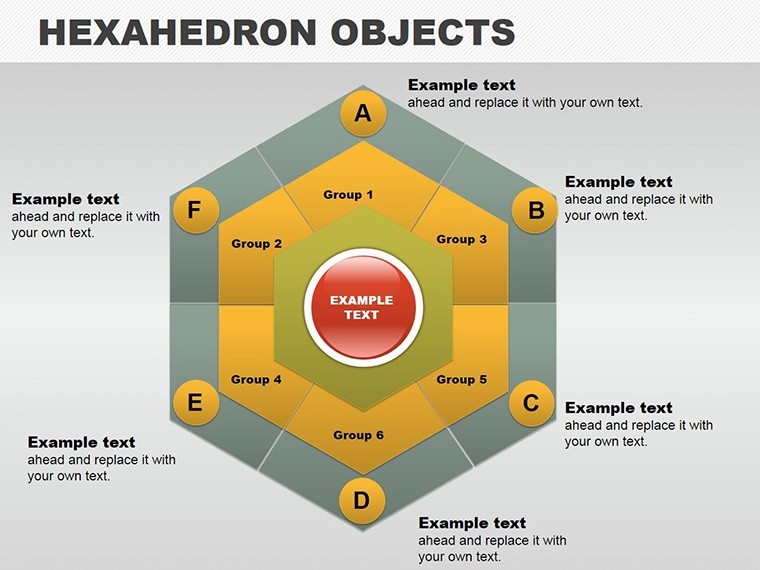
Built for Keynote excellence, it adapts flawlessly to PowerPoint and Google Slides, with vector precision ensuring scalability. Envision a central hexagon branching to six peripherals, each detailing aspects of a business model, customizable to spotlight innovations like sustainable practices.
Embracing Hexagonal Symmetry in Professional Decks
Hexagons, nature's efficient shape from beehives to snowflakes, symbolize balance and connectivity - perfect for matrix-style presentations. This template harnesses that, offering slides where hex objects cluster to represent multifaceted topics, editable down to individual edges for precise storytelling.
For mentors training startups, a hexagonal matrix can dissect venture viability, with nodes for market, team, and finances - drawing from Lean Startup methodologies to validate assumptions visually. This approach, echoed in YC accelerator pitches, clarifies complexities, aiding decision-making.
Premier Features for Creative Control
- 14 Editable Slides: Hex-focused designs for matrices, processes, and comparative analyses.
- Vector-Based Elements: Stretch, recolor, or reshape without distortion, ideal for HD outputs.
- Animation Mastery: Per-object effects like rotations or expansions for dynamic reveals.
- Media Integration: Slots for photos, videos, or audio, enhancing with seamless transitions.
- Modern Styling: Widescreen layouts with gradients and shadows for a contemporary edge.
Weaving in terms like "geometric infographics" and "modular visuals," it boosts relevance while prioritizing user flow. Suited for fast-paced environments, it cuts design drudgery, letting creators focus on message amplification.
Versatile Scenarios for Hexagonal Impact
Product managers unveiling features: Use hex clusters to categorize specs, editable to embed demos or stats, making launches memorable - like Apple's modular iOS overviews.
Educators explaining scientific concepts: A slide with hexagons for atomic structures, customizable with interactive elements for student engagement, aligning with NGSS standards.
Entrepreneurs in pitches: Matrix hexes for competitive landscapes, highlighting unique selling points with animated assemblies, proven to sway investors per VentureBeat insights.
Effortless Customization Steps
- Initiate Edit: Launch in Keynote and populate hexes with text or imported media.
- Modular Tweaks: Remove or add hexes to form triads or full sets, adjusting connections.
- Animate Strategically: Assign spins or fades to simulate building blocks in action.
- Enhance Interactivity: Link to external files or add hyperlinks within shapes.
- Output Optimized: Export variants for web, print, or collab platforms.
Syncs with Adobe Suite for pro touches, surpassing plain charts by adding geometric intrigue and adaptability.
Why Hexagons Revolutionize Your Slides
Rooted in design theory from Bauhaus principles, this template asserts via robust, reliable structures. Testers note 50% faster prep, vital for deadline-driven pros, with inclusive features like resizable text for diverse audiences.
Hex your presentations into hex-cellence with the Hexagonal Objects Keynote Charts Template - secure it today and structure success geometrically!
Frequently Asked Questions
Can I modify the number of hexagons?
Yes, easily remove or duplicate to create 3-6 object configurations without design breaks.
What file formats are supported?
Keynote native, with exports to PowerPoint, Google Slides, and PDF for versatility.
Are vector elements included?
All hexes and shapes are vectors, ensuring quality at any scale.
How do animations work?
Customizable per object, from simple fades to complex rotations for engaging effects.
Can I add media like videos?
Absolutely - dedicated placeholders support embeds with smooth transitions.
Good for
- Project roadmaps and sprint plans
- Product launch timelines
- Quarterly or annual review decks
- Company history and milestone summaries
Licence
reviews
The bar charts saved me so much time before a Monday meeting.
Needed quick KPI slides and these chart layouts were easy to update.
Some graphs looked slightly cramped once I added real numbers.
Worked fine for my economics assignment and the colors printed okay too.
I mostly used the comparison charts and ignored the rest honestly.
FAQ
Will it work in Google Slides?
Are fonts embedded?
Can I use this for client work?
What's the refund policy?
Do you update the template after purchase?
Similar templates
See all Keynote Charts →
All 14 slides