 Click to zoom
General Information Keynote Charts: Versatile Tools for Clear Communication
| Format | .pptx |
| Slides | 19 unique layouts |
| Aspect ratio | 16:9 |
| Compatibility | PowerPoint |
| Animated | No |
| Language | English |
| License | Commercial |
| File size | — |
| Version | v1.0 |
| Last updated | May 2022 |
What's inside
When it comes to sharing knowledge, ideas, or business insights, clarity is key. Our General Information Keynote Charts Template provides 19 editable slides designed to make complex information accessible and engaging. Focused on general data presentation with a nod to puzzle-like interconnections, this template is invaluable for professionals tackling business valuations, educators breaking down concepts, or entrepreneurs pitching innovations. Each slide incorporates animations and transitions that bring your content to life, ensuring your message resonates.
Exclusively for Keynote, it offers vector scalability and media integration, allowing you to embed photos, videos, or audio seamlessly. Transform mundane data into vibrant narratives, whether valuing assets via income approaches or illustrating interconnected ideas in a workshop setting. This template bridges the gap between raw information and compelling storytelling, inspired by cognitive psychology principles that emphasize visual aids for better retention.
Essential Features for Dynamic Presentations
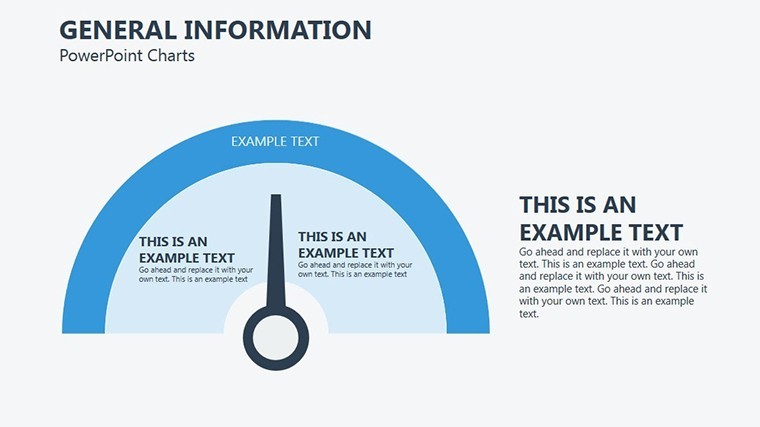
Crafted with modern design in mind, this template follows guidelines from organizations like the International Business Communication Standards (IBCS), promoting consistent and understandable visuals. The 19 slides include a mix of chart types suited for general information, with puzzle elements for showing relationships.
Highlights encompass widescreen formats for immersive viewing and object-specific animations that reveal details progressively. Vector charts ensure crisp quality at any size, ideal for both digital and printed materials.
- Animation Mastery: Each element animates independently, adding emphasis without complexity.
- Media Flexibility: Insert tables, images, or videos to enrich your slides.
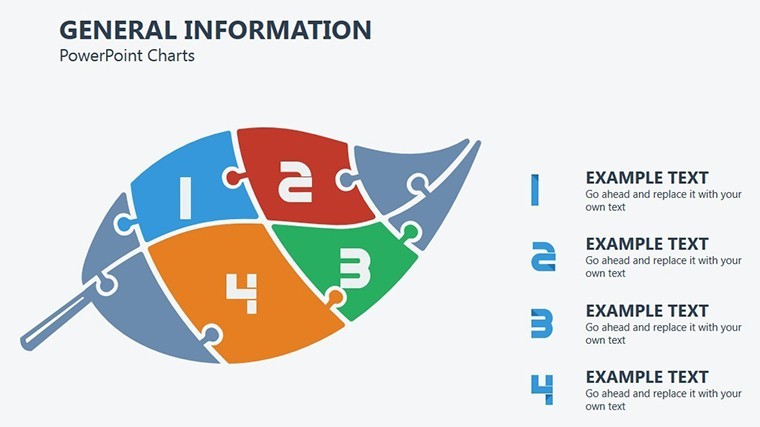
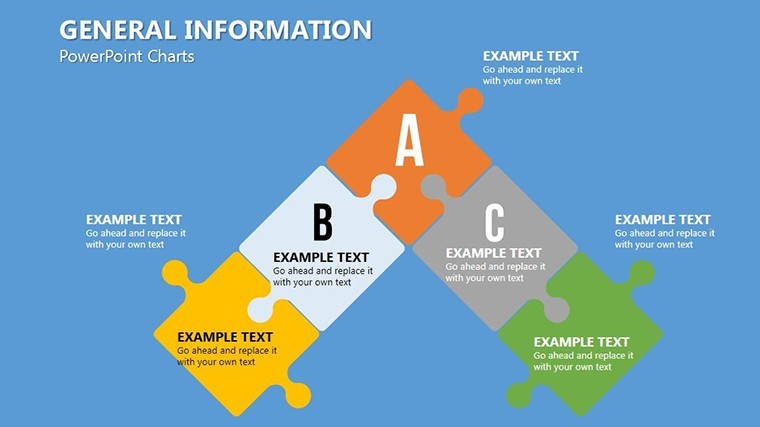
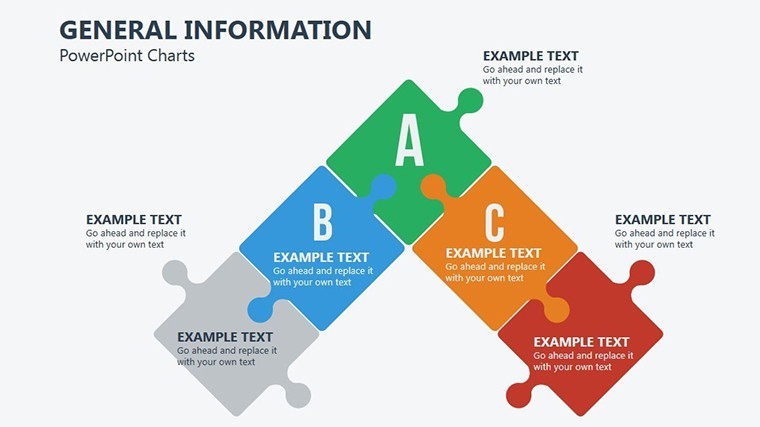
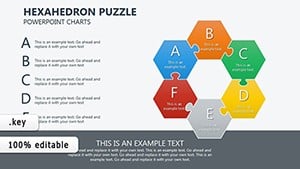
- Puzzle Integration: Use interlocking designs to depict dependencies in valuations or strategies.
- Styling Options: Extensive color and font choices for branding alignment.
Benefits include streamlined creation – users often halve their prep time. A consulting firm employed similar puzzle charts to map business interdependencies, clarifying valuation models and aiding client decisions.
Diverse Applications: Tailored for Your Needs
Explore its versatility: In business, apply to income-expenditure comparisons for accurate valuations. Educators can puzzle together historical events or scientific processes for interactive lessons.
Entrepreneurs benefit from visual aids in pitch decks, using animated charts to highlight market opportunities. Mentors might create training modules with step-by-step reveals.
- Assess your content and choose slides that fit – e.g., puzzle for connections.
- Edit with your data, leveraging animations for pacing.
- Add multimedia to enhance engagement.
- Refine through previews, ensuring smooth transitions.
It integrates effortlessly into Keynote workflows, supporting version control and sharing.
Amplifying Value: Expertise and Trust in Every Slide
This template enhances by incorporating trustworthy design elements, like source citations in charts for credibility. Enjoy the confidence of professional outputs that align with industry norms.
Add a spark of creativity: A puzzle slide could whimsically represent "Piecing Together Success," lightening serious topics like financial assessments.
For advanced use, combine with Keynote's scripting for interactive elements, as seen in educational case studies where student engagement soared.
Comprehensive Editing Guide
Begin with master slides for uniform styling. Populate charts with data, then animate sequences. Test multimedia embeds for compatibility. Export options maintain integrity across platforms.
Naturally incorporating LSI: This is your premier choice for Keynote general charts, editable information templates, or puzzle visualization sets. It's about fostering understanding through innovative design.
Pro Tips: Enhancing Your Information Delivery
Experts advise using no more than five puzzle pieces per slide for simplicity. Color-code for emphasis, drawing from color theory in design. Reference real-world successes, like a startup using these for valuation pitches that attracted investors.
In essence, this template turns information into influence.
Communicate with Confidence – Grab Your Template
Elevate how you share knowledge with this General Information Keynote Charts Template. Its blend of functionality and flair ensures memorable presentations. Start customizing and inspire your audience today.
FAQ
How do the puzzle elements work in this template?
They interlock to show relationships, fully editable for custom fits.
Can I add videos to the slides?
Yes, seamless media integration enhances your general information presentations.
Is animation setup required?
No, pre-built options are ready; just apply as needed.
Suitable for business valuations?
Absolutely, with charts for income and comparative approaches.
Does it support widescreen?
Yes, optimized for 16:9 ratios on modern devices.
Good for
- Project roadmaps and sprint plans
- Product launch timelines
- Quarterly or annual review decks
- Company history and milestone summaries
Licence
reviews
Used for class presentation and it worked fine
Office slides were more structured
It is okay but basic design
FAQ
Will it work in Google Slides?
Are fonts embedded?
Can I use this for client work?
What's the refund policy?
Do you update the template after purchase?
Similar templates
See all Keynote Charts →
All 19 slides