 Click to zoom
Flow Keynote Diagrams Template: Link Processes Effortlessly
| Format | .pptx |
| Slides | 16 unique layouts |
| Aspect ratio | 16:9 |
| Compatibility | PowerPoint |
| Animated | No |
| Language | English |
| License | Commercial |
| File size | — |
| Version | v1.0 |
| Last updated | January 2024 |
What's inside
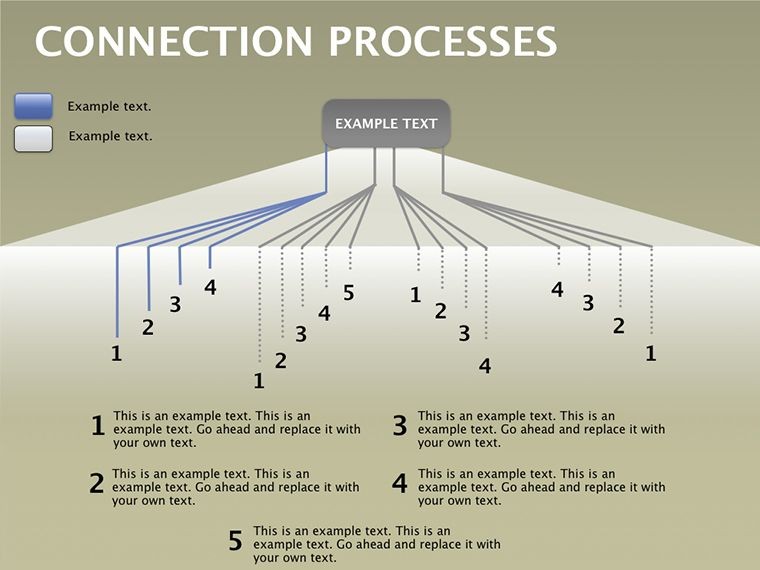
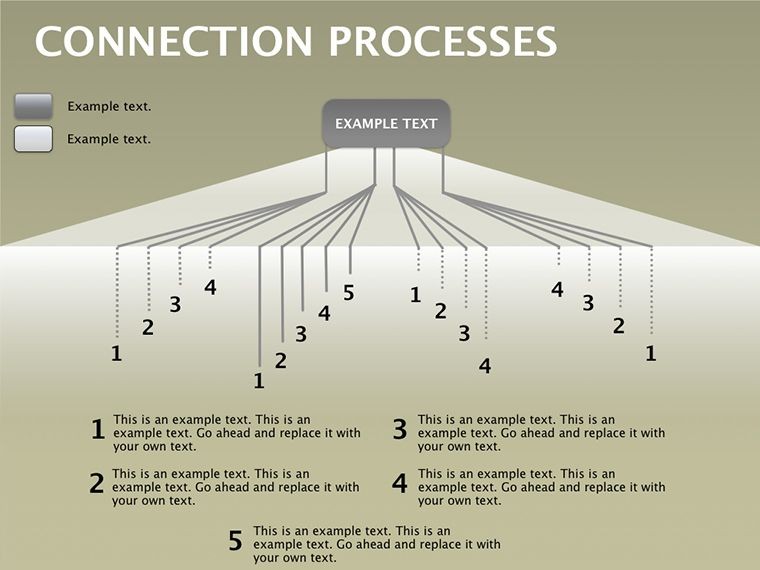
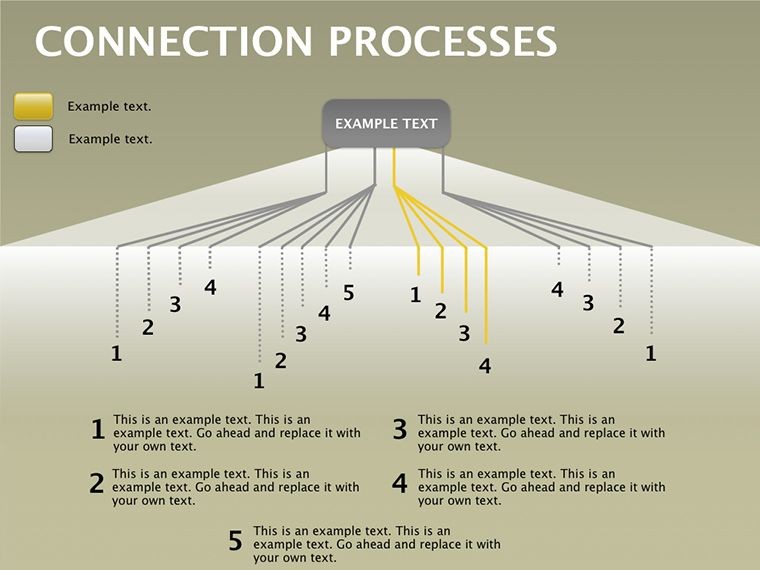
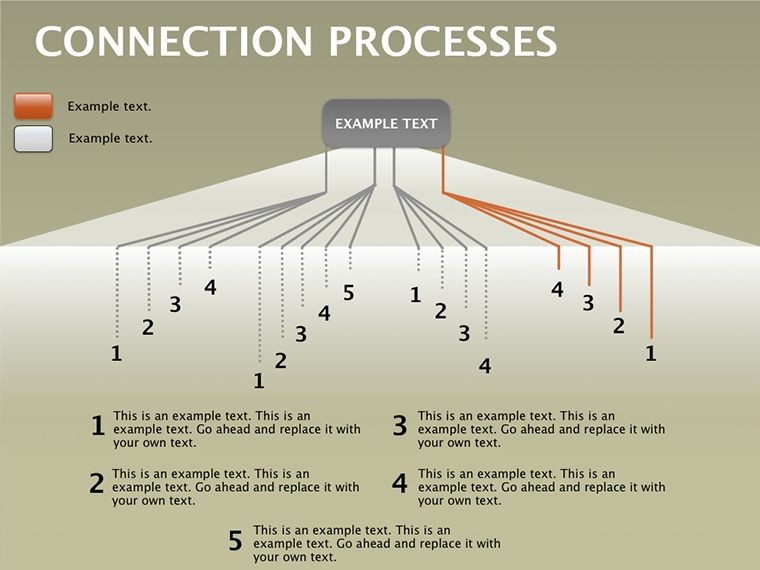
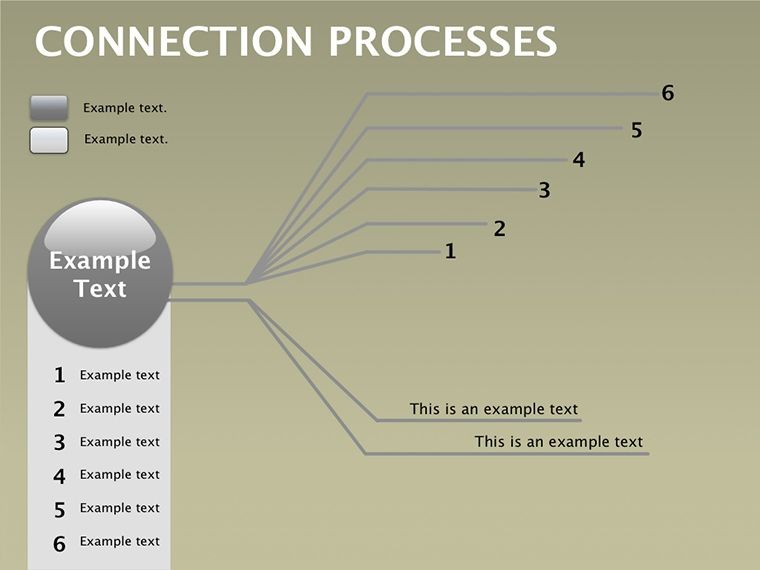
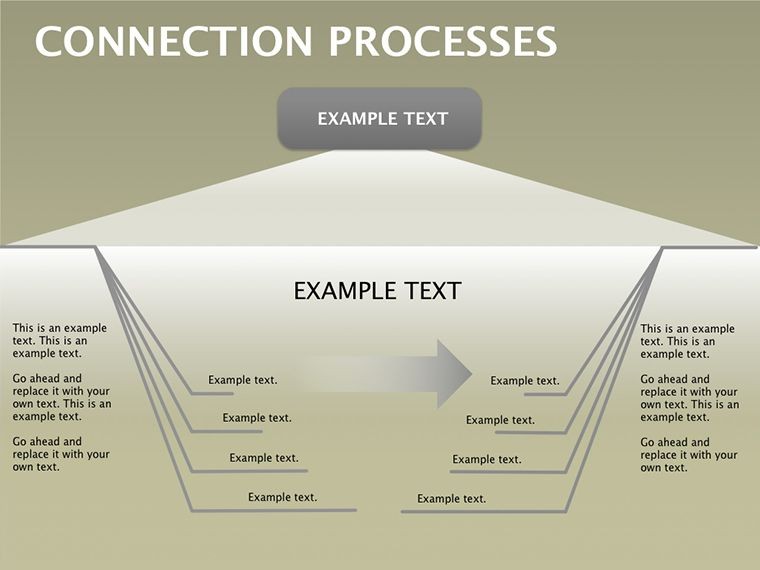
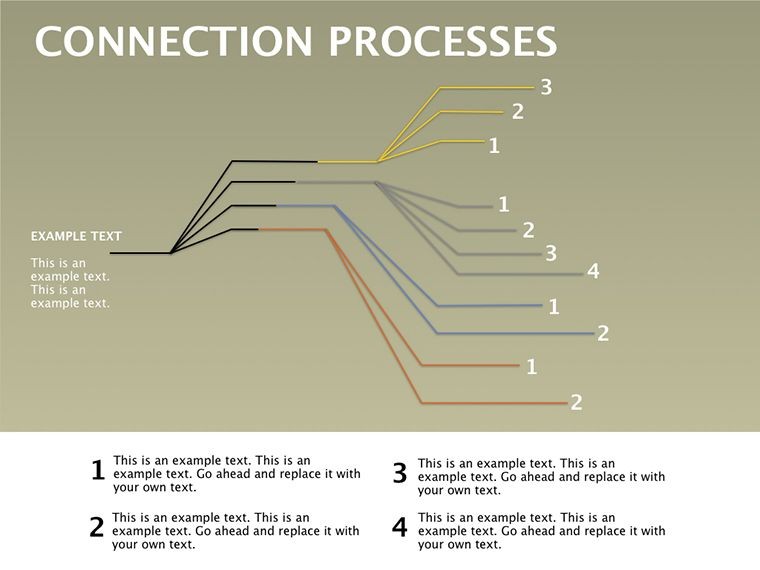
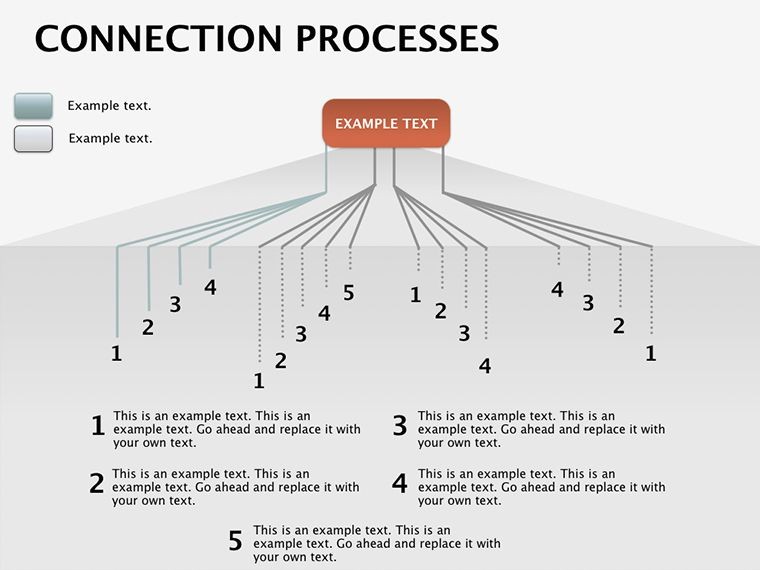
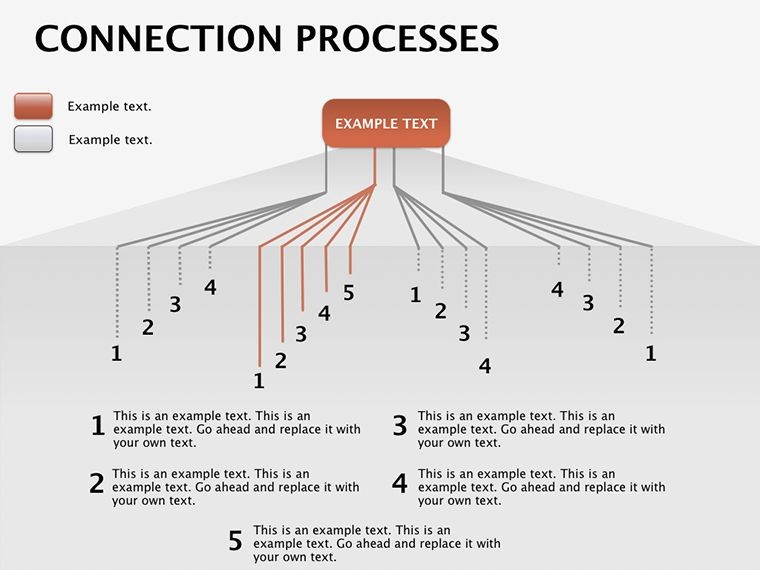
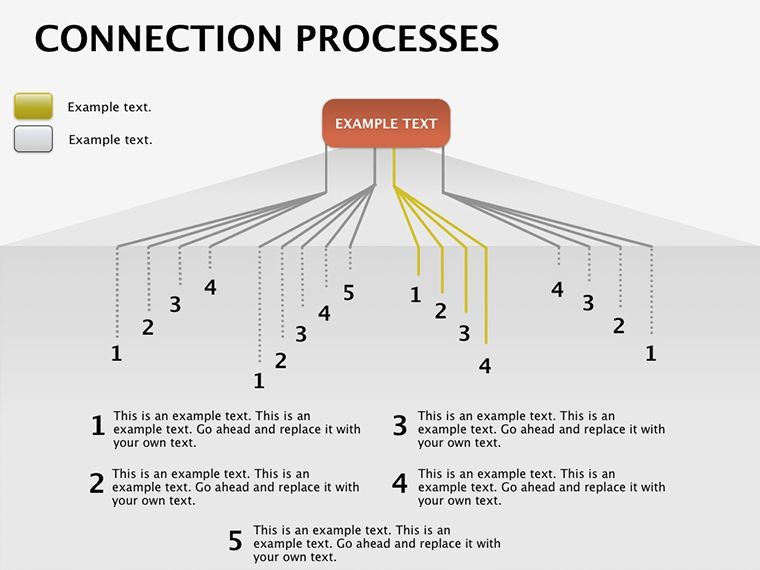
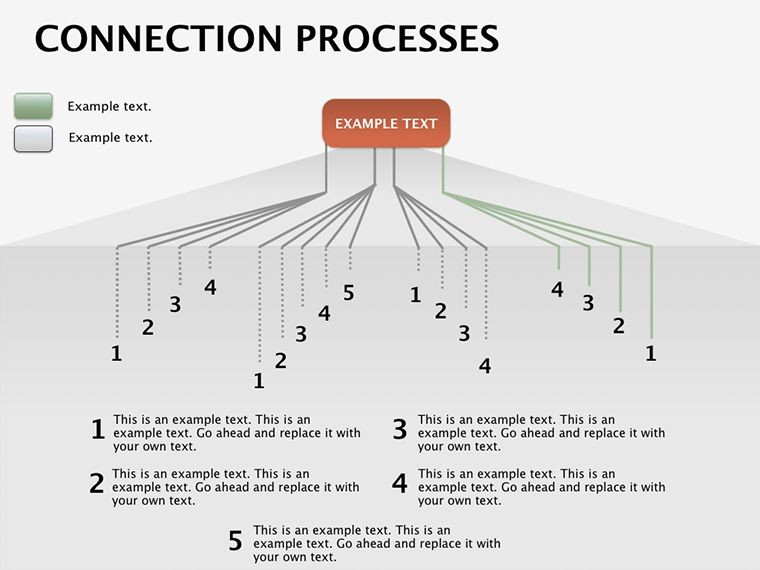
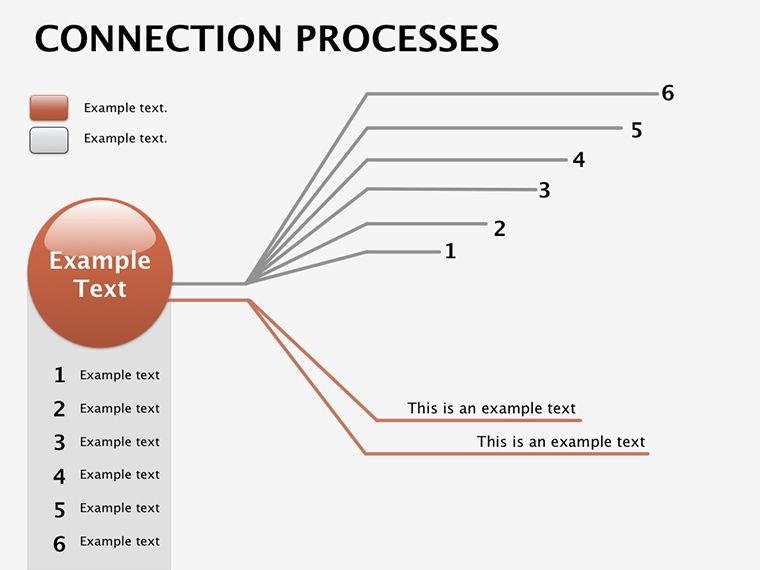
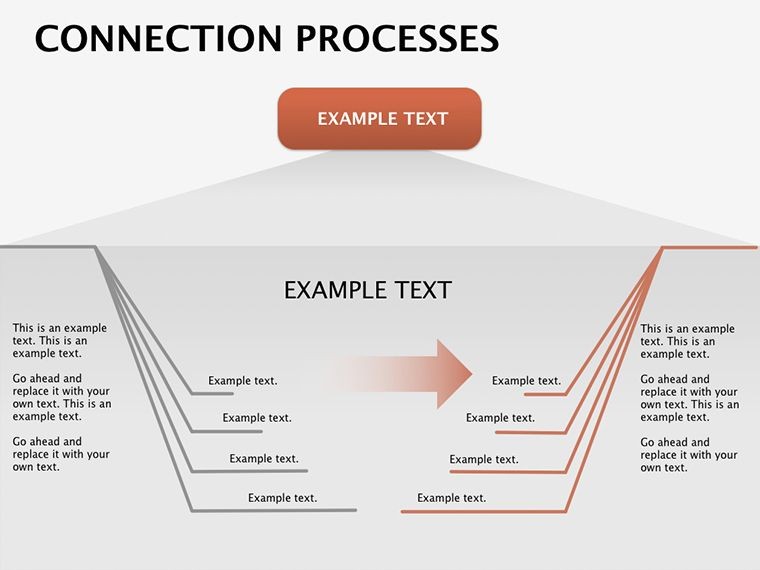
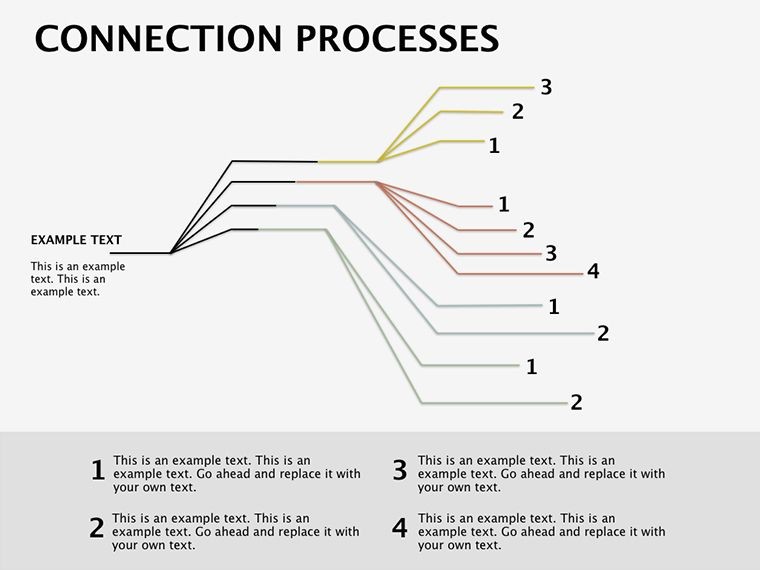
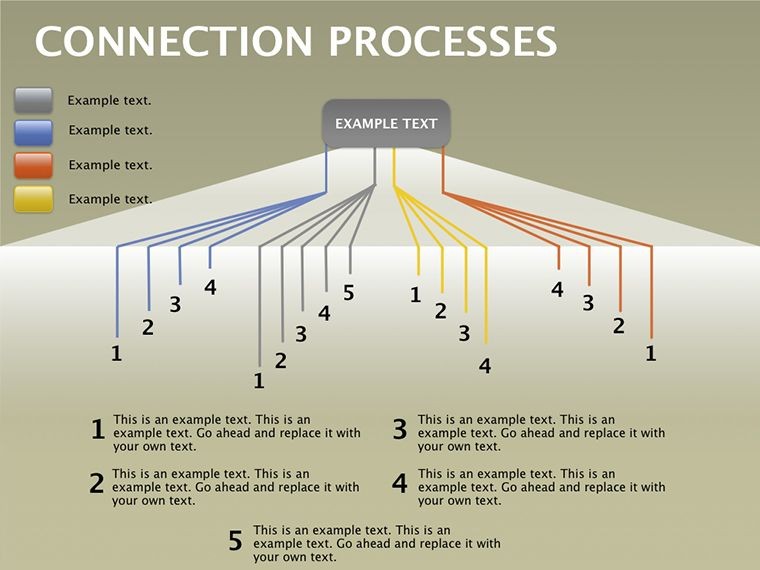
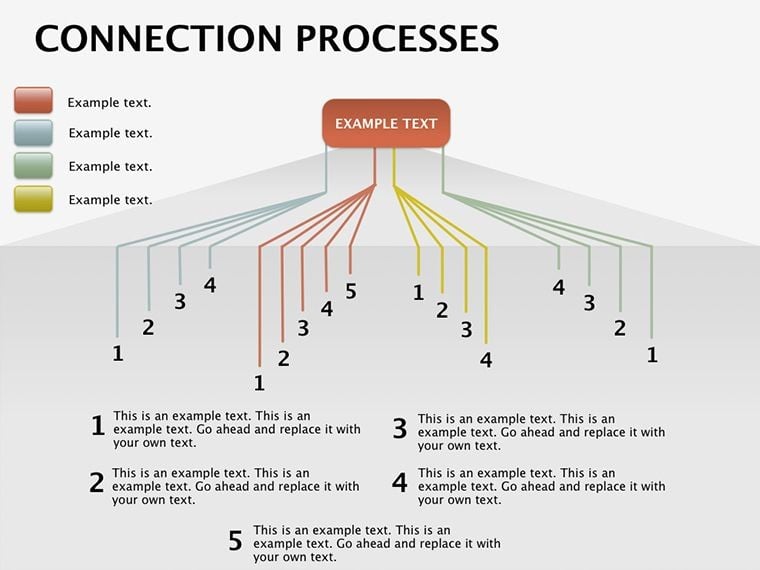
In a world where ideas intersect like rivers forming deltas, the Flow Keynote Diagrams Template emerges as your essential guide to mapping those vital connections. This 16-slide powerhouse, tailored for Keynote users on Mac, empowers business leaders, teachers, and creators to distill intricate processes into fluid, understandable visuals. Forget tangled webs of text-heavy slides; here, arrows and nodes dance in harmony, revealing how inputs lead to outputs with elegant precision. Priced at $15, it's a steal for anyone aiming to elevate their narrative from mundane to mesmerizing.
Envision pitching a supply chain overhaul to executives: start with raw materials flowing into production hubs, branching into distribution streams, all captured in a single, animated diagram. Or in a classroom, trace historical events linking causes to consequences, sparking student curiosity. The template's strength lies in its adaptability - editable elements let you infuse your unique data, ensuring every presentation feels bespoke and impactful.
Unlocking the Template's Dynamic Designs
Dive into a library of interconnected layouts, from linear sequences to branching networks, each primed for your story. High-fidelity graphics ensure scalability, while subtle gradients add depth without distraction. Animations unfold sequentially, mimicking real-time progression to keep pace with your delivery.
- Process Arrows: Curved and straight variants for smooth transitions, customizable in length and style.
- Node Clusters: Circular or rectangular hubs for grouping related steps, with drag-and-drop icon integration.
- Feedback Loops: Cyclical paths to depict iterative cycles, like agile development sprints.
These components foster clarity, turning potential confusion into "aha" moments. A project manager might use a loop to illustrate risk mitigation, looping back from evaluation to adjustment for a closed, reassuring circuit.
Step-by-Step Mastery: Building Your Flow
- Import and Select: Open the .key file in Keynote and choose a base slide - perhaps a multi-stream flow for parallel processes.
- Populate Nodes: Double-click to edit labels, then resize paths to align with your timeline or hierarchy.
- Animate Connections: Use Keynote's magic move for seamless transitions between slides, linking evolutions fluidly.
- Test and Tweak: Preview in presentation mode, adjusting opacity for layered reveals that build complexity gradually.
This method streamlines creation, contrasting with clunky default tools by offering pre-aligned elements that snap into place effortlessly.
Targeted Use Cases That Inspire Action
For entrepreneurs, this Keynote diagrams template shines in investor decks, flowcharting revenue models from customer acquisition to retention loops. It mirrors approaches seen in startup pitches at events like TechCrunch Disrupt, where visual flows demystify scalability. Educators leverage it for curriculum mapping, connecting lesson objectives to assessment outcomes in a web of influence.
In consulting, diagram client journeys from pain points to solutions, using branches to explore alternative scenarios. The result? Clients visualize ROI paths, accelerating buy-in. Healthcare pros adapt flows for patient care protocols, from intake to follow-up, ensuring teams grasp interdependencies at a glance.
Addressing Flowchart Frustrations Head-On
Static diagrams often fall flat; this template counters with interactive potential - hyperlink nodes to detailed backups for deeper dives during Q&A. It outperforms basic shapes by incorporating thematic icons, like gears for operations, adding context without words. Teams in remote settings benefit from its clarity on shared screens, reducing miscommunication in virtual huddles.
Integrate with Keynote's charting for data-driven branches, where metrics dictate path widths - thicker lines for high-impact streams. This data-visual marriage turns reports into strategic conversations.
Seamless Workflow Integration
Pair these diagrams with outline views for structured builds, or export to PDF for handouts that retain interactivity via hyperlinks. For collaborative edits, share via iCloud, watching flows evolve in real-time with colleagues.
Secure your copy of the Flow Keynote Diagrams Template now and watch your processes connect with unmatched grace - elevate every pitch and lesson today.
Frequently Asked Questions
Does this template work with older Keynote versions?
Yes, it's optimized for Keynote 2019 and later, with backward compatibility tweaks available in the file notes.
How many customization options are there for arrows?
Over a dozen styles, from dashed to solid, with color-matching tools for brand consistency.
Can I incorporate images into the nodes?
Certainly - drag photos directly into placeholders, which auto-crop to fit circular or square formats.
Is it suitable for non-linear processes?
Perfectly; branching and looping designs handle divergences and recursions with ease.
What about exporting for other platforms?
Export as PowerPoint-compatible PPTX or video for broader sharing without losing essence.
Good for
- Project roadmaps and sprint plans
- Product launch timelines
- Quarterly or annual review decks
- Company history and milestone summaries
Licence
reviews
Used this for an office presentation about workflow changes.
The arrows and icons fit nicely without too much editing.
Some text areas were smaller than expected.
It’s not super creative but practical enough.
Helped me avoid building slides from zero.
FAQ
Will it work in Google Slides?
Are fonts embedded?
Can I use this for client work?
What's the refund policy?
Do you update the template after purchase?
Similar templates
See all Keynote Diagrams →

All 16 slides