 Click to zoom
Editable Calendar Keynote Templates: Chart Your Path Forward
| Format | .pptx |
| Slides | 15 unique layouts |
| Aspect ratio | 16:9 |
| Compatibility | PowerPoint |
| Animated | No |
| Language | English |
| License | Commercial |
| File size | — |
| Version | v1.0 |
| Last updated | September 2025 |
What's inside
Imagine a world where your plans unfold visually, turning chaotic schedules into elegant, actionable timelines. Our Editable Calendar Keynote Templates provide that canvas with 15 dynamic slides for Apple Keynote, complete with animations and vector icons. Designed for meticulous planners, this tool empowers business pros, educators, and creatives to visualize time effectively, blending functionality with flair to make every deadline a milestone worth celebrating.
Grounded in time management principles from David Allen's GTD methodology, these templates promote clarity through structured visuals, helping users prioritize and execute with precision. Whether plotting quarterly goals or daily tasks, the vibrant designs inspire productivity without overwhelming.
Key Components of Calendar Chart Mastery
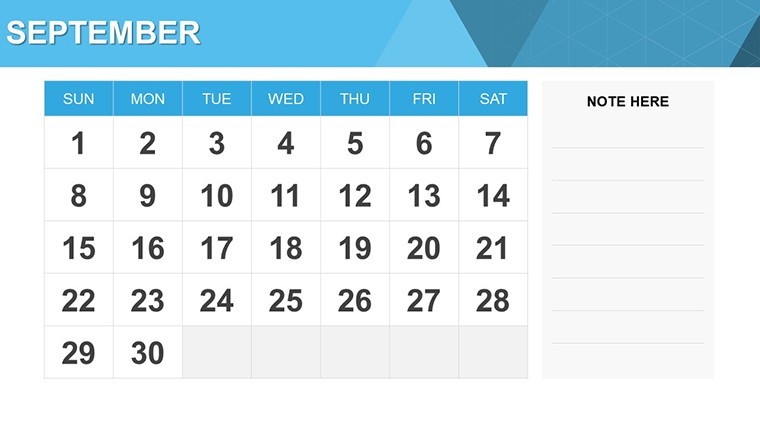
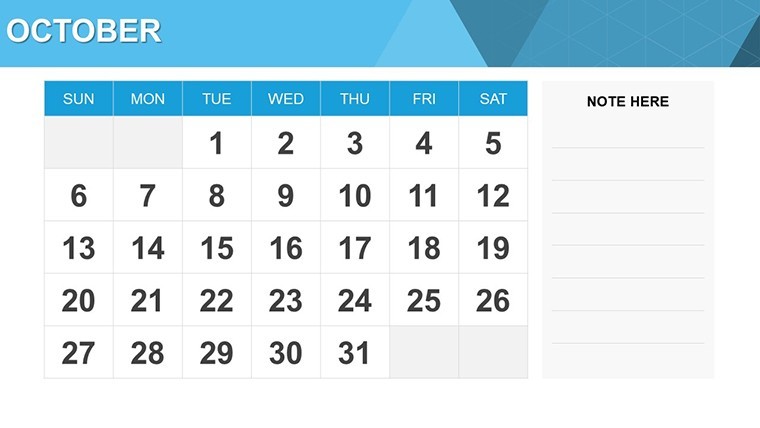
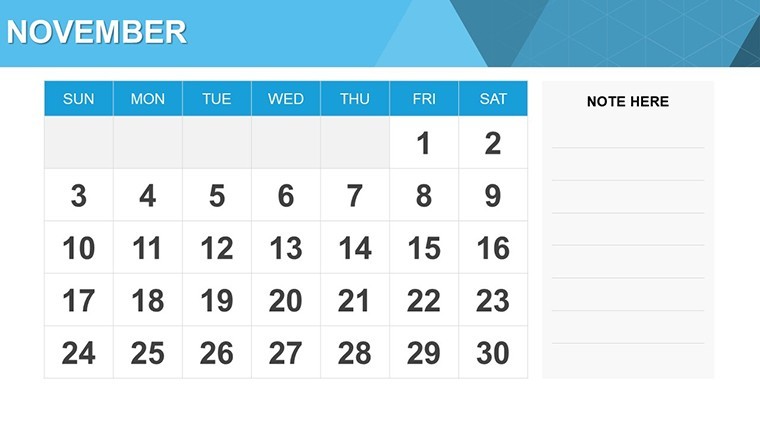
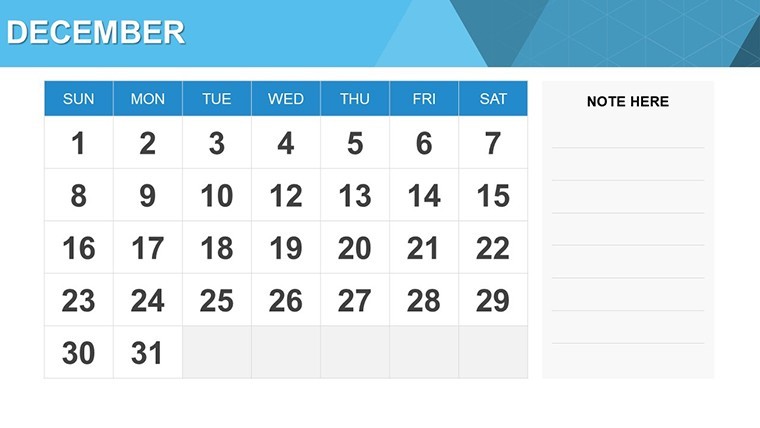
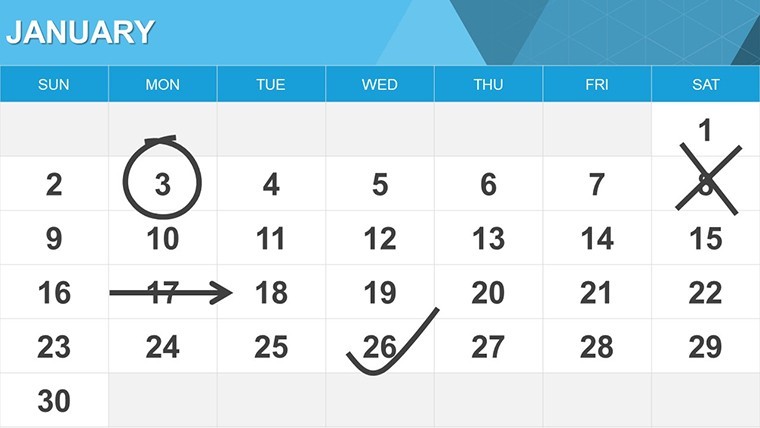
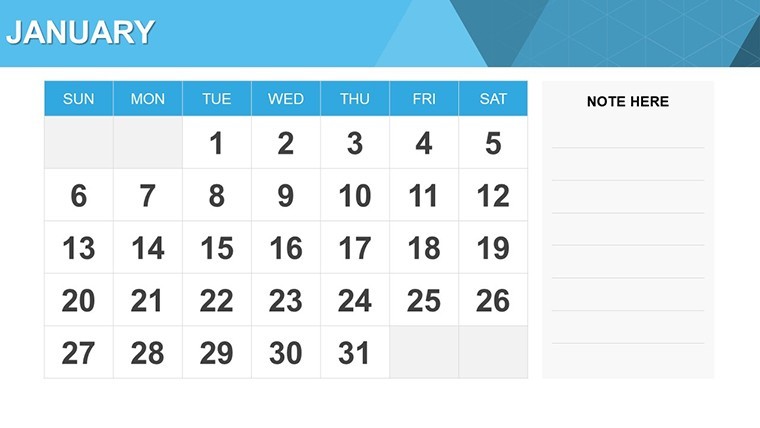
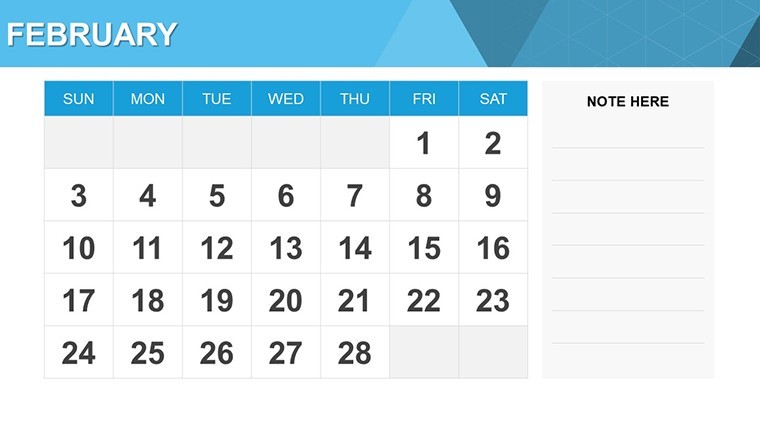
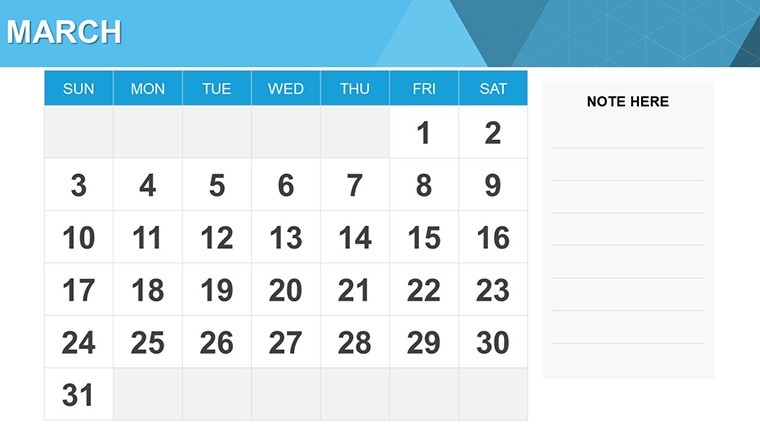
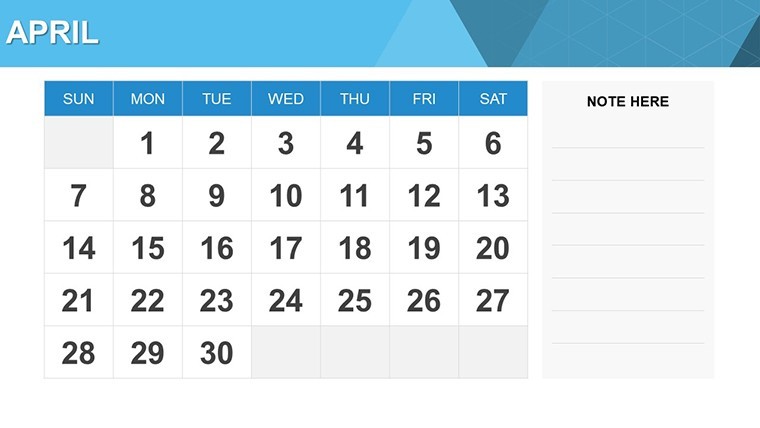
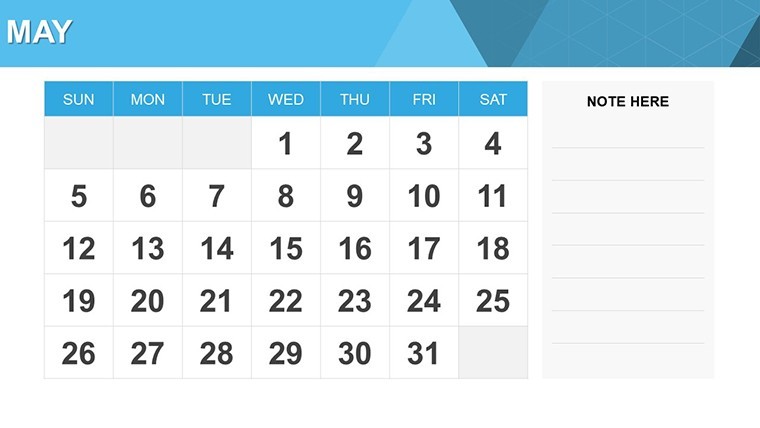
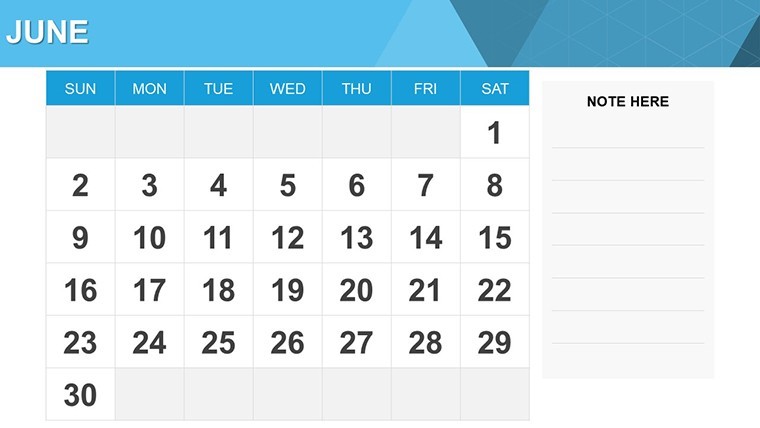
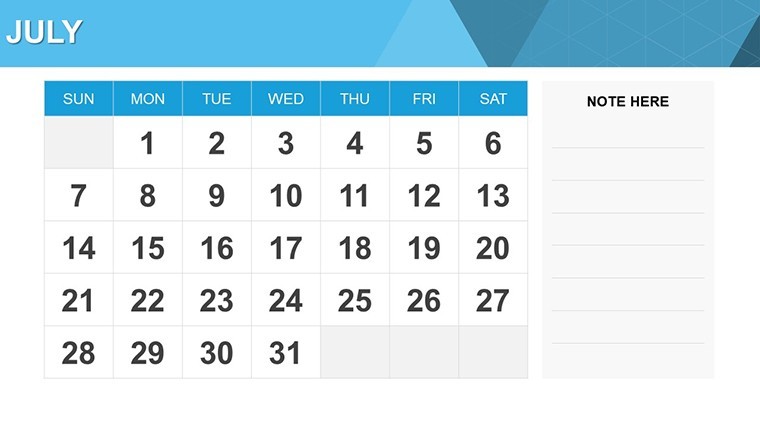
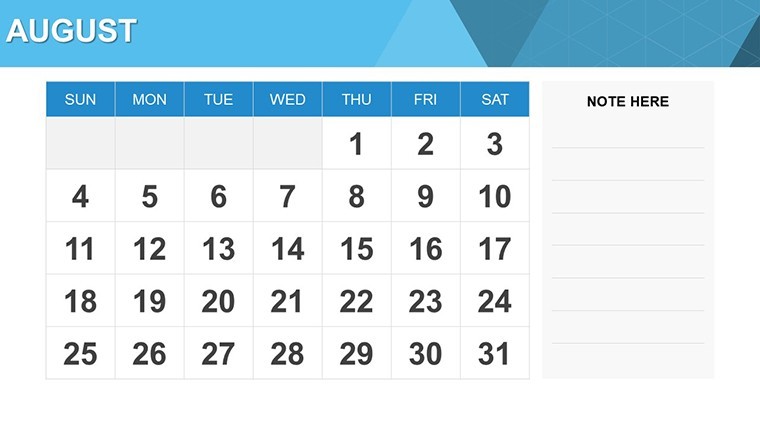
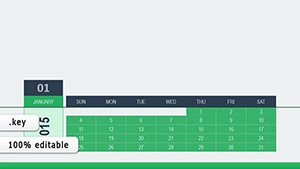
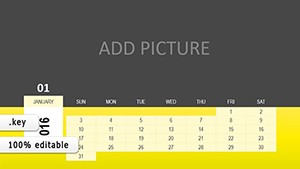
Featuring daily, monthly, quarterly, and yearly views, each slide is a customizable powerhouse. Vibrant color variations allow branding matches, while custom animations - fades or zooms - bring calendars to life during reveals.
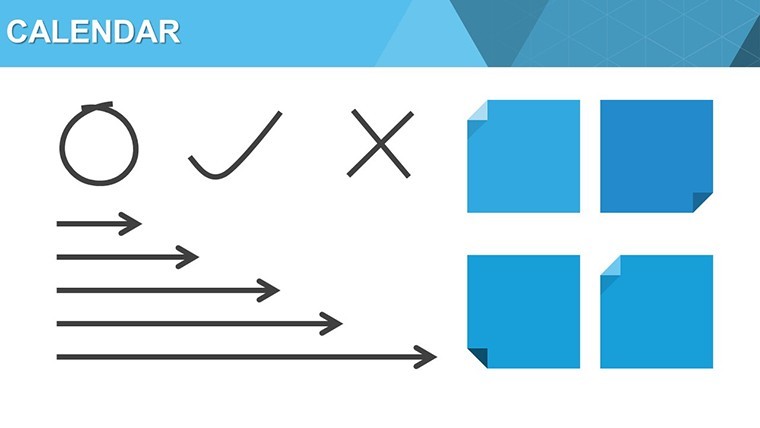
Vector icons depict events like meetings or holidays, scalable for detail. PNG exports ensure versatility. Fully editable, tweak layouts or add notes effortlessly, outpacing Keynote's native calendars with integrated charts for metrics overlay.
Benefits That Propel Productivity
For consultants, monthly views track client engagements, animations highlighting peaks. Teachers use yearly charts for curricula, icons marking assessments. Benefits: Streamlined planning reduces stress, as per APA studies on organization.
Versatile Use Cases and Integration
In marketing, quarterly calendars plan campaigns, integrating Google Calendar data. Creatives map project phases with daily details. Start by downloading, customize in Keynote - drag icons, apply colors.
Tip: Use hyperlinks for linked docs. Case: An educator enhanced lesson planning, improving student outcomes per Edutopia insights.
Elevating Designs with Expert Touches
Advanced: Overlay charts on calendars for hybrid views. This template's E-A-T shines in professional outputs. Plan smarter - download and chart your future now.
Frequently Asked Questions
How versatile are the layouts?From daily to yearly, all adaptable for various planning needs.What animations are available?Built-in transitions like fades for dynamic presentations.Included icons?Vector sets for events, fully editable.Export compatibility?To PNG, PDF for sharing across platforms.Suitable for teams?Yes, collaborative via iCloud.Customization level?Full control over colors, texts, and structures.Good for
- Project roadmaps and sprint plans
- Product launch timelines
- Quarterly or annual review decks
- Company history and milestone summaries
Licence
reviews
Used this for a school assignment and the graphs were simple
Added it to a meeting and the structure helped
Worked fine for basic data explanation
Just used it quickly and it was okay
FAQ
Will it work in Google Slides?
Are fonts embedded?
Can I use this for client work?
What's the refund policy?
Do you update the template after purchase?
Similar templates
See all Keynote Charts →
All 15 slides