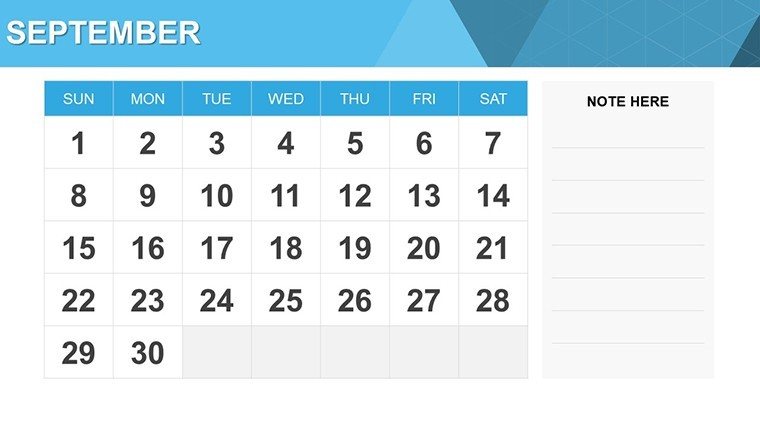
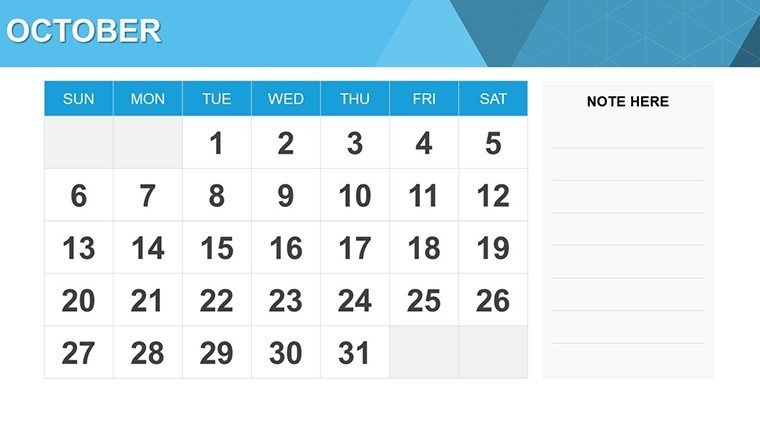
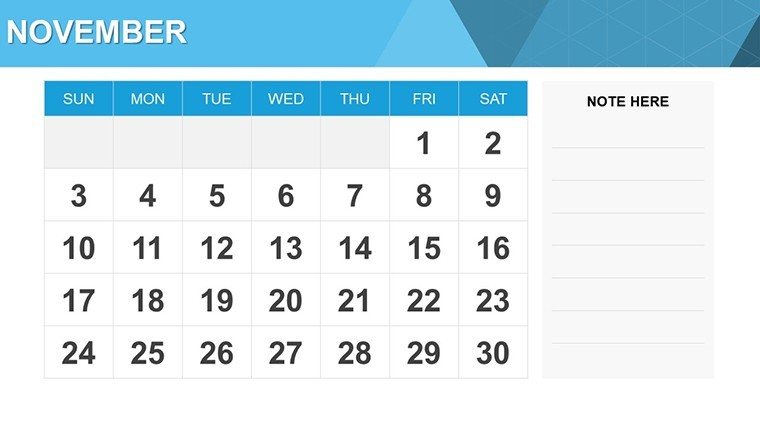
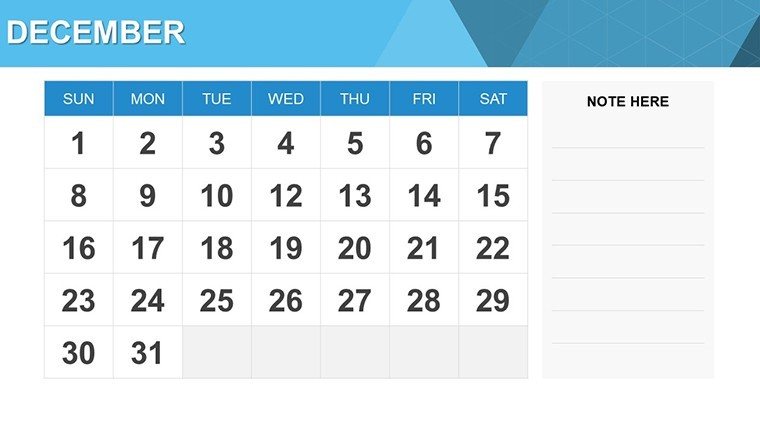
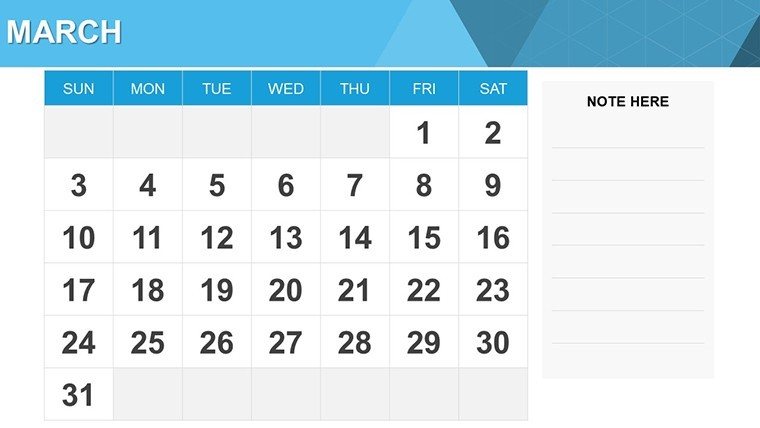
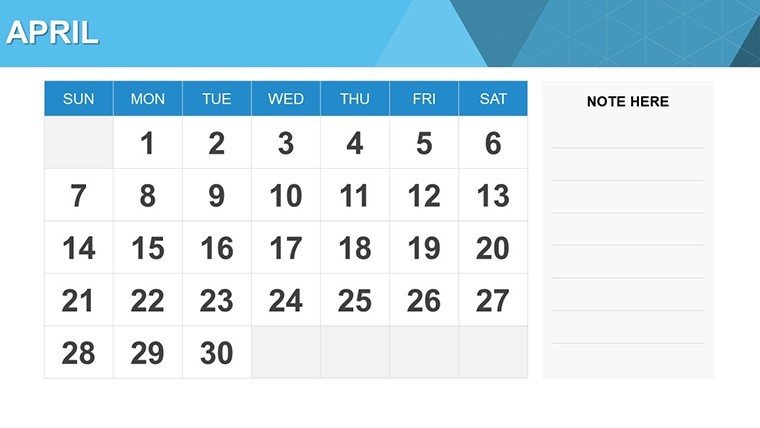
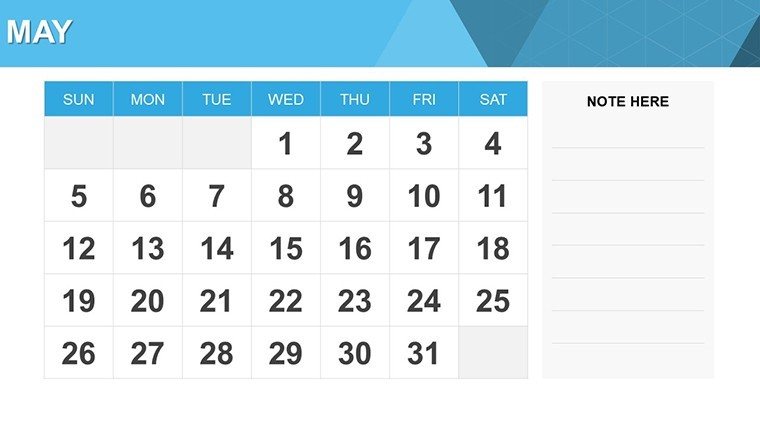
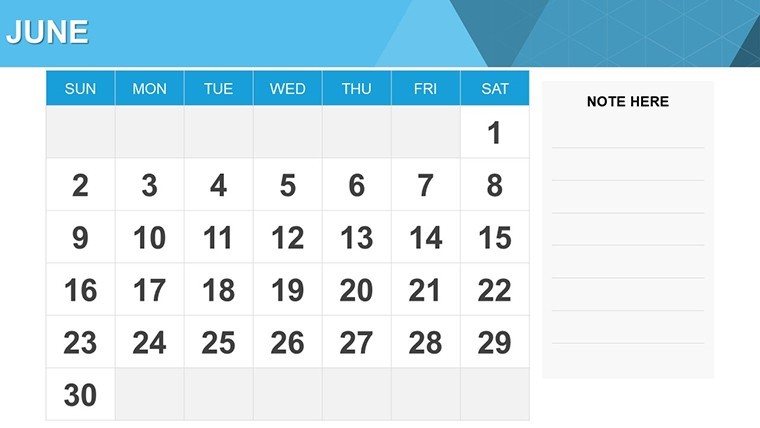
 Click to zoom
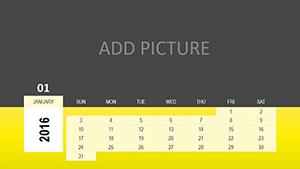
Calendar PowerPoint Charts - Editable PPTX
| Format | .pptx |
| Slides | 15 unique layouts |
| Aspect ratio | 16:9 |
| Compatibility | PowerPoint |
| Animated | No |
| Language | English |
| License | Commercial |
| File size | — |
| Version | v1.0 |
| Last updated | March 2026 |
What's inside
What's Inside the Download
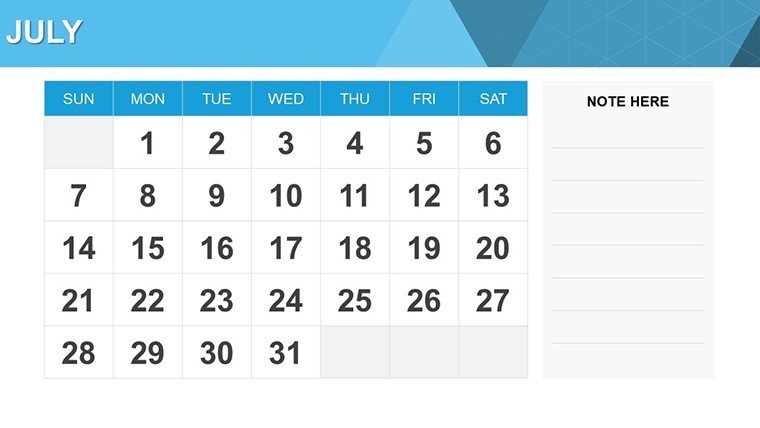
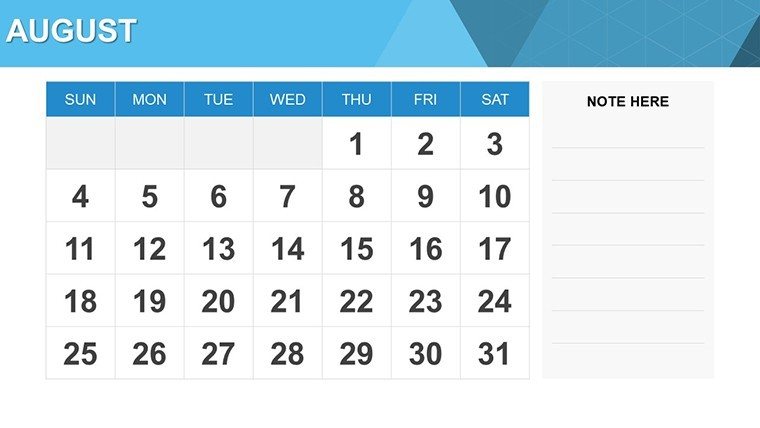
15 editable slides arrive in the download for immediate use in PowerPoint.
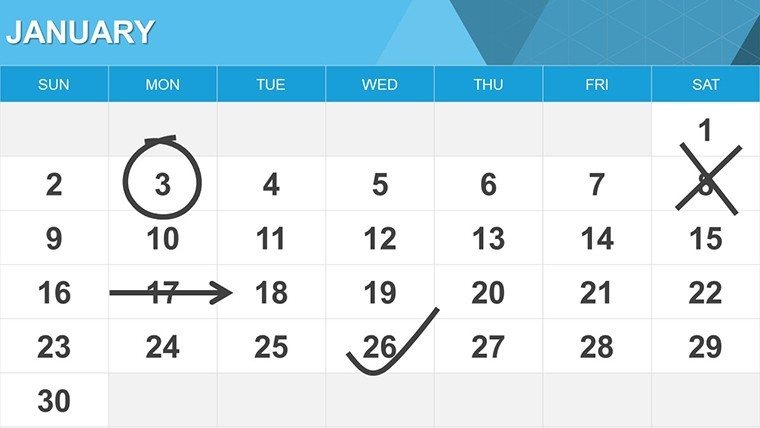
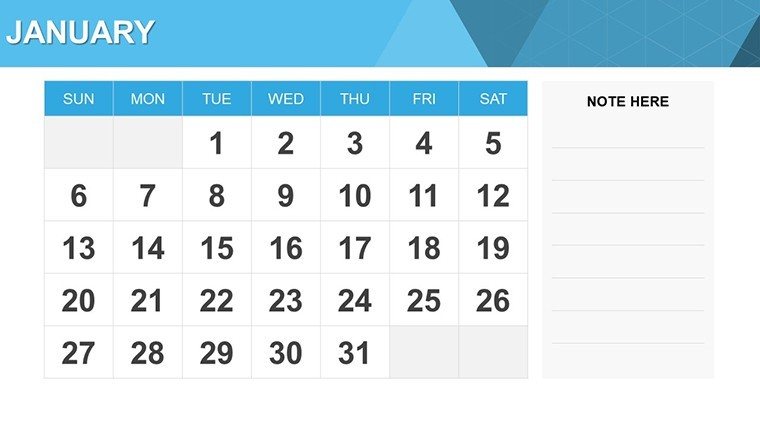
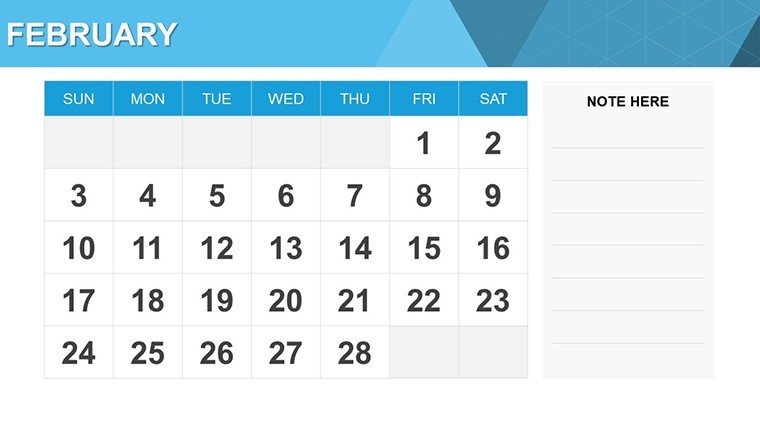
Calendar-based infographics connect timelines and milestones to cover scheduling across projects and curricula.
These calendar diagrams emphasize milestone zoning rather than plain grids when teams track multiple deadlines simultaneously. Entrepreneurs select them for startup roadmaps because the paid download supplies full timeline connectors and infographic sets missing from previews.
Format and Compatibility Details
FeatureDetailsSlides included15 with calendar infographicsDiagram categoriestimelines and milestone mapsEditable elementstext labels date placeholders connectorsAspect ratio16:9 standardPowerPoint compatibility2016 2019 365Color themesprofessional variationsAnimation supporttimeline build animationsHow Consultants Use This in Client Work
Consultants in project management firms map client roadmaps and reduce preparation from 3 hours to 40 minutes by updating milestone dates.
Educators in training programs outline curricula during planning sessions and reuse the file across semesters with new schedules.
Download the file now and organize your timelines.
Edit, Brand, Present: The Workflow
The workflow takes moderate skill and under 10 minutes.
- Open the .pptx file in PowerPoint and replace date placeholders (2 minutes)
- Adjust brand colors on the slide master (2 minutes)
- Edit milestone labels and connectors (3 minutes)
- Export as PDF or PPTX (1 minute)
Compared to Starting From Zero
Building calendar timelines manually often creates uneven spacing that fails on projection screens.
Zone segmentation here keeps dates outside boxes for readability while connectors guide the eye left to right.
Information spacing follows standard calendar logic that audiences recognize instantly.
Get the PowerPoint file and present your schedules today.
Does this open in my version of PowerPoint?The file opens in PowerPoint 2016 2019 and 365 on Windows or Mac. Older versions may lose some animation support. Test the preview if your version differs to confirm full compatibility before purchase.
How do I change the color scheme?Select any calendar box or connector then open the format tab. Pick a new theme color and it updates matching elements. Repeat for text and backgrounds. Slide master applies the primary palette globally.
What does the license permit?The license allows use in client work and internal presentations. Resale or sublicensing of the original file remains prohibited. You may modify and distribute derivative decks freely. Commercial projects count as permitted use.
What does the paid version include that the free version does not?The paid download supplies the complete 15-slide PPTX file with timeline connectors and infographics. Free previews show only static images. Full editable dates and animations activate only after purchase.
What file formats and software are required?The download contains a single .pptx file. PowerPoint 2016 or newer opens it directly. Export options include PDF for sharing. No additional software beyond PowerPoint is needed.
What is the refund policy?Refunds are granted within 14 days if the file does not open in your PowerPoint version as expected. Contact support with the purchase receipt and version details. Approved refunds process within 48 hours. The policy covers compatibility issues only.
Good for
- Project roadmaps and sprint plans
- Product launch timelines
- Quarterly or annual review decks
- Company history and milestone summaries
Licence
reviews
These charts are quite effective. Used in strategy session with good results. Editing interface familiar.
The variety helps cover different needs. Some require tweaks but end results professional. Time saver.
This helped during busy quarter. Clean designs and reliable performance. Team liked the upgrade.
Customization is straightforward. Minor issue with one template scaling but others perfect.
Solid pack for regular use. The templates elevate standard slides noticeably and integrate well.
FAQ
Will it work in Google Slides?
Are fonts embedded?
Can I use this for client work?
What's the refund policy?
Do you update the template after purchase?
Similar templates
See all PowerPoint Charts →
All 15 slides