 Click to zoom
Ecology Conservation Charts Keynote Presentation Template
| Format | .pptx |
| Slides | 58 unique layouts |
| Aspect ratio | 16:9 |
| Compatibility | PowerPoint |
| Animated | No |
| Language | English |
| License | Commercial |
| File size | — |
| Version | v1.0 |
| Last updated | May 2025 |
What's inside
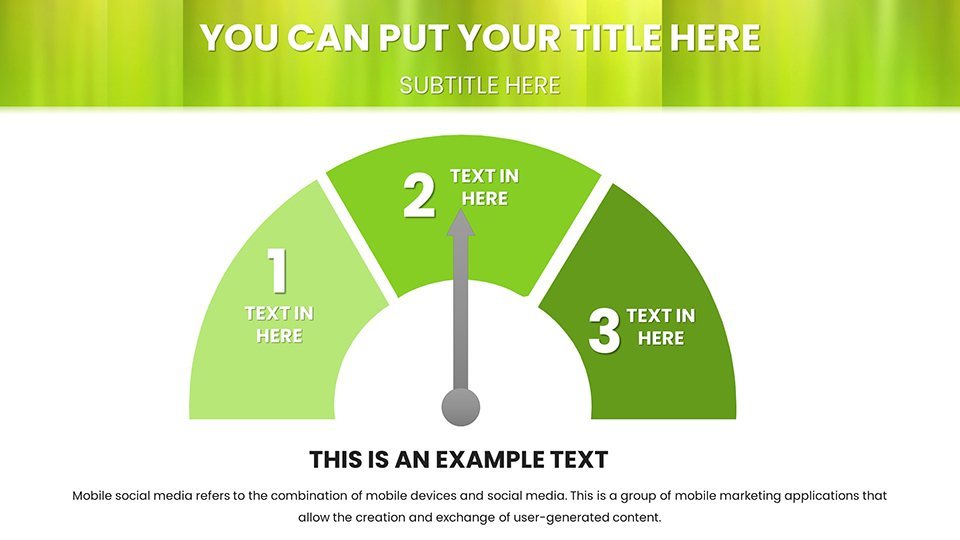
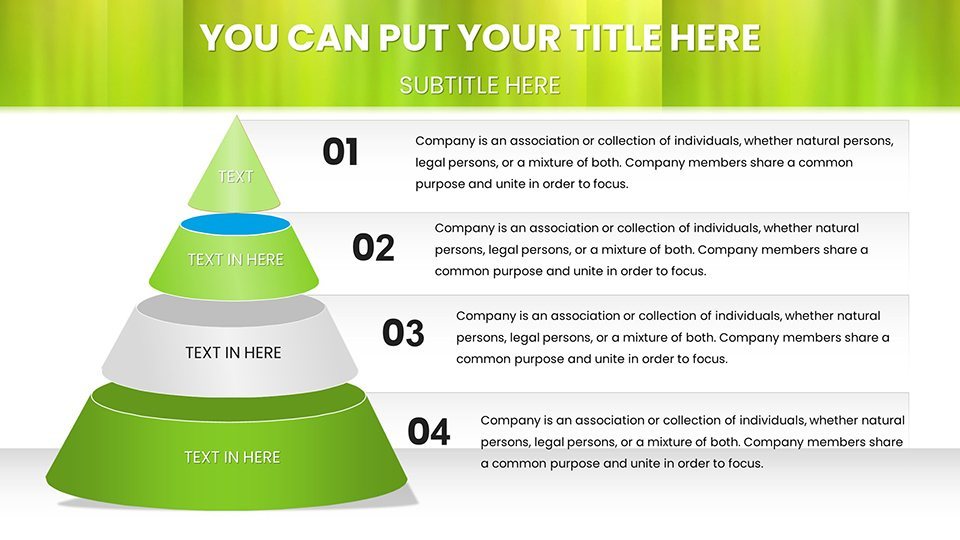
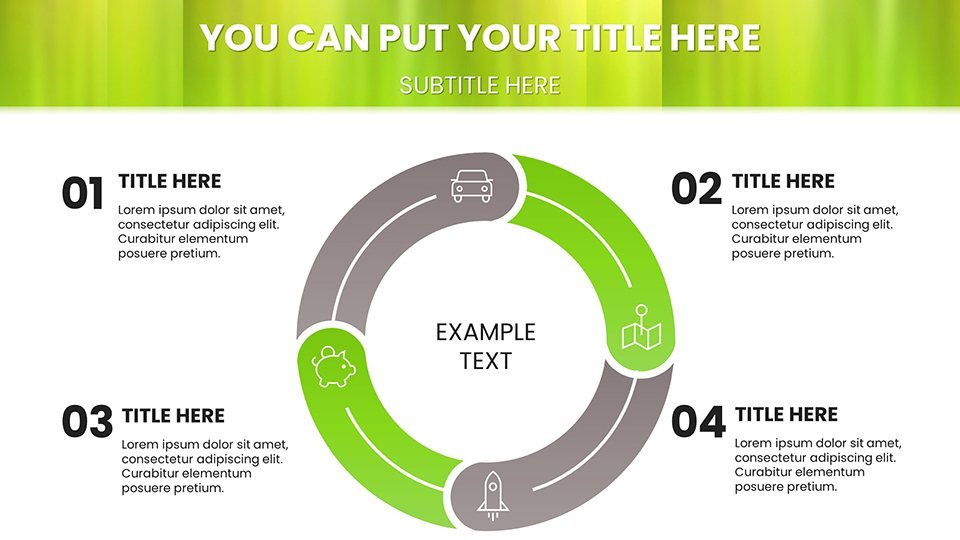
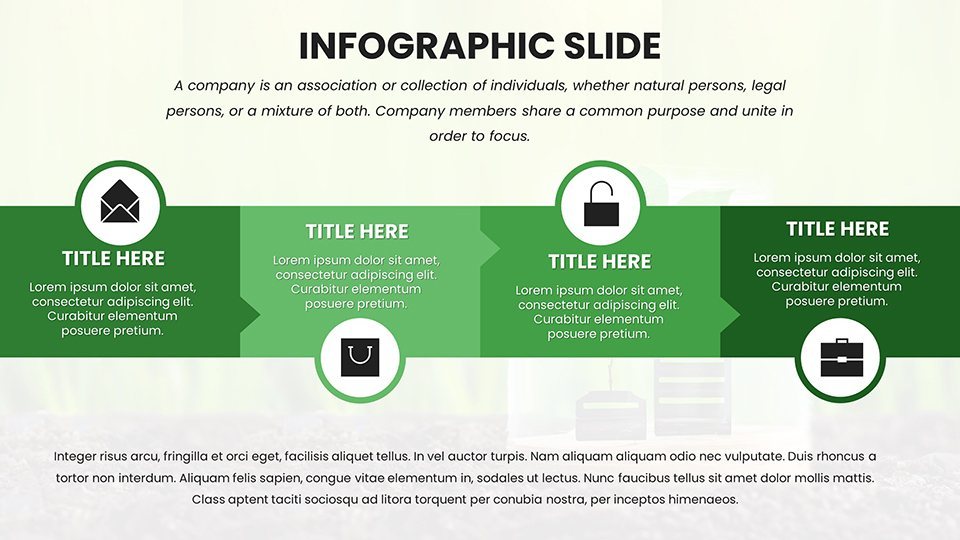
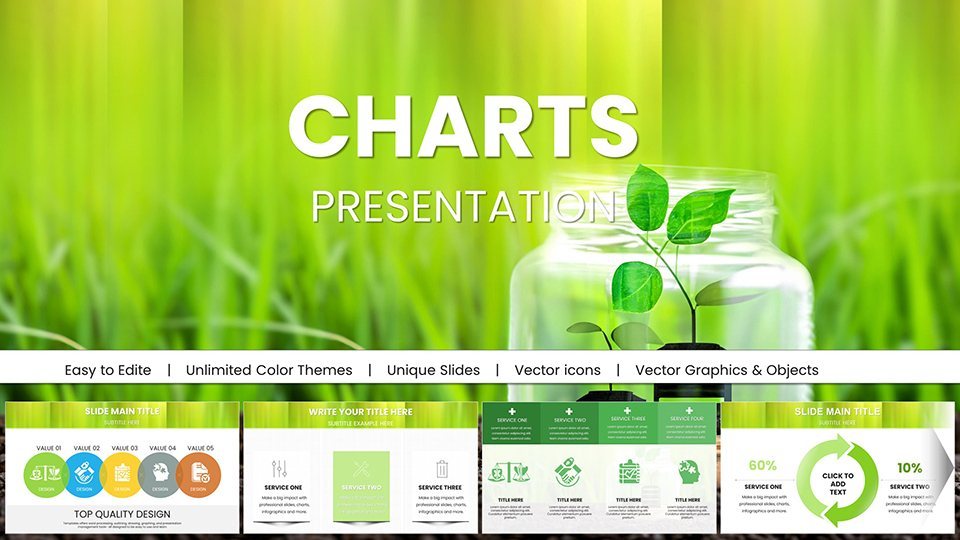
With biodiversity under threat, powerful visuals are vital for rallying support and driving policy changes. Our Ecology Conservation Charts Keynote Template provides 58 editable slides to help conservationists, researchers, and educators present data on wildlife protection, habitat restoration, and sustainable practices. Designed with nature-inspired elements, it enables you to create resonant presentations that highlight urgent issues like species endangerment or ecosystem balances. Think of charting population trends for endangered animals or diagramming conservation strategies in a donor meeting - delivering messages with clarity and passion.
Grounded in expertise from organizations like the WWF, this template ensures authoritative delivery, incorporating best practices for environmental storytelling. It's a trusted resource for those in the field, facilitating presentations that have real-world influence, such as in advocacy for protected areas.
Core Features Tailored for Conservation
Engineered for impact, the template combines usability with specialized tools.
- Engaging Visuals: High-res images and graphics depicting forests, oceans, and wildlife for immersive experiences.
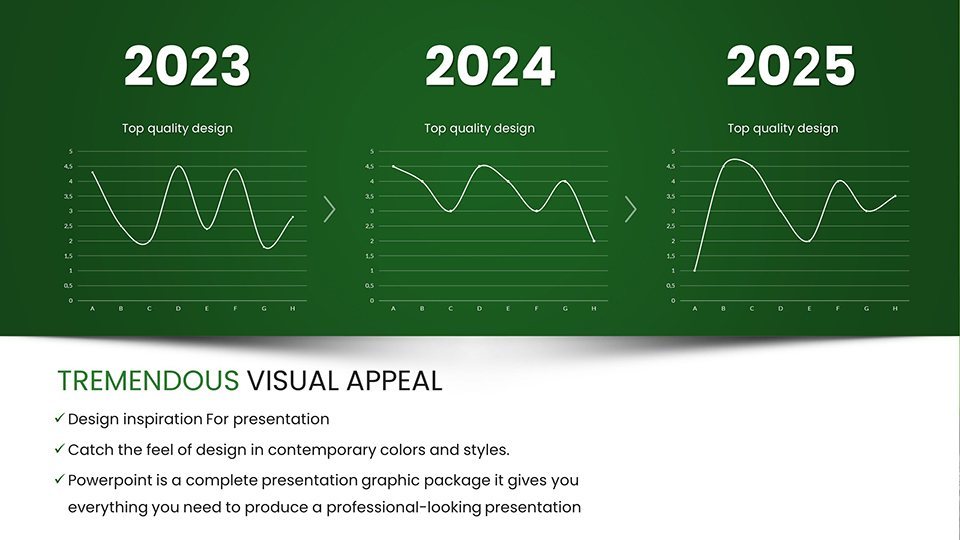
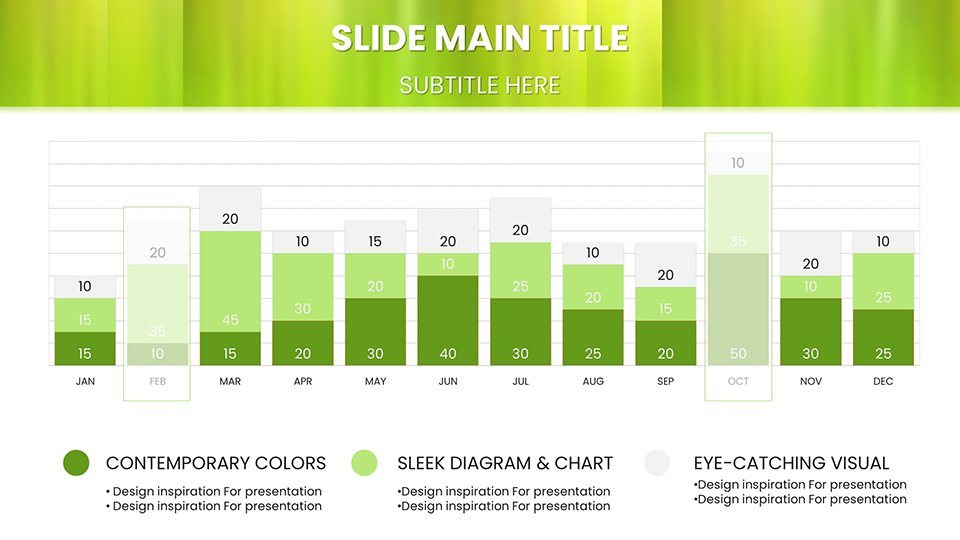
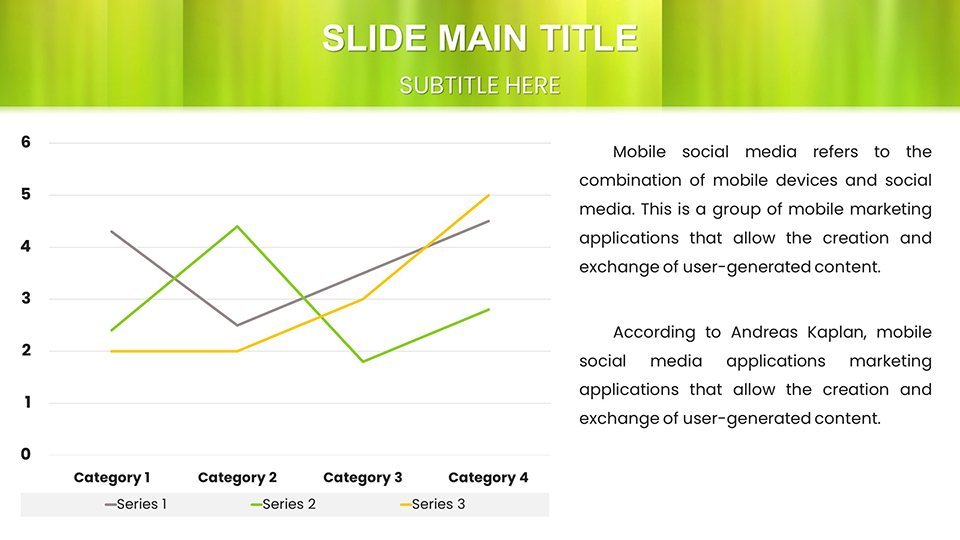
- Customizable Charts: Adapt pie, bar, and scatter plots for data like pollution levels or conservation success rates.
- Keynote Optimization: Seamless integration with Apple devices for on-the-go edits.
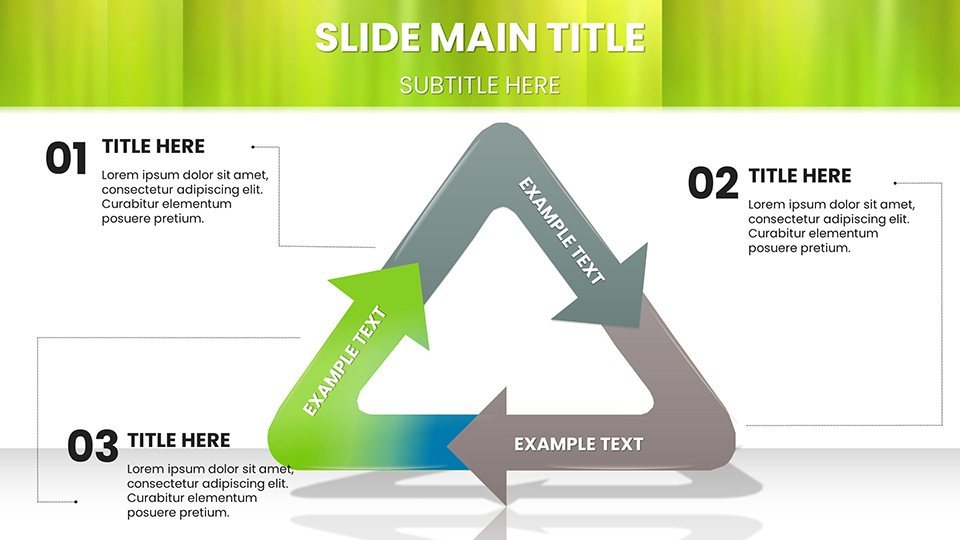
- Thematic Focus: Elements centered on recycling, green energy, and biodiversity preservation.
Differentiating from basics, it includes exclusive layouts for threat assessments, offering depth not found elsewhere. Conservation groups report enhanced funding outcomes through these polished visuals.
Applications in Environmental Advocacy
Utilize for diverse purposes: NGOs can map out campaign strategies with flowcharts, showing intervention impacts. Researchers present field data on habitat loss using timelines, fostering scientific discourse.
In education, simplify ecology concepts for workshops, with infographics on food webs. An example from a wildlife sanctuary illustrates how visualized reports led to increased volunteer participation, proving the template's efficacy. This ties into trustworthy sources like IUCN red list data.
For policy briefs, compare before-and-after scenarios in conservation projects, influencing decisions effectively.
Streamlined Customization Guide
- Acquire the template and import into Keynote.
- Enter specifics: Populate with your conservation metrics.
- Personalize: Alter hues to evoke natural tones.
- Enhance: Add notes or sources for credibility.
- Deliver: Present or share digitally with ease.
Combine with software like ArcGIS for map imports or Trello for project tracking, boosting efficiency.
Expert Advice for Conservation Narratives
Amplify with tips: Employ storytelling arcs - problem, data, solution - in slides. Back claims with citations from peer-reviewed journals for authority. Opt for simple designs to maintain focus on the message, per guidelines from environmental communicators.
In fieldwork settings, the portable format aids impromptu sessions. Advocates praise its role in heightening awareness, turning data into actionable insights. Join the conservation movement with presentations that matter.
Begin your journey - download and tailor this template to protect our planet.
Frequently Asked Questions
Why is this template suited for conservation?
Its nature-focused designs and charts make complex eco-data accessible and persuasive.
How editable are the graphics?
Fully, allowing resizing, recoloring, and data swaps for custom needs.
Does it support collaborative editing?
Yes, via iCloud sharing in Keynote for team inputs.
What distinguishes it from generic charts?
Specialized conservation themes and high-res visuals elevate it.
Are there limits on project usage?
None; unlimited for educational or nonprofit endeavors.
Can it integrate external data?
Yes, easily import from spreadsheets or databases.
Good for
- Project roadmaps and sprint plans
- Product launch timelines
- Quarterly or annual review decks
- Company history and milestone summaries
Licence
reviews
Pulled this for a renewable energy conference the light and dark modes worked great.
Not bad but the eco-themed visuals are a little repetitive after slide 30.
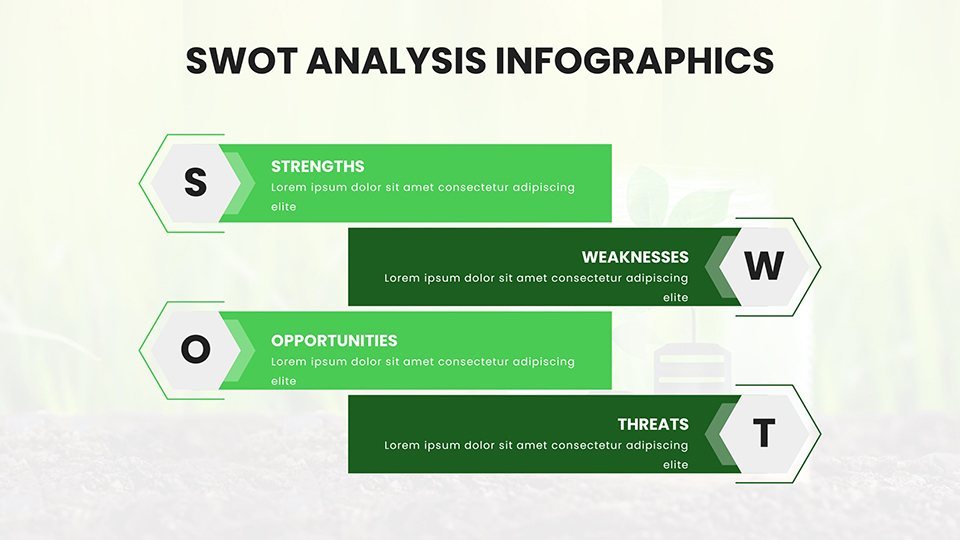
The SWOT analysis layouts tailored for green initiatives saved me a ton of time.
My students understood the carbon footprint pies immediately so that's a win.
It's okay but I wish the slide count was smaller feels like filler content.
FAQ
Will it work in Google Slides?
Are fonts embedded?
Can I use this for client work?
What's the refund policy?
Do you update the template after purchase?
Similar templates
See all Keynote Charts →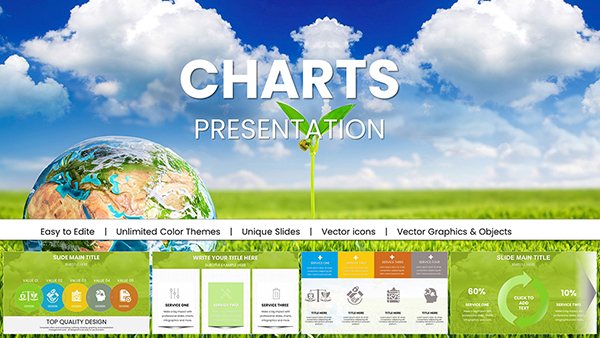
All 58 slides