 Click to zoom
Computer Technician PowerPoint Templates
| Format | .pptx |
| Slides | 3 unique layouts |
| Aspect ratio | 16:9 |
| Compatibility | PowerPoint |
| Animated | No |
| Language | English |
| License | Commercial |
| File size | — |
| Version | v1.0 |
| Last updated | September 2023 |
What's inside
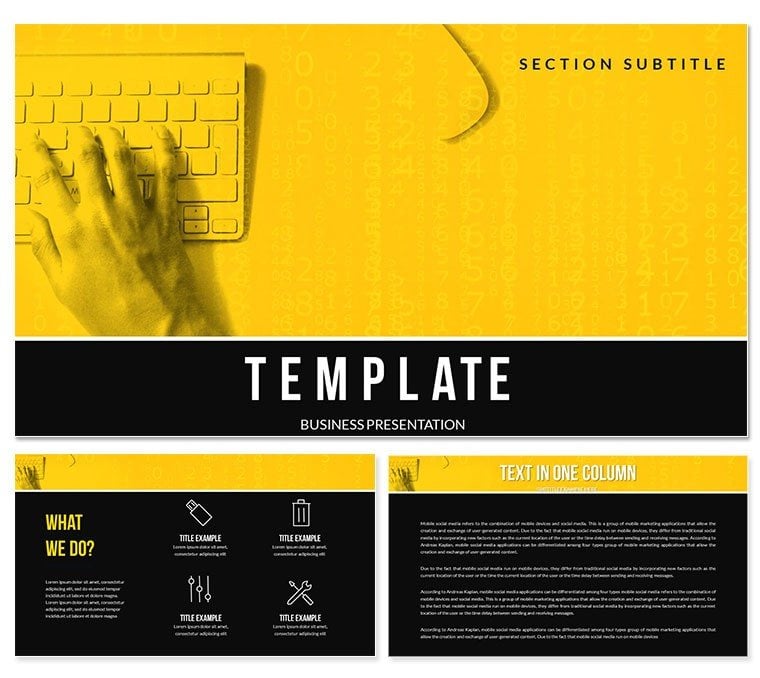
In the fast-paced IT world, explaining diagnostics or upgrades shouldn`t be a headache. This Computer Technician PowerPoint Template equips you with tech-savvy slides that demystify complexities for clients and colleagues alike. Ideal for technicians, support teams, and educators in computing, it bridges technical jargon with accessible visuals that build understanding and trust.
From troubleshooting flows to hardware breakdowns, its precise designs save time and amplify expertise. Works flawlessly on PowerPoint 2016+, with a one-time fee unlocking lifetime edits and expansions.
Tech-Forward Features for Precision
Three masters, backgrounds, and twenty-eight diagrams in seven schemes offer a robust foundation. Fully editable vectors and animations make it simple to highlight circuits or code snippets without losing fidelity.
- Network Diagrams: Map topologies, tracing data paths with layered connections.
- Troubleshooting Trees: Guide decision branches for systematic issue resolution.
- Component Explode Views: Disassemble hardware virtually, labeling parts interactively.
- Timeline Milestones: Chart upgrade projects, marking phases clearly.
Embed code snippets or screenshots effortlessly, with transitions that simulate processes - like data flowing through nodes - for immersive learning.
Practical Applications in IT Realms
Picture an on-site repair demo: Start with a tree slide pinpointing faults, move to explode views for part swaps, and conclude with timelines for follow-ups, leaving clients confident in your fixes. Or, in a training seminar, use network maps to simulate breaches, teaching defenses that stick.
Standard PowerPoint feels clunky for tech topics; this template`s schematic style adds credibility, transforming rote recaps into engaging tutorials that reduce errors and queries.
Essential Use Scenarios
- Client Reports: Detail interventions with before-after comparisons.
- Internal Trainings: Build skills via step-by-step process illustrations.
- Vendor Pitches: Showcase solutions with integrated spec charts.
Streamline your tech talks - download the Computer Technician PowerPoint Template now for sharper, smarter delivery.
Advanced Touches for Pros
Features quick-links to common icons and tips for accessibility, like color-blind modes. Battle-tested across devices, it ensures glitch-free runs in labs or boardrooms.
At its core, it`s your ally in articulating the digital - empowering fixes, fostering knowledge, and fortifying careers.
Frequently Asked Questions
Can I insert actual code or diagrams?
Yes, with placeholders optimized for syntax highlighting and scaling.
Is it geared toward specific OS?
Universal - adaptable for Windows, Mac, or Linux contexts.
How editable are the animations?
Completely; tweak timings and triggers to fit your pace.
Does it include icon packs?
Extensive library of tech vectors, ready to deploy.
Compatible with add-ins?
Fully, enhancing with tools like Visio imports.
Good for
- Project roadmaps and sprint plans
- Product launch timelines
- Quarterly or annual review decks
- Company history and milestone summaries
Licence
reviews
The chemical beaker and molecule diagrams are really clean. My organic chemistry professor was impressed with the structural formulas.
Used this for a lab safety training. The hazard symbol slides are editable and looked way better than the stock ones from corporate.
I'm a biotech researcher and I found the DNA sequencing charts to be accurate but the layout is too flashy for a serious journal club.
Good for a high school classroom. The cartoonish atoms are engaging but might be too informal for a board of directors.
The periodic table slide is cool but the element boxes are hard to edit in bulk. You have to change each number individually.
FAQ
Will it work in Google Slides?
Are fonts embedded?
Can I use this for client work?
What's the refund policy?
Do you update the template after purchase?
Similar templates
See all PowerPoint Templates →


All 1 slides