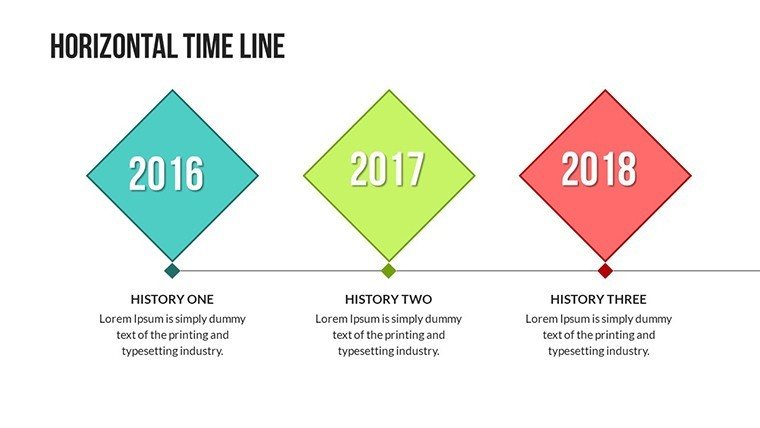
 Click to zoom
Comprehensive Timeline PowerPoint Charts Template - Editable
| Format | .pptx |
| Slides | 30 unique layouts |
| Aspect ratio | 16:9 |
| Compatibility | PowerPoint |
| Animated | No |
| Language | English |
| License | Commercial |
| File size | — |
| Version | v1.0 |
| Last updated | August 2023 |
What's inside
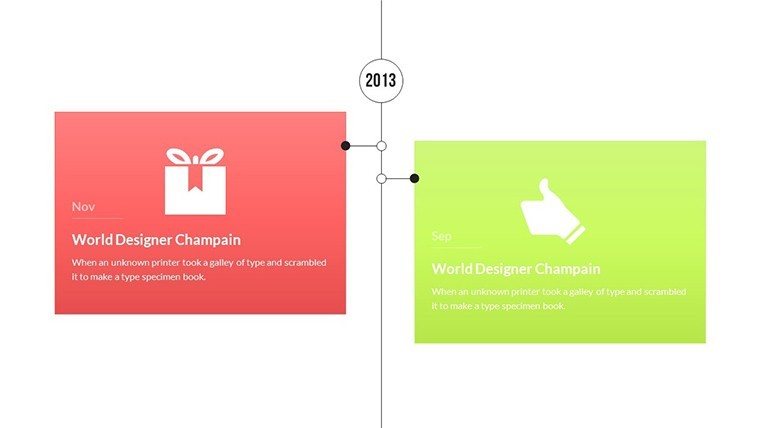
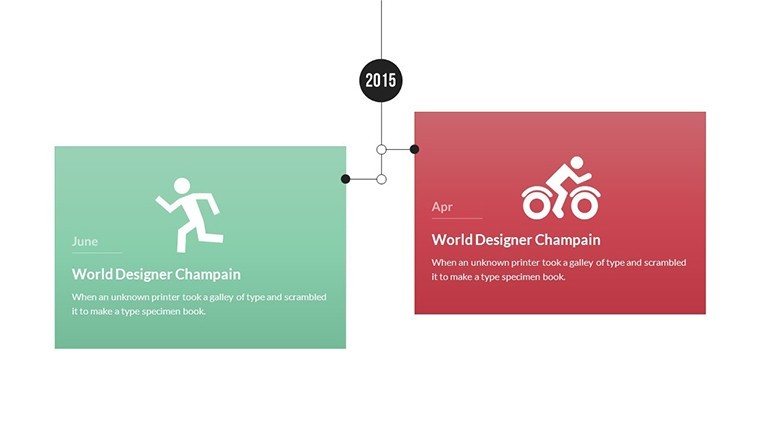
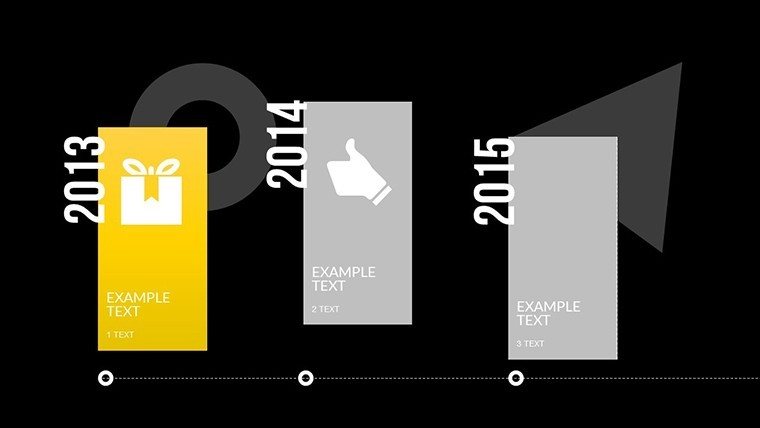
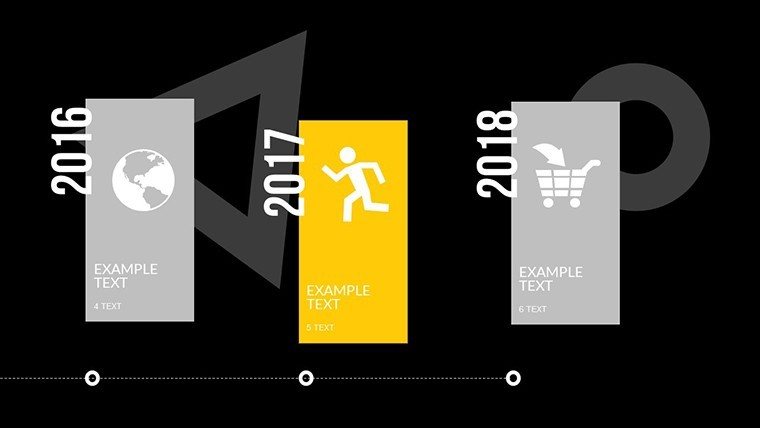
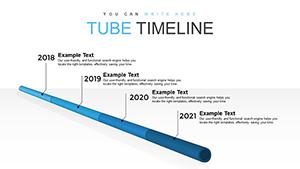
Imagine stepping into a boardroom or classroom where your timeline presentation not only informs but captivates, turning chronological data into a compelling story that resonates with everyone present. Our Comprehensive Timeline PowerPoint Charts Template is engineered for just that - empowering business professionals, educators, and project managers to create seamless visual narratives without the hassle of starting from scratch. With 30 editable slides, this template offers a treasure trove of layouts, from linear progressions to branched milestones, all designed to convey project updates, historical events, or strategic roadmaps with clarity and flair. Tailored for those who value efficiency, it simplifies complex timelines into digestible visuals, helping you save time while amplifying your message's impact.
Drawing from user-centered design principles endorsed by organizations like the Project Management Institute (PMI), this template ensures your timelines align with best practices for visual communication. Whether you're outlining a product's evolution for marketing teams or teaching ancient history to students, the intuitive interface makes customization a breeze, fostering collaboration and understanding across diverse audiences.
Unlocking the Versatility of Timeline Designs
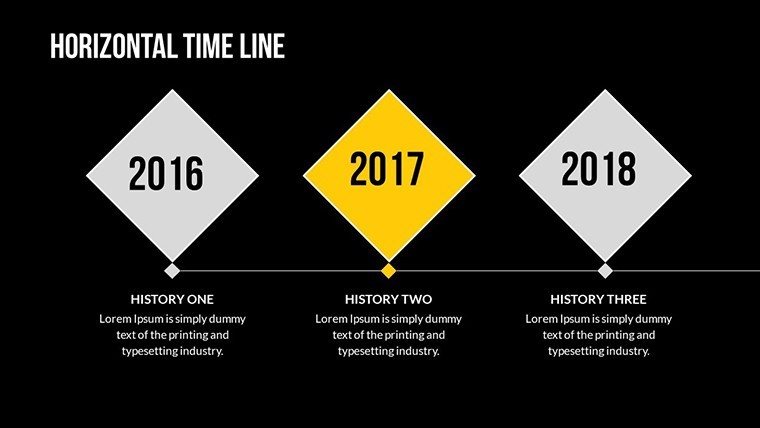
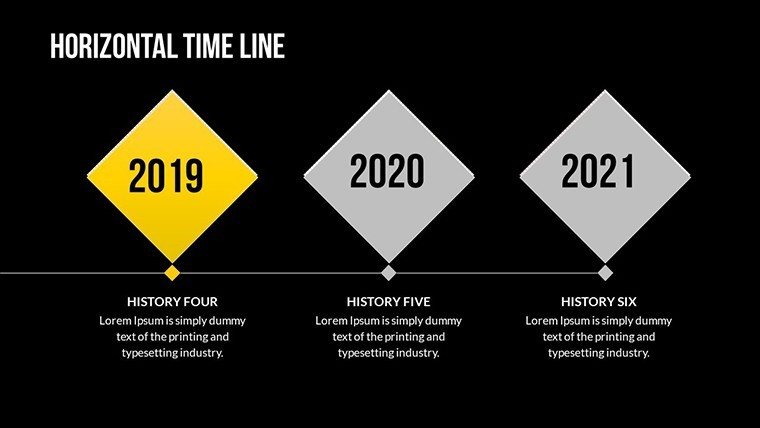
At the heart of this template lies its diverse array of layouts, each meticulously crafted to suit different narrative structures. Forget one-size-fits-all approaches; here, you can select from horizontal, vertical, or circular timelines, each with built-in placeholders for dates, events, and descriptions. The customizable styles allow you to infuse your brand's colors and fonts, ensuring consistency in corporate settings or thematic relevance in educational contexts.
Key to its appeal is the ease of data input - simply drag and drop your information, and watch as the template auto-adjusts for a polished look. This feature is particularly beneficial for fast-paced environments, where quick iterations are essential. For example, a project manager might use Slide #15's Gantt-style timeline to track deliverables, while an educator could adapt Slide #22's interactive branching design to explore historical what-ifs, sparking lively discussions.
In-Depth Look at Featured Slides
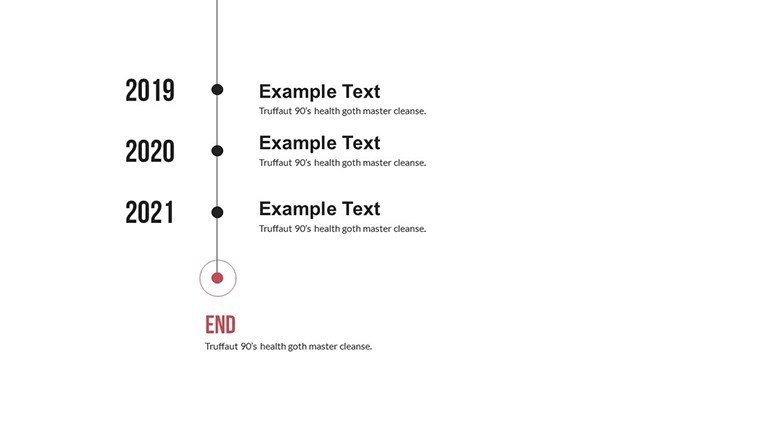
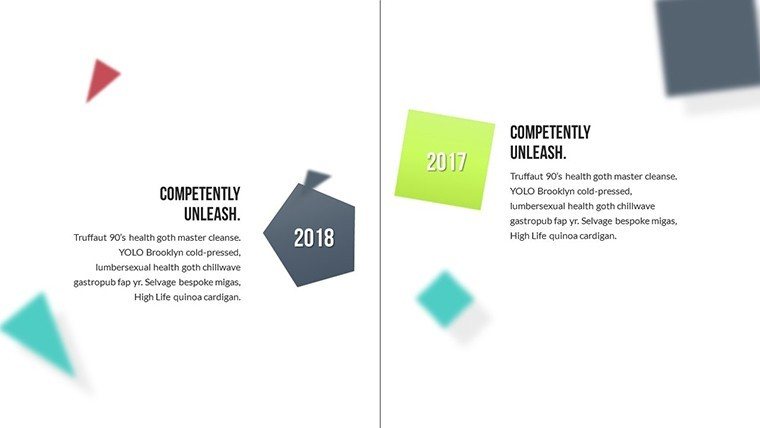
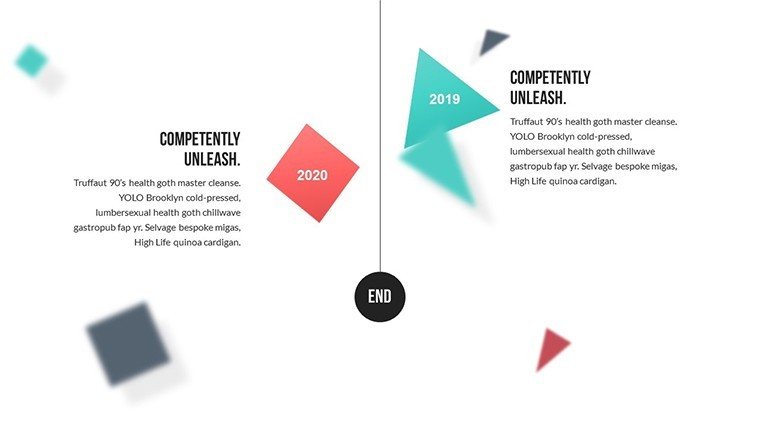
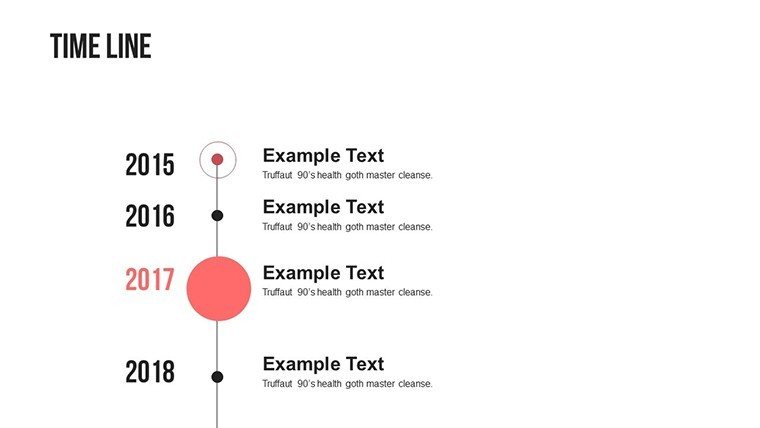
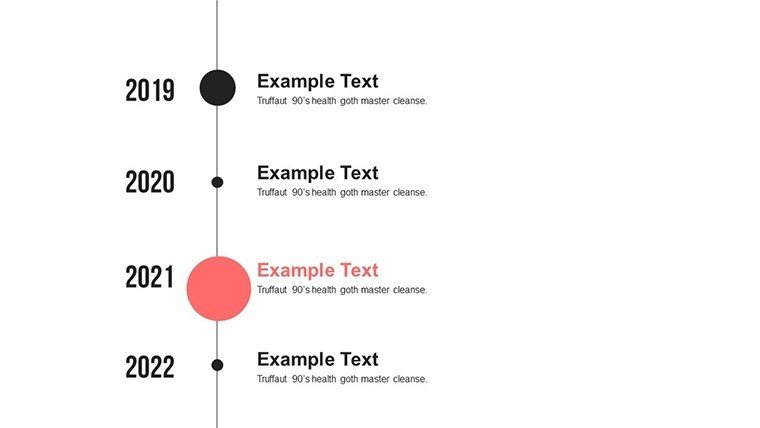
- Slide 1-5: Basic Linear Timelines - Perfect starters for straightforward chronologies, with animated reveals for added engagement.
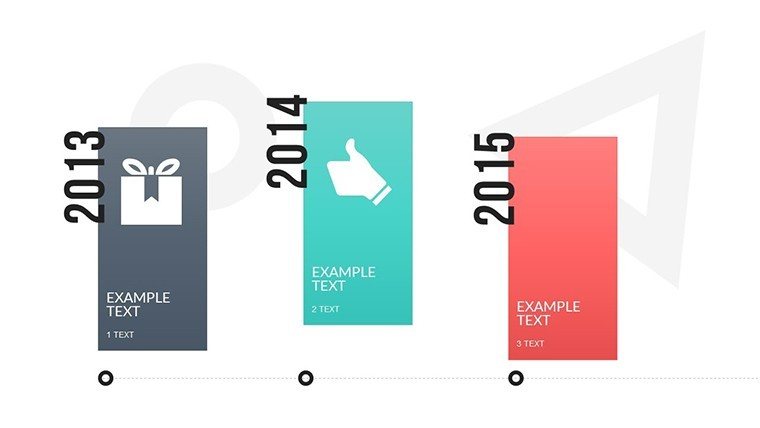
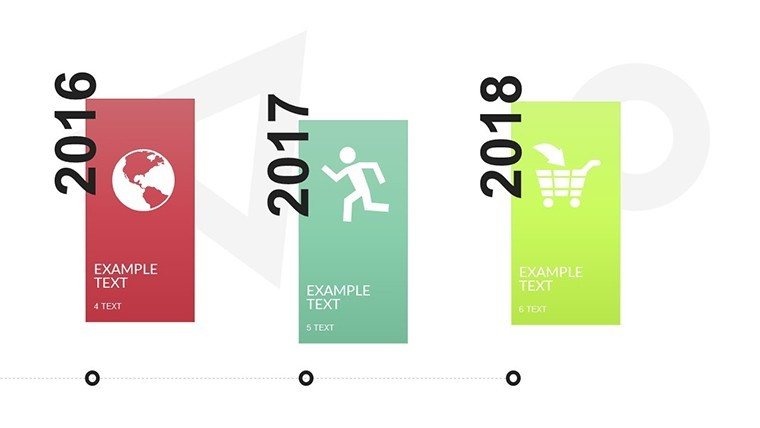
- Slide 6-12: Milestone-Focused Designs - Highlight key achievements with icons and progress bars, ideal for annual reports.
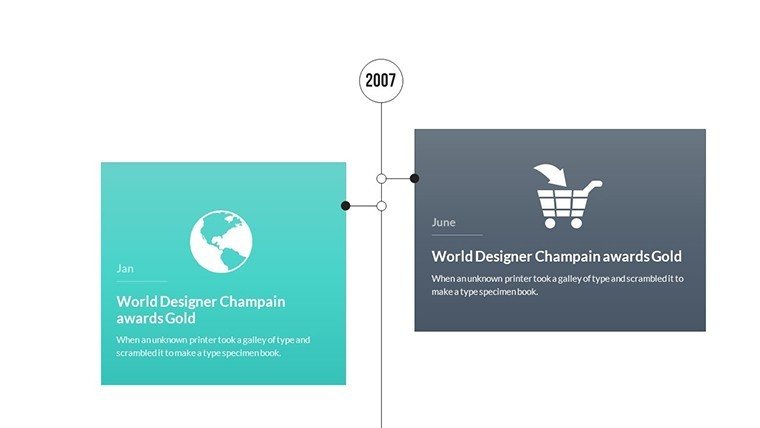
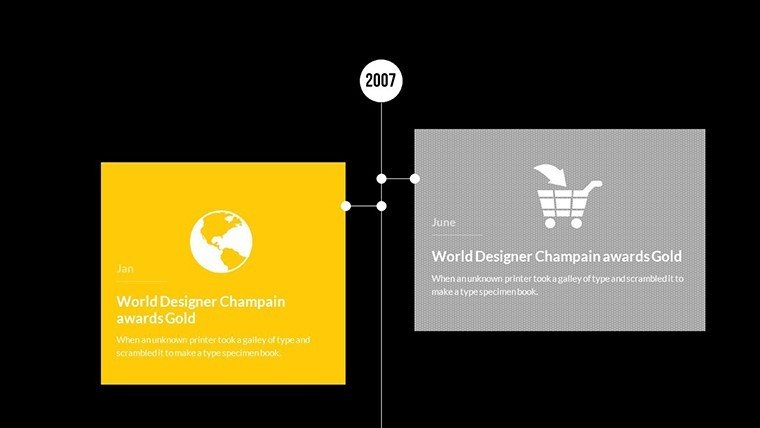
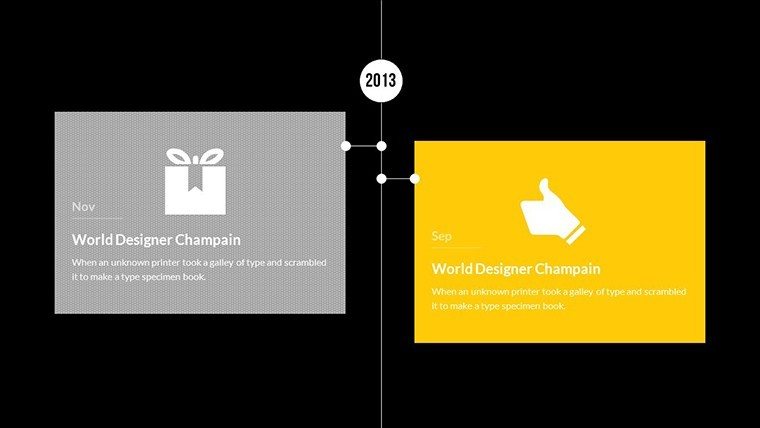
- Slide 13-20: Branched and Non-Linear Options - For complex stories like company growth or evolutionary paths, allowing multiple threads.
- Slide 21-25: Data-Integrated Timelines - Combine charts with timelines for metrics-driven narratives, such as sales forecasts.
- Slide 26-30: Summary and Interactive Elements - Conclude with overviews and clickable links for deeper dives.
These slides are optimized for PowerPoint, ensuring compatibility across versions, and can be exported for use in hybrid meetings.
Targeted Use Cases for Real Impact
Envision a marketing specialist showcasing a campaign's rollout: Using Slide #10, they animate phases from ideation to launch, demonstrating ROI with integrated graphs. Or, in an educational setting, a history teacher employs Slide #18 to map out World War II events, making abstract dates vivid and relatable. Project managers, meanwhile, can leverage the template for agile sprints, visualizing dependencies and deadlines to keep teams aligned.
A real-world example comes from a tech startup (modeled after successes shared on PMI forums), where adopting similar timeline tools reduced miscommunication by 25%, leading to faster project completions. This template excels in virtual scenarios too, with animations that maintain attention during screen shares.
Step-by-Step Customization Workflow
- Download Instantly: Secure your .pptx file and launch in PowerPoint.
- Map Your Story: Outline your timeline's key points and choose fitting slides.
- Populate with Data: Enter events, dates, and details via intuitive fields.
- Personalize Visuals: Adjust themes, add images, or tweak layouts for uniqueness.
- Rehearse and Refine: Test transitions and gather input for perfection.
- Deliver Dynamically: Present with confidence, using built-in notes for guidance.
This process empowers even novices to produce professional results, enhancing your reputation as a communicator.
Superior to Standard Timeline Tools
While PowerPoint's built-in timelines are functional, our template elevates them with pre-designed variety and expert-level polish, inspired by visualization gurus like Stephen Few. It avoids common pitfalls like overcrowding, focusing on readability and engagement. With 1143 ratings attesting to its quality, it's a reliable choice for those seeking to stand out.
Weave in related terms seamlessly: timeline visualization templates, editable PowerPoint chronologies, project milestone charts, and more, for comprehensive coverage.
Start Your Timeline Journey Now
Why settle for mundane when you can create timelines that inspire action? Our Comprehensive Timeline PowerPoint Charts Template is your key to presentation excellence. Customize today and watch your ideas unfold brilliantly. Download now and seize the spotlight!
Frequently Asked Questions
How many layouts are available in this template?Over 30 editable slides offer a variety of linear, branched, and integrated designs to suit any timeline need.Can I customize the colors and fonts?Yes, full customization options let you match your brand or theme effortlessly.Is it suitable for virtual presentations?Absolutely, with smooth animations optimized for online platforms like Zoom.What if I need more slides?You can duplicate existing ones and modify as needed for expansion.Does it work with older PowerPoint versions?Compatible with most recent versions; test for full feature support.How do I add interactive elements?Use PowerPoint's hyperlink features on slides for clickable timelines.Good for
- Project roadmaps and sprint plans
- Product launch timelines
- Quarterly or annual review decks
- Company history and milestone summaries
Licence
reviews
I downloaded this for an operations meeting and kept most slides unchanged.
The chart blocks were easy to resize which helped.
The icons looked basic but fine for office use.
Some transitions felt unnecessary so I removed them.
The timeline pages were probably the best part for me.
FAQ
Will it work in Google Slides?
Are fonts embedded?
Can I use this for client work?
What's the refund policy?
Do you update the template after purchase?
Similar templates
See all PowerPoint Charts →
All 30 slides