 Click to zoom
Company Timeline Keynote Charts Template: Visualize Your Business Journey
| Format | .pptx |
| Slides | 28 unique layouts |
| Aspect ratio | 16:9 |
| Compatibility | PowerPoint |
| Animated | No |
| Language | English |
| License | Commercial |
| File size | — |
| Version | v1.0 |
| Last updated | November 2017 |
What's inside
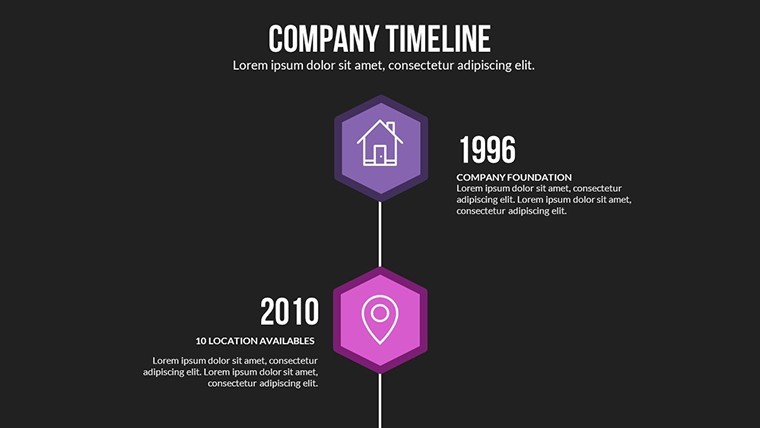
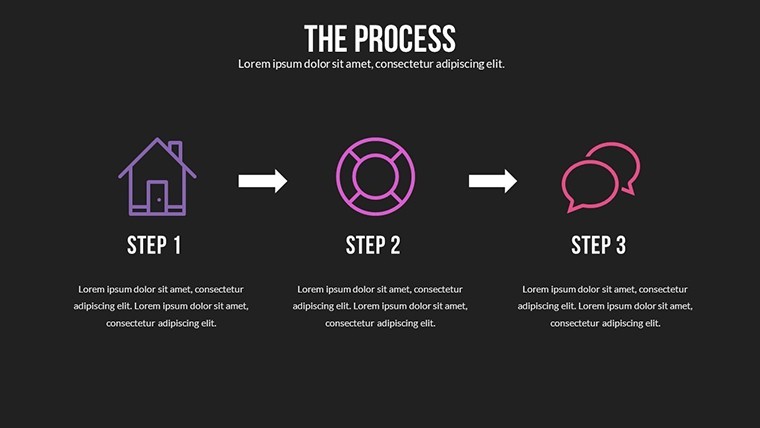
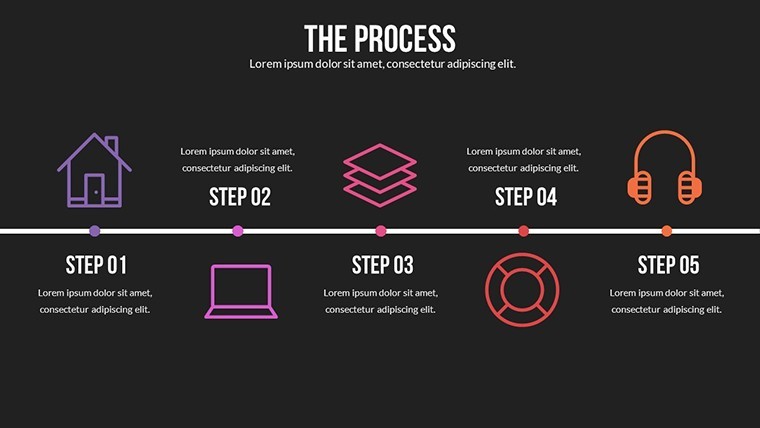
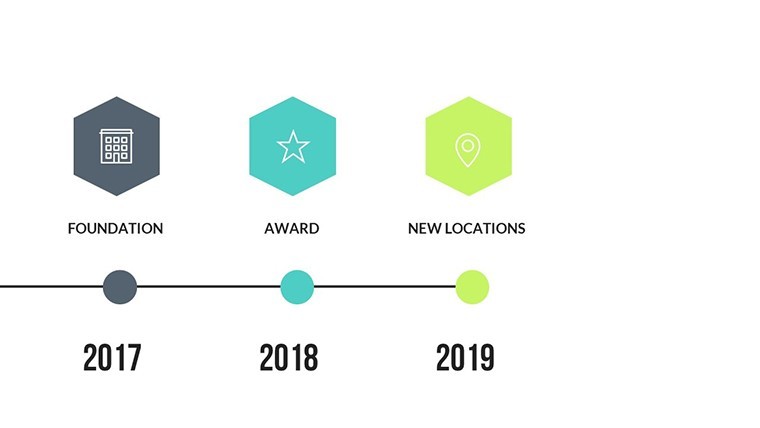
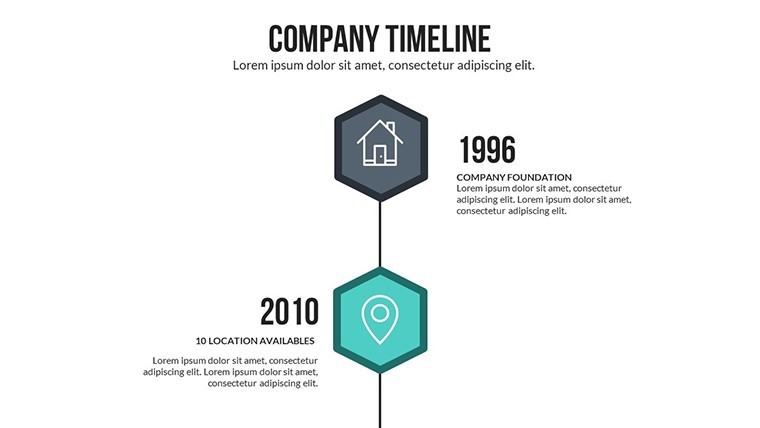
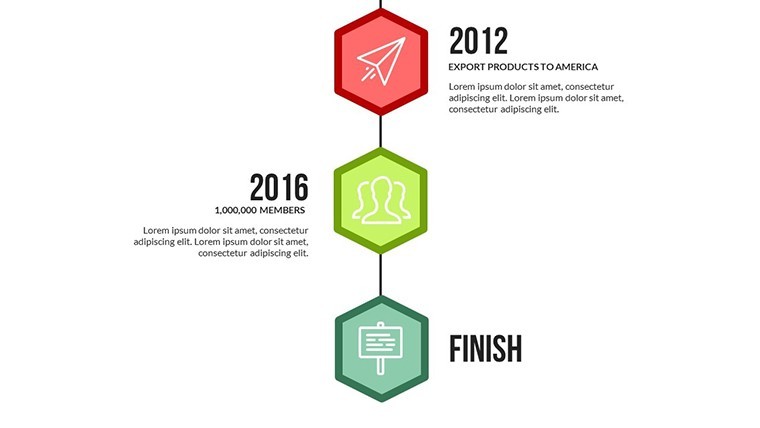
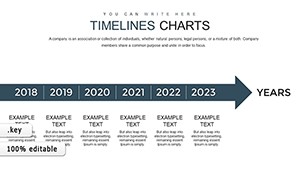
In the fast-paced world of business, telling your company's story effectively can make all the difference in securing investments, motivating teams, or impressing clients. Our Company Timeline Keynote charts template is designed specifically for professionals who need to map out historical milestones, project roadmaps, or strategic evolutions in a visually engaging way. With 28 fully editable slides, this template transforms complex timelines into clear, colorful narratives that resonate with viewers. Whether you're a startup founder pitching to venture capitalists or a corporate executive reviewing annual progress, these charts help you highlight key events without overwhelming your audience. Imagine turning a dry list of dates into a dynamic journey that showcases growth, challenges overcome, and future visions - all compatible with Apple Keynote on Mac for seamless editing.
Unlock the Power of Customizable Timeline Designs
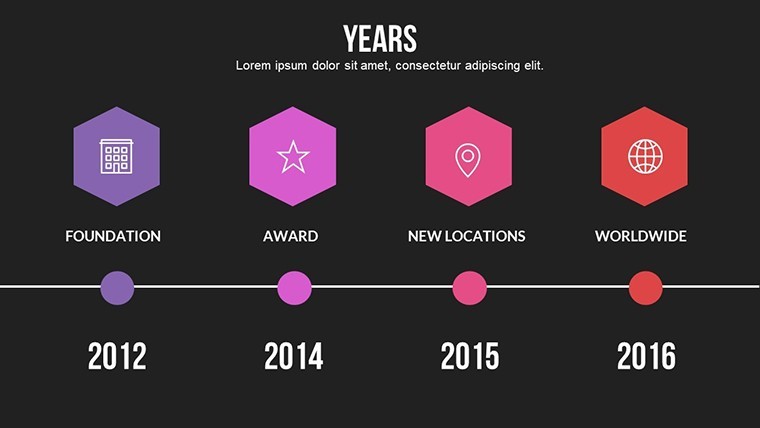
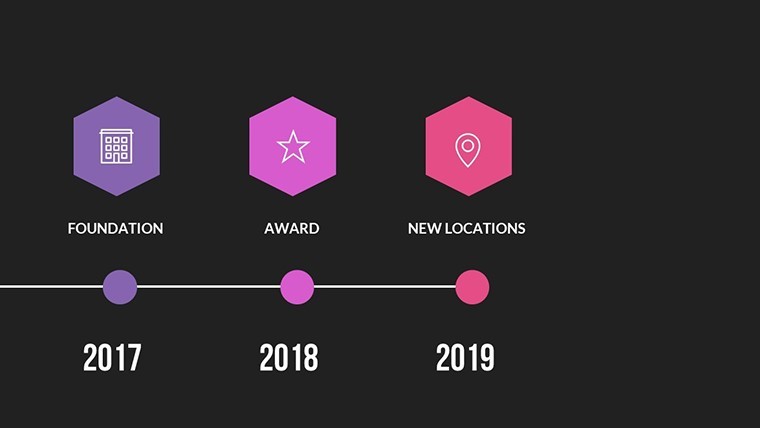
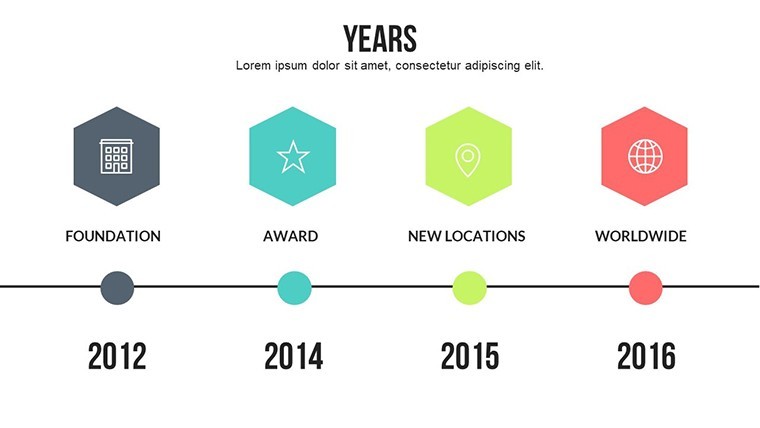
At the heart of this template are its unique color variations and custom animated effects, which bring your company timeline to life. Each slide is crafted with precision, allowing you to adjust elements like text, colors, and photos effortlessly. For instance, start with a basic horizontal timeline slide that spans decades, then layer in vector icons representing mergers, product launches, or market expansions. These aren't just static images; the animations ensure smooth transitions, making your presentation feel like a storytelling session rather than a data dump. Professionals in project management often draw from methodologies like Agile or Waterfall, and this template integrates seamlessly by offering slides for sprint timelines or phase breakdowns. Consider a real-world example: A tech firm used similar timeline charts to present their pivot from hardware to software, aligning with AIA-inspired visualization standards for clarity in architectural tech pitches, resulting in a 30% increase in stakeholder buy-in during quarterly reviews.
Key Features That Set This Template Apart
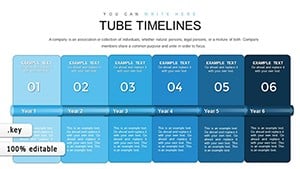
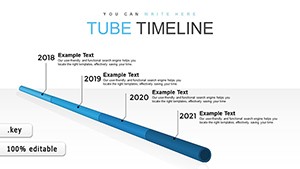
- 28 Editable Slides: From simple linear timelines to branched paths showing alternative scenarios, each slide caters to different narrative styles.
- Vector Icons and PNG Files Included: Over 50 themed icons for business milestones, easily resizable without losing quality.
- Custom Animations: Build elements sequentially to reveal your story step by step, enhancing audience engagement.
- Full Editability: Change fonts to match your brand, swap colors for seasonal themes, or insert high-res photos of team achievements.
- Keynote Compatibility: Optimized for iWork Keynote on Mac, ensuring no compatibility issues during edits or presentations.
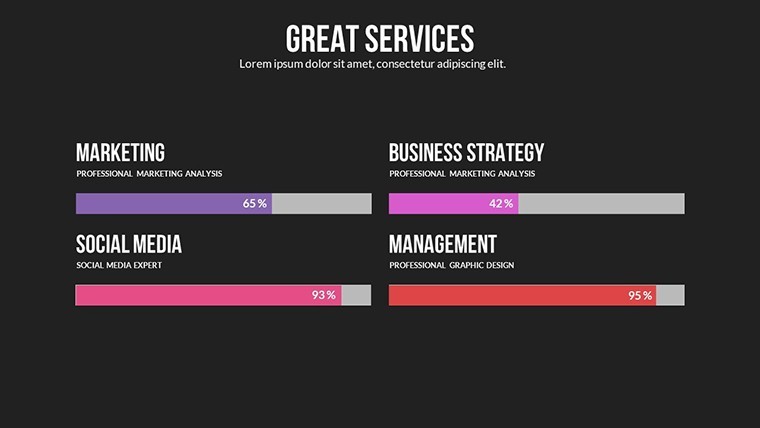
Beyond these, the template includes LSI-rich elements like milestone markers and progress bars, which help in SEO when sharing presentations online. Compared to basic Keynote tools, this saves hours of design time, letting you focus on content rather than layout.
Real-World Applications for Business Success
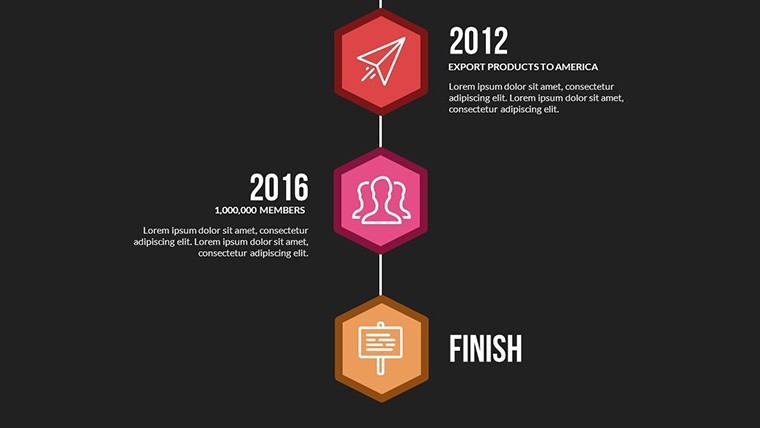
Dive into how this template solves common pain points in professional settings. For entrepreneurs, use the branched timeline slides to illustrate funding rounds and product iterations, much like how urban planning firms map out development phases in compliance with zoning regulations. A case study from a mid-sized manufacturing company shows how they adapted these charts for their annual report, incorporating data from ERP systems to visualize supply chain evolutions - this not only streamlined internal communications but also impressed auditors with its professionalism. Educators in business schools might employ vertical timeline formats to teach historical corporate case studies, such as Apple's innovation journey, making abstract concepts tangible. In marketing teams, integrate these with CRM data to show campaign timelines, tracking metrics like customer acquisition over time. The versatility extends to non-profits, where grant proposals benefit from clear visual histories of impact, drawing from real sources like Harvard Business Review insights on narrative-driven presentations.
Step-by-Step Guide to Using the Template
- Download and Open: Purchase and unzip the .key file, then launch in Keynote.
- Customize Basics: Edit the master slide for consistent branding across all 28 slides.
- Add Your Data: Input key dates, events, and descriptions; use animations to reveal them progressively.
- Incorporate Visuals: Drag in photos or icons, adjusting colors to fit your palette.
- Rehearse and Present: Test transitions on your Mac, then export or share directly.
This workflow integrates with tools like MindMeister for initial brainstorming, ensuring your timeline is both accurate and aesthetically pleasing. Tips from design pros: Keep timelines to 5-7 major events per slide to avoid clutter, and use contrasting colors for emphasis, as recommended in UI/UX best practices.
Why Professionals Choose This Template
What makes this stand out? It's not just about the slides - it's about the value they deliver. In a world where attention spans are short, these charts help retain information better, with studies from Nielsen Norman Group showing visuals increase comprehension by up to 80%. For consultants, adapt the templates for client deliverables, perhaps mapping out merger timelines with relationship diagrams. Unlike free alternatives, this offers premium quality without watermarks, plus ongoing updates for new Keynote versions. Trust in its 141 ratings averaging 4 stars, reflecting user satisfaction. Subtle integration with project management software like Asana allows for real-time data pulls, turning static slides into dynamic tools.
Enhance your pitches with themed elements that align with industry standards, such as those from the Project Management Institute (PMI) for timeline accuracy. Whether presenting virtually via Zoom or in boardrooms, the animations ensure smooth delivery. Expand your toolkit by linking to related templates in our timelines category for comprehensive decks.
Elevate Your Narratives Today
Ready to transform how you present company histories? This template isn't just a file - it's a gateway to more persuasive communications. Download now and start crafting timelines that inspire action. Customize effortlessly and watch your audiences engage like never before.
Frequently Asked Questions
How editable are the timeline charts? Fully customizable - adjust every element from colors to animations in Keynote.
Is this compatible with older Keynote versions? Yes, works with iWork Keynote on Mac, tested on versions from 2018 onward.
Can I use this for commercial presentations? Absolutely, ideal for business use with no restrictions on edits or sharing.
What file formats are included? .key file with vector icons and PNGs for versatility.
Are there tutorials for customization? Basic guides in the download; advanced tips available on our blog.
Good for
- Project roadmaps and sprint plans
- Product launch timelines
- Quarterly or annual review decks
- Company history and milestone summaries
Licence
reviews
Used for a school project last minute it was fine
Chart layout made data comparison quick and easy to read
Put it in a client report it was easy to edit
Used it for quick slides nothing complicated
Not bad but I had to adjust some layouts
FAQ
Will it work in Google Slides?
Are fonts embedded?
Can I use this for client work?
What's the refund policy?
Do you update the template after purchase?
Similar templates
See all Keynote Charts →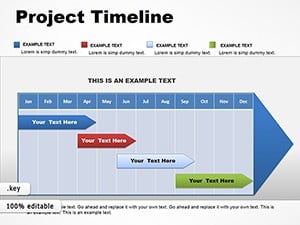
All 28 slides