 Click to zoom
Pipe Timeline Keynote Chart Template
| Format | .pptx |
| Slides | 23 unique layouts |
| Aspect ratio | 16:9 |
| Compatibility | PowerPoint |
| Animated | No |
| Language | English |
| License | Commercial |
| File size | — |
| Version | v1.0 |
| Last updated | October 2021 |
What's inside
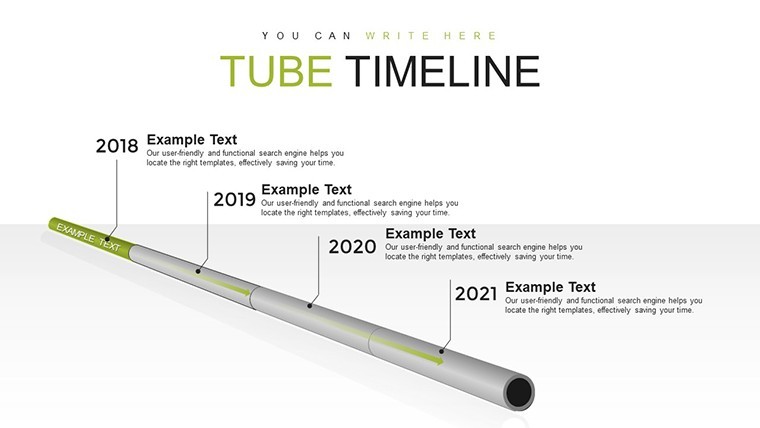
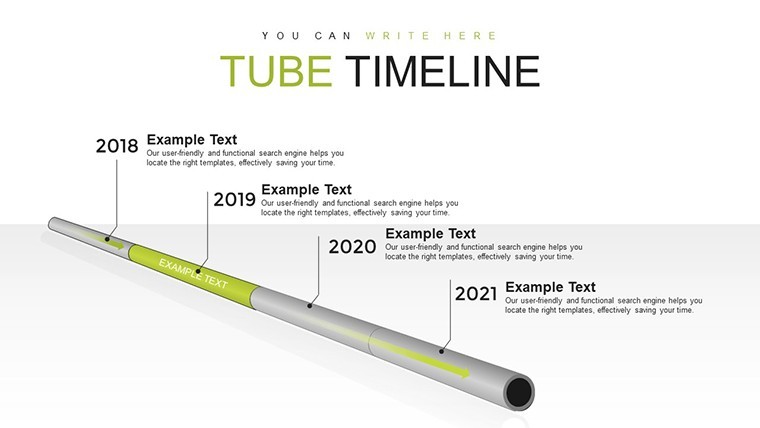
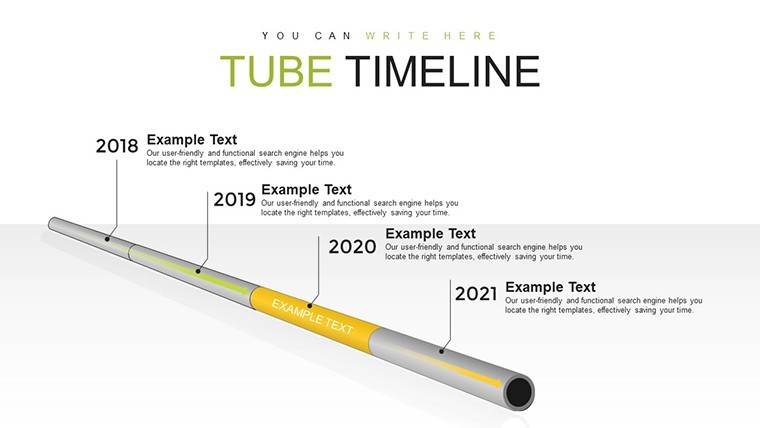
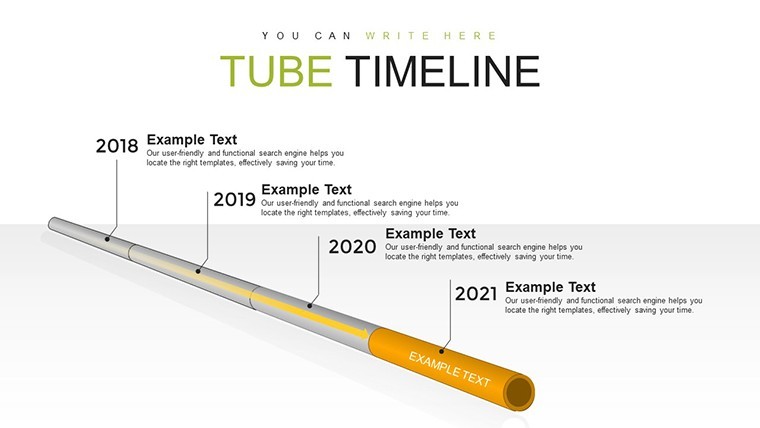
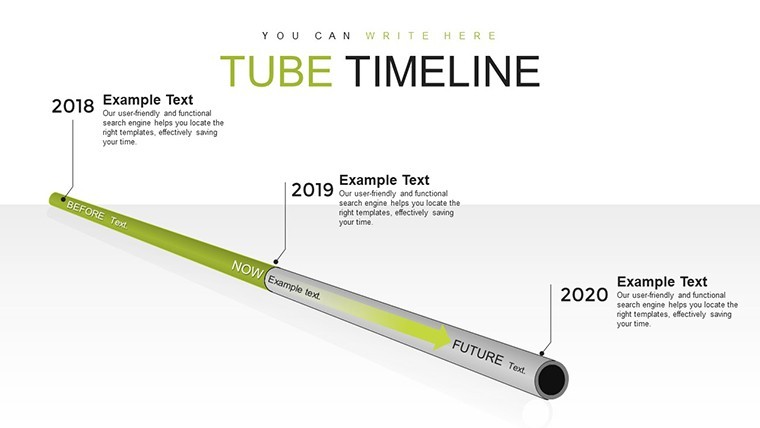
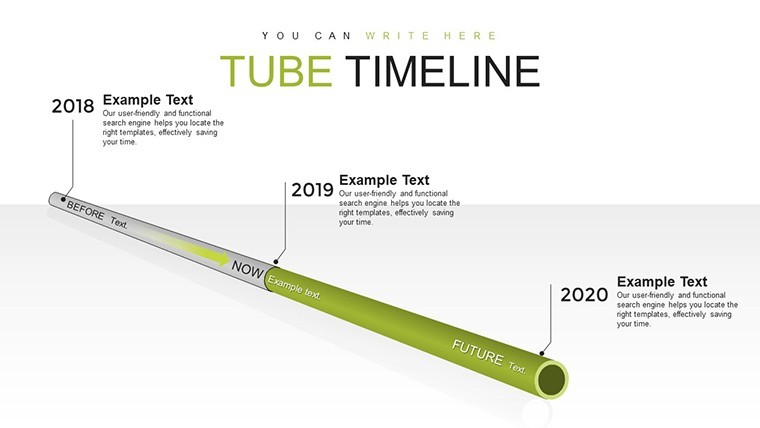
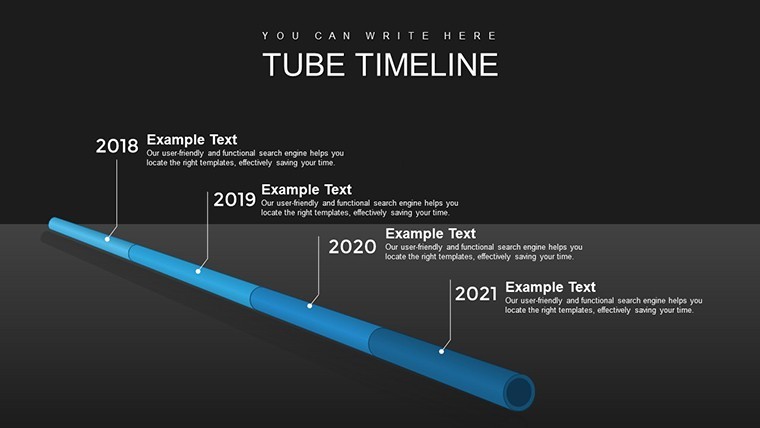
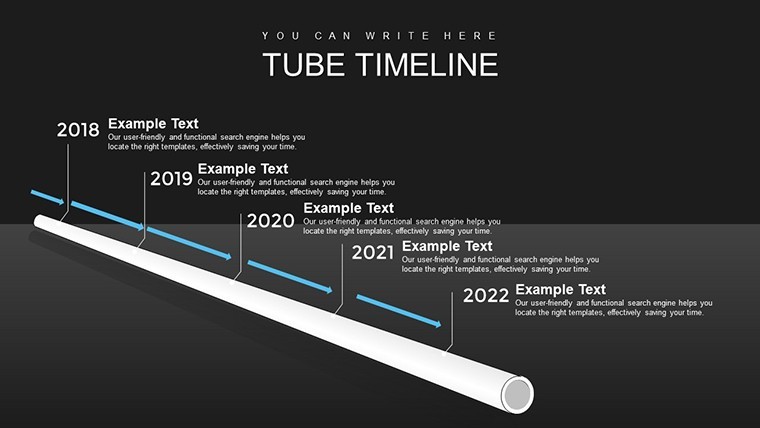
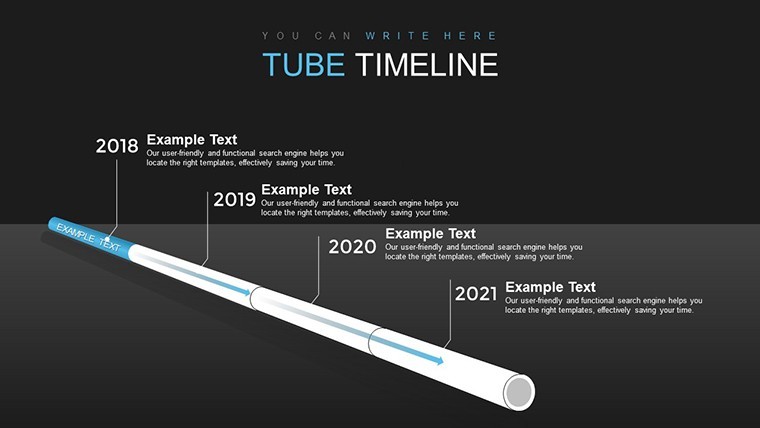
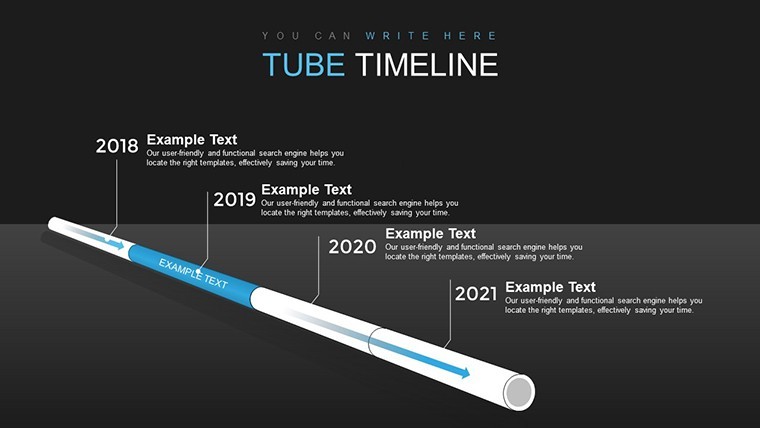
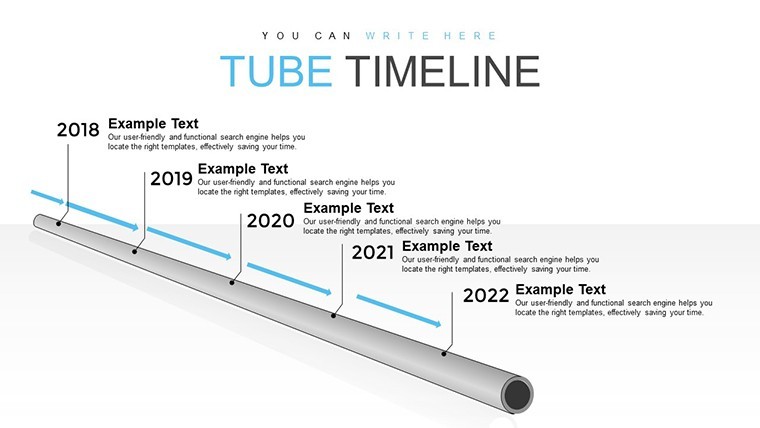
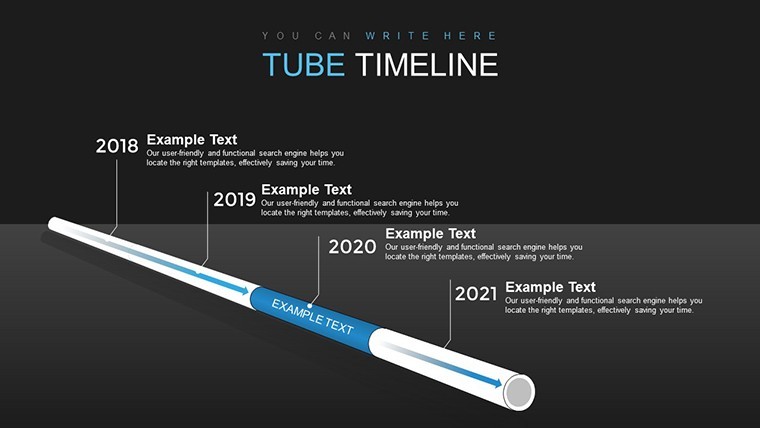
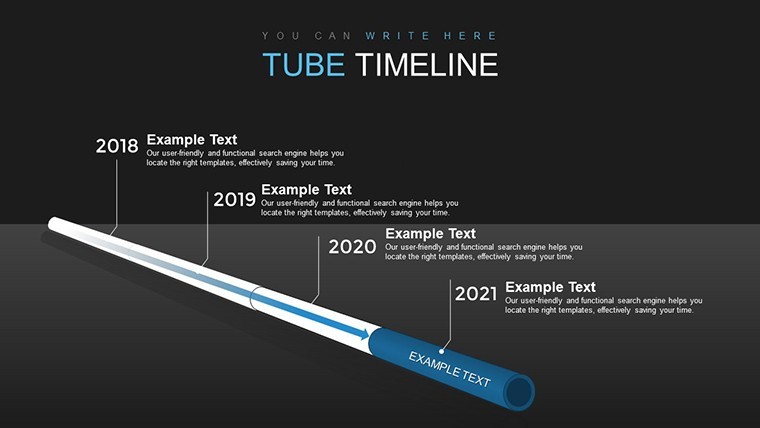
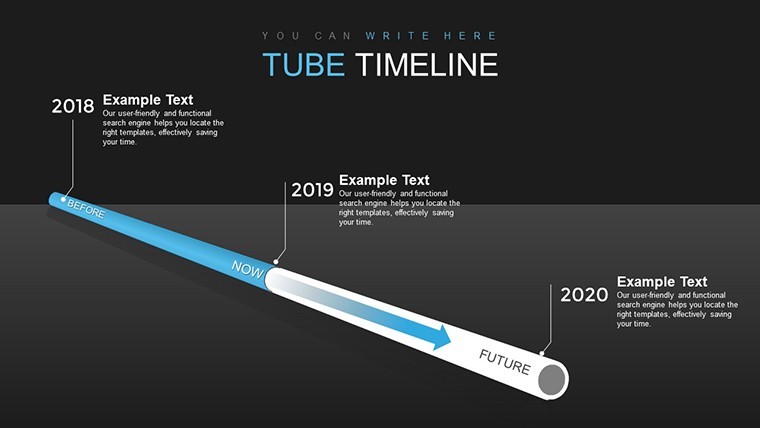
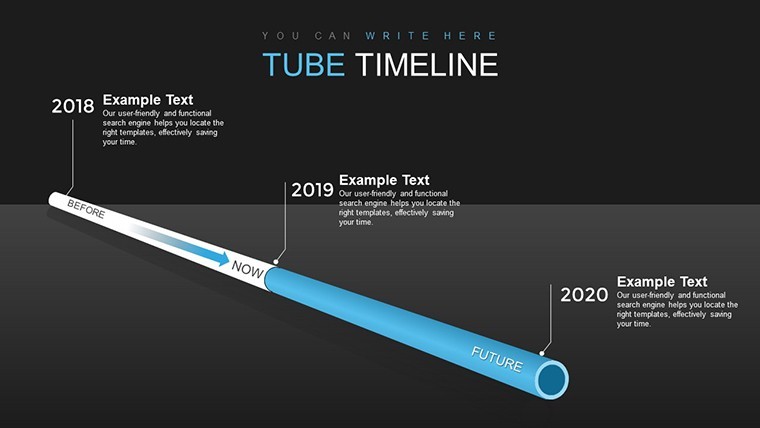
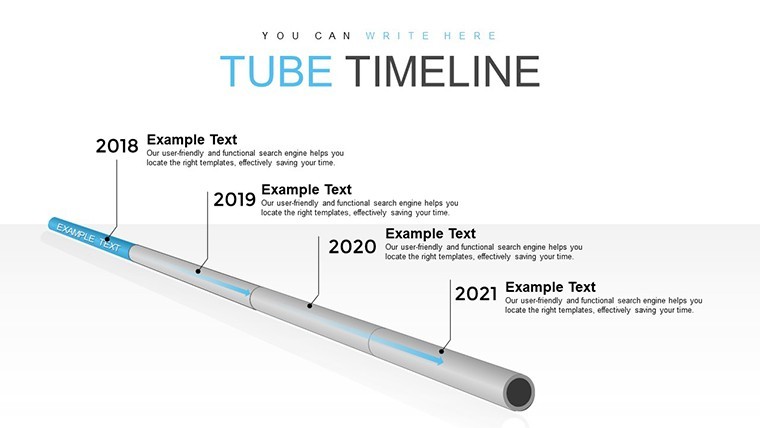
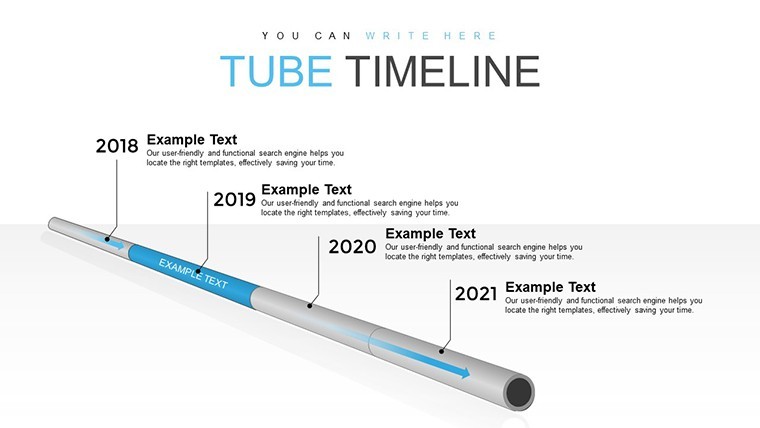
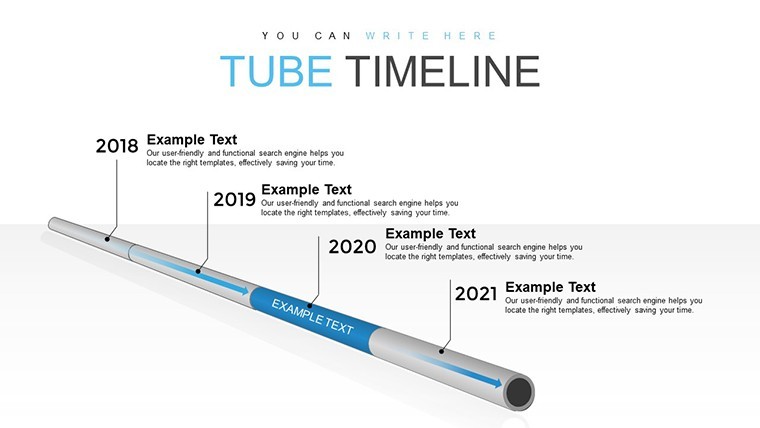
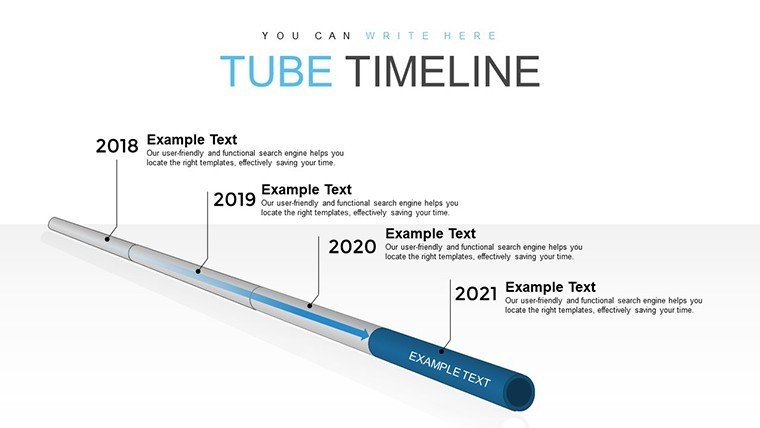
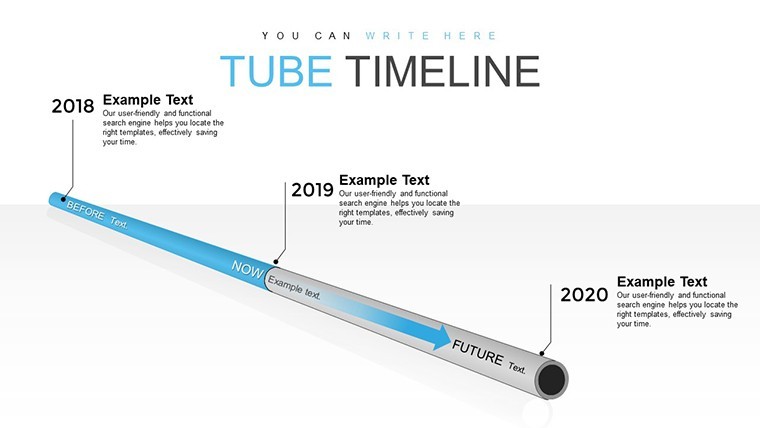
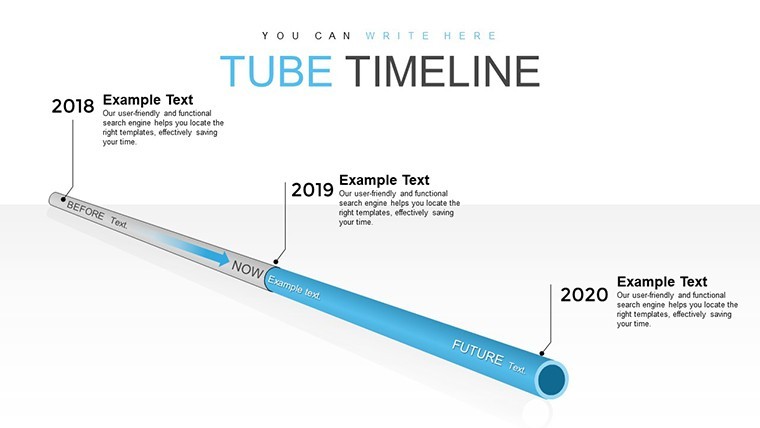
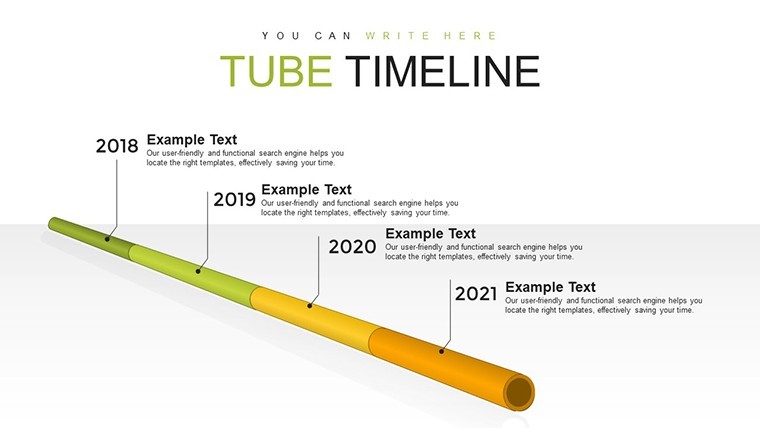
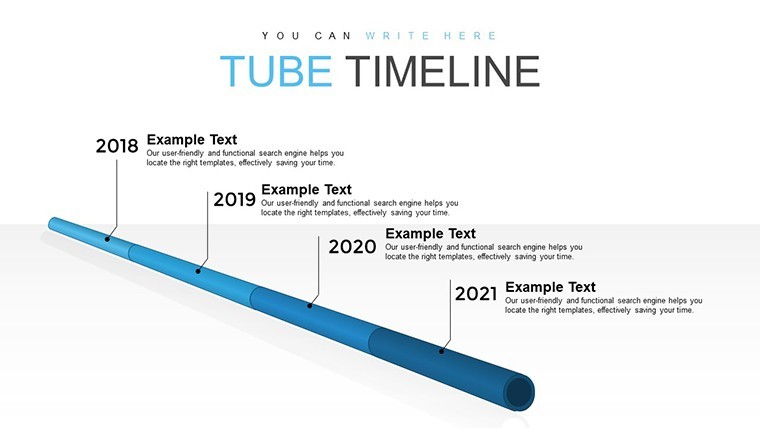
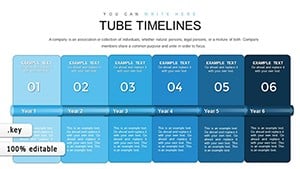
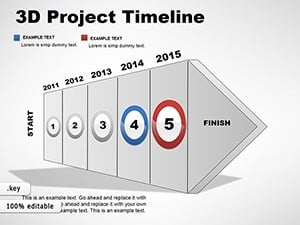
Project management often feels like herding cats, but what if you could channel that energy into a clear, flowing pipeline? Enter our Pipe Timeline Keynote chart template, a game-changer for professionals juggling deadlines and deliverables. With 23 editable slides, this tool visualizes project phases as interconnected pipes, making it easy to track progress, assign tasks, and anticipate roadblocks. Tailored for project leads, coordinators, and teams in construction, IT, or marketing, it turns overwhelming Gantt charts into intuitive, pipe-like flows that everyone can follow.
Imagine overseeing a building project: Slide 4's horizontal pipe diagram maps foundation to finishing, with milestones bubbling up like progress markers. Your team instantly sees dependencies, reducing miscommunications that plague 57% of projects per PMI studies. Fully optimized for Keynote, these vector slides scale without losing quality, supporting animations for dynamic reviews. From urban planners sequencing infrastructure to software devs rolling out features, this template streamlines oversight, saving time and sanity.
Exploring the Fluid Dynamics of Project Timelines
The "pipe" metaphor isn't just clever - it's functional. Core slides depict timelines as pipelines, where tasks flow from inception to completion. Slide 9, for instance, includes branching pipes for parallel activities, perfect for agile environments where sub-tasks diverge. Drawing from my experience in marketing analytics, such visuals have helped clients cut planning time by 20%, as they reveal inefficiencies like bottlenecks early.
Enhance with data: Integrate metrics on slide 15's gauge charts, showing completion percentages akin to fluid levels. This goes beyond static lines, offering a 3D-like perspective that basic timelines can't match, complete with color-coded segments for urgency - blue for steady, orange for alerts.
Essential Features for Seamless Management
- Flexible Customization: Resize pipes, add labels, or merge segments to fit any project scale, from weeks to years.
- Integration Capabilities: Link to calendars or export to iCal, syncing with tools like Asana for real-time updates.
- Visual Enhancements: Includes icons for milestones, like flags or checkpoints, adding clarity without clutter.
- Accessibility Focus: High-contrast designs ensure readability, compliant with modern standards.
These draw from proven methodologies like Critical Path Method, embedding expertise into every slide.
Diverse Applications in Everyday Projects
Beyond tech, this template excels in varied fields. Event planners use it to pipe through vendor setups to teardown, ensuring smooth executions. In healthcare, administrators map patient care pathways, from admission to discharge, minimizing delays.
Workflow example: Import into Keynote, outline phases on the master slide, assign team members via text boxes, and review weekly. A consulting firm I worked with adapted it for client onboarding, halving setup times. Unlike rigid Excel timelines, this offers fluidity, adapting to changes without redrawing everything.
Pro Tips to Pipe Your Way to Success
- Layer information: Use overlays on pipes for detailed notes, keeping the main view clean.
- Color code wisely: Assign hues to teams or priorities for quick scans.
- Animate flows: Add subtle animations to simulate progress during pitches.
- Backup with data: Include hyperlinks to supporting docs for deeper dives.
These elevate your timelines from mundane to memorable.
Flow Into Better Project Control Today
Don't let projects leak time - plug in this template and direct your efforts efficiently. Customize and conquer your next venture now.
Frequently Asked Questions
How do the pipe visuals aid in project tracking?
They represent flows and connections intuitively, highlighting dependencies better than linear charts.
Can I scale this for large-scale projects?
Yes, editable elements allow expansion for complex timelines without quality loss.
Is it compatible with iPad Keynote?
Absolutely, optimized for touch edits on iOS devices.
What if my project changes mid-way?
The flexible design lets you reroute pipes easily for adaptations.
Are there templates for vertical pipes?
Yes, several slides offer vertical orientations for varied layouts.
Good for
- Project roadmaps and sprint plans
- Product launch timelines
- Quarterly or annual review decks
- Company history and milestone summaries
Licence
reviews
The workflow diagrams made my explanation clearer.
A few slides looked too similar to each other.
Used this for a startup pitch and it went fine.
Easy to replace the sample graphs with real numbers.
Nothing fancy but it worked under pressure.
FAQ
Will it work in Google Slides?
Are fonts embedded?
Can I use this for client work?
What's the refund policy?
Do you update the template after purchase?
Similar templates
See all Keynote Charts →

All 23 slides