 Click to zoom
Company History PowerPoint Charts: Weaving Timelines into Timeless Narratives
| Format | .pptx |
| Slides | 13 unique layouts |
| Aspect ratio | 16:9 |
| Compatibility | PowerPoint |
| Animated | No |
| Language | English |
| License | Commercial |
| File size | — |
| Version | v1.0 |
| Last updated | September 2023 |
What's inside
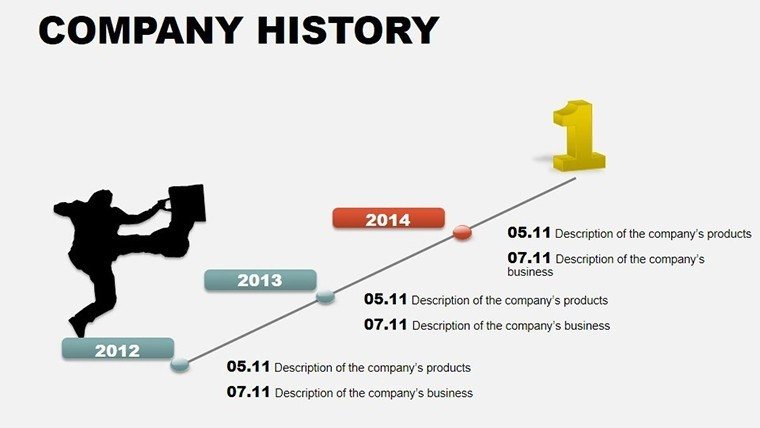
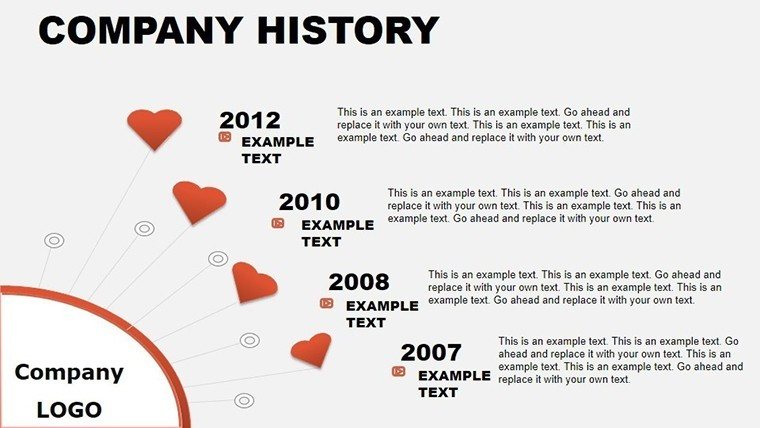
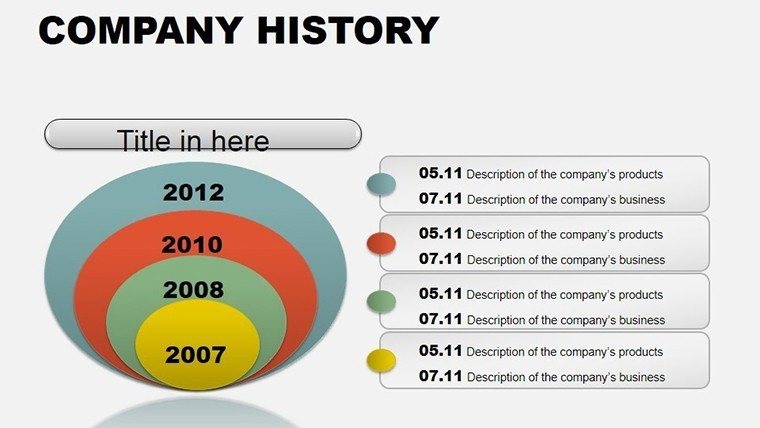
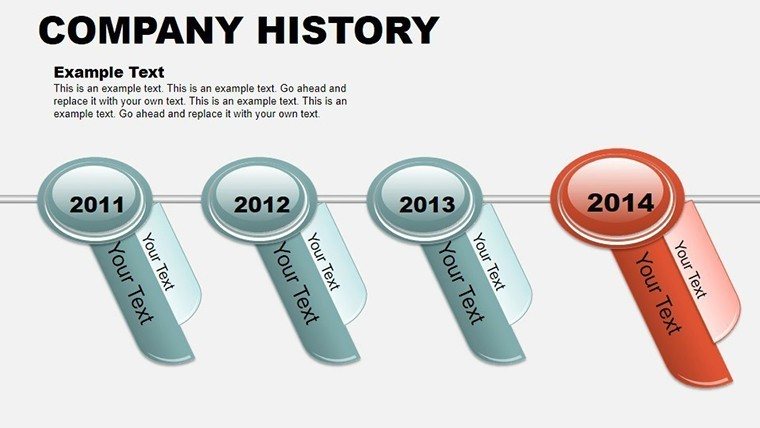
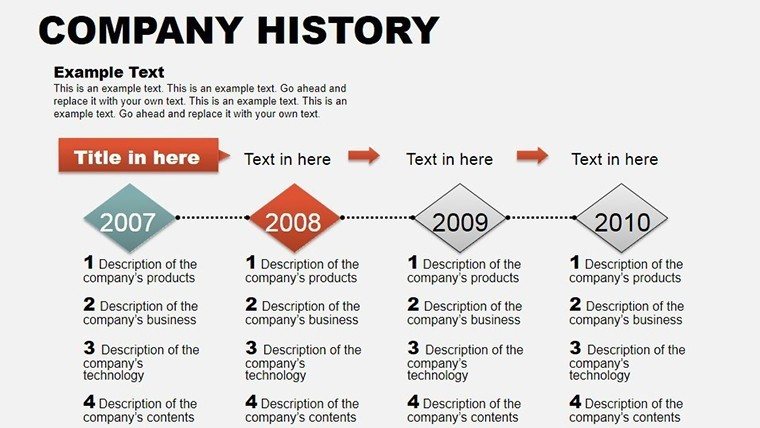
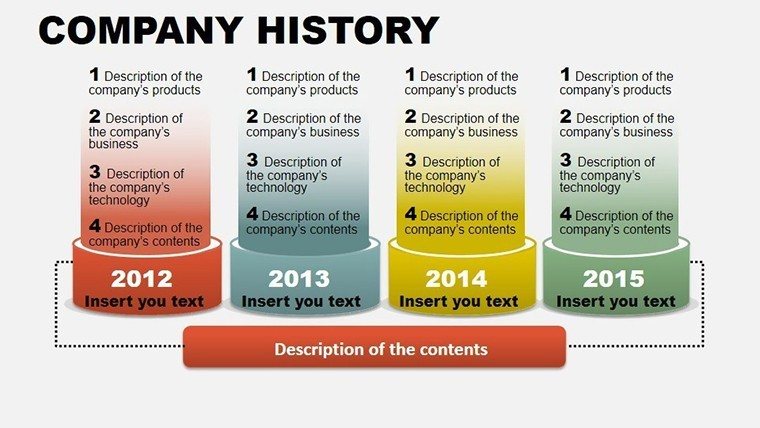
Every company has a story - a tapestry of milestones, challenges, and triumphs that defines its identity. But how do you distill decades of progress into a presentation that captivates rather than bores? Enter our Company History PowerPoint Charts Template, a 13-slide powerhouse crafted for founders, CEOs, and corporate historians. With editable infographics and charts, it turns chronological data into visual epics, perfect for boardrooms, investor briefings, or anniversary celebrations. Imagine guiding your audience through your firm's evolution, from humble beginnings to industry leadership, using sleek timelines that evoke emotion and underscore achievements.
This template bridges the gap between past and present, infusing modern design elements like gradient fills and iconography with historical authenticity. Drawing from storytelling frameworks used by TED speakers, it ensures your narrative flows logically, building suspense and resolution. For example, in a startup pitch, highlight funding rounds as ascending steps on a timeline, each with metrics that demonstrate growth. This approach not only honors your heritage but also positions your brand as resilient and forward-thinking, aligning with principles from business classics like "Good to Great" by Jim Collins.
Essential Features for Storytelling Mastery
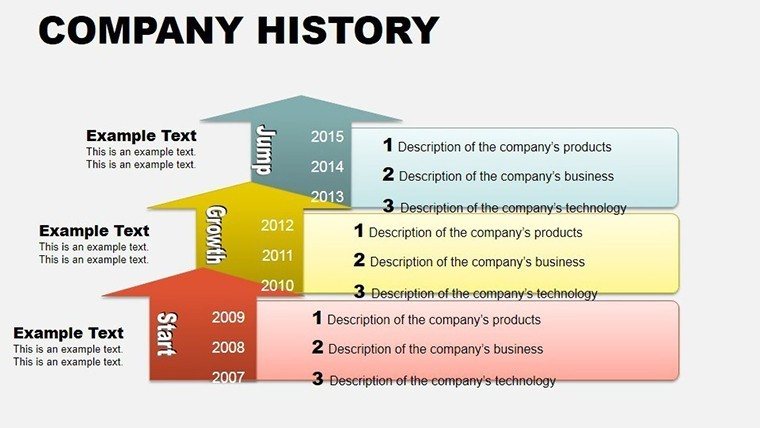
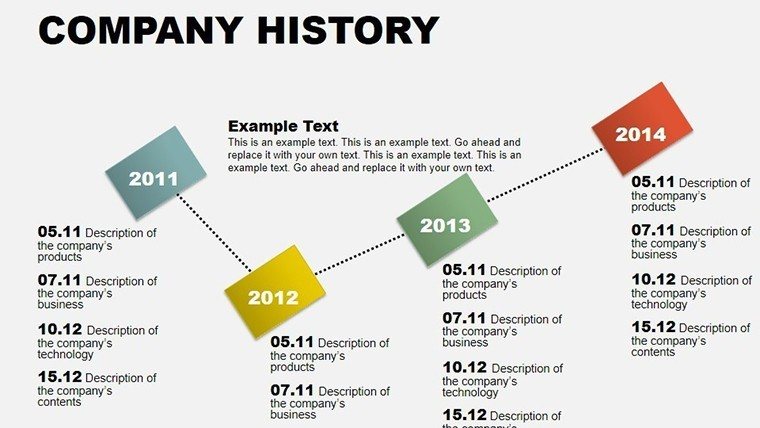
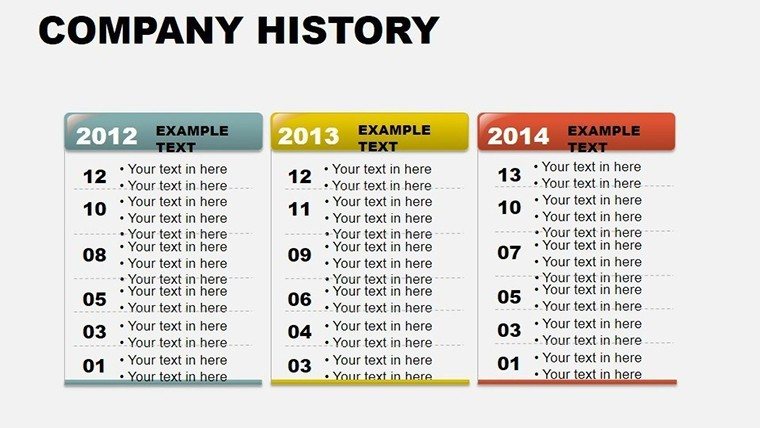
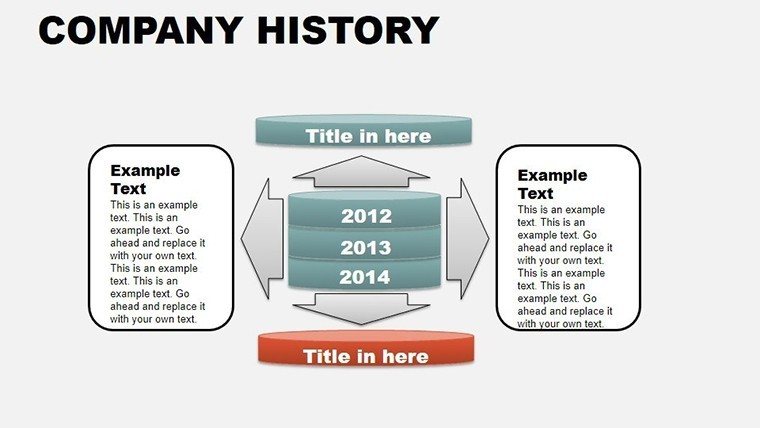
At its core, the template offers 13 slides, each meticulously designed for customization. From horizontal timelines spanning years to vertical stacks for detailed events, you'll find layouts that suit any era. Edit dates, add photos of key figures, or tweak color schemes to reflect your brand's evolution - perhaps shifting from earthy tones for early days to bold primaries for current innovations. Available in .pot and .potx, it's fully compatible with PowerPoint, ensuring no compatibility hiccups in collaborative environments.
- Interactive Timelines: Clickable elements for drilling down into specifics, like expansion maps showing global reach.
- Infographic Integration: Combine charts with text for hybrid slides, such as growth graphs overlaid on historical photos.
- Font and Color Flexibility: Match your corporate identity effortlessly, with presets inspired by design trends from AIGA standards.
- Animation Sequences: Fade-ins for milestones, creating a cinematic reveal that keeps viewers hooked.
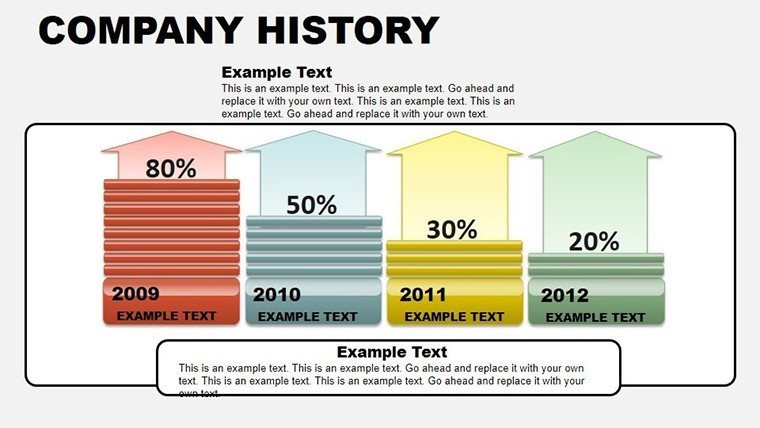
- Data-Driven Elements: Embed tables for quantifiable achievements, like revenue spikes post-pivotal events.
These features stem from real applications in corporate communications. A case from a tech giant like IBM shows how timeline presentations in annual reports boosted shareholder engagement by highlighting innovation cycles. Our template replicates this success, providing tools that demonstrate expertise in visual rhetoric.
Diverse Applications Across Industries
Versatility is key here. In manufacturing, use it to chart product evolutions, from prototypes to market leaders. For non-profits, map out impact over time, like beneficiary numbers growing exponentially. Step-by-step for a seminar: Choose a timeline slide, input your company's founding date as the anchor. Add nodes for mergers, product launches, or awards. Customize icons - gears for operations, lightbulbs for ideas. Rehearse with animations to time your delivery perfectly.
Unlike generic PowerPoint timelines, ours includes thematic depth, such as era-specific backgrounds, elevating it beyond basics. Compare to free alternatives: While they offer lines and dots, we provide narrative arcs with embedded analytics, akin to those in Harvard Business Review case studies. Plus, with LSI-friendly elements like milestone markers and achievement badges, your slides become searchable assets in shared drives.
Expert Tips for Compelling Histories
To amplify effectiveness, incorporate these pro insights: Balance text and visuals - aim for 80/20 to avoid overload. Use high-contrast colors for readability, per accessibility guidelines from the Web Content Accessibility Guidelines. Link to external docs for depth, like embedding hyperlinks to press releases. For creative twists, overlay quotes from founders on key slides, drawing from biographical design trends in museums.
In marketing pitches, this template shines by humanizing data - turn a simple history into a brand story that resonates emotionally. For educational firms, it could outline curriculum developments, fostering trust with prospective students.
Elevate Your Corporate Legacy Today
Ultimately, this template isn't just about recording history; it's about inspiring futures. By presenting your journey with polish, you build credibility and motivation. Don't let your story fade - customize this template now and let your legacy speak volumes.
Frequently Asked Questions
How customizable are the timelines?Completely - you can edit dates, add/remove events, change layouts, and adjust visuals to fit your narrative.Does it work for short company histories?Yes, scale down slides for startups with just a few years of milestones.Can I add multimedia?Absolutely, insert images, videos, or audio clips into placeholders for richer storytelling.Is it suitable for non-business use?Sure, adapt for personal projects like family histories or project retrospectives.What file formats are included?.pot and .potx for easy PowerPoint integration.Are there design tutorials?Our resources section has guides on timeline best practices.Good for
- Project roadmaps and sprint plans
- Product launch timelines
- Quarterly or annual review decks
- Company history and milestone summaries
Licence
reviews
Downloaded this during lunch break for a quarterly report and it was okay.
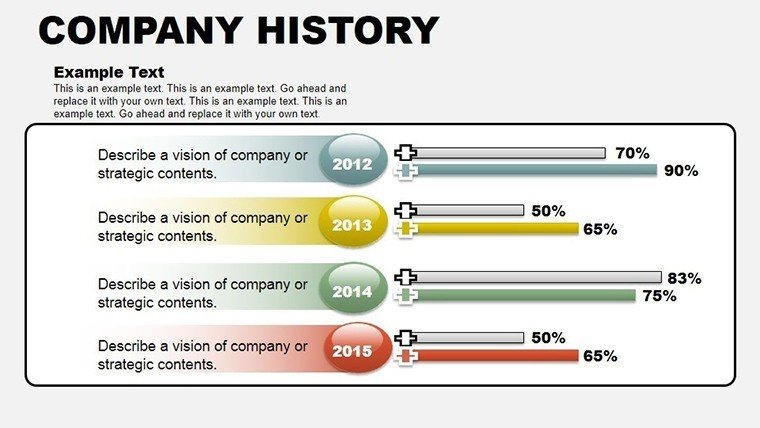
The bar charts looked clean after I swapped the company colors in.
Slides were a little busy at first but removing extra shapes helped.
I liked that the numbers were readable even on the projector.
Worked fine for a last minute presentation at work.
FAQ
Will it work in Google Slides?
Are fonts embedded?
Can I use this for client work?
What's the refund policy?
Do you update the template after purchase?
Similar templates
See all PowerPoint Charts →


All 13 slides