 Click to zoom
Communication Process Chart Keynote Template - Editable Messaging Flow Diagrams
| Format | .pptx |
| Slides | 34 unique layouts |
| Aspect ratio | 16:9 |
| Compatibility | PowerPoint |
| Animated | No |
| Language | English |
| License | Commercial |
| File size | — |
| Version | v1.0 |
| Last updated | February 2026 |
What's inside
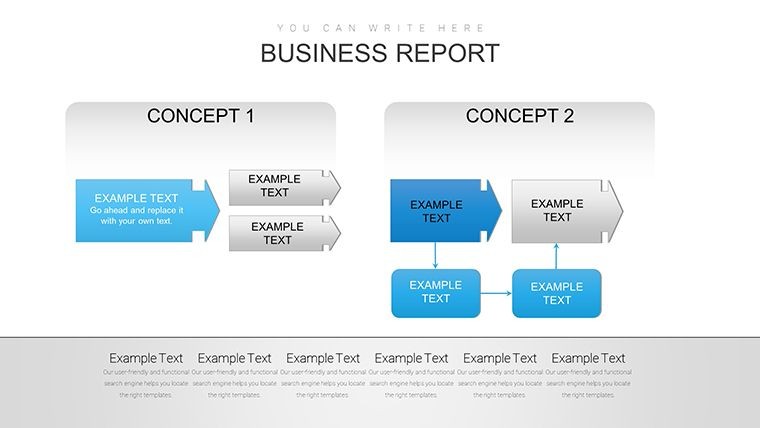
This Communication Process Chart Keynote Template gives you a professional set of editable slides designed to help teams visualize communication flows, feedback mechanisms, and organizational messaging paths with clarity and impact. Ideal for project managers, consultants, HR professionals, and educators alike, it translates complex interdepartmental or interpersonal communication structures into intuitive diagrams that support decision-making and training.
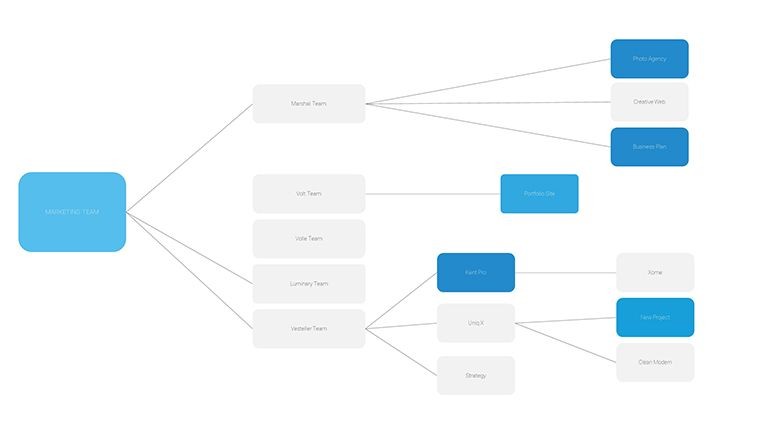
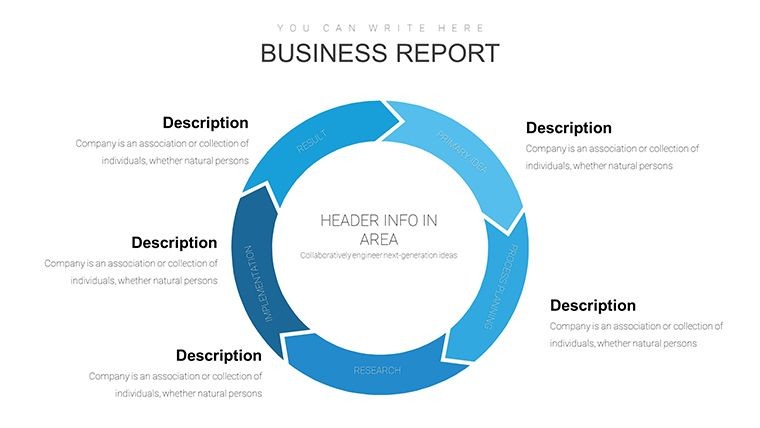
Use this template to map sender-receiver relationships, feedback loops, hierarchical communication channels, and stakeholder touchpoints. Each slide is fully customizable, enabling you to match your corporate branding and data needs while ensuring your audience quickly grasps key points during meetings, workshops, or classroom settings.
Key scenarios where this template helps:
- Internal corporate presentations explaining communication protocols or change management processes.
- Client pitches where you need to visualize interaction flows or engagement strategies.
- HR training sessions on active listening, feedback channels, and departmental collaboration.
- Teaching communication models like Shannon-Weaver or transactional models in workshops.
Download this editable Keynote file now to accelerate preparation time and enhance clarity in your communication visuals. Customize quickly and start presenting professional charts instantly.
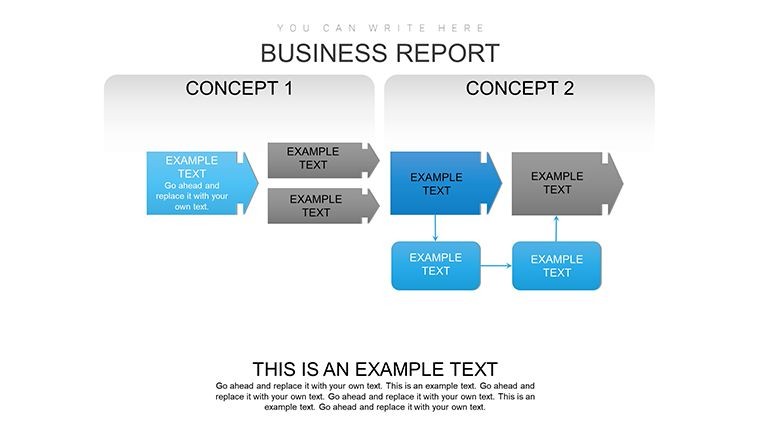
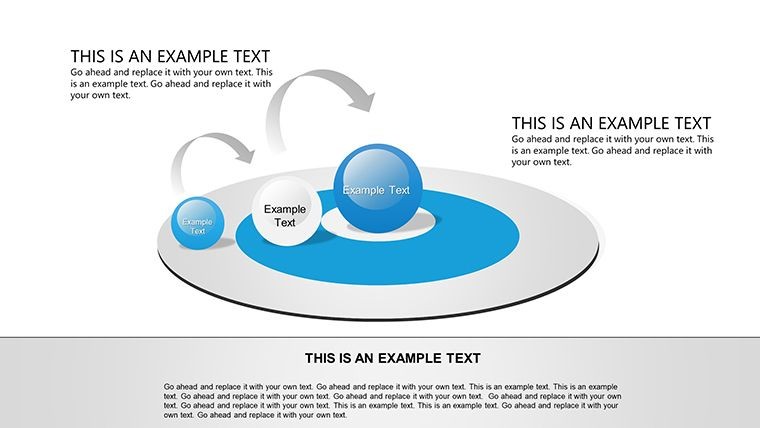
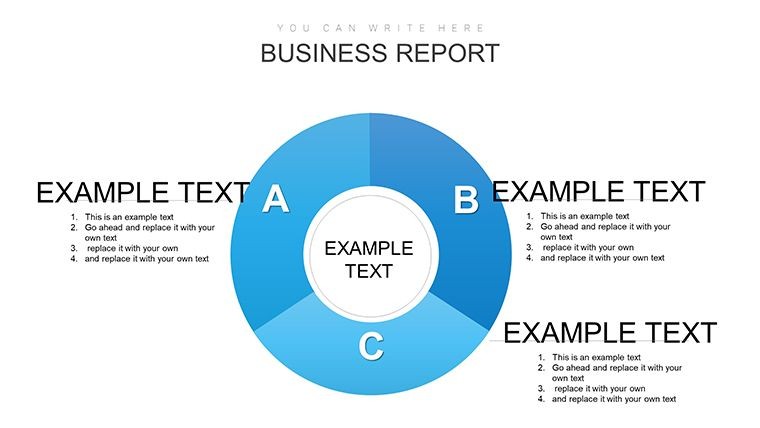
What types of communication diagrams are included?This template includes a variety of communication process diagrams such as sender-receiver flow charts, feedback loops, hierarchical channels, and organizational interaction visuals, all fully editable in Keynote.
Can I edit this template in Apple Keynote?Yes - all slides are native .key format and fully editable within Apple Keynote. You can customize text, colors, icons, and layouts to fit your presentation needs.
Is this suitable for business and educational presentations?Absolutely. The communication process charts are versatile enough for corporate reports, team training sessions, academic lectures, and client workshops that require clear visual explanations.
Can I export or share the visuals beyond Keynote?Yes - after editing in Keynote you can export slides as PDF or images for sharing in reports, slideshows, or digital documents with stakeholders.
Good for
- Project roadmaps and sprint plans
- Product launch timelines
- Quarterly or annual review decks
- Company history and milestone summaries
Licence
reviews
Keynote communication process charts with feedback loops were exactly what I needed for HR training. Sender-receiver diagrams are intuitive and fully editable. Corporate blue tones match our branding nicely.
Project manager reviewing this - the hierarchical channels slide helped explain stakeholder touchpoints. Smooth Keynote compatibility. A bit basic on some icons but customization fixes that quickly.
The messaging flow diagrams look sharp on my Mac. Used in a client pitch and they grasped the interaction visuals fast. Practical set of 34 slides for workshops.
Slightly critical: good editable flows but some layouts feel crowded when adding lots of text. Still, the Shannon-Weaver style examples are useful for teaching.
Enthusiastic about the clean design and loop animations. Perfect for internal protocols presentation. Colors are neutral and professional.
Deadline-pressured consultant: downloaded and customized in under an hour. Feedback mechanism slides were spot on for change management.
FAQ
Will it work in Google Slides?
Are fonts embedded?
Can I use this for client work?
What's the refund policy?
Do you update the template after purchase?
Similar templates
See all Keynote Charts →
All 34 slides