 Click to zoom
Business Corporation Keynote Diagrams Template
| Format | .pptx |
| Slides | 21 unique layouts |
| Aspect ratio | 16:9 |
| Compatibility | PowerPoint |
| Animated | No |
| Language | English |
| License | Commercial |
| File size | — |
| Version | v1.0 |
| Last updated | February 2026 |
What's inside
In the fast-paced world of corporate communications, standing out requires more than just words - it demands visuals that convey strategy and insight at a glance. Our Business Corporation Keynote Diagrams template is crafted for executives, managers, and consultants who need to present complex organizational structures, data analyses, and strategic plans with clarity and impact. Featuring 21 editable slides, this template blends organizational charts with table-based visuals, allowing you to tailor content to your audience's needs. Whether you're pitching to stakeholders or reporting quarterly results, these diagrams transform raw data into compelling stories, drawing on design expertise from firms like McKinsey, where similar tools have streamlined billion-dollar consultations.
Picture this: A boardroom where your presentation not only informs but inspires action. This template's high-quality graphics ensure that, compatible with Keynote for seamless editing on Mac or iPad. It's designed with in mind, showcasing authoritative layouts that align with business best practices, such as hierarchical org charts that reflect real-world corporate governance standards from sources like Harvard Business Review case studies.
Essential Features for Corporate Excellence
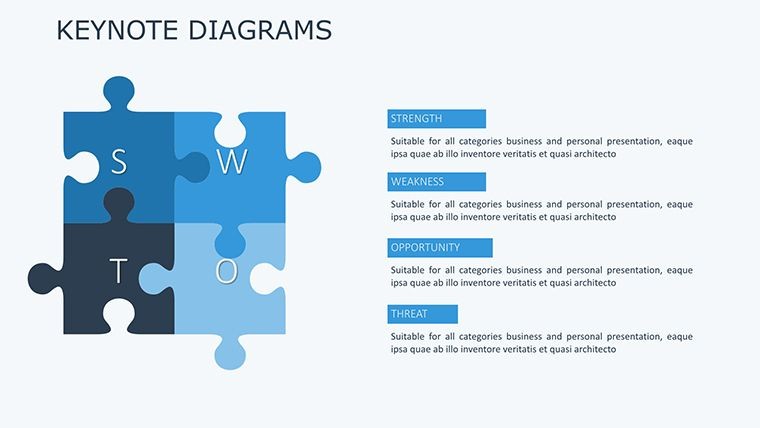
At the core of this template are its versatile diagrams, ranging from flowcharts to matrices, all fully customizable. Change colors to match your brand palette, adjust fonts for readability, and rearrange elements with drag-and-drop simplicity. The 21 slides cover a spectrum: from basic org trees on Slide #1 to advanced SWOT analyses on Slide #10, ensuring comprehensive coverage for any business scenario.
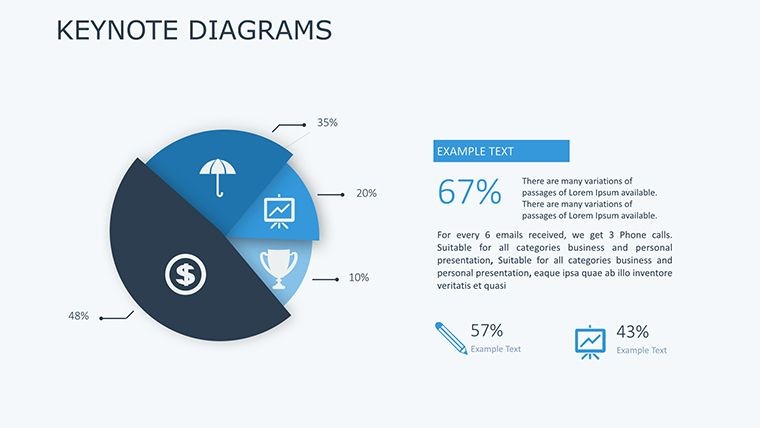
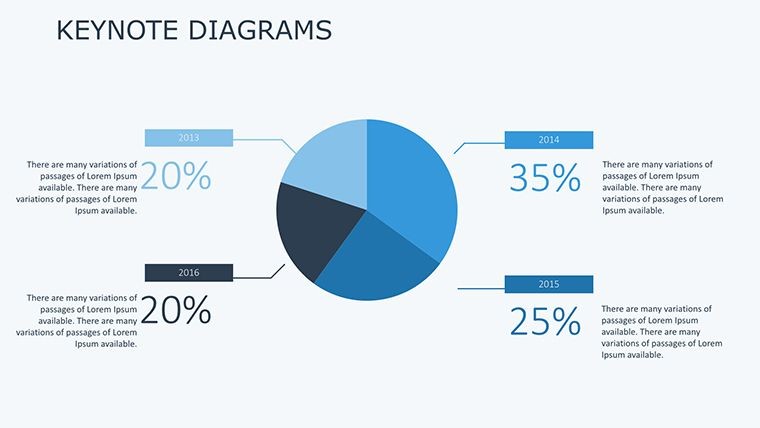
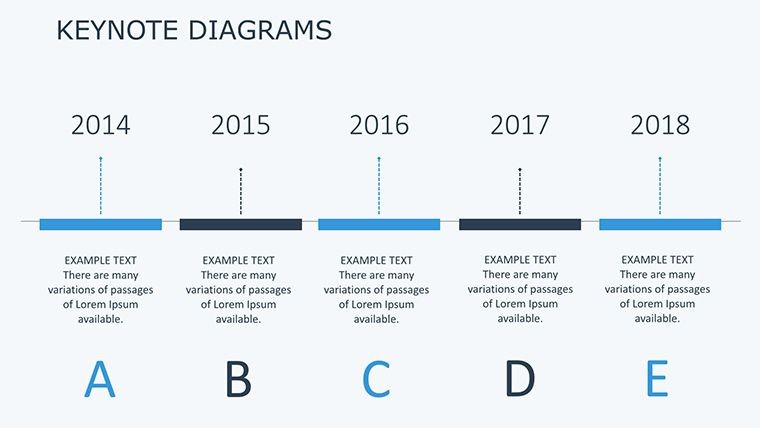
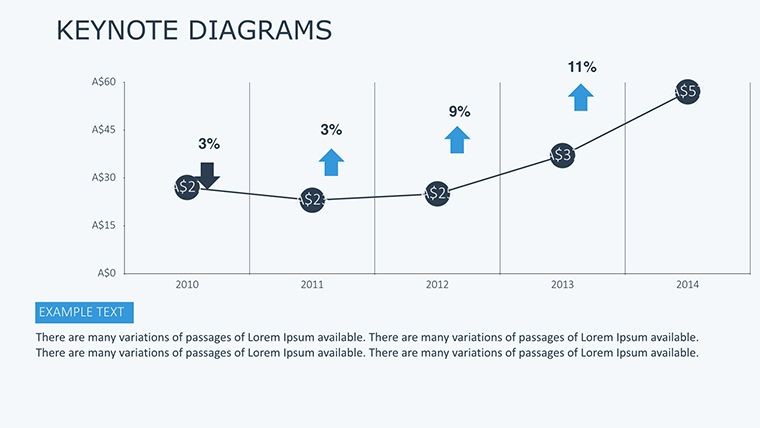
- Extensive Diagram Variety: Includes pie charts, bar graphs, timelines, and process flows for diverse data representation.
- Customization Depth: Edit every aspect, from line styles to icon integrations, using Keynote's intuitive interface.
- Professional Graphics: Vector-based for crisp resolution, ideal for high-stakes presentations.
- Collaboration-Ready: Share via iCloud for team inputs, maintaining version control.
- Value-Added Elements: Pre-built tables for financial summaries, enhancing analytical depth.
These features go beyond generic tools, offering LSI-rich elements like "strategic planning visuals" and "corporate hierarchy diagrams" woven naturally into your workflow.
Use Cases in Business Environments
For a sales pitch, leverage Slide #5's funnel diagram to illustrate customer journeys, customizing stages with your data for a personalized touch. In project management, Slide #12's Gantt chart alternative helps track milestones, as seen in case studies from PMI-certified professionals who report 25% faster project alignments using visual aids.
Step-by-step integration: Open the .key file, select a diagram on Slide #1, and use the Format panel to input your metrics. For Slide #15, a balanced scorecard, populate quadrants with KPIs, then animate reveals for emphasis. This method not only saves time but ensures your message resonates, much like how Deloitte consultants use diagrams to simplify complex audits.
Advantages Over Standard Keynote Diagrams
Unlike basic built-in shapes, this template provides themed consistency across slides, reducing design inconsistencies that plague amateur presentations. Users from Fortune 500 companies note improved audience retention, attributing it to the professional polish that builds trust.
Incorporate expert tips: Use contrasting colors for data highlights, per accessibility guidelines from the Web Content Accessibility Guidelines (WCAG), ensuring inclusivity. Add subtle transitions to guide viewers through corporate narratives, fostering a sense of progression.
Maximizing Impact in Corporate Settings
Extend its use to annual reports by combining Slide #8's infographic with embedded links to spreadsheets. For training sessions, adapt organizational charts to show career paths, aligning with HR strategies from SHRM resources. This template's flexibility makes it indispensable, with one marketing analyst sharing how it turned a routine proposal into a winning contract bid.
Ultimately, it's about elevating your professional presence. Download and customize this powerhouse template now to redefine your business communications.
Frequently Asked Questions
How customizable are the diagrams in this Keynote template?
Highly customizable - edit colors, texts, and layouts freely to suit your brand.
Does it support collaboration features?
Yes, integrate with iCloud for real-time team editing in Keynote.
Is it suitable for financial presentations?
Absolutely, with dedicated tables and charts for data-heavy reports.
What versions of Keynote are compatible?
Works with Keynote 9 and above for optimal performance.
Can I add my own data to the graphs?
Yes, easily input and update data via Keynote's editing tools.
Are there animation options for the diagrams?
Included suggestions for builds and transitions to enhance engagement.
Good for
- Project roadmaps and sprint plans
- Product launch timelines
- Quarterly or annual review decks
- Company history and milestone summaries
Licence
reviews
Grabbed this last minute before a project review.
The connected diagram slides were easy to customize.
A couple layouts felt repetitive but I only needed a few anyway.
The icons worked fine for explaining steps.
FAQ
Will it work in Google Slides?
Are fonts embedded?
Can I use this for client work?
What's the refund policy?
Do you update the template after purchase?
Similar templates
See all Keynote Diagrams →


All 21 slides