 Click to zoom
Chip Away at Complexity: Tech Presentations Recharged
| Format | .pptx |
| Slides | 3 unique layouts |
| Aspect ratio | 16:9 |
| Compatibility | PowerPoint |
| Animated | No |
| Language | English |
| License | Commercial |
| File size | — |
| Version | v1.0 |
| Last updated | August 2020 |
What's inside
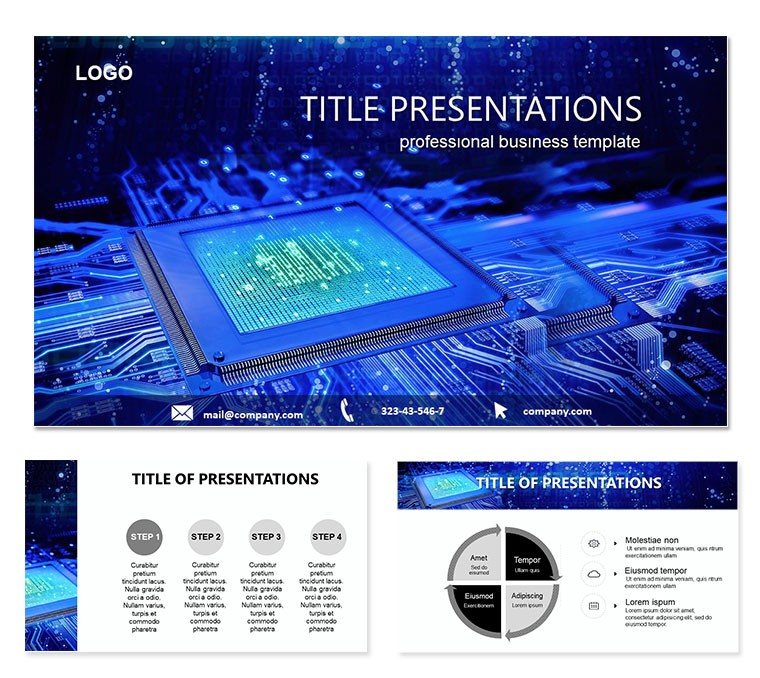
Envision circuitry sparking stories that light up boardrooms, where binary meets brilliance. For IT architects, chip designers, and tech evangelists, our Computer Chip Keynote Template demystifies silicon wonders through 28 precision diagrams, from memory mapping to processing pipelines. This isn`t a slide set - it`s a silicon symphony, harmonizing hard data with sleek visuals to make quantum concepts as approachable as your morning coffee.
Infused with microchip motifs like etched paths and node clusters, it`s a nod to innovation`s pulse. Optimized for Keynote on macOS, editable down to the transistor, it fits seamlessly into your workflow, scaling from startup pitches to enterprise audits.
Circuit-Board Brilliance: Key Components
Three master slides form the core: one for architecture overviews, another for performance analytics, and a third for future forecasts. Three backgrounds - matte metallics or clean circuits - frame your narrative without short-circuiting focus.
- 28 Tech Diagrams: Flowcharts tracing data flows (slide 6) or heatmaps for efficiency, all node-ready for custom inputs.
- 7 Scheme Options: From silicon blues to copper warms, toggle for dark mode demos or bright keynotes.
- Icon Circuits: Transistors, buses, and cores galore - embed in matrices for instant hierarchy.
Ditching Keynote`s vanilla vectors, these are chip-calibrated, echoing standards from IEEE for reliable tech renderings.
Boot-Up Guide: Wiring Your Deck
Open the .key file, and you`re overclocked. Choose a master for your layer - say, analytics for quarterly reviews - then socket data: the cache hierarchy slide (slide 14) accepts latency figures via smart fills.
- Configure Masters: Set typefaces and grids; alignment aids mimic PCB traces.
- Inject Metrics: Graphs respawn with entries, hues syncing to schemes effortlessly.
- Animate Pathways: Pulse lines to simulate electron flows, timing like clock cycles.
- Validate Output: Preview in presenter mode, ensuring fidelity across displays.
An engineer repurposed the ALU breakdown for a patent demo, annotating with proprietary specs - peers raved about the clarity that sealed funding.
Byte-Sized Applications: From Lab to Launch
Deploy in dev sprints: pipeline stages illustrate code execution, aiding scrum retros. For sales, ROI radars quantify chip gains over rivals, closing deals with data dazzle.
Educators map Moore`s Law via trend lines, engaging students in hardware history. Versus scratch pads, it accelerates prototyping; over generics, specialized nodes add authenticity. Dual-aspect ratios (16:9/10) suit any venue, from labs to lounges.
Overclock Tips for Maximum Output
Spark dialogue with "What`s your bottleneck?" before the diagram. Link shapes to appendices for deep dives. For marathons, group slides into builds for modular pacing.
Integrate with Xcode previews, but lean on Keynote for cohesive tales. The spark? Decks that don`t debug - they define, like a flawless etch.
Power On Your Pitch: Acquire the Edge
In tech`s torrent, stand etched in memory with visuals that process profoundly. This Computer Chip Keynote Template circuits success, from bits to breakthroughs. Download for $22 and etch your mark on the mainstage.
Frequently Asked Questions
Is every element vector-based?
Yes, ensuring infinite scalability and crispness at any zoom or export.
What Keynote versions are compatible?
Designed for recent macOS Keynote; older may need layer reordering.
Can diagrams handle complex equations?
Absolutely - math notations integrate via text fields, supporting LaTeX-like precision.
Are color schemes theme-aware?
Each adapts to light/dark modes, maintaining contrast for accessibility.
Does it support 16:10 aspect ratio?
Yes, included alongside 16:9 for versatile display fitting.
Are animations hardware-themed?
Subtle pulses and shifts mimic signal propagation, adjustable per slide.
Good for
- Project roadmaps and sprint plans
- Product launch timelines
- Quarterly or annual review decks
- Company history and milestone summaries
Licence
reviews
Used this for a late business class presentation and the chart slides saved me a lot of time.
The blue layout looked fine on my office screen but some icons were too small.
I only changed the text and a few arrows, everything else stayed the same for my report.
Slides were simple enough for a quick sales meeting and I didn’t have to fix much.
Not bad honestly, I liked the spacing between the graphs better than in my old template.
FAQ
Will it work in Google Slides?
Are fonts embedded?
Can I use this for client work?
What's the refund policy?
Do you update the template after purchase?
Similar templates
See all Keynote templates →



All 1 slides