 Click to zoom
Business Venn Diagrams PowerPoint Template: Reveal Hidden Connections
| Format | .pptx |
| Slides | 18 unique layouts |
| Aspect ratio | 16:9 |
| Compatibility | PowerPoint |
| Animated | No |
| Language | English |
| License | Commercial |
| File size | — |
| Version | v1.0 |
| Last updated | May 2024 |
What's inside
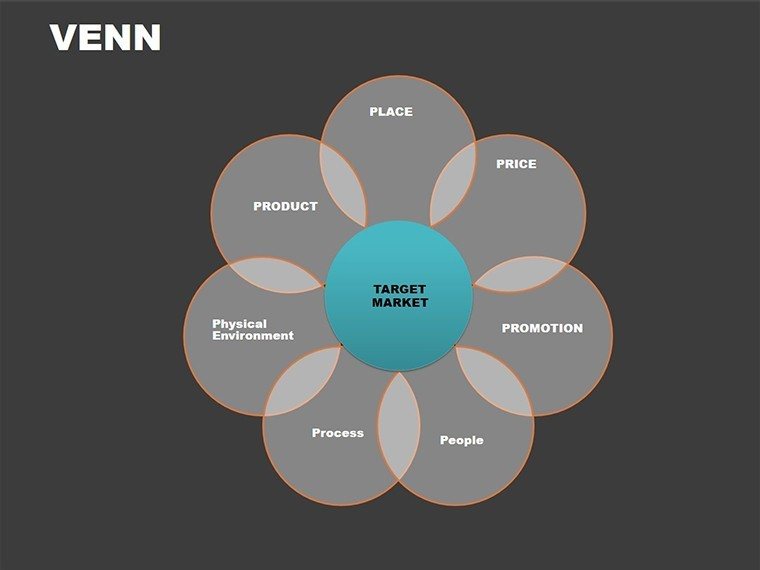
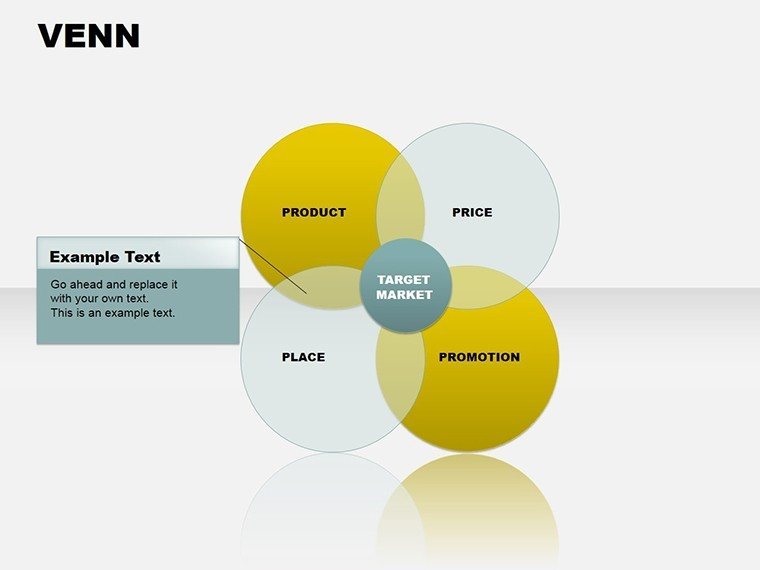
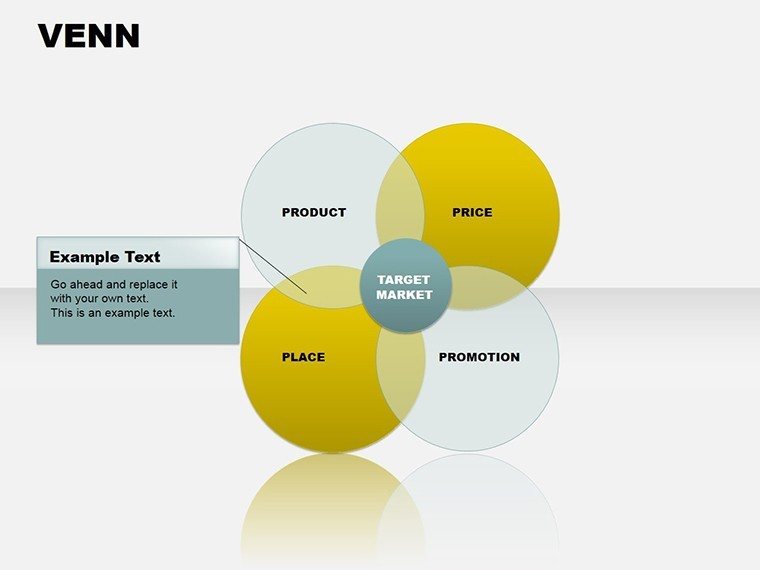
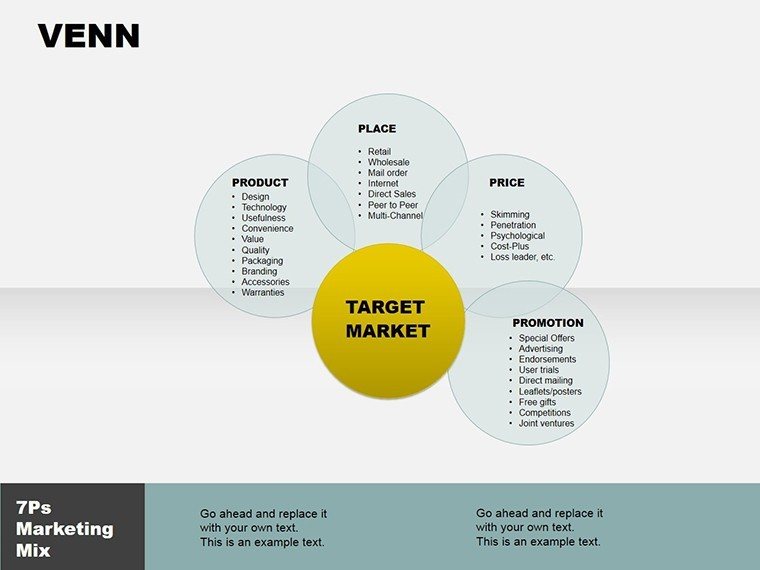
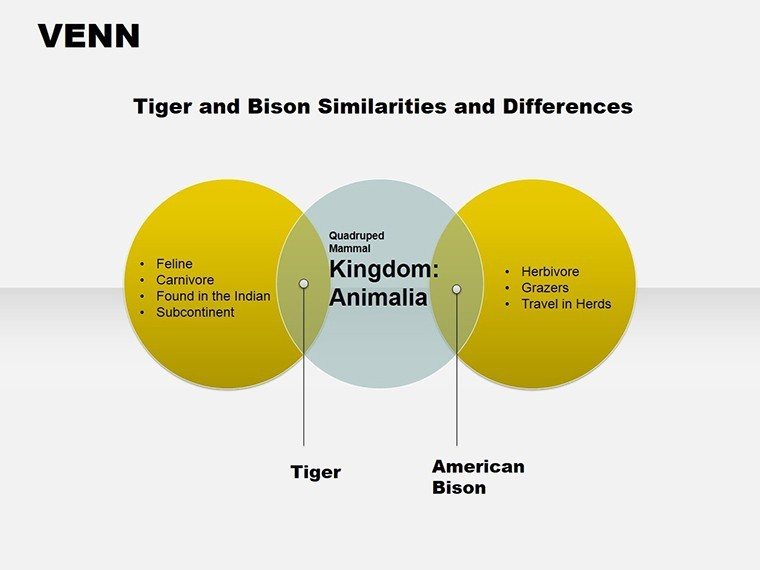
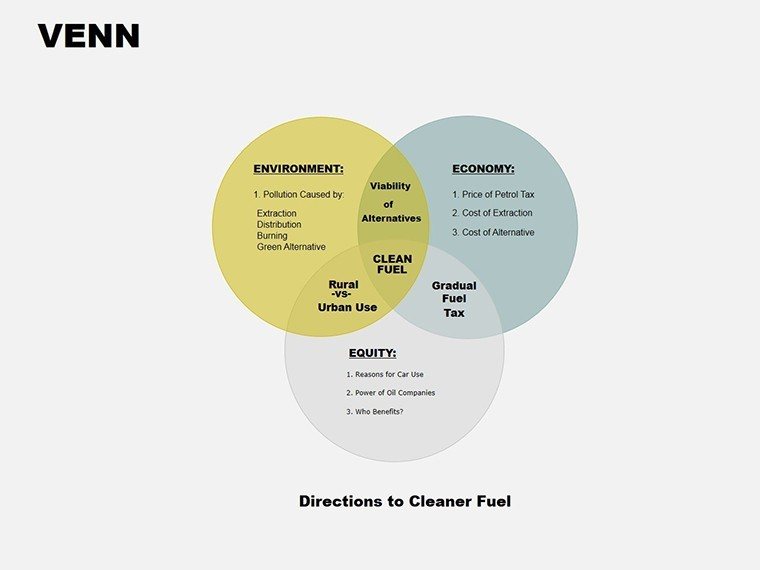
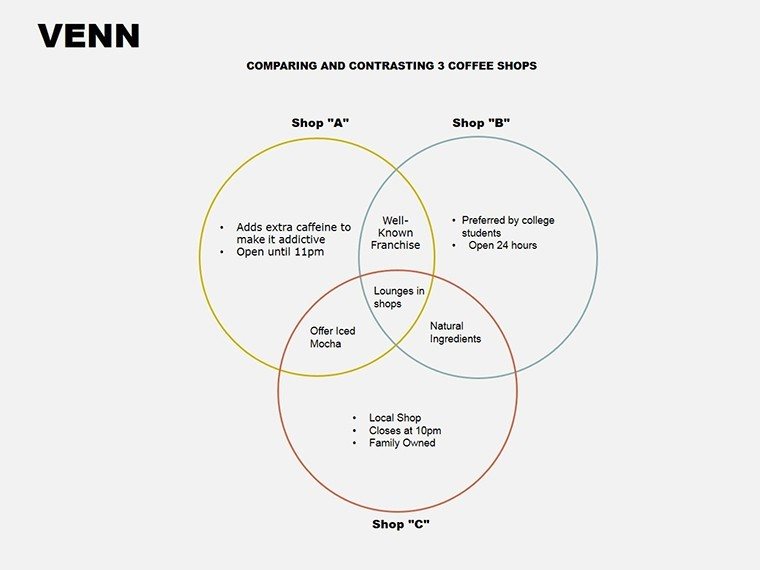
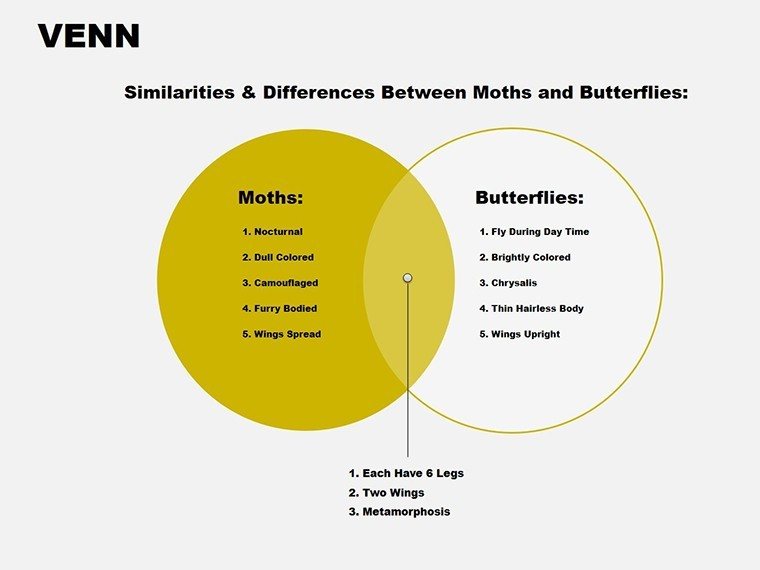
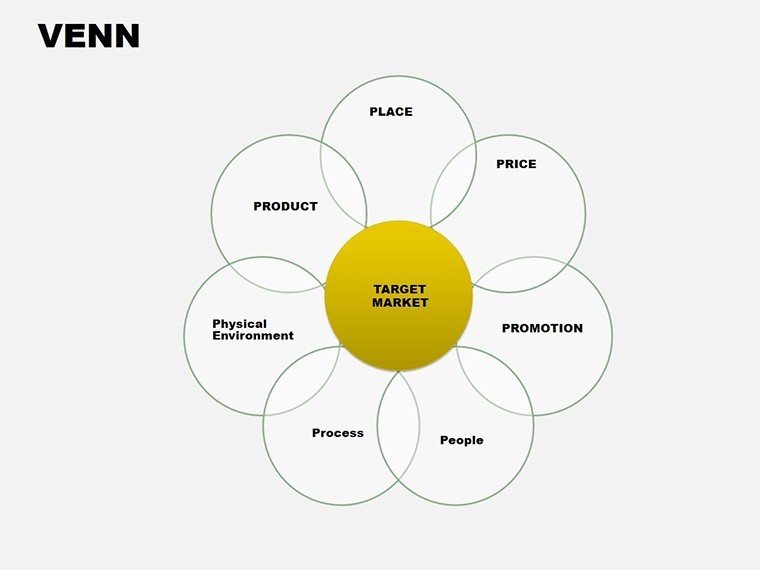
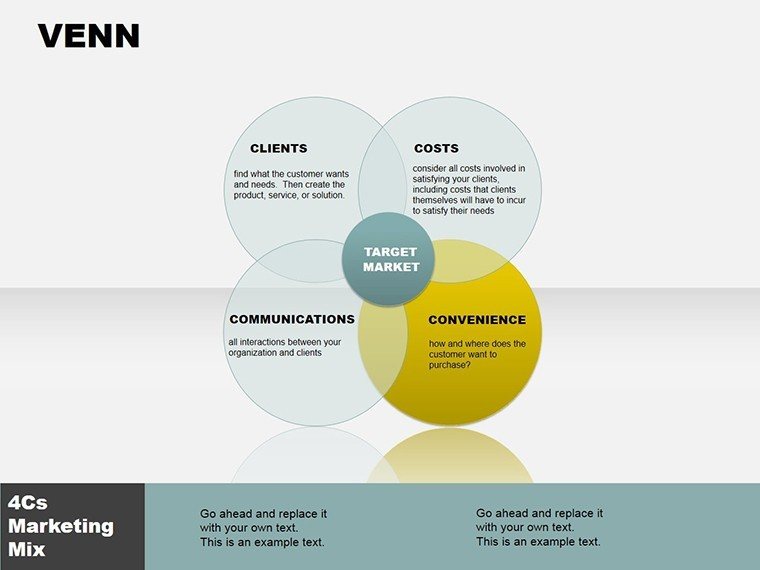
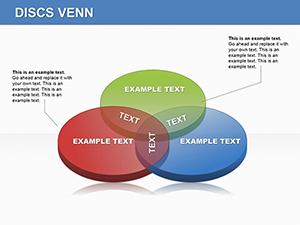
In the intricate dance of business strategy, where ideas intersect and opportunities overlap, nothing clarifies the chaos like a well-crafted Venn diagram. The Business Venn Diagrams PowerPoint Template delivers exactly that - 18 editable slides that let you layer concepts, markets, or teams into overlapping circles that tell your story at a glance. Geared toward project managers, marketing strategists, and business analysts, this tool turns vague comparisons into precise visuals that drive alignment and action.
Built for PowerPoint with .pptx compatibility, it's available for $12, making it a no-brainer addition to your presentation arsenal. Forget fumbling with default shapes that misalign; these pre-designed sets ensure professional polish, whether you're pitching to investors or workshopping with cross-functional groups.
Standout Features for Seamless Business Insights
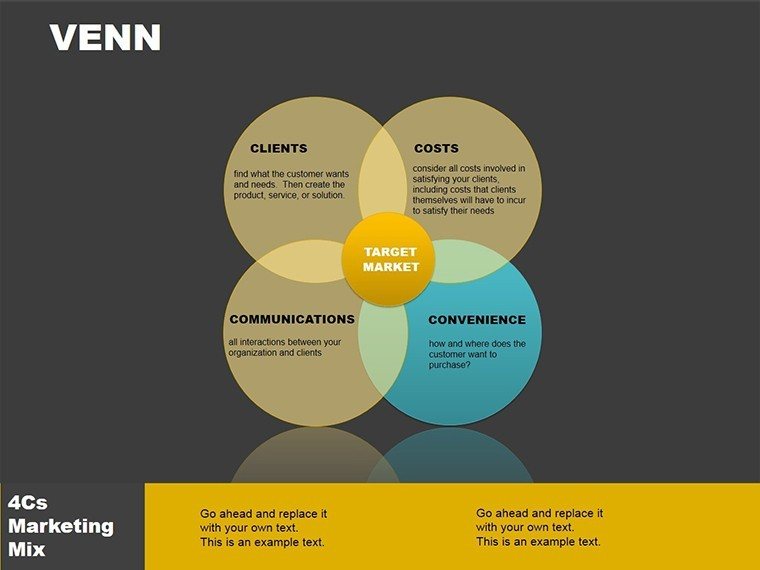
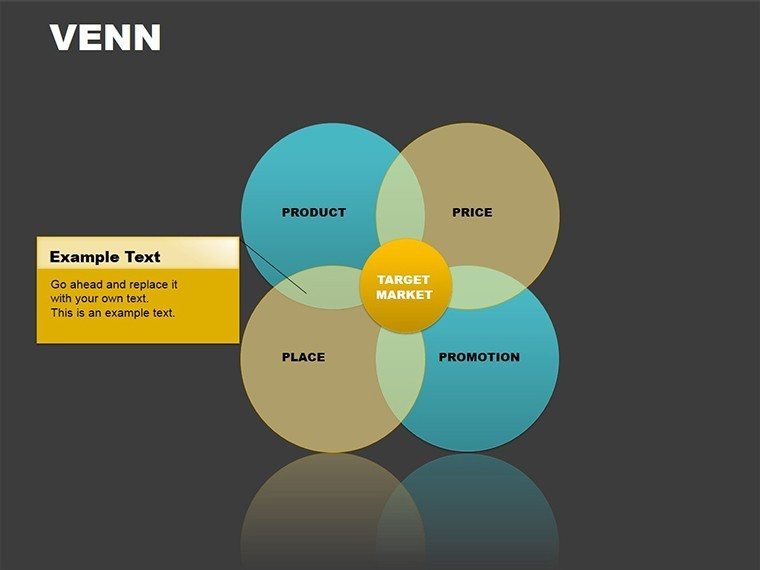
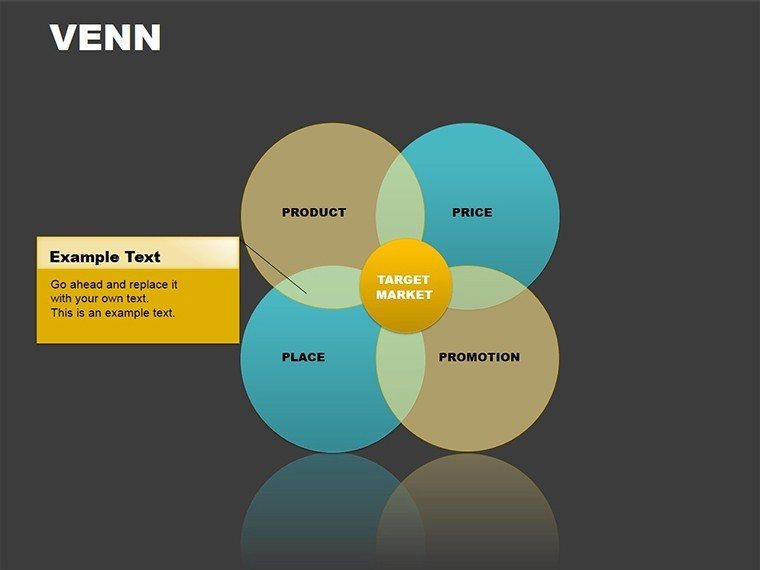
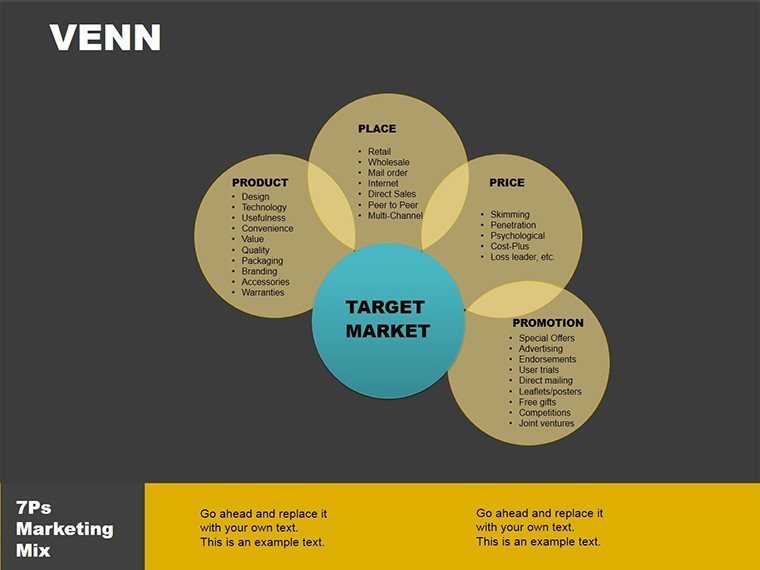
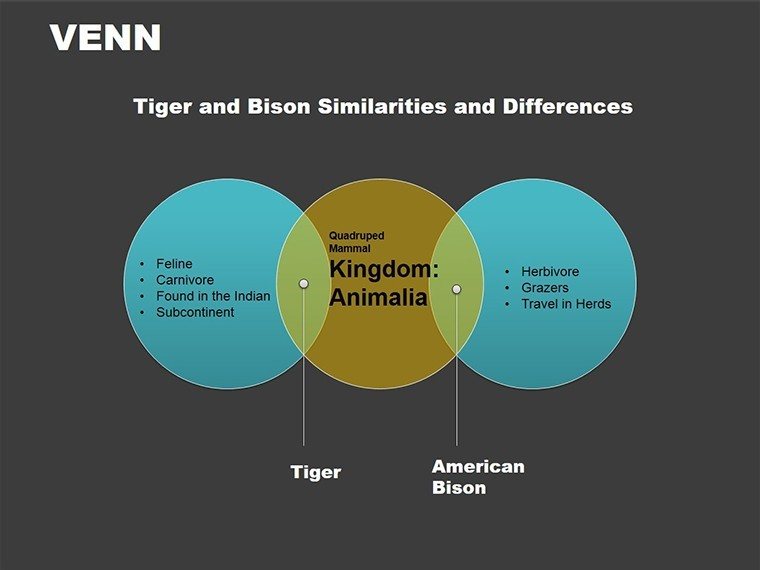
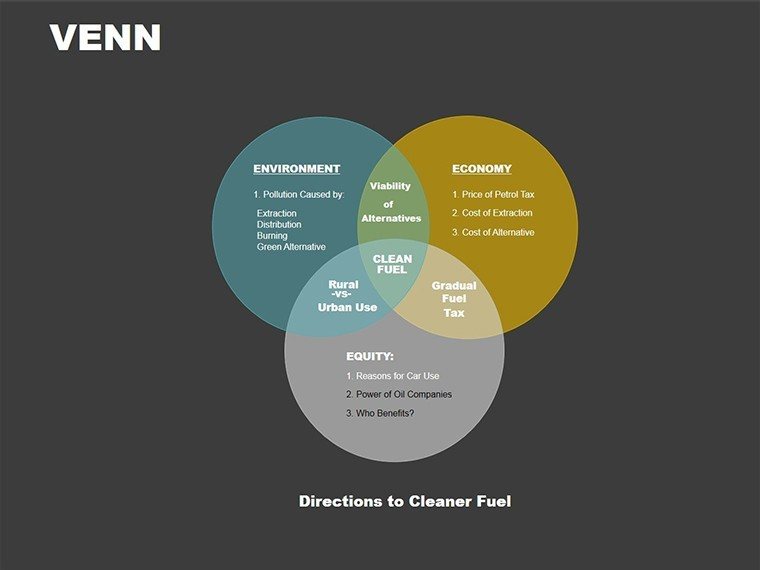
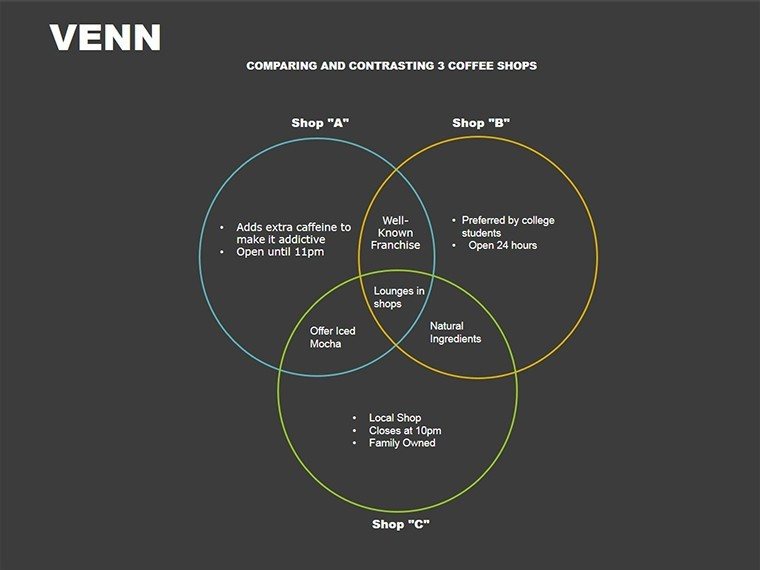
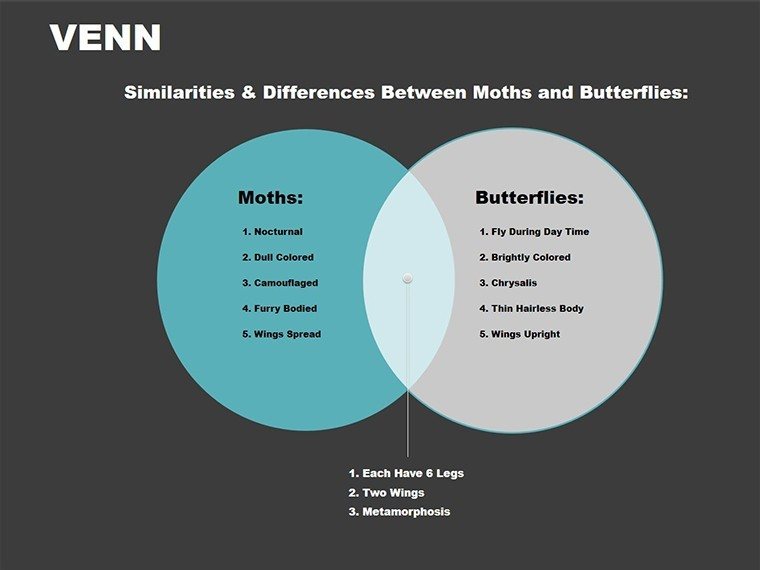
Each slide is a canvas for contrast: Core slide 4 offers a classic three-circle overlap for market segmentation, while slide 13 explores multi-set unions for departmental synergies. The beauty? Total flexibility - resize circles independently, fill segments with gradients for emphasis, and embed icons that denote unique vs. shared attributes.
Unlike basic PowerPoint inserts, this template includes smart guides for perfect intersections and color-coded legends that auto-update. It's designed by experts who understand corporate needs, ensuring outputs that look executive-ready without the hassle.
- Overlap Precision: Clean intersections that highlight commonalities without clutter.
- Scalable Sets: From dual comparisons to five-way analyses for complex ecosystems.
- Integrated Labels: Curved text paths that wrap naturally around curves.
Business educators often use Venns to simplify theories like Porter's forces; here, you apply that same clarity to real strategies, fostering deeper discussions.
Versatile Use Cases Across Your Organization
During an investor pitch, slide 7's Venn for competitive landscapes maps your edges against rivals, shading shared threats to underscore differentiation. A sales VP might leverage slide 10 for client segmentation, circling demographics to reveal upsell sweet spots in the overlaps.
In team settings, it's gold for collaboration: Illustrate role intersections in slide 16 to minimize silos, much like how consulting firms diagram client journeys. Extend to training - break down product features versus competitors, making workshops interactive and memorable.
Step-by-Step: Designing Impactful Venn Visuals
- Choose Your Scope: Select slide 1 for basics or slide 9 for advanced multi-circles.
- Populate Segments: Fill unique areas with bullet points or data visuals.
- Define Overlaps: Add shared traits, using bold for priorities.
- Enhance Readability: Apply contrasting colors and subtle shadows for depth.
- Test for Clarity: Zoom out to ensure messages land from afar.
Pair with Excel imports for dynamic data, updating overlaps as metrics shift. This elevates standard reports into strategic assets.
Pro Tips for Customization and Delivery
Align with your palette - corporate blues for finance decks, vibrant hues for creative briefs. Slide 18's blank Venn invites experimentation, like nesting smaller sets for hierarchical views.
For punch, animate reveals: Start with outlines, then fill segments sequentially to build the big picture. It's a subtle nod to storytelling that keeps audiences hooked.
Strengthen your strategies with visuals that connect - grab the Business Venn Diagrams PowerPoint Template now and start overlapping success.
Frequently Asked Questions
Is this template compatible with older PowerPoint versions?
Yes, it runs on PowerPoint 2013+, with full .pptx support.
Can I use it for educational purposes?
Of course - ideal for teaching concepts like set theory or market analysis.
How editable are the circle elements?
Fully - adjust sizes, colors, and positions with drag-and-drop simplicity.
Does it include animation options?
Pre-set animations are there, customizable through PowerPoint's timeline.
What's best for large audiences?
High-contrast designs ensure visibility even on big screens.
Good for
- Project roadmaps and sprint plans
- Product launch timelines
- Quarterly or annual review decks
- Company history and milestone summaries
Licence
reviews
The flowchart slides saved me during a last minute office report.
I liked the simple arrow connections because they were easy to follow.
A couple layouts looked outdated but the main diagrams still worked.
Used it for a business class presentation and finished way faster.
Not exciting design wise but practical.
FAQ
Will it work in Google Slides?
Are fonts embedded?
Can I use this for client work?
What's the refund policy?
Do you update the template after purchase?
Similar templates
See all Powerpoint Diagrams →
All 18 slides