 Click to zoom
Business Puzzles Keynote Charts Template
| Format | .pptx |
| Slides | 28 unique layouts |
| Aspect ratio | 16:9 |
| Compatibility | PowerPoint |
| Animated | No |
| Language | English |
| License | Commercial |
| File size | — |
| Version | v1.0 |
| Last updated | August 2023 |
What's inside
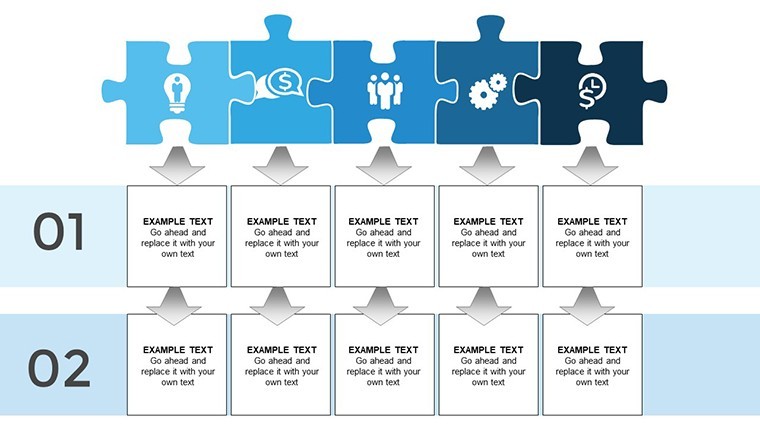
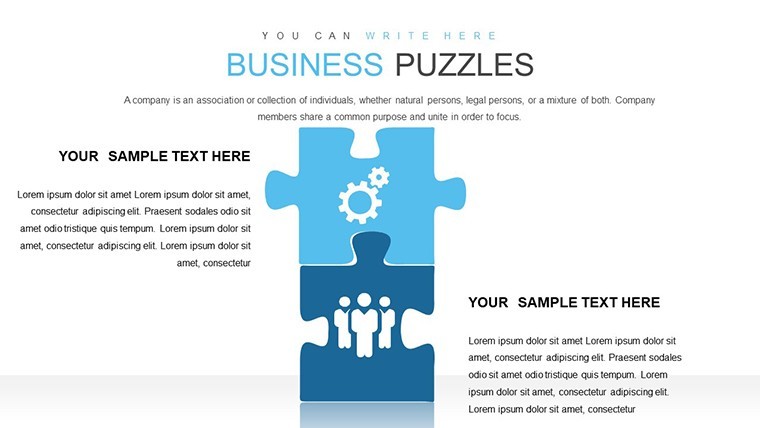
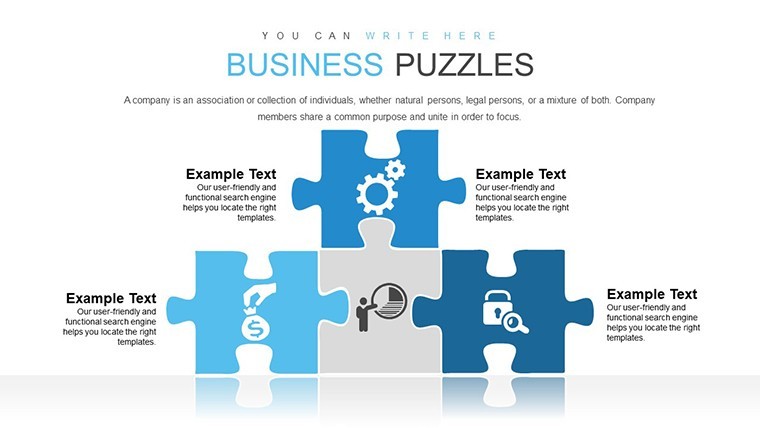
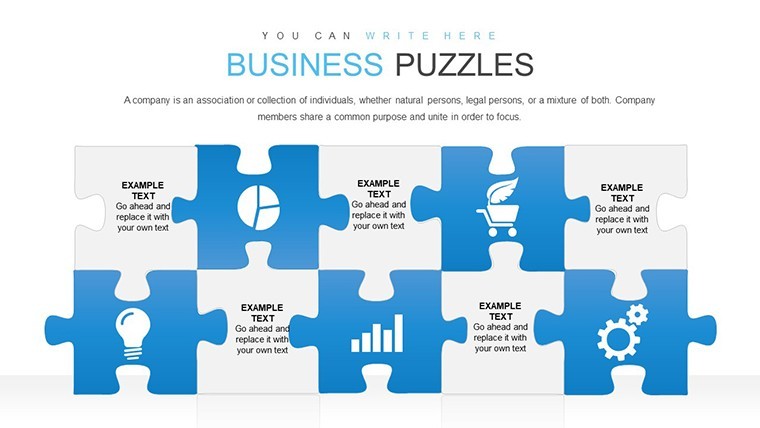
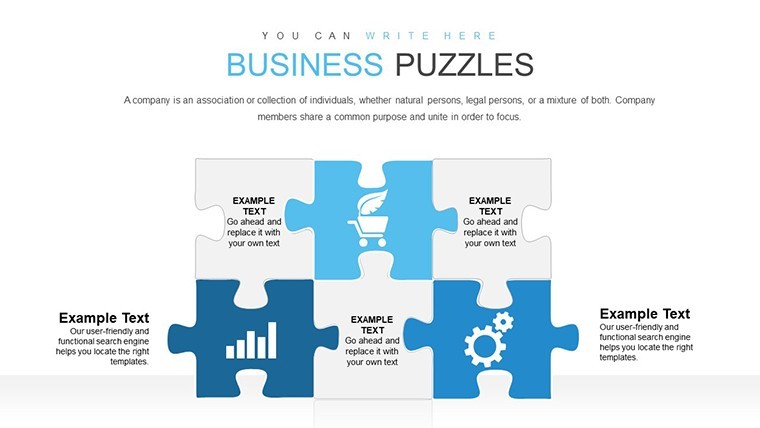
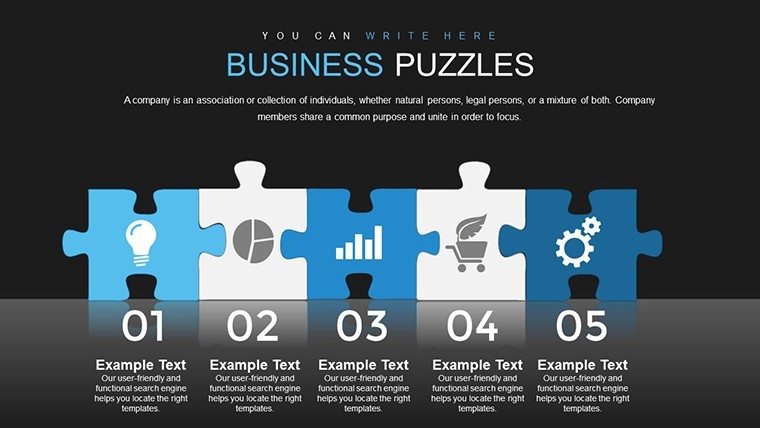
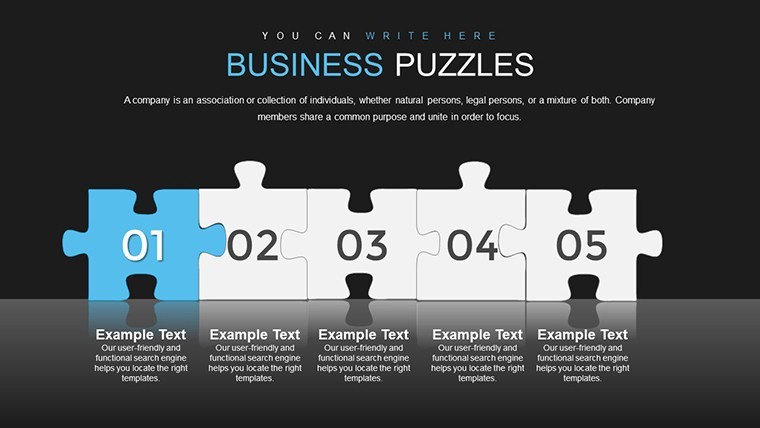
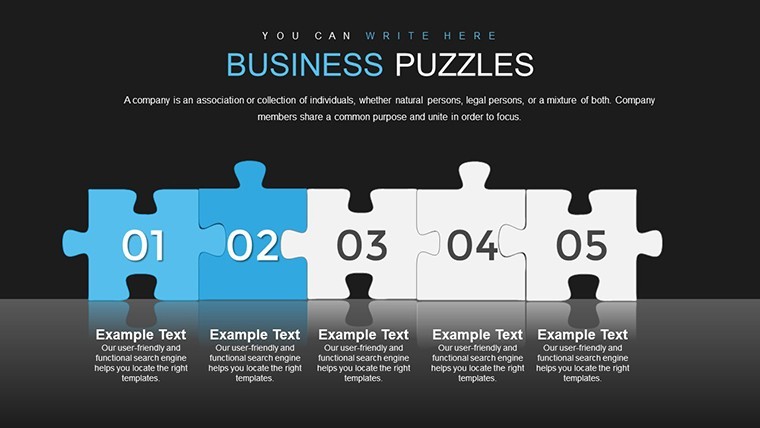
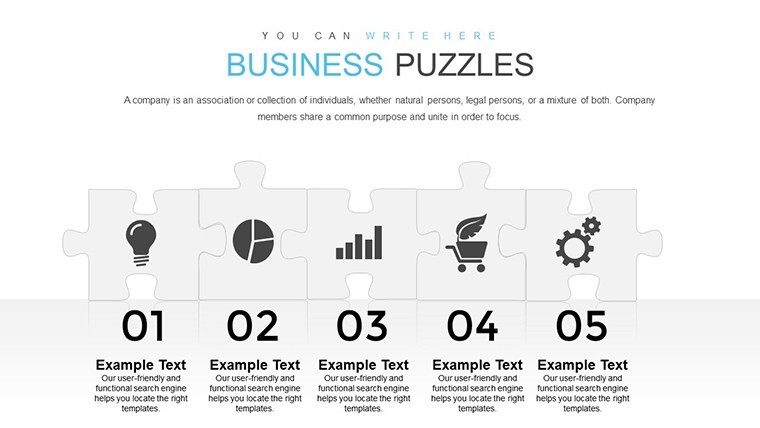
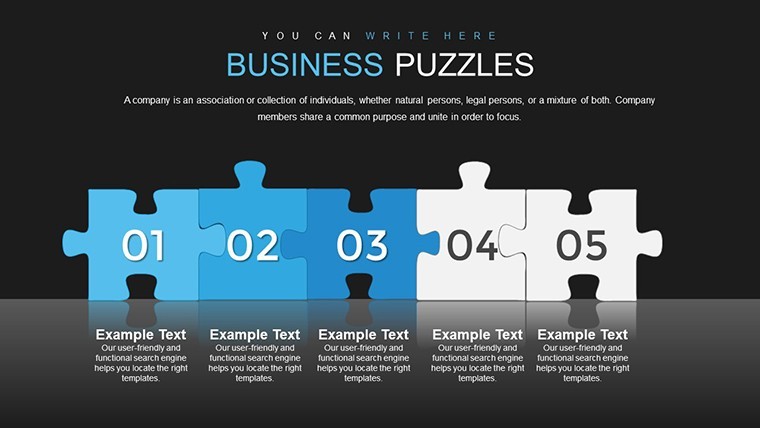
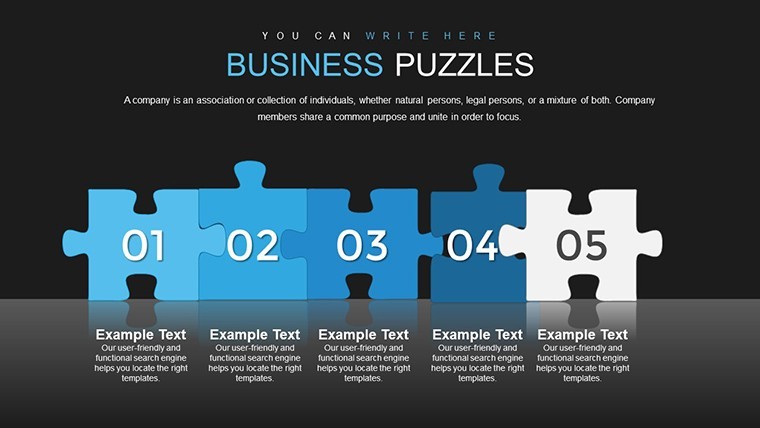
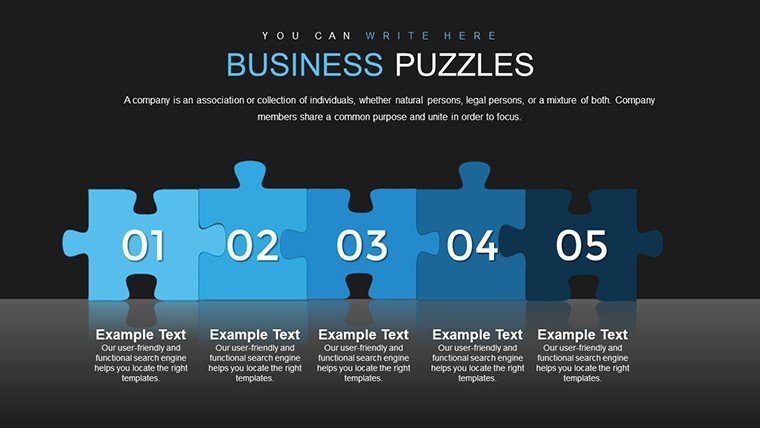
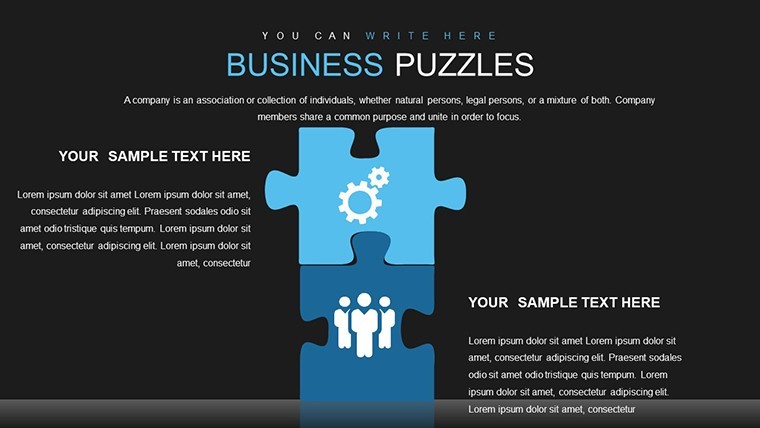
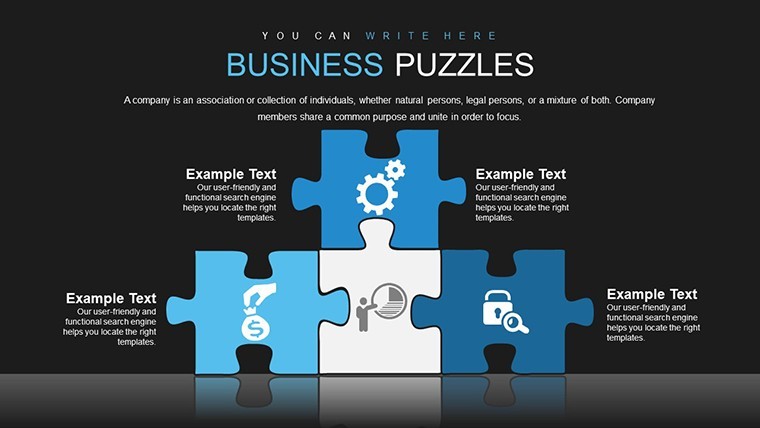
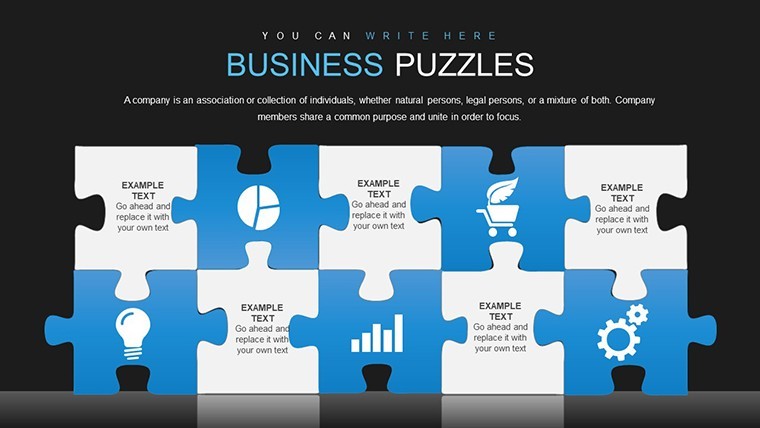
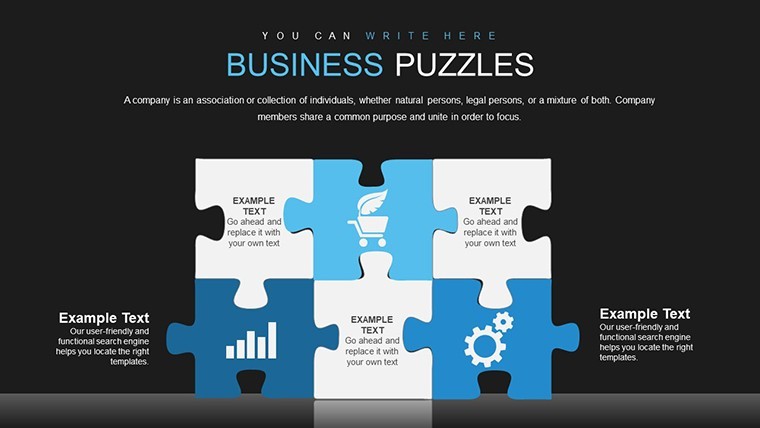
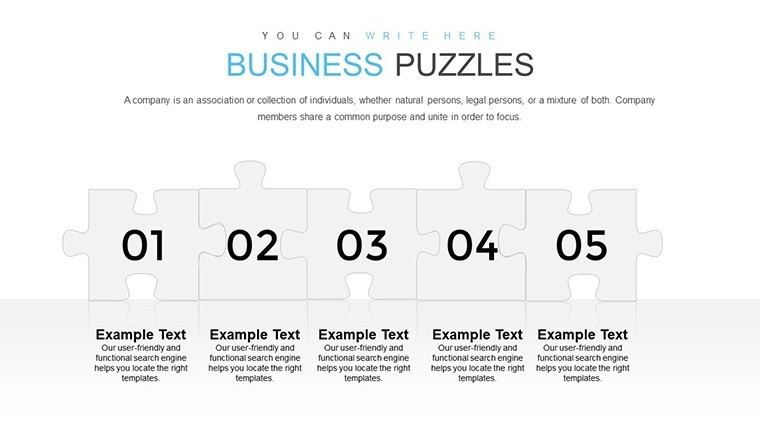
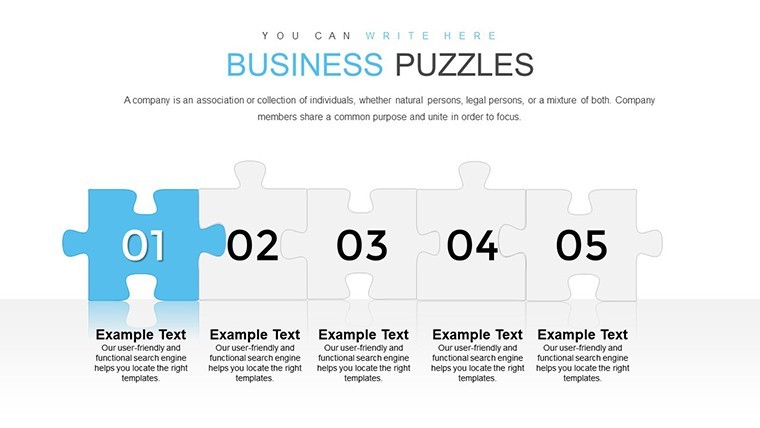
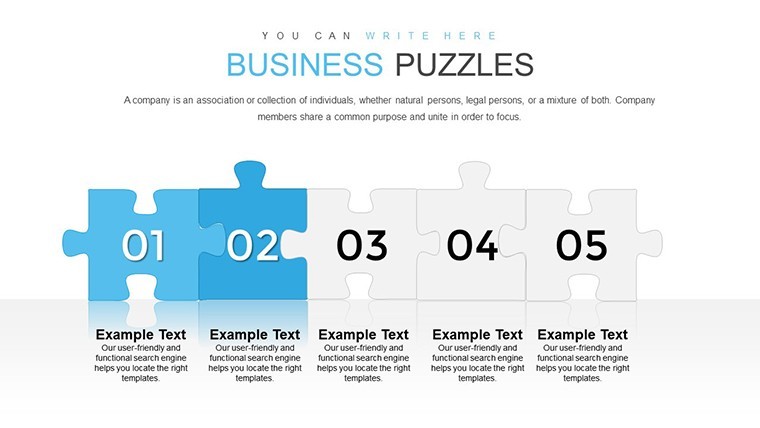
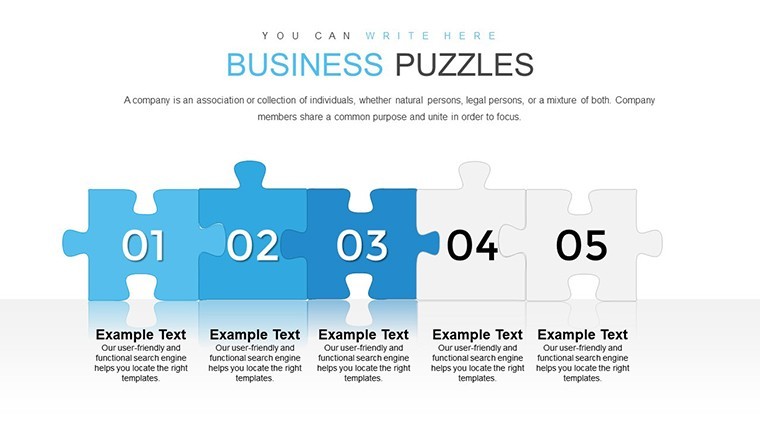
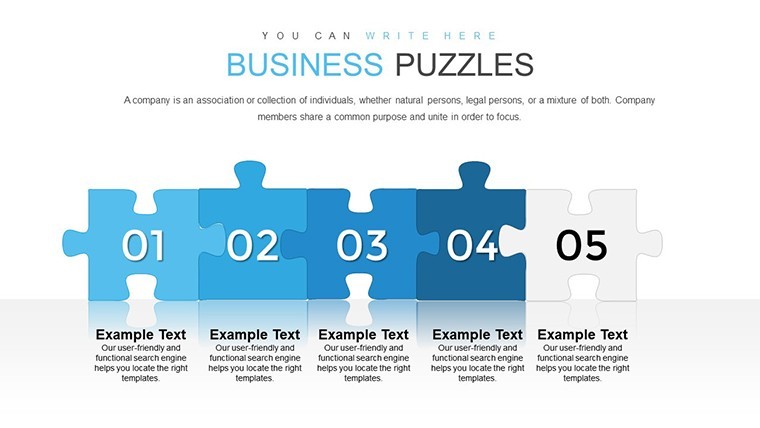
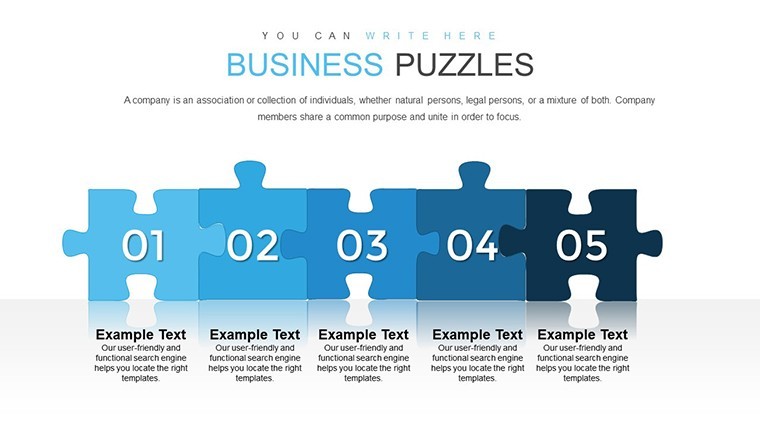
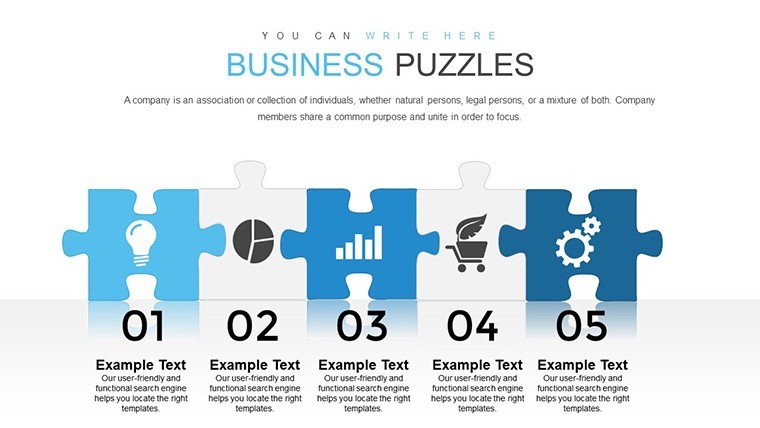
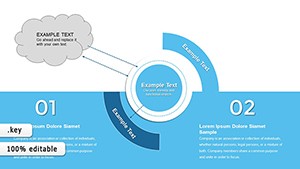
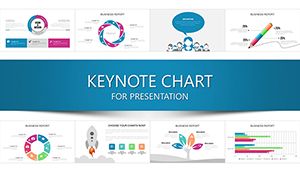
Puzzles aren't just games; they're metaphors for business challenges, where pieces fit to reveal the big picture. Our Business Puzzles Keynote Charts Template harnesses this with 28 editable slides, offering interactive visuals like jigsaws and labyrinths to demystify strategies. Tailored for executives, entrepreneurs, educators, and consultants, it transforms convoluted ideas into coherent stories, fostering understanding and collaboration. From pitching ventures to teaching concepts, these puzzles make your presentations not just seen, but experienced.
Interactive Visuals That Piece Together Success
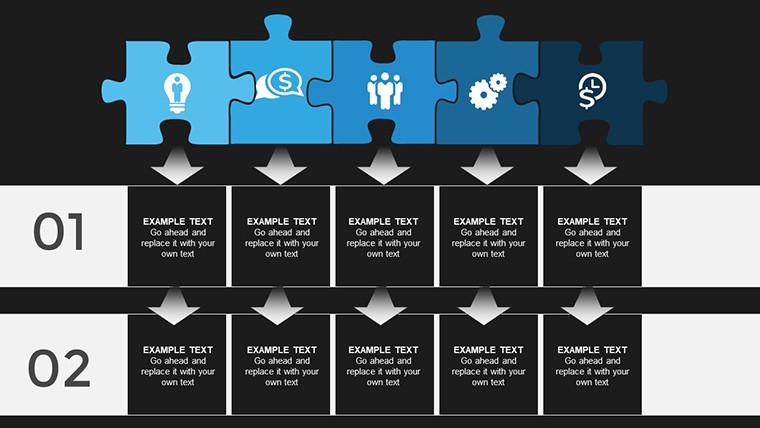
Begin with jigsaw charts, where each piece represents a business component – snap them together to show team synergies or market integrations. Customize by adding text, images, or data to pieces, revealing the whole via animations. As per McKinsey insights on visual problem-solving, such tools enhance strategic discussions, like in a merger where puzzle visuals clarified asset alignments, boosting deal closure rates.
Labyrinth designs guide through complexities, mapping paths from problems to solutions. Edit routes, add decision points, and highlight optimal trails with colors. A Deloitte case study on consulting pitches showed labyrinth charts improving client comprehension of transformation journeys by 30%.
Core Features for Creative Engagement
- Diverse Puzzle Designs: Jigsaws for collaboration, mazes for navigation, all fully customizable.
- Drag-and-Drop Ease: Integrate content seamlessly, no expertise needed.
- Multimedia Support: Embed videos or metrics for richer narratives.
- Suspenseful Builds: Unveil pieces progressively for dramatic effect.
These address engagement drops in long presentations, aligning with adult learning theories from experts like Malcolm Knowles.
Practical Applications in Professional Settings
For executives, use puzzles to outline visions: Pieces as departments fitting into corporate goals. Entrepreneurs pitch models by assembling innovation elements. Educators break down theories, piece by piece. Consultants visualize fixes, path by path.
Step-by-step: Select a slide, populate pieces, customize aesthetics, animate reveals. Pro tip: Use contrasting colors for emphasis, ensuring accessibility.
Unlock Potential in Every Presentation
Backed by design authority, this template elevates your expertise. Piece together your success – grab it now.
FAQ
How interactive are the puzzles?Fully, with drag-drop and animation for dynamic reveals.Can I add my own images?Yes, embed photos, data, or videos into pieces.Is it for Keynote only?Primarily, but exportable to other formats.What if I need custom shapes?Modify existing or duplicate for variations.Are there color themes?Pre-set, but fully adjustable to brands.Supports team collaboration?Yes, share via Keynote for edits.Good for
- Project roadmaps and sprint plans
- Product launch timelines
- Quarterly or annual review decks
- Company history and milestone summaries
Licence
reviews
Executive strategy: jigsaw pieces for department synergies assembled nicely. Animations reveal big picture effectively. 28 slides varied.
Consultant: labyrinth for transformation paths mapped client journey. Color highlights optimal trails. McKinsey-inspired engagement boost.
Entrepreneur pitch: innovation elements as puzzle fit together. Drag-drop easy, multimedia support rich.
Educator breaking theories piece-by-piece. Suspenseful builds keep students attentive. Contrasting colors for emphasis good.
Team workshop: business challenges visualized as puzzles. Modern designs foster collaboration. Export options flexible.
Slightly metaphorical but practical. Icons and data in pieces add depth. Helps demystify complex strategies quickly in Keynote.
FAQ
Will it work in Google Slides?
Are fonts embedded?
Can I use this for client work?
What's the refund policy?
Do you update the template after purchase?
Similar templates
See all Keynote Charts →
All 28 slides