 Click to zoom
Business Idea Keynote Charts Template - Editable Keynote | ImagineLayout
| Format | .pptx |
| Slides | 22 unique layouts |
| Aspect ratio | 16:9 |
| Compatibility | PowerPoint |
| Animated | No |
| Language | English |
| License | Commercial |
| File size | — |
| Version | v1.0 |
| Last updated | April 2026 |
What's inside
22 slides, 3D illustrations, .key format - built for idea-stage presentations
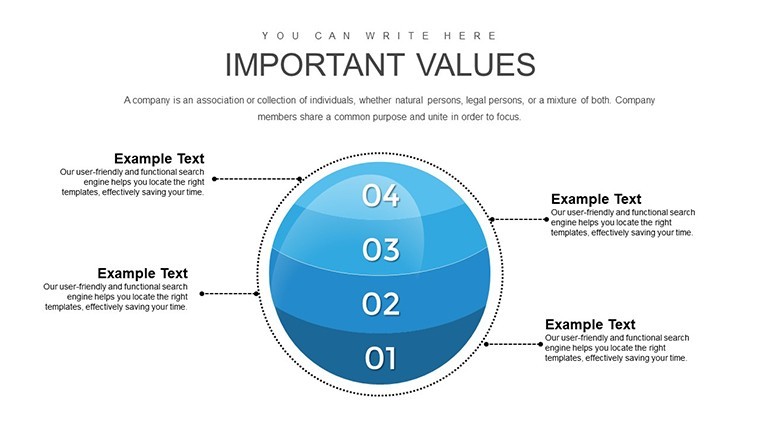
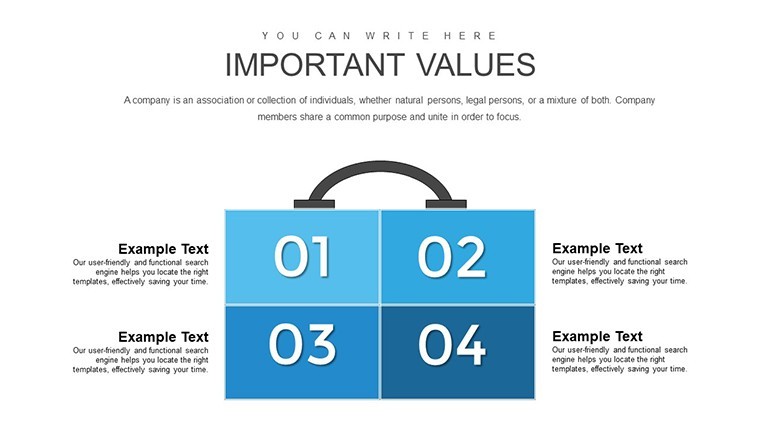
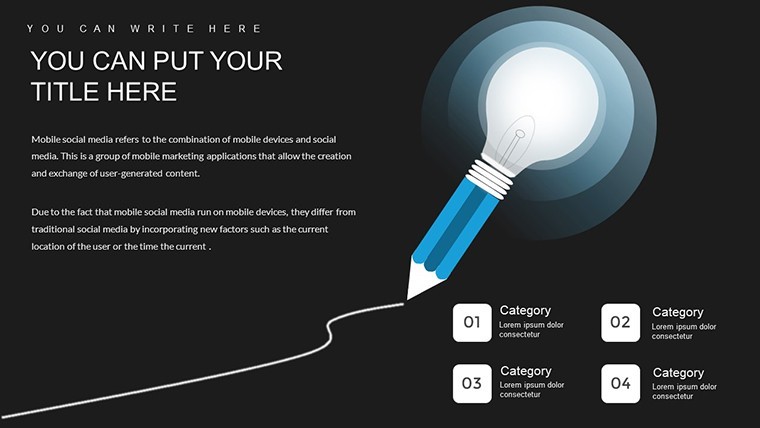
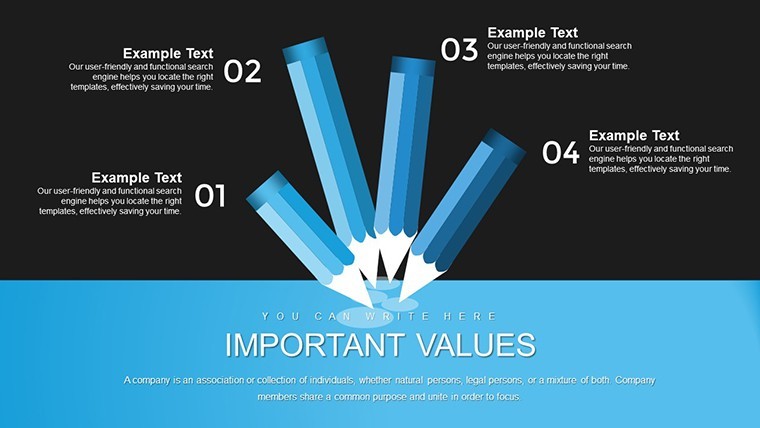
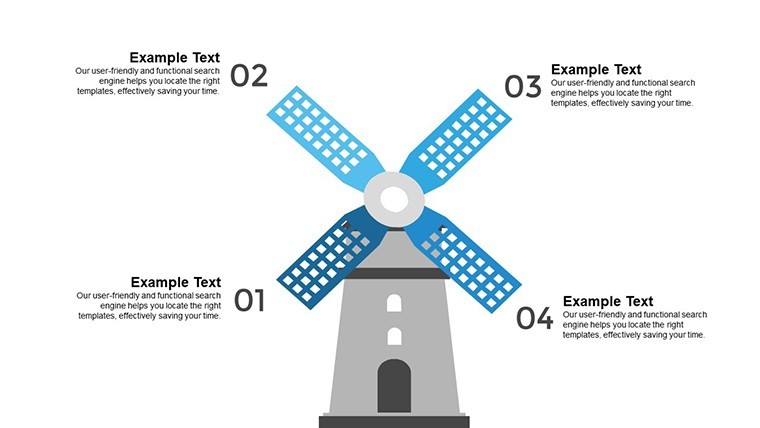
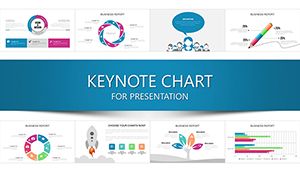
This Keynote chart template (product ID: KC00724) ships with 22 editable slides in a single .key file priced at $13.00, making it one of the lower-cost entries in the 3D illustrations category. The slide structures use volumetric, color-filled 3D illustrated objects - not flat icon sets - with per-element animation support, so each component can enter the slide independently. That detail matters when the goal is to build an idea progressively in front of an audience rather than dump everything on screen at once.
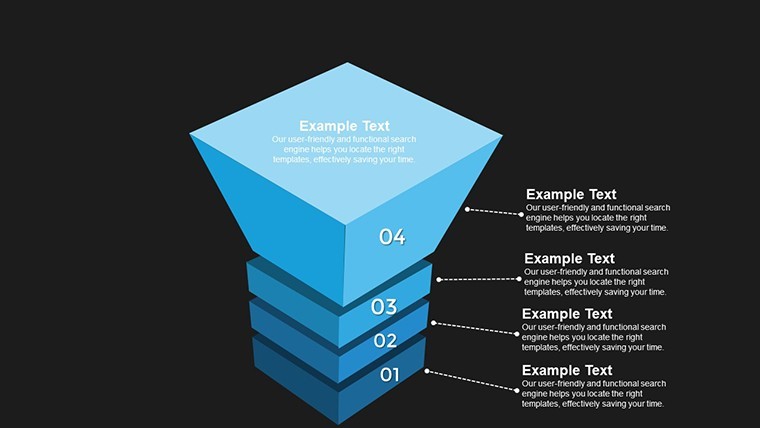
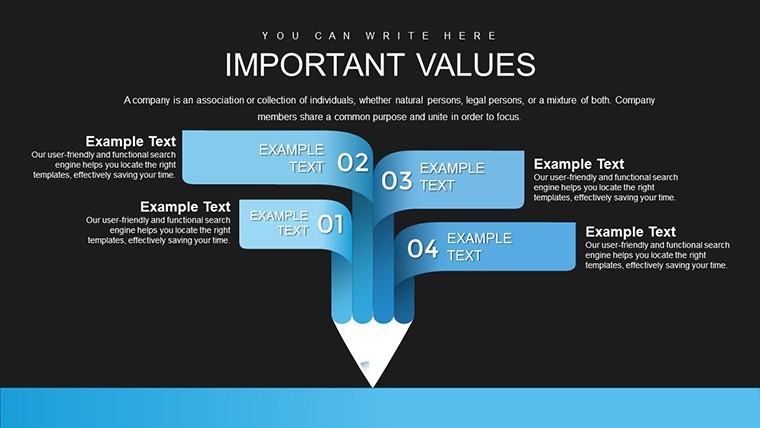
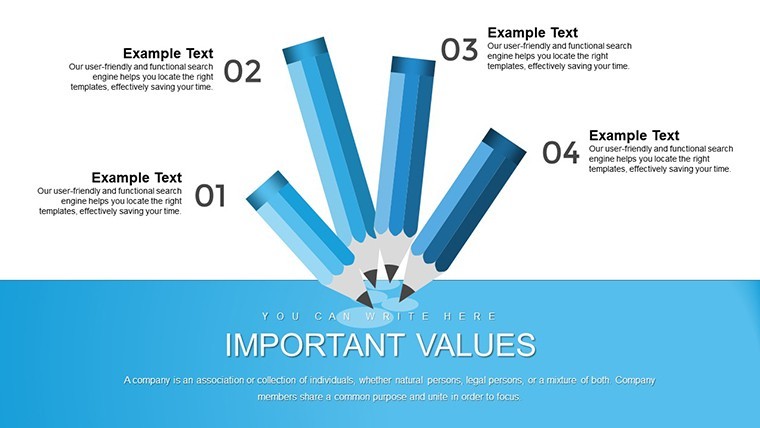
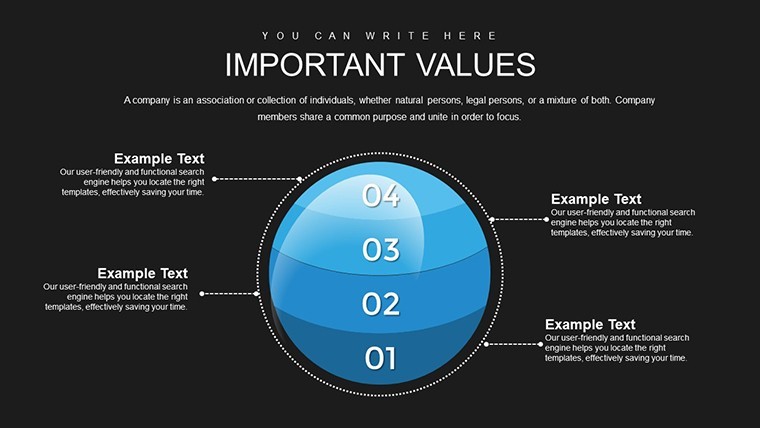
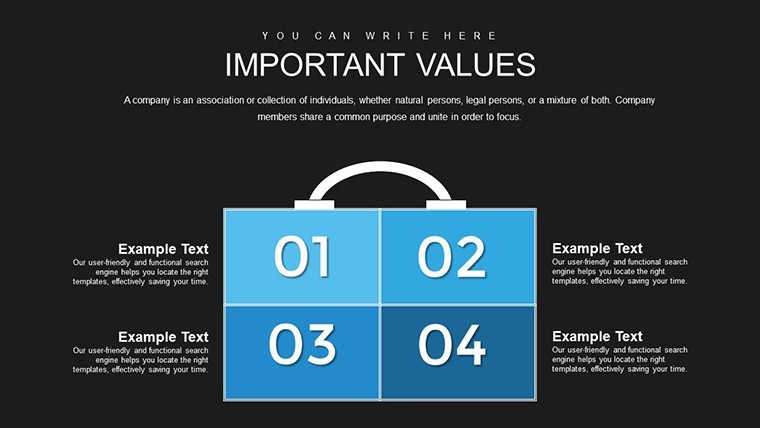
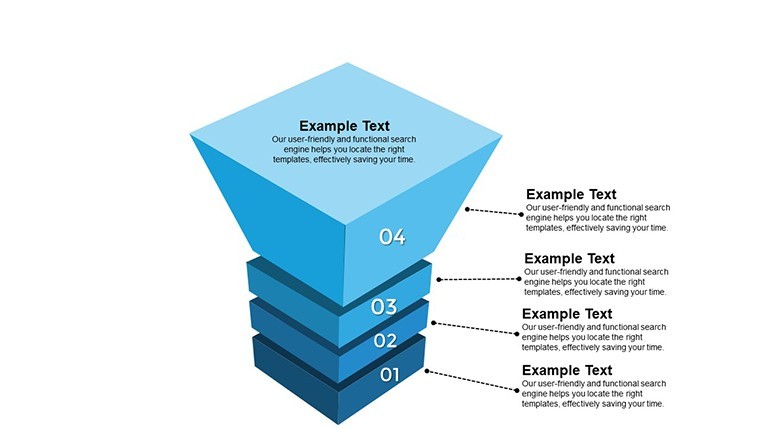
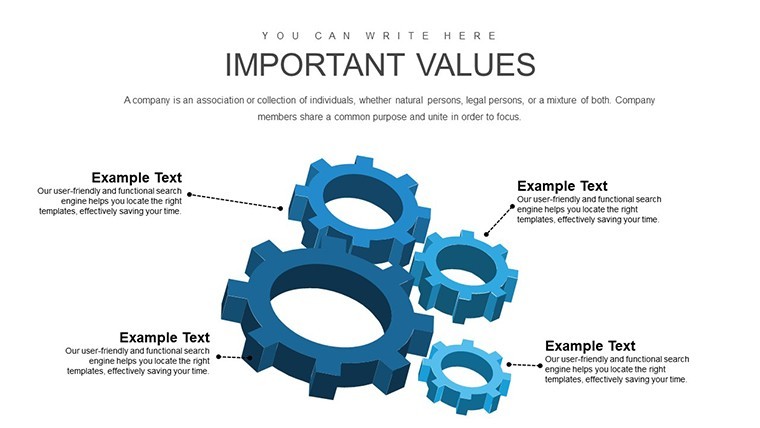
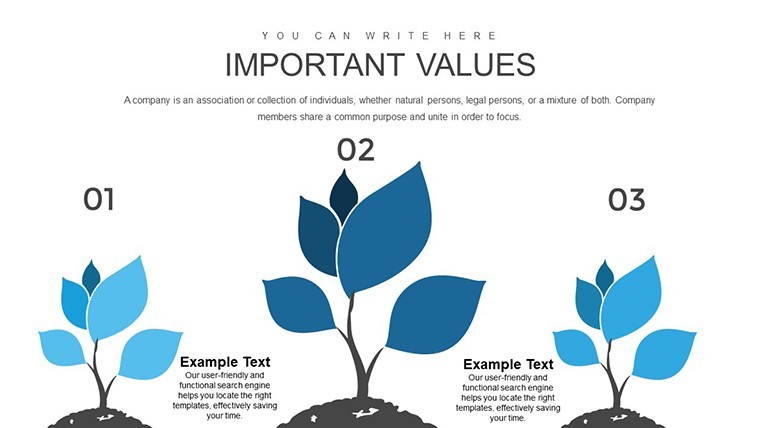
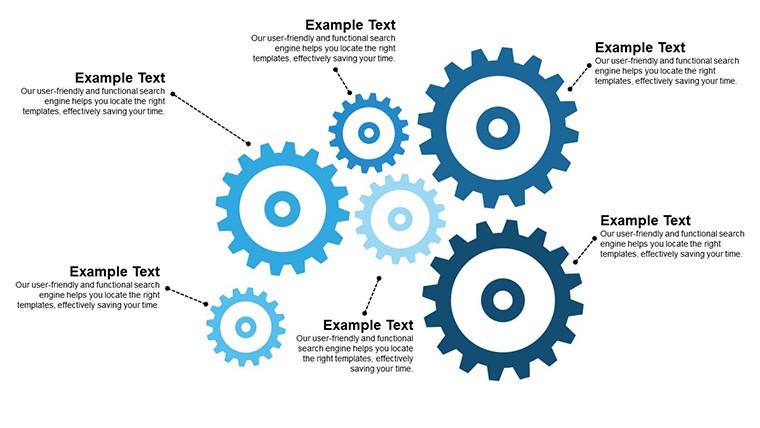
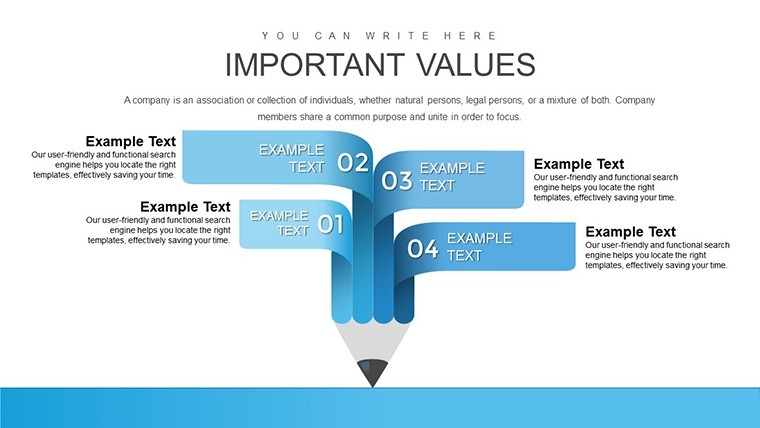
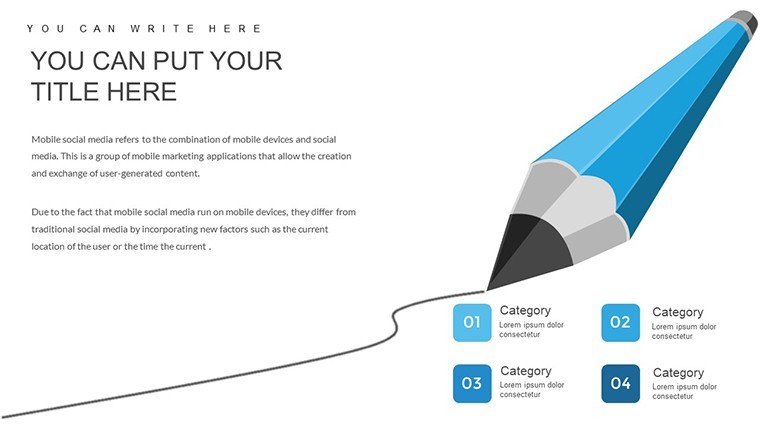
The visual structures across the deck cover a range of idea-mapping layouts: radial concept arrangements, sequential process steps, and modular segmented diagrams suited for breaking a business concept into components like market position, target audience, and value delivery. In practice, these layouts work well when you need to walk a small group through a business concept that has several interdependent parts - the kind of analysis where a flat bullet list fails to show how elements connect.
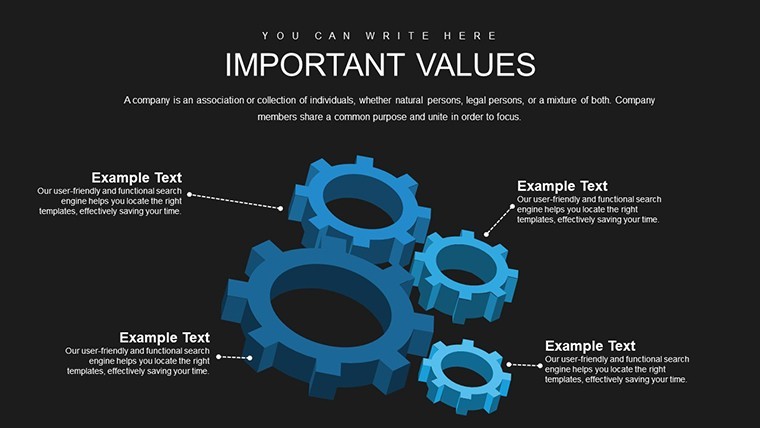
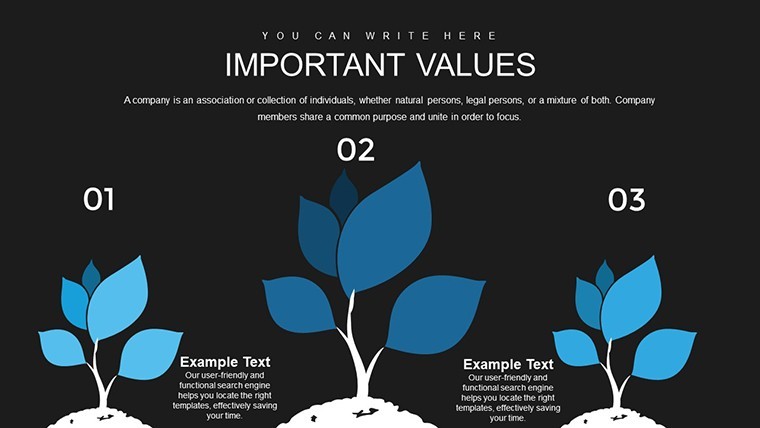
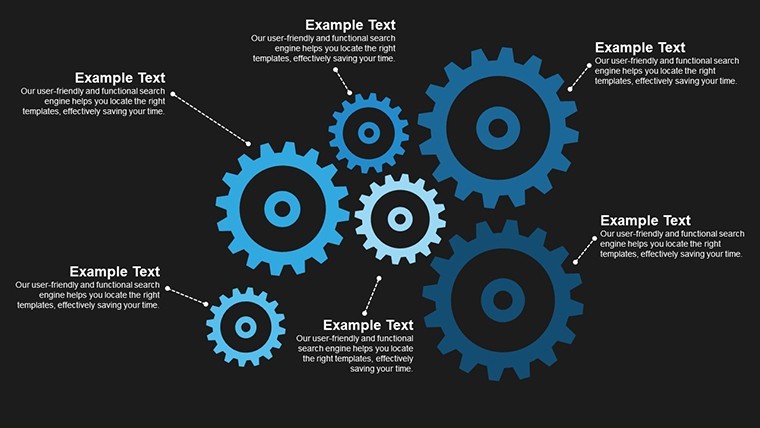
No photo placeholders, no gradient backgrounds. The visual language relies on illustrated 3D objects with distinct color fills per segment, giving each slide a clear focal hierarchy without requiring additional design work from the user. Tags on the page - analysis, organization, process, structure, schedule - suggest the deck is positioned for structured concept work rather than storytelling-style pitches.
Use this when you need to explain a business idea to stakeholders or an internal team and the concept has multiple layers that are hard to show in text. The pre-built 3D layouts handle the structural arrangement, so instead of drawing diagrams manually in Keynote, you replace text labels and adjust colors. Typically, teams preparing early-stage business reviews or ideation workshops find this kind of structure useful for keeping different concept areas visually separated on a single slide.
It is not ideal for data-heavy reporting or for decks that need precise numeric chart types like bar graphs or scatter plots. The file is Keynote-native (.key), and while Keynote files can be exported to PowerPoint format, some 3D rendering and animation behavior may shift in that conversion - something to consider if your audience will view the file outside of macOS. Color adjustments on the illustrated 3D objects are done per element in Keynote's inspector panel rather than via a global slide master, so a full palette change takes more steps than a master-based system would require.
For quarterly planning sessions or internal innovation reviews, you load the file, select the layout that fits your concept structure, and replace the placeholder labels with your own content. Everything is already arranged. No need to redraw diagrams or align shapes from scratch.
Download and start editing immediately
Specifications
FeatureDetailsSlides22 editable slides with 3D illustrated concept layoutsFile format.key (Keynote native)Software versionKeynote (standard .key format; compatible with current macOS Keynote installations)Color schemesNot specified on page; color adjustments made per element in Keynote inspectorEditable elementsText labels, 3D illustrated objects, per-object animation timingAspect ratioNot specified on pagePrice$13.00 (single paid version; no free tier listed)Product IDKC00724Frequently Asked Questions
Does this template work with current versions of Keynote on macOS?The file is delivered in standard .key format, which is compatible with current Keynote installations on macOS. The 3D illustrated elements and animations are built using Keynote-native tools, so they render correctly when opened directly in Keynote. If you plan to export to PowerPoint, some 3D and animation behavior may not carry over exactly, so it is best to present from Keynote when possible.
How do I change colors across all slides?Because the visual elements are 3D illustrated objects rather than flat shapes linked to a slide master palette, color changes are made per element using Keynote's Format inspector panel. To change a color across multiple slides, select the matching element on each slide and apply the new fill. If you need a consistent palette update, working through slides sequentially is the most reliable approach. In most cases, users only need to adjust a few key colors to align with their brand.
Can this template be used for client presentations or commercial projects?The standard license covers use in presentations for clients or within a business context. The template cannot be resold as a standalone file or redistributed as a template product. For detailed license terms, refer to the Terms of Use page on ImagineLayout.com before using in any commercial deliverable.
Is there a free version of this template?The page does not list a free version for this product. It is available as a single paid download at $13.00, which gives access to all 22 slides. There is no listed split between a free preview tier and a paid full version for this specific file.
What is the refund policy if the file does not open correctly?ImagineLayout has a refund policy available at imaginelayout.com/refund-policy/. If you encounter a technical issue with the downloaded file, contact the support team directly through the site. Refund eligibility is determined based on the specific circumstances of the issue, so reviewing the policy before purchase is recommended.
See also: Keynote Charts templates and 3D Keynote Chart templates.
Good for
- Project roadmaps and sprint plans
- Product launch timelines
- Quarterly or annual review decks
- Company history and milestone summaries
Licence
reviews
Opened this in Keynote for a client meeting and it worked pretty smoothly.
The chart colors were easy to swap to our company palette.
Some slides had too much empty space though.
I liked the clean comparison layout near the end.
Useful if you need something simple and fast.
FAQ
Will it work in Google Slides?
Are fonts embedded?
Can I use this for client work?
What's the refund policy?
Do you update the template after purchase?
Similar templates
See all Keynote Charts →
All 22 slides