 Click to zoom
Business Marketing Keynote Charts - Ready to Present | ImagineLayout
| Format | .pptx |
| Slides | 16 unique layouts |
| Aspect ratio | 16:9 |
| Compatibility | PowerPoint |
| Animated | No |
| Language | English |
| License | Commercial |
| File size | — |
| Version | v1.0 |
| Last updated | March 2026 |
What's inside
Package Contents
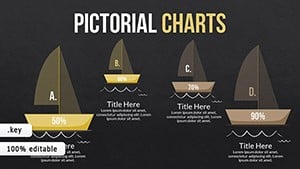
16 editable slides arrive inside a single .key file built for Keynote.
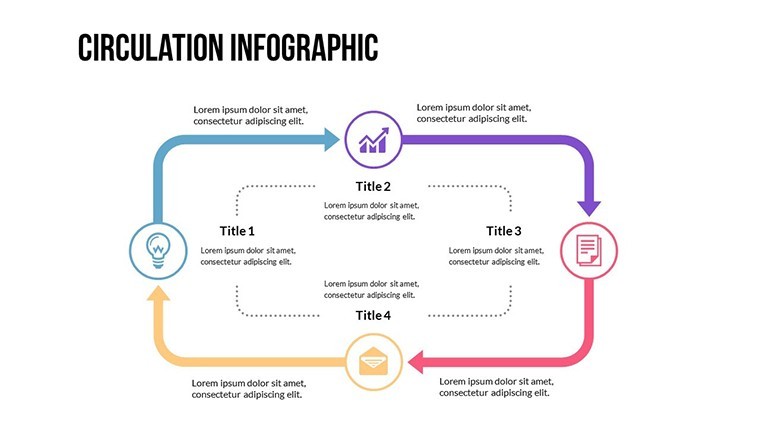
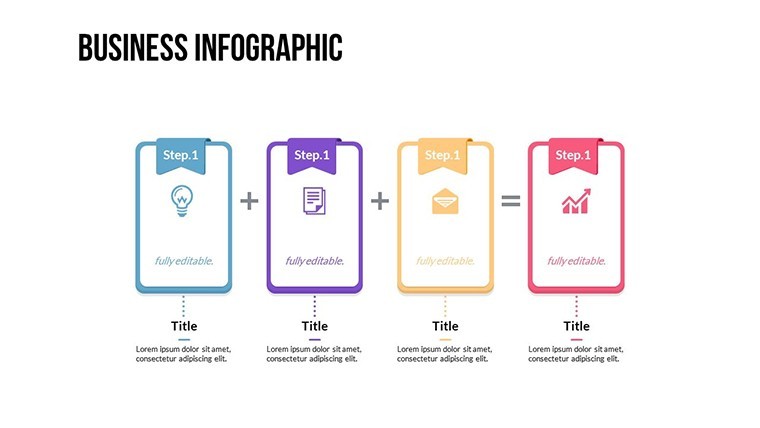
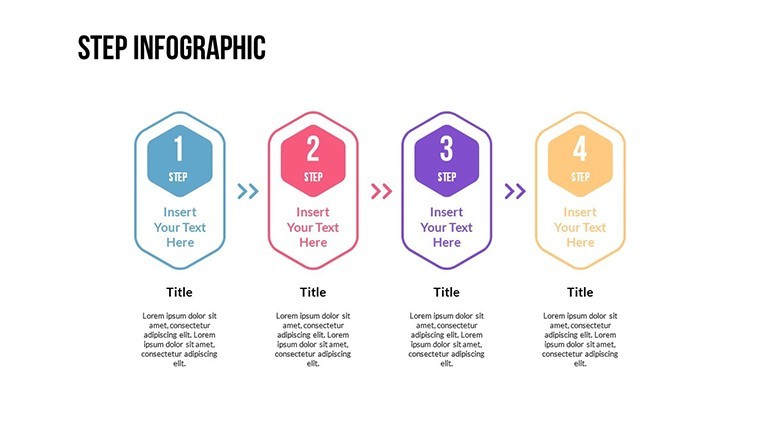
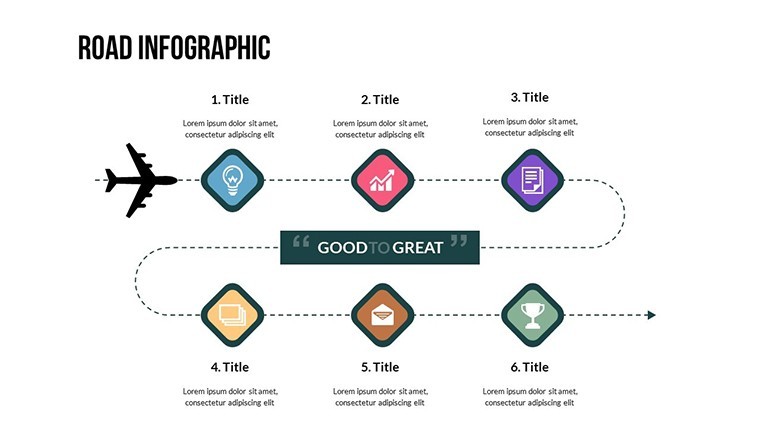
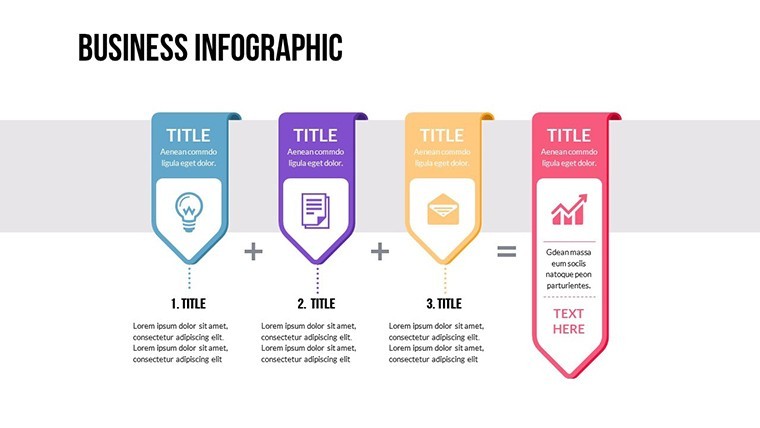
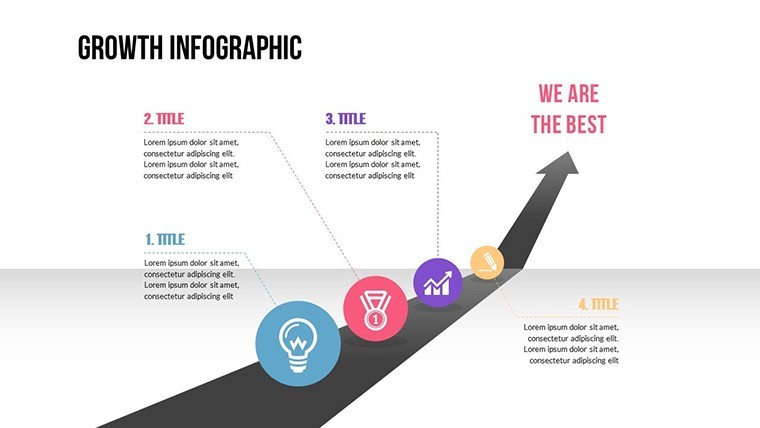
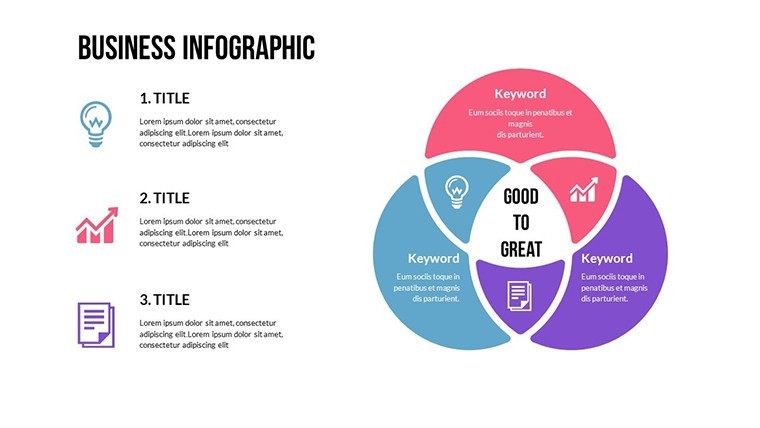
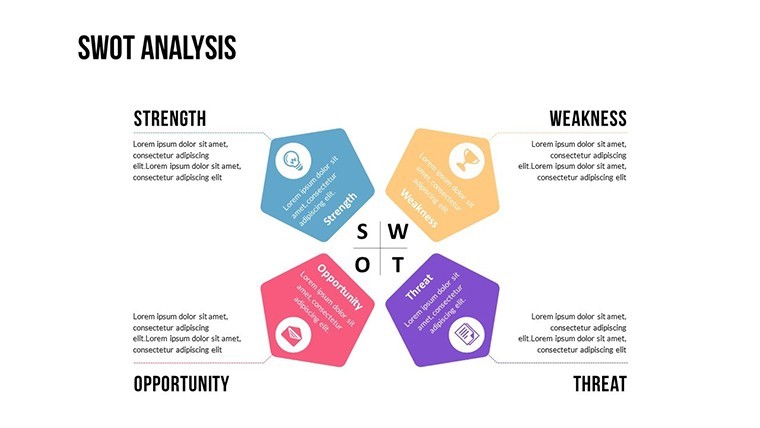
Charts link timelines to flow diagrams supporting campaign and investor story tasks in one file.
Compared to single-chart layouts these slides deliver interconnected diagram structure tailored for marketing decks.
Technical Specs
FeatureDetailsSlides included16 editable marketing slidesEditable shapessegments resize independentlyIcon placeholdersreplaceable without layout shiftText labelseditable without group unlockColor themesslide master compatibleExport options.key and PDFFrom Strategy Decks to Boardroom Pitches
Marketing managers in startups visualize campaign metrics reusing slides across three client proposals via color swaps.
Entrepreneurs in e-commerce prepare investor presentations cutting creation time from three hours to 45 minutes.
Download the Business Marketing Keynote Charts template now.
Customization in 4 Steps
Moderate difficulty. Complete the workflow in under 15 minutes.
- Open file one minute
- Edit text three minutes
- Swap colors two minutes
- Adjust connectors four minutes
Why This Template Not a Blank Slide
Manual creation of marketing charts takes four hours and risks poor flow direction on screens.
This template provides ready layout composition.
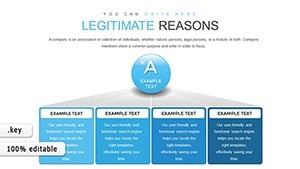
Many presentations place labels directly inside diagram shapes. That approach works on laptops but becomes harder to read on large projection screens. This layout keeps labels outside the shapes and connects them with thin lines improving clarity during live meetings without increasing editing complexity.
Get the template today.
Which Keynote versions does this template support?The template opens correctly in Keynote 12 and newer versions including the latest 2025 release. Older versions before Keynote 12 may show layout shifts because of missing shape effects. Test the file immediately after download to confirm compatibility with your installed version. If issues appear simply update Keynote through the App Store for full editable shapes and color theme support.
How do I change the color scheme?Select any slide then open the Format panel on the right. Click the color well next to the shape fill and pick your brand color. Repeat for all diagram connectors and text labels. The changes apply across the entire deck because of slide master compatibility. Save the file once finished to lock the new color contrast for your next sales report presentation.
What does the license allow for client work?You may use the template in paid client projects including investor decks and board briefings. The license covers unlimited presentations for your own business or clients. Resale of the original file or sublicensing to third parties is not permitted. Modify the diagrams freely and export PDFs for distribution without additional fees.
What does the free version include versus the paid version?The free version provides only a single static preview slide with locked elements. The paid version unlocks the complete 14 editable slides plus all diagram connectors and icon layers. Full text placeholders and color theme adjustments become available only after purchase. This difference lets you test the layout composition before committing to the full financial set.
What software is required to open the files?Apple Keynote is required on macOS or iOS devices. The .key format does not open in PowerPoint or Google Slides. Download the free Keynote app if you do not already have it. No additional plugins or fonts are needed because all elements use standard system resources.
What is the refund policy?Refunds are available within 14 days of purchase if the file fails to open in your Keynote version. Send the order number and a screenshot of the error to support. Refunds are not granted after successful download and editing because the product is digital. All sales are final once the template has been customized.
Good for
- Project roadmaps and sprint plans
- Product launch timelines
- Quarterly or annual review decks
- Company history and milestone summaries
Licence
reviews
Used in class presentation last night it worked okay
Chart layout made data comparison quick and easy to read
Used this for a work report charts were clear and simple
Opened it once and finished my presentation fast
It works but some slides feel a bit crowded
FAQ
Will it work in Google Slides?
Are fonts embedded?
Can I use this for client work?
What's the refund policy?
Do you update the template after purchase?
Similar templates
See all Keynote Charts →
All 16 slides