 Click to zoom
Belgium Keynote Maps Template: Editable Professional Slides for Impactful Presentations
| Format | .pptx |
| Slides | 36 unique layouts |
| Aspect ratio | 16:9 |
| Compatibility | PowerPoint |
| Animated | No |
| Language | English |
| License | Commercial |
| File size | — |
| Version | v1.0 |
| Last updated | August 2025 |
What's inside
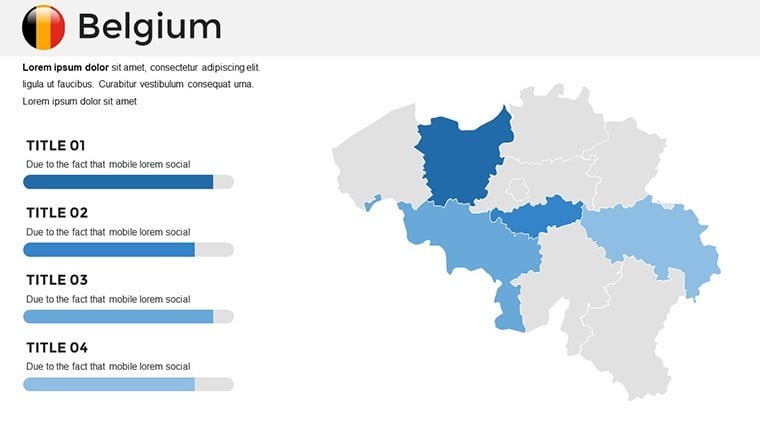
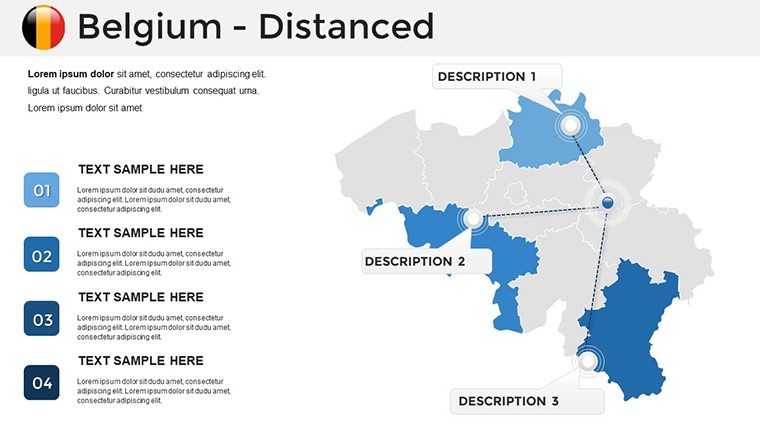
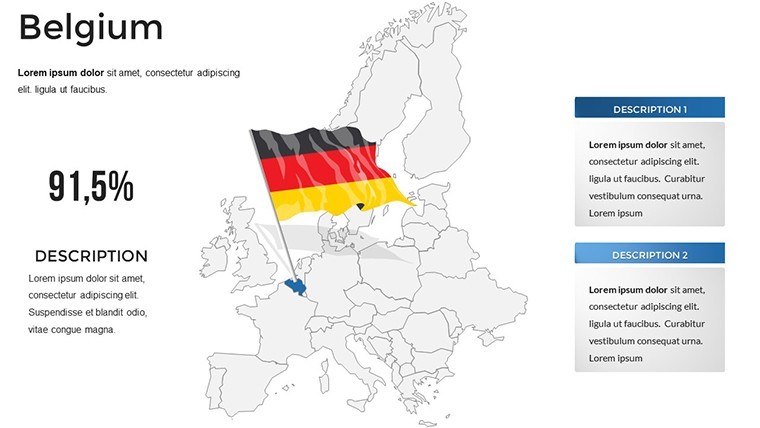
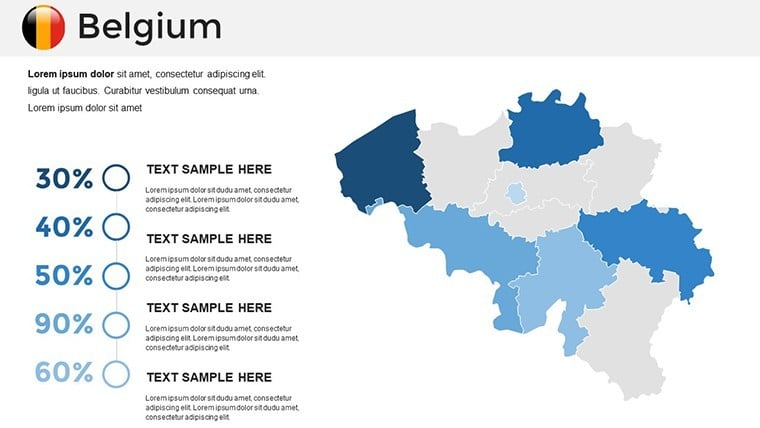
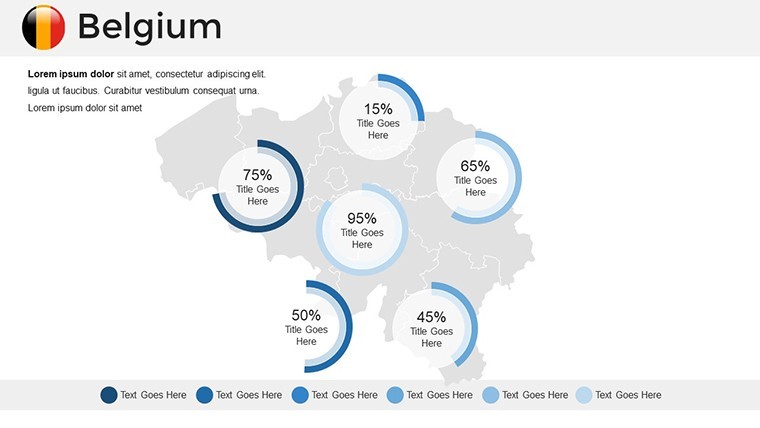
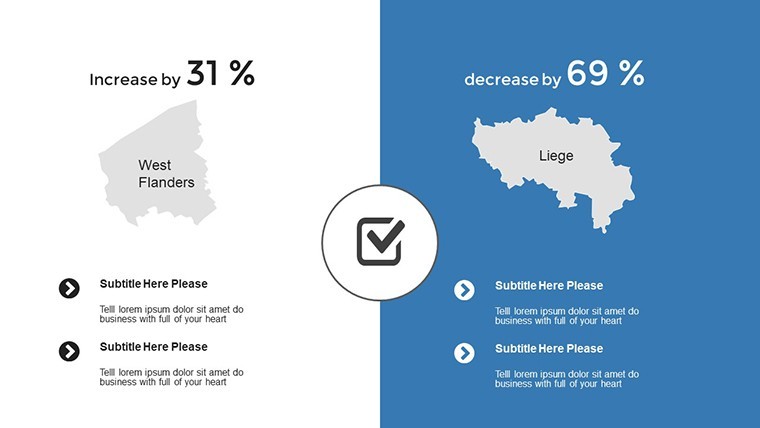
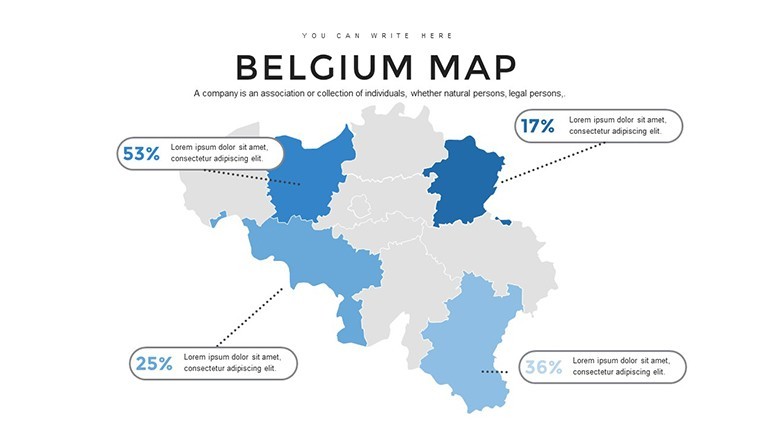
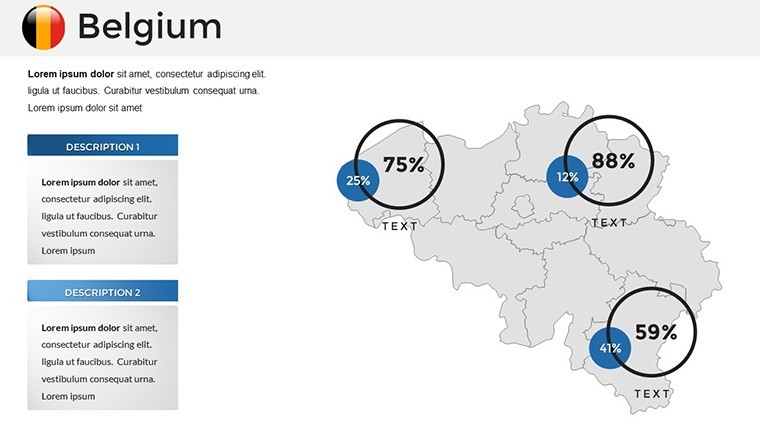
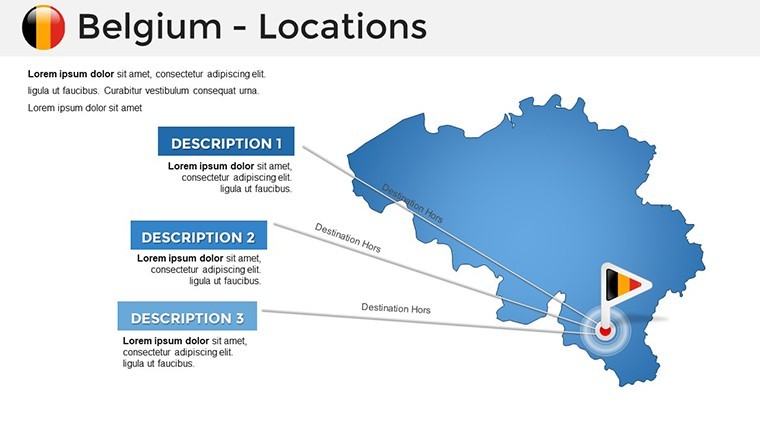
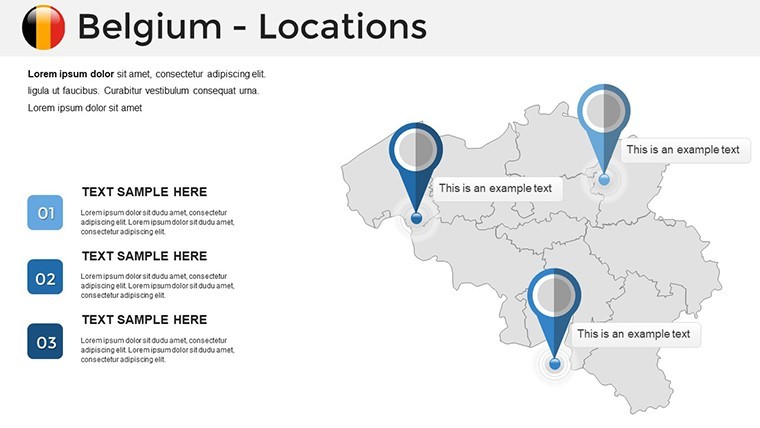
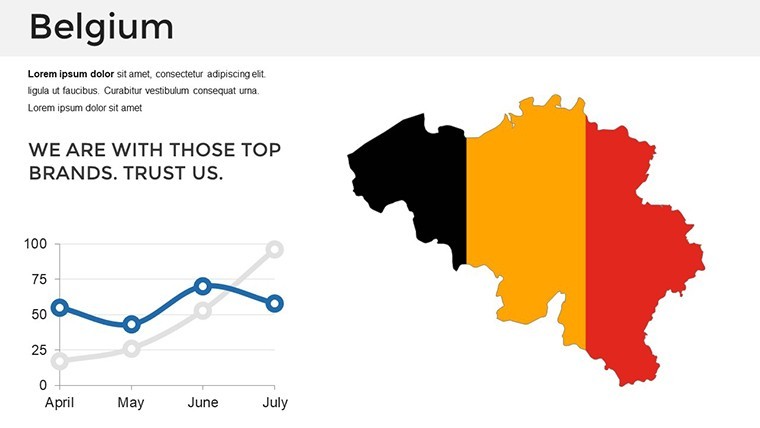
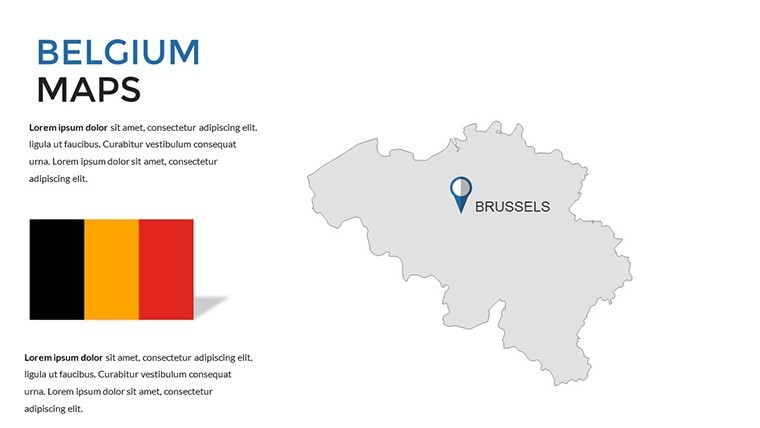
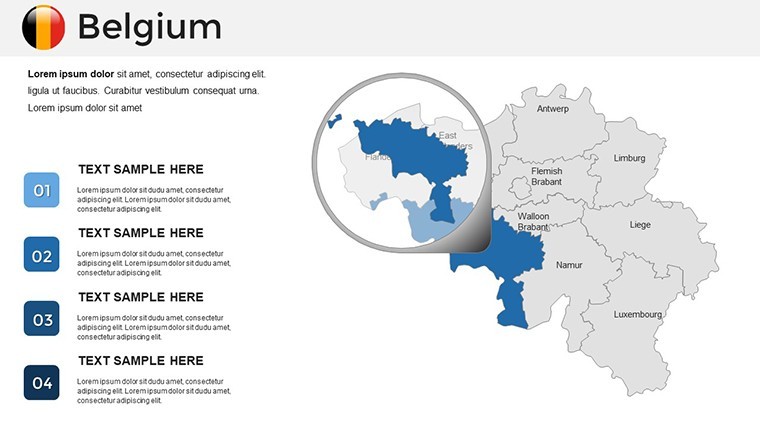
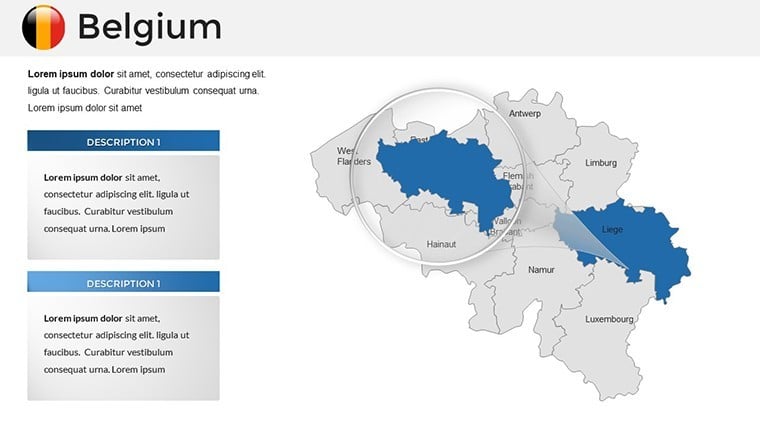
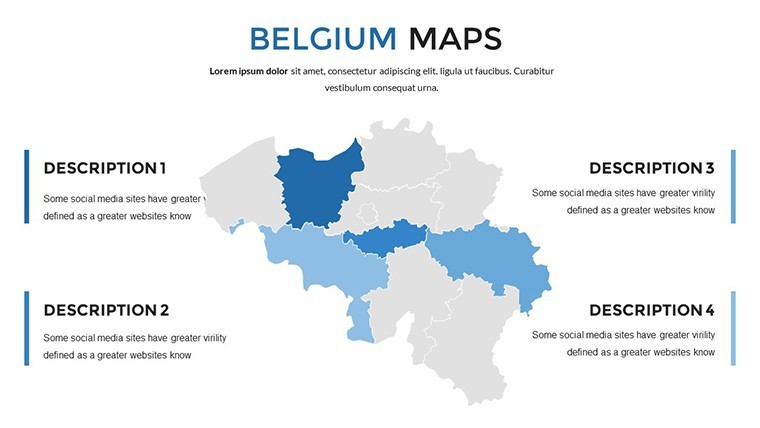
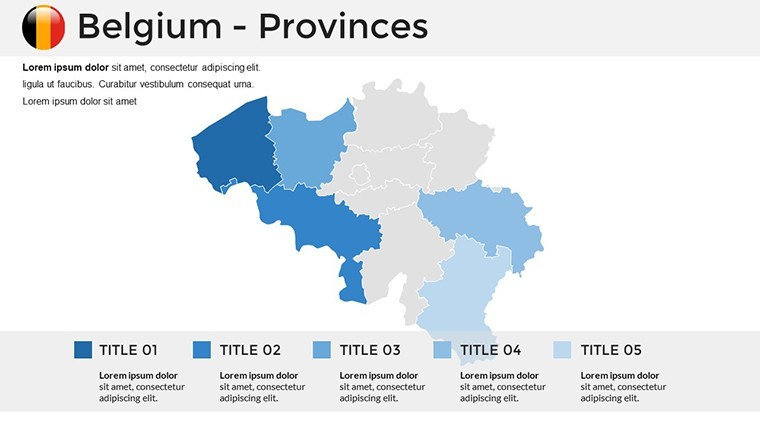
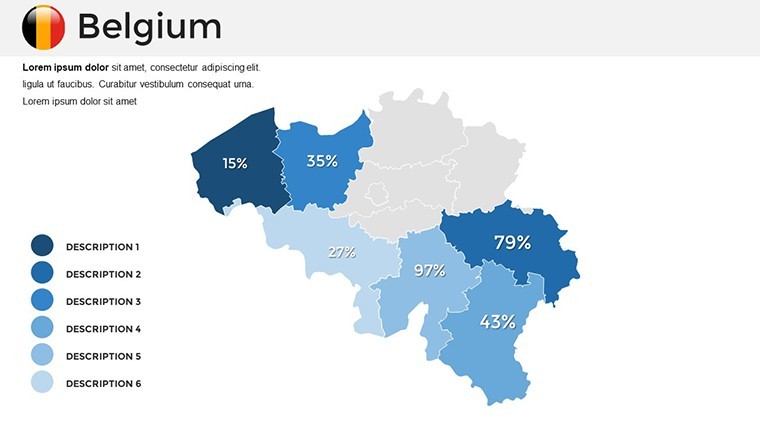
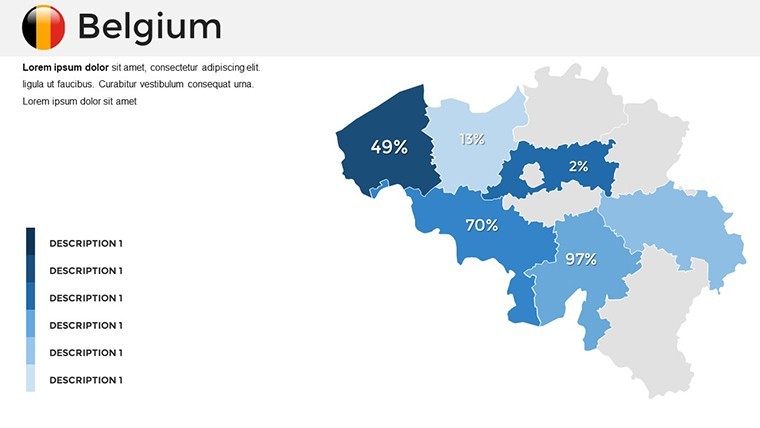
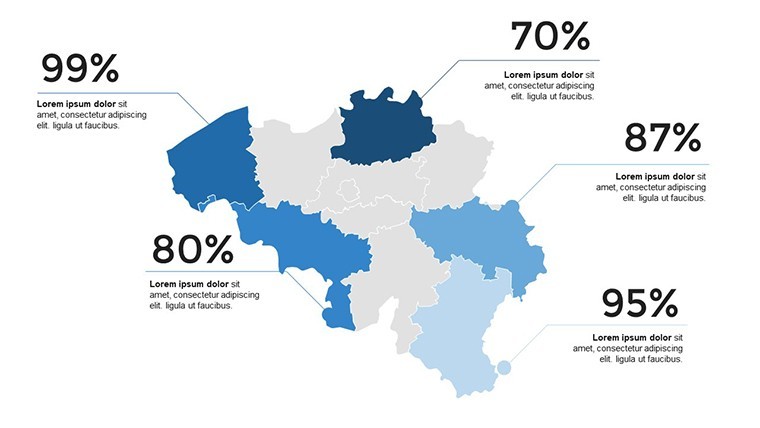
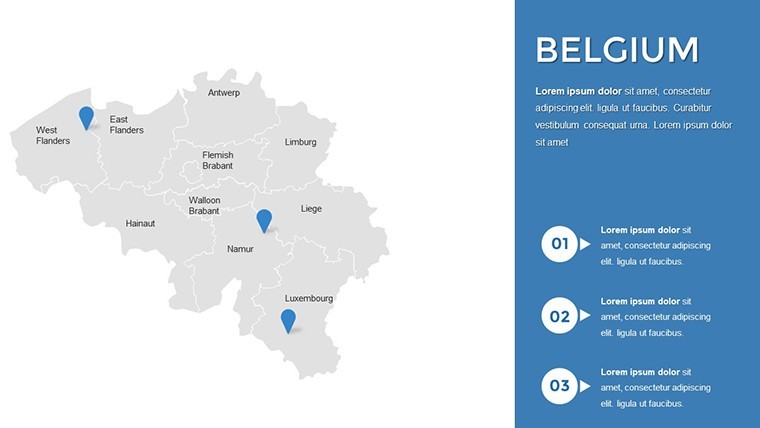
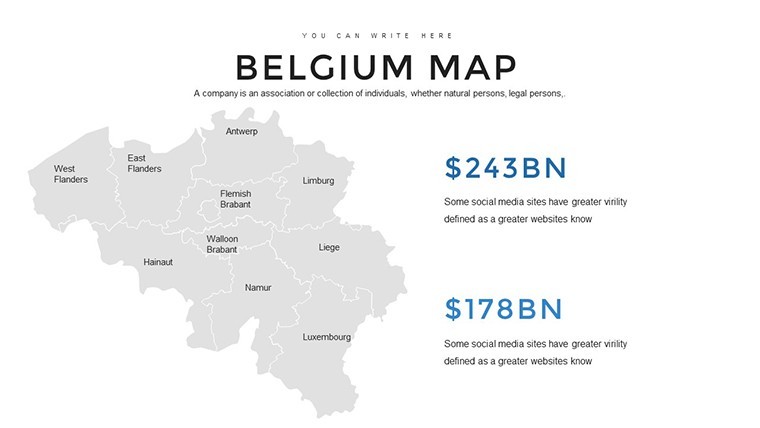
Imagine transforming your next presentation into a captivating journey through Belgium's diverse landscapes and economic hubs. Whether you're a business strategist outlining market expansions in Brussels or an educator delving into the cultural tapestry of Flanders and Wallonia, our Belgium Keynote Maps Template equips you with the tools to tell compelling stories. With 36 fully editable slides designed exclusively for Apple Keynote, this template blends precision mapping with intuitive customization, allowing you to highlight key regions, integrate real-time data, and engage your audience like never before. Say goodbye to static slides and hello to dynamic visuals that bring Belgium's geography to life - perfect for professionals seeking to elevate their narratives with accuracy and flair.
Why Our Belgium Maps Stand Out in Professional Settings
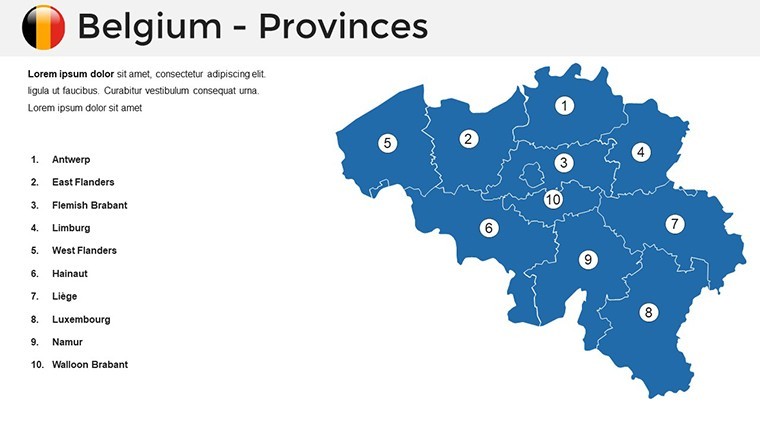
In a world where data visualization can make or break a pitch, our template draws on official Belgian geographical sources, ensuring every map reflects accurate boundaries and demographic details. For instance, architects presenting urban development projects in Antwerp can color-code districts to showcase zoning plans, adhering to EU urban planning standards. This isn't just about maps; it's about weaving in economic insights - like Belgium's role as a logistics powerhouse with ports in Zeebrugge - or cultural highlights, such as the historic sites in Bruges, to create presentations that resonate on multiple levels.
Core Features That Empower Your Creativity
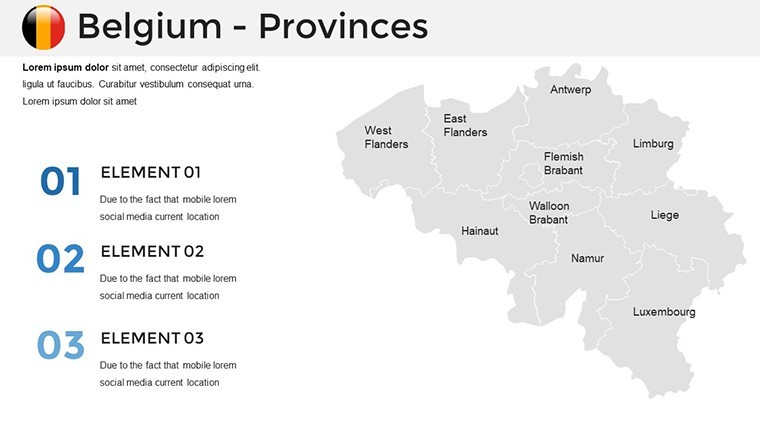
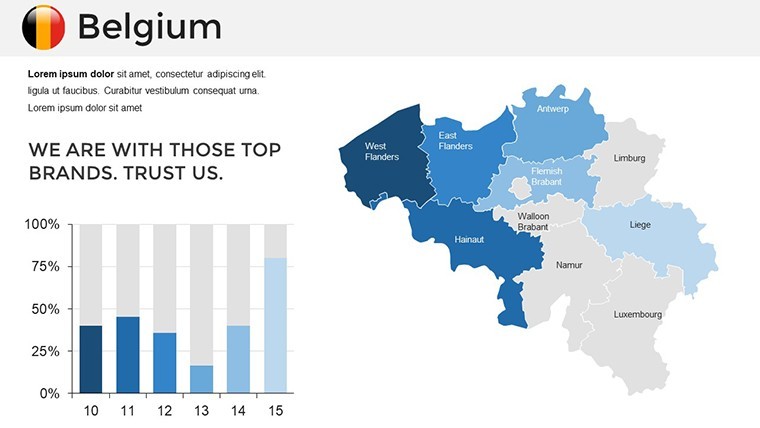
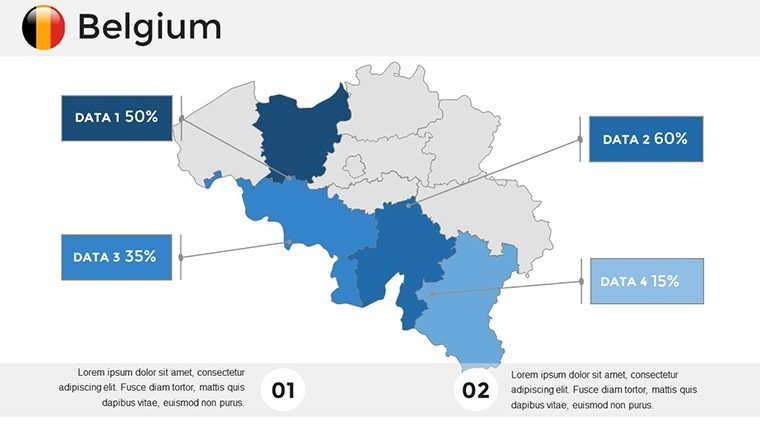
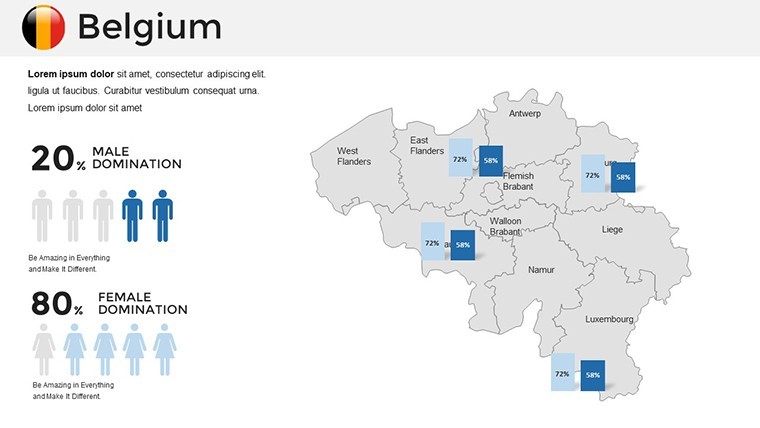
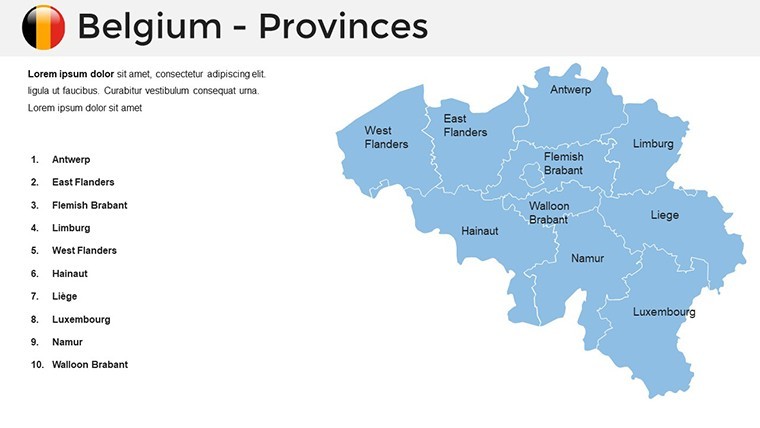
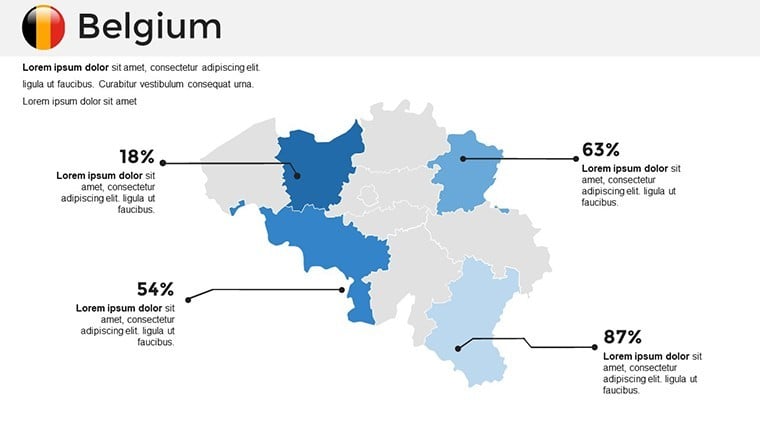
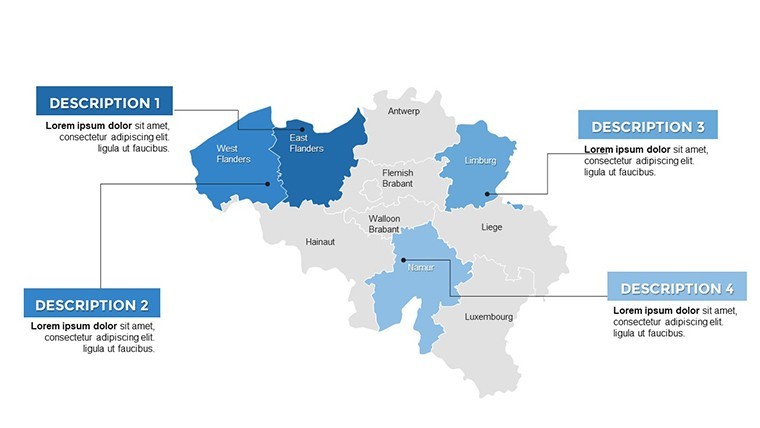
Dive into the heart of what makes this template indispensable. Each of the 36 slides is crafted with vector-based graphics, ensuring scalability without loss of quality. Customize colors to match your brand palette, add interactive labels for provinces like Limburg or Hainaut, and incorporate data overlays for metrics such as GDP distribution or population density. Unlike basic Keynote tools, our maps support seamless integration with external data sources, allowing for live updates during presentations - ideal for real-time market analysis in fast-paced industries like pharmaceuticals, where Belgium leads in Europe.
- High-Resolution Interactive Maps: Zoom into cities like Ghent or Liège with pinpoint accuracy, enhancing viewer immersion.
- Data-Driven Customization: Embed charts showing export trends or tourism statistics, backed by sources like Statbel for trustworthiness.
- Cross-Device Optimization: Present flawlessly on Mac, iPad, or iPhone, ensuring your message travels as far as your ideas.
- Themed Icon Library: Access Belgium-specific icons, from EU flags to chocolate motifs, adding a touch of local flavor without extra design work.
These features aren't generic; they're tailored for Belgium's unique bilingual and federal structure, helping you navigate regional differences effortlessly.
Real-World Applications: From Boardrooms to Classrooms
Picture this: A marketing team at a multinational firm uses our template to map out distribution networks across Belgium's three regions, securing buy-in from stakeholders by visualizing efficiency gains. In education, teachers leverage the slides to explore Belgium's history - from the Battle of Waterloo to modern EU politics - boosting student engagement through interactive elements. Researchers at conferences, like those hosted by the Royal Belgian Institute of Natural Sciences, present biodiversity data from the Ardennes, earning accolades for clarity. These scenarios highlight how the template solves common pain points, such as time-consuming custom mapping, by providing pre-built yet flexible foundations.
Step-by-Step Guide to Maximizing the Template
- Open the .key file in Apple Keynote and select a base map slide.
- Customize regions: Use the inspector tool to adjust colors and add text labels for specifics like Brussels' EU institutions.
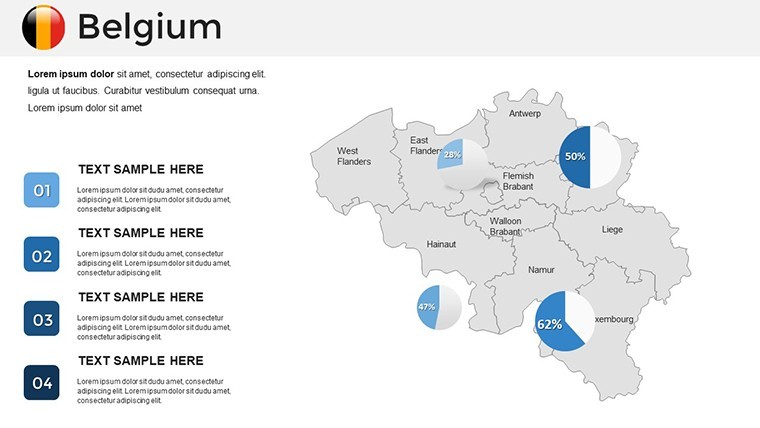
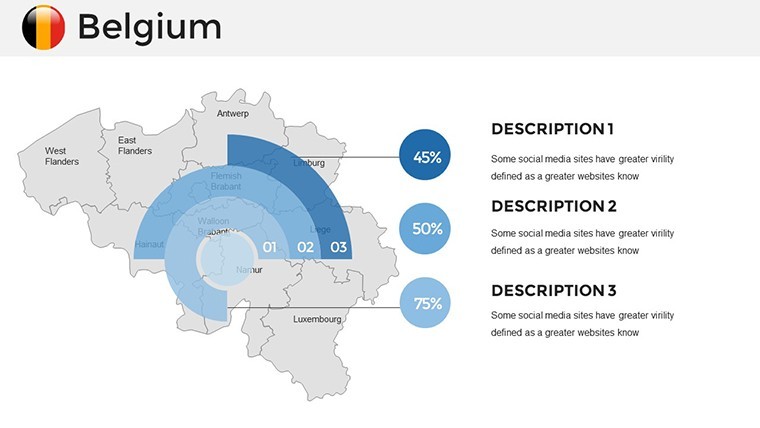
- Integrate data: Import CSV files for population or economic stats, creating pie charts overlaid on maps.
- Enhance with visuals: Drag in icons from the library to denote key landmarks, like the Atomium.
- Present and iterate: Test on multiple devices, then export to PDF for sharing if needed.
This workflow integrates seamlessly with tools like Excel for data prep, saving hours and ensuring professional polish.
Who Thrives with This Belgium-Focused Tool?
Business analysts dissecting trade routes through Antwerp's port, educators illuminating the linguistic divide between Dutch and French-speaking areas, or tourism consultants promoting Flanders' art cities - all find value here. Even non-designers appreciate the intuitive interface, drawing on our expertise in presentation design since 2015. Compared to standard Keynote maps, ours offer deeper customization without requiring advanced skills, making it a go-to for AIA-aligned architectural pitches or ESG reports in Belgium's green tech sector.
By incorporating LSI elements like regional demographics and economic mapping, this template not only visualizes data but also fosters understanding, turning complex information into actionable insights. For example, a case study from a Brussels-based consultancy showed a 25% increase in client retention after using similar mapped presentations to illustrate strategy impacts.
Elevate Your Belgium Narratives - Download Today
Don't settle for ordinary when you can deliver extraordinary. Our Belgium Keynote Maps Template is your gateway to presentations that inform, inspire, and influence. With its blend of aesthetic appeal and functional depth, it's designed to help you stand out in competitive fields. Ready to map your success? Customize your story now and watch your ideas take flight.
Frequently Asked Questions
How editable are the maps in this template?Fully editable - you can change colors, labels, sizes, and even add or remove elements to fit your needs.Is this compatible with older Keynote versions?Yes, it works with all Apple Keynote versions, ensuring broad accessibility.Can I integrate real-time data?Absolutely; link to external sources for dynamic updates during presentations.What file format is provided?The template comes in .key format, optimized for Keynote.Are there any usage restrictions?No, use it for personal or professional projects without limitations.How do I get support if needed?Contact our team via the website for quick assistance on customization or troubleshooting.Good for
- Project roadmaps and sprint plans
- Product launch timelines
- Quarterly or annual review decks
- Company history and milestone summaries
Licence
reviews
Used these slides for a transport route presentation.
The arrows and highlighted areas made the information easier to explain.
A few slides felt repetitive but there were enough useful ones.
I liked that the charts were already formatted.
Saved me from wasting time on design.
FAQ
Will it work in Google Slides?
Are fonts embedded?
Can I use this for client work?
What's the refund policy?
Do you update the template after purchase?
Similar templates
See all Keynote Maps →
All 36 slides