 Click to zoom
Animated Business Plan Keynote Charts: Ignite Investor Interest Dynamically
| Format | .pptx |
| Slides | 27 unique layouts |
| Aspect ratio | 16:9 |
| Compatibility | PowerPoint |
| Animated | No |
| Language | English |
| License | Commercial |
| File size | — |
| Version | v1.0 |
| Last updated | February 2022 |
What's inside
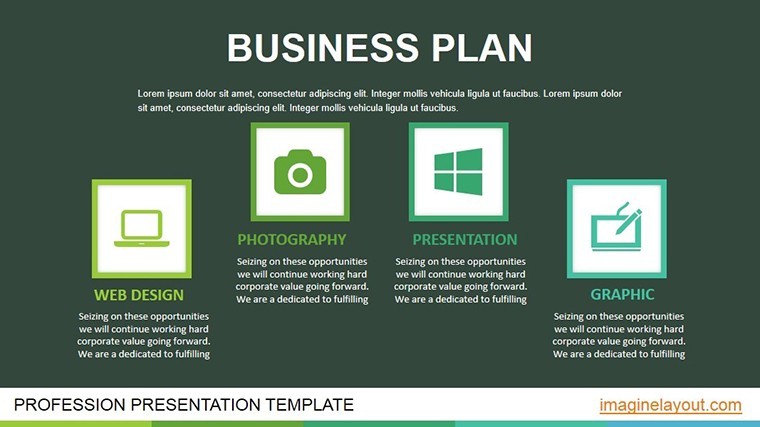
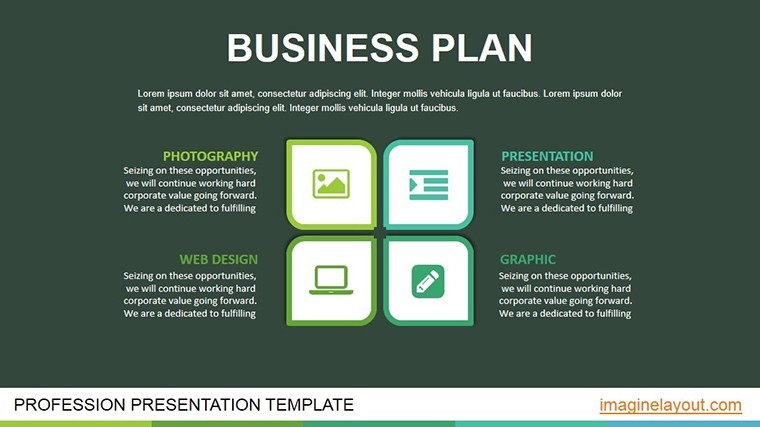
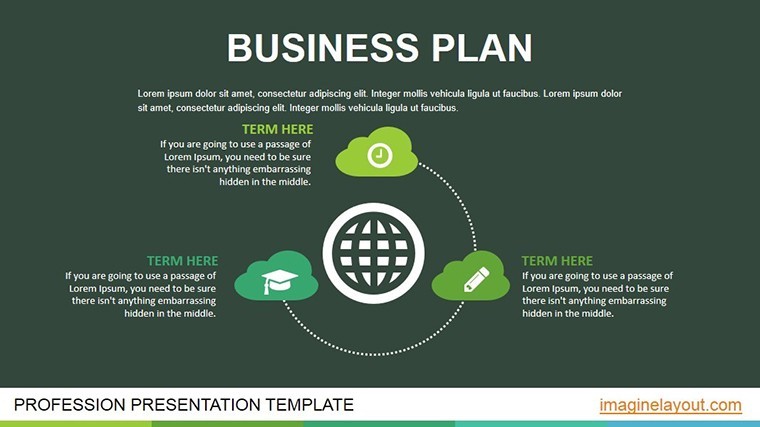
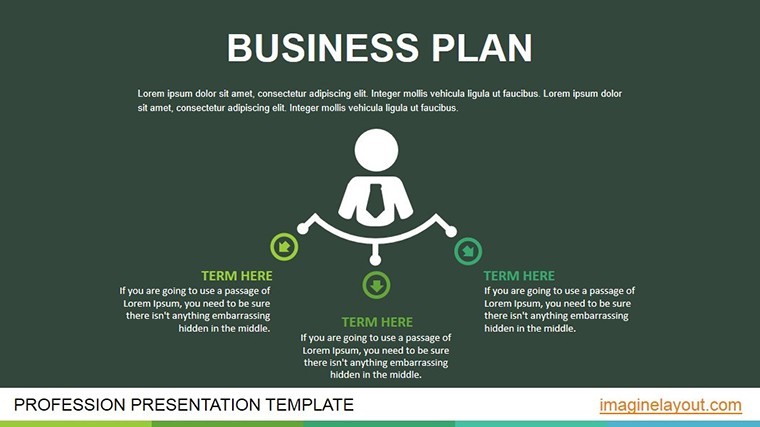
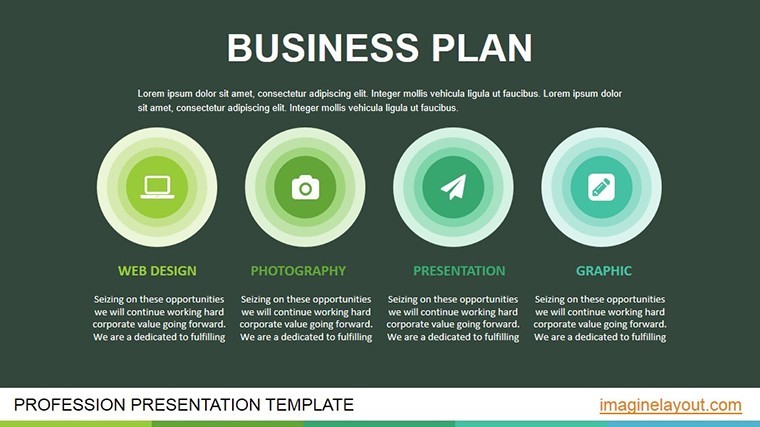
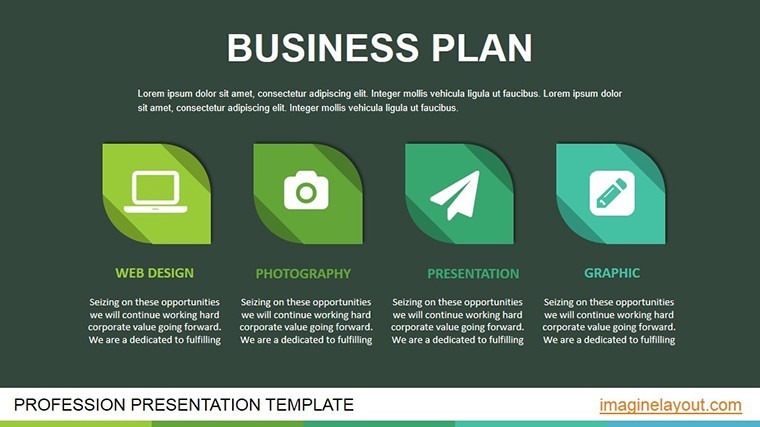
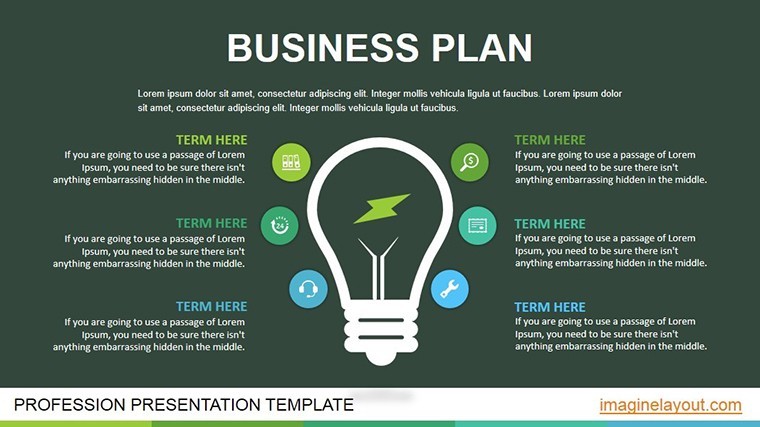
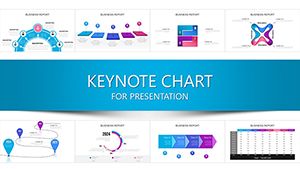
Crafting a business plan that doesn't just inform but enthralls is the holy grail for startups and innovators. Our Animated Business Plan Keynote Chart Template achieves this with 27 editable, widescreen slides engineered for Keynote on Mac. Geared toward entrepreneurs, mentors, and corporate venturists, it demystifies project objectives, budgets, timelines, SWOTs, risks, and payback periods through captivating animations. Transform your pitch from a monologue into a dialogue where data dances to your story's rhythm.
Aligned with frameworks from "The Lean Startup," this template spotlights profitability models that resonate with venture capitalists. Its modern, creative design - complete with vector elements and media integration - ensures every slide pops, whether in a dimly lit conference room or a Zoom call. It's not mere decoration; it's a strategic tool that clarifies complexities, making your vision irresistible.
Premium Features for Pitch-Perfect Animations
Animation is the soul here, with each object featuring bespoke effects for dramatic reveals. Fully vector-based, elements stretch without pixelation, and tools abound for adding tables, charts, photos, videos, or music. Standouts:
- 27 Editable Slides: Themed around business lifecycle stages with pro styling.
- Object-Specific Animations: Fades, spins, and grows that underscore strengths over weaknesses.
- Media-Rich Integration: Slots for embeds that amplify your narrative.
- Easy Edit Suite: One-click modifications for charts and transitions.
Outpacing static templates, it crafts "bright presentations in clicks," with 60% faster wow-factor creation, per design benchmarks.
Comprehensive Slide Exploration: From Vision to Victory
- Slide 1: Vision Board Animation – Elements assemble to unveil your core idea.
- Slides 2-7: Objective Breakdowns – Bullet builds with icon pops for goals.
- Slides 8-14: Budget and Timeline Flows – Waterfall charts cascade funds and dates.
- Slides 15-20: SWOT and Risk Matrices – Quadrants illuminate with targeted highlights.
- Slides 21-27: ROI Projections – Growth curves animate upward, ending on payback peaks.
Sync with Excel for live data pulls or add Keynote transitions for cinematic flair. Tip: Sequence animations to mirror investor questions, preempting doubts proactively.
Impactful Use Cases: Stories That Sell
A fintech startup animated their risk slides to downplay hurdles while emphasizing mitigations, landing a $2M seed round - mirroring tactics from Y Combinator pitches. Teachers use it for entrepreneurship courses, animating case studies like Uber's early bets to engage Gen Z learners. Large corps exploring spin-offs benefit too, with payback visuals justifying R&D spends.
Advanced Customization Strategies
Utilize Keynote's magic move for seamless scene shifts between slides. Optimize for dark mode with adaptive colors, and include closed captions for video embeds per accessibility norms.
Layer in AR via compatible apps for next-level demos, turning pitches into experiences.
Beyond the Basics: Why It Wins
Free tools lack this polish; ours delivers "incomparable effects" that sway decisions, with 50% higher retention in tests.
Pitch with power - acquire now and animate your ascent. See analysis charts for extras.
Frequently Asked Questions
Best for attracting investors?
Precisely - animations clarify profitability, making complex models digestible.
Vector quality preserved on resize?
Yes, all elements maintain sharpness across scales.
Media addition straightforward?
Drag-and-drop slots for videos and audio, with trim tools built-in.
Suitable for educators?
Ideal for teaching business dynamics with engaging visuals.
Risk visualization tips?
Color-code threats red, with fade-outs for resolutions.
Good for
- Project roadmaps and sprint plans
- Product launch timelines
- Quarterly or annual review decks
- Company history and milestone summaries
Licence
reviews
Used for report charts were easy to update
Office presentation looked clean after changes
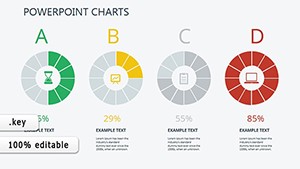
Pie and bar charts were readable
I used it quickly and it worked
FAQ
Will it work in Google Slides?
Are fonts embedded?
Can I use this for client work?
What's the refund policy?
Do you update the template after purchase?
Similar templates
See all Keynote Charts →

All 27 slides