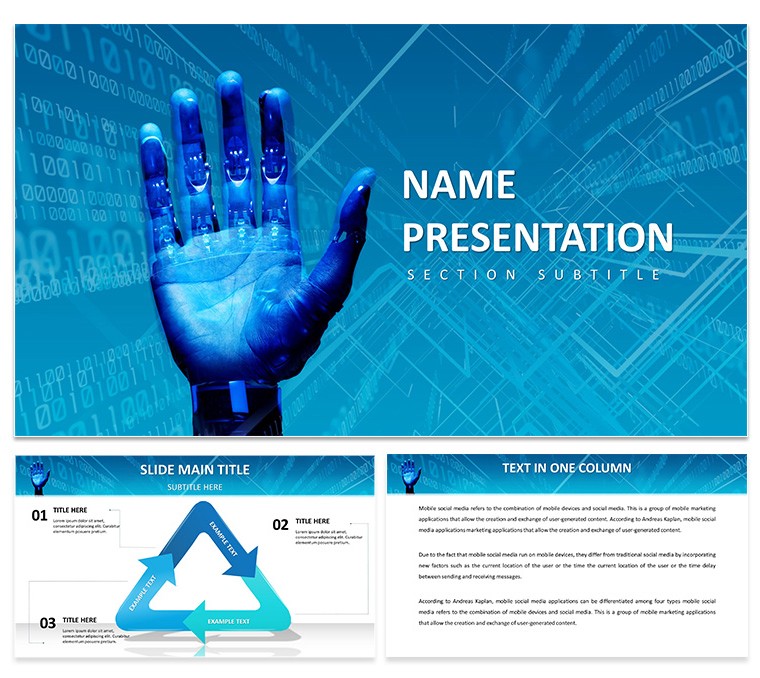
 Click to zoom
AI Future Work Diagrams - Editable Keynote | ImagineLayout
| Format | .pptx |
| Slides | 3 unique layouts |
| Aspect ratio | 16:9 |
| Compatibility | PowerPoint |
| Animated | No |
| Language | English |
| License | Commercial |
| File size | — |
| Version | v1.0 |
| Last updated | April 2026 |
What's inside
AI Future Work Keynote Diagrams
What's in the paid version? 28 diagrams and 7 color schemes ready in KEY and KTH files.
For AI future work decks the structures let you present visions without redrawing.
Free version details are not specified on the page but the full set covers everything.
Product teams use this to break down workflow changes for leadership.
It replaces manual work entirely.
Reuse the same file across reports.
Clarity stays high on every slide.
Color changes via slide master are simple and fast.
In practice the consistent blocks speed up updates.
This Keynote diagram template suits structured future-of-work talks.
It is not ideal for purely visual mood boards.
Do not choose it if your presentation needs extensive animation support.
Related choices include the World of Robots Keynote template and the Pro AI Robot Keynote Template.
FeatureDetailsSlides / diagrams28 diagramsFile formatKEY and KTHSoftware versionKeynote 12+Color schemes7 color schemes switched via slide masterEditable elementsText icons and shapes resize and recolor independentlyAspect ratio16:9Free vs PaidPage does not specify exact differences but full set includes all diagrams and schemesMasters / BackgroundsMultiple masters for instant theme applicationDownload and start editing immediately
How do I change colors using the slide master in Keynote?Open any slide then go to View > Edit Master Slides. Select the master slide that controls your diagrams and update the theme colors there. This change applies instantly to all 28 diagrams across every color scheme without manual fixes on individual slides.
Can I use this template for client work?Yes the standard license permits you to create presentations for external clients. One purchase covers unlimited client projects as long as you do not resell or redistribute the original KEY or KTH files. Always keep the template files private to your own use.
What is the difference between free and paid versions?The page does not list exact free versus paid differences. In most cases the paid version delivers the complete 28 diagrams plus all 7 color schemes in full KEY and KTH formats. Check the download page at purchase time for the latest inclusions.
What are the refund conditions?Refunds are available within 14 days of purchase if the files do not meet your needs. Contact support with your order number and reason for a smooth process. Once files are downloaded and opened refunds are no longer possible.
Does the template support animation?Basic entrance and emphasis animations are supported through Keynote tools. Complex motion paths on diagrams require manual setup. Static diagrams work best for most business use.
Good for
- Project roadmaps and sprint plans
- Product launch timelines
- Quarterly or annual review decks
- Company history and milestone summaries
Licence
reviews
This set proved useful for my nonprofit funding proposal. The layouts communicated impact stories effectively.
Subtle color gradients and clean lines create a trustworthy impression. Content blocks are generously sized.
It matched my requirements closely with the exception of fewer map slides than I anticipated. Easy to work around.
The presentation helped secure the grant we were seeking. Grateful for the professional appearance.
FAQ
Will it work in Google Slides?
Are fonts embedded?
Can I use this for client work?
What's the refund policy?
Do you update the template after purchase?
Similar templates
See all Keynote templates →


All 1 slides