 Click to zoom
Access And Information Protection PowerPoint Diagrams
| Format | .pptx |
| Slides | 34 unique layouts |
| Aspect ratio | 16:9 |
| Compatibility | PowerPoint |
| Animated | No |
| Language | English |
| License | Commercial |
| File size | — |
| Version | v1.0 |
| Last updated | September 2021 |
What's inside
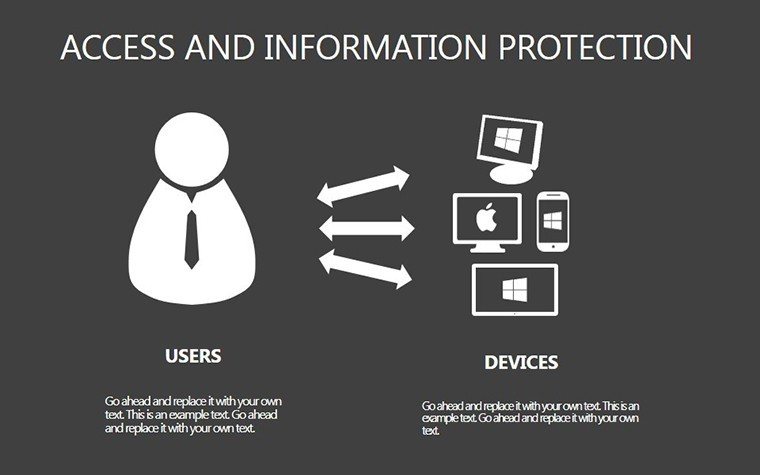
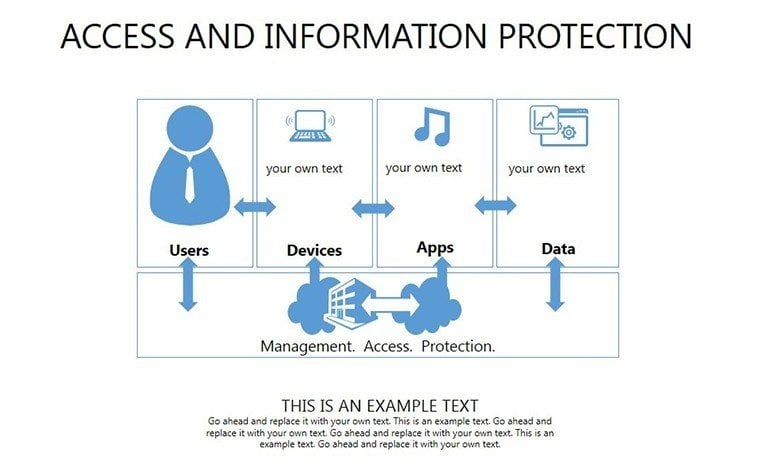
In an era where data breaches make headlines daily, mastering information protection isn't just smart - it's essential. Our Access And Information Protection PowerPoint Diagrams template arms you with 34 editable slides to architect robust security narratives. Targeted at cybersecurity experts, compliance officers, and IT architects, it integrates organizational measures with tech solutions, balancing protection levels against system efficiency. Visualize threats, countermeasures, and architectures in ways that resonate with stakeholders, drawing from standards like ISO 27001 to underscore your expertise.
Consider a financial institution revamping its access controls: Using our matrix slides, they mapped user roles against data sensitivities, reducing unauthorized access risks by 40%, aligning with NIST guidelines. This template doesn't just display data - it builds confidence in your security posture.
Essential Features for Secure Visuals
Widescreen optimized with vector precision, these slides offer flawless scaling and a secure-themed palette of deep blues and alerts in red, all customizable. .pptx format ensures broad compatibility, from PowerPoint to Google Slides.
Comprehensive Slide Inventory
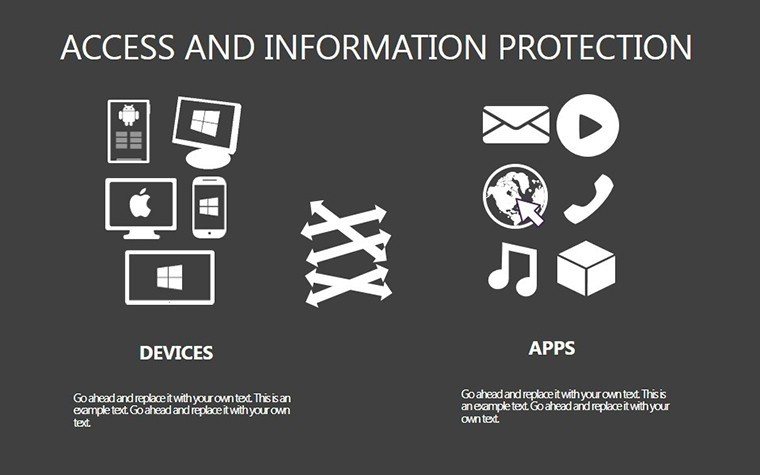
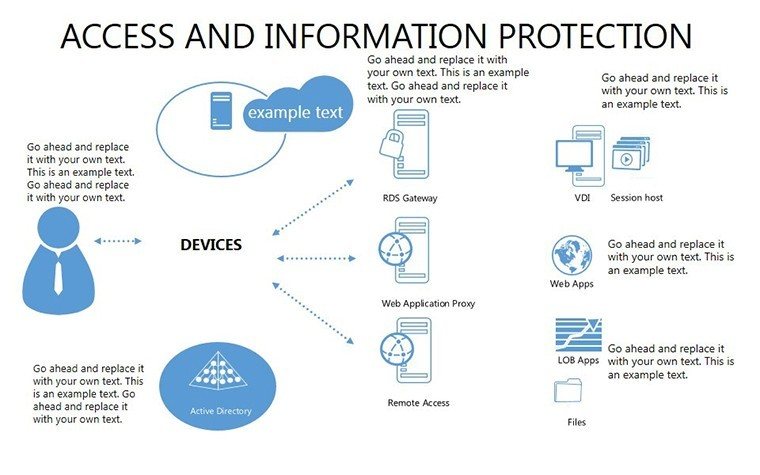
- Slides 1-5: Threat Matrix Overviews - Grids categorizing risks by impact and likelihood, with mitigation placeholders.
- Slides 6-15: Access Control Tables - Detailed layouts for role-based access, including audit trails.
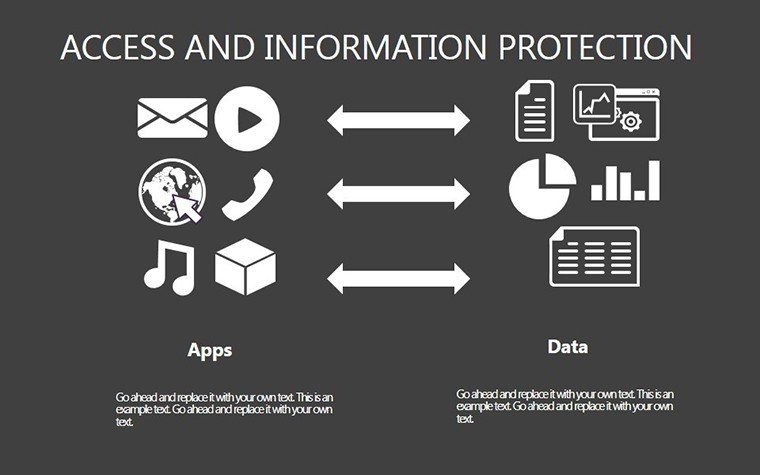
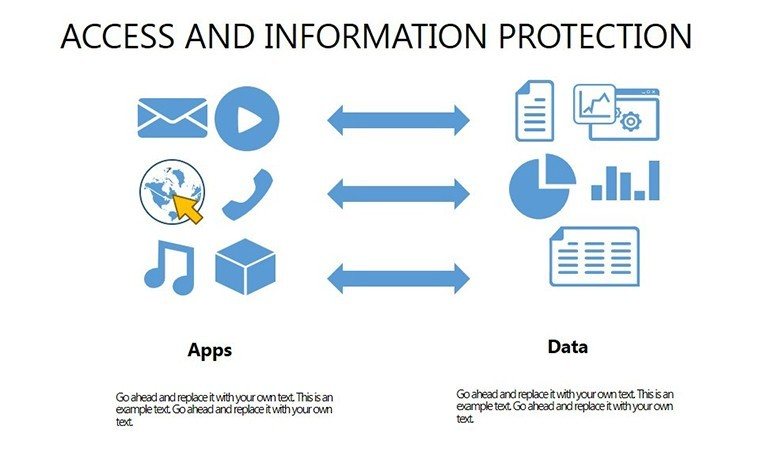
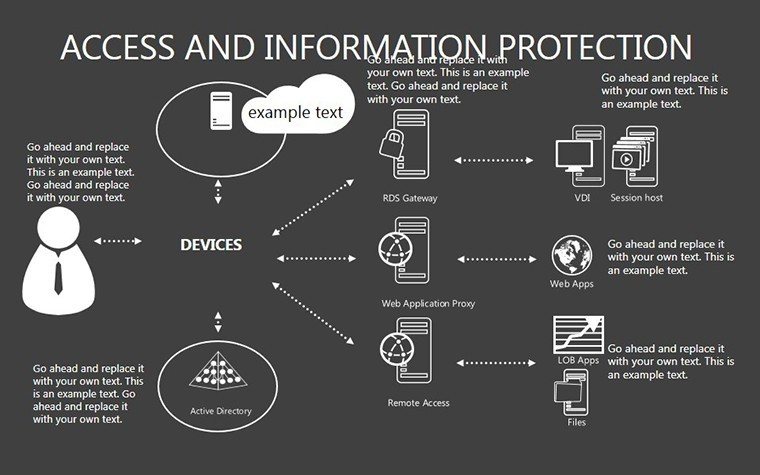
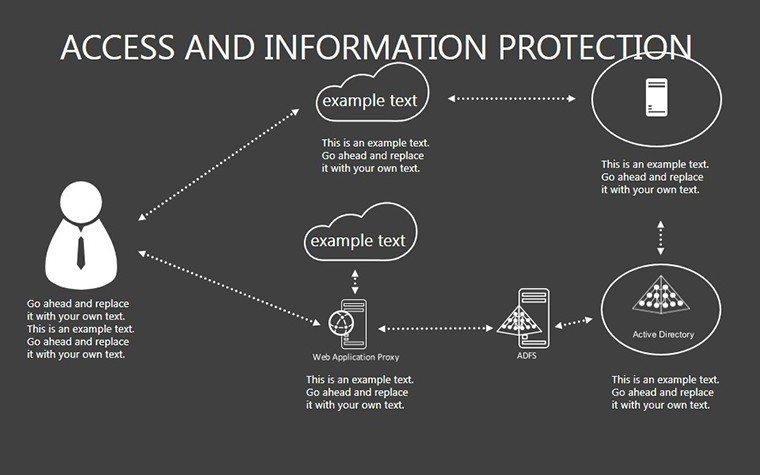
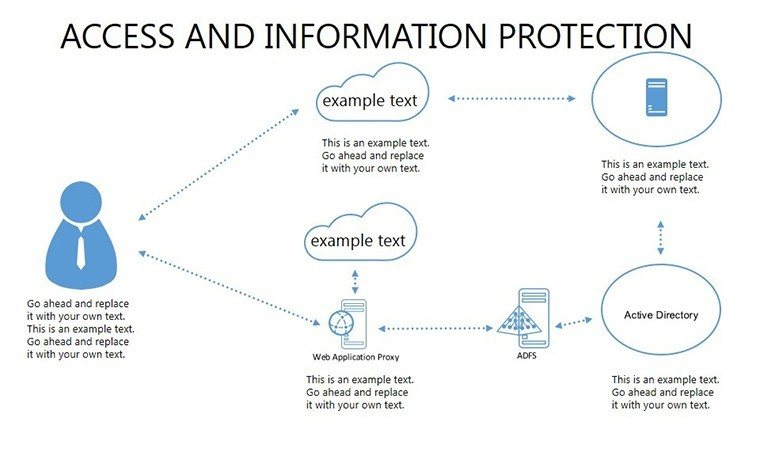
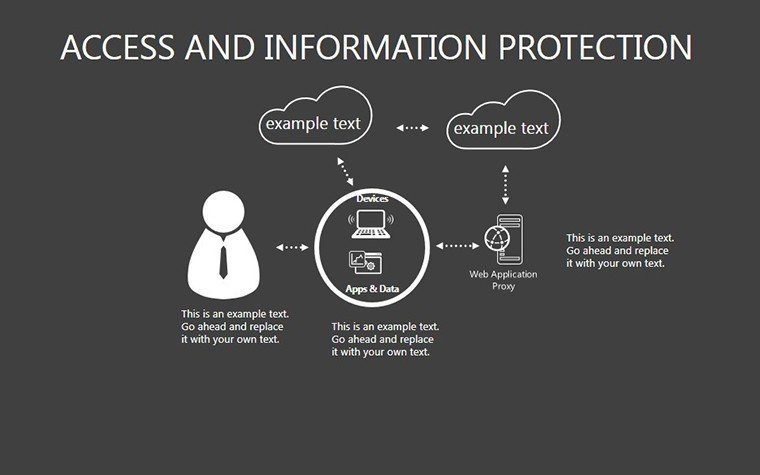
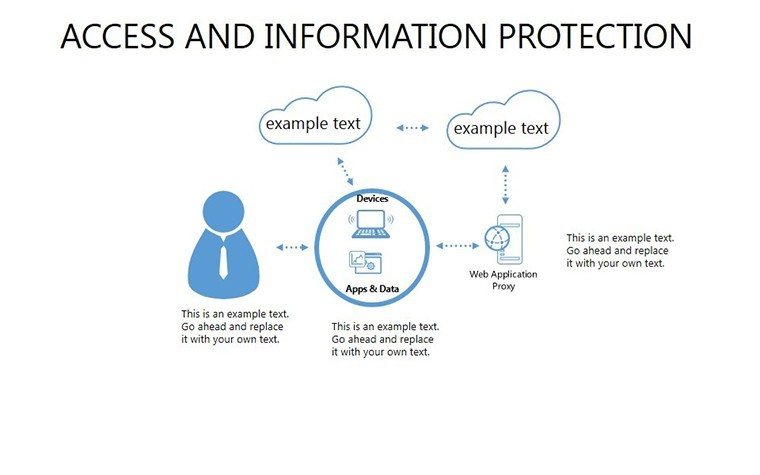
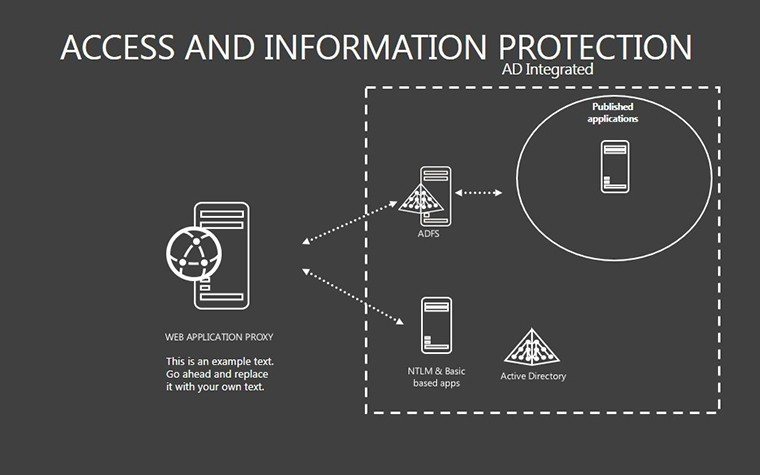
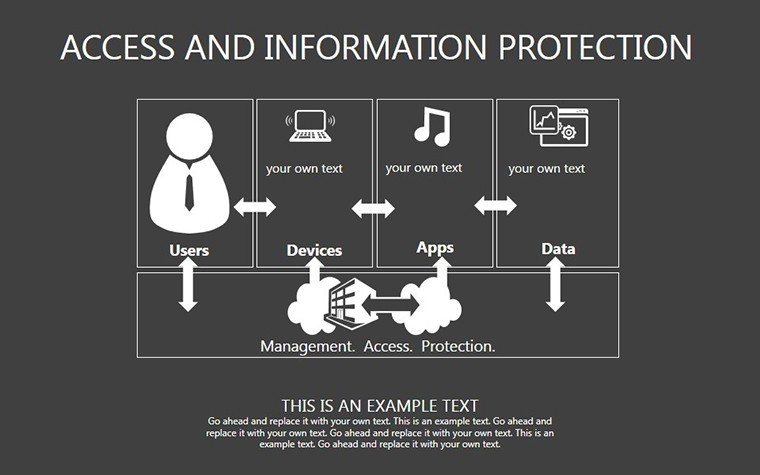
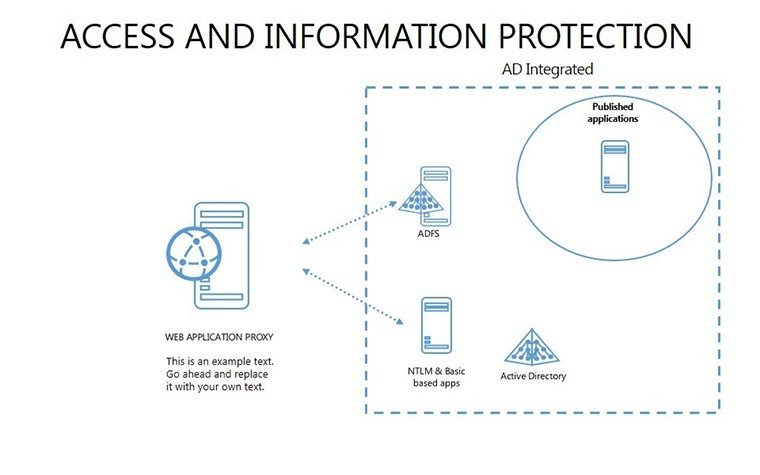
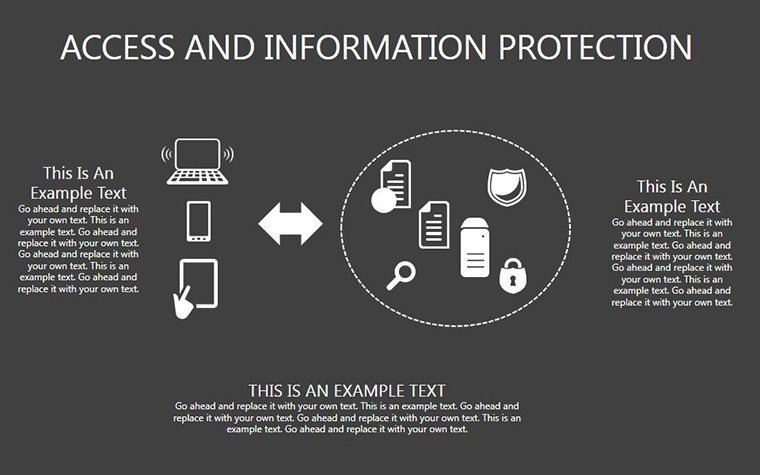
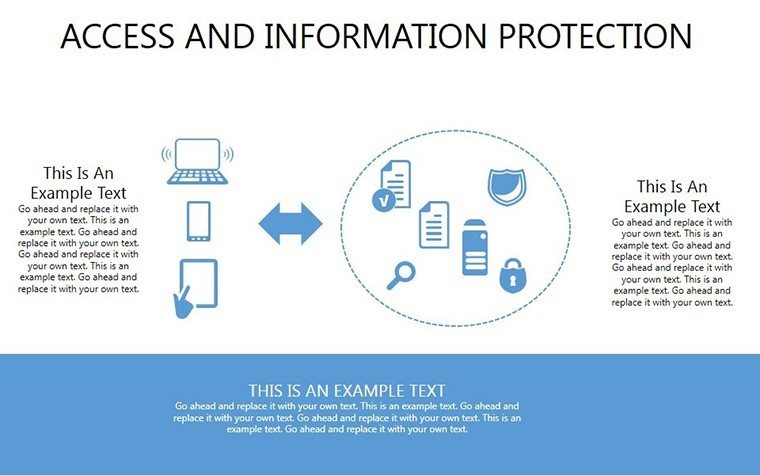
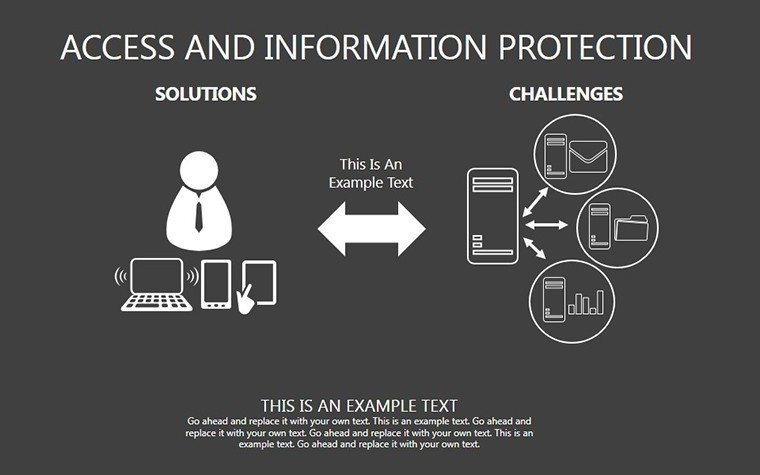
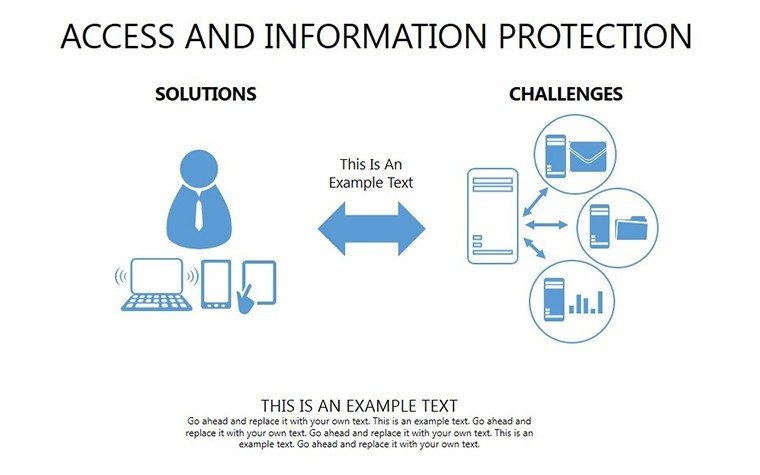
- Slides 16-25: Protection Architecture Diagrams - Layered matrices showing hardware-software integrations.
- Slides 26-33: Compliance and Efficiency Balances - Tables weighing security vs. performance trade-offs.
- Slide 34: Integrated Security Dashboard - Holistic view with key metrics for executive summaries.
Equipped with sample scenarios from healthcare HIPAA compliance to corporate GDPR adherence, accelerating your setup.
Strategic Applications in Cybersecurity
This template thrives in high-stakes environments. For auditors, table slides facilitate gap analyses, highlighting vulnerabilities as per Deloitte's cybersecurity reports. In training programs, matrices demystify concepts like zero-trust models, empowering employees to contribute to protection efforts.
Benefits include streamlined prep compared to custom builds, with built-in structures that enhance persuasiveness. It tackles the challenge of conveying complex security without overwhelming, fostering informed decisions.
Implementation Roadmap for Protection Presentations
- Identify Core Threats: Select matrices based on your risk profile.
- Populate with Data: Input specifics, using colors for severity coding.
- Layer Defenses: Build architectures slide by slide, showing interconnections.
- Balance Trade-offs: Use tables to justify choices with data-backed rationale.
- Present Securely: Rehearse to emphasize key protections dynamically.
This sequence addresses common flaws like siloed views, promoting a unified security story.
Embedding in Security Workflows
Link matrices to tools like SIEM systems for real-time data feeds. In incident response teams, share via secure clouds for collaborative threat modeling. Pro insight: Use in board reports to graph protection ROI, tying investments to risk reductions.
For consultants, these diagrams bolster proposals, visually outlining bespoke protection strategies for clients in vulnerable sectors like retail or energy.
Advanced Tips for Ironclad Diagrams
- Encrypt sensitive slides: Leverage PowerPoint's protection features for added security.
- Customize icons: Swap in industry-specific symbols for relevance.
- Cite standards: Reference CIS Controls for authoritative backing.
- Simulate breaches: Animate matrices to demonstrate potential impacts.
- Audit regularly: Update templates with evolving threats like AI-driven attacks.
These elevate your work from standard to standout, reinforcing trust.
Fortify your presentations - acquire this template and lead the charge in information protection.
Frequently Asked Questions
How comprehensive is the editability?
All components are modifiable, from layouts to content, for tailored security depictions.
Supports widescreen only?
Primarily widescreen, but resizable to standard formats without quality loss.
Suitable for non-tech audiences?
Yes, simplified matrices make complex protections accessible to executives.
Includes real-time data integration?
Compatible with embeds from tools like Excel for dynamic updates.
What about post-purchase updates?
Access to revisions for emerging threats via our support portal.
Can it handle multi-language?
Easily, with text fields supporting various fonts and scripts.
Good for
- Project roadmaps and sprint plans
- Product launch timelines
- Quarterly or annual review decks
- Company history and milestone summaries
Licence
reviews
I downloaded this during finals week for a quick project.
The arrows and charts looked clean enough.
Everything was simple to rearrange in PowerPoint.
Some slide designs were too plain.
Still useful when you need something fast.
FAQ
Will it work in Google Slides?
Are fonts embedded?
Can I use this for client work?
What's the refund policy?
Do you update the template after purchase?
Similar templates
See all Powerpoint Diagrams →
All 34 slides