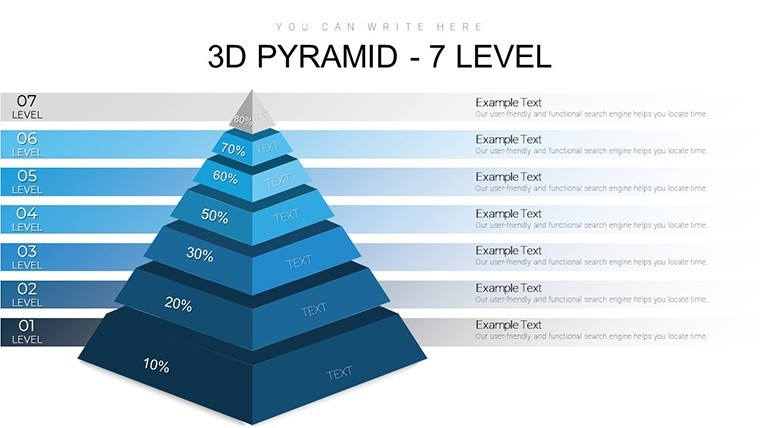
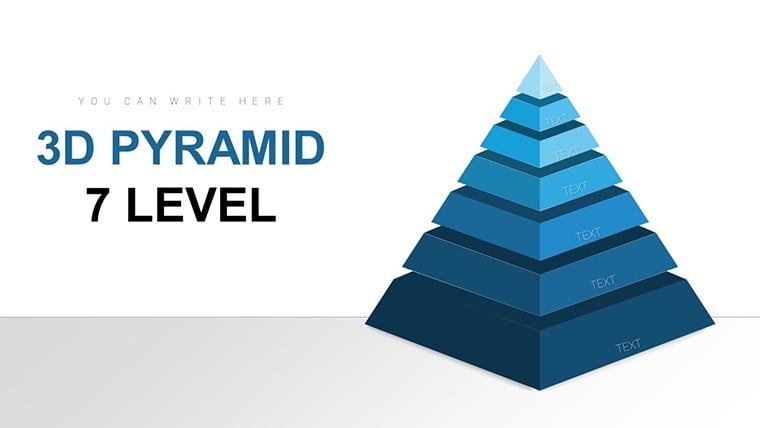
 Click to zoom
7-Level 3D Pyramid Keynote Charts - Editable KEY | ImagineLayout
| Format | .pptx |
| Slides | 34 unique layouts |
| Aspect ratio | 16:9 |
| Compatibility | PowerPoint |
| Animated | No |
| Language | English |
| License | Commercial |
| File size | — |
| Version | v1.0 |
| Last updated | April 2026 |
What's inside
Deep Hierarchy Visualization
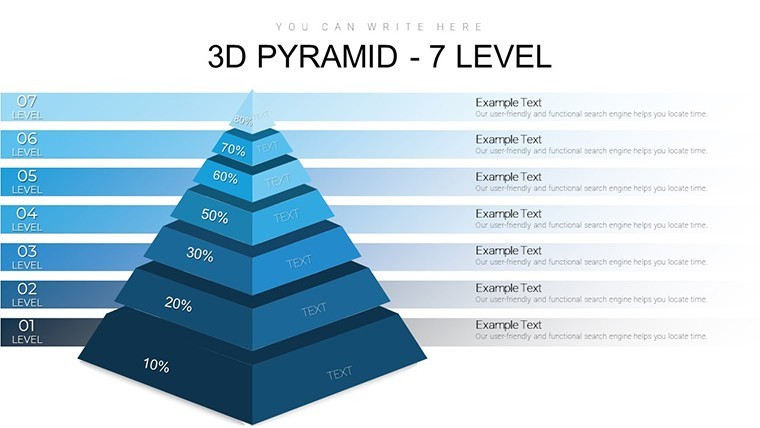
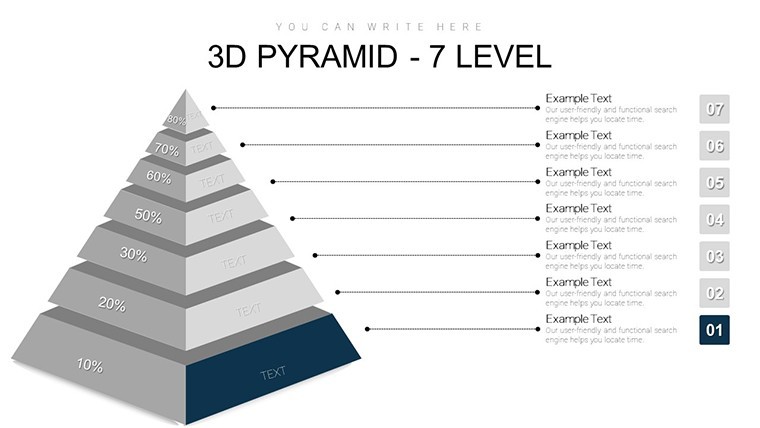
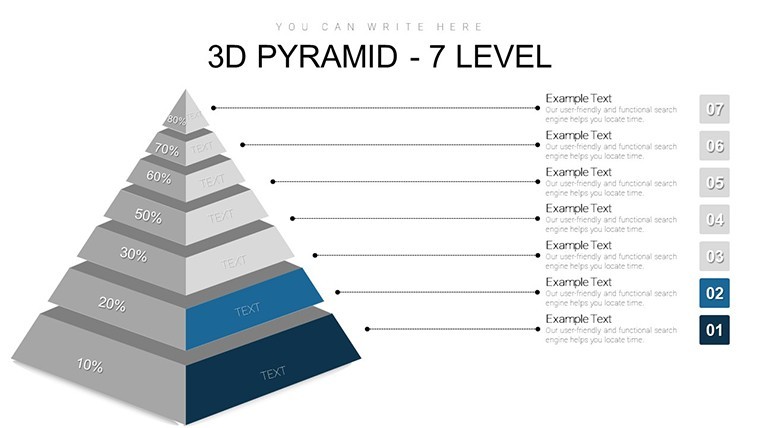
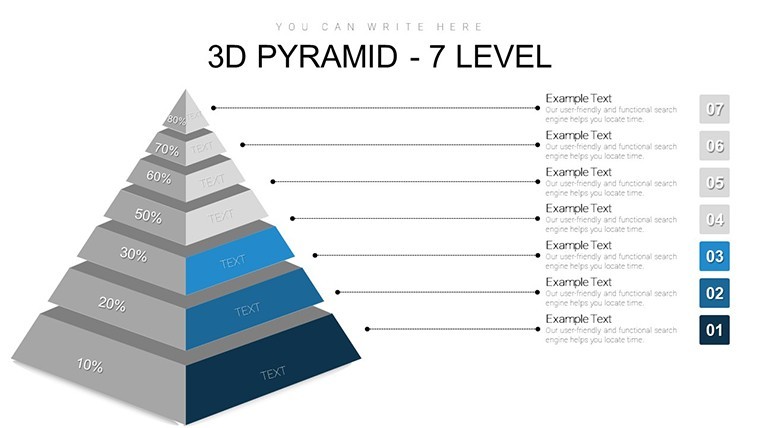
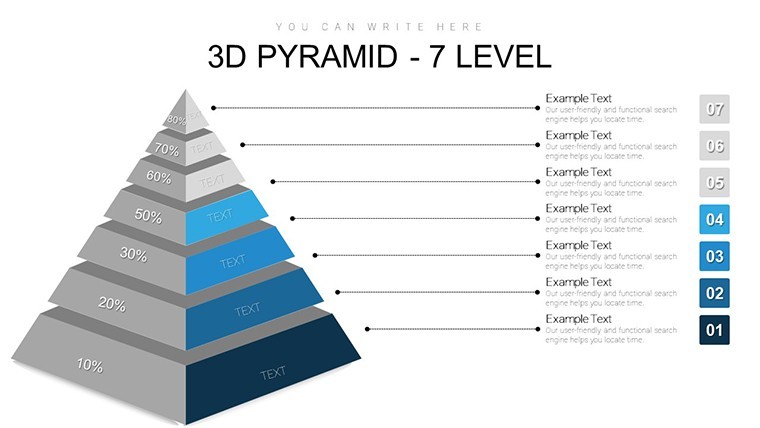
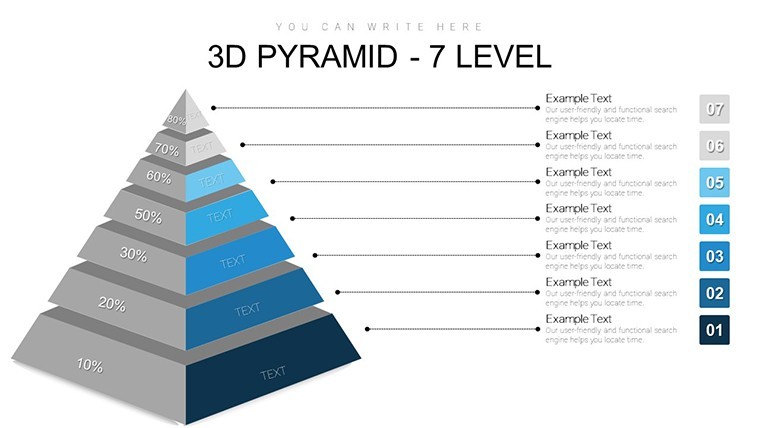
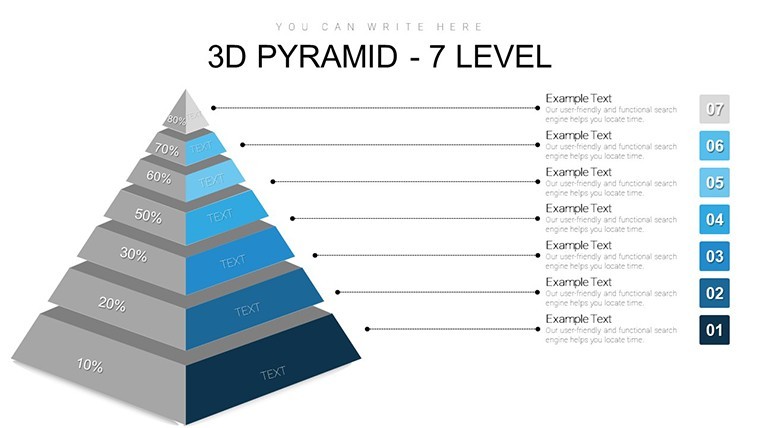
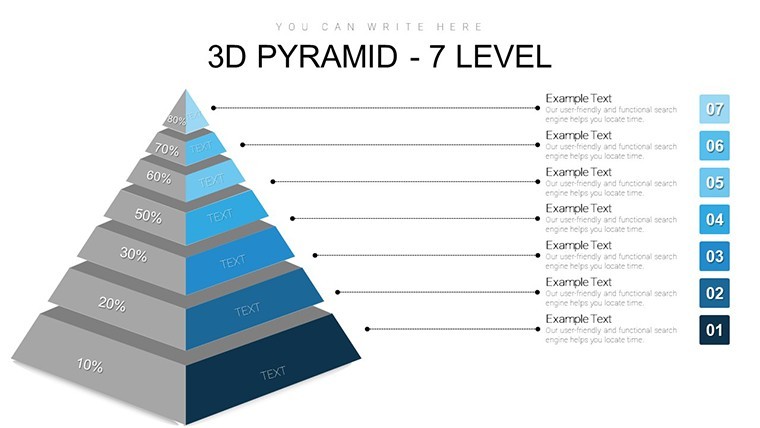
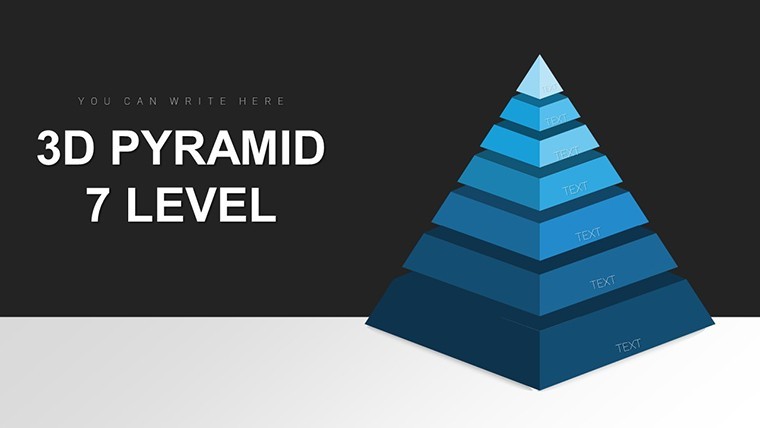
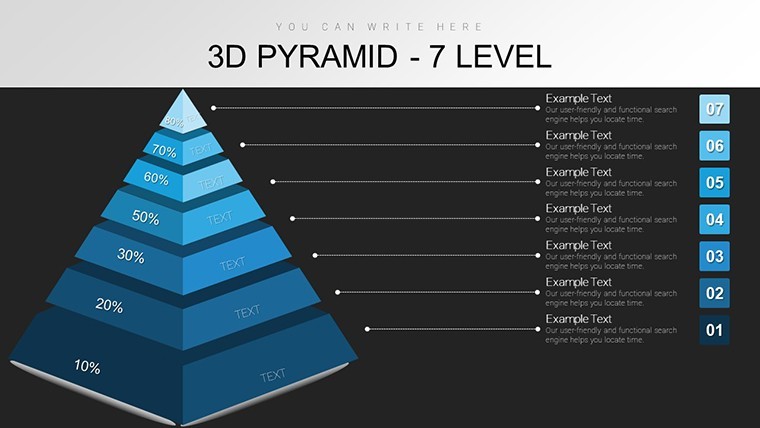
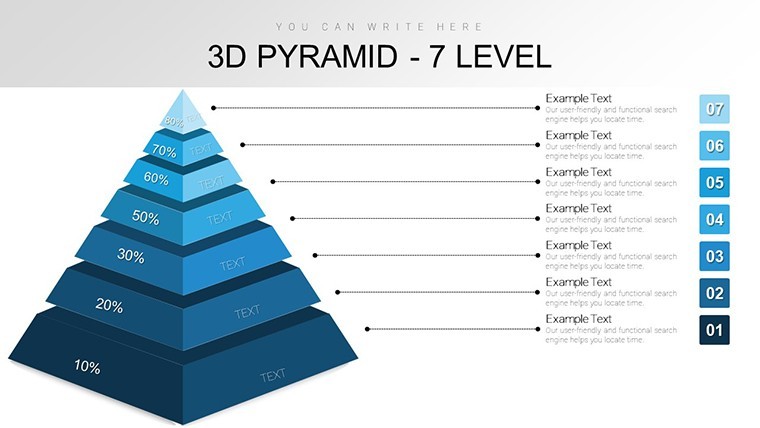
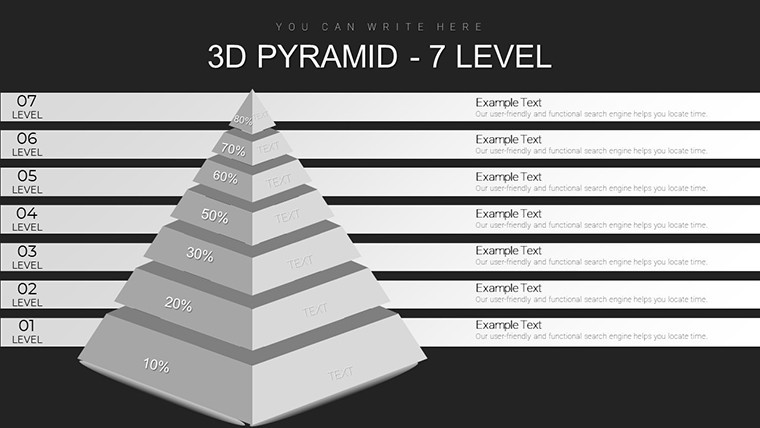
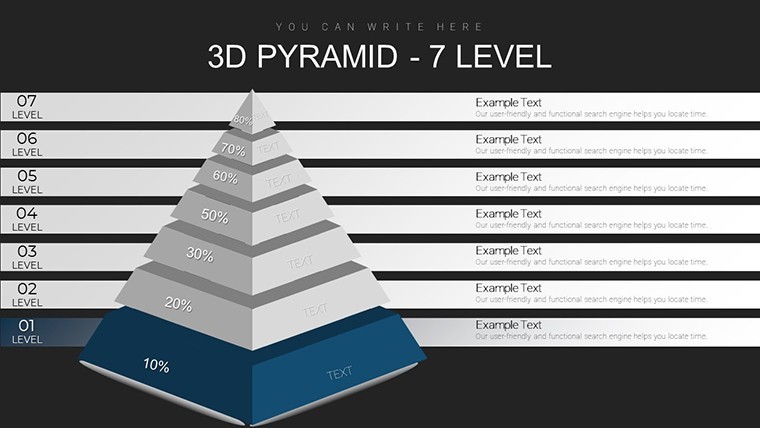
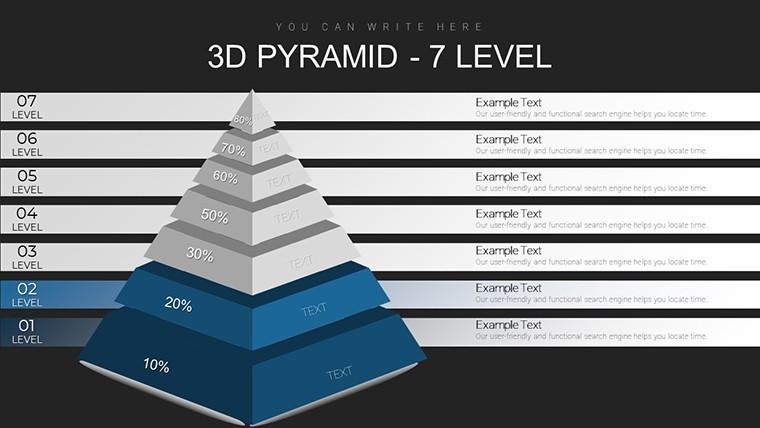
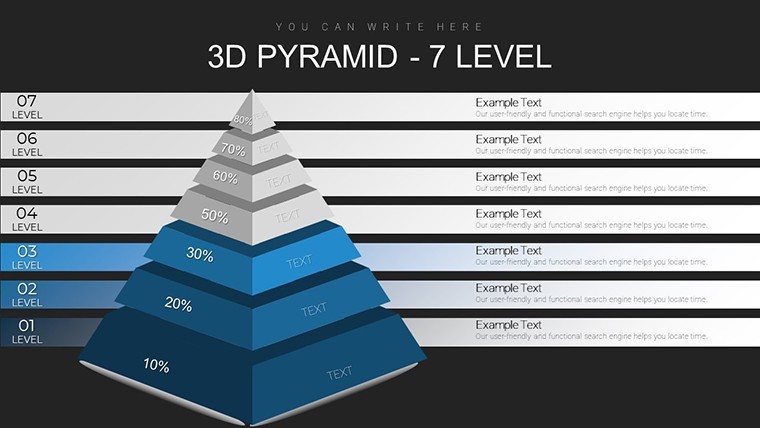
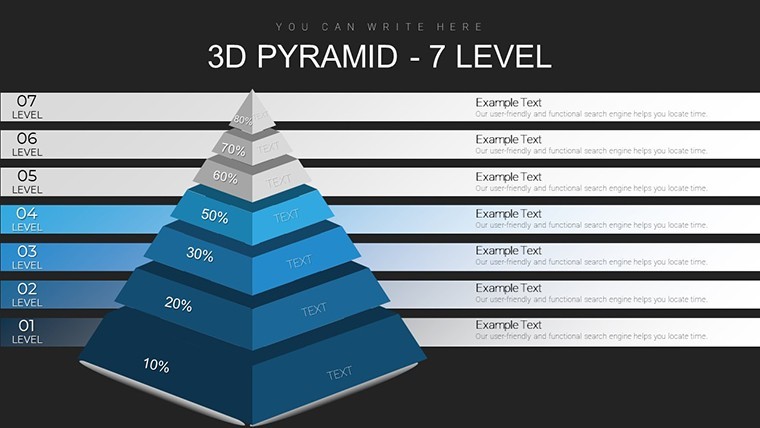
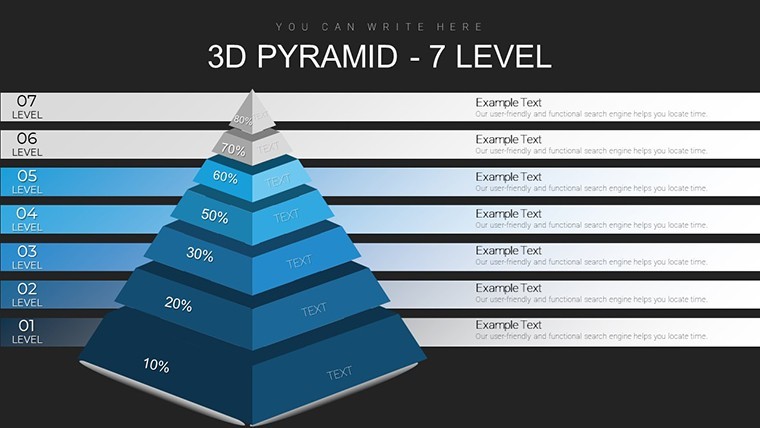
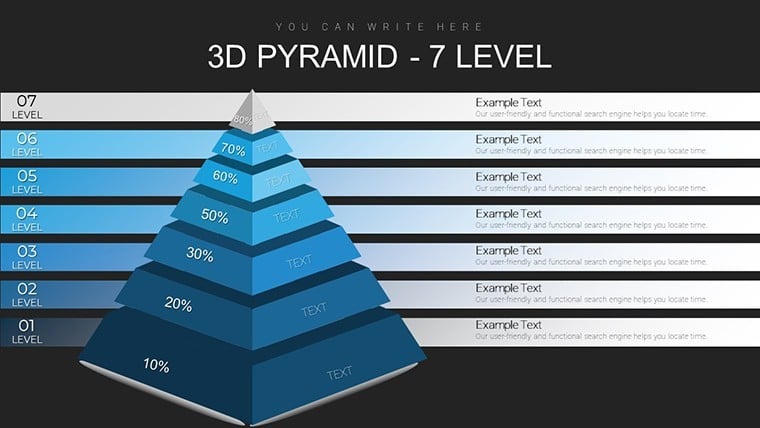
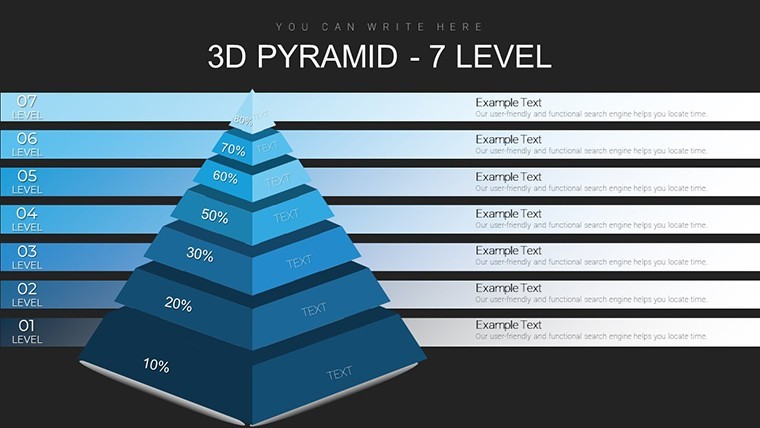
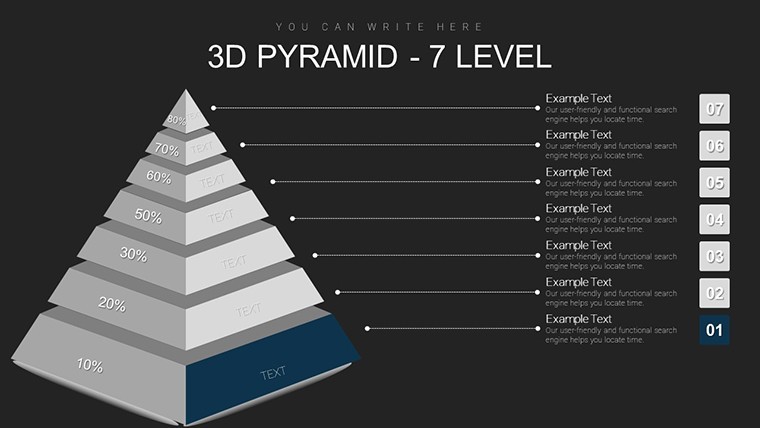
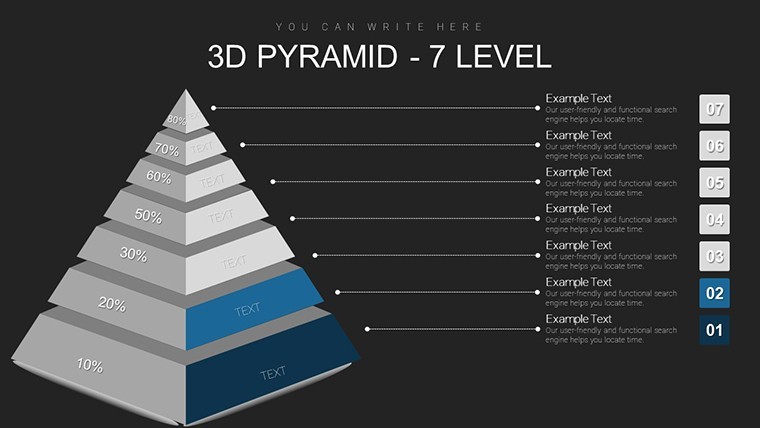
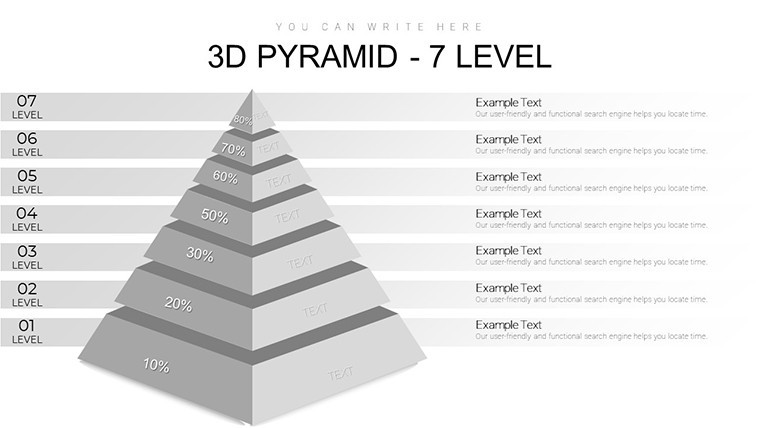
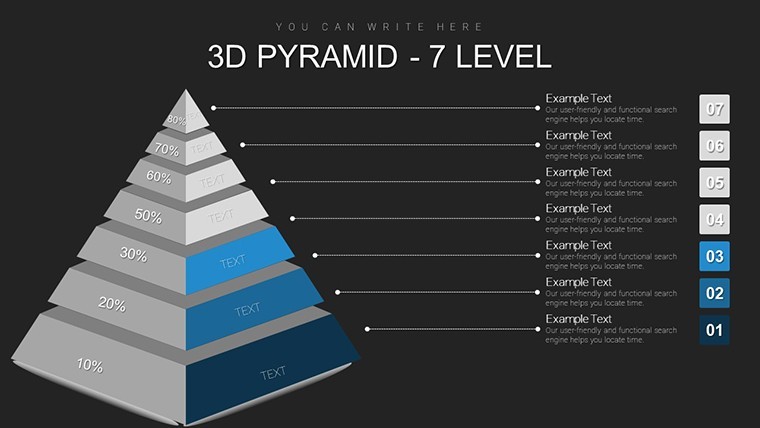
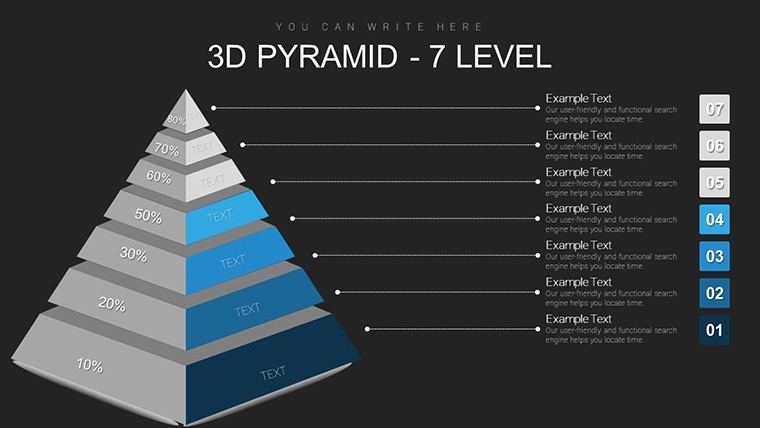
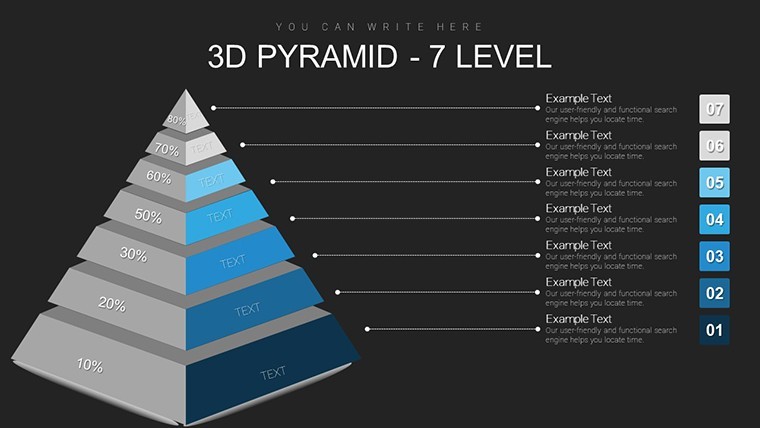
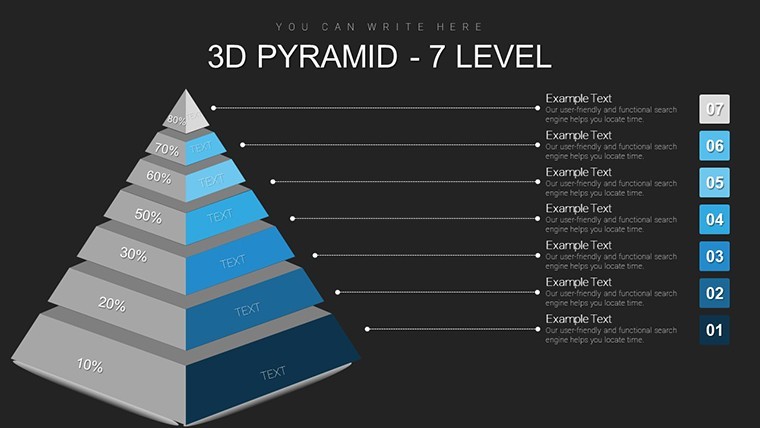
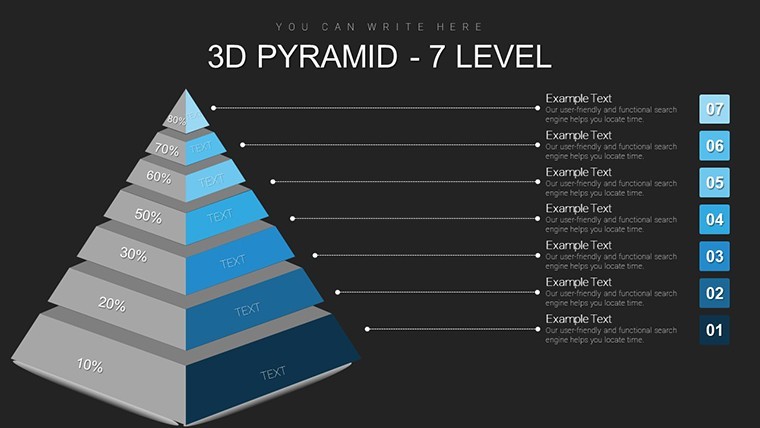
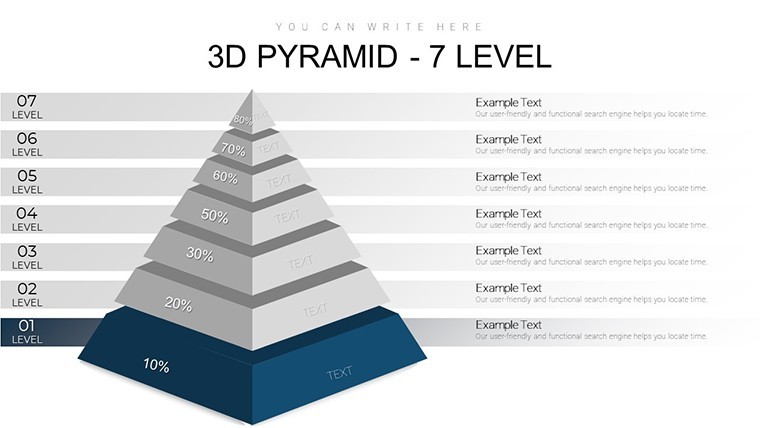
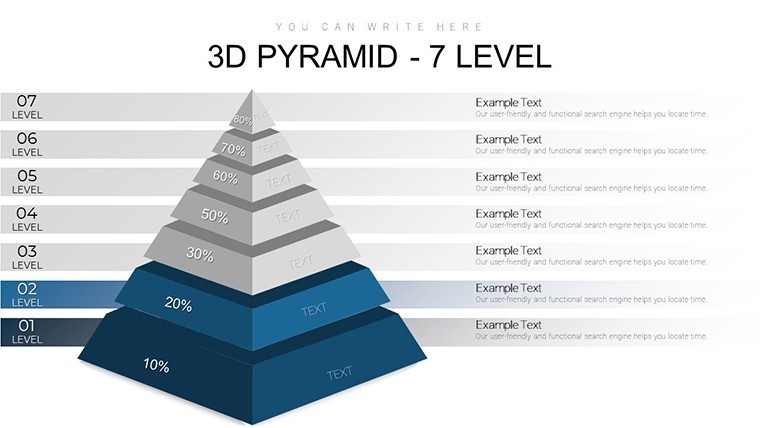
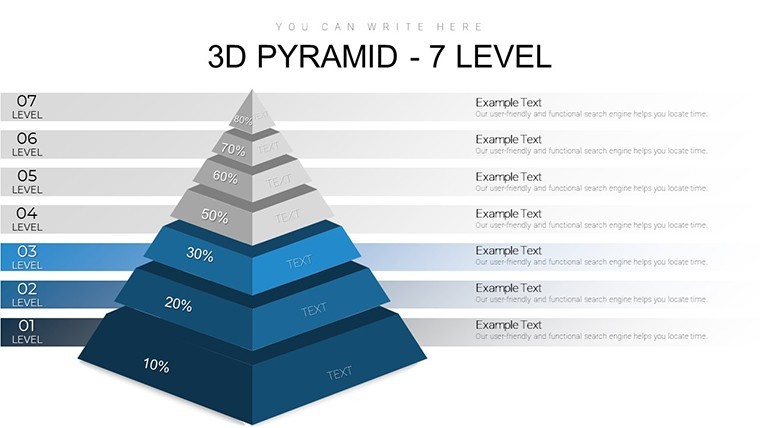
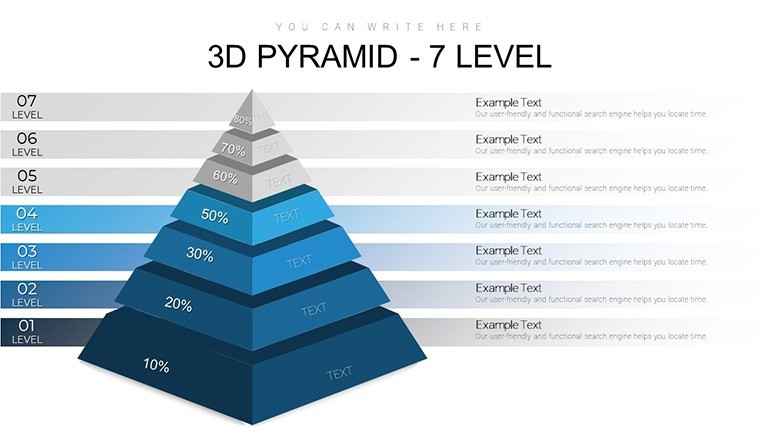
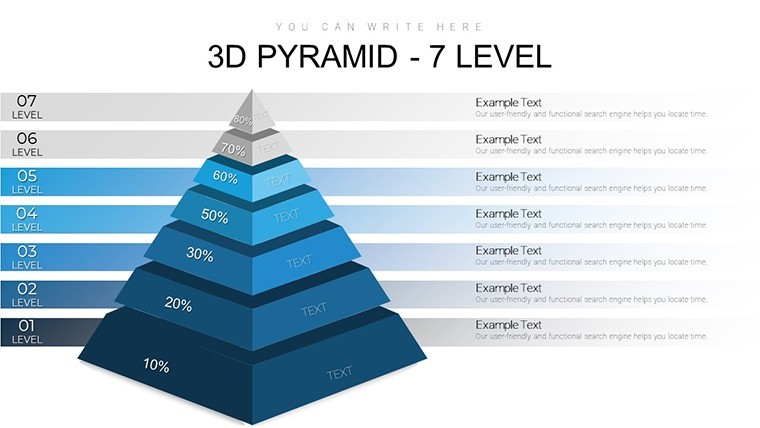
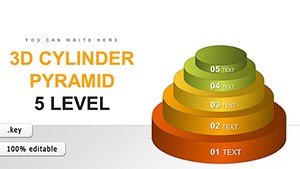
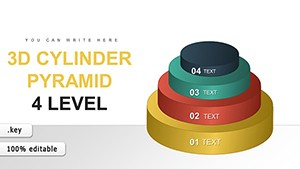
For deep hierarchy mapping in team strategy sessions without a designer the 34-slide 7-level 3D pyramid file delivers structured layouts out of the box.
No complex layouts just structured blocks. Sales leads use this when they need to show funnel impact to clients and the dimensional levels replace manual drawing entirely. Typically you only replace text and adjust colors.
This Keynote diagram template supports prioritization analysis that lets the viewer decide resource splits quickly. It shows relationships across seven tiers and the outcome is a clear ranking of options that drives immediate action.
The page does not list color schemes or free version contents but the paid version provides the full 34 editable slides in .key format for Keynote 9 and later. You change colors via slide master in one step. Best used when data fits strict layers not designed for creative storytelling slides.
Use this when you need to show multi-tier priorities without arranging shapes manually. The predefined levels keep everything aligned so you don`t end up adjusting spacing slide by slide.
FeatureDetailsSlides / diagrams34 editable 7-level 3D pyramid diagramsFile format.keySoftware versionKeynote 9 and laterColor schemesRecolorable via slide masterEditable elementsLevels resize and recolor independentlyAspect ratio16:9Free vs PaidPaid delivers full 34 editable slidesMasters / BackgroundsMaster slides for global updatesWhen you need to break down product roadmap layers for executives the pyramid layouts handle the structure and remove the manual work. This helps identify bottlenecks in process chains.
Is this compatible with Keynote 9 and later on macOS?The template works in Keynote 9 and later. It requires macOS 10.15 or newer in most cases. You open the file directly without additional plugins or conversion steps.
How do I change colors via slide master?To change colors select the slide master in Keynote. Update the theme colors there and they apply to all diagrams automatically. Then save and the entire set updates in seconds without touching each slide.
Can I use this template for client work?Yes you can use the template for client work under the standard license. Do not resell the original file as your own product. Modify it for presentations and deliver to clients as part of your service.
What is the difference between free and paid versions?The paid version includes all 34 editable slides with full customization. The page does not specify free version contents. In most cases the paid download is the complete package you need for professional use.
What are the refund conditions?Refunds are available within 14 days if the template does not meet your needs. Contact support with your order details. Note that once downloaded the file cannot be returned for security reasons but the policy is buyer friendly.
You can duplicate slides and reuse the same structure.
Download and start editing immediately
See also 6-Level 3D Pyramid Keynote Charts or 8-Level 3D Pyramid Keynote Charts.
Good for
- Project roadmaps and sprint plans
- Product launch timelines
- Quarterly or annual review decks
- Company history and milestone summaries
Licence
reviews
Downloaded this for a last minute economics presentation.
The charts were easy to edit with my own numbers.
Some spacing looked strange after export.
Still much easier than starting from zero.
The layouts helped my slides look cleaner.
FAQ
Will it work in Google Slides?
Are fonts embedded?
Can I use this for client work?
What's the refund policy?
Do you update the template after purchase?
Similar templates
See all Keynote Charts →
All 34 slides