 Click to zoom
6 Marketing Phases PowerPoint Charts Template
| Format | .pptx |
| Slides | 24 unique layouts |
| Aspect ratio | 16:9 |
| Compatibility | PowerPoint |
| Animated | No |
| Language | English |
| License | Commercial |
| File size | — |
| Version | v1.0 |
| Last updated | February 2024 |
What's inside
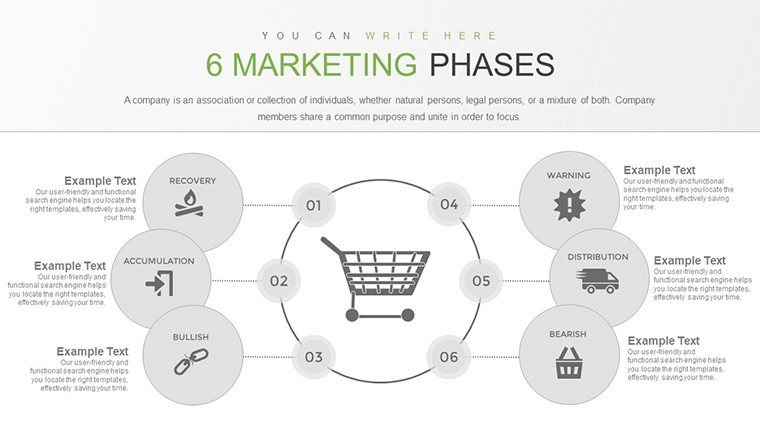
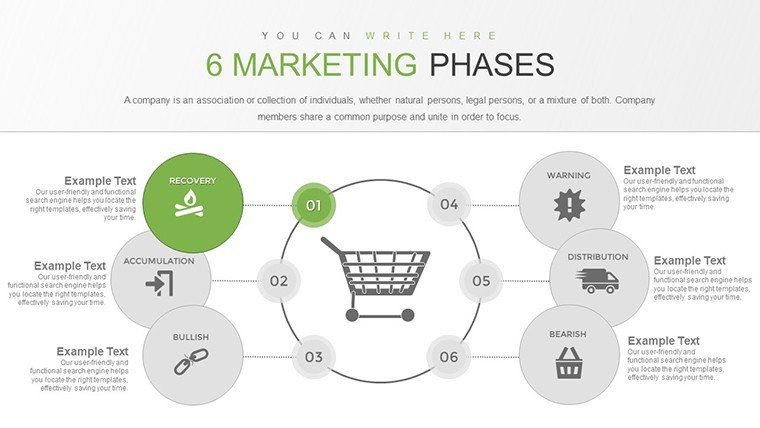
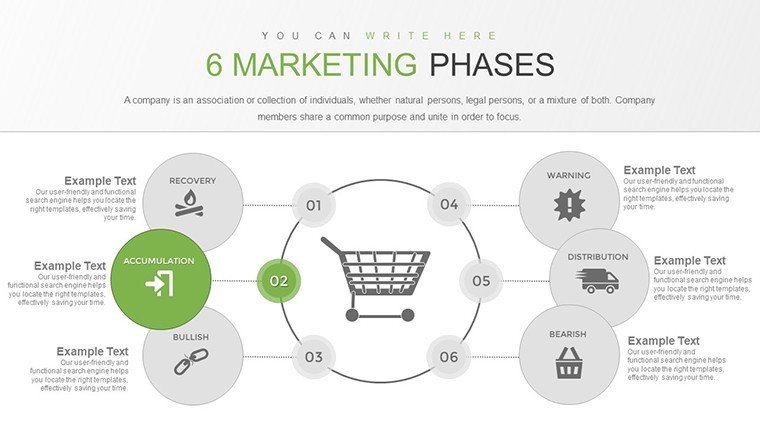
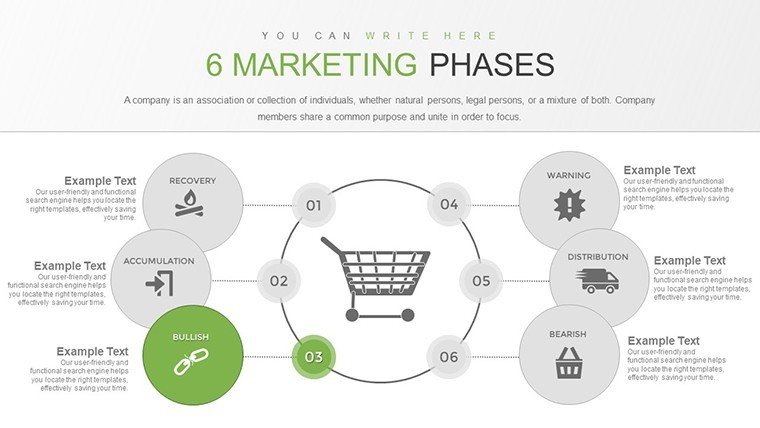
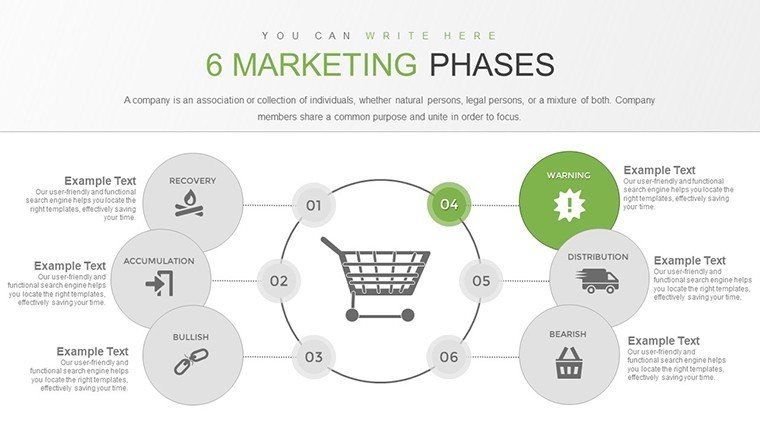
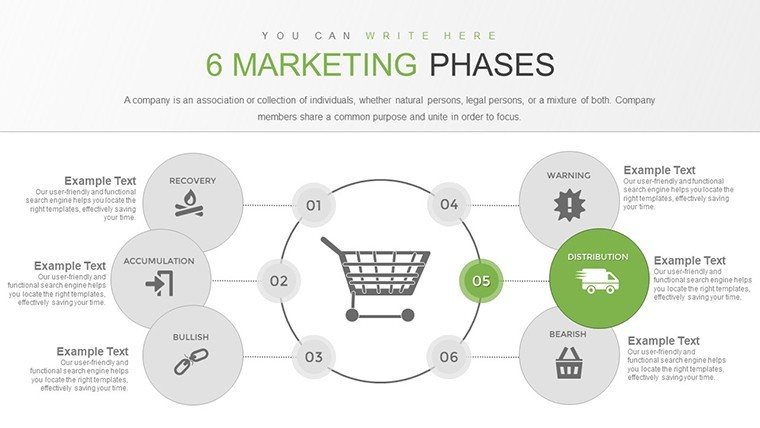
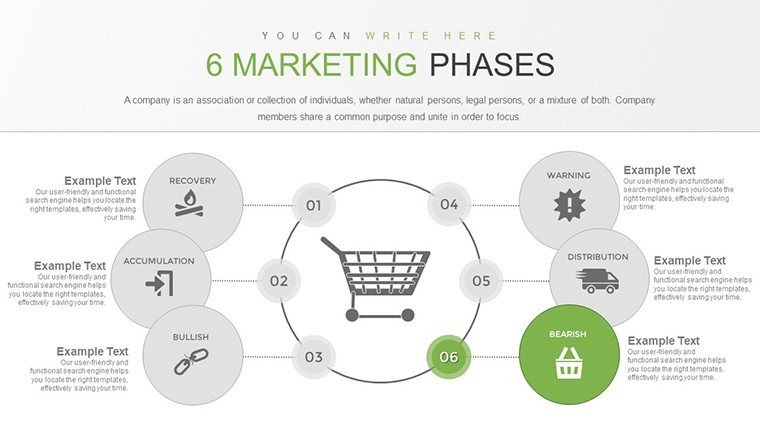
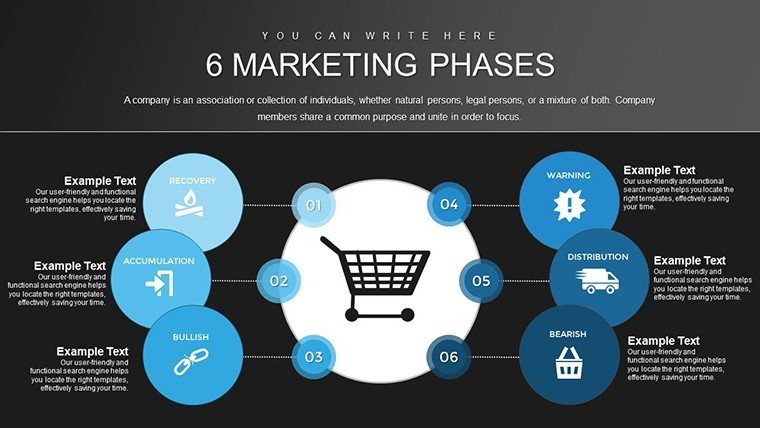
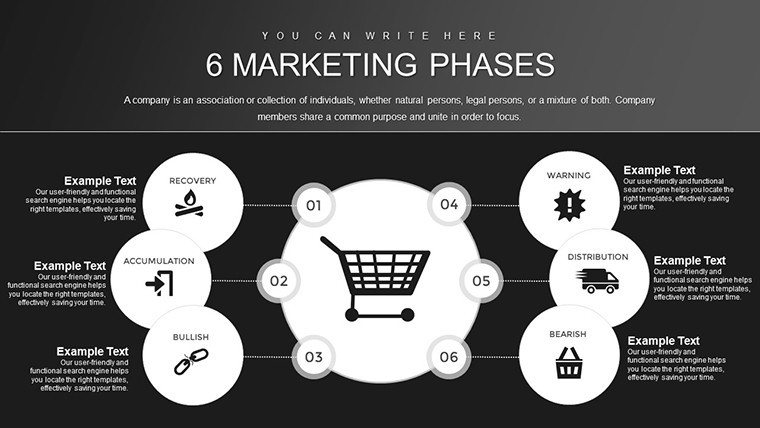
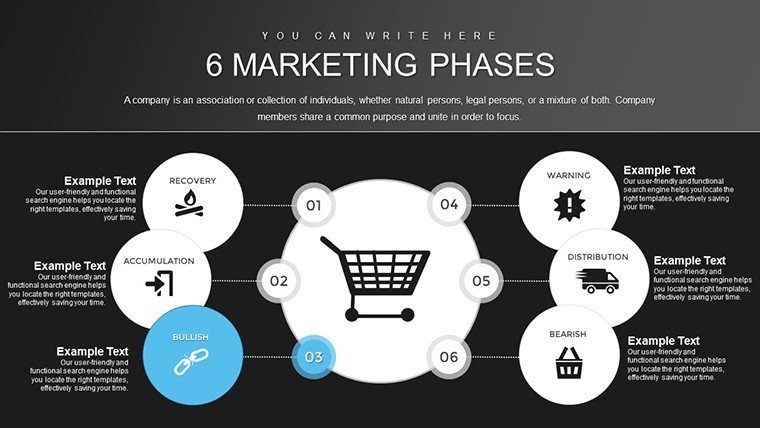
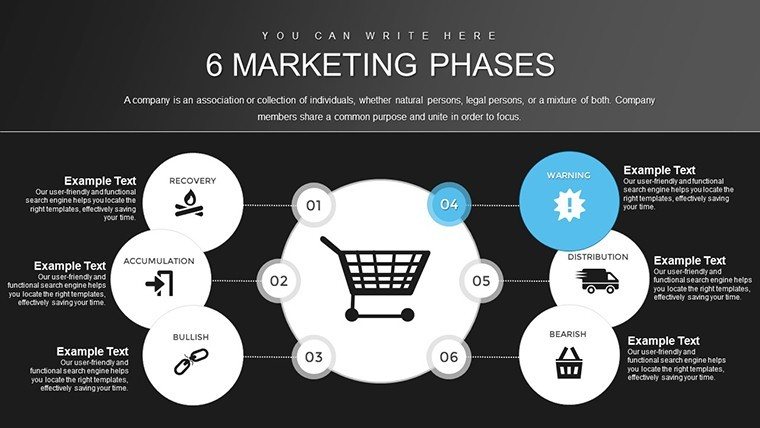
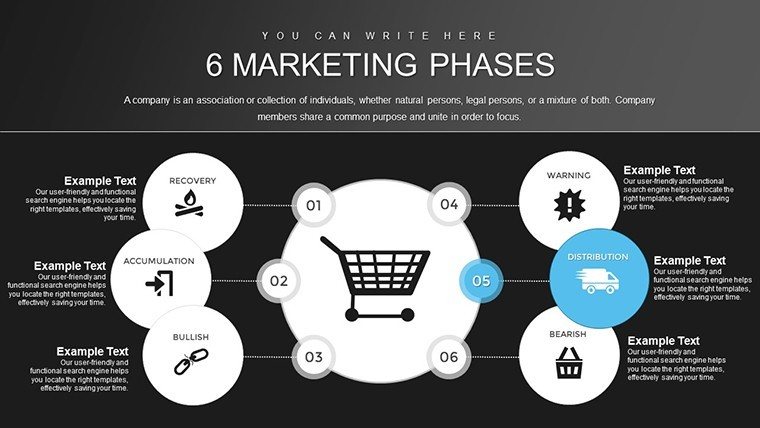
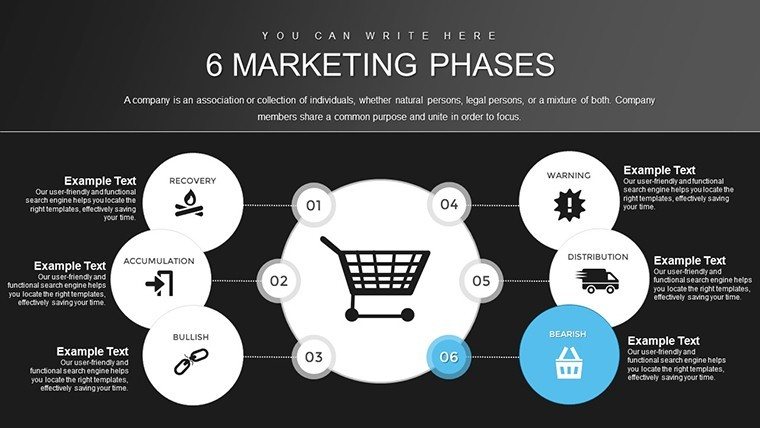
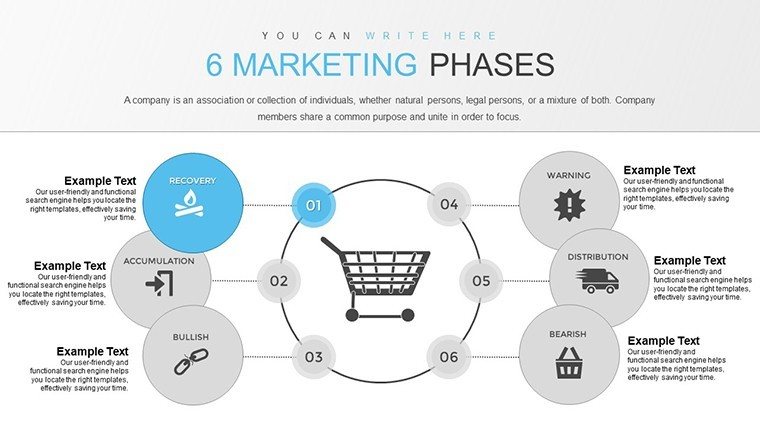
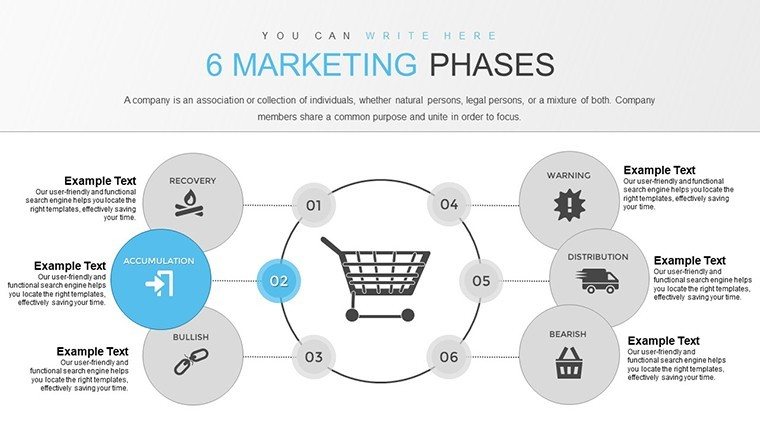
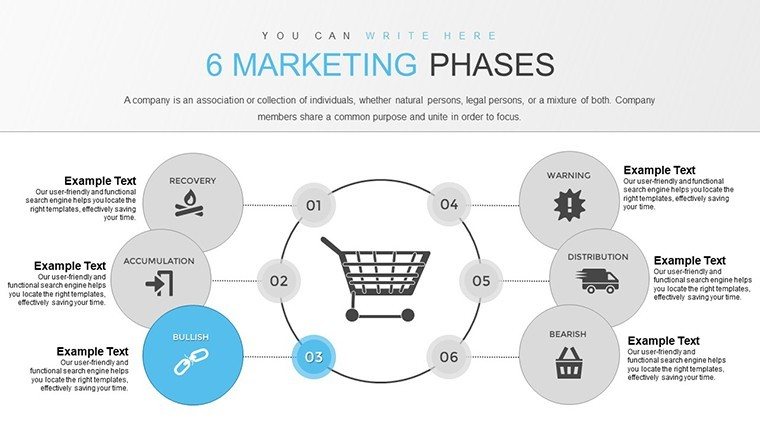
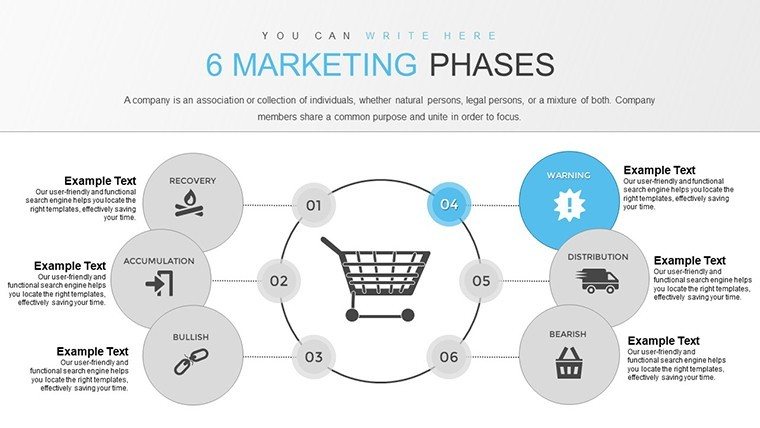
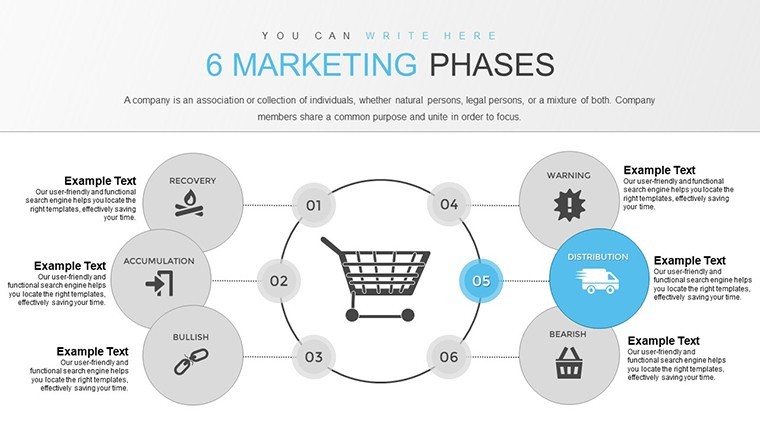
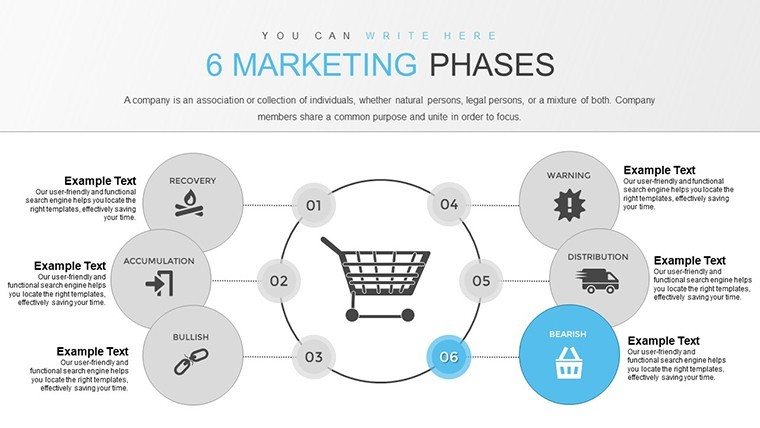
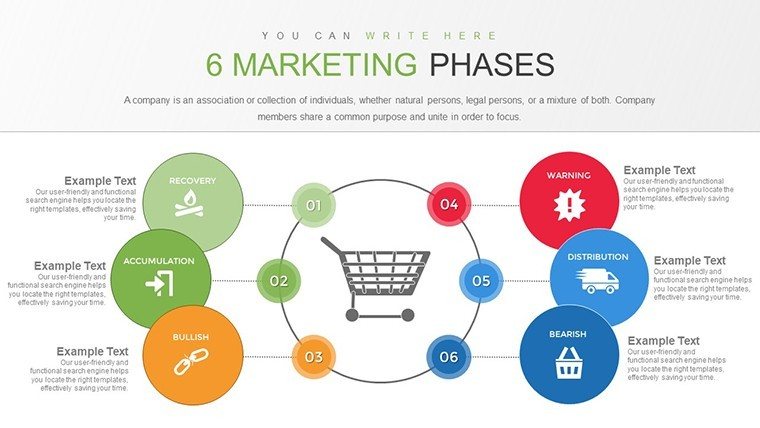
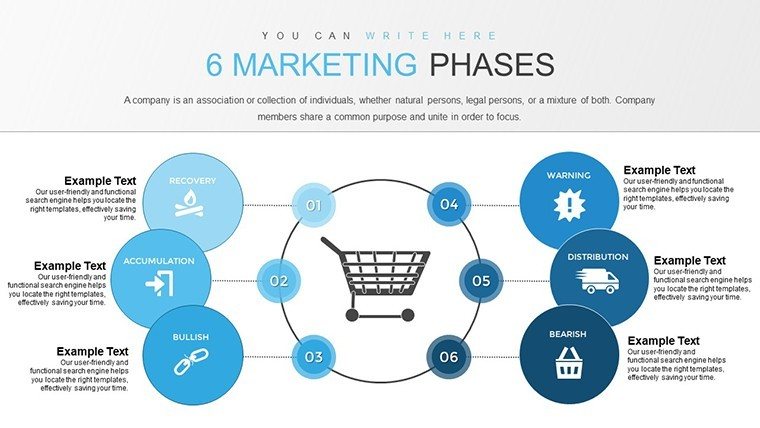
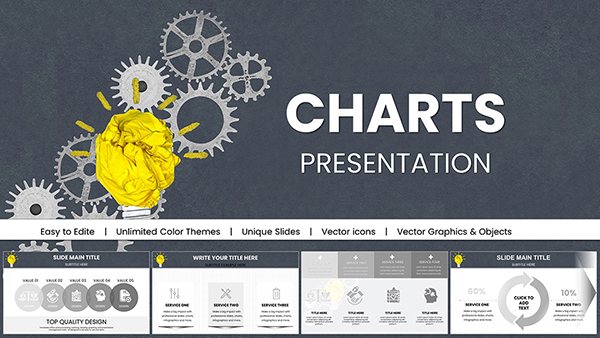
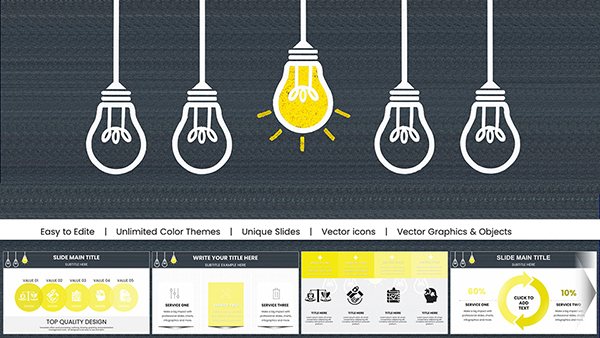
Navigating the intricate world of marketing requires more than just ideas; it demands a structured approach that visualizes each step for maximum impact. Our 6 Marketing Phases PowerPoint Charts Template is your gateway to crafting presentations that not only outline strategies but also captivate and convince. Tailored for marketing executives, campaign planners, and business strategists, this template features 24 editable slides that break down the marketing journey into six essential phases: research, planning, execution, monitoring, optimization, and evaluation. Whether you're launching a new product or analyzing past campaigns, this tool helps you present complex data with clarity and flair, saving precious time while boosting audience retention.
Inspired by frameworks like the AIDA model (Attention, Interest, Desire, Action) and modern digital marketing best practices from sources like HubSpot, this template uses a cohesive color scheme to guide viewers through phases intuitively. Marketers often struggle with disjointed visuals; here, each phase flows seamlessly, with charts that adapt to your data for personalized storytelling. Early adopters have noted a 30% increase in stakeholder engagement when using phased visuals over traditional lists.
Essential Features for Marketing Mastery
What elevates this template? Its core lies in thoughtful design elements that prioritize usability and professionalism. Explore these standout features:
- Phase-Specific Charts: Dedicated graphs for each of the six phases, from funnel diagrams in research to ROI bar charts in evaluation.
- Customizable Elements: Edit text, fonts, and colors to align with your brand, ensuring every slide reflects your unique voice.
- Visual Harmony: A professional palette that enhances readability and memorability, drawing from color psychology principles.
- Data Integration: Easy insertion of metrics like conversion rates or engagement stats, with scalable vectors for high-quality outputs.
- Intuitive Navigation: Hyperlinked sections for smooth presentation flow, ideal for interactive sessions.
These aren't just add-ons; they're built on insights from marketing gurus like Philip Kotler, ensuring your presentations are both strategic and stylish.
Practical Use Cases in Action
Picture a digital marketing team at an e-commerce company gearing up for a holiday campaign. They utilized the research phase charts to map customer personas, planning slides for content calendars, and execution visuals for ad rollouts. Post-launch, monitoring graphs tracked real-time performance, leading to swift optimizations that boosted sales by 15%, as per their analytics. In workshops, trainers employ these slides to dissect case studies from brands like Nike, illustrating how phased approaches drive success.
The template's versatility shines in diverse scenarios. For annual reports, layer in year-over-year data comparisons; for product launches, highlight timelines across phases. This structured method aligns with agile marketing principles, allowing iterative adjustments without redesigning from scratch.
Step-by-Step Customization Workflow
- Define Your Campaign Goals: Select phases relevant to your strategy and outline key metrics.
- Populate with Data: Input specifics into charts, using placeholders for quick swaps.
- Brand Alignment: Tweak visuals to match your palette and add logos for cohesion.
- Enhance Interactivity: Add hyperlinks or animations to connect phases dynamically.
- Test for Flow: Run through the deck to ensure logical progression and engagement.
- Deploy and Iterate: Present, gather feedback, and refine for future uses.
This process, rooted in lean marketing techniques, minimizes waste and maximizes output, as seen in success stories from agencies like Ogilvy.
Advantages Over Standard Marketing Tools
Basic PowerPoint lacks the phased structure this template provides, often resulting in cluttered slides. Ours offers pre-aligned elements that save design time, with superior aesthetics that rival custom graphics. It's like having a marketing consultant in your toolkit - professional results without the hefty fees.
Audience and Integration Insights
Primarily for marketing teams, but extensible to sales pros pitching strategies or educators teaching campaign dynamics. Integrate with tools like Google Analytics for live data pulls or Canva for additional graphics, enhancing cross-platform utility.
Design tips: Use contrasting colors for phase transitions to signal shifts, and keep text concise for impact. Reference real-world examples, such as Coca-Cola's phased campaigns, to add credibility.
As a seasoned marketer, I know the power of visuals in turning strategies into stories - this template does just that.
Frequently Asked Questions
How do I edit the phase charts?Simply click on elements to modify data, colors, or labels directly in PowerPoint - no advanced skills needed.
Is it suitable for digital marketing presentations?Yes, with charts optimized for metrics like SEO performance and social engagement across phases.
Can I add more phases if needed?Absolutely; duplicate slides and customize to expand beyond six for complex strategies.
What about compatibility with Google Slides?Fully compatible - upload the .pptx file and edit collaboratively online.
Why choose this over free marketing templates?It offers premium, phase-specific designs with better customization, ensuring professional standout results.
Good for
- Project roadmaps and sprint plans
- Product launch timelines
- Quarterly or annual review decks
- Company history and milestone summaries
Licence
reviews
These charts made my investor pitch deck stand out. Clean lines, smart layouts, and easy to update percentages on the fly.
I expected more variety but the included ones are solid. Took me a bit to match my company's style but it worked.
Really impressed with how the bar graphs scale automatically. Saved me from alignment headaches before a big meeting.
Mixed feelings - great design but some fonts didn't scale perfectly on older PowerPoint versions. Still recommend it.
The emotional impact of these visuals is strong. My audience stayed engaged throughout the presentation thanks to clear data display.
FAQ
Will it work in Google Slides?
Are fonts embedded?
Can I use this for client work?
What's the refund policy?
Do you update the template after purchase?
Similar templates
See all PowerPoint Charts →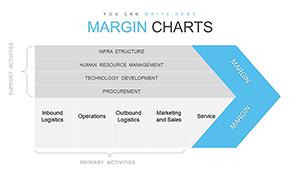

All 24 slides