 Click to zoom
4 Steps Square PowerPoint Charts Template - Presentation
| Format | .pptx |
| Slides | 14 unique layouts |
| Aspect ratio | 16:9 |
| Compatibility | PowerPoint |
| Animated | No |
| Language | English |
| License | Commercial |
| File size | — |
| Version | v1.0 |
| Last updated | August 2023 |
What's inside
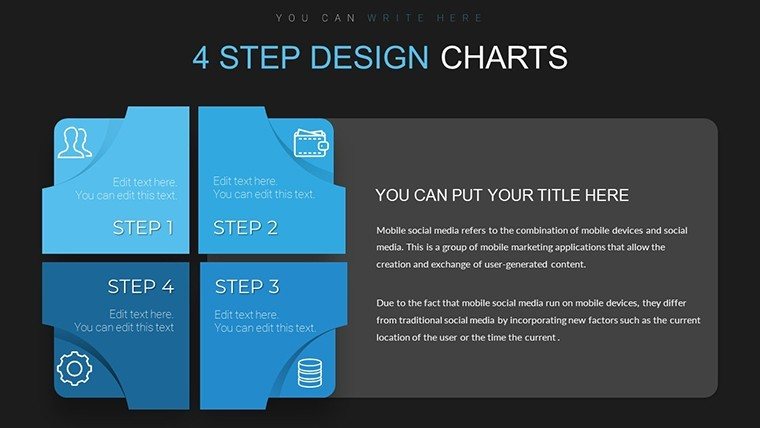
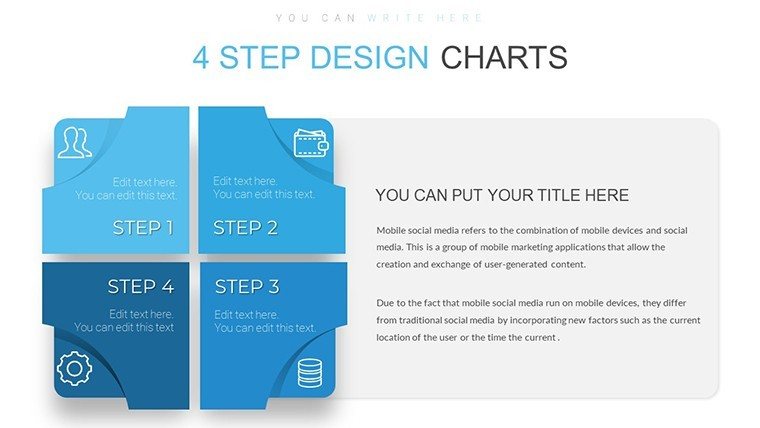
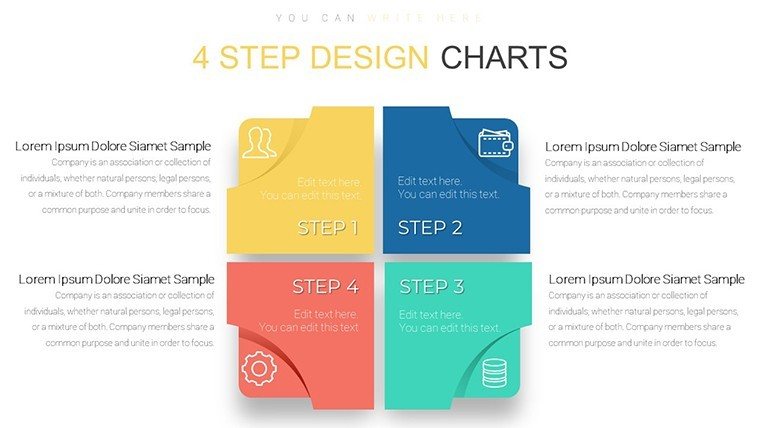
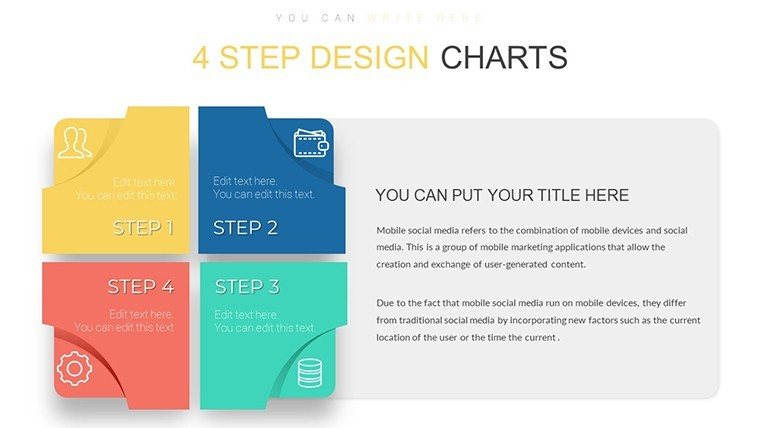
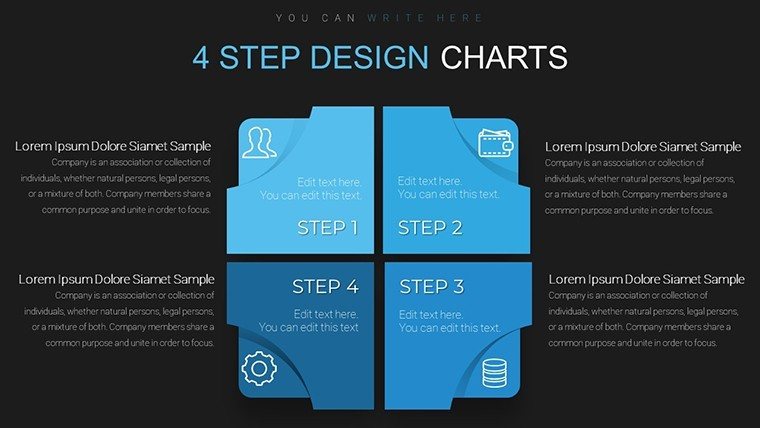
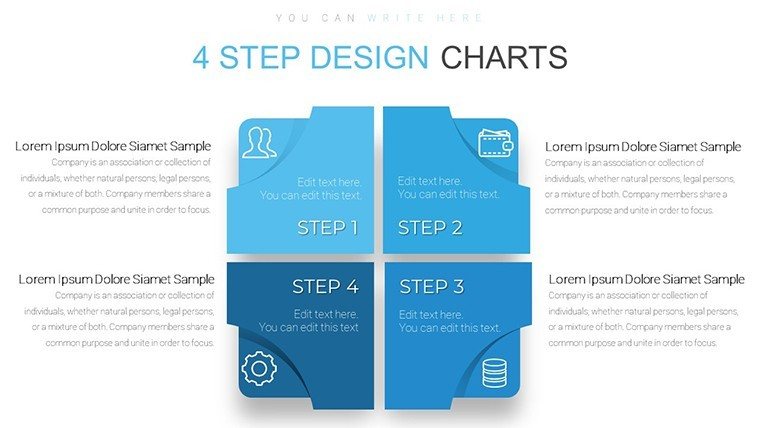
Navigate the intricacies of processes with a template that turns steps into success stories. Our 4 Steps Square PowerPoint Charts Template offers a clean, structured approach to presenting sequential information, ideal for breaking down strategies into manageable parts. Featuring 14 editable slides, it's crafted for versatility across finance, marketing, technology, and beyond. Entrepreneurs pitching startups can map out growth phases, educators can outline lesson plans, and managers can detail project workflows - all with visual precision that captivates. Ditch chaotic slides for squared elegance that organizes thoughts and impresses audiences. Fully customizable and compatible with PowerPoint and Google Slides, this tool addresses common presentation pitfalls like disorganization, delivering clarity that drives results. Step into a realm where simplicity meets sophistication, and let your ideas flow seamlessly.
Why This Template Transforms Your Process Presentations
Square designs symbolize stability and order, making them perfect for 4-step processes that require logical progression. This template leverages that, providing frameworks for everything from product launches to training modules. Aligned with design principles from pros like Garr Reynolds, who stress simplicity in "Presentation Zen," each slide minimizes clutter to maximize impact. For instance, in marketing, use it to depict customer journey stages - from awareness to loyalty - helping teams align on strategies. The squares allow for balanced layouts, ensuring equal emphasis on each step, which is crucial in balanced scorecards or agile methodologies. Customize borders, fills, and texts to fit your theme; add gradients for depth or icons for quick recognition. This not only enhances aesthetics but also aids in storytelling, turning linear processes into engaging narratives that stick.
Standout Features for Seamless Use
- Exceptional Visual Appeal: Clean square layouts with modern color schemes for professional looks.
- Seamless Customization: Edit colors, fonts, and arrangements effortlessly to match your vision.
- Versatility for All Industries: Adaptable to finance reports, tech roadmaps, or educational curricula.
- Easy Download and Integration: Quick setup in PowerPoint or Google Slides.
Unlike basic templates, this one includes pre-aligned elements, saving design time and ensuring consistency.
Diverse Applications in Professional Settings
Executives can use it for strategic planning, outlining four pillars of growth in board meetings. Teachers might structure history lessons around key events, fostering better retention. Startups benefit by visualizing funding stages in investor pitches, as seen in successful cases from TechCrunch Disrupt winners who used similar formats to secure deals. Integration: Begin with slide 1 for intro, detail steps in 2-9, compare alternatives in 10-12, and end with calls to action in 13-14. This resolves issues like skipped details, ensuring comprehensive coverage.
Guide to Tailoring Your 4-Step Narrative
- Launch the template in your app.
- Label each square with process steps.
- Customize visuals - e.g., icons for actions like gears for implementation.
- Add transitions for smooth flow.
- Embed data or images; alt texts like "4-step process square chart".
- Test for pacing.
- Present and refine based on feedback.
Superior to stock options, it offers thematic cohesion for memorable decks.
Pro Tips for Process Mastery
Keep text concise per square; use bullets for sub-steps. In tech, align with ITIL frameworks for service management. Entrepreneurs: Highlight risks per step for robust plans. Drawn from PMI standards, emphasize milestones. This builds trust and authority in your field.
Elevate your process presentations - secure the 4 Steps Square PowerPoint Charts Template today.
Frequently Asked Questions
How many steps can I add?
Core is 4, but duplicate for expansions.
Compatible with older PowerPoint?
Yes, works with versions 2010+.
Suitable for non-business use?
Absolutely, great for personal projects or education.
Can I animate the squares?
Yes, individual or sequential animations available.
Are there color themes included?
Multiple presets, fully customizable.
Good for
- Project roadmaps and sprint plans
- Product launch timelines
- Quarterly or annual review decks
- Company history and milestone summaries
Licence
reviews
Used this for a finance class at 1am. The chart slides saved me honestly.
Colors were a bit loud but the arrow layouts looked fine after edits.
I only needed 3 slides from it. Worked okay in PowerPoint.
Some icons felt random but the graphs were easy to replace.
Boss wanted a quick quarterly deck and this did most of the structure already.
FAQ
Will it work in Google Slides?
Are fonts embedded?
Can I use this for client work?
What's the refund policy?
Do you update the template after purchase?
Similar templates
See all PowerPoint Charts →

All 14 slides