 Click to zoom
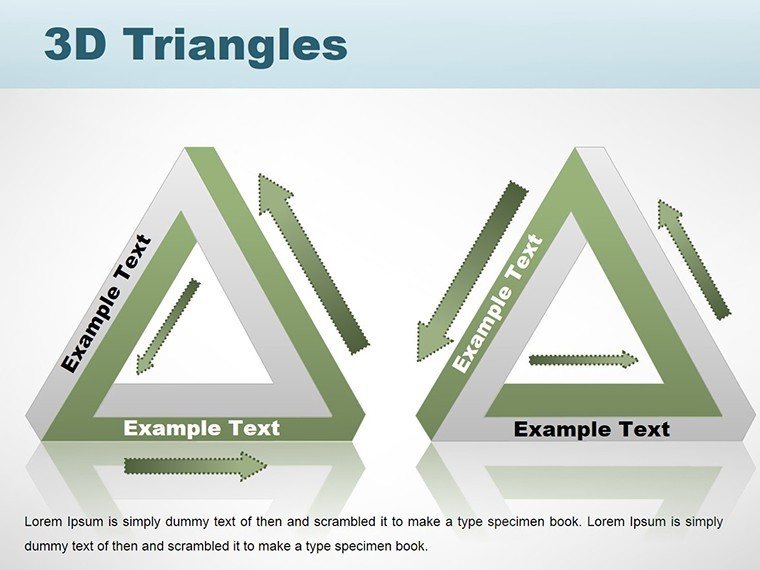
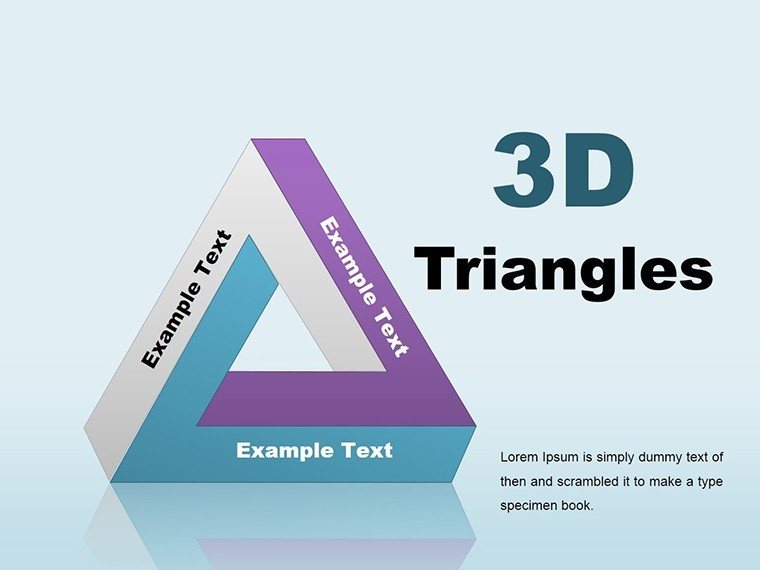
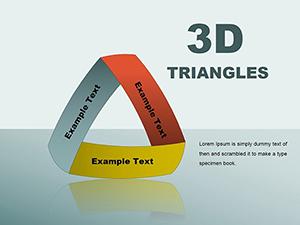
3D Triangles PowerPoint Charts Template for Dynamic Architectural Flows
| Format | .pptx |
| Slides | 18 unique layouts |
| Aspect ratio | 16:9 |
| Compatibility | PowerPoint |
| Animated | No |
| Language | English |
| License | Commercial |
| File size | — |
| Version | v1.0 |
| Last updated | January 2025 |
What's inside
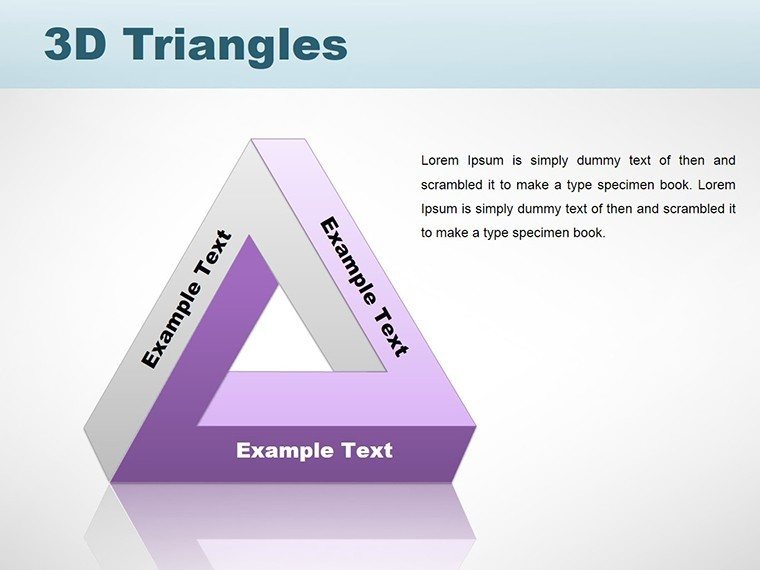
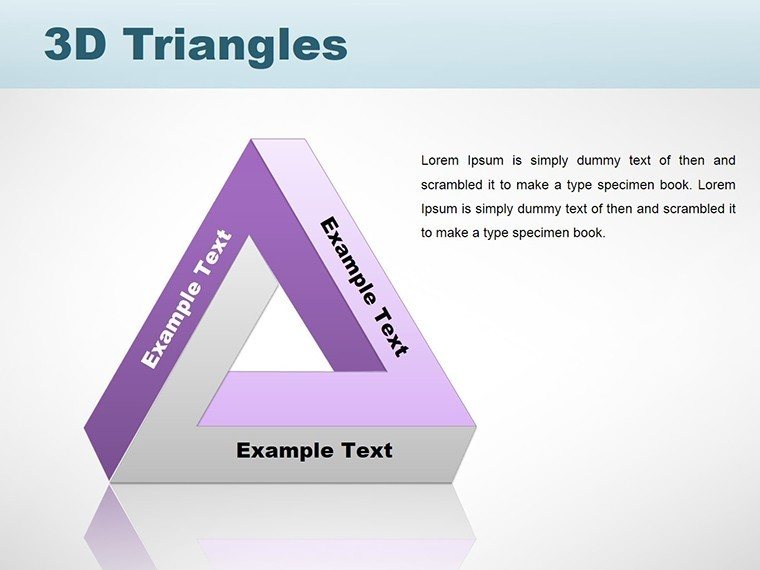
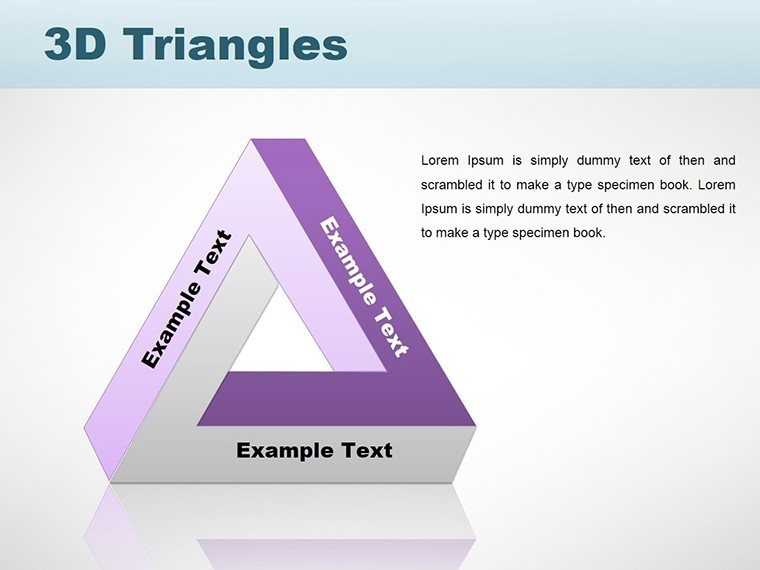
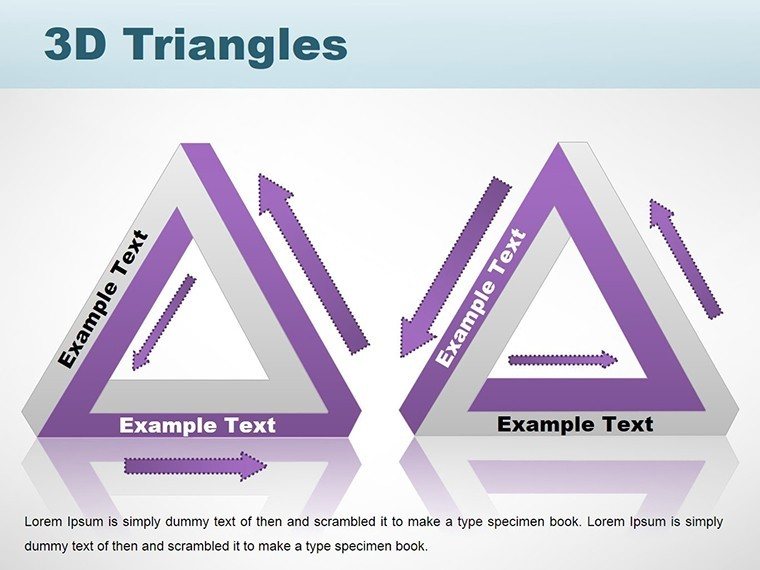
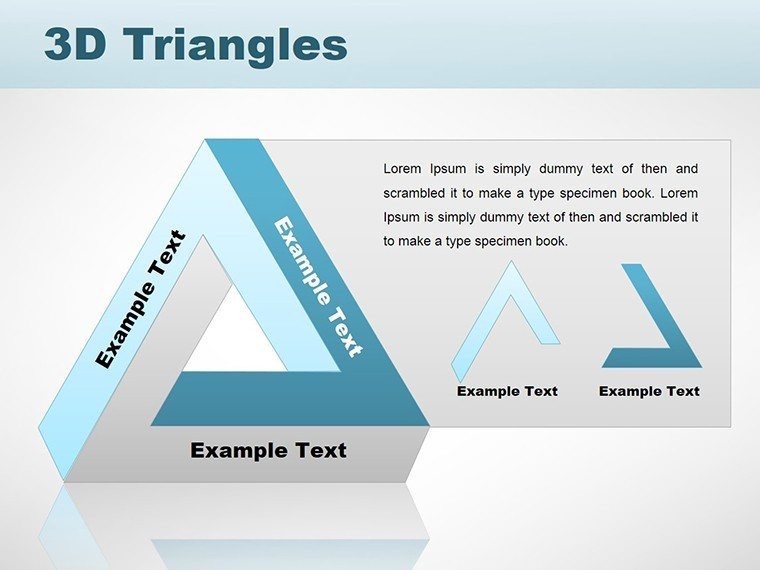
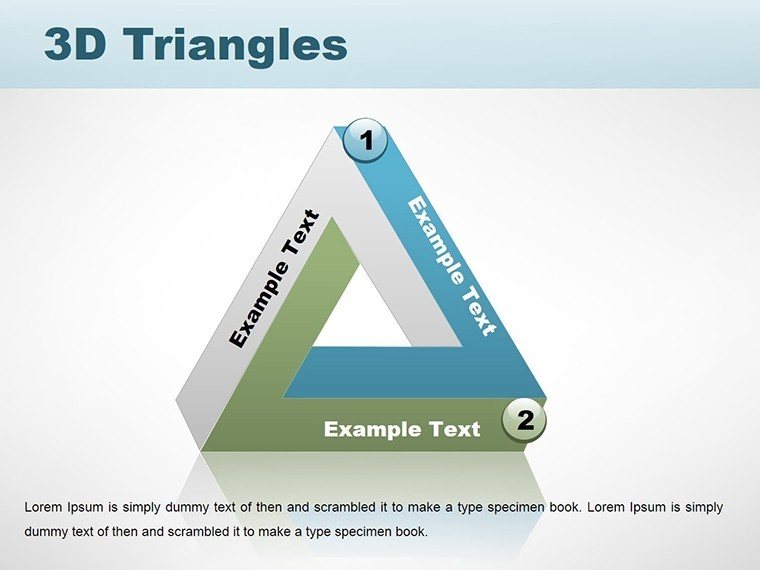
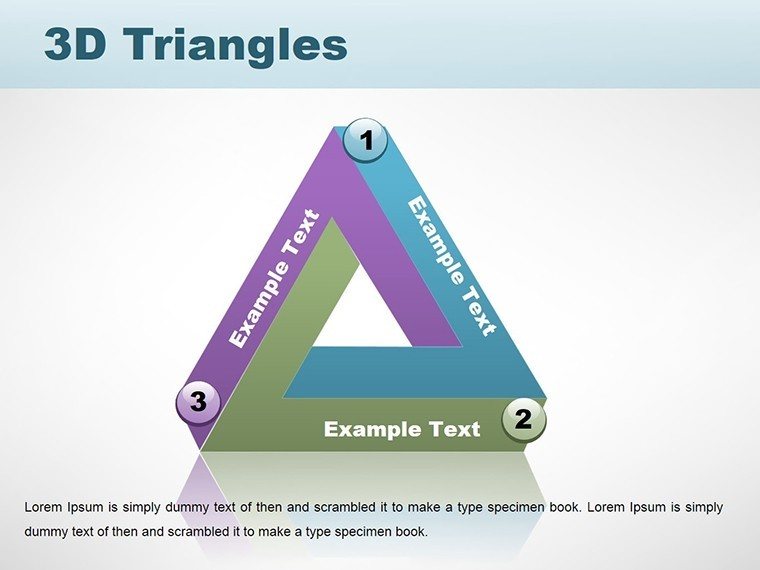
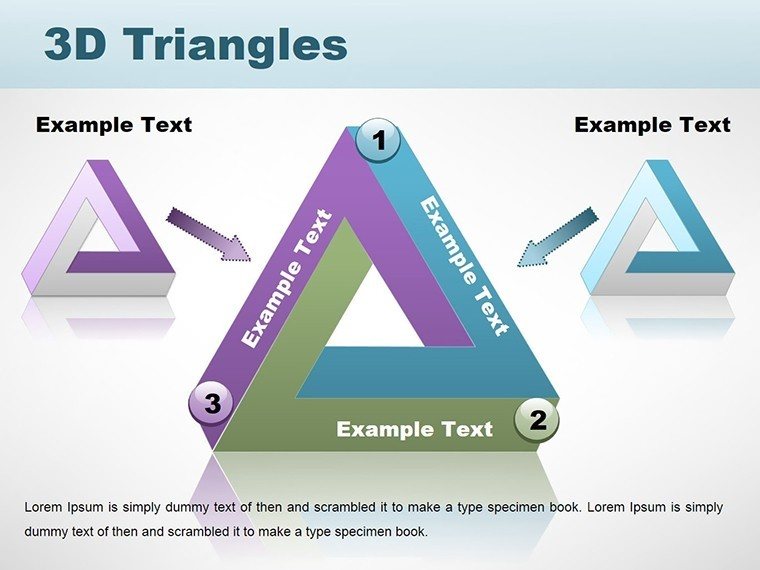
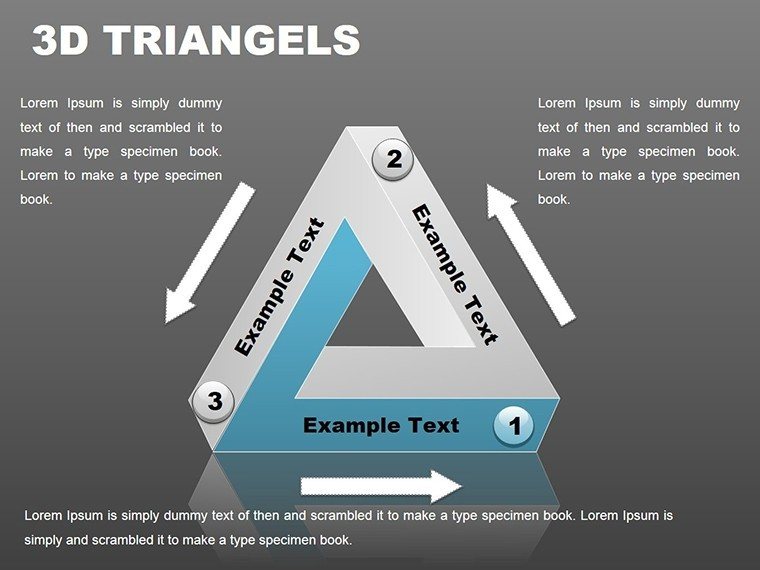
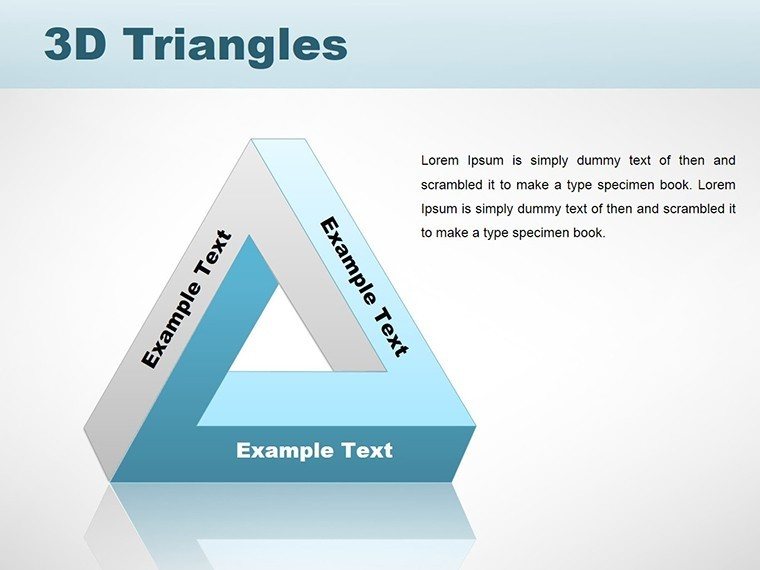
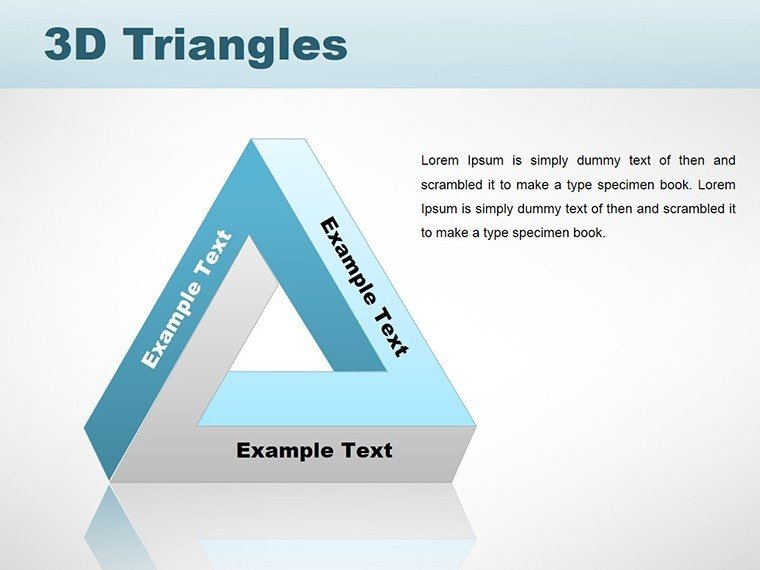
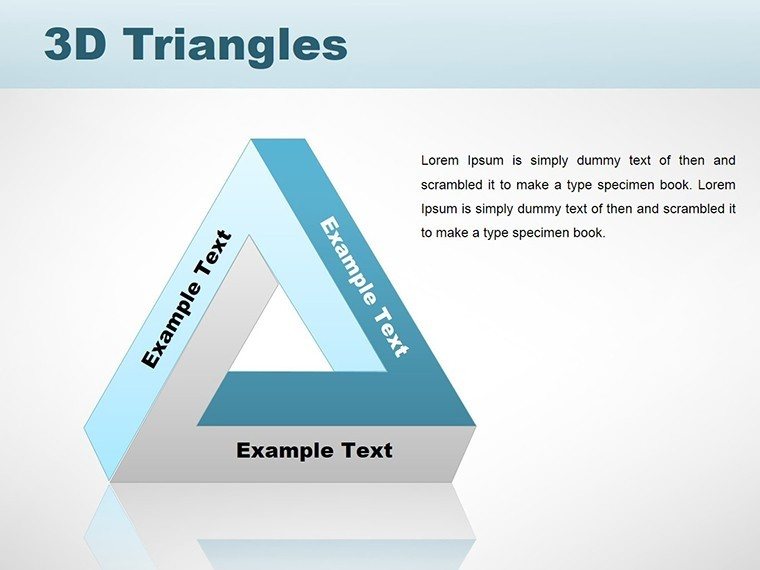
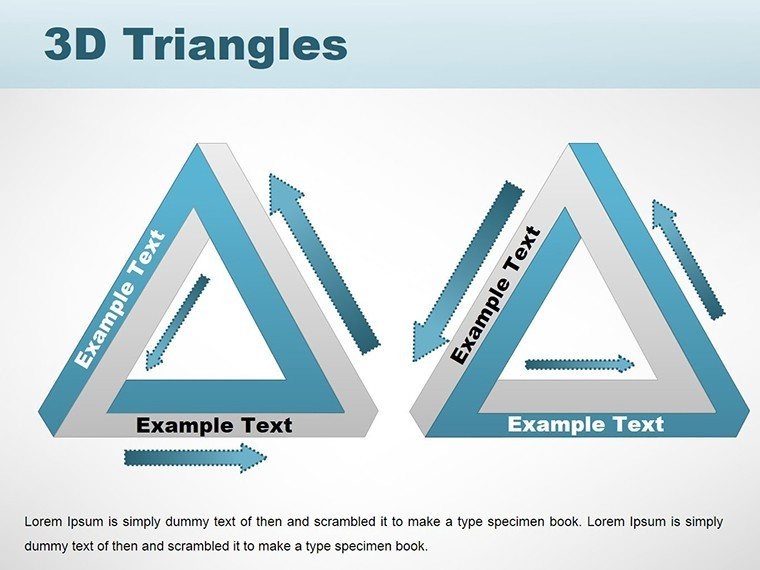
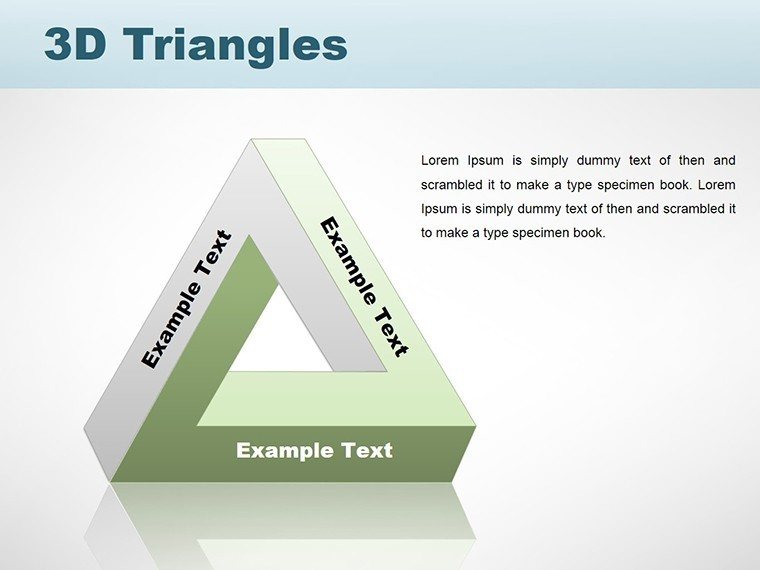
Architecture is a dance of lines, angles, and spaces - our 3D Triangles PowerPoint charts template captures that rhythm in slide form. With 20+ editable layouts, it's designed for architects who need to illustrate flows, from wind patterns around buildings to workflow efficiencies in firms. Perfect for presenting adaptive designs or parametric studies, it adds a layer of dynamism that static images can't match. Following AIA's push for innovative tools, this template helps you articulate visions with precision, fostering better team alignments and client approvals. Dive into a world where triangles aren't just shapes but storytellers of structural integrity and aesthetic harmony.
Flowing Through Design Dimensions
Imagine pitching a waterfront development: Triangles cascade in 3D to simulate water flows and elevation changes, engaging viewers kinesthetically. The template's strength is in motion - use animations to unfold designs, revealing hidden facets like interior zoning.
Inspired by masters like Santiago Calatrava, whose kinetic structures blend art and engineering, customize triangles for force diagrams or aesthetic breakdowns.
Core Features Driving Innovation
Expertly engineered, features encompass:
- Kinetic 3D Animations: Set triangles in motion to depict dynamic elements like seismic responses.
- Branding Integration: Seamlessly apply textures and colors for firm-specific renders.
- Insightful Data Overlays: Superimpose stats on triangles for multifaceted analyses.
- Cross-Platform Support: Effortless use in PowerPoint or Google Slides.
- Ethical Design Aids: Tools for inclusive visuals, aligning with global standards.
Elevating beyond defaults, it mirrors advanced CAD outputs in presentation form.
Workflow Applications and Examples
For facade studies, layer triangles to show material interactions under light. In seminars, chart architectural evolutions from Gothic spires to modern cantilevers.
Tip: Pair with Lumion exports for hybrid slides. Case: Visualize the Guggenheim Bilbao's curves as triangulated surfaces, emphasizing Gehry's genius.
Surmounting Presentation Barriers
Tackle ambiguities with rotatable triangles, clarifying complexities. For collaborative projects, share editable files globally.
Anchored in UIA principles, it's a trustworthy ally. Unleash your dynamic designs - start triangulating success today.
Frequently Asked Questions
How to animate triangle flows? Apply path animations for fluid movements.
Data integration possible? Yes, embed charts for live updates.
Google Slides ready? Fully, with preserved effects.
Custom shape additions? Easily insert and blend.
For large-scale prints? High-res exports ensure quality.
Good for
- Project roadmaps and sprint plans
- Product launch timelines
- Quarterly or annual review decks
- Company history and milestone summaries
Licence
reviews
The scatter plots are fine but I wish they had trend lines built in.
Grabbed this last minute for a client call and it looked decent.
Good set of bars and lines
The template kept my formatting consistent across 20 slides.
Would be better if there were more than four color schemes.
FAQ
Will it work in Google Slides?
Are fonts embedded?
Can I use this for client work?
What's the refund policy?
Do you update the template after purchase?
Similar templates
See all PowerPoint Charts →
All 18 slides