 Click to zoom
3D Squares Keynote Diagrams: Construct Depth in Every Slide
| Format | .pptx |
| Slides | 15 unique layouts |
| Aspect ratio | 16:9 |
| Compatibility | PowerPoint |
| Animated | No |
| Language | English |
| License | Commercial |
| File size | — |
| Version | v1.0 |
| Last updated | February 2026 |
What's inside
Geometry isn't just math - it's the silent architect of persuasive presentations, stacking layers of insight into structures that demand attention. The 3D Squares Keynote Diagrams Template embodies this, with 15 editable slides that transform flat data into cubic masterpieces. Geared toward strategists dissecting matrices, designers prototyping layouts, or analysts cubing multidimensional metrics, this template thrives in Keynote's expansive canvas.
Categorized under matrix, 3D, and cubes, it channels the solidity of blocks into fluid visuals, compatible across Keynote 2016+ for consistent rendering. These aren't gimmicks; they're scaffolds for complexity, allowing you to pile priorities, segment markets, or model scenarios in ways that feel solid and explorable.
Cubic Foundations: Shapes That Stack and Scale
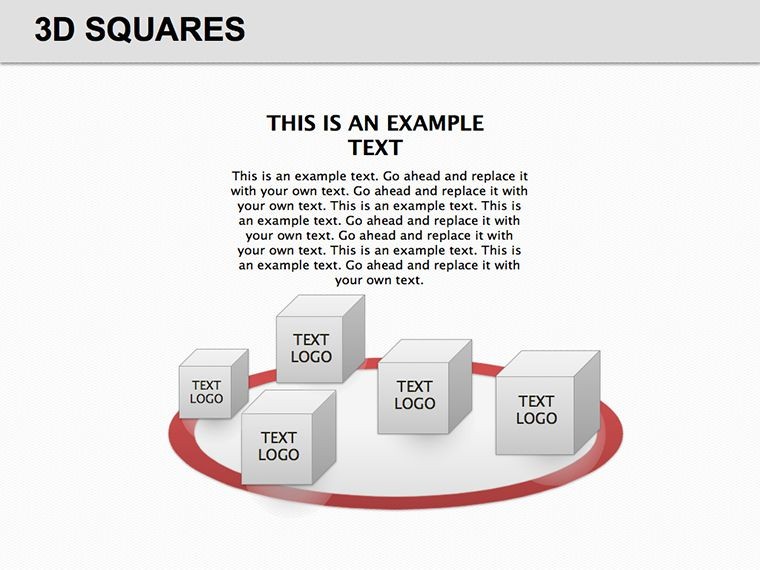
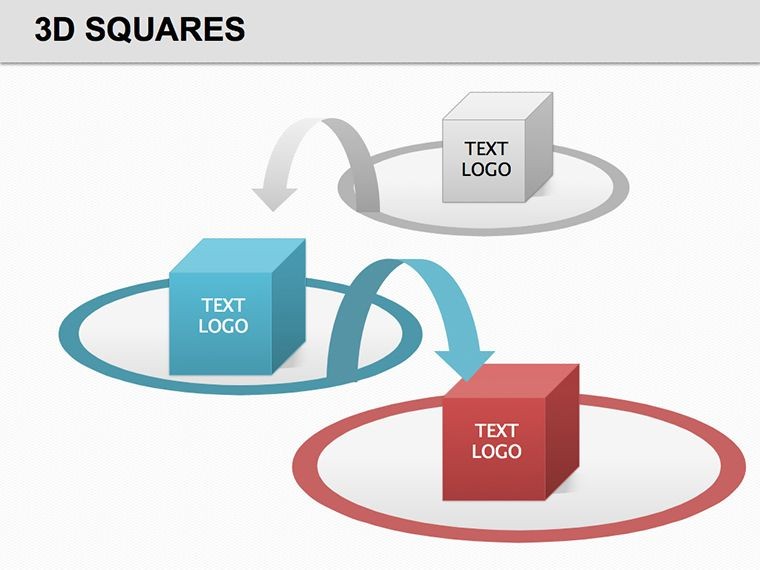
Begin with the core square prisms, extruded into 3D forms that cast realistic shadows, perfect for priority matrices where depth denotes urgency. Rotate them to view from angles, embedding text or charts within faces for a multifaceted reveal.
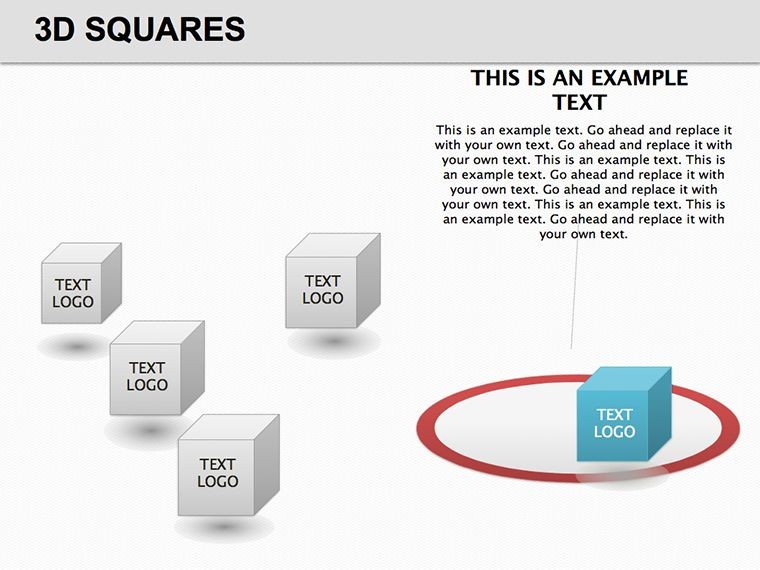
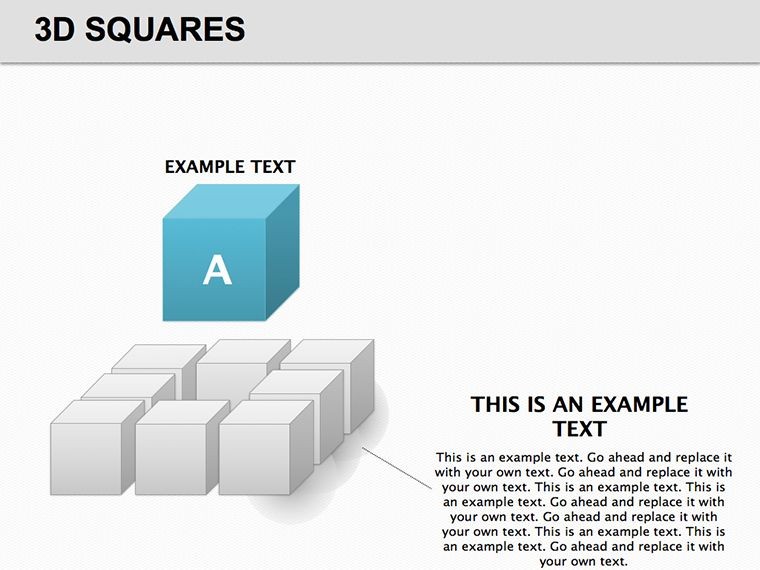
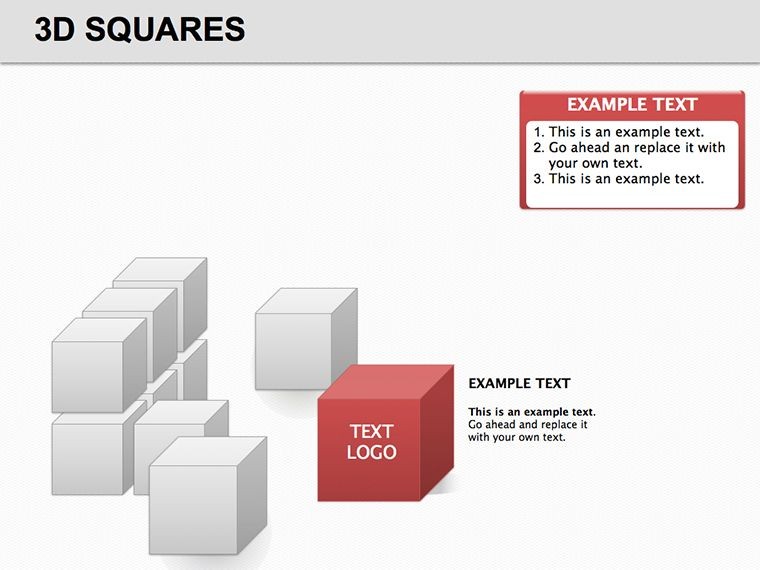
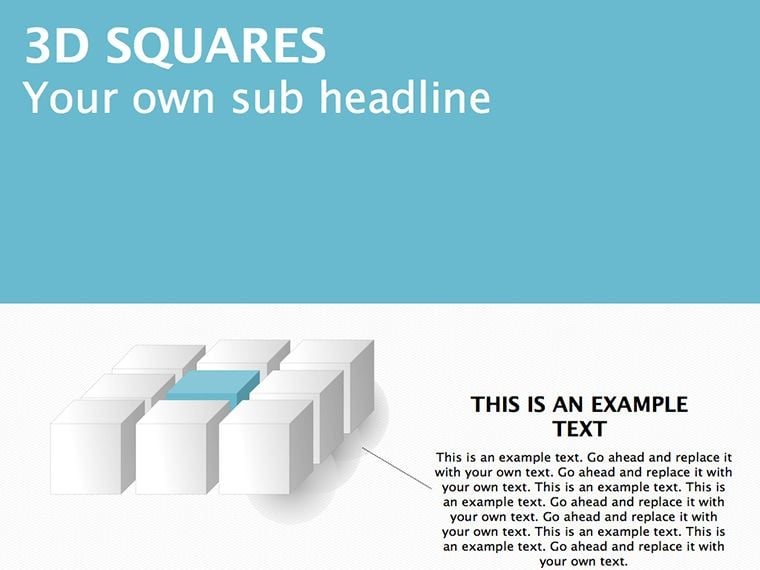
The matrix layouts grid these cubes into arrays, ideal for SWOT analyses, while standalone cubes float as metaphors for isolated KPIs. With bevels and extrusions baked in, they render smoothly, even under zoom, outpacing basic 2D grids in conveying volume.
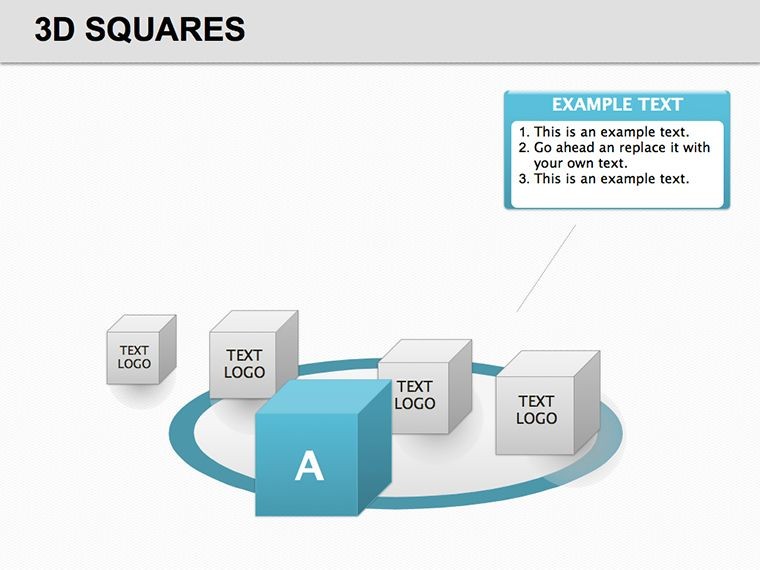
- Single Cube Modules: For focal metrics, like revenue silos, with rotatable perspectives.
- Matrix Grids: 2x2 or 3x3 arrays for quadrant breakdowns, such as opportunity-risk mappings.
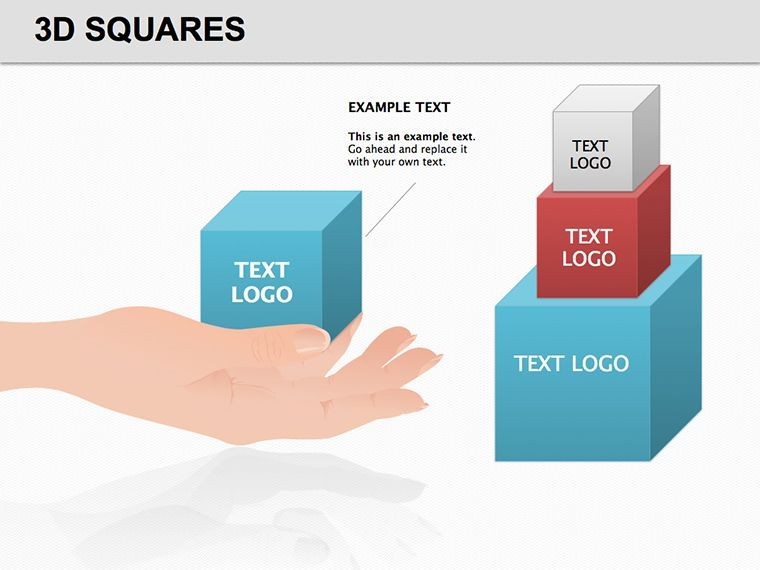
- Stacked Towers: Vertical builds for hierarchical data, layering from base assumptions to peak projections.
Superior to vanilla Keynote cubes, which lack nuance, these include gradient mappings for light simulation, adding a tactile illusion that invites closer inspection.
Building Blocks: Assembly Guide
- Blueprint Your Build: Define axes - rows for categories, columns for variables - and select grid scale.
- Populate Dimensions: Fill cube faces with icons or figures, using transparency for interlinks.
- Illuminate Interiors: Apply Keynote lights to accentuate depths, highlighting contrasts in your matrix.
- Stress-Test Stability: Animate disassembles to unpack layers, ensuring narrative holds under scrutiny.
This blueprint yields decks that stand firm, supporting arguments with geometric gravitas.
Structural Stories: Cubes in Action
Business planners erect cube towers for portfolio diversifications, each block a venture with embedded ROI visuals. In design studios, matrices cube user flows, segmenting pain points into navigable volumes.
An analyst might stack cubes for scenario planning, twisting views to expose sensitivities, akin to rotating a prototype in a review. This template's prowess? Its capacity to compress complexity into comprehensible forms, where peers grasp interconnections at a glance, fostering breakthroughs in brainstorming.
Versus standard diagrams, it adds dimensionality that basic squares can't, turning overviews into immersive models.
Cubist Customizations for Clarity
Snap cubes to perspectives for isometric views, and hyperlink faces to dives. Opt for monochromatic schemes in formal settings, or infuse metallics for tech pitches. These refinements cube your content's appeal.
Acquire this template and stack your slides toward structural supremacy.
Frequently Asked Questions
What diagram types are featured?
Matrix grids, 3D cubes, and stacked forms, all geared for multidimensional data representation.
Are the 3D effects hardware-intensive?
No, they're lightweight vectors that perform well on standard Keynote setups without lag.
Can I flatten for print?
Yes, export options preserve depth as high-res images suitable for handouts.
How editable are the cubes?
Fully - resize, recolor, and regroup elements to tailor to your matrix needs.
Is it ideal for large datasets?
Indeed, the scalable design handles extensive arrays without compromising clarity.
What Keynote features does it leverage?
Native 3D tools, animations, and master slides for cohesive, rotatable experiences.
Good for
- Project roadmaps and sprint plans
- Product launch timelines
- Quarterly or annual review decks
- Company history and milestone summaries
Licence
reviews
The puzzle piece diagrams are good for teamwork themes.
The pieces interlock well and are easy to recolor.
Used this for a cross-functional collaboration slide.
The edges have a slight shadow that gives depth.
A bit cheesy but it works for the right audience.
FAQ
Will it work in Google Slides?
Are fonts embedded?
Can I use this for client work?
What's the refund policy?
Do you update the template after purchase?
Similar templates
See all Keynote Diagrams →

All 15 slides