 Click to zoom
3D Polyhedron Keynote Charts - Fully Editable
| Format | .pptx |
| Slides | 16 unique layouts |
| Aspect ratio | 16:9 |
| Compatibility | PowerPoint |
| Animated | No |
| Language | English |
| License | Commercial |
| File size | — |
| Version | v1.0 |
| Last updated | March 2026 |
What's inside
Package Contents
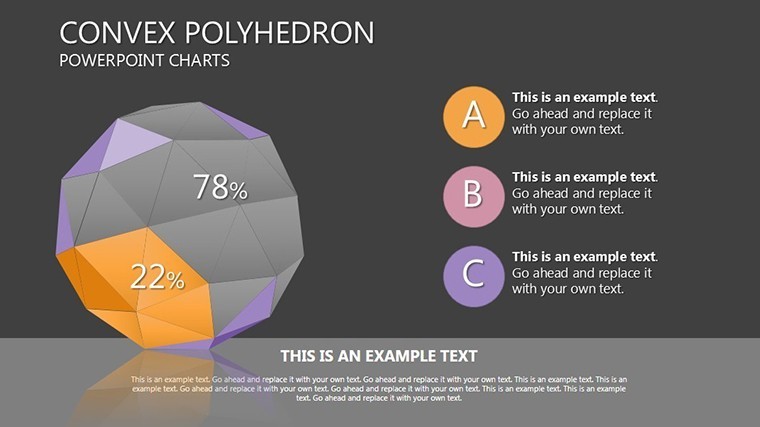
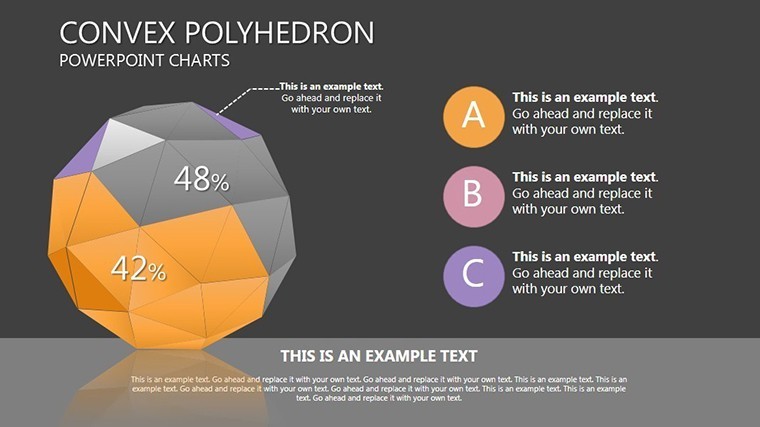
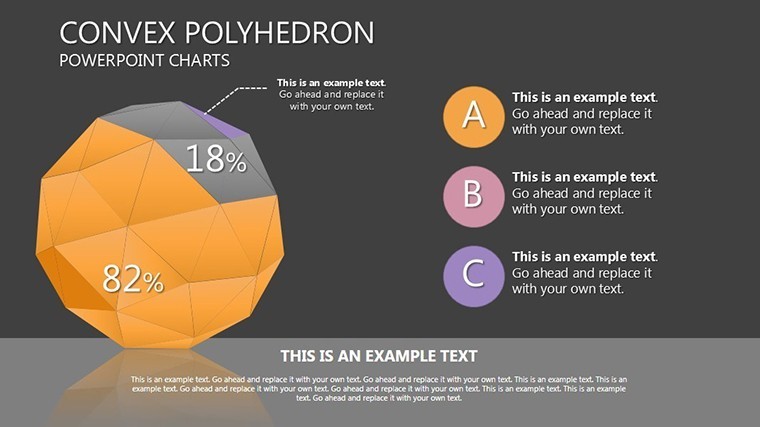
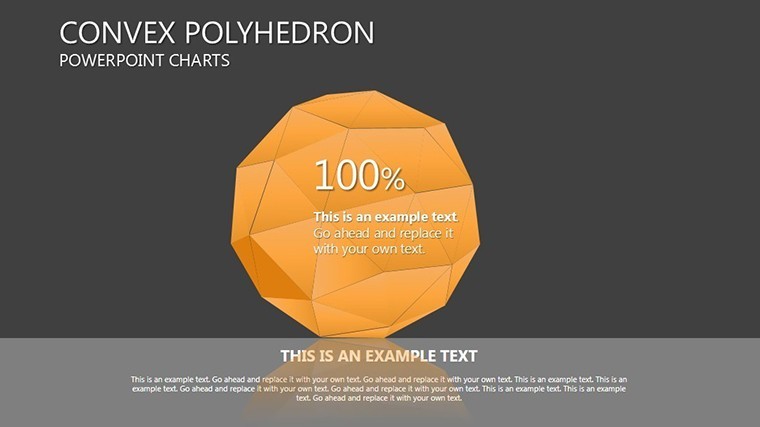
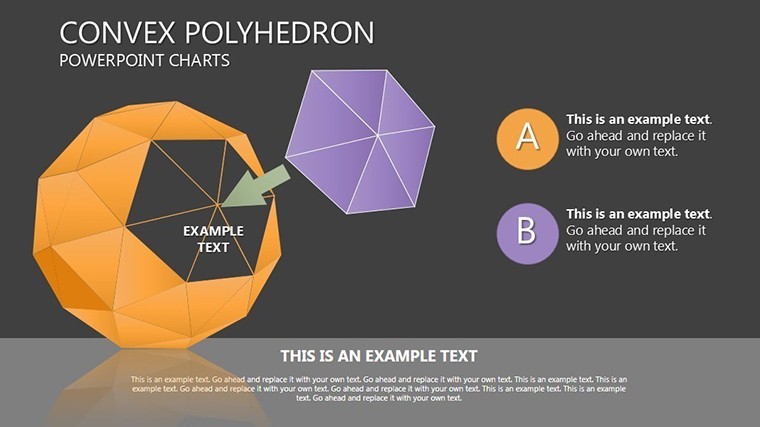
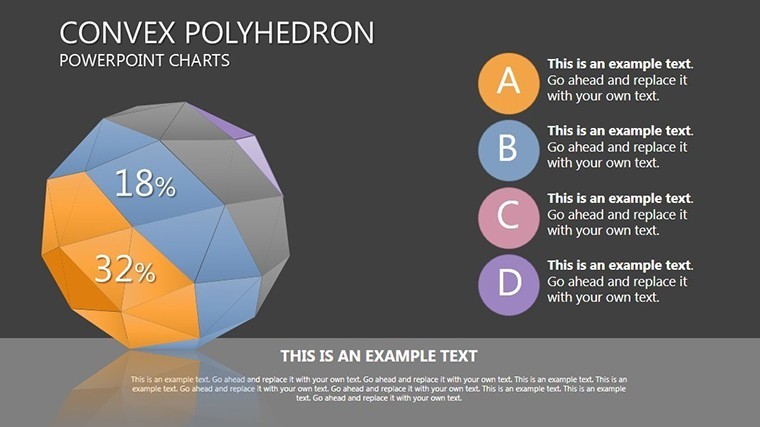
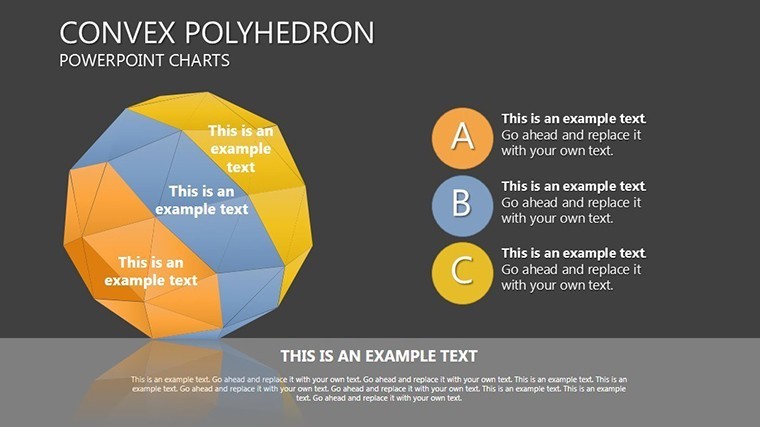
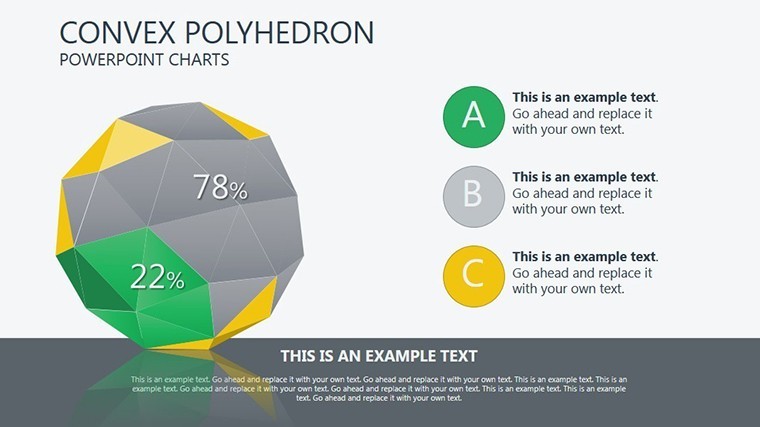
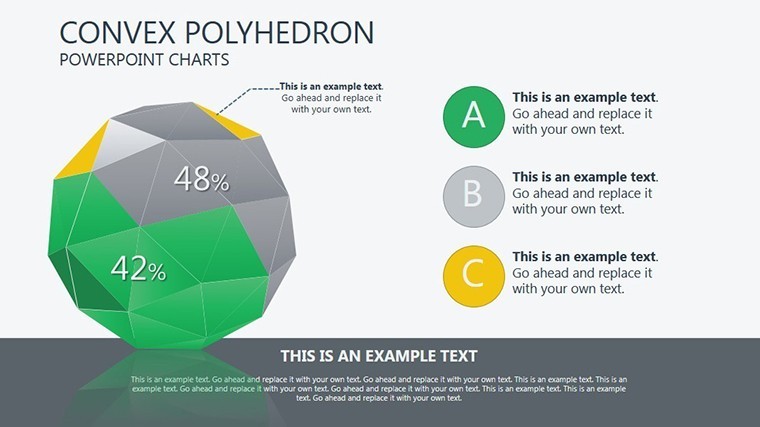
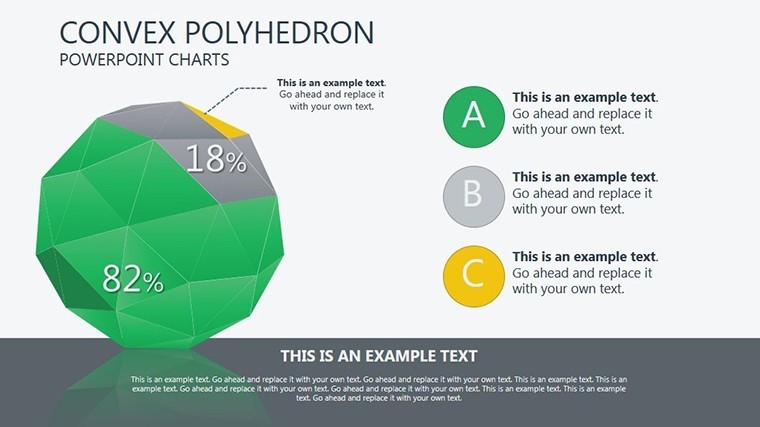
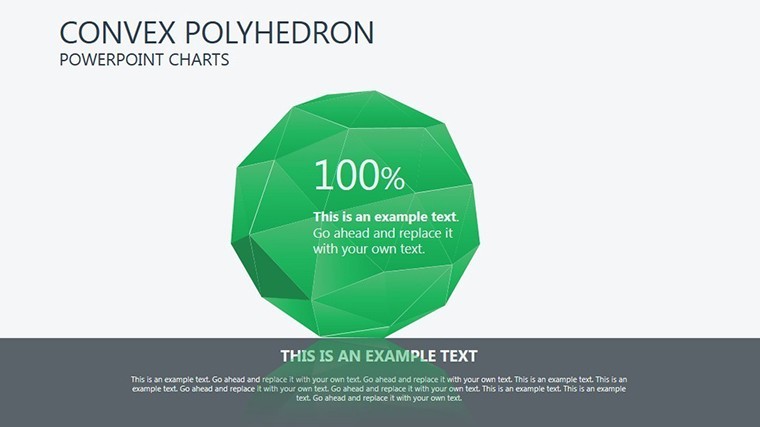
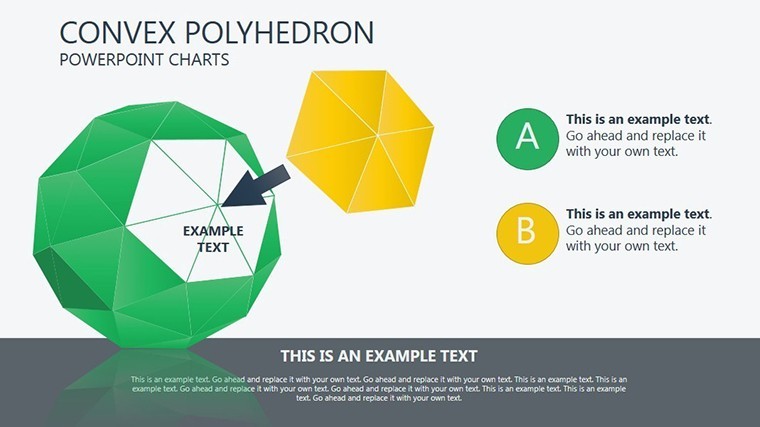
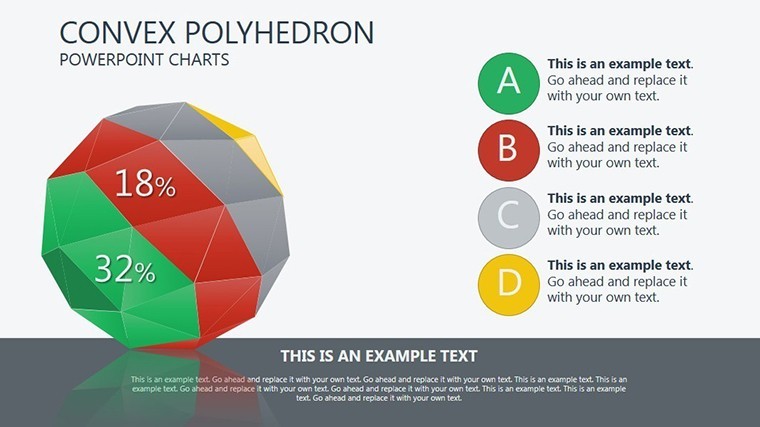
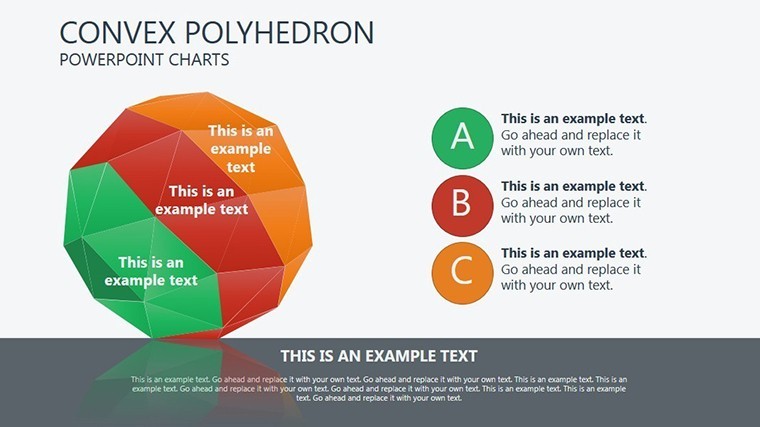
16 editable 3D convex polyhedron slides download as one .key file.
Rotatable views and shadow effects come built-in.
Vertex customization options appear on every slide.
- Single polyhedron views
- Multi-object comparisons
- Shadow and lighting presets
Unlike the flat marketing charts or traffic light indicators in related products these deliver true spatial depth.
One specific visual characteristic is the rotatable vertex customization.
This template works best for presenting spatial concepts in engineering decks because neighbors like process modeling focus on flows instead.
The paid version includes the complete rotatable views and shadow layers as no free version details appear on the page.
Technical Specs
FeatureDetailsSlides included16 3D polyhedron diagrams in .key formatDiagram categoriesconvex polyhedron setsEditable elementsvertices resize and recolor independentlyAspect ratio16:9 standardKeynote compatibilityversion 12+ with 3D rotationColor themesadjustable via shape fillsAnimation supportview rotation on clickFile formats.key onlyEdit, Brand, Present: The Workflow
The customization workflow requires moderate skill level for Keynote users.
1. Open the .key file in Keynote 12+ (1 minute).
2. Rotate polyhedron views to desired angle (2 minutes).
3. Apply brand colors to vertices and shadows (3 minutes).
4. Adjust text labels and connectors (3 minutes).
5. Export as PDF for distribution (1 minute).
Typical Use Cases by Role
An architect in the construction industry has a client proposal tomorrow and no time to build 3D models from scratch.
Architect, Construction Industry
She reused the polyhedron slides across two proposals by swapping color schemes.
Deck preparation cut from 3 hours to 45 minutes.
Engineer in Manufacturing Sector
He displayed part intersections for an internal reporting session.
Information spacing highlighted assembly tolerances without redesign.
Download and adapt for your next client proposal.
Compared to Starting From Zero
Building equivalent 3D polyhedron diagrams from scratch demands advanced Keynote 3D tools and 2 hours minimum.
Common issue arises when shadows fail to update on rotation.
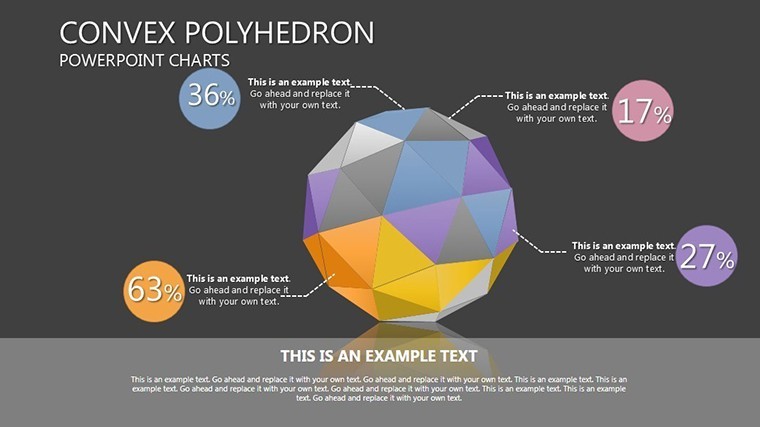
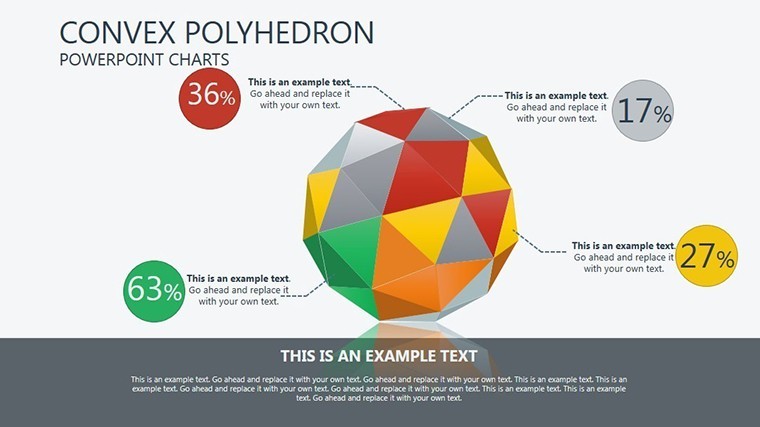
This layout keeps vertex labels outside shapes connected by thin lines improving clarity during live meetings.
Layout composition with zone segmentation divides depth layers clearly for better visual hierarchy.
Get the file now and skip the manual work.
Will this open in my version of Keynote?The file opens in Keynote 12 and newer versions on Mac or iPad. Earlier versions may lack full 3D rotation features. Export to PowerPoint 365 works seamlessly for cross-platform sharing. Test the download right after purchase to confirm your setup.
How do I change the color scheme?Select any polyhedron or vertex in Keynote. Use the fill tool to apply your brand colors directly. Update the slide master once to propagate changes across all slides. This process takes under 2 minutes and requires no external designer.
Am I allowed to use this in paid client work?Yes the license permits use in client projects and paid deliverables. Resale or sublicensing of the original file remains prohibited. Attribution is not required for end presentations. Contact support for any custom license questions.
What does the paid version include that the free version does not?The paid version delivers the complete .key file with all 16 slides and rotatable views. No free version details appear on the page so only the full download is available. Preview images on the site show limited views only. Full editable layers and export options come exclusively with purchase.
What software is required and what about refunds?Keynote app on Mac or iPad is required to open the .key file. Refunds are available within 30 days if the file fails to open in your version. Contact support with your order ID for processing. No questions asked beyond compatibility proof.
Good for
- Project roadmaps and sprint plans
- Product launch timelines
- Quarterly or annual review decks
- Company history and milestone summaries
Licence
reviews
This template saved me during a last minute presentation at work.
The Small icons beside the charts made the slides less empty.
It’s okay overall though some layouts feel repetitive after a few slides.
I Used the comparison charts for a business class and they worked fine.
Pretty straightforward template without too much going on.
FAQ
Will it work in Google Slides?
Are fonts embedded?
Can I use this for client work?
What's the refund policy?
Do you update the template after purchase?
Similar templates
See all Keynote Charts →



All 16 slides