 Click to zoom
3D Pie PowerPoint Charts - Fully Editable
| Format | .pptx |
| Slides | 34 unique layouts |
| Aspect ratio | 130/73 |
| Compatibility | PowerPoint |
| Animated | No |
| Language | English |
| License | Commercial |
| File size | — |
| Version | v1.0 |
| Last updated | April 2026 |
What's inside
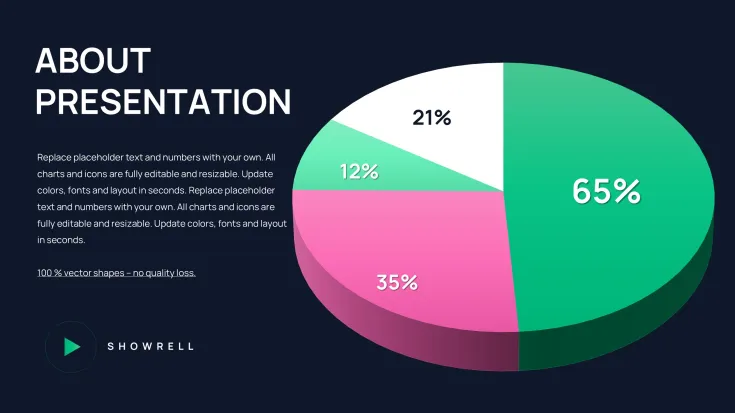
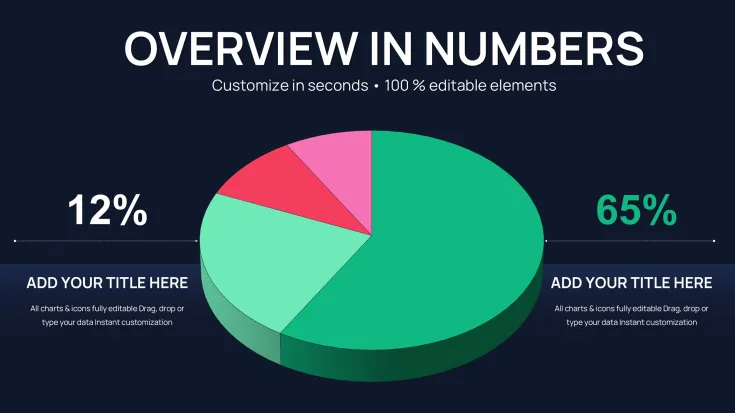
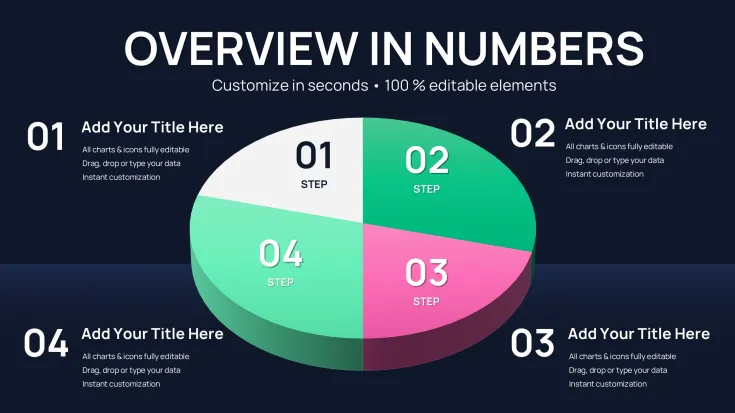
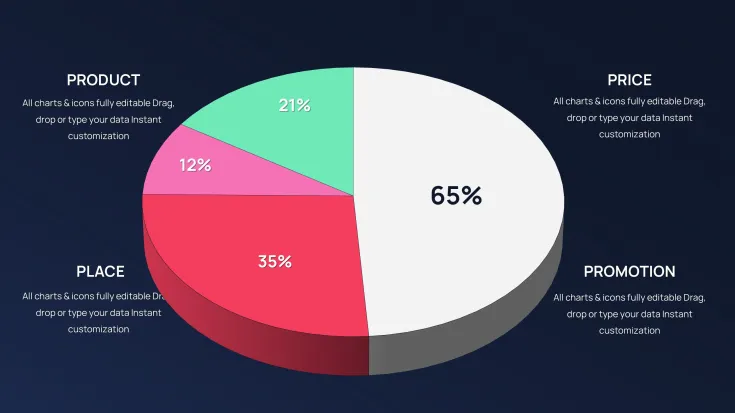
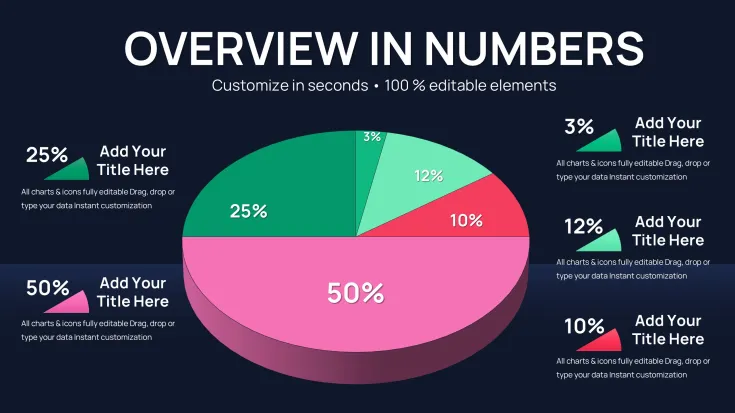
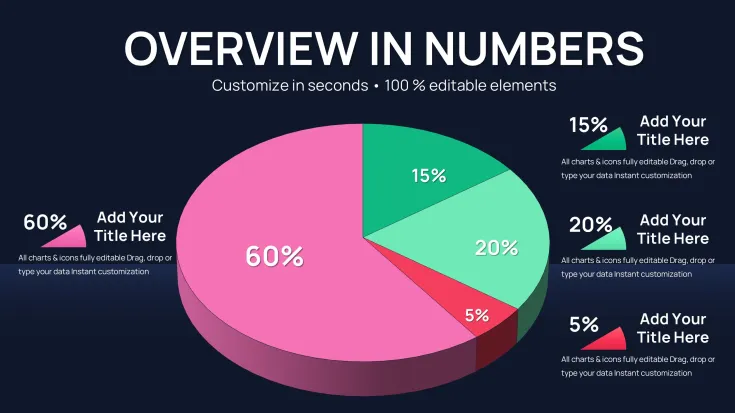
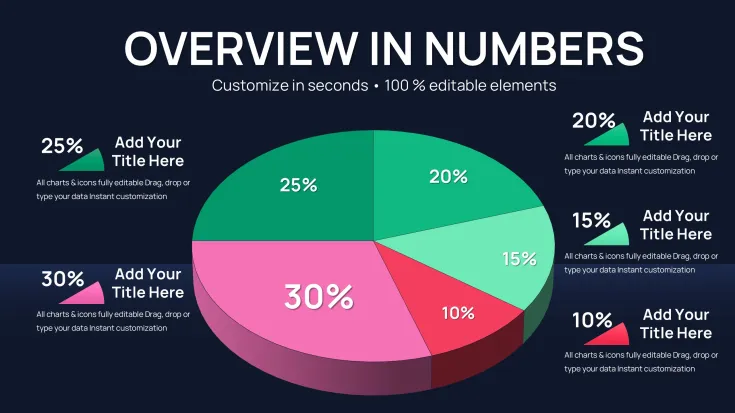
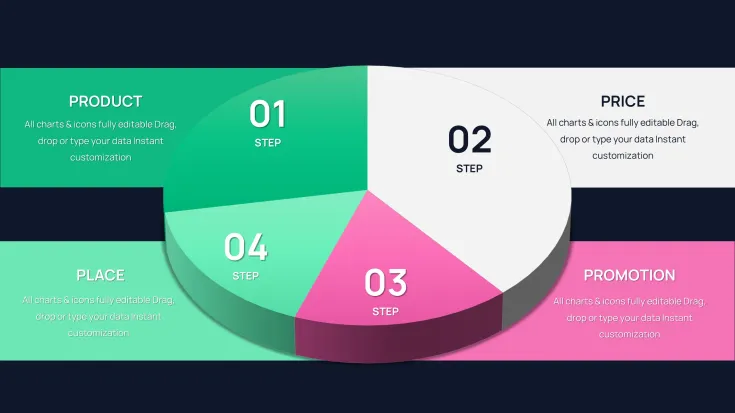
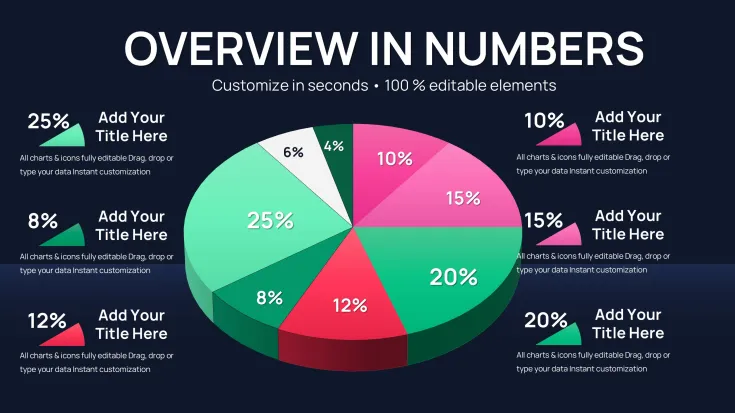
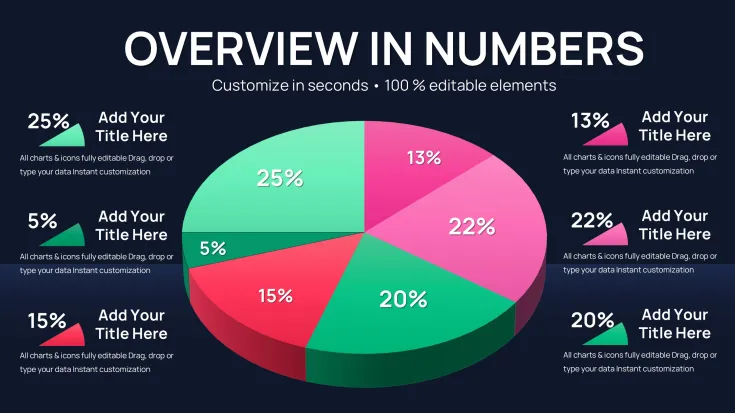
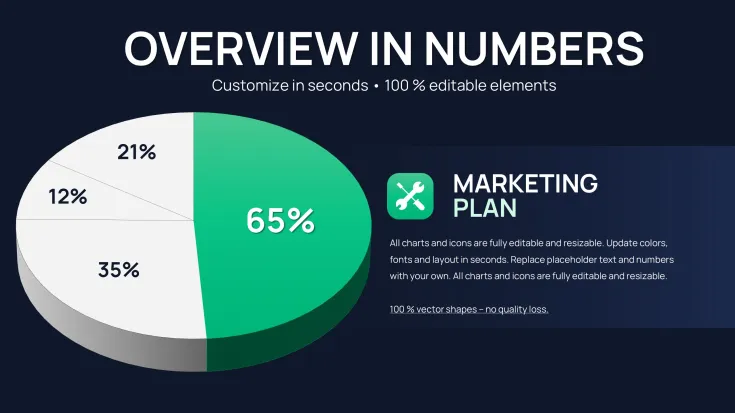
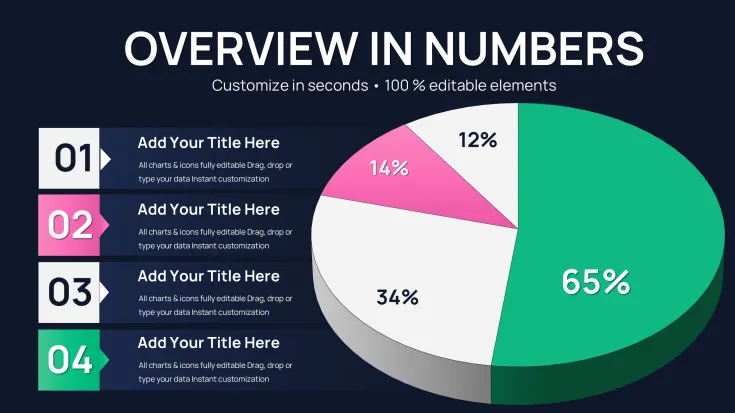
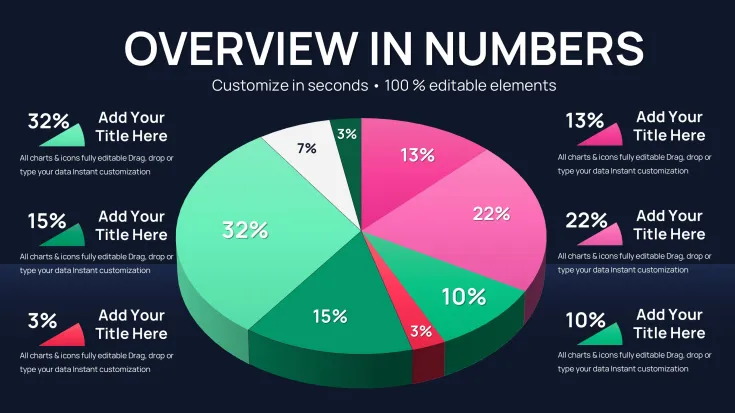
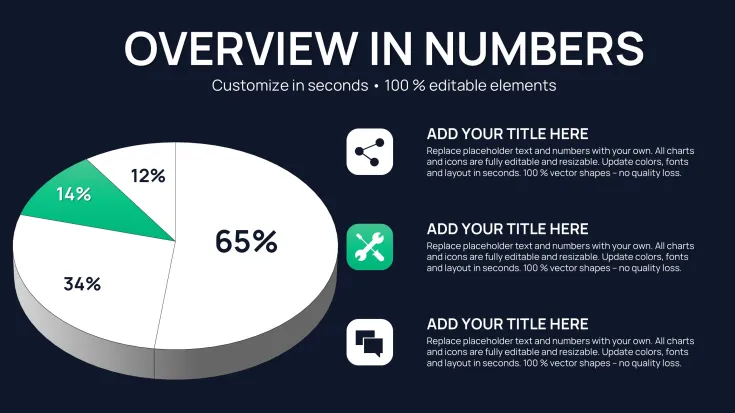
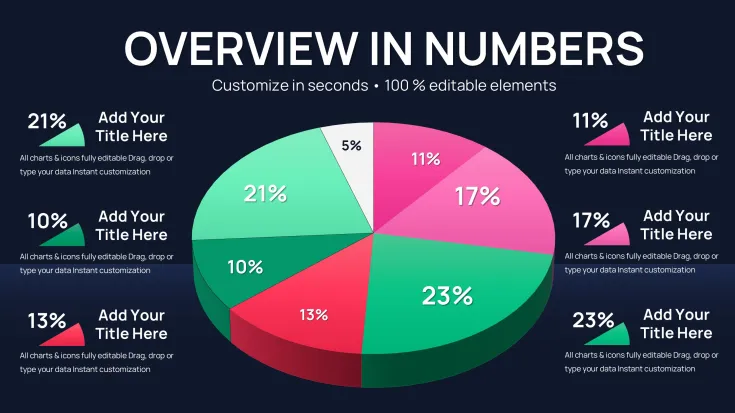
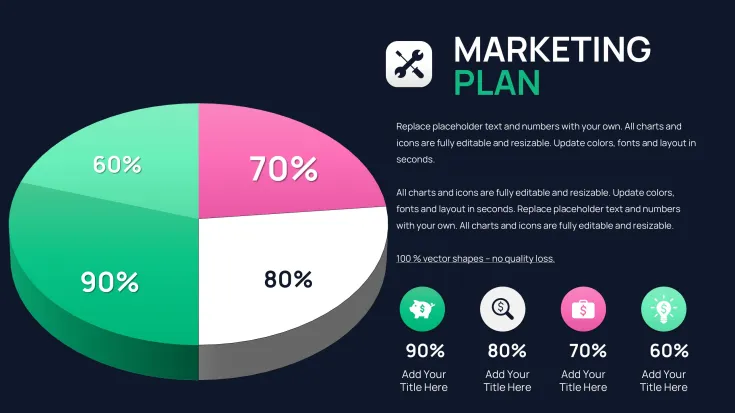
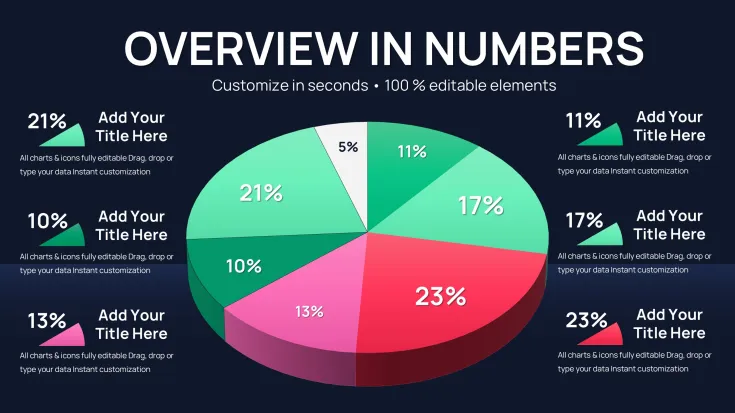
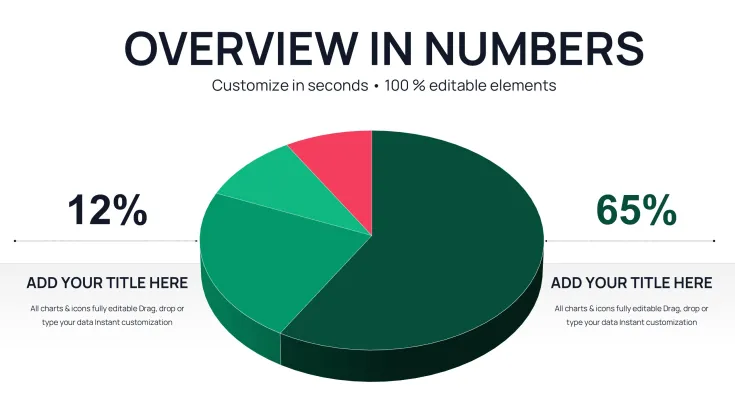
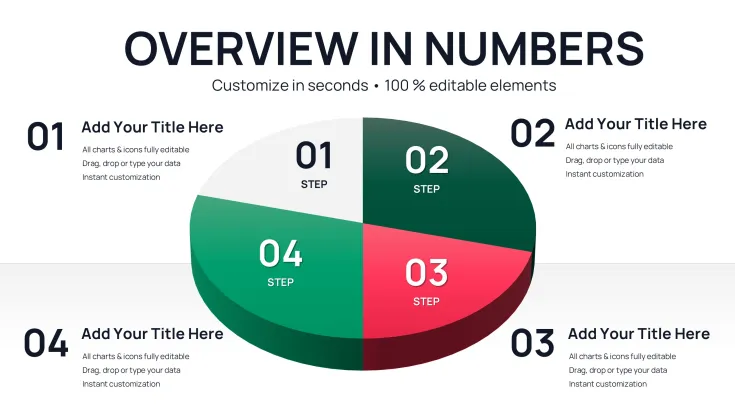
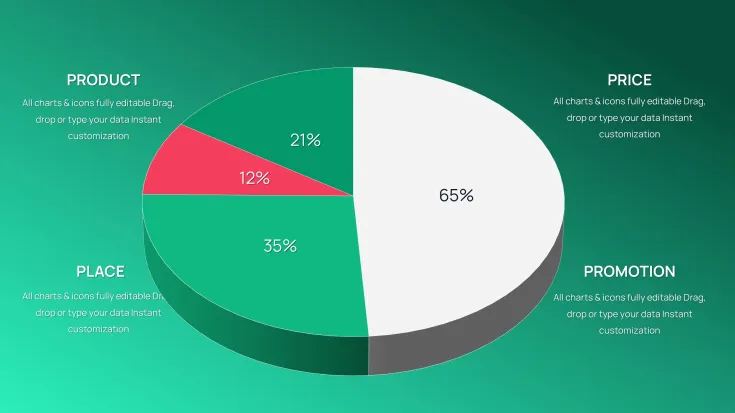
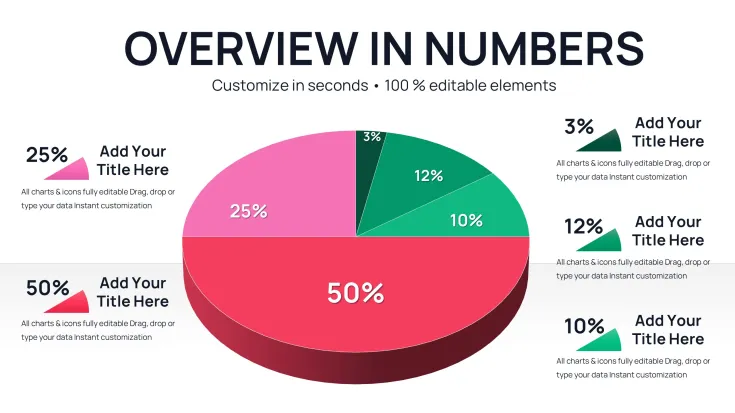
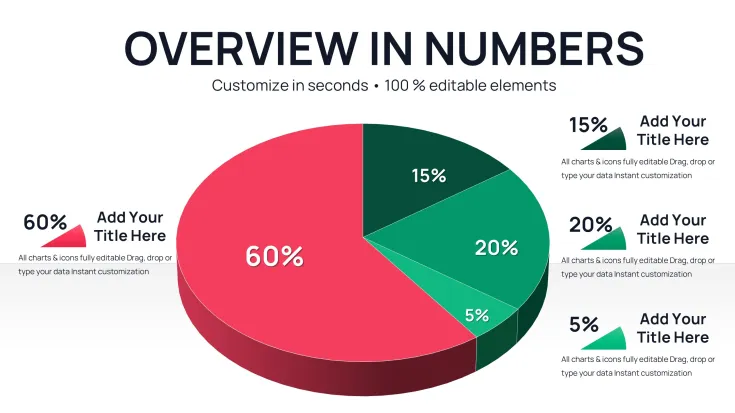
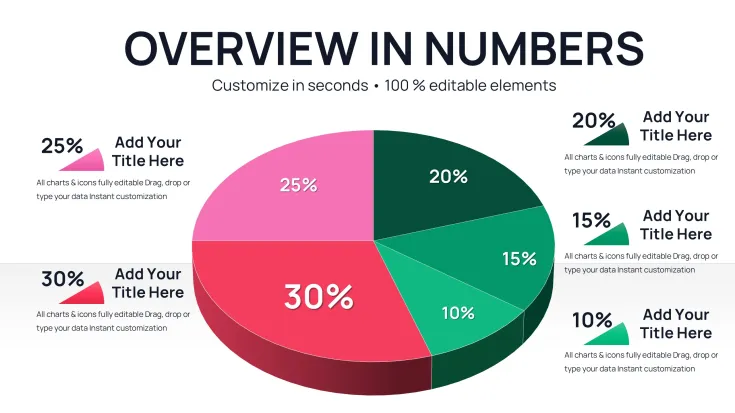
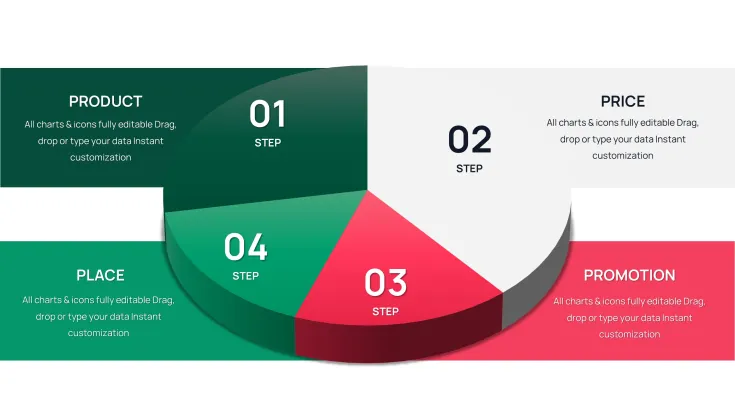
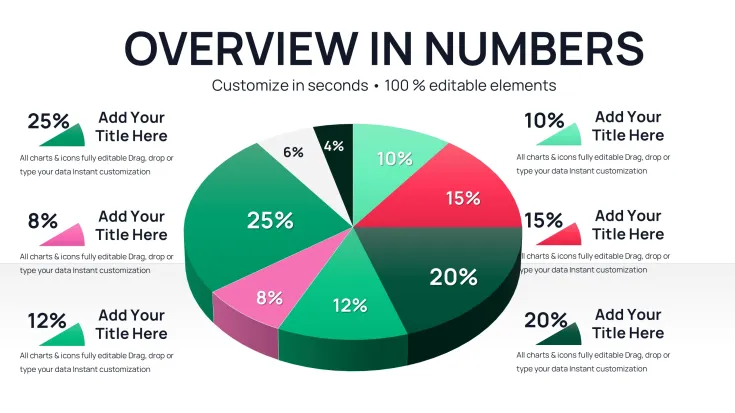
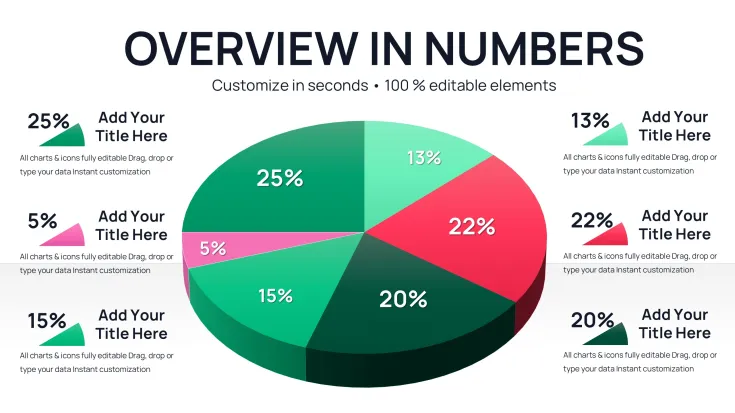
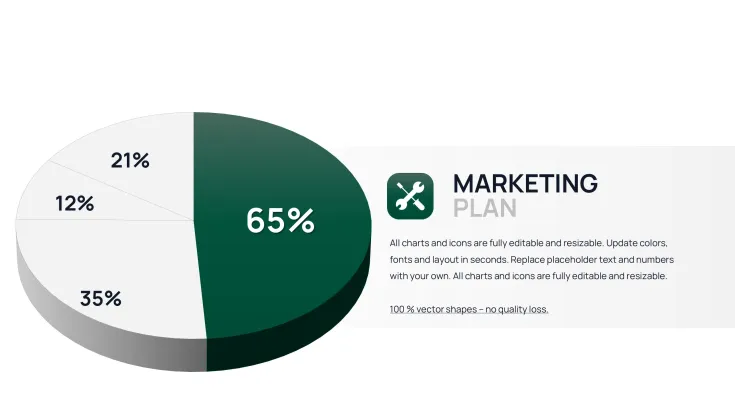
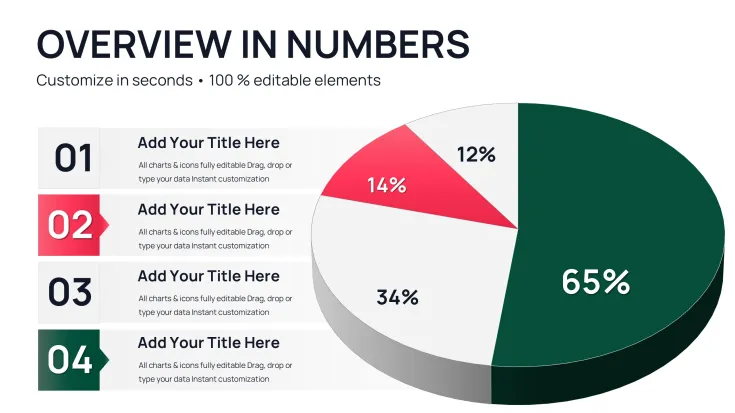
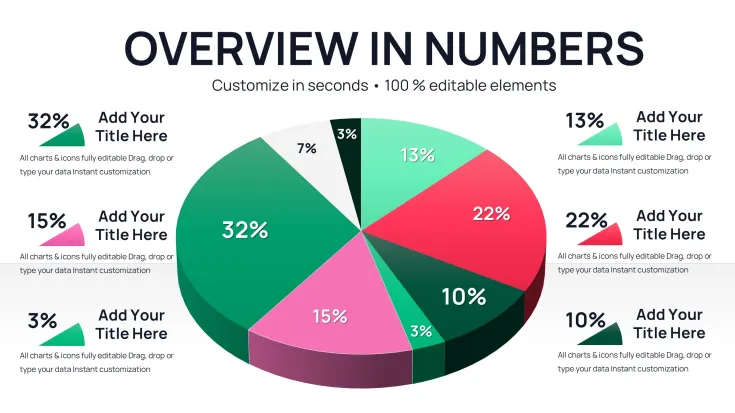
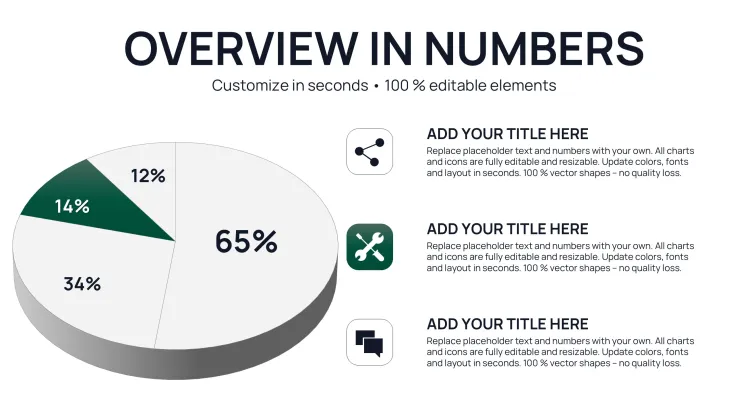
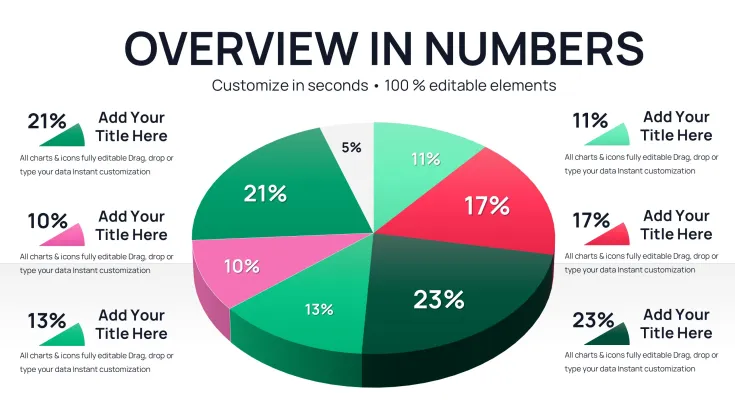
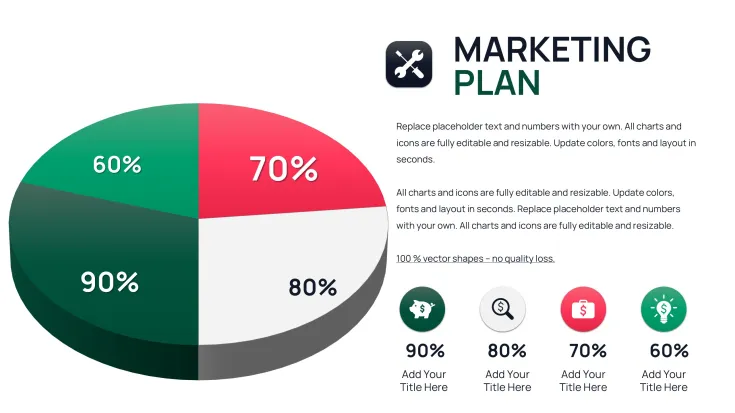
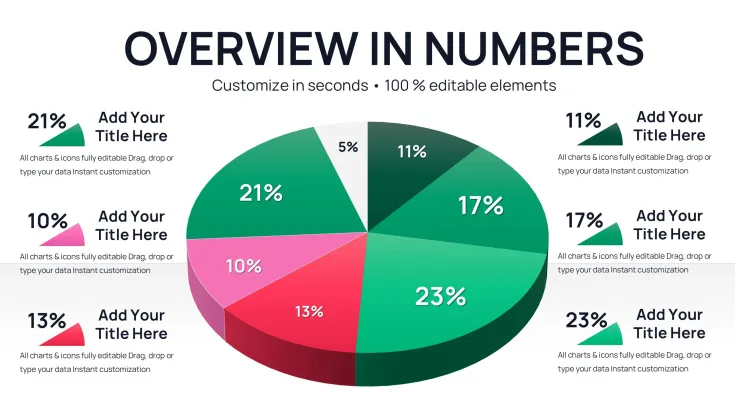
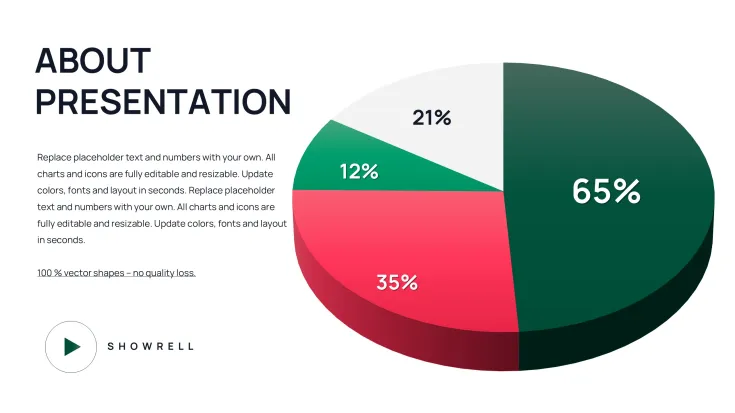
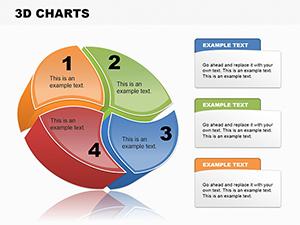
What is a 3-D pie chart template? A 3-D pie chart template is a PowerPoint diagram template that uses three-dimensional extrusion on slices to show proportions and parts of a whole.
34 Diagrams Across Multiple Layouts: Full Contents
34 editable slides arrive inside one PPTX file.
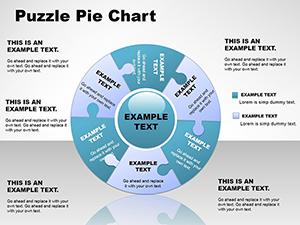
Single-series pies combine with multi-slice variants and labeled callout layouts to support every stage of data storytelling from high-level overview to granular breakdown.
The 3-D extrusion here sets the set apart from flat designs by giving immediate visual weight to larger slices before any label is read.
Editing Capabilities at a Glance
FeatureDetailsEditable shapesdiagram segments resize and recolor independentlyText placeholderslabels update without unlocking grouped elementsColor theme adjustmentscompatible with PowerPoint slide master paletteDiagram connectorsarrows and lines adjustable in direction and weightIcon layersicons replaceable without affecting layoutExport options.pptx for editing PDF for distributionReal Scenarios That Deliver Results
A financial analyst at a mid-size manufacturing firm needed to present quarterly revenue breakdown to the board.
She opened the 3-D pie template swapped the data labels adjusted two colors to match corporate branding and finished the entire slide set in 35 minutes.
Cut deck preparation from 3 hours to 45 minutes.
Download and start editing immediately
Customization in 5 Steps
- Open the .pptx file in PowerPoint 2016 or later (1 minute)
- Select any chart and choose Edit Data to replace values (3 minutes)
- Apply slide master color theme for global updates (2 minutes)
- Adjust individual slice extrusion depth or rotation if needed (4 minutes)
- Export as PDF or keep as native PPTX for the meeting (1 minute)
Beginner skill level.
Building From Scratch vs. Starting Here
Building equivalent 3-D pie charts manually takes 2-3 hours per slide for consistent extrusion angles alignment and label placement.
With this template the same result appears in under 10 minutes.
Manual work often produces inconsistent depth or misaligned legends that distract executives during live discussion.
The 3D extrusion in pie charts adds depth perception to slice proportions - viewers instantly grasp relative sizes before reading numbers critical in board meetings where time for data interpretation is limited.
Download and start editing immediately
For more pie chart options check the pie PowerPoint chart templates.
Teams that need similar proportion visuals can explore alternative chart configurations.
Consultants often combine these layouts with related chart collections for full decks.
Which PowerPoint versions does the template support?The template works in PowerPoint 2016 2019 2021 and Microsoft 365 on both Windows and Mac computers. All 3-D effects render correctly in these versions without any add-ins. Older versions may lose some extrusion depth but basic pie shapes remain fully editable. Always open the file in a supported version to preserve the complete layout.
How do I change the color scheme?Open the slide master view select the color palette and update the theme colors globally. Every chart updates instantly across all 34 slides. Individual slice overrides remain possible by selecting a single shape and applying a custom fill. The master approach saves time when aligning to brand guidelines.
What does the license allow?The license permits use in internal company presentations and paid client work. You may not resell or redistribute the original template files. One license covers one user or one team account depending on purchase tier. Contact support for enterprise multi-user options.
What is the difference between free and paid versions?The paid version provides the complete 34 editable slides with all 3-D effects and layouts. Free previews typically show only sample slides with watermarks or reduced functionality. Paid buyers receive full customization rights and future updates. The difference ensures professionals get production-ready files without limitations.
What is the refund policy?Refunds are available within 14 days if the file does not open or edit as described. You must provide proof of purchase and a description of the issue. Digital downloads are non-refundable after successful use or customization. The policy protects both buyers and the creator.
How do I update chart data?Select any 3-D pie chart right-click and choose Edit Data. The embedded Excel sheet opens replace the numbers and close the sheet. All labels legends and slices update automatically. Repeat for every slide that needs new figures. The process takes seconds per chart.
How do I export the final deck?Go to File Export and choose PDF or keep the native PPTX format. PDF preserves 3-D effects for sharing while PPTX keeps full editability for the presenter. Both formats maintain color accuracy and layout integrity across devices.
Good for
- Project roadmaps and sprint plans
- Product launch timelines
- Quarterly or annual review decks
- Company history and milestone summaries
Licence
reviews
34 editable 3D pie slides helped our revenue breakdown look polished for manufacturing board. Data edit was quick, extrusion adds nice depth. Finished in 35 minutes.
Customization steps are straightforward even for beginners. Consistent layouts across the deck. Great for proportion visuals in strategy sessions.
The center callouts and labels integrate cleanly. Used for quarterly analysis - executives appreciated clarity. Good cross-platform support.
Practical template that avoids common alignment issues. Rotation angles stay professional. Worth it for frequent presenters.
Slightly advanced editing for full customization but results justify it. Helped differentiate our pitch.
Reliable 3D effects in PowerPoint 2016+. Small segments remain legible. Solid addition to chart library.
FAQ
Will it work in Google Slides?
Are fonts embedded?
Can I use this for client work?
What's the refund policy?
Do you update the template after purchase?
Similar templates
See all PowerPoint Charts →
All 34 slides