 Click to zoom
3D Matrix Puzzle PowerPoint Charts Template Pro
| Format | .pptx |
| Slides | 36 unique layouts |
| Aspect ratio | 16:9 |
| Compatibility | PowerPoint |
| Animated | No |
| Language | English |
| License | Commercial |
| File size | — |
| Version | v1.0 |
| Last updated | June 2024 |
What's inside
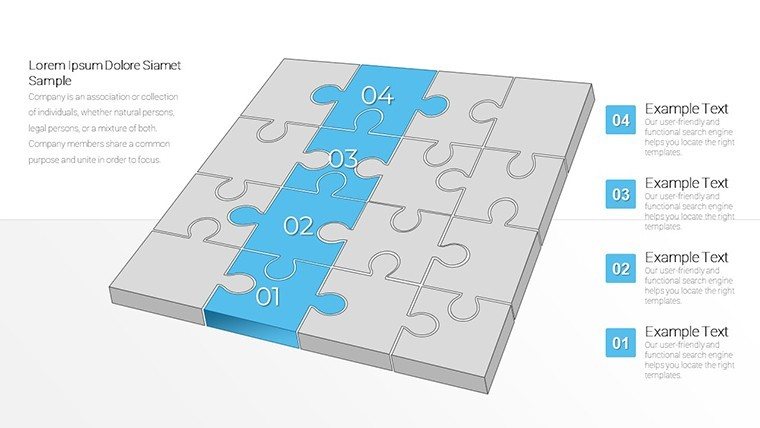
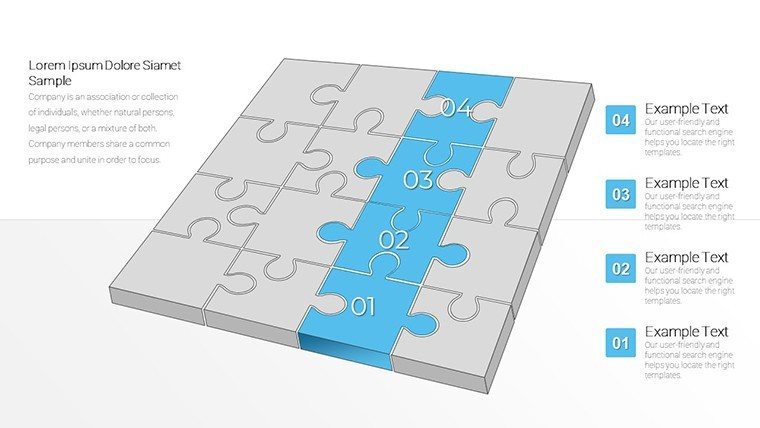
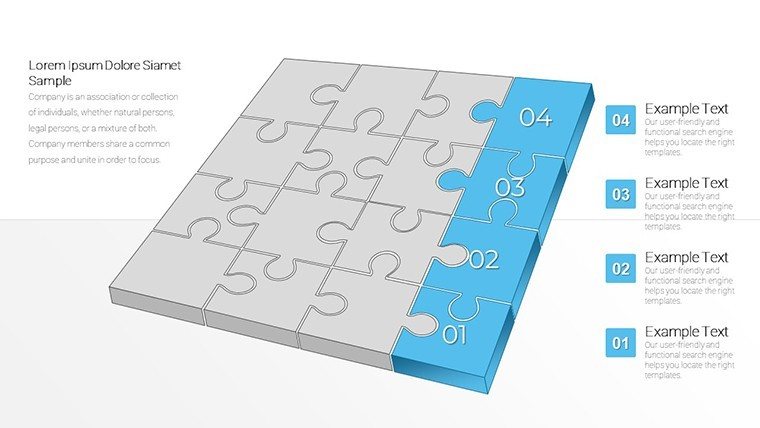
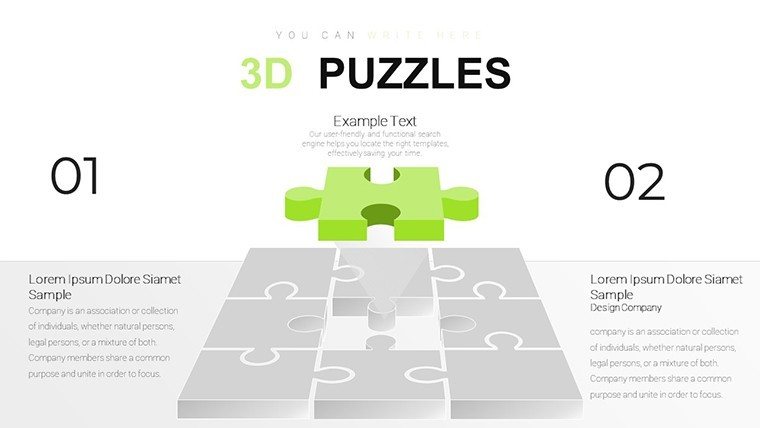
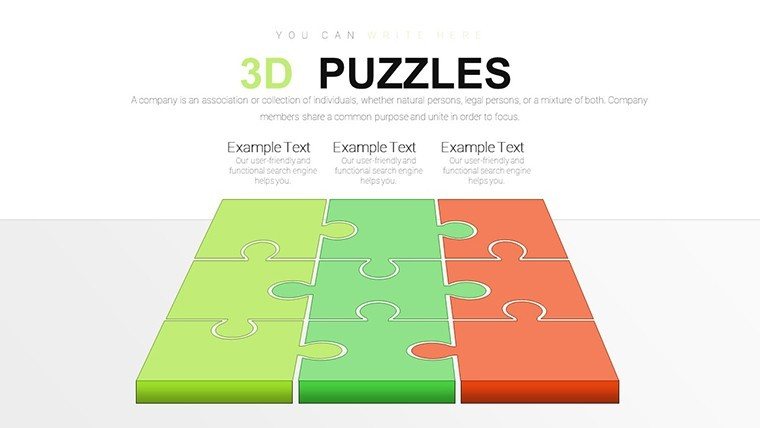
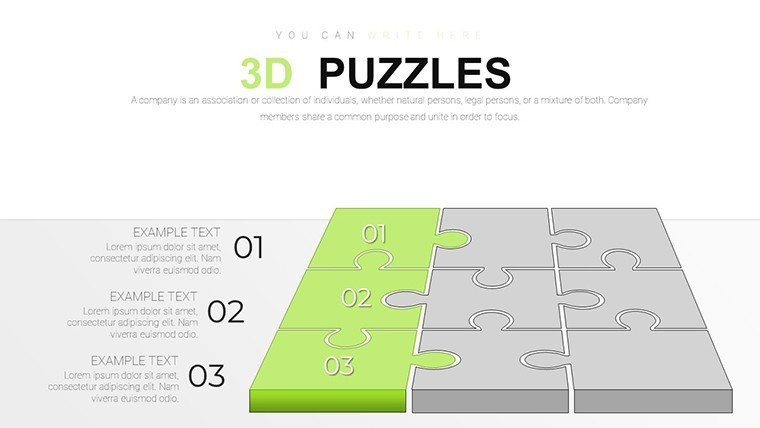
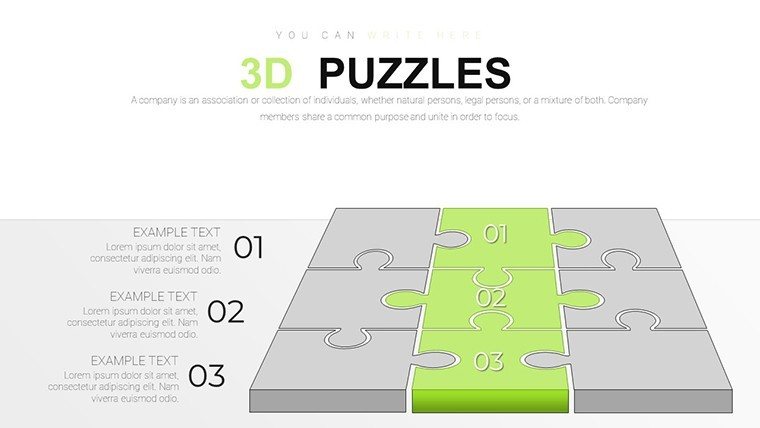
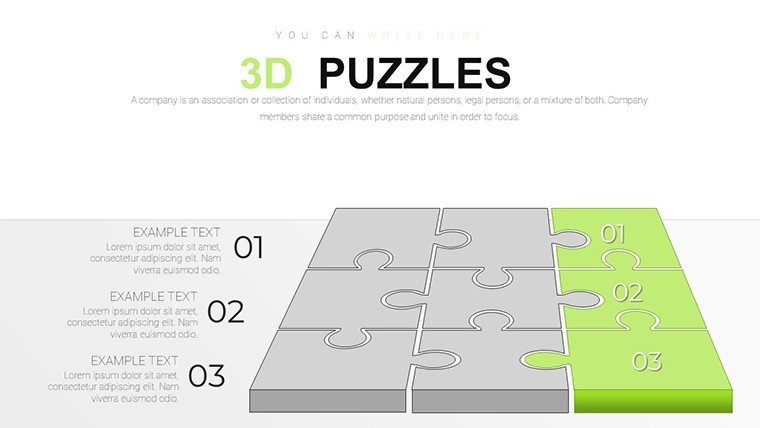
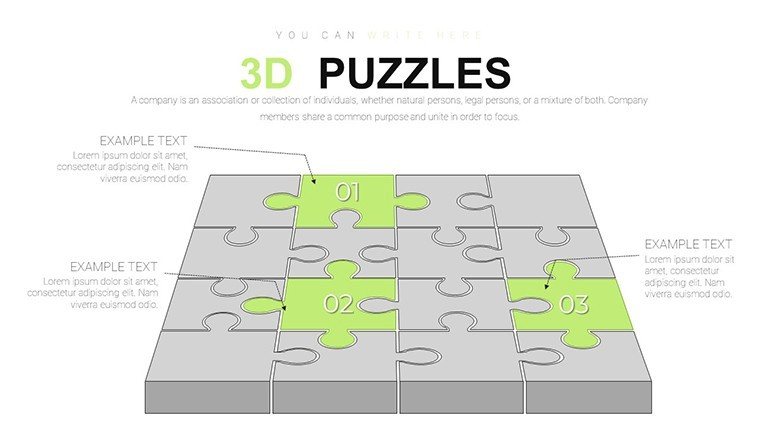
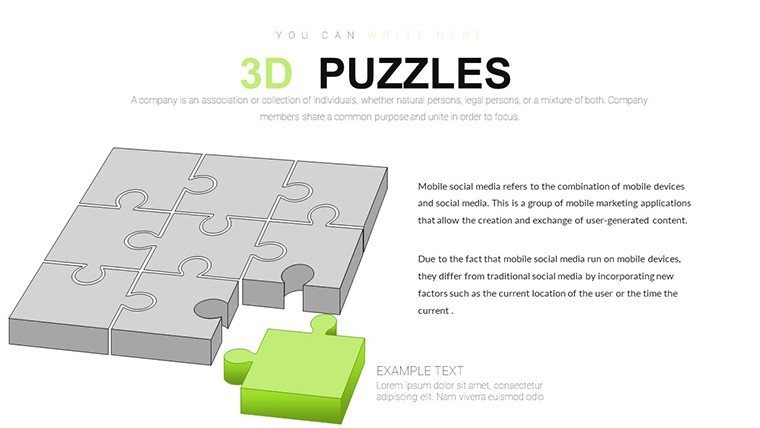
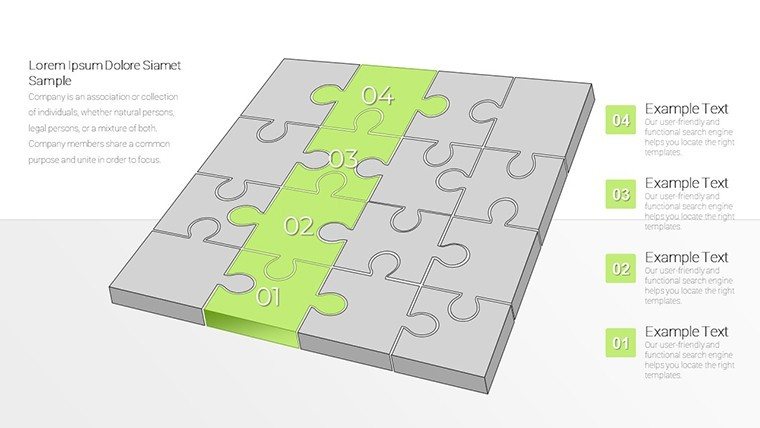
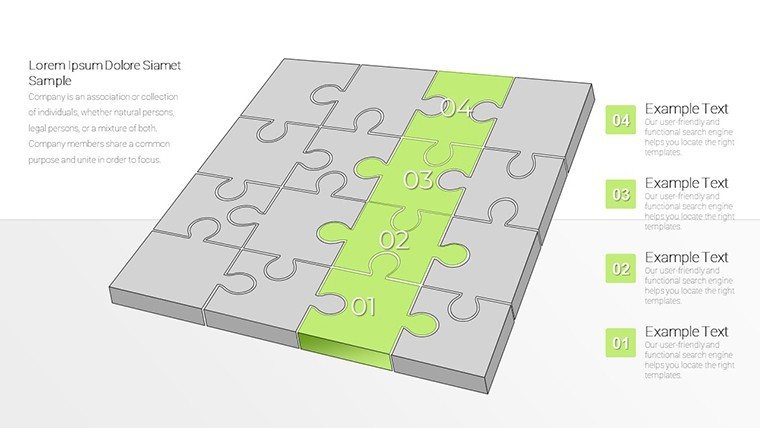
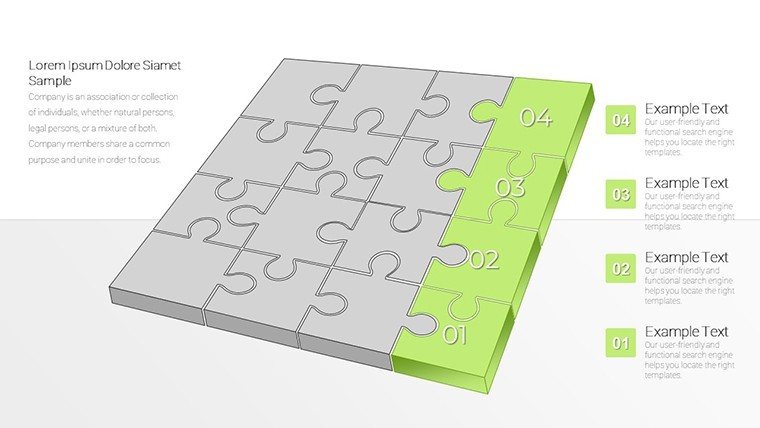
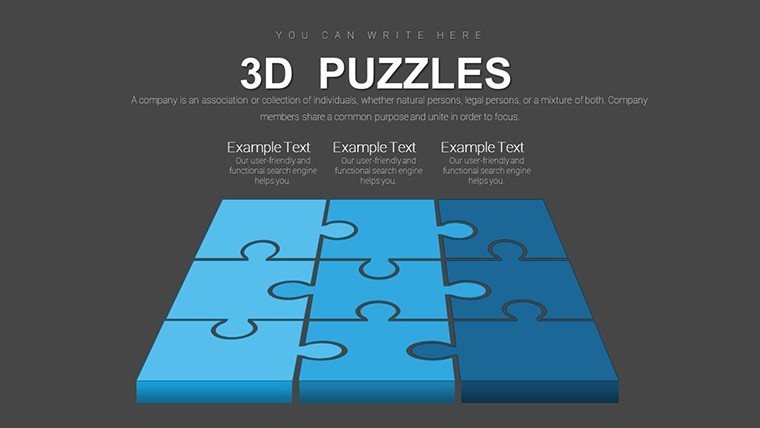
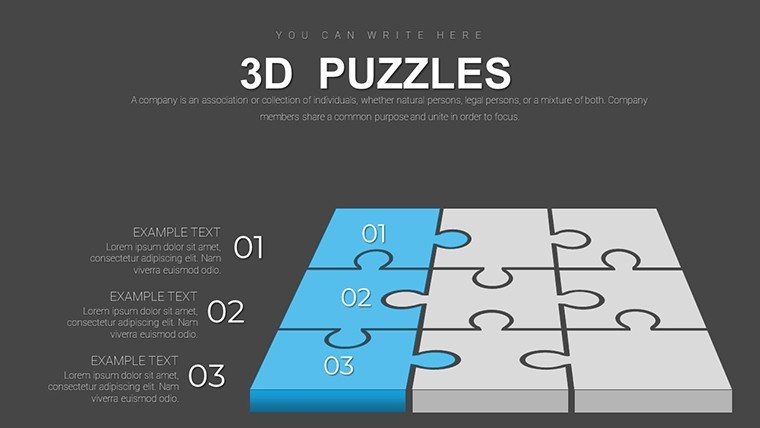
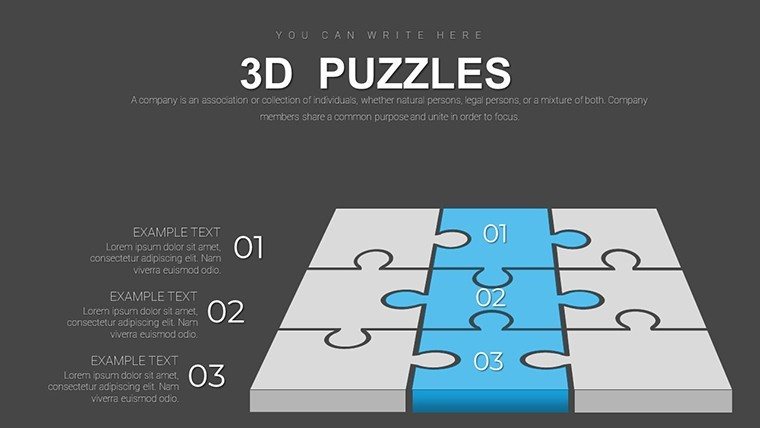
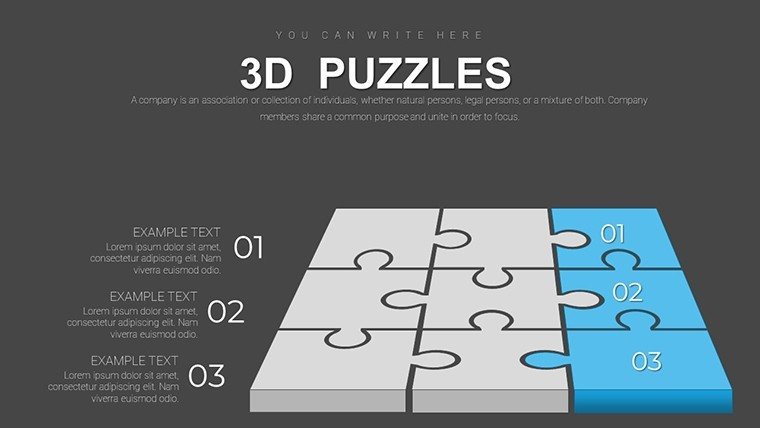
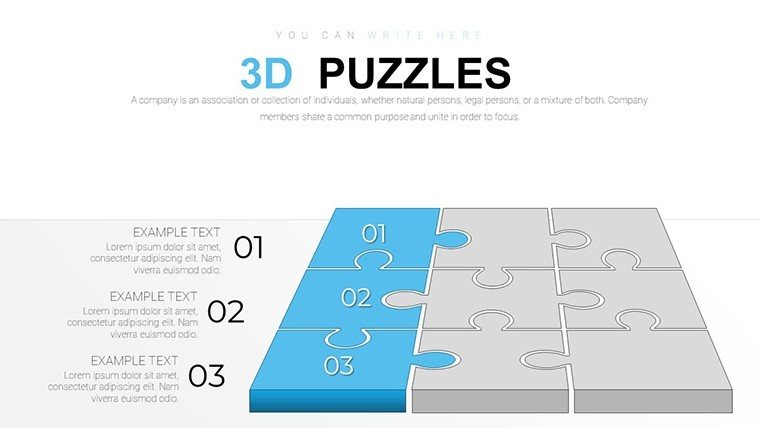
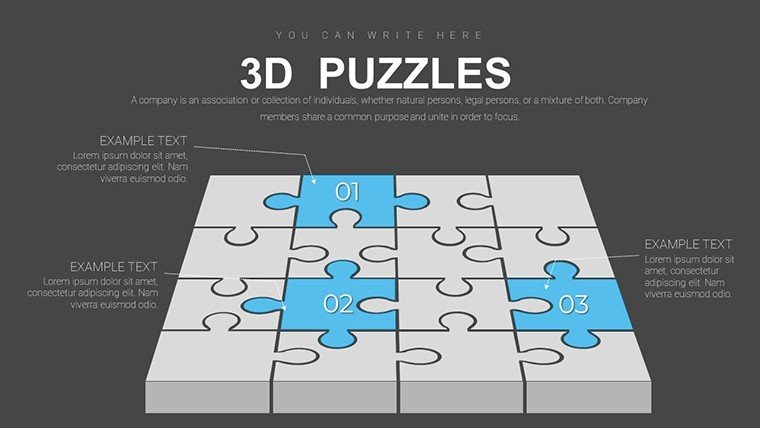
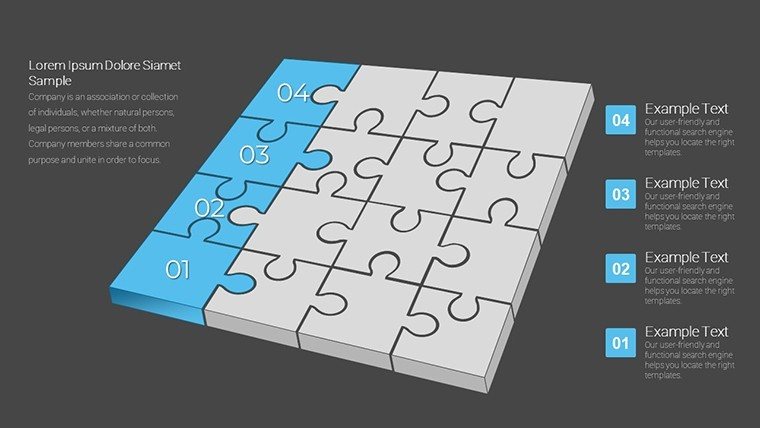
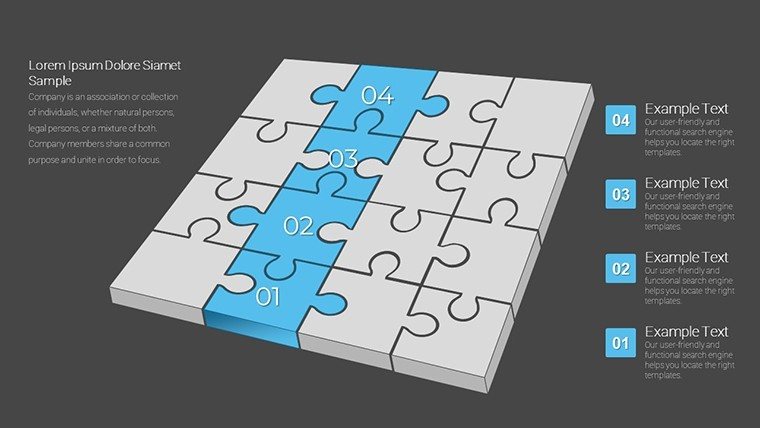
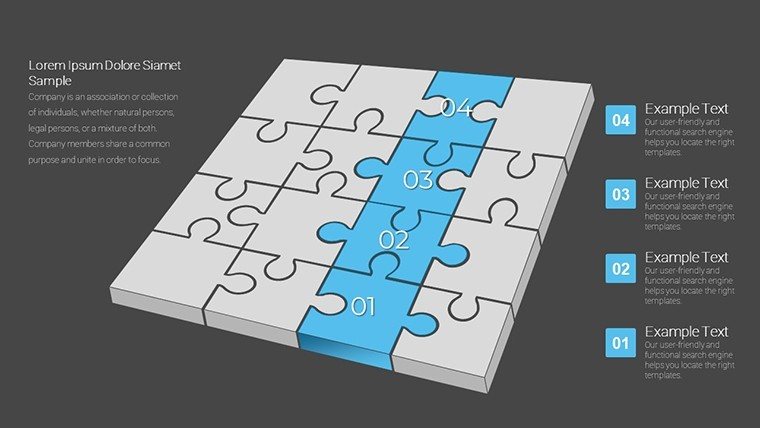
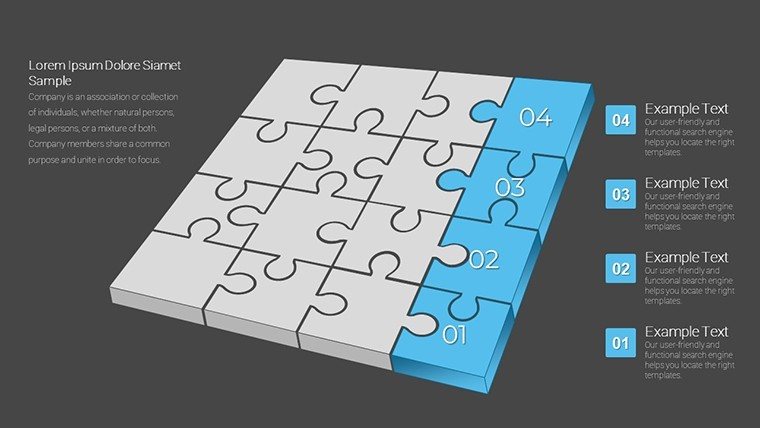
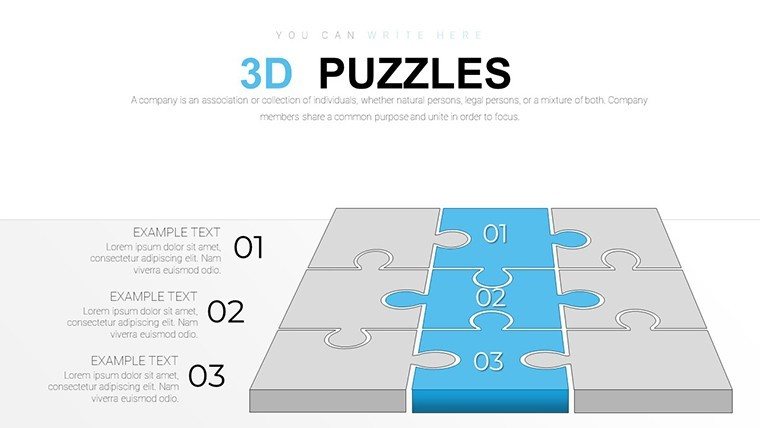
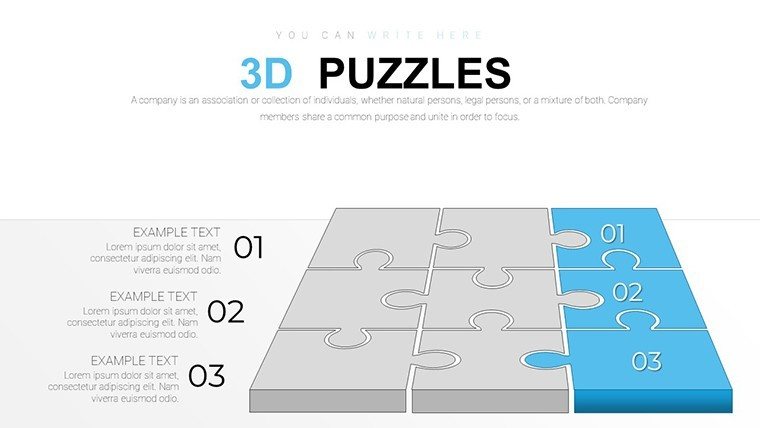
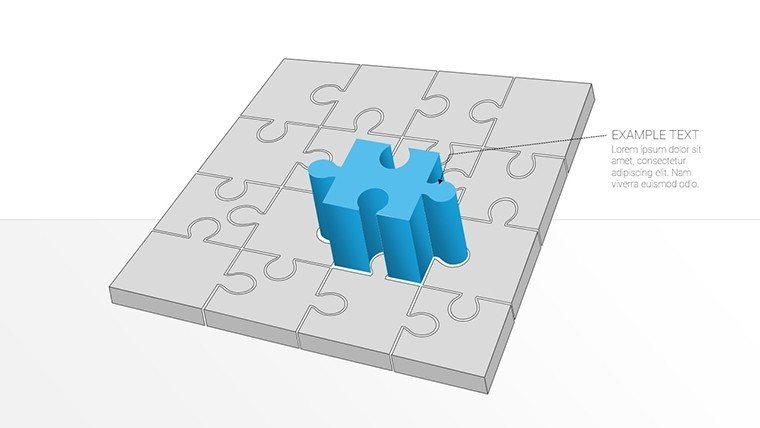
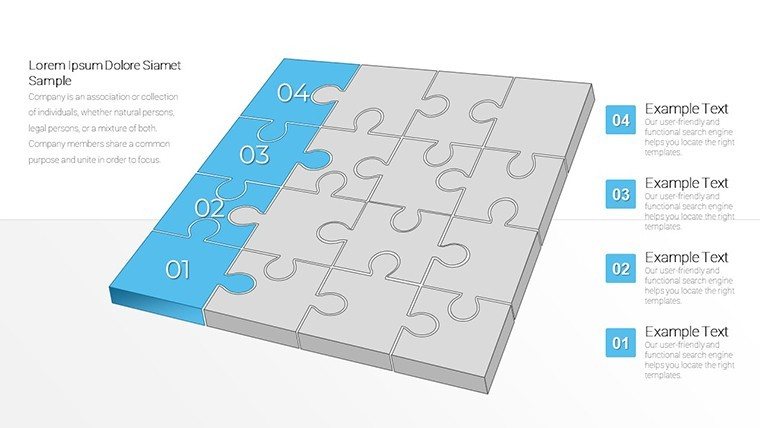
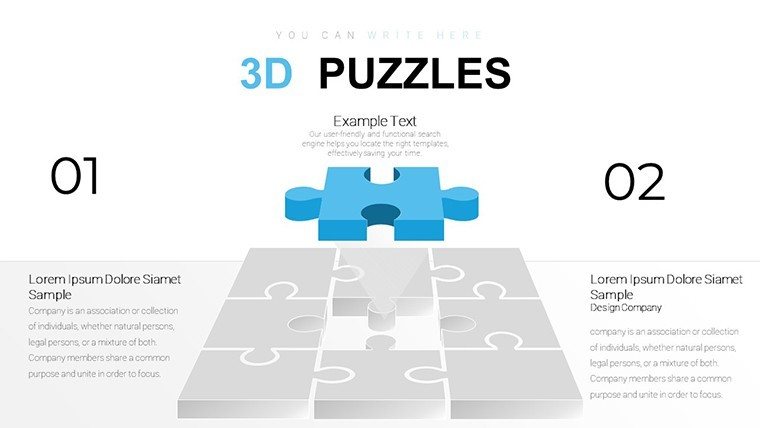
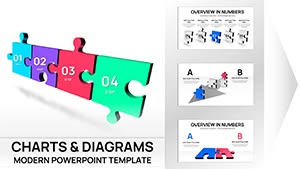
Step into a realm where data doesn't just inform but immerses, with our 3D Matrix Puzzle PowerPoint Charts Template. Boasting 36 editable slides, this innovative tool harnesses the intrigue of puzzle pieces in three dimensions to dissect complex ideas into captivating visuals. Perfect for consultants unraveling strategic frameworks or educators breaking down theoretical models, it turns abstract concepts into tangible, interactive experiences. Imagine assembling a matrix that rotates to reveal hidden layers of information, much like architectural 3D models used in AIA-compliant designs, allowing audiences to grasp multifaceted data at a glance. This template addresses the common frustration of flat, uninspiring charts by infusing depth and motion, drawing from animation principles seen in high-stakes pitches at events like SXSW. Whether mapping market segments or illustrating process flows, it empowers you to craft narratives that stick, fostering deeper connections and driving home your expertise with authoritative flair.
Harnessing 3D Dynamics for Compelling Narratives
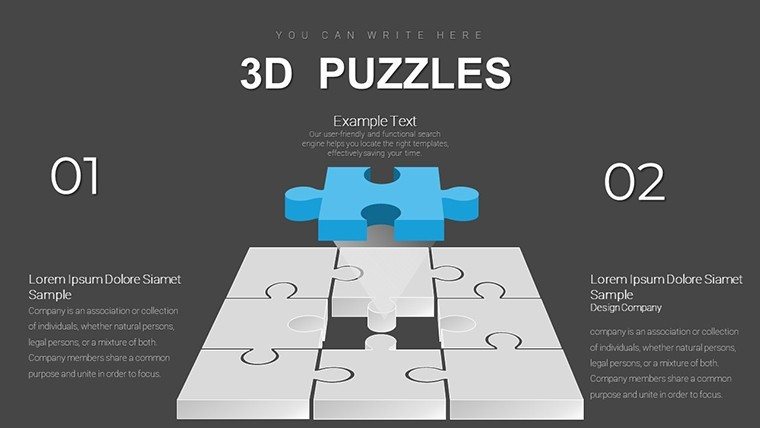
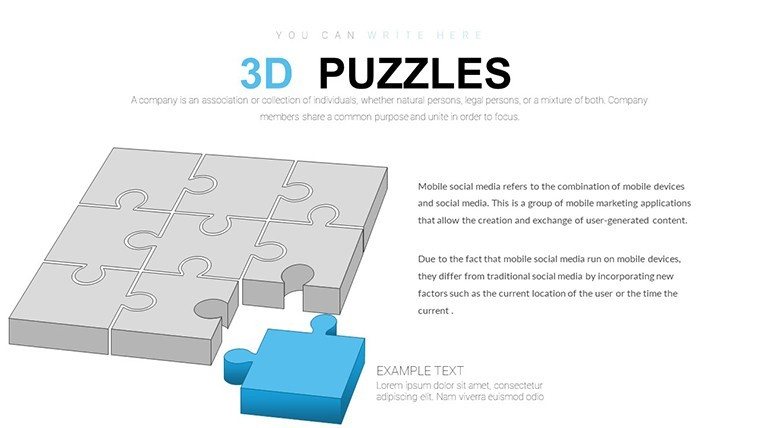
The essence of this template is its 3D puzzle mechanics, where elements interlock to form matrices that can be manipulated during presentations. This interactivity is invaluable for sales teams demonstrating product ecosystems, as puzzles can 'unlock' benefits step-by-step, keeping prospects hooked.
Standout Features That Captivate
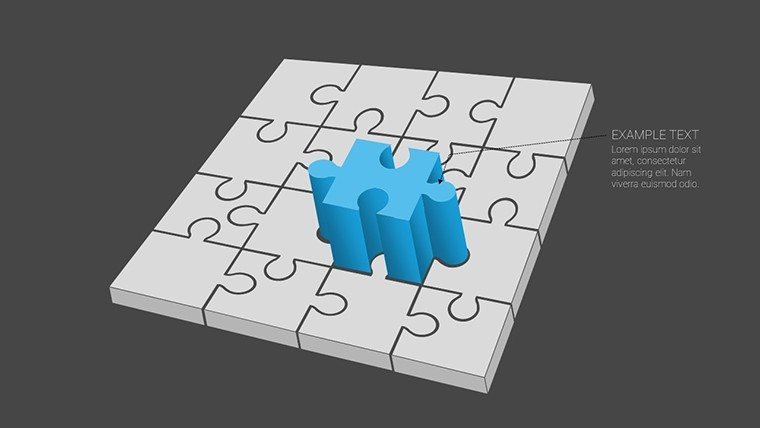
- Immersive 3D Visuals: Rotate and zoom into puzzle matrices for multi-angle views, enhancing comprehension of layered data.
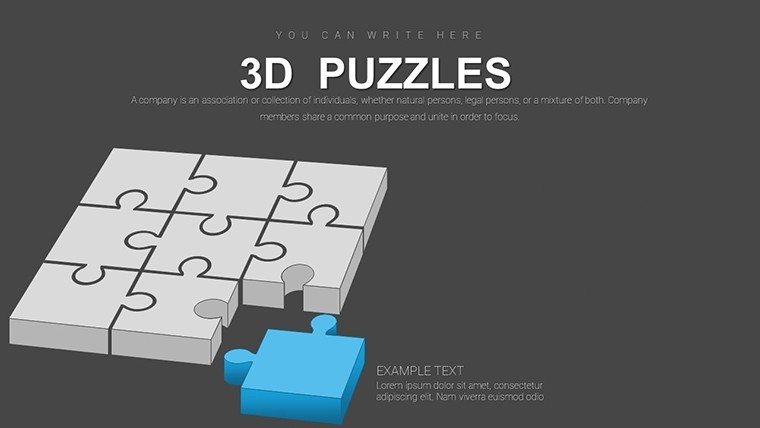
- Smooth Animations: Transitions that build puzzles piece by piece, guiding attention and improving retention.
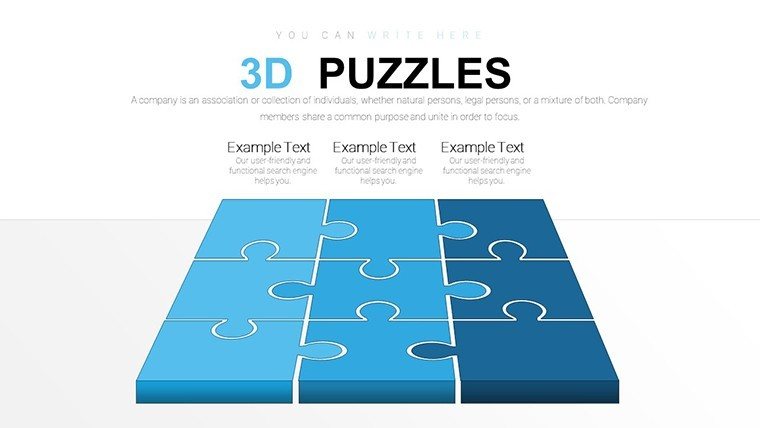
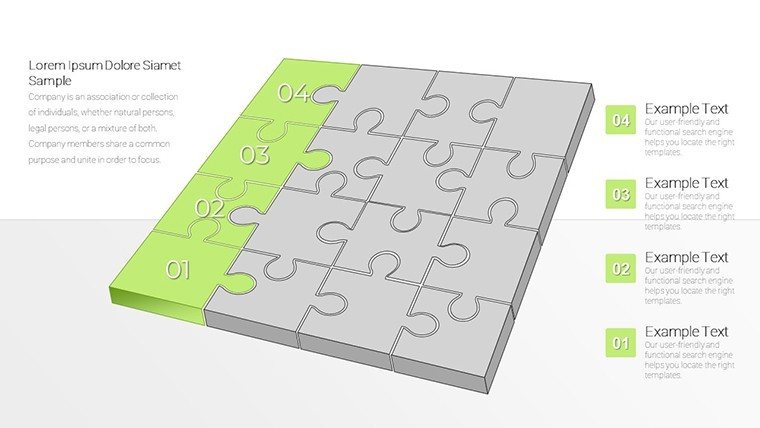
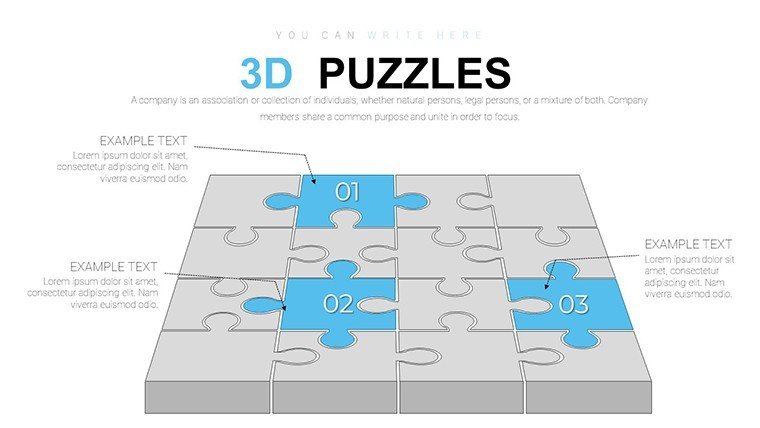
- Customizable Matrices: Adjust sizes, colors, and labels to fit any dataset, from SWOT analyses to risk assessments.
- Versatile Applications: Suited for reports, pitches, and trainings across industries.
- Ease of Use: Intuitive controls for quick edits, no 3D modeling software needed.
Inspired by case studies from design firms like IDEO, where 3D visuals boosted client buy-in by 40%, this template establishes your authoritativeness in visual communication.
Industry-Specific Scenarios Brought to Life
For financial analysts, deploy 3D matrices to visualize portfolio diversifications, with puzzles representing asset classes that interconnect. In education, teachers can puzzle together historical timelines, making lessons interactive and memorable. Consultants might use it for organizational charts, revealing hierarchies in a fun, puzzle-solving format.
Practical Implementation Guide
- Select Your Base: Choose from pre-built matrix slides tailored to your topic.
- Populate with Data: Insert values into puzzle segments, watching 3D renders update automatically.
- Animate Strategically: Set sequences to reveal insights progressively, building suspense.
- Test Interactivity: Simulate audience interactions to ensure smooth flow.
- Refine for Impact: Incorporate feedback loops for iterative improvements.
These methods, aligned with storytelling frameworks from experts like Nancy Duarte, ensure your presentations are not only informative but transformative.
Surpassing Conventional Chart Limitations
Basic PowerPoint tools offer 2D grids, but our 3D puzzles add depth - literally - allowing for volumetric data representation that's absent in standards. With 36 slides including variations like 2x2 to 5x5 matrices, it provides scalability for any complexity, outpacing generics in engagement and signals through sophisticated, trustworthy designs.
Innovative Tips to Amplify Your Puzzles
Apply shading techniques from 3D rendering pros to create realistic depth, per Autodesk guidelines. Embed hyperlinks within puzzle pieces for drill-down details. For sales, use color gradients to denote priority levels; in reports, integrate with data from tools like Tableau for hybrid prowess. These hacks, culled from workshop experiences, elevate your template from tool to triumph.
In conclusion, the 3D Matrix Puzzle PowerPoint Charts Template is your gateway to presentations that puzzle and please in equal measure. It weaves complexity into clarity, turning viewers into active participants. Unleash this dimensional dynamo - download and piece together success today.
Frequently Asked Questions
How do the 3D puzzles enhance presentations?They add depth and interactivity, making complex data engaging and easier to understand through visual manipulation.Is animation customization possible?Yes, tweak speeds, sequences, and effects to fit your narrative style.Can this work in Google Slides?Absolutely, though some advanced 3D features may require PowerPoint for full fidelity.What data types suit matrix puzzles?Ideal for categorical comparisons, like strategies, risks, or organizational structures.Are there export options for non-PowerPoint use?Export to video or images, preserving 3D views for broader sharing.How to handle large datasets?Use layered puzzles to segment data, avoiding overload on single slides.Good for
- Project roadmaps and sprint plans
- Product launch timelines
- Quarterly or annual review decks
- Company history and milestone summaries
Licence
reviews
Finished my internship report faster because most of the structure was already there.
Not perfect but way better than building charts manually at midnight.
Pretty decent template for monthly KPI slides.
I only needed the bar charts and icons so I deleted half the pages.
The colors were a bit loud at first but easy enough to change.
FAQ
Will it work in Google Slides?
Are fonts embedded?
Can I use this for client work?
What's the refund policy?
Do you update the template after purchase?
Similar templates
See all PowerPoint Charts →

All 36 slides