 Click to zoom
12 Education Keynote Diagrams - Fully Editable | ImagineLayout
| Format | .pptx |
| Slides | 12 unique layouts |
| Aspect ratio | 16:9 |
| Compatibility | PowerPoint |
| Animated | No |
| Language | English |
| License | Commercial |
| File size | — |
| Version | v1.0 |
| Last updated | March 2026 |
What's inside
X Diagrams Across Y Layouts: Full Contents
12 diagrams load in the KEY file. Historical timelines occupy multiple slides. Scientific process visuals fill others. Engagement icons integrate throughout. Silhouette layouts enhance people-focused sections.
Diagrams group into thematic clusters for complete lesson flow. Visual hierarchy guides student attention across the deck.
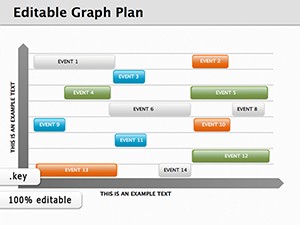
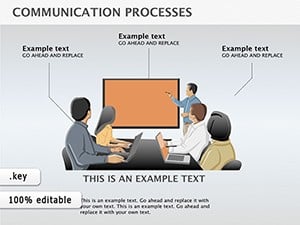
Silhouette style with zone segmentation separates this from graph plans. It excels in academic lectures because abstract concepts gain clarity over curve models. Paid version supplies twelve core editable slides with masters while the full set reaches fifty-nine.
Key Specifications
FeatureDetailsDiagrams included12 with people silhouettesDiagram categoriestimelines processes and ecosystemsEditable elementsshapes text icon layersAspect ratio16:9 standardKeynote compatibilityversion 12 and laterColor schemesmaster palette updatesText placeholders update freely. Icons replace without disruption. PDF export distributes easily.
From Download to Final Deck
Step 1 - Open the .key file in Keynote 12 or later (1 minute). Step 2 - Replace placeholder text with your content (3 minutes). Step 3 - Apply brand colors through the master slide palette (2 minutes). Step 4 - Edit diagram labels and connectors (4 minutes). Step 5 - Export as .key or PDF (1 minute).
Editing difficulty stays moderate. Educators handle updates quickly. Trainers refine silhouettes for custom fit.
Typical Use Cases by Role
Educators in K-12 schools build daily lessons. They swap timelines and reuse across five classes. Preparation falls from three hours to forty-five minutes. University professors in STEM prepare seminars. The outcome keeps students engaged in four consecutive sessions.
Corporate trainers in HR develop workshops. They adapt processes for three client groups. Results boost comprehension rates.
Download the template now and engage your learners faster.
Building From Scratch vs. Starting Here
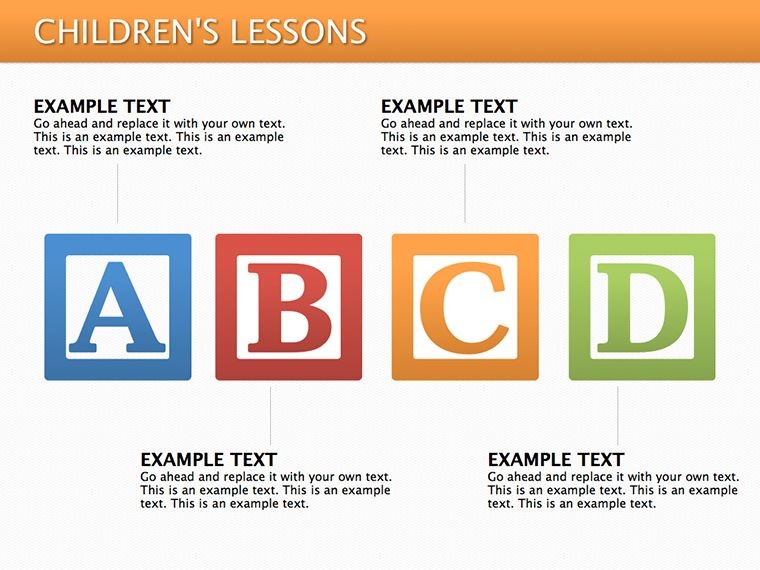
Manual creation of fifty-nine diagrams takes six hours and high skill. Labels inside shapes blur on projectors. This layout uses external labels with thin lines. Colors segment zones for hierarchy. The method reduces editing time without sacrificing clarity.
Get the template and save design time today.
Which Keynote versions does this template support?The template opens in Keynote 12 and all later releases on macOS. Earlier versions may lose some shape effects or color adjustments. Test the file immediately after download. Reach support with your exact version number if issues appear.
How do I change the color scheme?Open the slide master view in Keynote. Select the master slide that holds the color palette. Update the theme colors there. All diagrams update automatically across the slides. Save and close the master to apply changes everywhere.
What does the license allow?You may use the diagrams in paid client work and internal company presentations. Internal training sessions also qualify. Resale of the file or sublicensing remains prohibited. Redistribution as standalone assets violates the terms.
Are free and paid versions different?The page lists the paid version at ten dollars. It includes twelve core editable slides plus masters. The full set reaches fifty-nine diagrams. Purchase grants immediate full access.
What file format opens the template?The single KEY file opens directly in Keynote. PDF export serves distribution needs. No other formats ship with the download. Keynote handles all editing and export tasks.
Does the template support animations?No built-in animations ship with the diagrams. You can add custom animations inside Keynote after opening the file. Remove or modify any added effects freely. The base layout stays clean without them.
Good for
- Project roadmaps and sprint plans
- Product launch timelines
- Quarterly or annual review decks
- Company history and milestone summaries
Licence
reviews
Used this for a quick school presentation and the arrow slides saved me a lot of time.
The layout was simple enough to edit during my lunch break at work.
Some charts needed resizing in Keynote but overall it worked fine for my report.
I liked the darker colors in this one because my text was easier to read.
Downloaded it at 1am before class and honestly it looked better than what I usually make.
FAQ
Will it work in Google Slides?
Are fonts embedded?
Can I use this for client work?
What's the refund policy?
Do you update the template after purchase?
Similar templates
See all Keynote Diagrams →

All 12 slides