 Click to zoom
Winners Podium Silhouettes: Spotlight Architectural Victories in Keynote
| Format | .pptx |
| Slides | 20 unique layouts |
| Aspect ratio | 16:9 |
| Compatibility | PowerPoint |
| Animated | No |
| Language | English |
| License | Commercial |
| File size | — |
| Version | v1.0 |
| Last updated | September 2021 |
What's inside
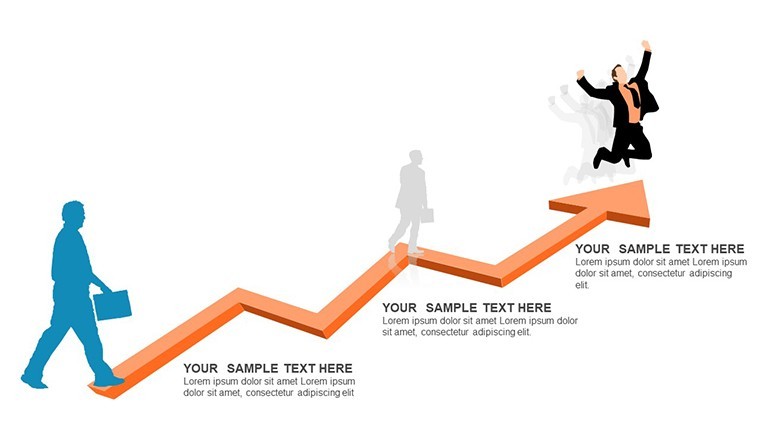
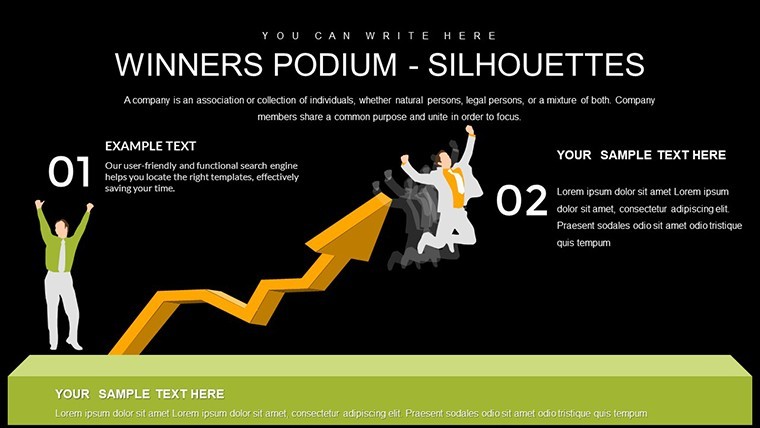
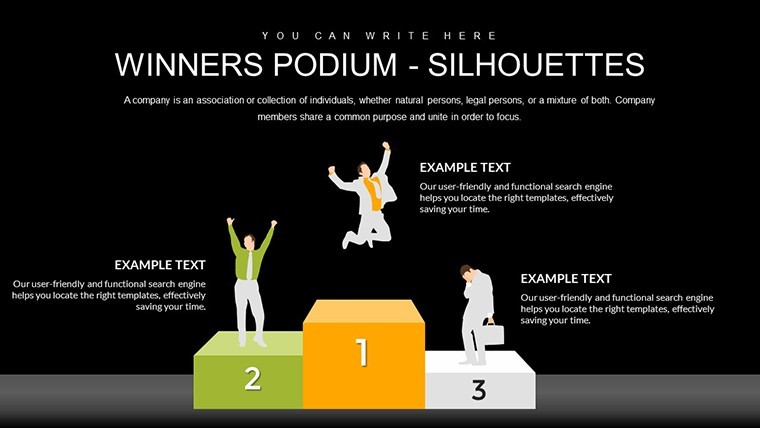
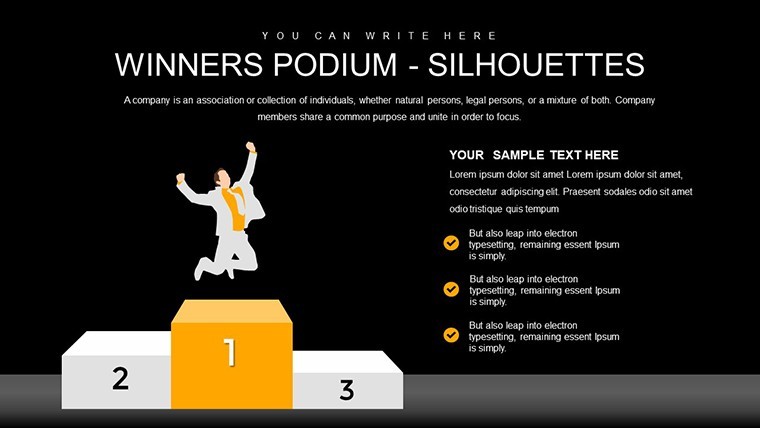
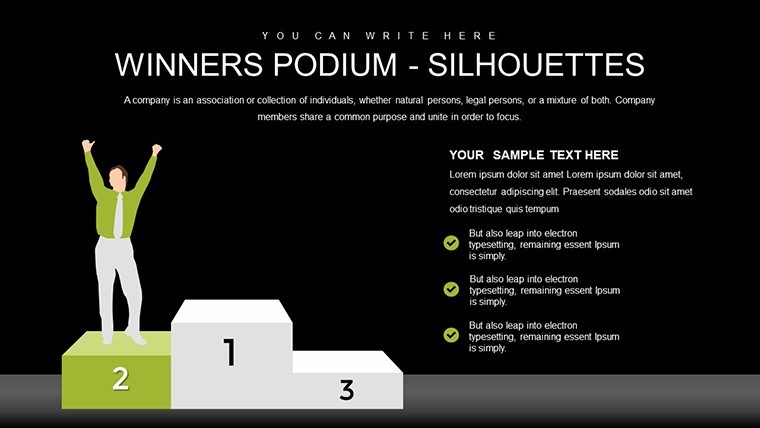
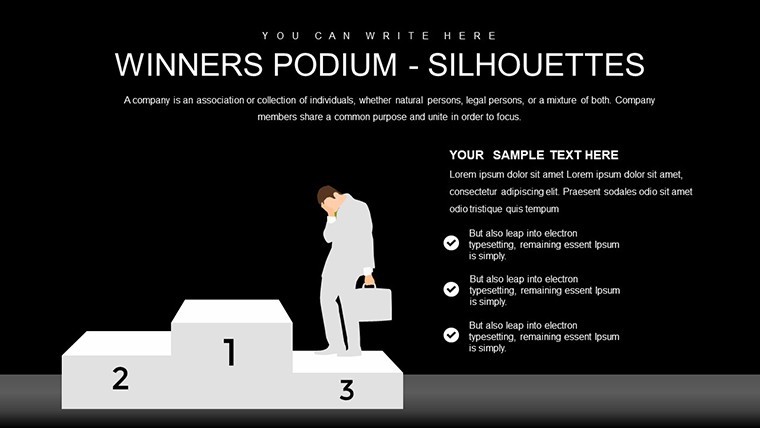
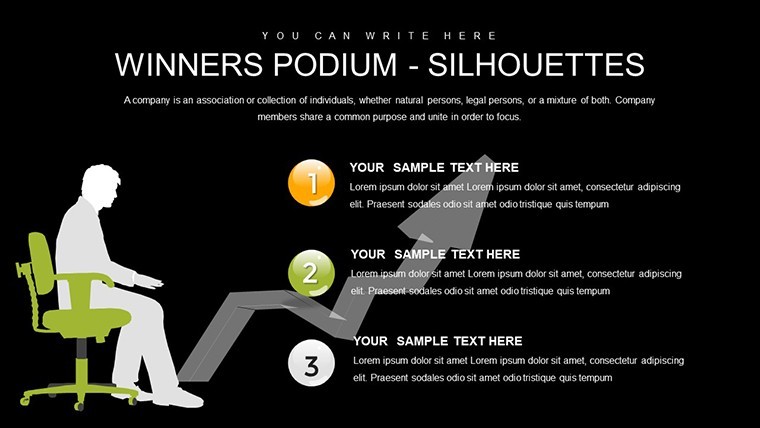
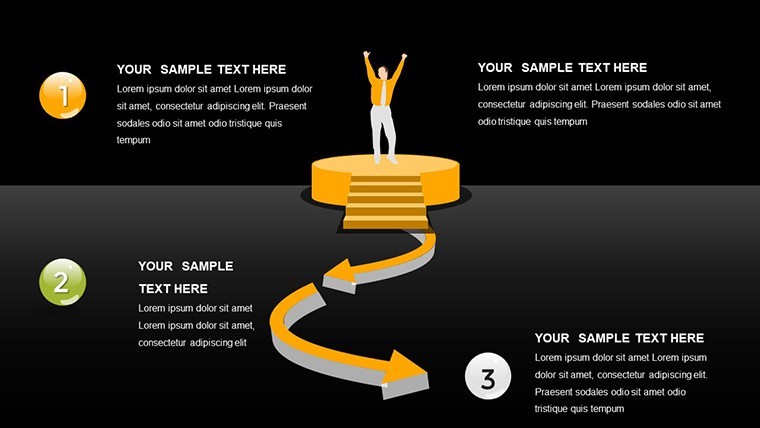
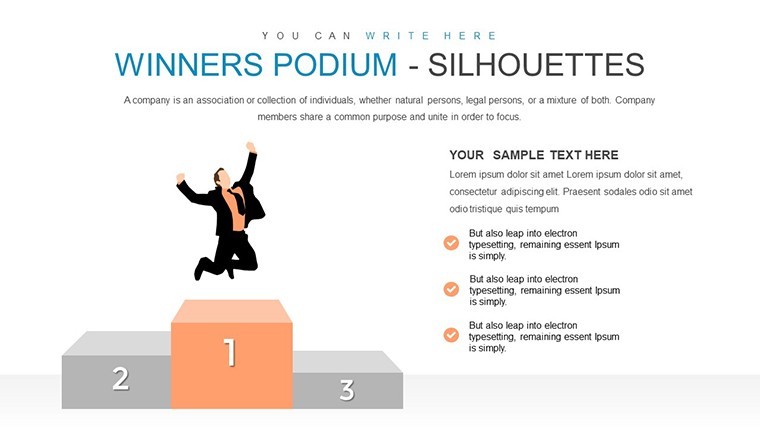
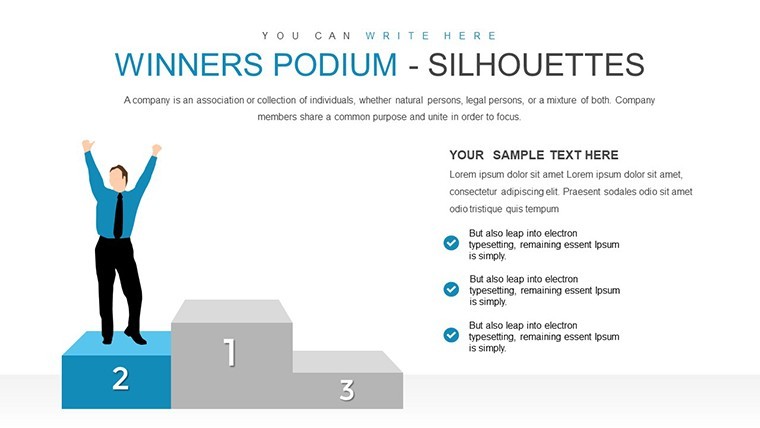
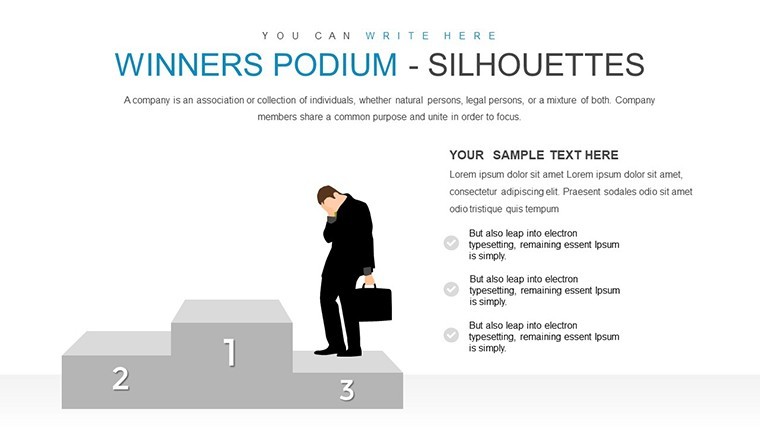
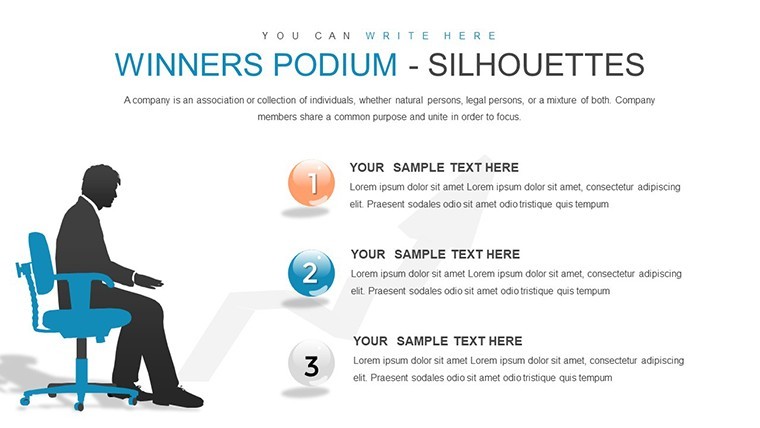
Picture this: You're wrapping up a major architectural project, and it's time to rally your team or impress stakeholders with a presentation that doesn't just list accomplishments but visually crowns them. Our Winners Podium Silhouettes Keynote chart template brings that vision to life with 20 editable slides designed to emphasize motivation and achievement. Tailored for architecture firms that value their people as the cornerstone of innovation - echoing the sentiment that human capital yields the highest ROI - this template uses striking silhouettes to represent podium standings, perfect for highlighting award-winning designs or team milestones. Aligned with AIA's focus on ethical practices and team excellence, it transforms routine updates into motivational masterpieces, fostering a culture of recognition in your practice.
Capturing the Essence of Motivation Through Visual Storytelling
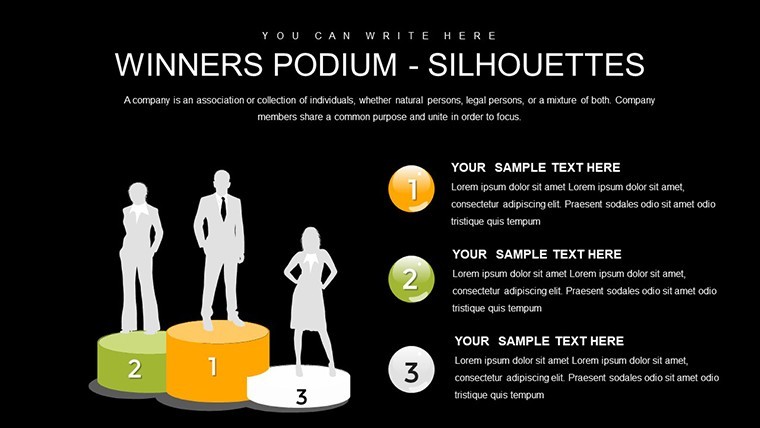
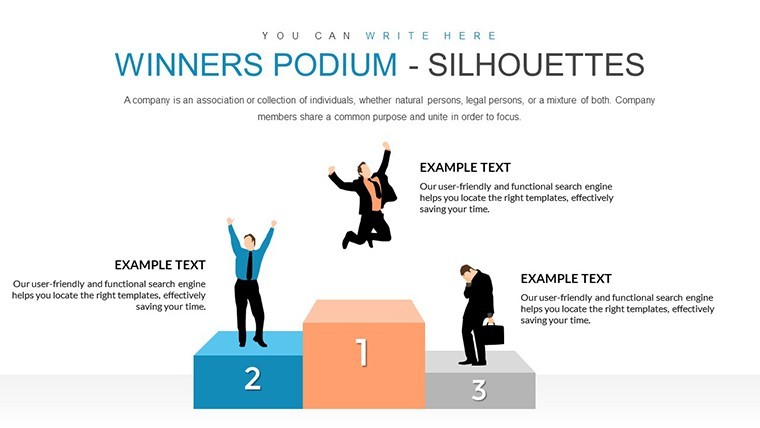
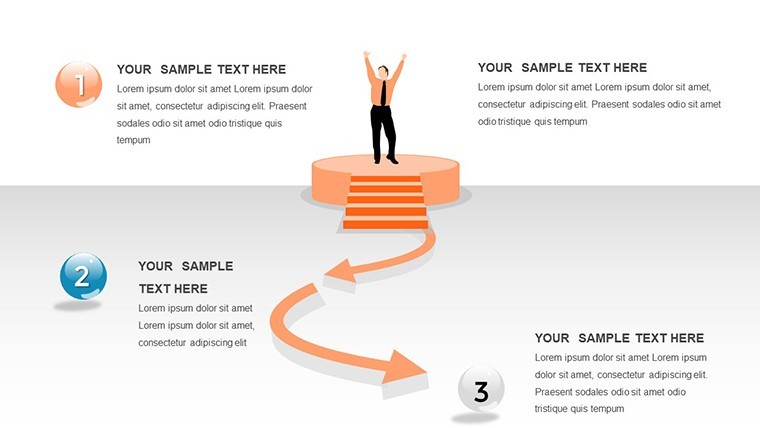
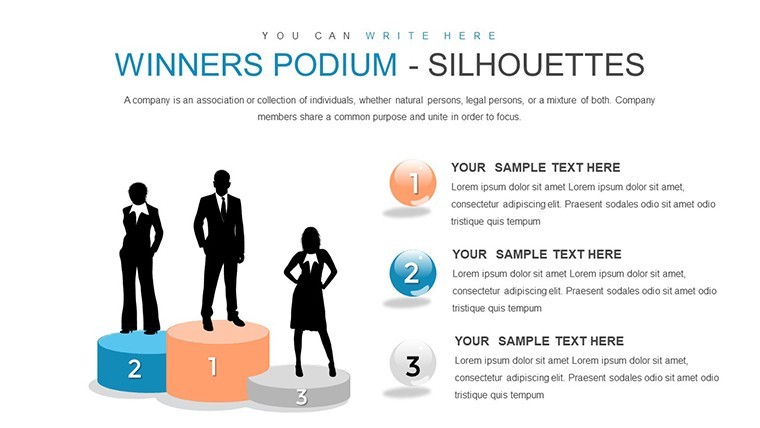
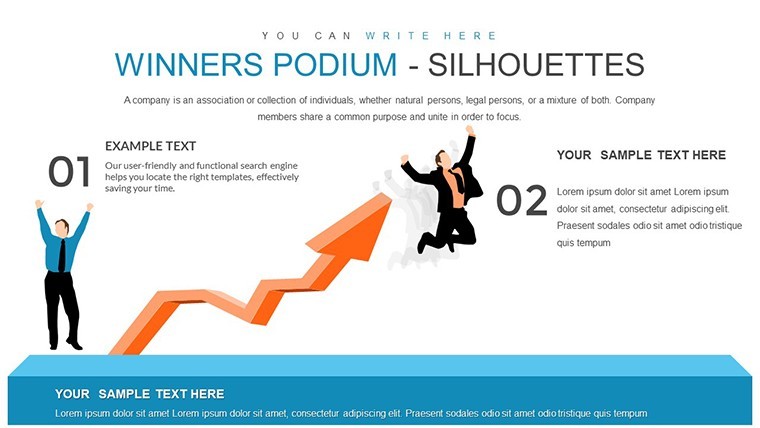
Silhouettes on a podium aren't mere icons; they're symbols of ascent, much like scaling a skyscraper's heights in design. This template leverages clean, bold visuals to depict rankings, from first-place innovations to collaborative third-place efforts, making abstract concepts like staff motivation tangible. In architecture, where projects demand synchronized teamwork, use these charts to illustrate how individual contributions ladder up to collective success, perhaps ranking design phases by impact or team members by creative input.
The beauty lies in its simplicity and power. With editable silhouettes, you can personalize with firm-specific colors - vibrant for energetic startups or subdued for heritage restorations - ensuring every slide resonates. High-quality vectors maintain sharpness, ideal for projecting during firm retreats or AIA events, where visual impact can spark discussions on best practices.
Essential Features for Architectural Recognition
- Dynamic Podium Layouts: Showcase hierarchies of achievements, like top designs in a portfolio review, with scalable silhouettes.
- Customization Flexibility: Edit text, colors, and positions to fit your narrative, integrating seamlessly with architectural software exports.
- Motivational Themes: Built-in styles that evoke triumph, aligned with AIA's promotion of positive work environments.
- High-Impact Graphics: Vector-based for flawless scaling, perfect for print or digital awards ceremonies.
- Keynote Optimization: Native compatibility ensures smooth edits and presentations on Apple devices.
These features extend to subtle animations, like rising podiums, that add drama without distraction, enhancing the storytelling element crucial in architectural pitches.
Practical Uses in the Architectural Realm
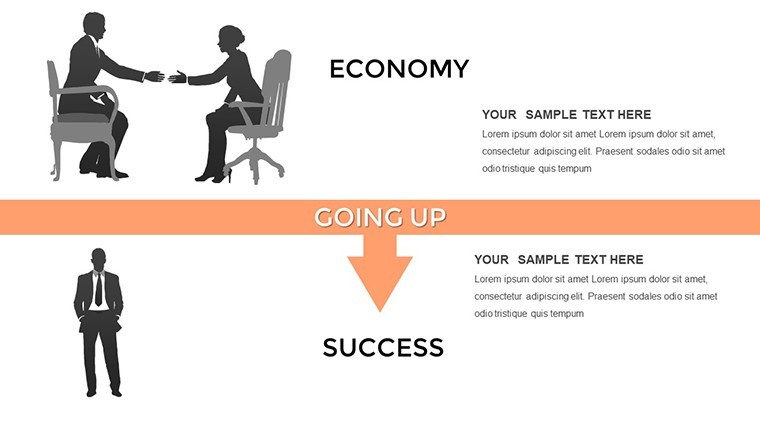
For architecture pros, this template excels in internal and external communications. Internally, map team performance in a project postmortem, podium-placing key contributors to boost morale - similar to how firms like those featured in Shutterstock's architecture award collections use visuals to celebrate wins. Externally, in client proposals, highlight past achievements: Gold for sustainable designs, silver for timely completions, bronze for budget efficiencies.
A real-world parallel comes from award ceremonies, where podium visuals underscore excellence. In one case, a firm used similar graphics in their AIA submission to visualize project rankings, clinching recognition for innovative urban planning. Apply this to your workflow: For RFP responses, podium your firm's strengths against competitors, or in annual reports, rank milestones like completed LEED-certified buildings.
Envision a team meeting post a challenging retrofit: Use the template to podium the hurdles overcome - first place for adaptive reuse creativity - turning lessons into celebrations and motivating future endeavors.
Inspiring Case: Visualizing Awards in Practice
Referencing Getty Images' vast award podium archives, architecture firms often employ these motifs in presentations for events like the AIA Design Awards. One boutique studio in Chicago integrated podium charts to showcase their trajectory from local projects to national accolades, resulting in increased team retention and client inquiries. Our template mirrors this, with ready-to-use slides that let you insert photos of award-winning facades or team portraits, amplifying authenticity.
Implementing the Template: A Guided Approach
- Acquire and Launch: Download and open in Keynote; browse the 20 slides for inspiration.
- Personalize Content: Add achievement details, like project names or metrics, to each podium level.
- Refine Visuals: Adjust silhouettes and backgrounds to match your aesthetic, perhaps incorporating firm logos.
- Enhance Engagement: Add transitions for reveal effects, ideal for live demos.
- Present and Iterate: Share drafts for feedback, refining based on AIA-inspired clarity standards.
Tips include balancing text with visuals to prevent overload, using contrasting colors for accessibility, and testing audio integrations for motivational voiceovers.
Superior to Standard Recognition Tools
Basic Keynote shapes lack the thematic depth this template offers, with its architecture-tuned silhouettes and layouts. It outperforms free alternatives by providing cohesive, professional designs that save design time - crucial when juggling deadlines. Value lies in its subtle CTAs, like "Join the Winners" buttons, encouraging team applications or client engagements ethically.
This tool isn't just functional; it's transformative, helping firms like yours celebrate the human element in architecture, leading to stronger teams and standout projects.
Frequently Asked Questions
How can I customize the podium silhouettes?
Fully editable in Keynote, change sizes, colors, and add text or images to represent specific architectural achievements.
Is this template aligned with AIA presentation guidelines?
Yes, it promotes clear, motivational visuals in line with AIA's emphasis on ethical team recognition and graphic standards.
What export options are available?
Export to PDF, JPEG, or video formats for versatile use in emails, websites, or print materials.
Can it integrate with other design software?
Easily import elements from Adobe Illustrator or export for use in collaborative tools like Slack.
Why use this for architecture specifically?
Its focus on achievement hierarchies mirrors project rankings, ideal for award pitches or team motivators in design firms.
Good for
- Project roadmaps and sprint plans
- Product launch timelines
- Quarterly or annual review decks
- Company history and milestone summaries
Licence
reviews
I made a student project with this and got it done fast.
Needed fewer decorative shapes but that was easy to remove.
Simple enough for someone who barely uses Keynote.
I reused two slides for another presentation later.
The chart spacing was actually cleaner than I expected.
FAQ
Will it work in Google Slides?
Are fonts embedded?
Can I use this for client work?
What's the refund policy?
Do you update the template after purchase?
Similar templates
See all Keynote Charts →

All 20 slides