 Click to zoom
Transform Production Insights with Commodities PowerPoint Diagrams
| Format | .pptx |
| Slides | 16 unique layouts |
| Aspect ratio | 16:9 |
| Compatibility | PowerPoint |
| Animated | No |
| Language | English |
| License | Commercial |
| File size | — |
| Version | v1.0 |
| Last updated | September 2023 |
What's inside
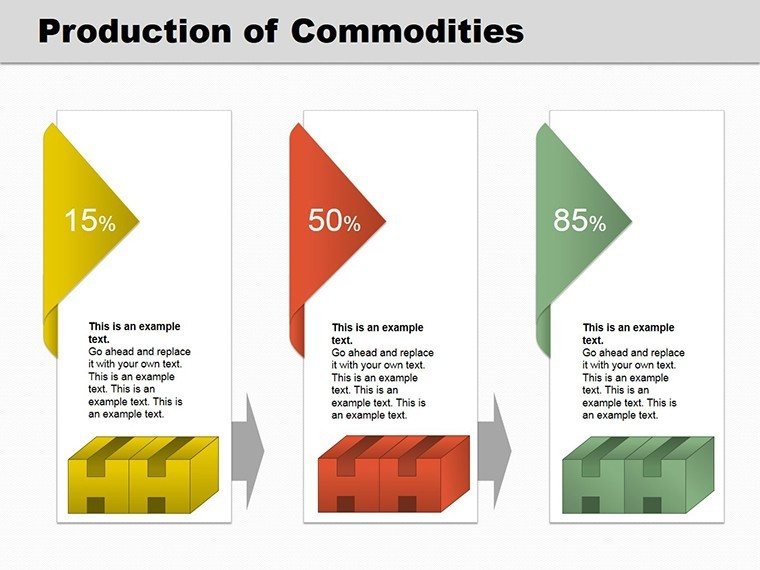
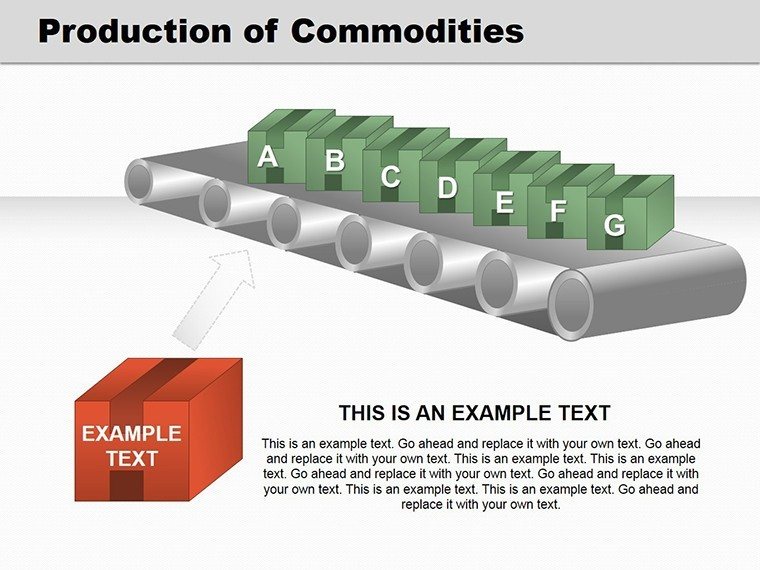
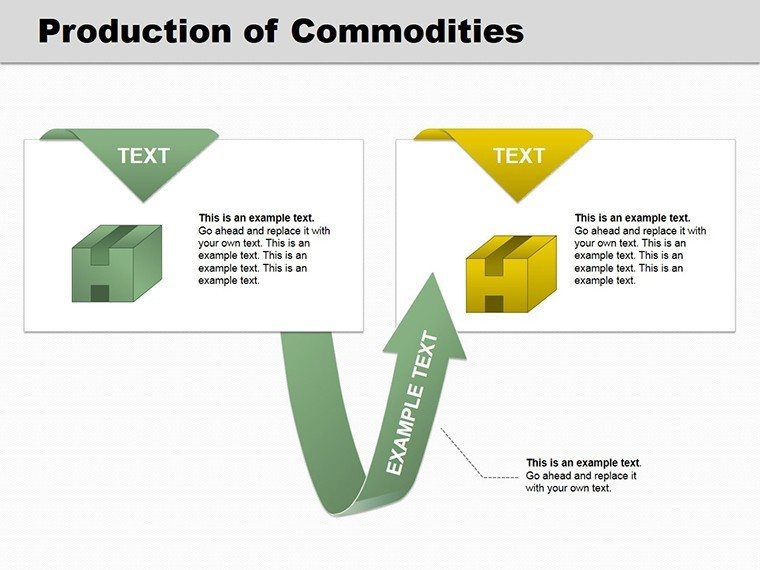
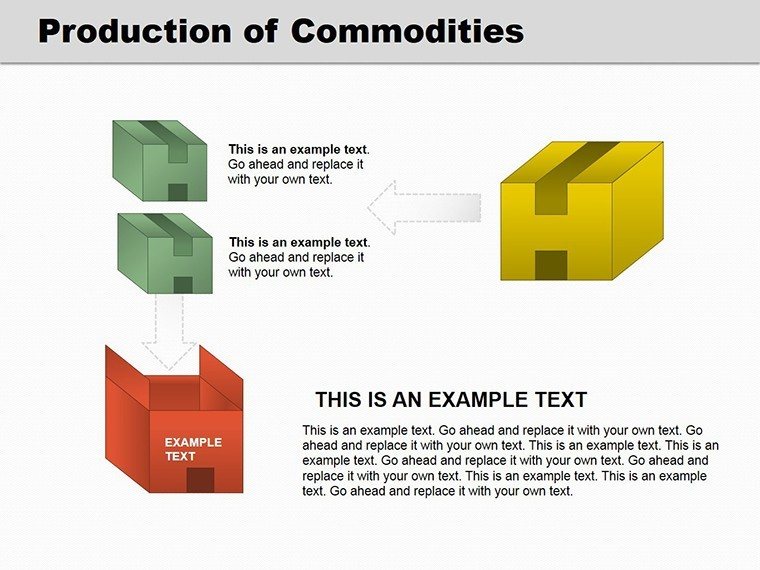
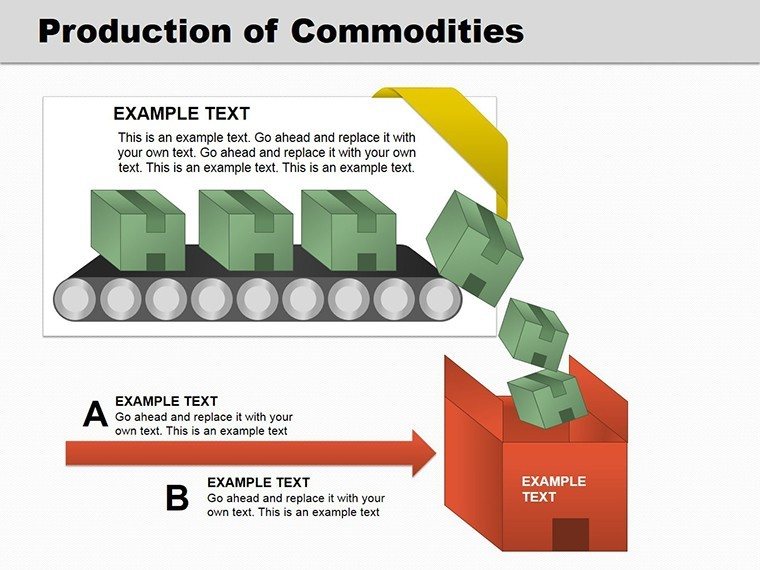
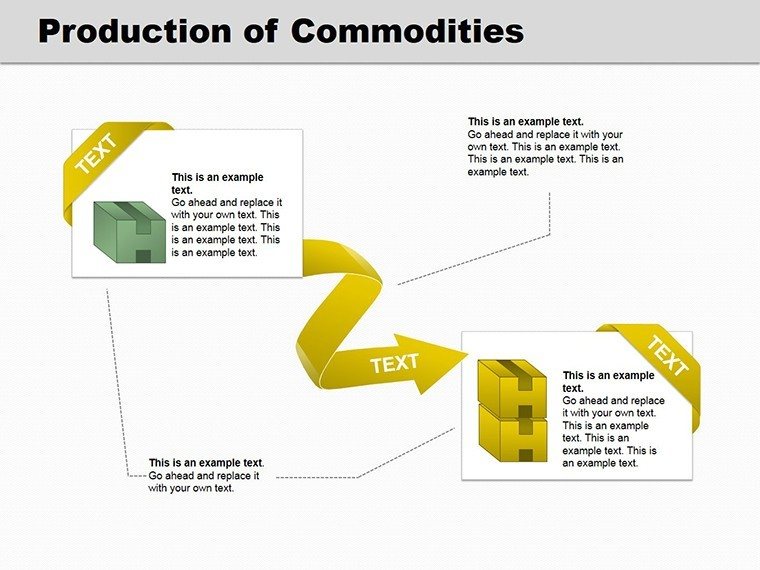
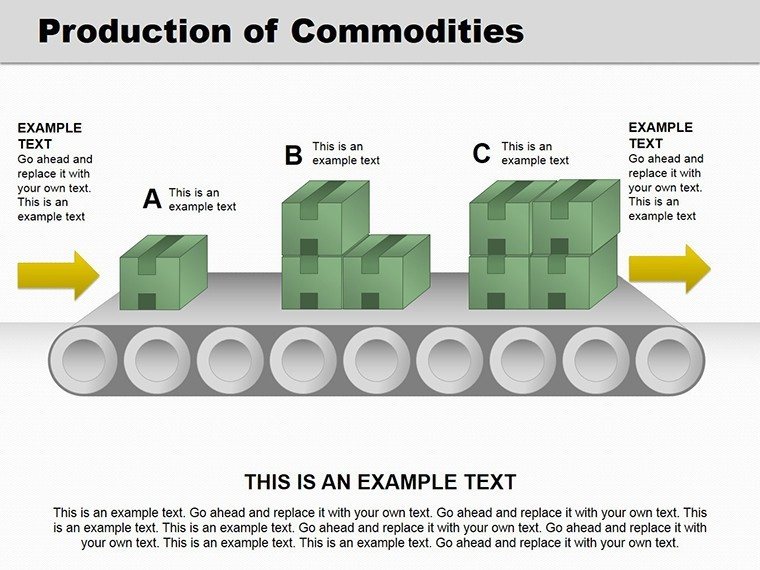
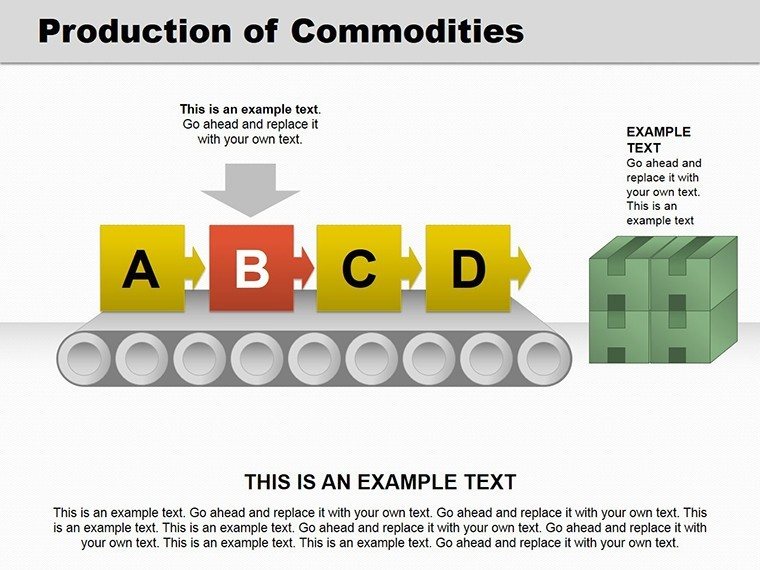
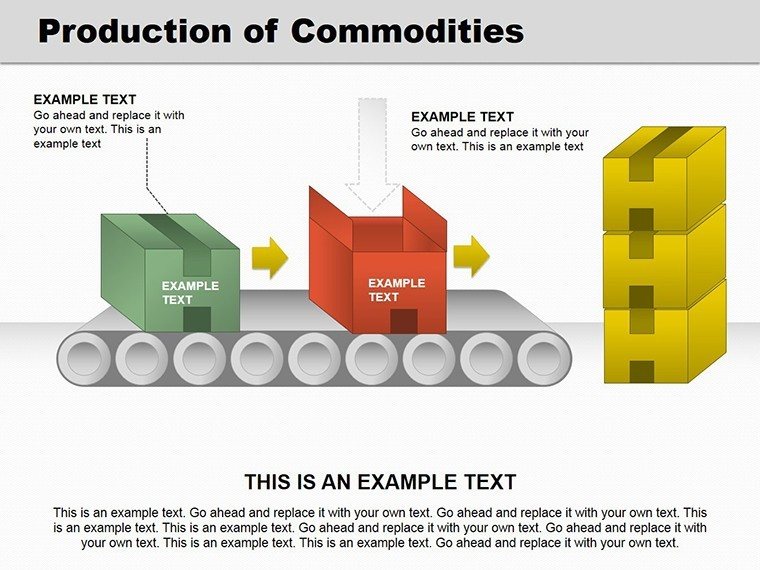
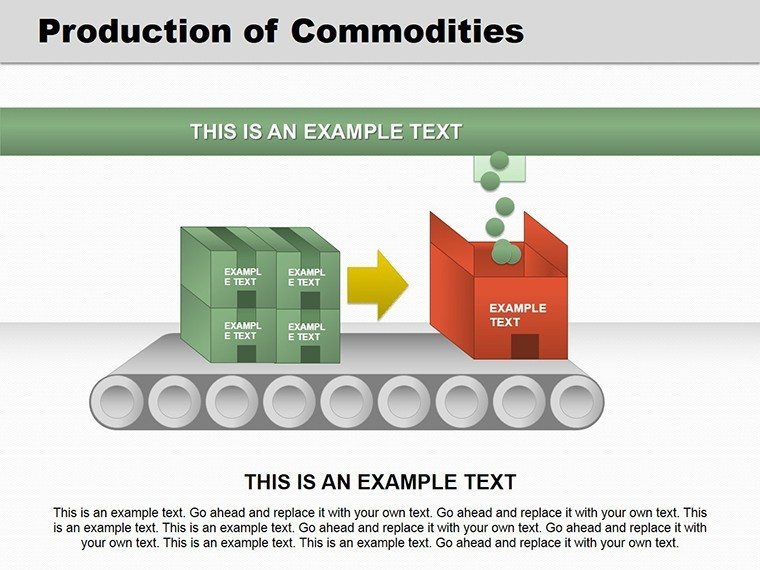
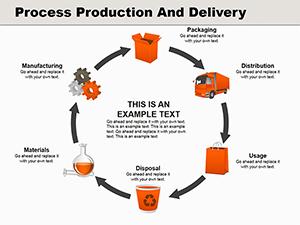
In the realm of manufacturing and services, visualizing production processes can differentiate your proposals. Our Production Commodities PowerPoint template, with 16 editable 3D slides, bridges that gap. Suited for producers of goods or services, it offers immersive diagrams to depict workflows, from input to output. .pptx compatible, it's a go-to for engineers and managers seeking to illustrate commodity cycles without complexity.
Leveraging concepts from industrial engineering, like those in ISO 9001 standards, this template facilitates detailed mappings. Use it for training modules or investor briefs, turning abstract productions into vivid realities.
Core Features Enhancing Production Visuals
The template's 3D elements provide depth, making processes leap off the screen. Fully editable for precision tailoring.
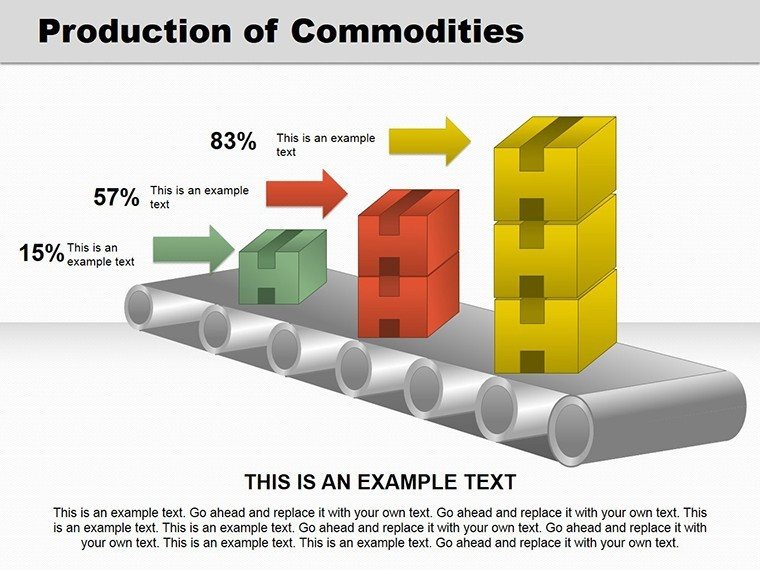
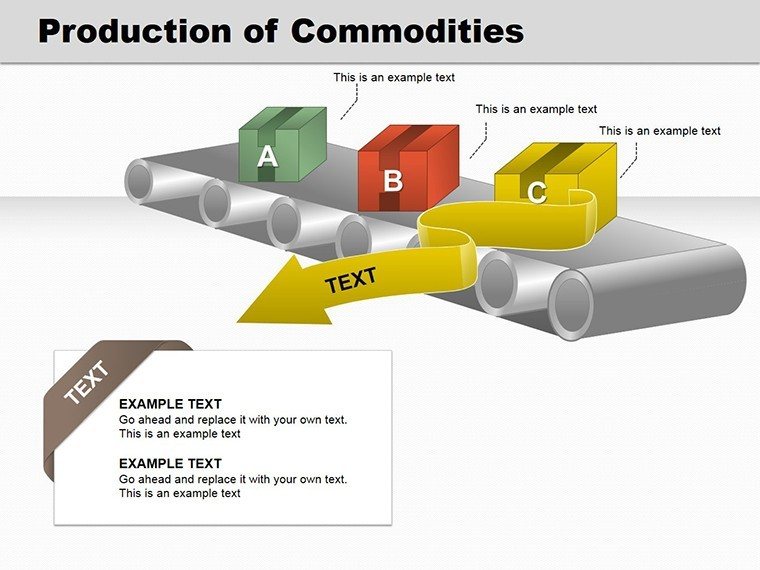
- 3D Process Flows: Multi-layered diagrams showing commodity transformations.
- Commodity Icons: Customizable symbols for materials, machinery, and outputs.
- Editable Dimensions: Adjust perspectives for emphasis on key stages.
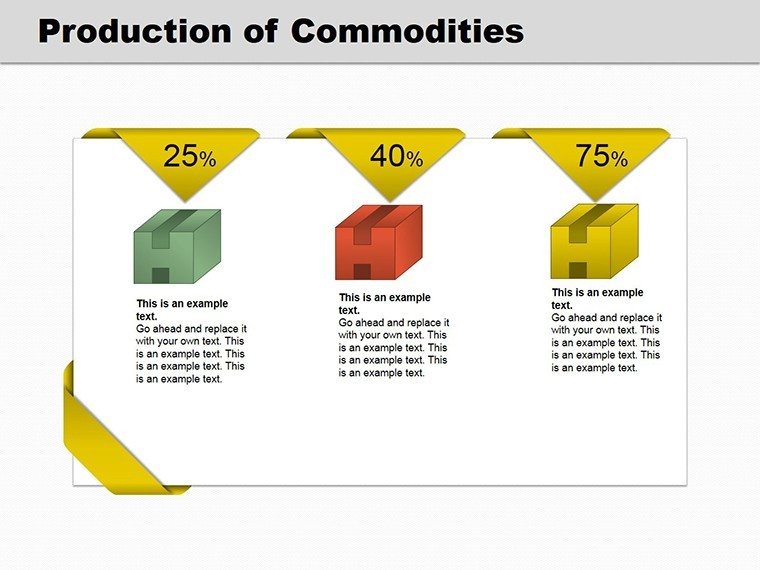
- Integration Tools: Embed metrics for quantitative analysis.
Grounded in design expertise from firms like Autodesk, these features ensure technical accuracy and aesthetic appeal.
Use Cases in Manufacturing and Beyond
For a factory overhaul presentation, employ slide #6 to model raw commodity intake through refinement. Service sectors can adapt slide #11 for intangible productions like software assembly. Ideal for compliance audits or strategy planning.
Step-by-step: Choose slide #3, input your commodities, layer 3D effects, and annotate efficiencies. Outperforms basic 2D charts by adding realism, as per user studies in visualization journals.
Seamless Workflow Incorporation
Link with ERP systems for data pulls, or use in virtual reality previews for immersive reviews, aligning with Industry 4.0 trends.
Tips from Production Experts
Optimize by focusing on bottlenecks; use shadows for depth cues. Ensure diagrams comply with accessibility guidelines. Incorporate terms like 3D workflow graphics or commodity cycle charts fluidly.
With endorsements mirroring successes at General Electric, this template builds credibility. Revolutionize your production stories - download and innovate today.
Frequently Asked Questions
Are the 3D elements fully editable?
Yes, rotate, scale, and color them freely in PowerPoint.
Suitable for service-based productions?
Indeed, adaptable for non-tangible processes.
PowerPoint compatibility?
Works with versions 2016 and above.
Can I add animations?
Yes, enhance with rotational effects.
How to integrate real data?
Directly via charts or external links.
Good for
- Project roadmaps and sprint plans
- Product launch timelines
- Quarterly or annual review decks
- Company history and milestone summaries
Licence
reviews
The spacing between shapes looked balanced.
I used this during a training session and people followed it easily.
The layered charts were useful for showing project phases.
Downloaded this for a sales presentation and barely had to edit anything.
Not super exciting visually but practical.
FAQ
Will it work in Google Slides?
Are fonts embedded?
Can I use this for client work?
What's the refund policy?
Do you update the template after purchase?
Similar templates
See all Powerpoint Diagrams →
All 16 slides