 Click to zoom
Timeline Puzzle Keynote Diagrams: Piece Together Compelling Stories
| Format | .pptx |
| Slides | 10 unique layouts |
| Aspect ratio | 16:9 |
| Compatibility | PowerPoint |
| Animated | No |
| Language | English |
| License | Commercial |
| File size | — |
| Version | v1.0 |
| Last updated | February 2025 |
What's inside
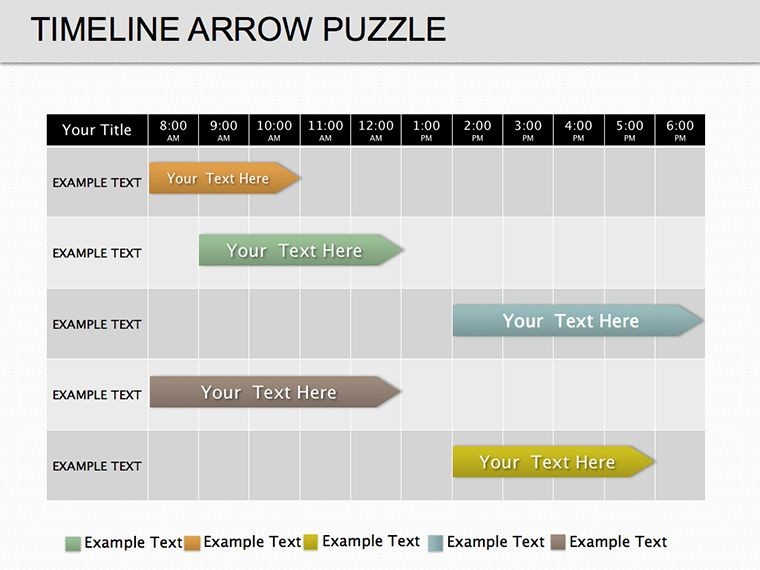
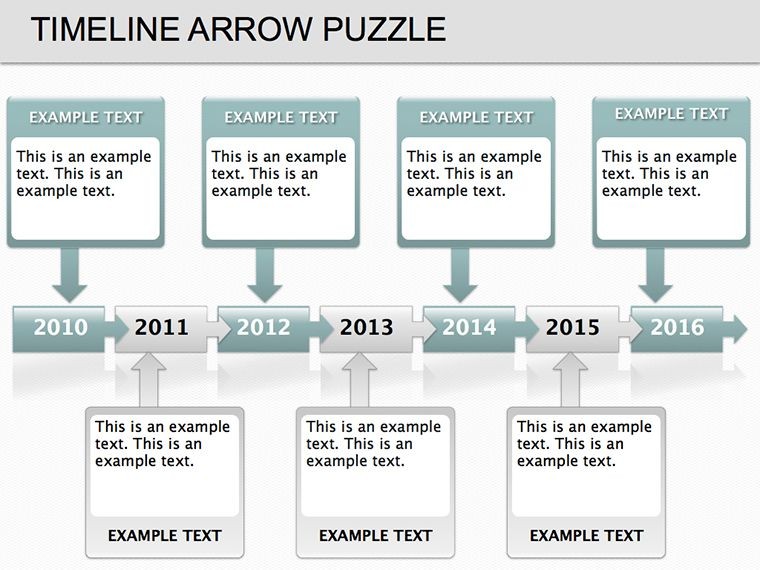
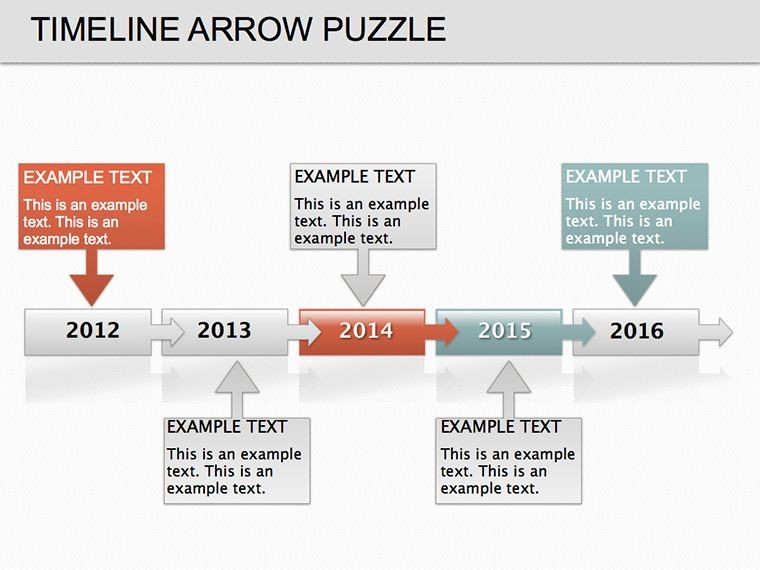
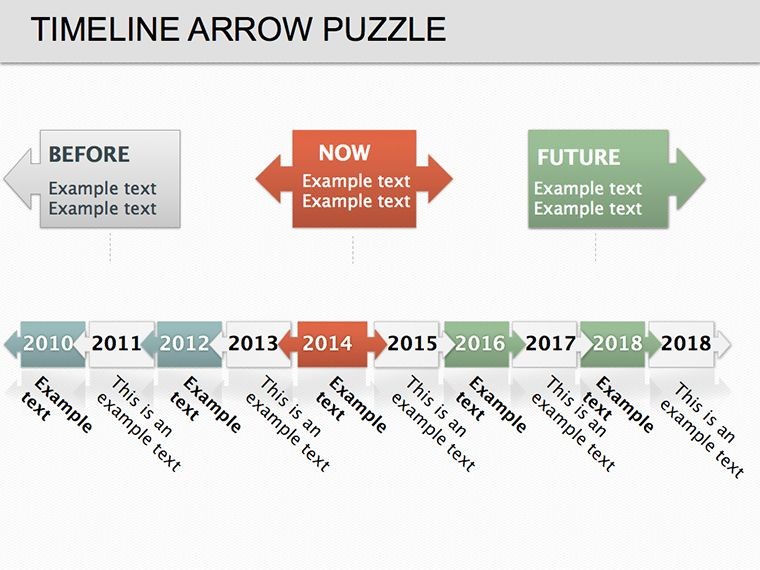
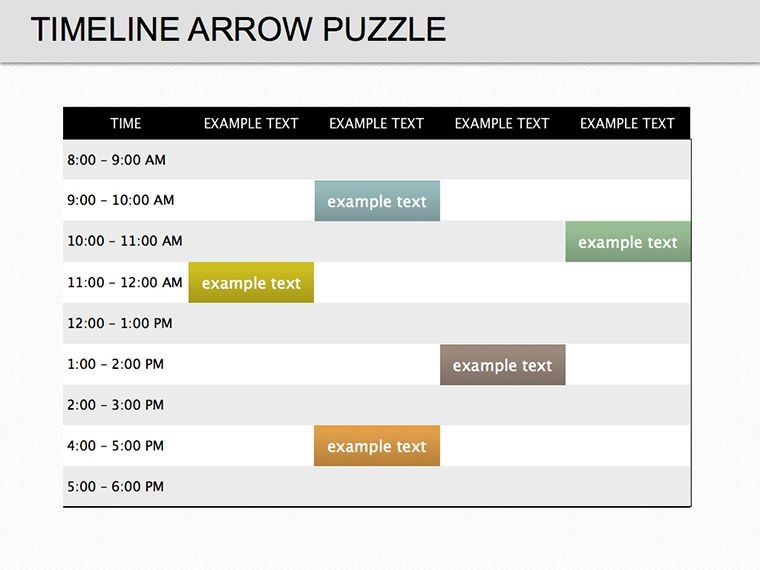
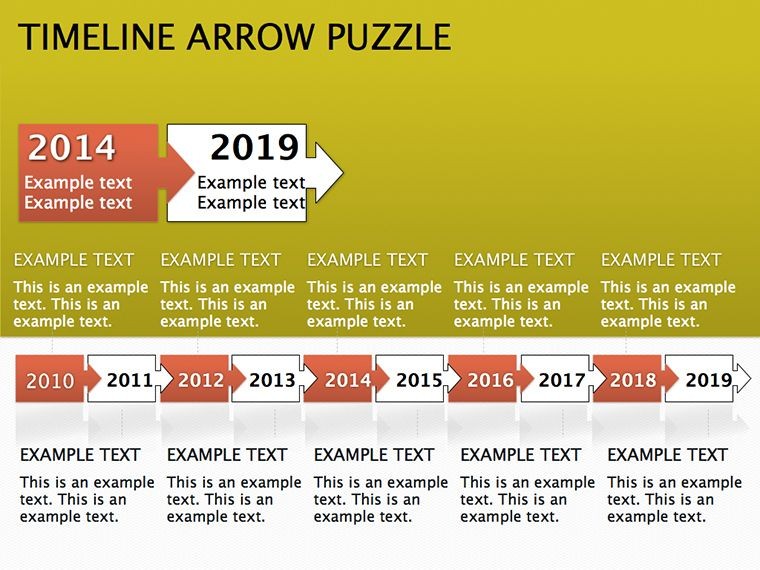
Timelines don't have to be linear and lifeless - our Timeline Puzzle Keynote Diagrams template reimagines them as interlocking pieces of a larger puzzle, inviting your audience to connect the dots. With 10 meticulously crafted, editable slides, this $18 template is tailored for Keynote users who want to narrate progress in a way that's both structured and surprising. Ideal for project leads mapping milestones or marketers tracing campaign evolutions, it turns chronological data into a cohesive, memorable journey.
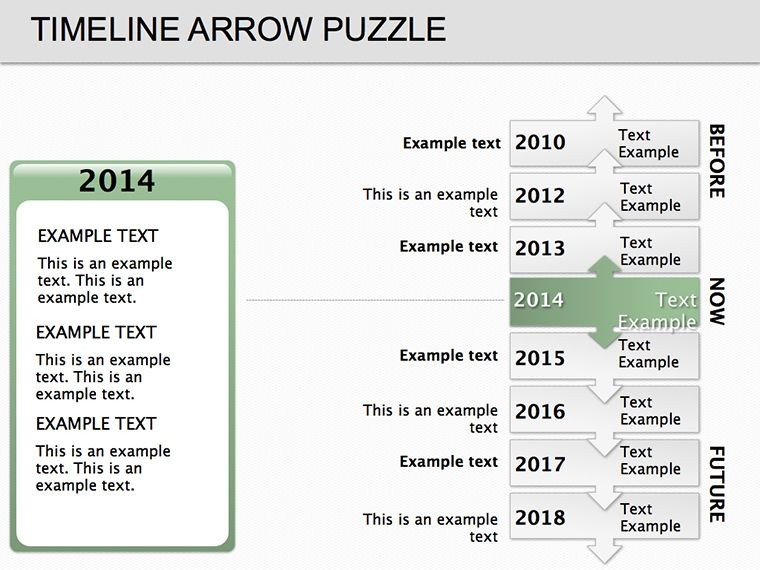
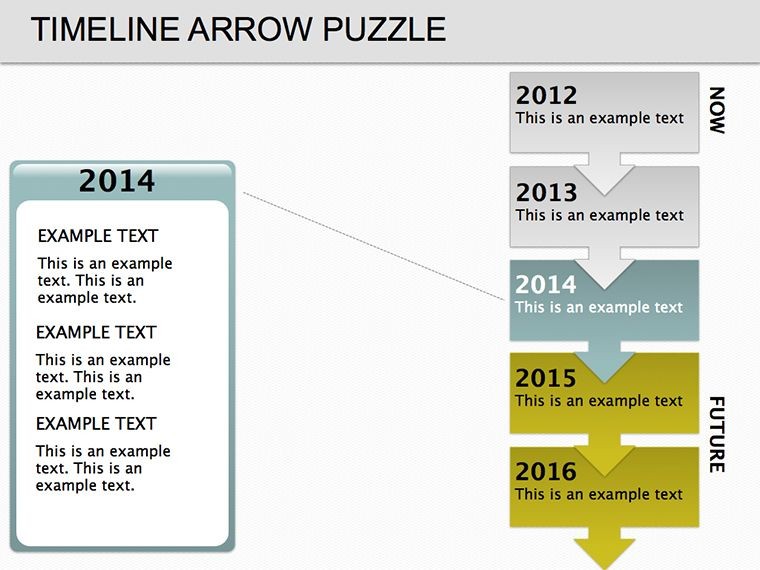
Each slide features puzzle-inspired segments that snap together visually, using soft curves and subtle shadows for a tactile feel on screen. Built for iWork compatibility, the .key files open seamlessly on Mac, allowing drag-and-drop edits that keep your focus on content, not formatting. Whether you're recapping a product launch or forecasting team goals, these diagrams make time feel dynamic and purposeful.
The Art of Puzzle Timelines in Keynote
What elevates this template is its metaphorical depth: Just as a puzzle reveals the full picture only when complete, your timeline builds anticipation slide by slide. Start with fragmented pieces for early stages, then lock them in as achievements unfold - perfect for illustrating how disparate efforts converge into success.
Customization flows naturally: Recolor pieces to match quarterly themes, resize for emphasis on key events, or add icons within notches for quick visual cues. The design supports branching paths too, where offshoot puzzles represent alternative scenarios, adding nuance to strategy discussions.
- Linear Puzzles: Straightforward sequences for historical overviews or simple workflows.
- Curved Connections: Winding paths for non-linear stories, like customer feedback loops.
- Layered Builds: Multi-level puzzles for phased projects, stacking timelines vertically.
Building Your Puzzle: A Quick Guide
Launch Keynote and import the template - slides populate instantly. Choose a base puzzle layout, say for a six-month sprint, and label each piece with dates and deliverables. Use the Arrange tool to interlock elements precisely, then apply a fade-in animation per segment to mimic assembly. Preview in Presenter mode to fine-tune pacing, ensuring each click advances the story without rush.
Think of a development team using this for agile retrospectives: Initial chaos as scattered pieces for sprints one through three, then harmony as they fit for the full cycle. This not only recaps but reinforces team synergy, echoing how innovative studios visualize iterative designs to inspire iteration.
Versatile Uses Across Your Workflow
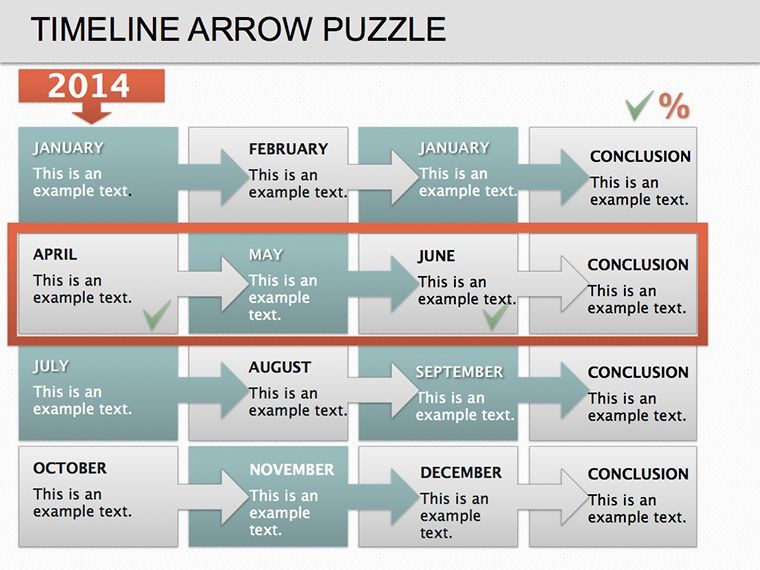
In business reports, puzzle timelines dissect fiscal years - each interlocking segment a quarter, with embedded metrics for at-a-glance analysis. Educators leverage them for lesson arcs, where puzzle completion symbolizes concept mastery, engaging students in active recall.
Sales pros find gold in client onboarding flows: Start with inquiry as a lone piece, build to contract closure, highlighting value adds along the way. For event planners, it's a roadmap from ideation to execution, with flexible pieces for contingency branches.
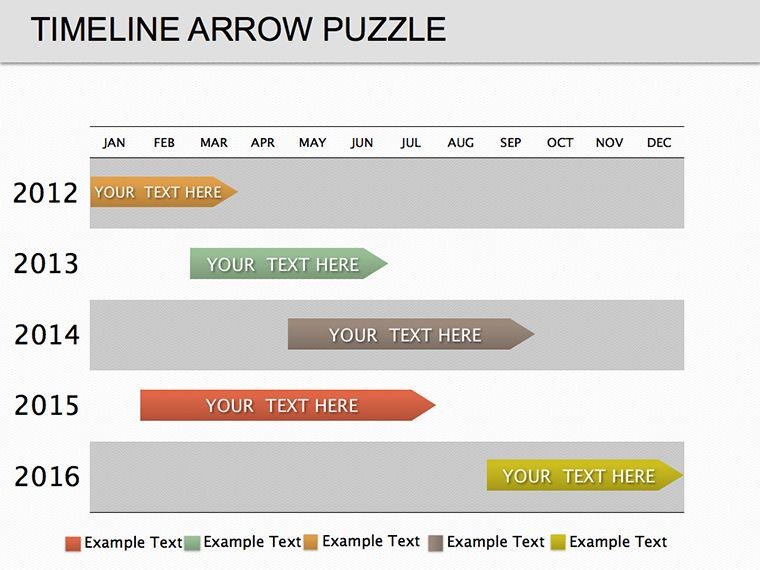
Unlike rigid Gantt charts in basic Keynote, these puzzles offer organic flow, adapting to narrative needs without sacrificing precision. They're lightweight too, exporting cleanly to PDF or video for stakeholder shares.
Pro Tips for Puzzle Perfection
- Keep pieces balanced - avoid overcrowding to maintain clarity in connections.
- Incorporate gradients for depth, making the puzzle pop on light or dark themes.
- Pair with voiceover notes in Keynote for self-guided walkthroughs.
These adjustments ensure your timelines aren't just informative but immersive, drawing viewers into the puzzle of progress.
Elevate Narratives with Puzzle Precision
This template's strength is its subtle storytelling power - puzzles imply collaboration and discovery, resonating in team huddles or investor updates. Consultants use it to map advisory phases, each piece a deliverable that fits the client's big picture.
Creative directors adapt for campaign timelines, where artistic swirls in pieces reflect brand vibes, fostering buy-in from cross-functional groups. It's versatile enough for personal use too, like journaling career milestones in a visually affirming way.
Piece together your next big idea with the Timeline Puzzle Keynote Diagrams. Download now and watch your timelines transform from lists to legends.
Frequently Asked Questions
How intuitive are the puzzle edits in Keynote?
Very - drag to reposition, recolor with eyedropper, all without losing alignments.
Does it support branching timelines?
Yes, duplicate pieces for forks, ideal for scenario planning.
Is it suitable for educational timelines?
Definitely, great for historical events or scientific processes.
Can I animate the interlocking?
Easily, via Magic Move for smooth piece-to-piece transitions.
What's the file compatibility?
Fully iWork-optimized, with easy export to other formats.
Good for
- Project roadmaps and sprint plans
- Product launch timelines
- Quarterly or annual review decks
- Company history and milestone summaries
Licence
reviews
The venn with text outside the circles.
The circles are large and labels are external.
Used this for a clean comparison.
The overlap area is clear.
FAQ
Will it work in Google Slides?
Are fonts embedded?
Can I use this for client work?
What's the refund policy?
Do you update the template after purchase?
Similar templates
See all Keynote Diagrams →


All 10 slides