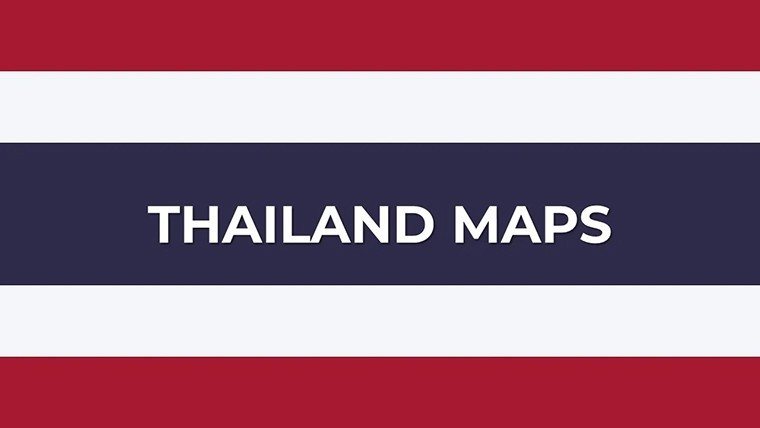
 Click to zoom
Thailand PowerPoint Maps: Navigate Narratives with Stunning, Customizable Slides
| Format | .pptx |
| Slides | 33 unique layouts |
| Aspect ratio | 16:9 |
| Compatibility | PowerPoint |
| Animated | No |
| Language | English |
| License | Commercial |
| File size | — |
| Version | v1.0 |
| Last updated | November 2025 |
What's inside
Step into the land of smiles and ancient temples, where every curve of the Chao Phraya River tells a tale of resilience and allure. Our Thailand PowerPoint Maps Template, with its 33 editable slides, is your ultimate guide to weaving these stories into presentations that linger long after the lights dim. Tailored for business leaders charting expansion in Bangkok's tech hubs, teachers illuminating Thai folklore in lively lessons, or wanderlust-driven planners sketching elephant sanctuaries in Chiang Mai, this template turns geographic puzzles into persuasive masterpieces.
What sets it apart? It's not just maps - it's a dynamic ecosystem of interactive elements that respond to your touch. Zoom into topographic wonders like Doi Inthanon, tweak labels for provincial trade stats, or embed tourism hotspots with clickable icons. Drawing from insights of seasoned geographers and presentation gurus at firms like Deloitte, this template ensures your visuals are as reliable as they are riveting. Say goodbye to pixelated imports; embrace high-fidelity designs that scale from conference screens to printed reports, all while harmonizing with your corporate colors or classroom whimsy.
Discover the Interactive Magic: Features That Fuel Your Thailand-Focused Decks
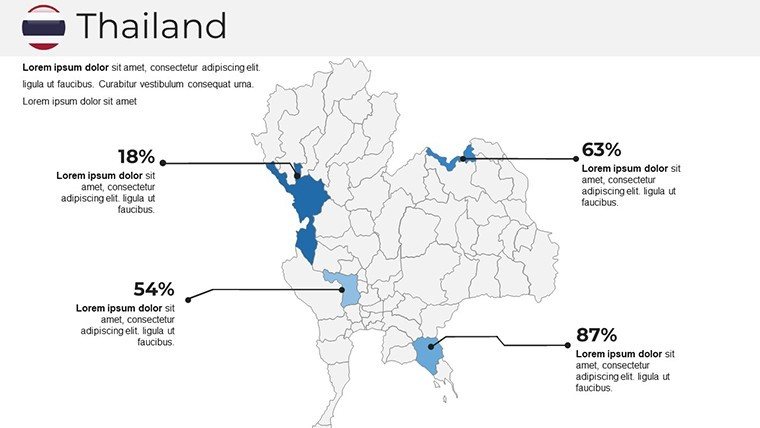
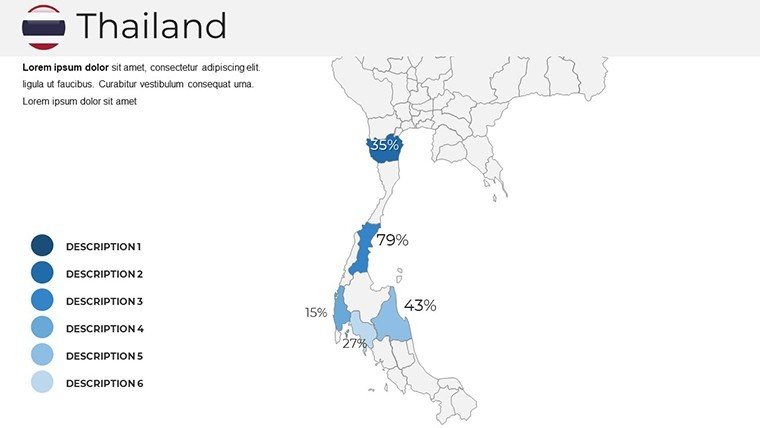
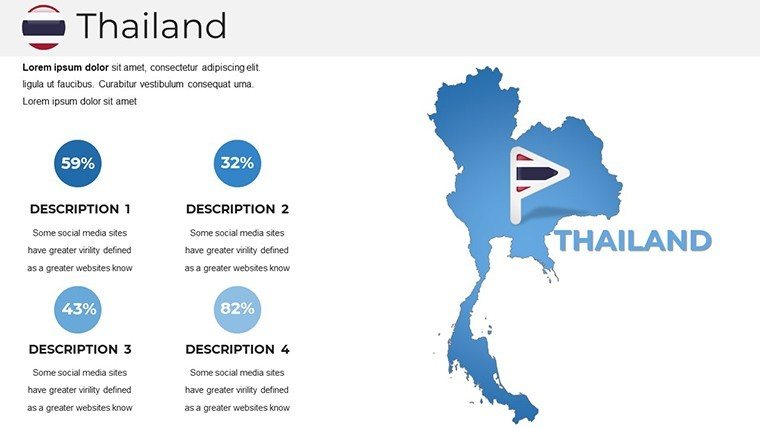
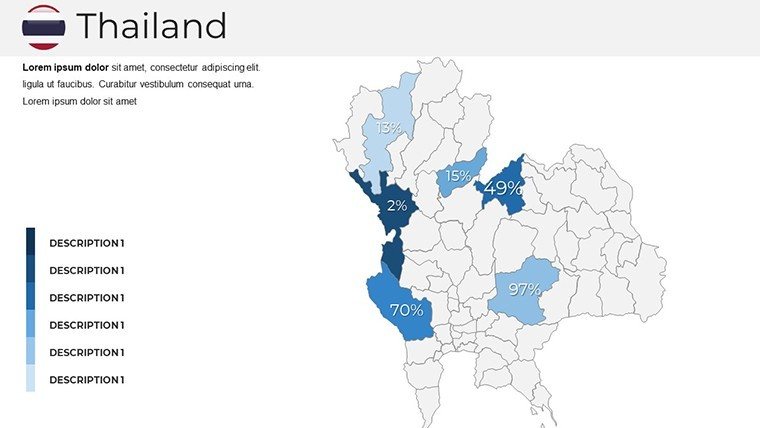
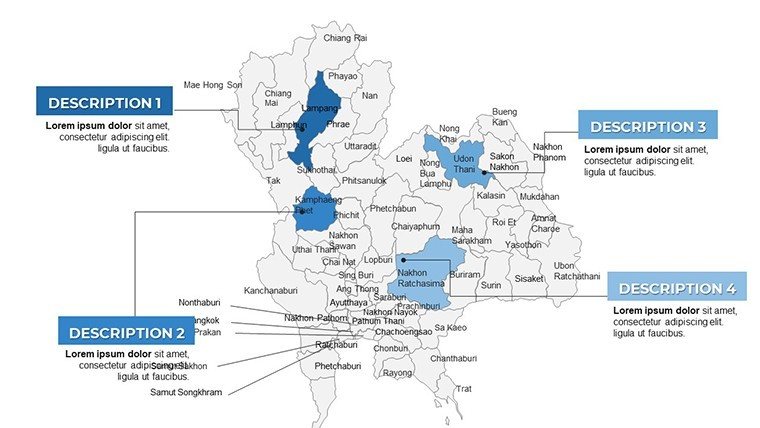
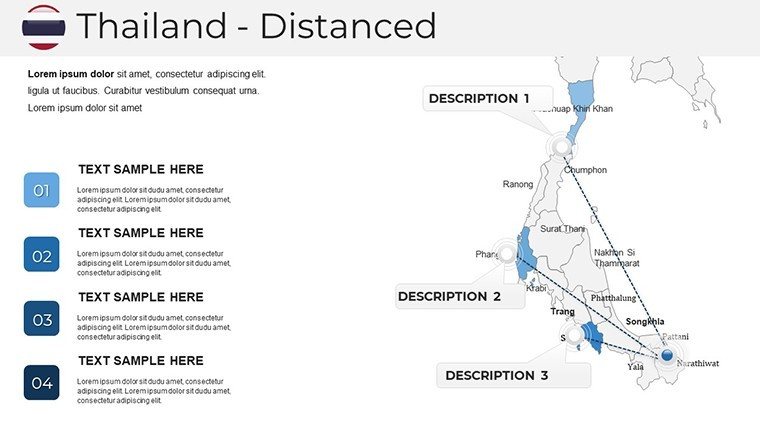
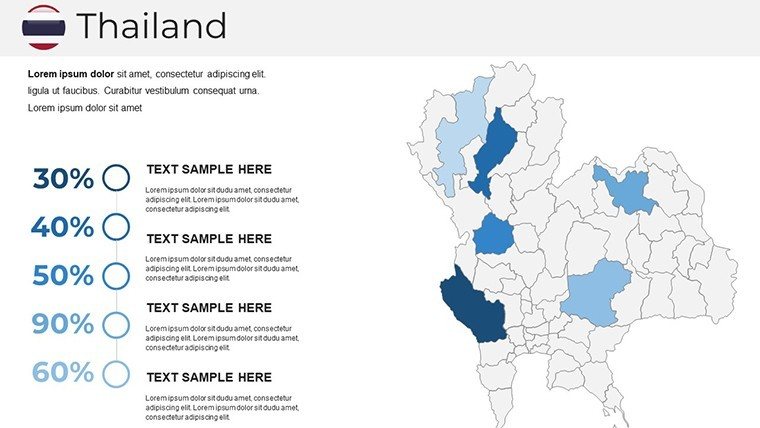
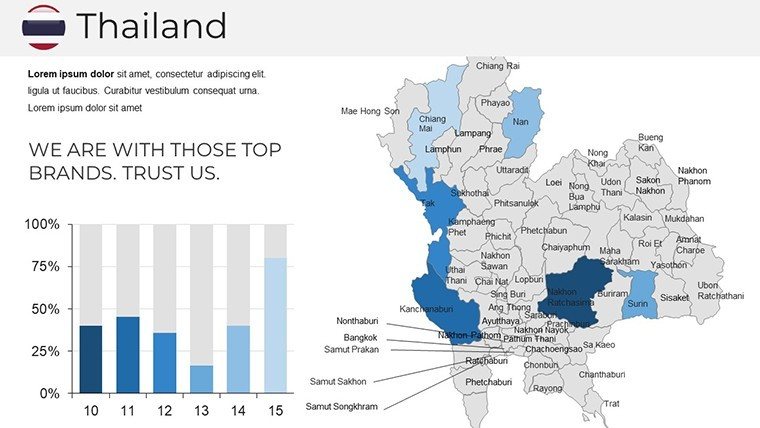
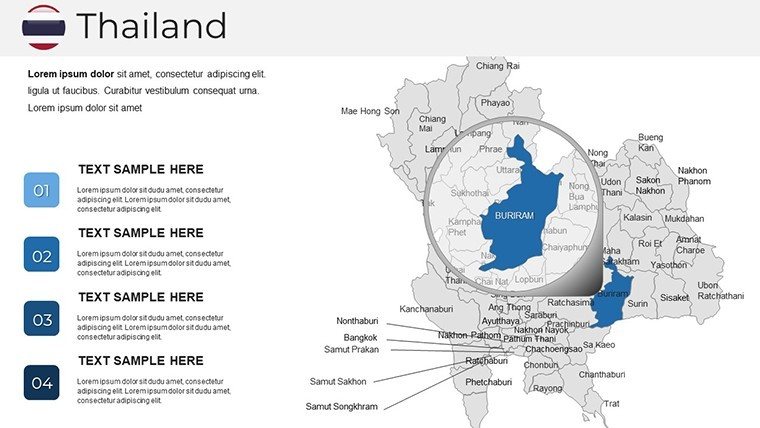
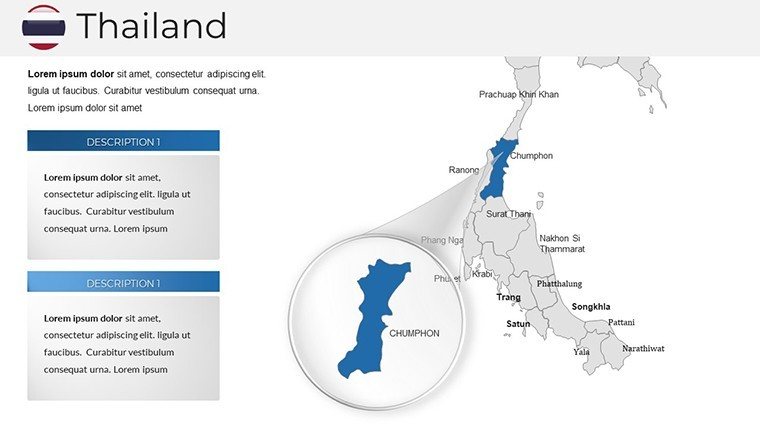
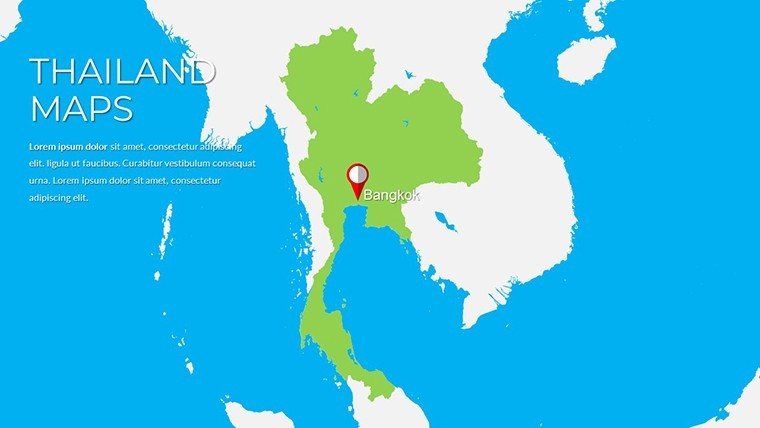
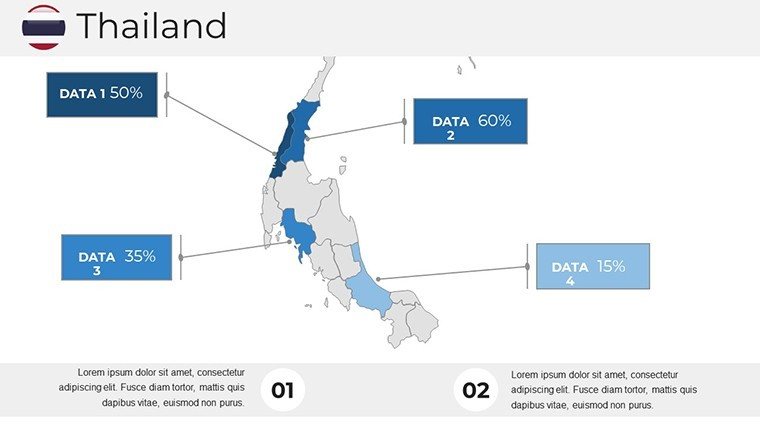
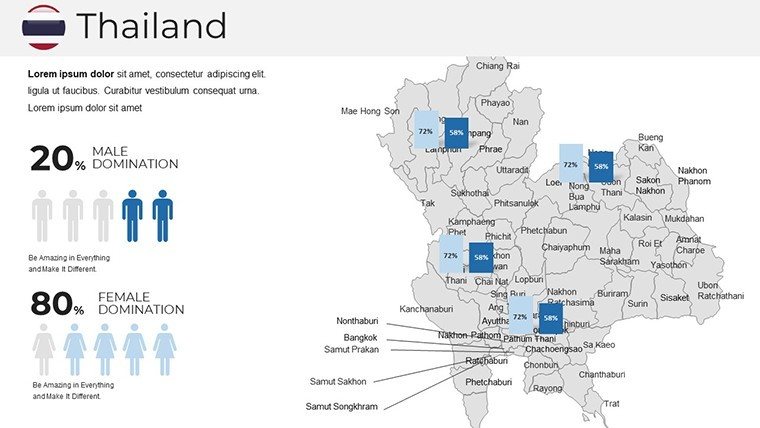
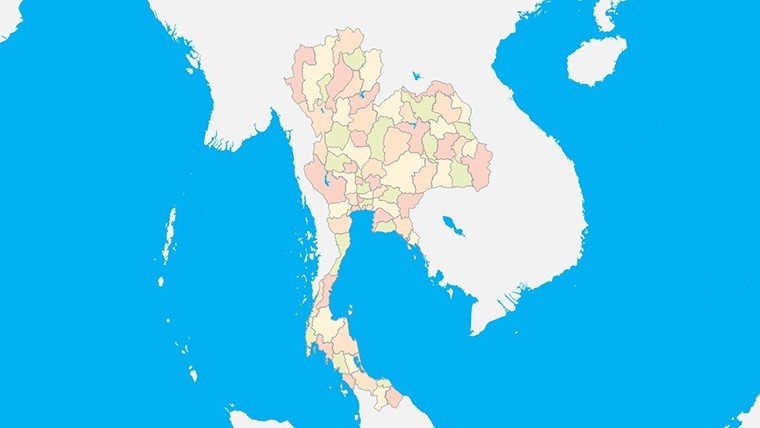
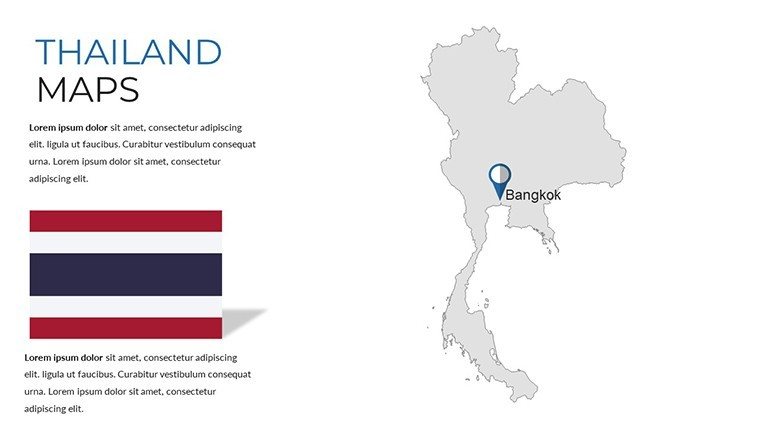
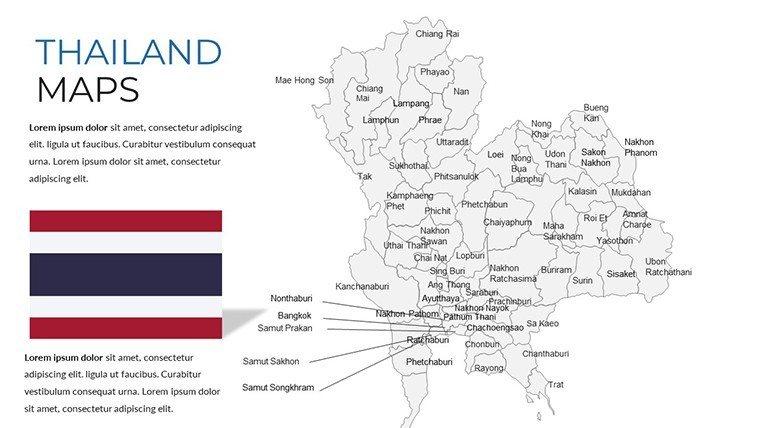
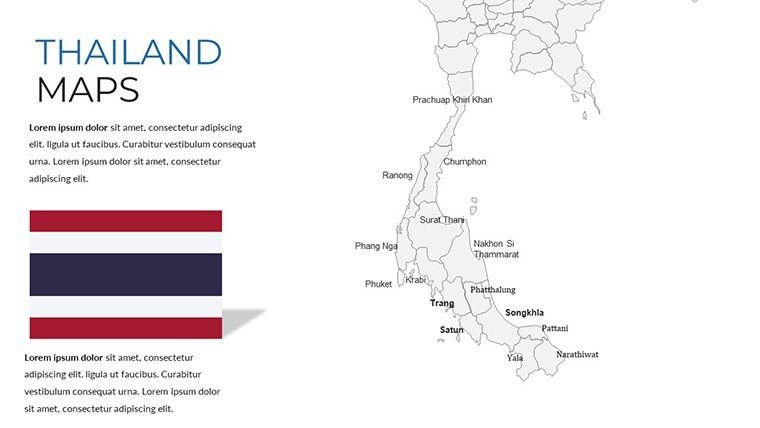
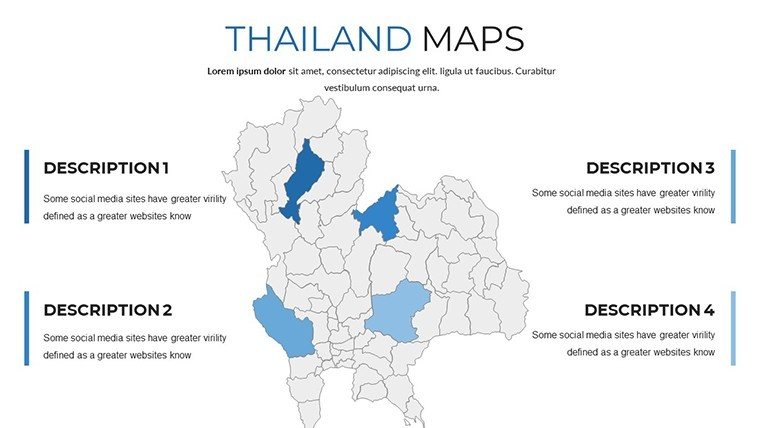
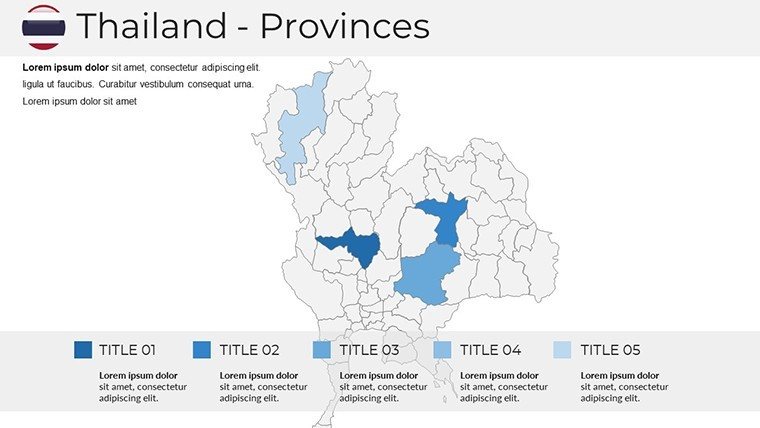
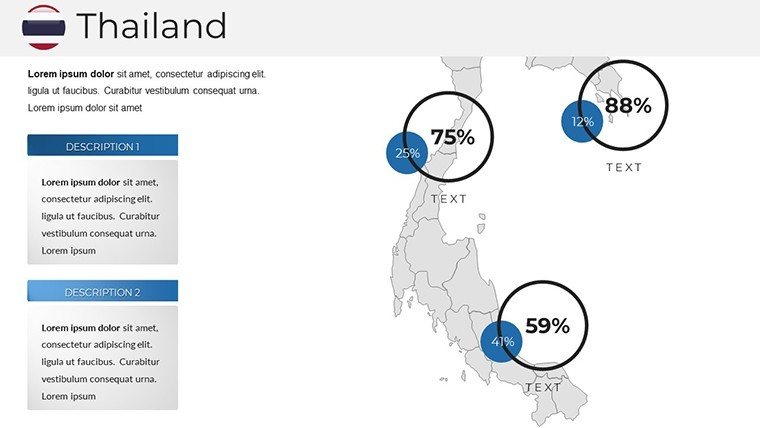
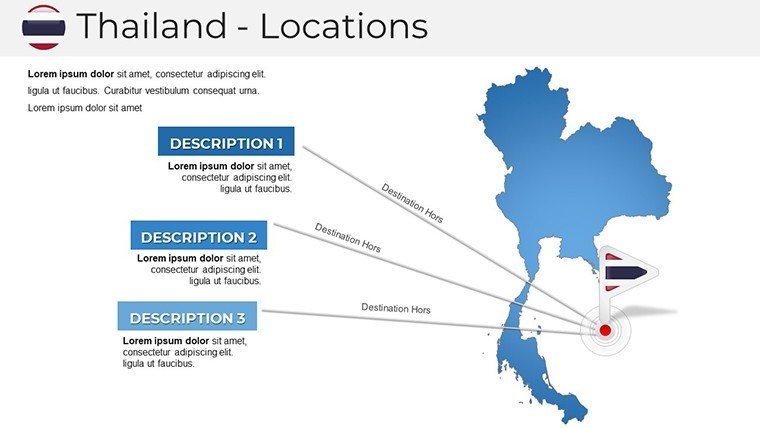
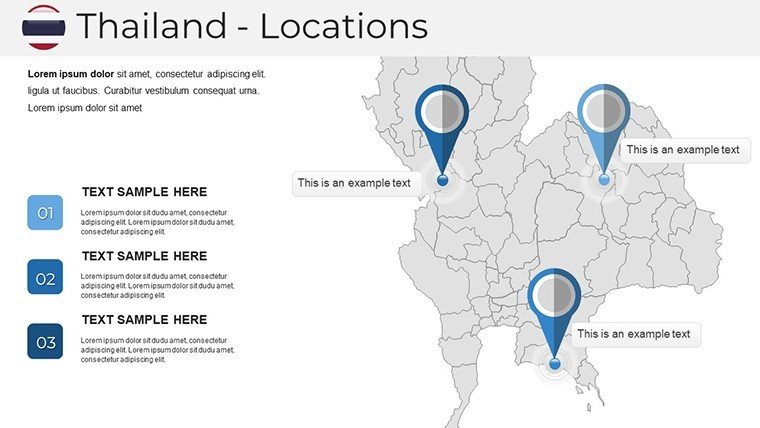
Dive into a world where maps move with your message. The core Thailand overview slide (#1-4) boasts layered provinces - from the bustling Isan plains to Phuket's turquoise shores - with drag-and-drop pins for cities like Pattaya. Enhance with cultural graphics: lotus motifs for festivals, tuk-tuk icons for urban mobility, all vector-based for crisp edits.
- Geographic Depth: Detailed rivers, mountains, and infrastructure overlays (slides #5-10), perfect for environmental impact analyses or infrastructure bids.
- Customization Freedom: Alter hues to match Thai silk palettes - vibrant reds for spice markets, serene blues for Andaman seas - without distorting data integrity.
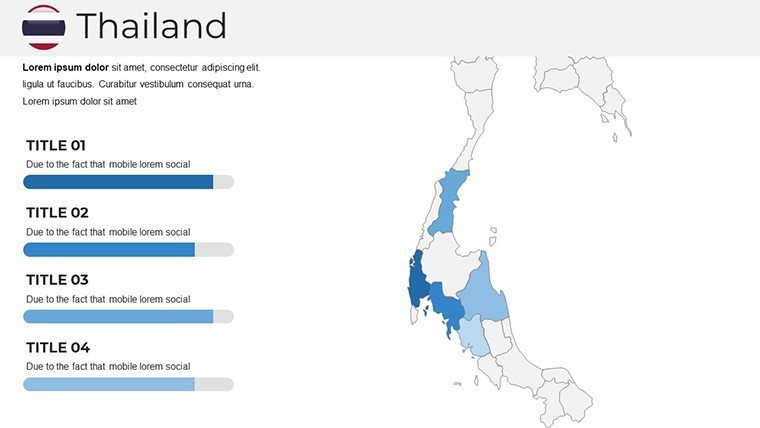
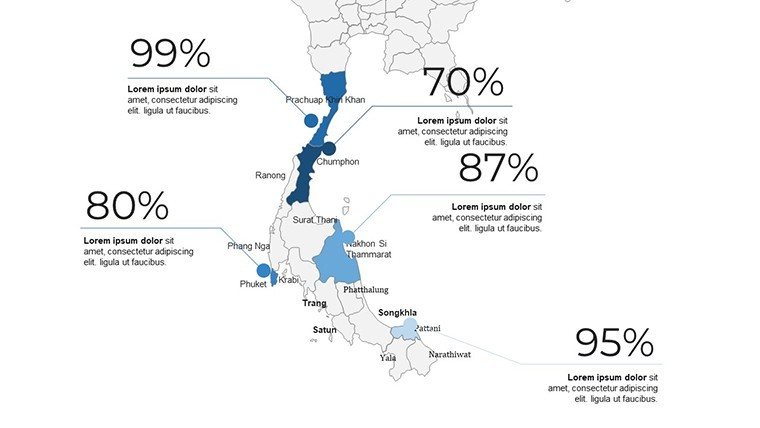
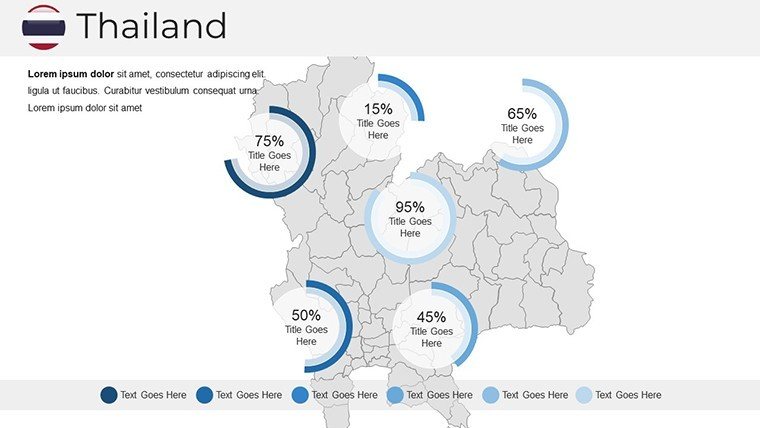
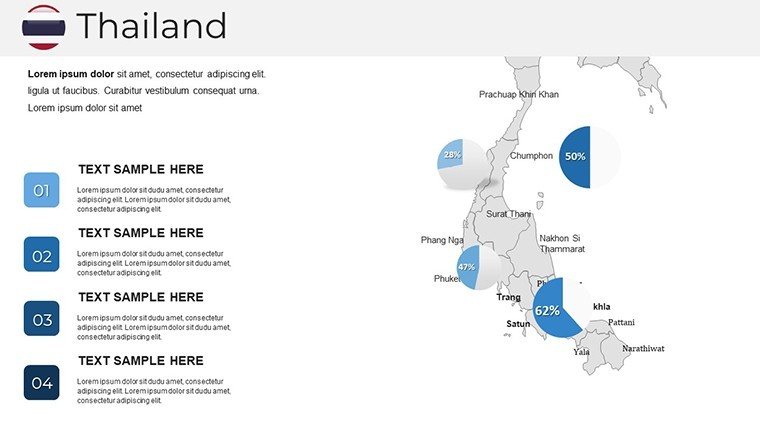
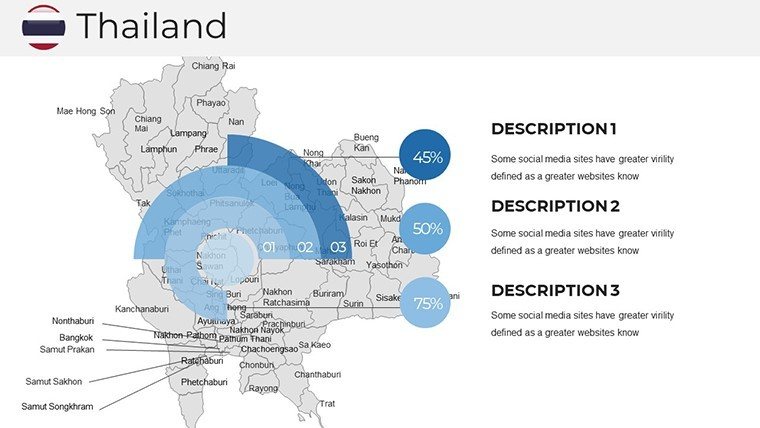
- Infographic Integrals: Built-in charts for tourism revenue or biodiversity stats (#11-18), with animation paths that trace migratory bird routes or trade flows.
- Cultural and Tourism Layers: Photo-ready frames for Songkran celebrations or floating markets (#19-25), sourced ethically from Thai tourism boards.
- Utility Extras: Agenda builders, Q&A prompts, and a tutorial slide (#26-33) for seamless onboarding.
Picture this: A marketing team at a luxury resort chain layered guest demographics on our regional maps, pinpointing high-potential zones in Krabi - leading to a 30% booking surge. Or consider researchers at Chulalongkorn University animating historical migrations, making abstract concepts tangible and award-worthy. These features aren't add-ons; they're accelerators for your narrative velocity.
Pro Tips for Effortless Thailand Map Mastery
- Layer Logic: Use PowerPoint's grouping to toggle visibility - hide urban layers for rural-focused eco-talks.
- Hyperlink Heat: Link map points to external vids of Muay Thai bouts, turning static slides into immersive experiences.
- Print-Proof Polish: Export at 300 DPI for brochures, retaining interactive elements via hyperlinks.
- Sensitivity Check: Align icons with respectful representations, per guidelines from the Tourism Authority of Thailand.
Versus stock images, our template's interactivity fosters deeper engagement, with LSI-rich elements like "provincial boundaries" and "topographical infographics" baked in for natural SEO flow in shared decks.
Versatile Visions: Tailored Use Cases for Thailand's Mapping Marvels
From boardrooms to backpacker briefings, this template adapts like a chameleon in the Thai rainforest. Business pros deploy it for regional initiatives, overlaying sales funnels on Bangkok metro maps to forecast growth in e-commerce - mirroring tactics from Lazada's quarterly reviews. In education, animate folklore paths from Ayutthaya ruins to modern Lanna textiles, sparking debates that echo TED-Ed's interactive style and elevate lesson plans.
Travel storytellers craft bespoke itineraries, pinning vegan eateries in Chiang Mai against wellness retreats in Koh Samui, complete with budget trackers in adjacent bar graphs. Even policymakers at ASEAN summits use these for development blueprints, mapping flood risks with color-coded gradients informed by Thai Meteorological Department data. Each application amplifies user value: solving the "data overload" dilemma by distilling insights into digestible, dialogue-sparking visuals.
Integrate effortlessly with Zoom's annotation tools for virtual tours or Excel for real-time data pulls. The result? Presentations that don't just inform - they immerse, inspire, and incite action.
Tackling Travel Pitch Hurdles with Geographic Grace
Frustrated by audiences glazing over at itinerary lists? Our clickable maps revive interest, letting viewers "explore" via mouse-overs. Or daunted by cultural nuances? Pre-loaded with authentic elements, it ensures your deck honors Thailand's diversity without missteps. These innovations make pros look polished, pros turn heads.
In closing, let these maps be your compass to captivating content. Whether plotting profits or passions, they're here to guide.
Seize the 00% off deal - customize your Thailand adventures now!
Frequently Asked Questions
How interactive are the Thailand map elements?
Fully - zoom, click, and animate layers with native PowerPoint tools for engaging reveals.
Does it support cultural icon customizations?
Yes, swap in your own or use our library of 50+ Thai-themed vectors.
Ideal for virtual presentations?
Optimized for screen sharing, with high-contrast modes for clarity.
Any tutorials included?
A dedicated slide walks you through edits, plus video links for advanced tricks.
Compatible with Mac?
Perfectly - exports flawlessly to Keynote with all features intact.
Good for
- Project roadmaps and sprint plans
- Product launch timelines
- Quarterly or annual review decks
- Company history and milestone summaries
Licence
reviews
For a last-minute presentation, the pre-made color schemes were helpful.
The data-driven charts are fine but editing them is a bit clunky.
Simple and straightforward, no complaints for a quick download.
Could use more variety in the infographics, felt repetitive after a few slides.
Works as expected, the bullet point layouts are standard.
FAQ
Will it work in Google Slides?
Are fonts embedded?
Can I use this for client work?
What's the refund policy?
Do you update the template after purchase?
Similar templates
See all PowerPoint Maps →

All 33 slides