 Click to zoom
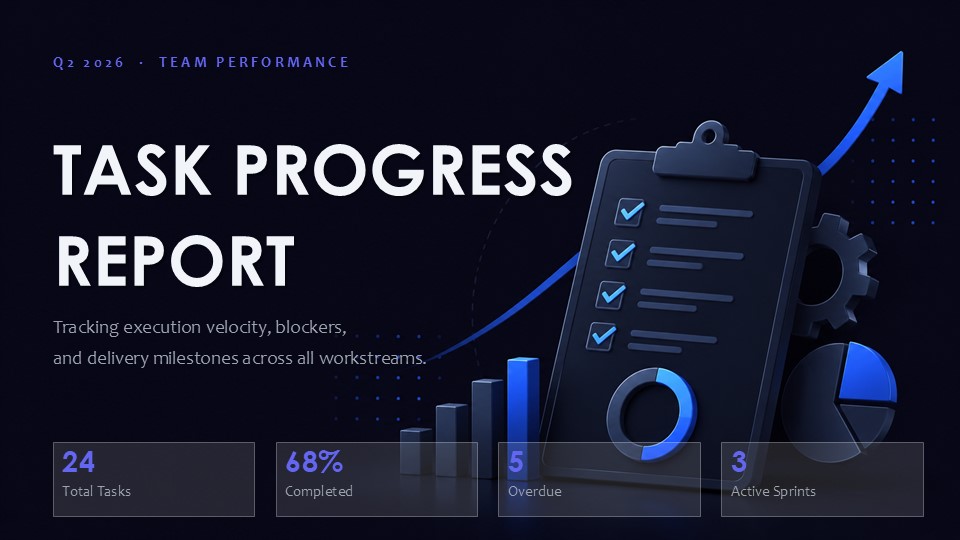
Task Progress Report PowerPoint Template with Editable Charts
$12
one-time · commercial licence included
Buy 1 more template(s) and get 10% off your whole order Browse templates
| Format | .pptx |
| Slides | 20 unique layouts |
| Aspect ratio | 16:9 |
| Compatibility | PowerPoint |
| Animated | No |
| Language | English |
| License | Commercial |
| File size | — |
| Version | v1.0 |
| Last updated | July 2026 |
What's inside
Task Progress Report PowerPoint Template
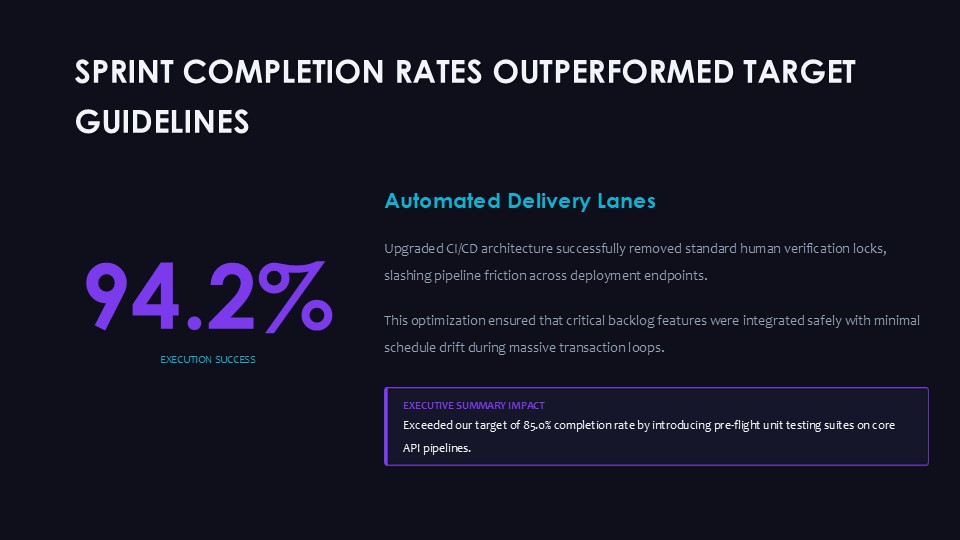
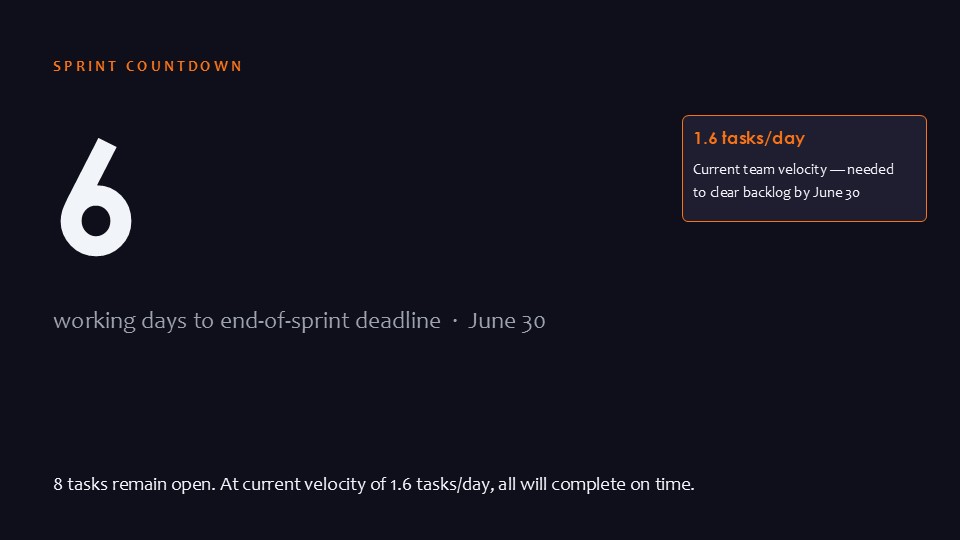
This template provides ready layouts for presenting task and project progress. It is designed for project managers, team leads, and reporting professionals who need to communicate status updates clearly in meetings or stakeholder reviews.
Practical Editing Behavior
- 20 editable slides with chart data points that can be updated directly in PowerPoint.
- Vector-based charts and shapes allow resizing and recoloring without quality loss.
Technical Advantages
- PPTX format ensures full compatibility with standard PowerPoint versions for easy opening and editing.
- Layouts maintain consistent alignment when modifying chart values or adding text placeholders.
- Supports efficient workflow for regular progress reporting by reusing structured slide designs.
- Focus remains on data visualization rather than slide layout adjustments.
Frequently Asked Questions
Can I edit the charts in this template?
Yes. All charts use native PowerPoint elements. Update data values, labels, and colors directly in the chart editor.
What is included in the 20 slides?
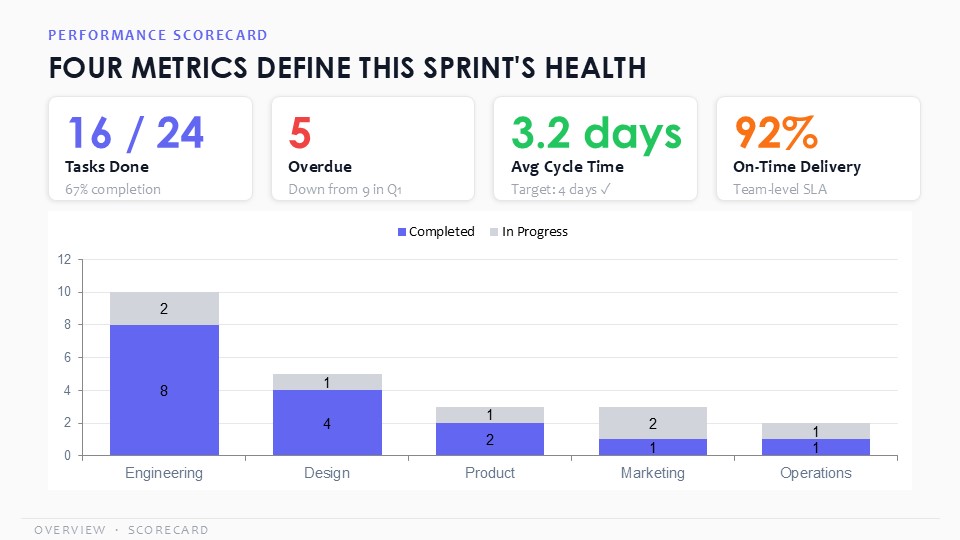
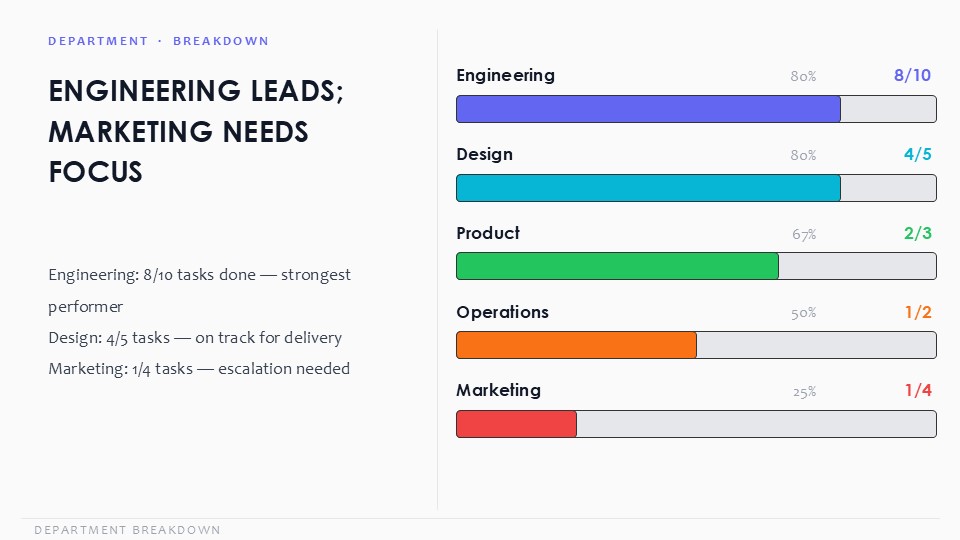
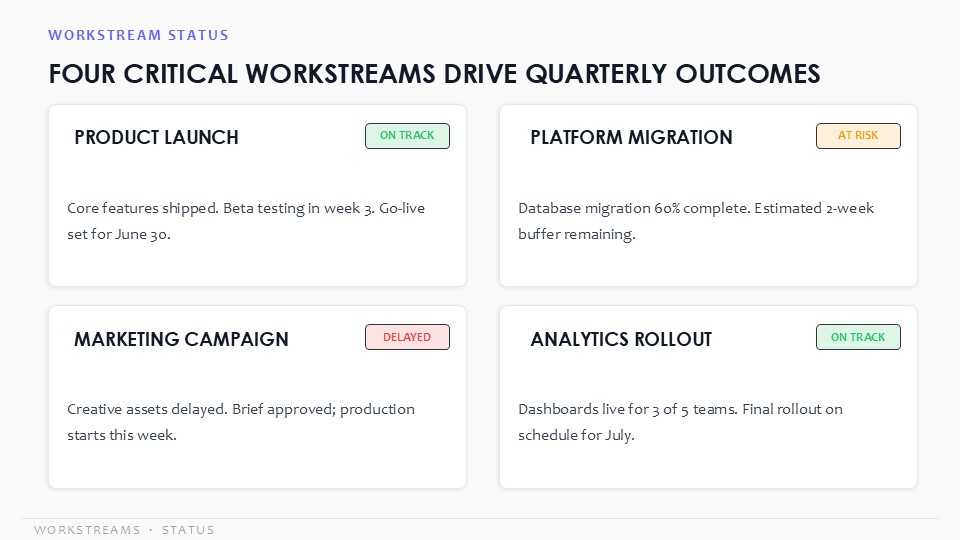
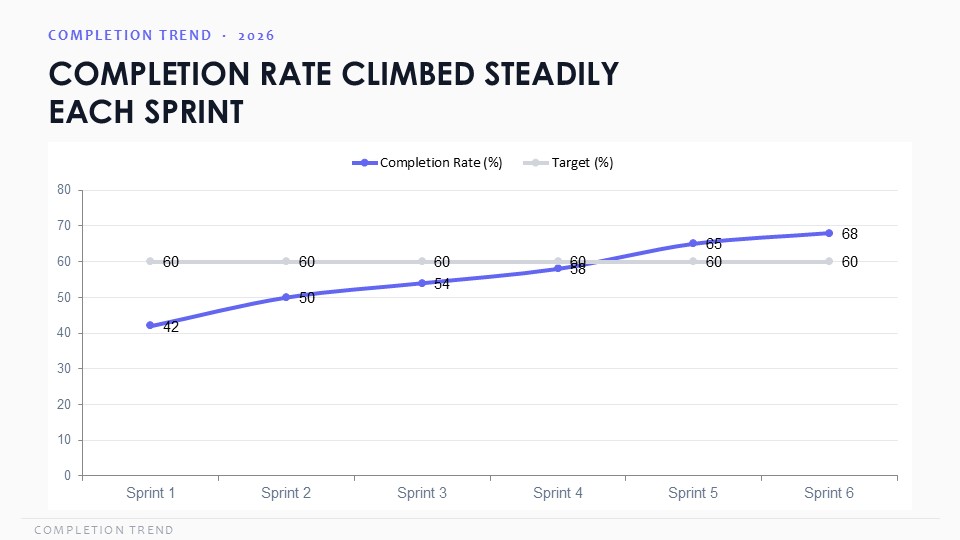
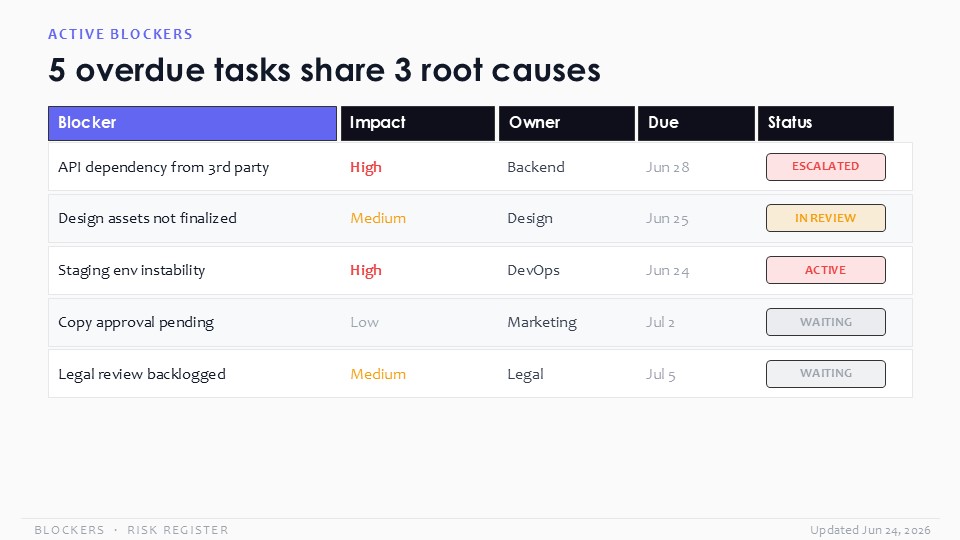
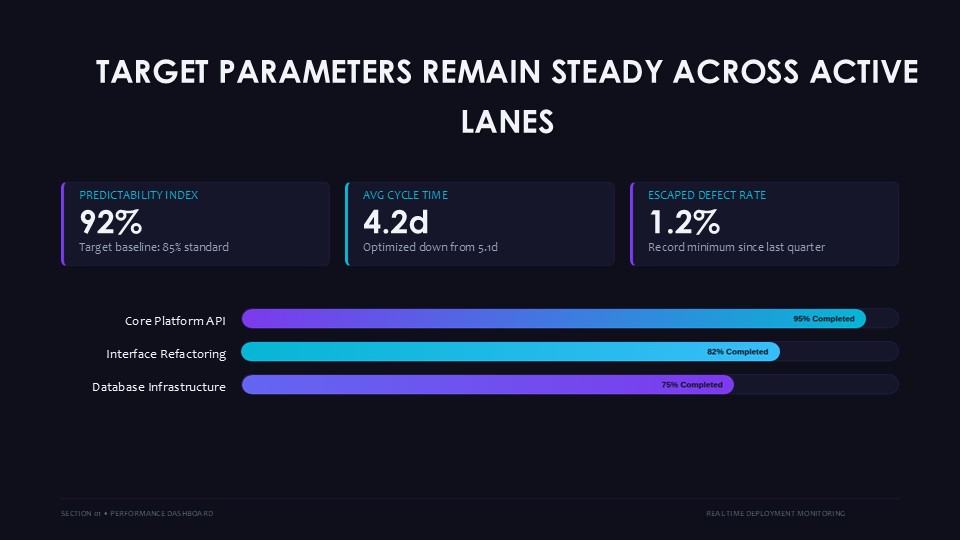
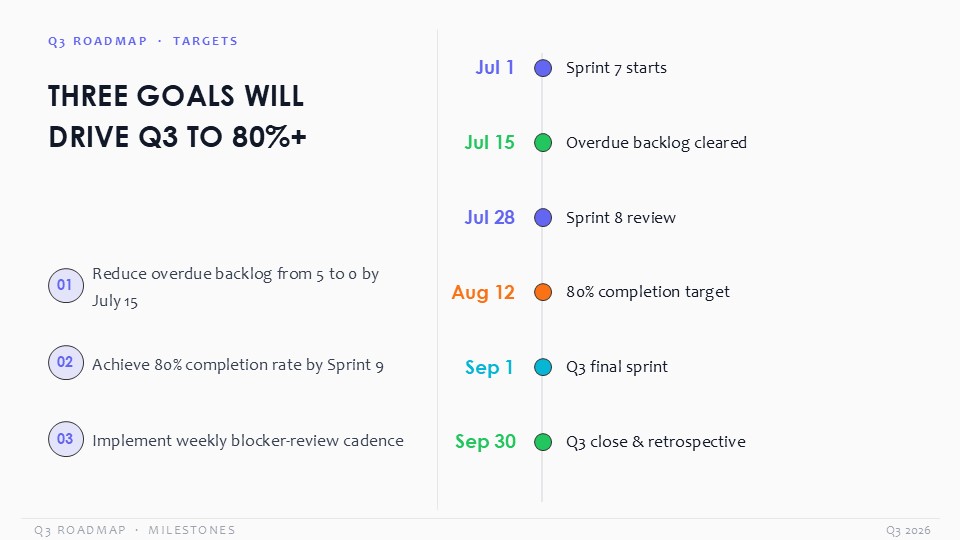
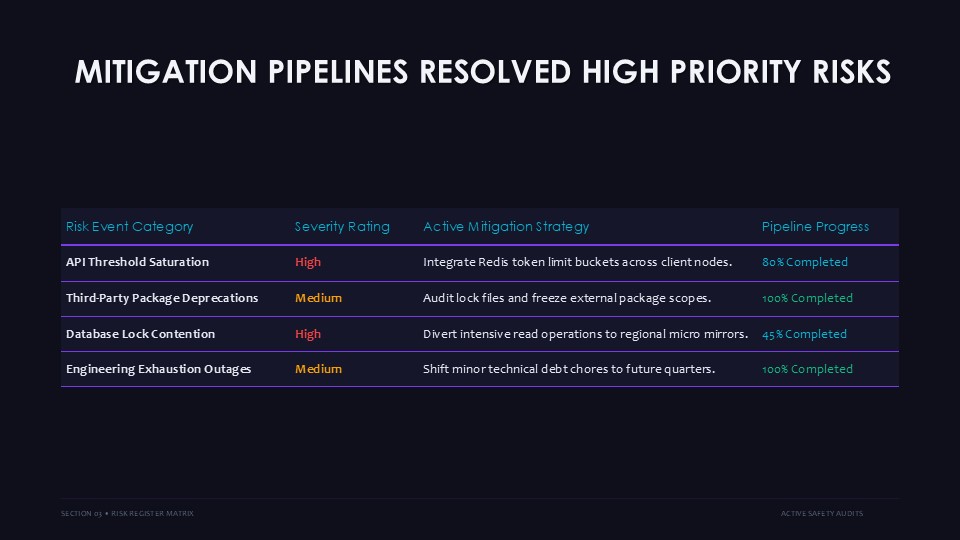
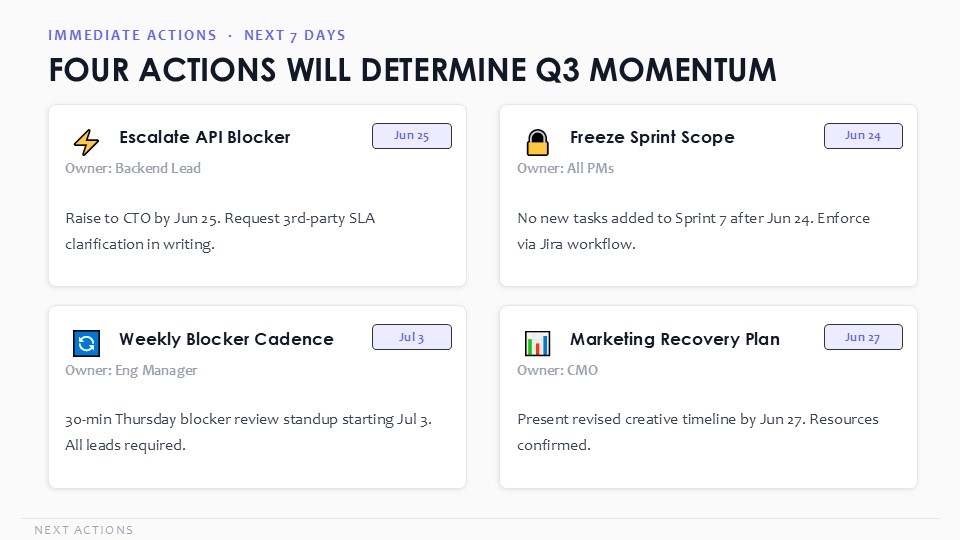
The set contains multiple progress visualization layouts such as bars, gauges, timelines, and status summaries suitable for task reporting.
Is this suitable for team status meetings?
Yes. The structured charts help present task completion percentages, milestones, and overall project status in a professional format.
Slides
20
downloads
3
reviews
0
Format
1
Good for
- Project roadmaps and sprint plans
- Product launch timelines
- Quarterly or annual review decks
- Company history and milestone summaries
Not a Gantt chart tool. If you need live date-driven scheduling, use MS Project or Smartsheet.
Licence
✓ Allowed
Use in internal and client presentations, modify freely, unlimited projects.
✕ Not allowed
Resale, redistribution, or use in another template product.
reviews
★★★★★
reviews
No reviews yet. Be the first!
FAQ
Will it work in Google Slides?
Yes. After import some animations may need to be re-applied, but shape fidelity and colours are preserved.
Are fonts embedded?
The template uses Calibri (built-in) and Inter (open-source). Inter is bundled in the zip — install once and you're set.
Can I use this for client work?
Yes. The commercial licence covers unlimited client projects. The only restrictions are resale and redistribution of the template file itself.
What's the refund policy?
14-day refund if the file doesn't open or doesn't match the previews shown on this page. Contact [email protected] with your order ID.
Do you update the template after purchase?
Yes. All future updates to this SKU are free — you'll receive an email when a new version is released.
Similar templates
See all PowerPoint Charts →
PowerPoint Charts
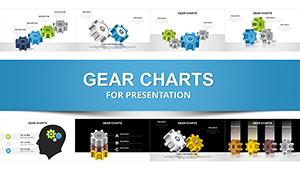
Elevate Monthly Reporting with Dynamic Cycle Charts in PowerPoint
44 slides
·
PC00910
PowerPoint Charts
Employee Vision Plans PowerPoint Charts Template - Download Presentation
22 slides
·
PC00535
PowerPoint Charts
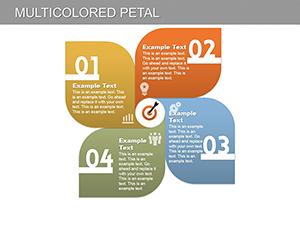
Multicolored Petal PowerPoint Charts Template: Flower Your Data with Vibrancy
23 slides
·
PC00166
All 20 slides