 Click to zoom
Targeting Aspects Branching Keynote Charts for Presentation
| Format | .pptx |
| Slides | 38 unique layouts |
| Aspect ratio | 16:9 |
| Compatibility | PowerPoint |
| Animated | No |
| Language | English |
| License | Commercial |
| File size | — |
| Version | v1.0 |
| Last updated | February 2023 |
What's inside
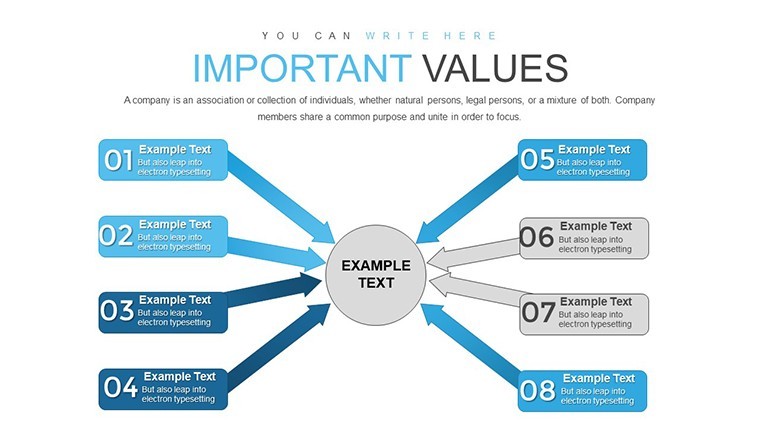
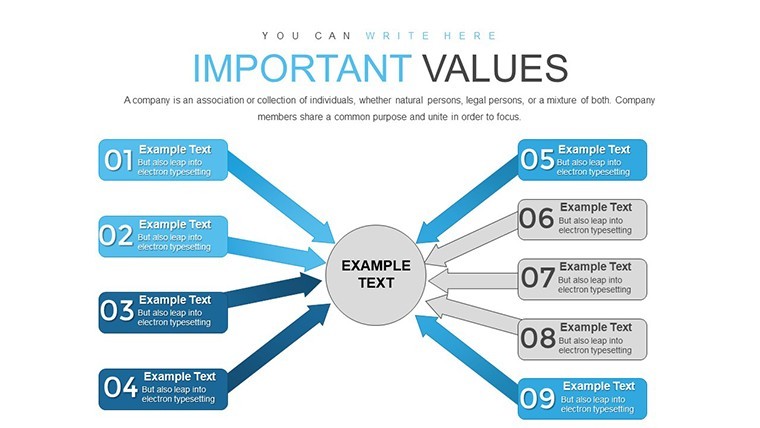
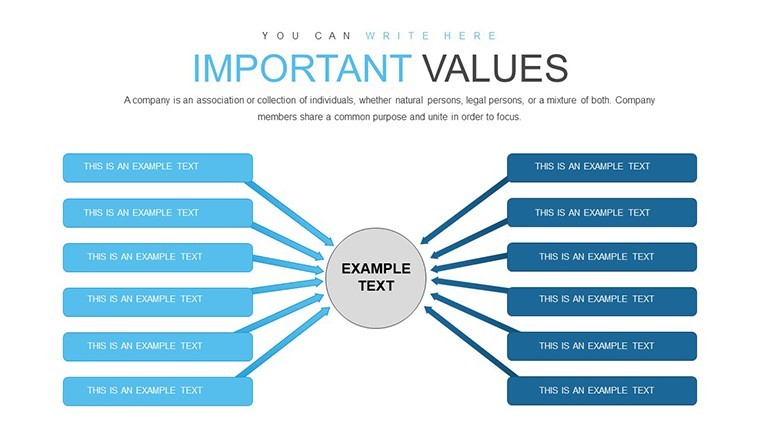
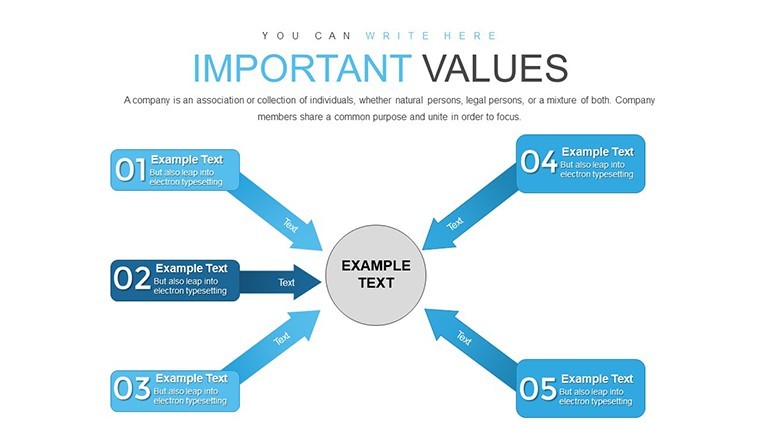
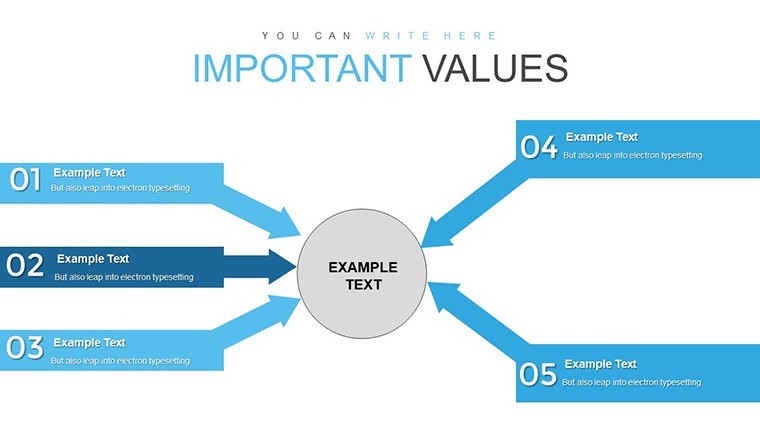
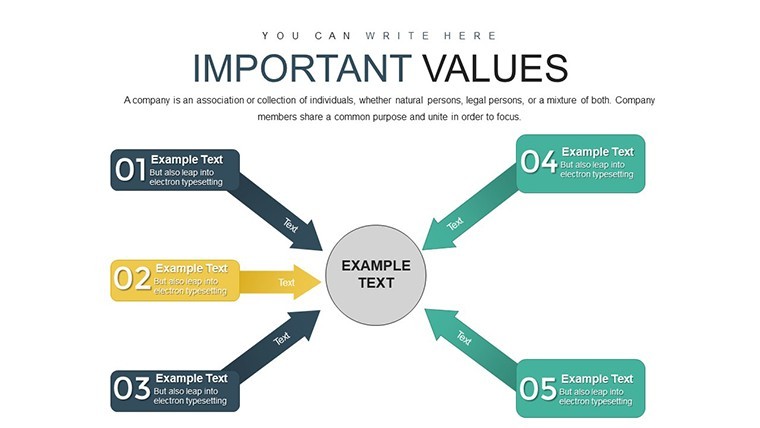
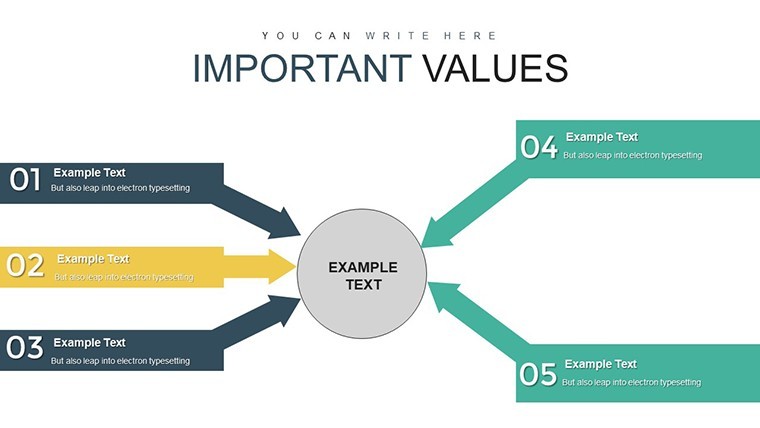
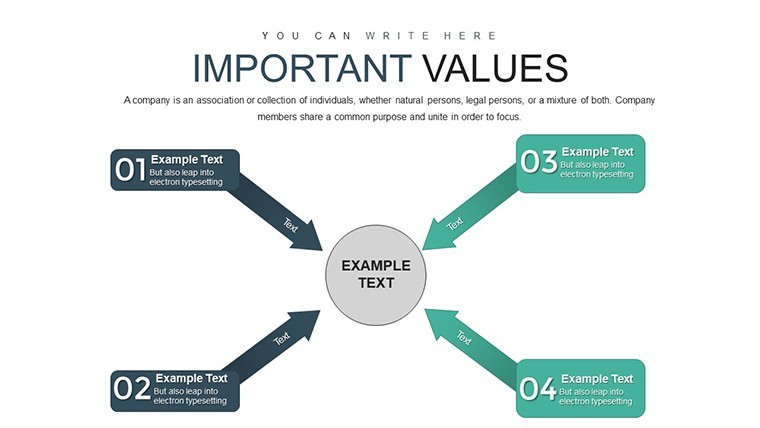
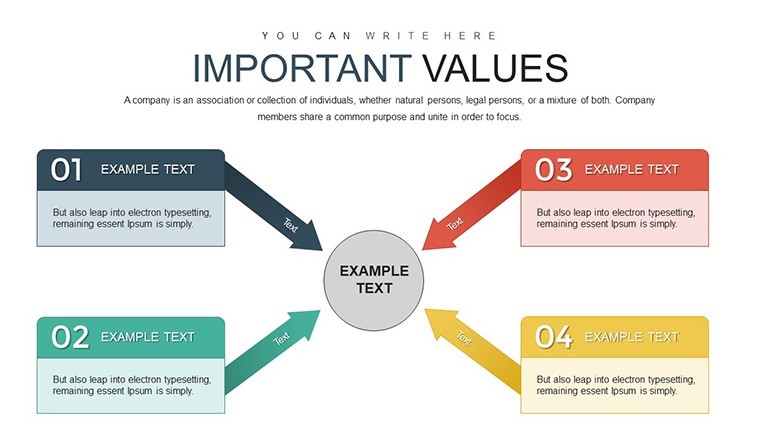
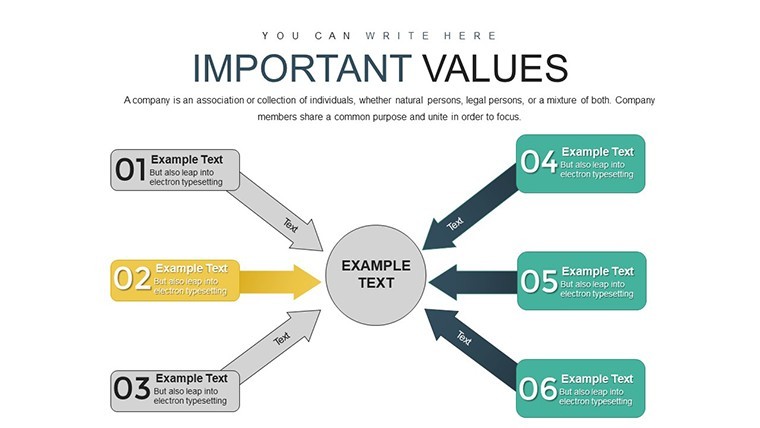
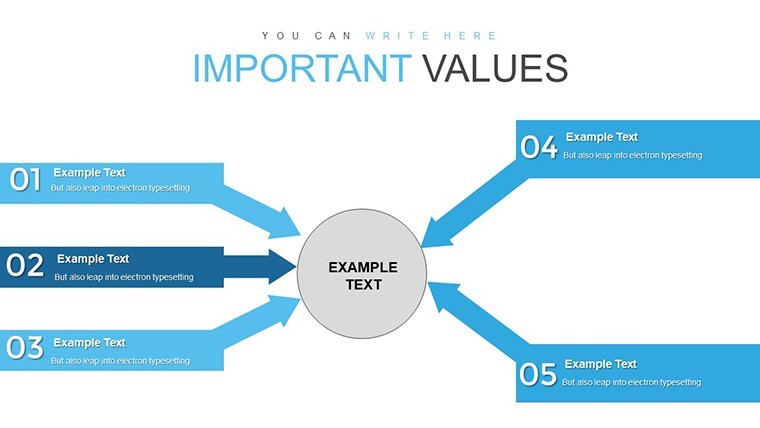
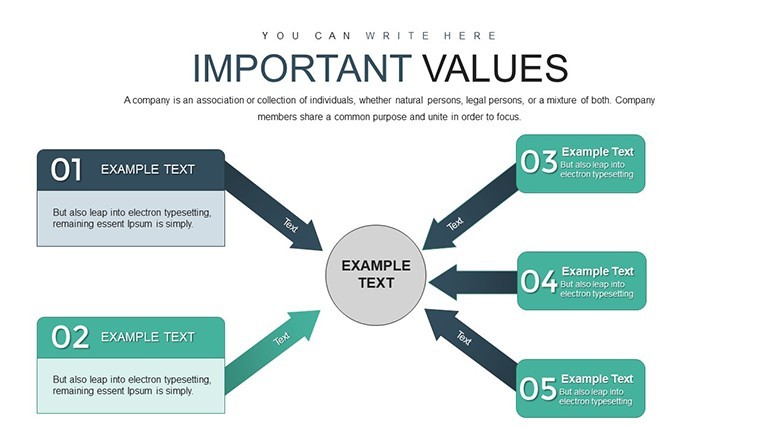
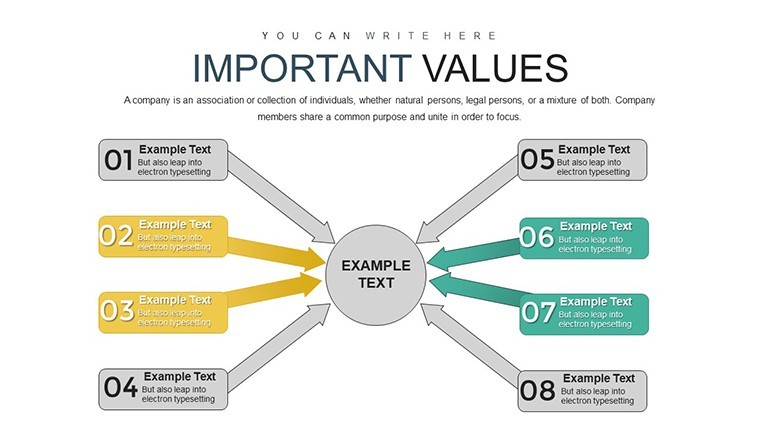
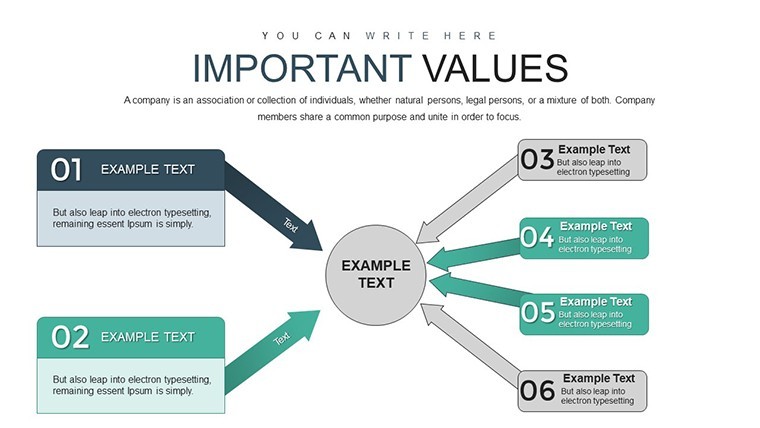
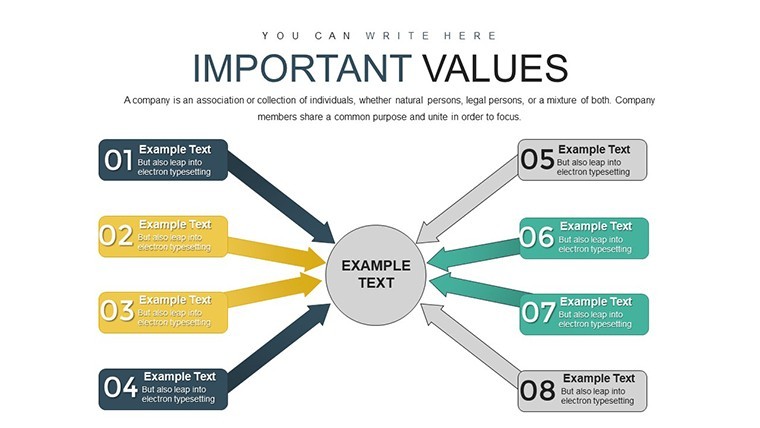
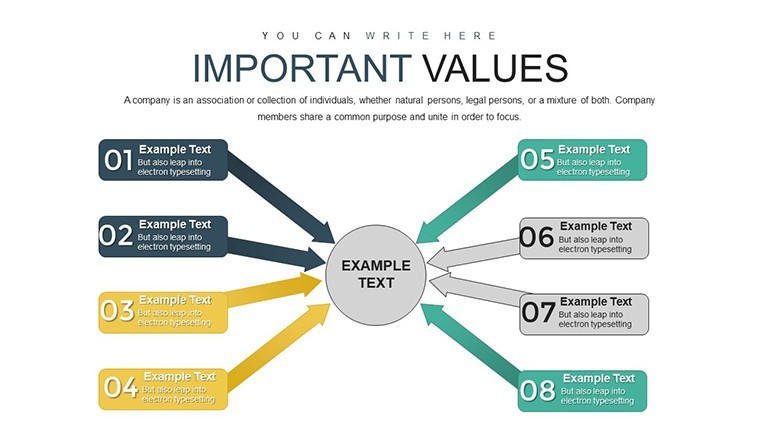
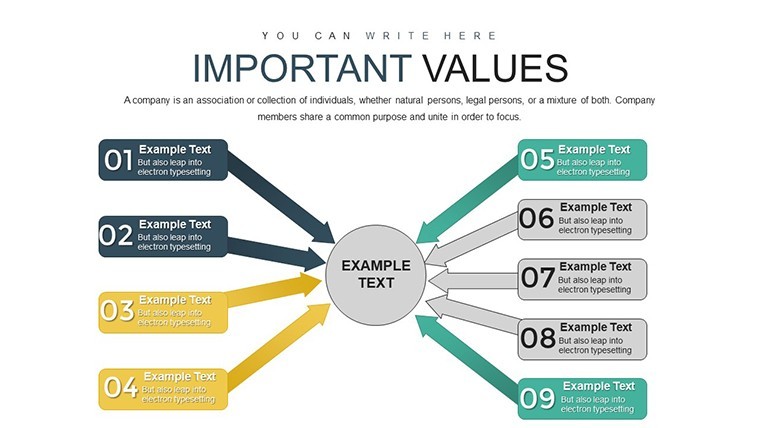
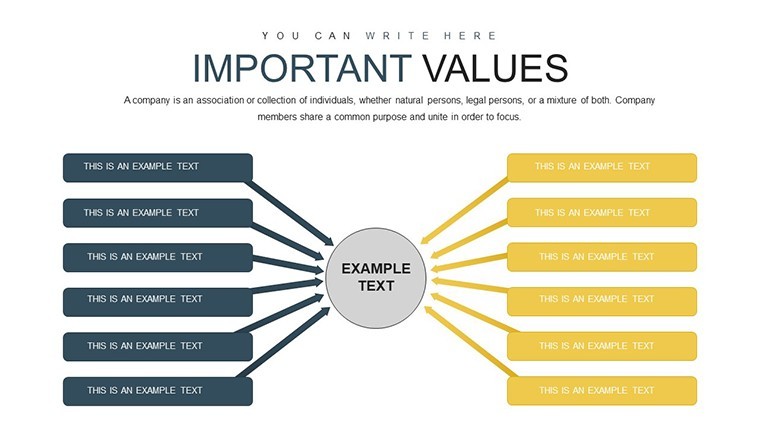
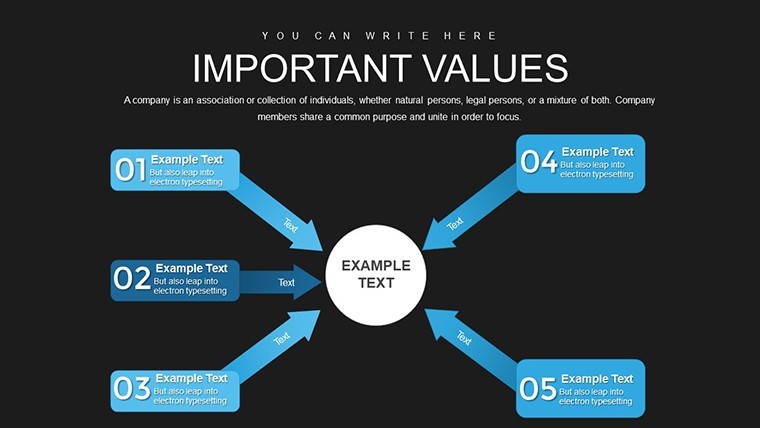
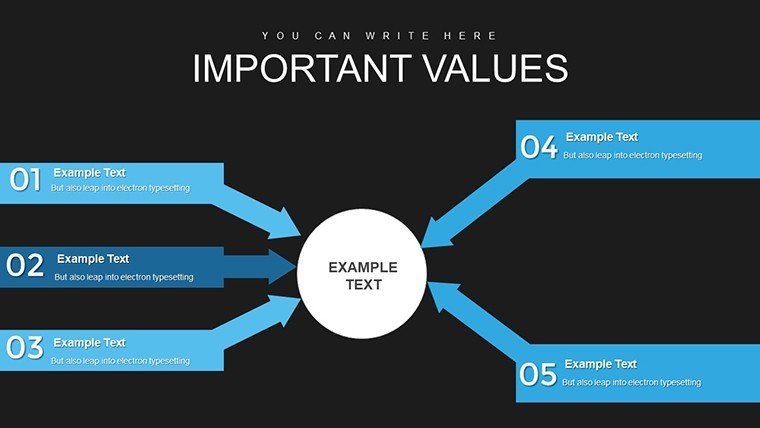
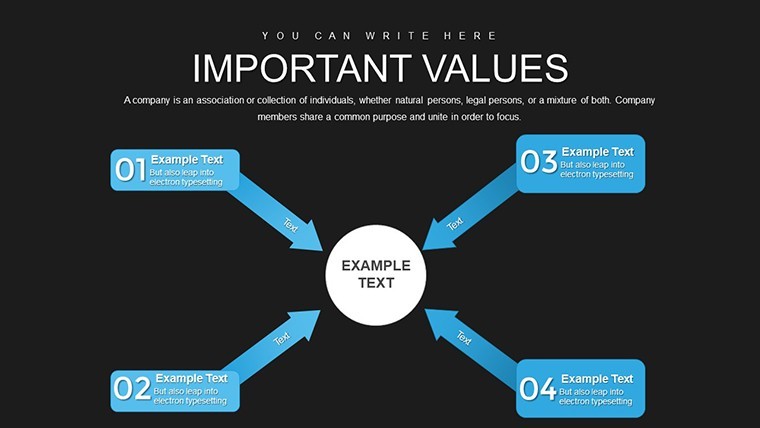
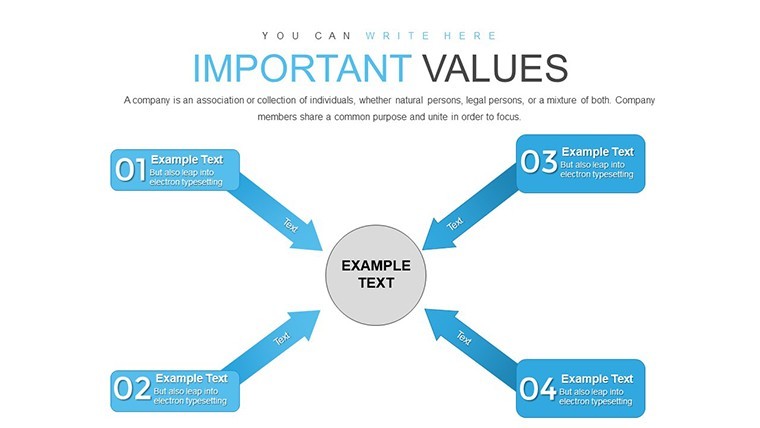
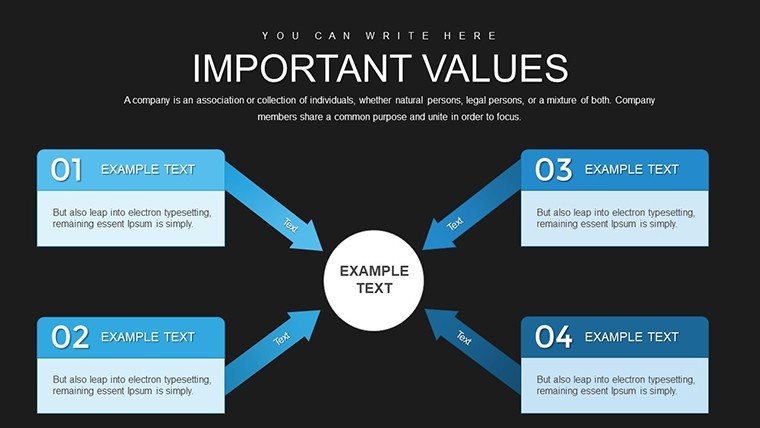
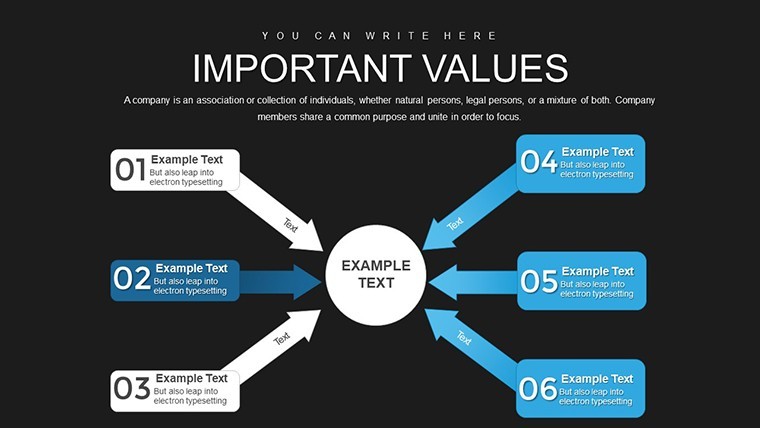
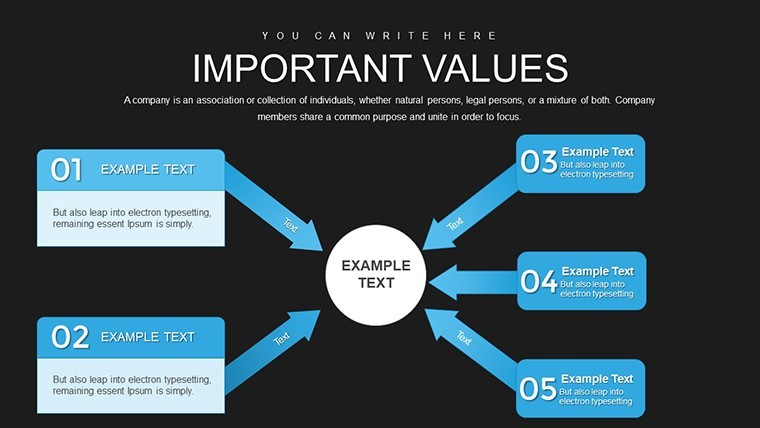
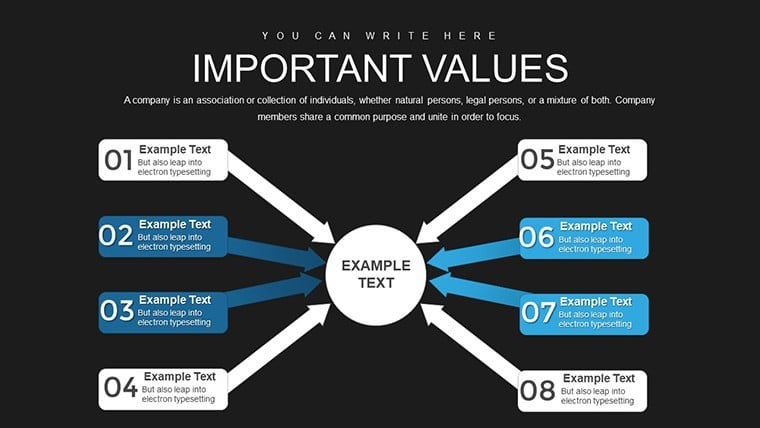
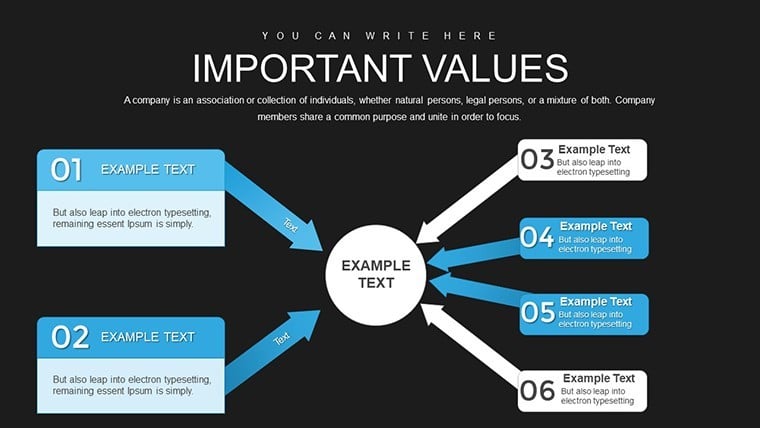
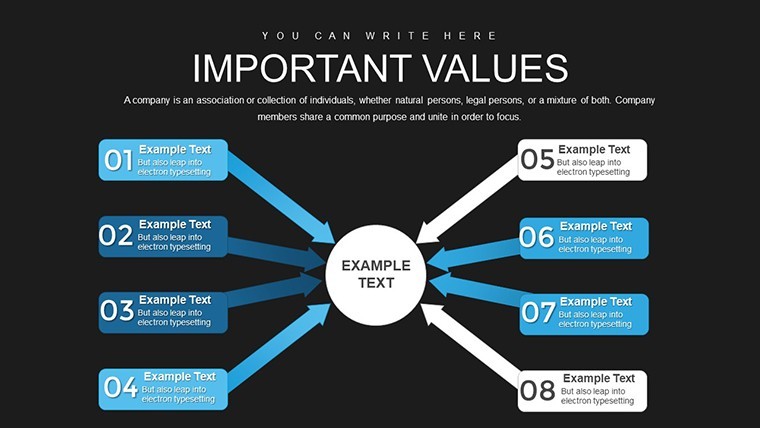
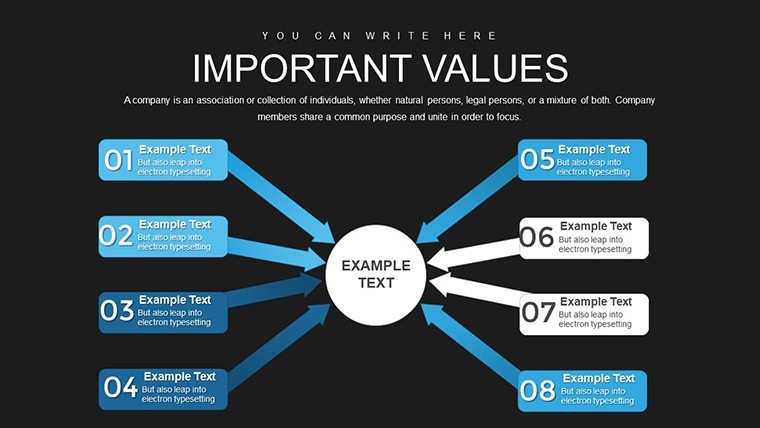
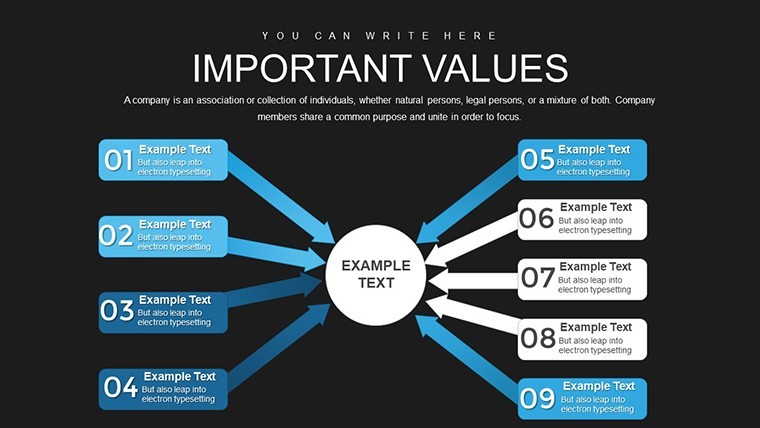
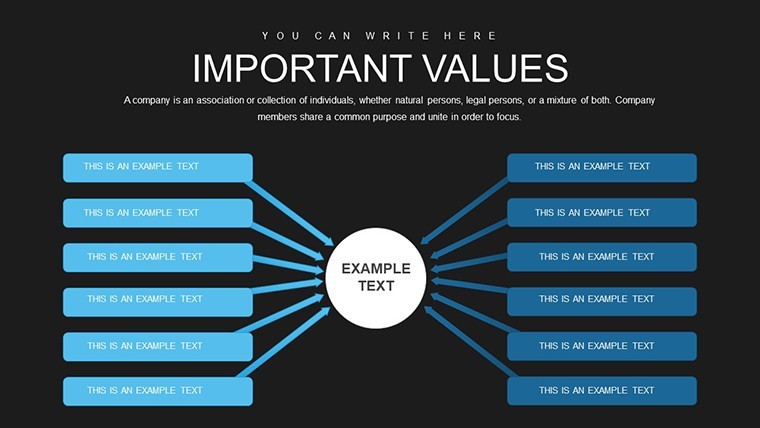
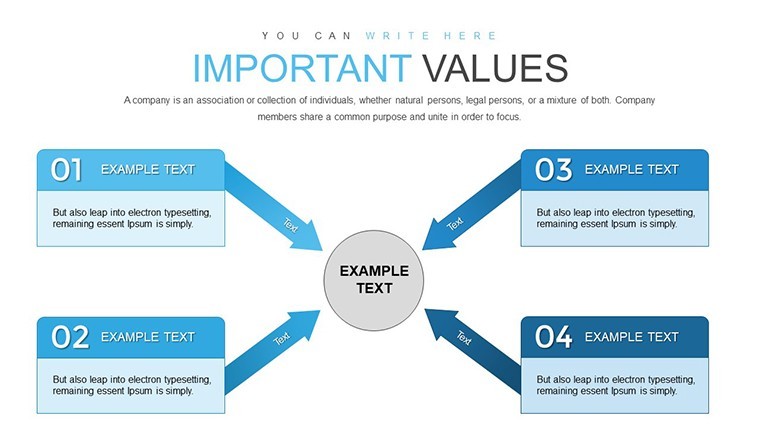
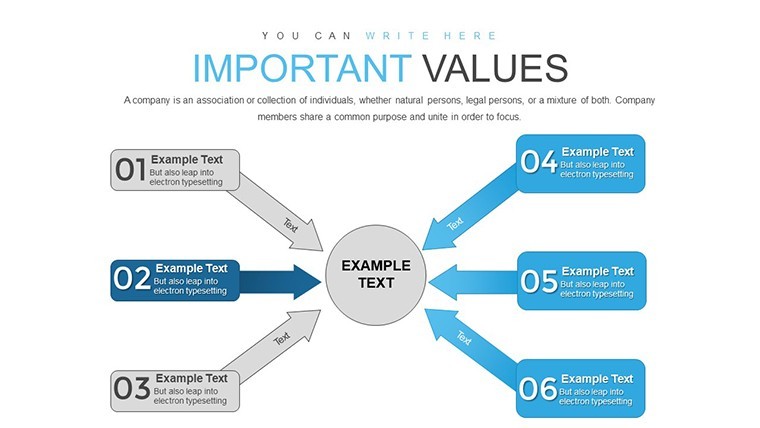
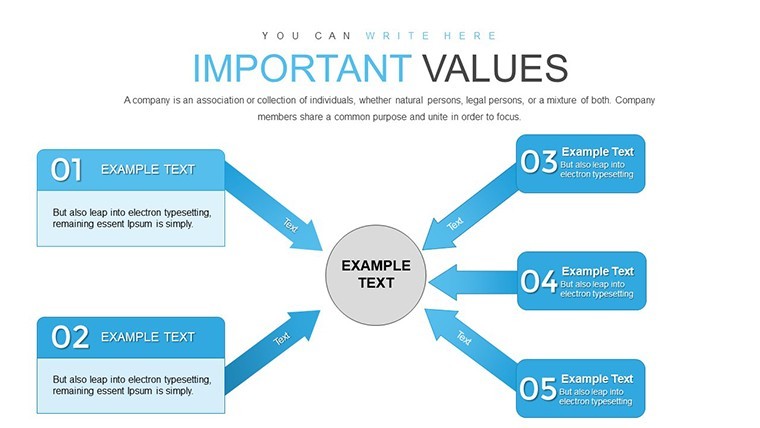
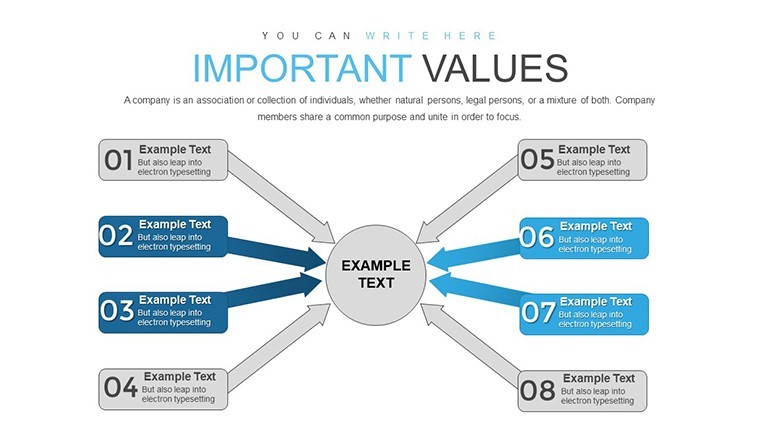
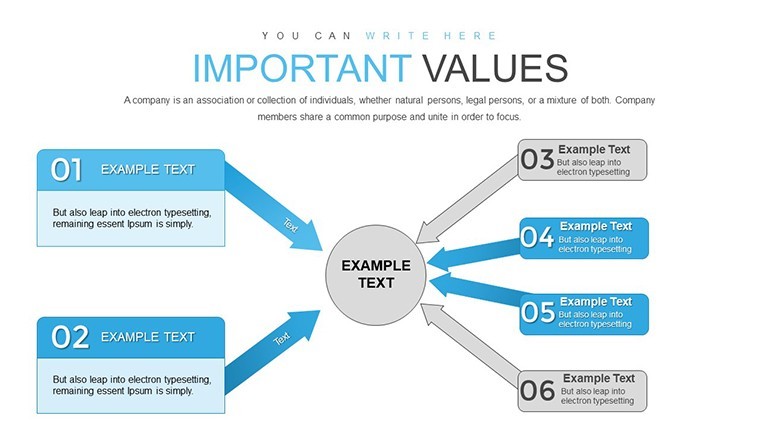
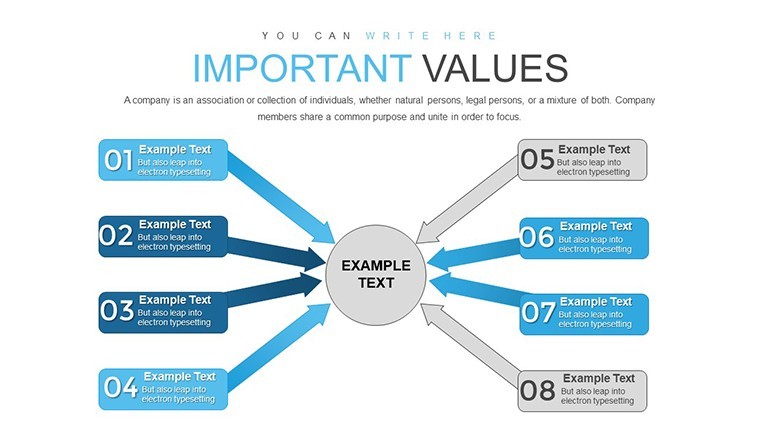
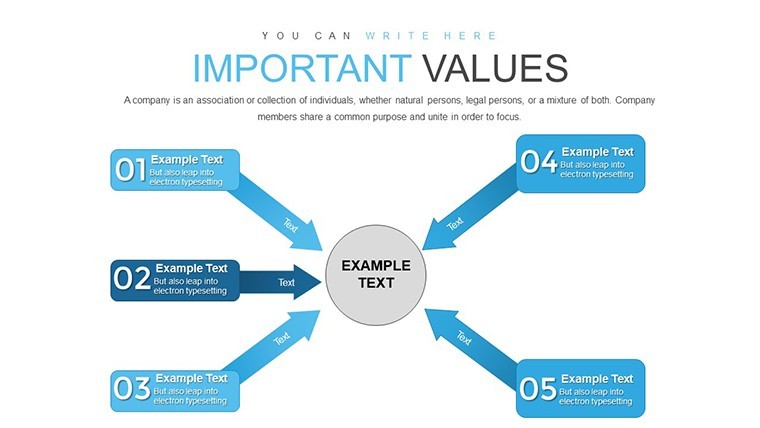
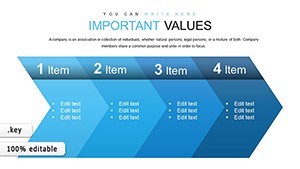
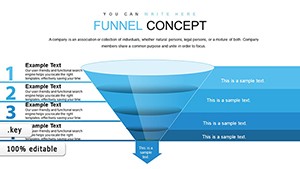
When presenting multifaceted ideas, the ability to branch out from a central theme without losing your audience is invaluable. Our Targeting Aspects Branching Keynote Charts Template, boasting 38 editable slides, is crafted to do just that. Tailored for professionals who need to dissect topics into digestible parts, this template uses branching structures to highlight specific aspects, making your Keynote decks more interactive and insightful. Picture a strategy meeting where you unveil a core business challenge, then branch into solutions, risks, and opportunities - each path clearly marked, guiding viewers through your logic with precision and flair.
This template goes beyond standard charts by emphasizing targeted visualization, helping you address audience pain points directly. With arrows and nodes that branch logically, it's perfect for consultants mapping client strategies, educators breaking down curricula, or marketers analyzing consumer behaviors. Drawing from design principles echoed by experts like Edward Tufte in data visualization, these charts minimize cognitive load, ensuring your message lands effectively.
Mastering Branching for Targeted Insights
Branching charts excel at revealing relationships and hierarchies in data. Our 38-slide collection includes variations from simple dichotomous branches to complex multi-level trees, all fully customizable in Keynote. Use them to target aspects like project milestones, where a central goal branches into tasks, timelines, and resources, providing a roadmap that's easy to follow.
In corporate settings, these charts shine in SWOT analyses, branching strengths into sub-advantages or threats into mitigation strategies. For creative fields, such as graphic design pitches, branch from a main concept to stylistic variations, incorporating icons and colors to add vibrancy. The template's arrow-based designs ensure directional flow, preventing confusion in dense information.
Essential Features for Dynamic Presentations
- Extensive Branching Options: From binary to multi-pronged structures, adaptable to any topic depth.
- Color-Coded Targeting: Highlight aspects with custom palettes to draw attention to key branches.
- Icon Integration: Built-in libraries for visual aids that enhance branch meanings.
- Editable Arrows: Adjust directions, styles, and labels for precise aspect targeting.
- Scalable Designs: Vector elements maintain quality across devices and sizes.
These elements empower users to create presentations that not only inform but inspire action. A real-world example: In urban planning firms, branching charts have been used to target sustainability aspects in proposals, as highlighted in case studies from the Urban Land Institute, leading to more cohesive team alignments.
Step-by-Step Use Cases in Action
Dive into practical applications with this template. For a decision-making workshop, select a branching tree slide. Place your main query at the root, then extend branches for pros, cons, and alternatives. Add data points or images to each tip, using Keynote's animation to reveal branches sequentially, building suspense and focus.
In sales training, target product features by branching from the core benefit to specifics like durability, cost, and usability. Color branches by priority - green for strengths, yellow for considerations - making it interactive for trainees. This approach mirrors techniques in sales enablement tools, boosting retention as per Harvard Business Review insights.
For research presentations, branch from a hypothesis to evidence, methodologies, and conclusions. This structured targeting helps audiences navigate complex findings, similar to how scientists visualize phylogenetic trees in biology journals.
Pro Tips to Enhance Your Branching Charts
- Define your core: Anchor branches to a single, clear central idea to avoid sprawl.
- Balance branches: Ensure symmetry or logical weighting to maintain visual appeal.
- Leverage layers: Use Keynote groups to hide/show branches for interactive sessions.
- Incorporate feedback: Test charts with peers to refine targeting accuracy.
- Align with themes: Match branch styles to your overall presentation motif for cohesion.
Versus vanilla Keynote arrows, this template provides pre-optimized layouts, cutting design time while amplifying professionalism.
Elevate Your Narrative with Targeted Branching
What makes this template indispensable is its focus on aspect-specific targeting, turning vague overviews into pointed discussions. Compatible with all Keynote versions, it ensures smooth integration into your toolkit. With 38 slides, variety abounds for repeated use without repetition.
Envision your next presentation branching into success. Don't settle for linear slides - branch out and captivate. Start targeting aspects with precision now.
Frequently Asked Questions
How do I customize the branching structures?
All elements are editable; simply select and modify arrows, nodes, or colors directly in Keynote.
Does this work on iPad Keynote?
Yes, fully compatible with iOS versions for on-the-go editing.
What industries benefit most from these charts?
Ideal for business, education, marketing, and consulting where complex ideas need breakdown.
Are animations included?
Slides are animation-ready; add Keynote transitions to reveal branches dynamically.
Can I add my own icons?
Absolutely, import custom assets to personalize branches further.
Good for
- Project roadmaps and sprint plans
- Product launch timelines
- Quarterly or annual review decks
- Company history and milestone summaries
Licence
reviews
Made a sales report at work with this. The graphs looked clean on projector.
Some slides felt crowded but I deleted a few and it worked.
I downloaded this at 1am before class lol. Better than making charts manually.
Pretty average template but useful when you are in a hurry.
The timeline slides were actually the main reason I picked this.
FAQ
Will it work in Google Slides?
Are fonts embedded?
Can I use this for client work?
What's the refund policy?
Do you update the template after purchase?
Similar templates
See all Keynote Charts →
All 38 slides